
Anime Jungle Rifle Action Scene
Transforms a reference anime military character into a cinematic jungle firefight illustration with an assault rifle and dramatic muzzle flash.
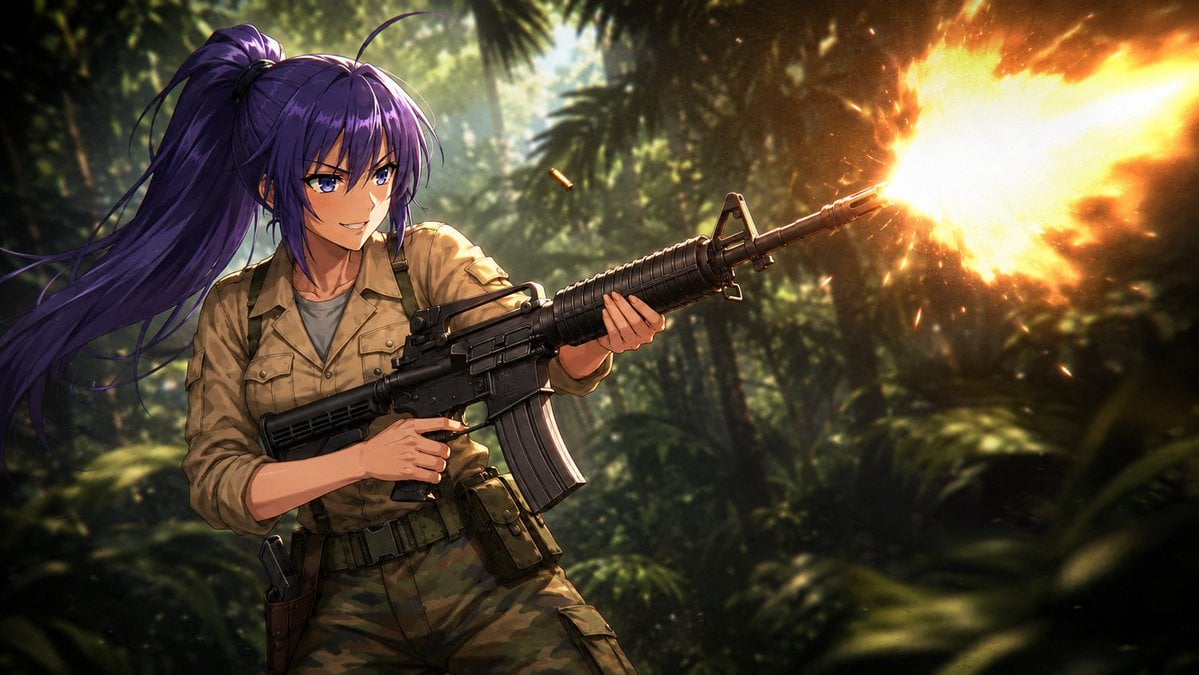
- Prompt included
- Model and format preset
- Free template
The prompt behind this image
Copy the exact prompt behind Anime Jungle Rifle Action Scene, or open it in the studio and make it yours.
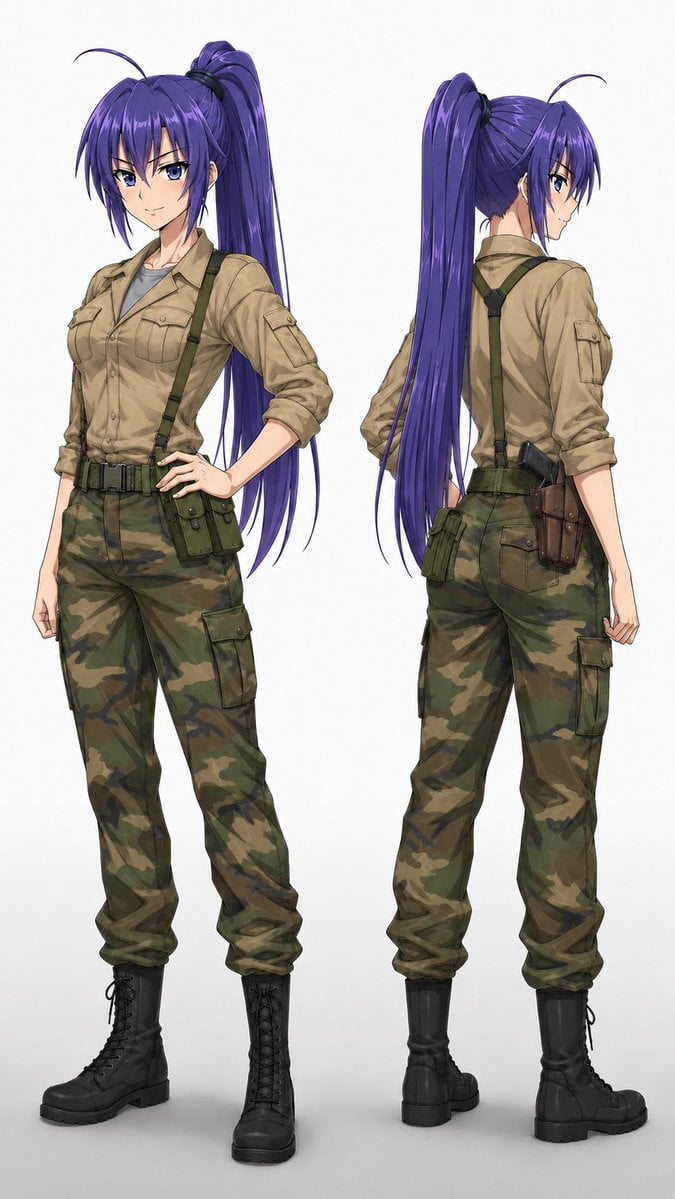
Using REFERENCE_0 as the character base, transform the standing character sheet into a single dynamic cinematic action illustration. Keep the character’s recognizable face, long purple high ponytail, tan military shirt, camouflage pants, suspenders, belt gear, and combat-boots style consistent, but change her pose to an aggressive mid-combat stance. Scene: Place her in a dense tropical jungle battlefield with dark green foliage, palm leaves, dappled sunlight, and a dramatic shallow-depth-of-field background. Action: Show exactly 1 character holding exactly 1 black assault rifle across her body, aiming toward the right side of the frame and actively firing. Add exactly 1 large bright orange-yellow muzzle flash at the rifle barrel and exactly 1 visible ejected shell casing near the weapon. Give her an intense confident expression, as if enjoying the firefight. Composition: Horizontal widescreen action frame, waist-up to upper-thigh crop, character positioned left-of-center, rifle leading diagonally to the right, strong motion and tension. Style: High-quality anime illustration with cinematic lighting, high contrast, glowing firelight from the muzzle flash, realistic weapon detailing, dynamic hair movement, dramatic jungle atmosphere, and polished game-key-visual rendering. Optional customization: Use {argument name="character name" default="Mitsuki Hayase"} as the character identity inspiration, set the environment to {argument name="battlefield setting" default="dense tropical jungle"}, use {argument name="weapon type" default="black assault rifle"}, make the action {argument name="combat action" default="firing with a huge muzzle flash"}, and keep the mood {argument name="mood" default="cinematic 1980s action-movie intensity"}.
Reference images included
Anime Jungle Rifle Action Scene needs input media to work. They load alongside the prompt when you open it in the studio.
How to use Anime Jungle Rifle Action Scene in 3 steps
- 1Upload ImagePNG, JPG or paste
Add your photo
Upload the photo the template builds on. The prompt, model and format are already set.
- 2…a portrait of your subject in softgolden-hour light, 85mm…
Personalize
Edit the subject and creative details for your destination.
- 3Generate
Generate
Press Generate — your image is created in PicX Studio, so you can compare it with the original and refine one variable at a time.
More like this
Templates with the same subject, style or setup. Open one to see its prompt.











Make it yours
Anime Jungle Rifle Action Scene works as-is. These are the safest ways to change it without losing the look.
Change one field
Copy a single group, rewrite it, and generate again so you can see what that field is doing.
Keep the frame, change the subject
Hold the composition and light of Anime Jungle Rifle Action Scene, then swap wardrobe, props or the person for a new take.
| If the result… | Why | Fix |
|---|---|---|
| The result drifts from the preview | Too many fields changed at once. | Reuse Anime Jungle Rifle Action Scene as-is first, then change one group — subject, light, or setting. |
| The model over-stylizes the scene | The prose prompt leaves finish and camera underspecified. | Add one camera or lighting sentence and stay on GPT Image 2. |
More GPT Image 2 templates
Other prompts made for GPT Image 2.

Six VTuber Japanese Logo Sheet

Realistic Portrait of Woman and Deer

The Vista Modular Condo Poster

AI Model Routing Comparison Infographic

2.5D Anime Art Board

Isometric Productivity Desk Scene

New York Double Exposure Poster

Four-Panel AI Landscape Comparison

Japanese Tatami Lifestyle Magazine Cover

NESCAFÉ Coffee Map Poster
More image prompts
Fresh picks from across the catalog.
Clean Modern Gym Mirror Selfie
untitled
Nano Banana Pro Thumbnail Generation: Street & Pop Style
Paparazzi Flash Crowd Scene Prompt (Identity Preservation)
Horror Movie Poster Shattered Mirror
Structured Fashion Portrait with Precise Pose and Outfit Details
Four-Person Identity-Locked Group Pose Prompt
Dark Fantasy Samurai Battlefield
Korean Editorial Fashion Portrait
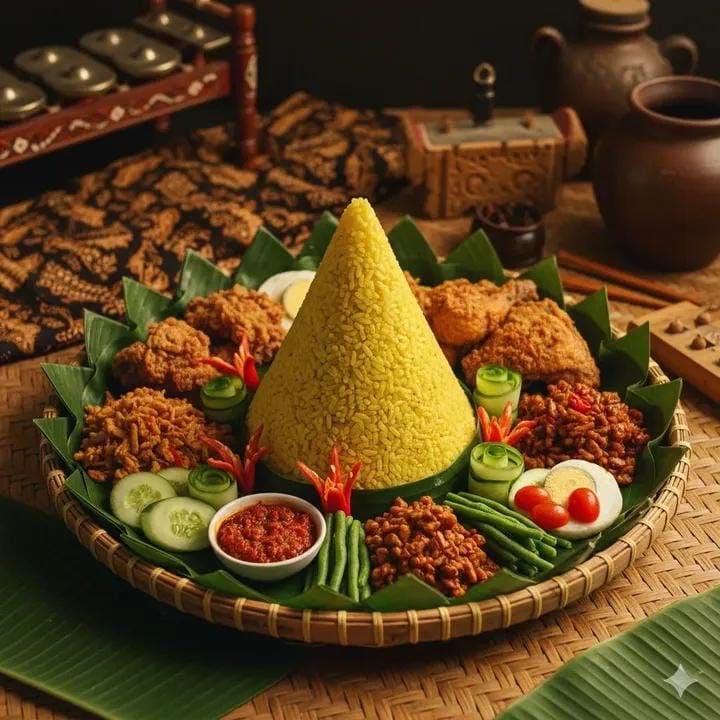
Authentic Indonesian Nasi Tumpeng Food Photography
Browse template categories
Anime Jungle Rifle Action Scene questions
How do I use the Anime Jungle Rifle Action Scene template?
Add your photo if the template asks for one, edit the prompt if you like — the template's model and format are already selected — and press Generate. Your version opens in PicX Studio.
Can I customize the Anime Jungle Rifle Action Scene template?
Yes. You can change the subject, setting, lighting, mood, format, and available model controls before creating your image.
Is the Anime Jungle Rifle Action Scene template free?
Opening and editing this template is free. Generating uses credits, shown on the Generate button when you are signed in.
Which AI model should I use?
Start with GPT Image 2, which is the model associated with this template. You can compare another compatible model for a different finish.
Looking for something else? Browse all templates.

Your photo, any look
Thousands of ready templates for every top image and video model, from one credit balance.