
Red Hoodie Dragon-Wolf Warrior
Generates a dynamic anime-style anthropomorphic dragon-wolf character poster with streetwear, tactical pants, and red action effects.
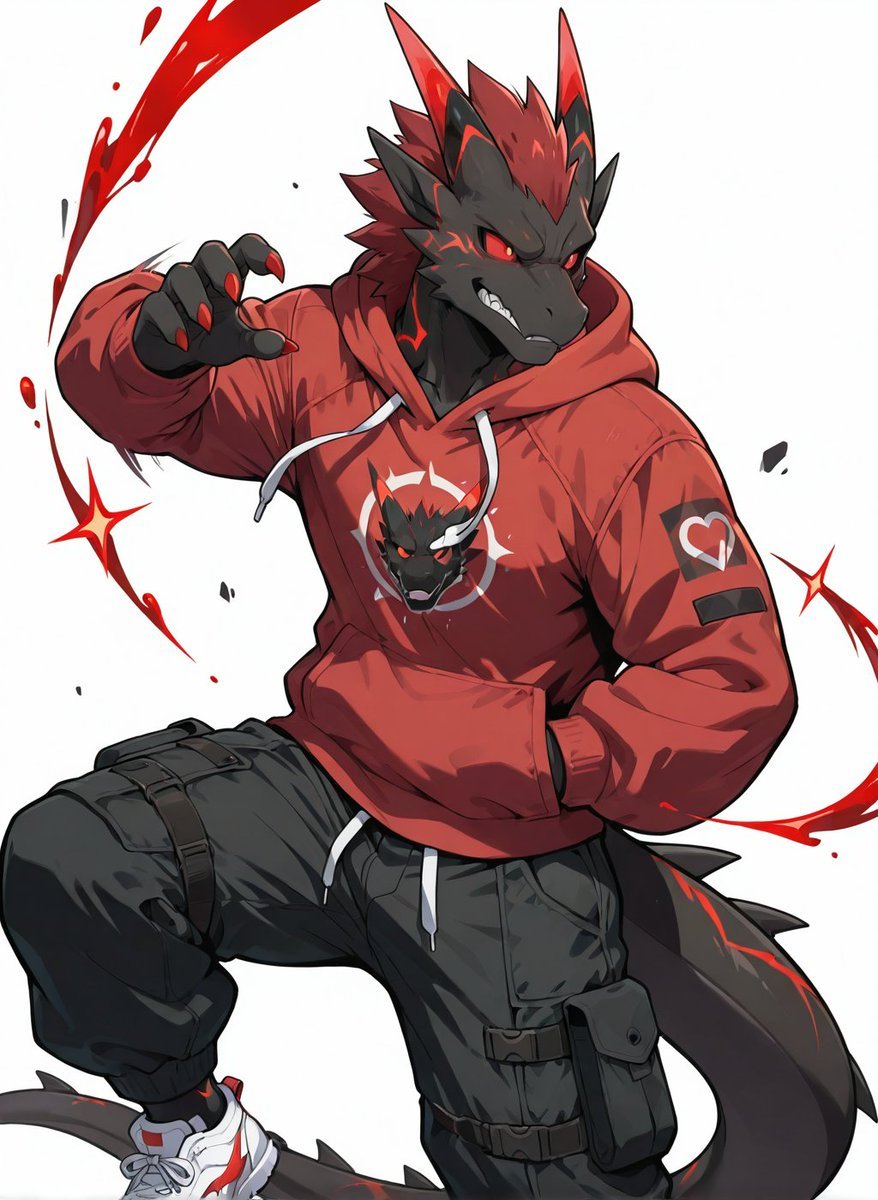
- Prompt included
- Model and format preset
- Free template
The prompt behind this image
Copy the exact prompt behind Red Hoodie Dragon-Wolf Warrior, or open it in the studio and make it yours.
Create a dynamic full-body anime poster illustration of {argument name="character type" default="an anthropomorphic dragon-wolf hybrid warrior"} on a clean white background, posed in a powerful crouching action stance with one knee raised, one hand reaching forward with sharp claws, and the other hand tucked into the hoodie pocket. The character has dark charcoal-black scales or fur, a long thick tail with red markings, spiky swept-back red hair and mane-like neck spikes, tall pointed red-and-black horns, angular black cheek fins, glowing red eyes, a snarling mouth with visible sharp teeth, and red claw tips. Dress the character in {argument name="hoodie color" default="a deep red oversized hoodie"} with white drawstrings, a front pouch pocket, heavy folds, and a centered chest graphic of the character’s own fierce dragon head logo inside a circular emblem; add a small heart-like patch on the upper sleeve and a dark rectangular patch below it. Pair it with black tactical cargo pants featuring multiple straps, buckles, knee padding, thigh pouches, utility pockets, and loose gathered fabric, plus white athletic sneakers with red accents and gray laces. Surround the figure with bold red painterly slash effects, curved energy arcs, ink splatters, small black debris flecks, and two sharp red starburst spark shapes, emphasizing speed and aggression. Use crisp cel-shaded anime line art, high-contrast lighting, dramatic foreshortening, saturated red highlights, detailed clothing wrinkles, clean white negative space, and a polished character-poster composition with no readable text.
How to use Red Hoodie Dragon-Wolf Warrior in 3 steps
- 1Upload ImagePNG, JPG or paste
Add your photo
Upload the photo the template builds on. The prompt, model and format are already set.
- 2…a portrait of your subject in softgolden-hour light, 85mm…
Personalize
Edit the subject and creative details for your destination.
- 3Generate
Generate
Press Generate — your image is created in PicX Studio, so you can compare it with the original and refine one variable at a time.
More like this
Templates with the same subject, style or setup. Open one to see its prompt.
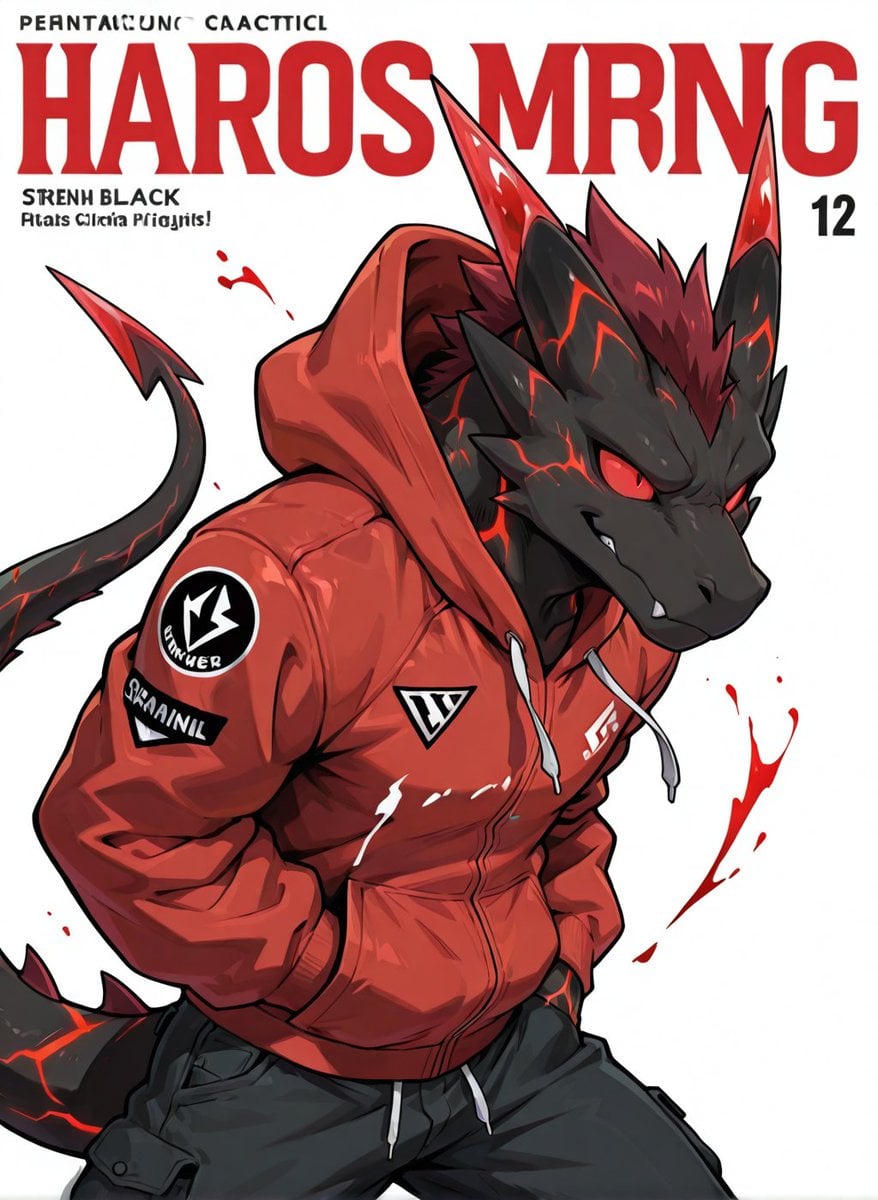
Red Hoodie Lava Dragon Poster

Bold Red Contrast Fashion Editorial Newspaper Room

Panning Motion Soccer Kick Poster

Minecraft Fantasy Kingdom Voxel Landscape
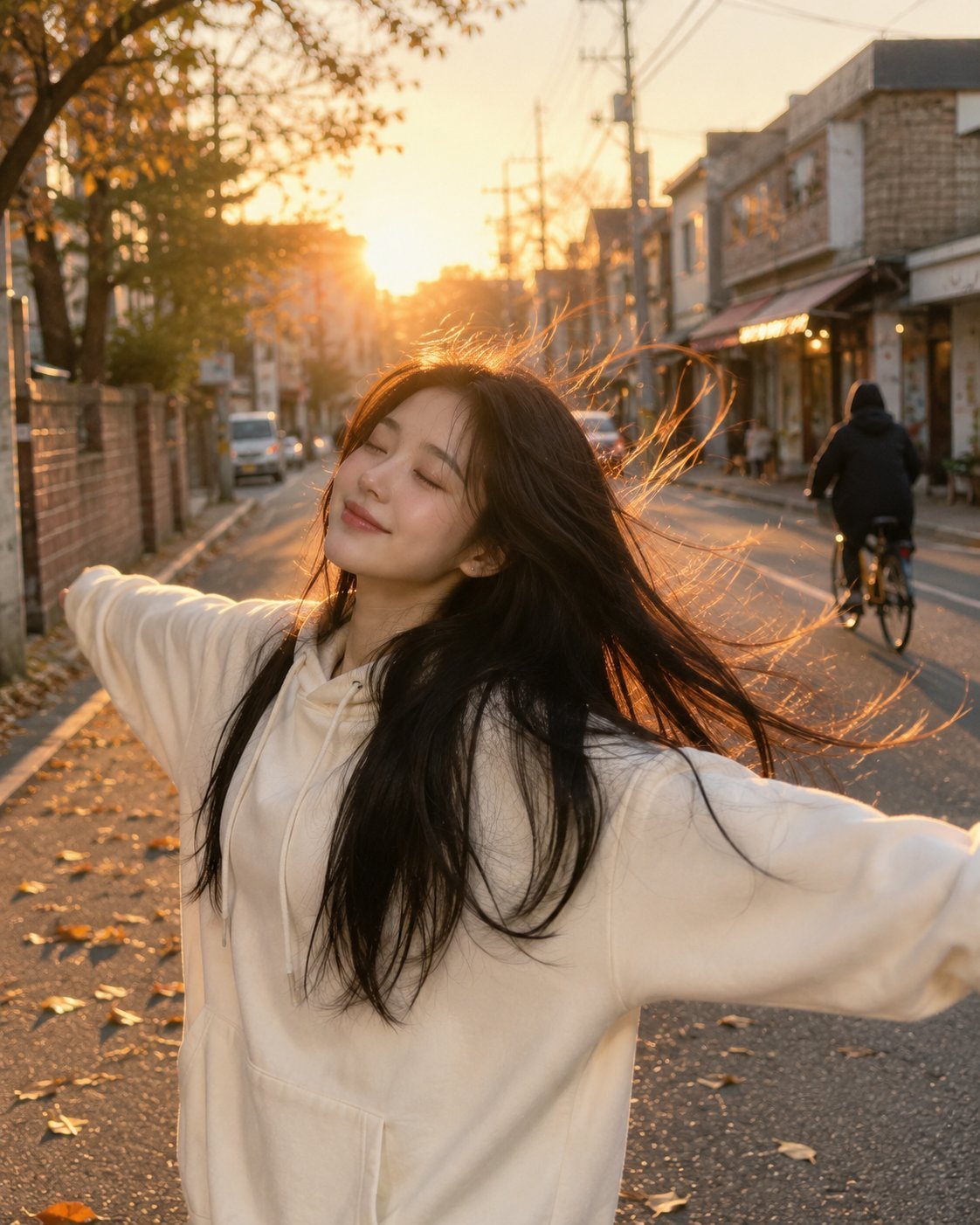
Golden Hour Street Hoodie Lifestyle Portrait
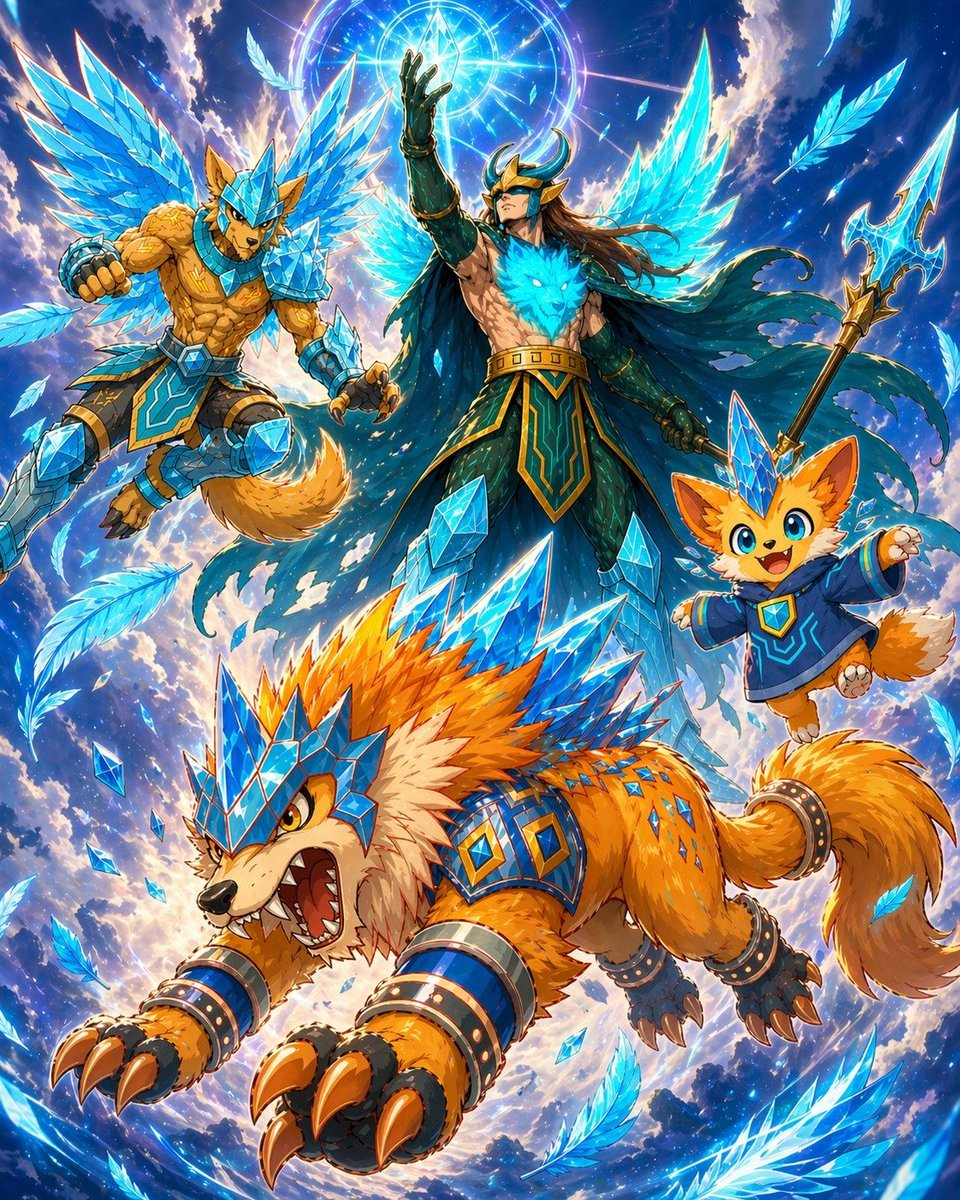
Epic Anime Warrior with Crystal Wolf Companions
Semi-Pixel Armored Warrior
Dragon Wolf in Jungle Ruins
Epic Fantasy Warrior and Wolf

Dancer Character - Four View Reference Sheet
Bold Studio Portrait with Red Hoodie and Dark Sunglasses
Seedance - Dragon vs Python Battle
Make it yours
Red Hoodie Dragon-Wolf Warrior works as-is. These are the safest ways to change it without losing the look.
Change one field
Copy a single group, rewrite it, and generate again so you can see what that field is doing.
Keep the frame, change the subject
Hold the composition and light of Red Hoodie Dragon-Wolf Warrior, then swap wardrobe, props or the person for a new take.
| If the result… | Why | Fix |
|---|---|---|
| The result drifts from the preview | Too many fields changed at once. | Reuse Red Hoodie Dragon-Wolf Warrior as-is first, then change one group — subject, light, or setting. |
| The model over-stylizes the scene | The prose prompt leaves finish and camera underspecified. | Add one camera or lighting sentence and stay on GPT Image 2. |
More GPT Image 2 templates
Other prompts made for GPT Image 2.

Six VTuber Japanese Logo Sheet

Realistic Portrait of Woman and Deer

The Vista Modular Condo Poster

AI Model Routing Comparison Infographic

2.5D Anime Art Board

Isometric Productivity Desk Scene

New York Double Exposure Poster

Four-Panel AI Landscape Comparison

Japanese Tatami Lifestyle Magazine Cover

NESCAFÉ Coffee Map Poster
More image prompts
Fresh picks from across the catalog.
Nano Banana Pro Style Transfer
Cheerful minimal edit to existing art
Cyberpunk Izanagi Divine Warrior
8K Food Photography Prompt for Mango Popsicles
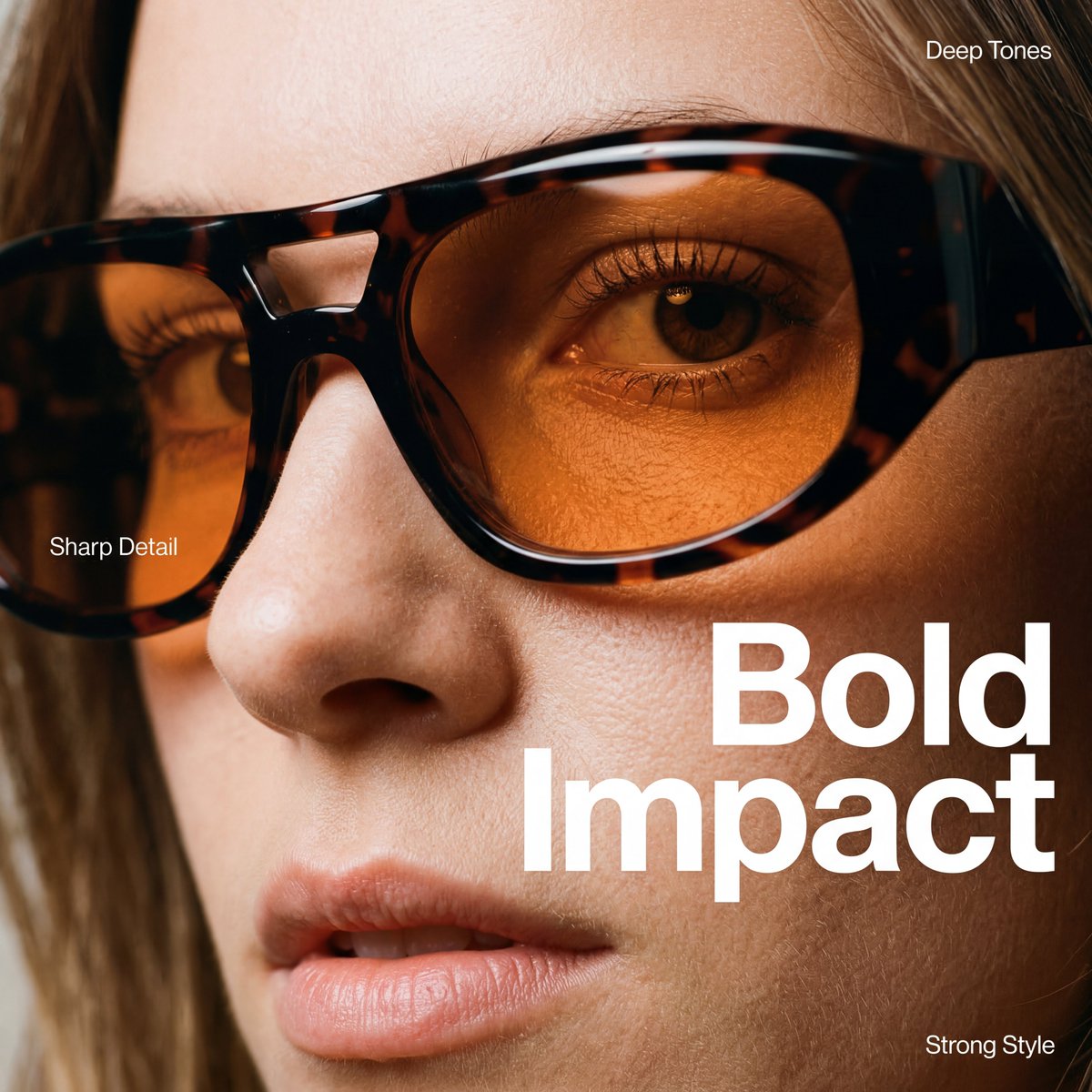
High-Fashion Eyewear Editorial Close-Up Prompt
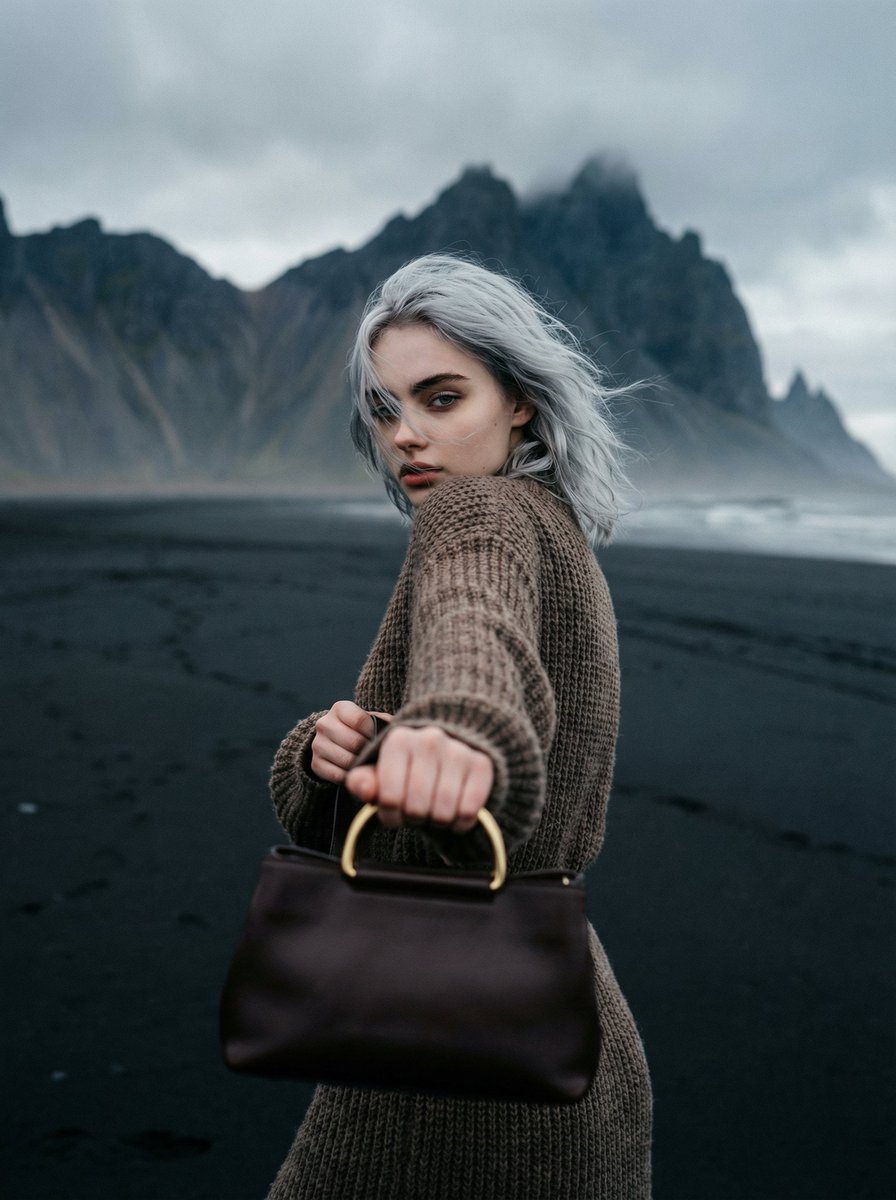
Cinematic Fashion on Black Sand Beach Prompt
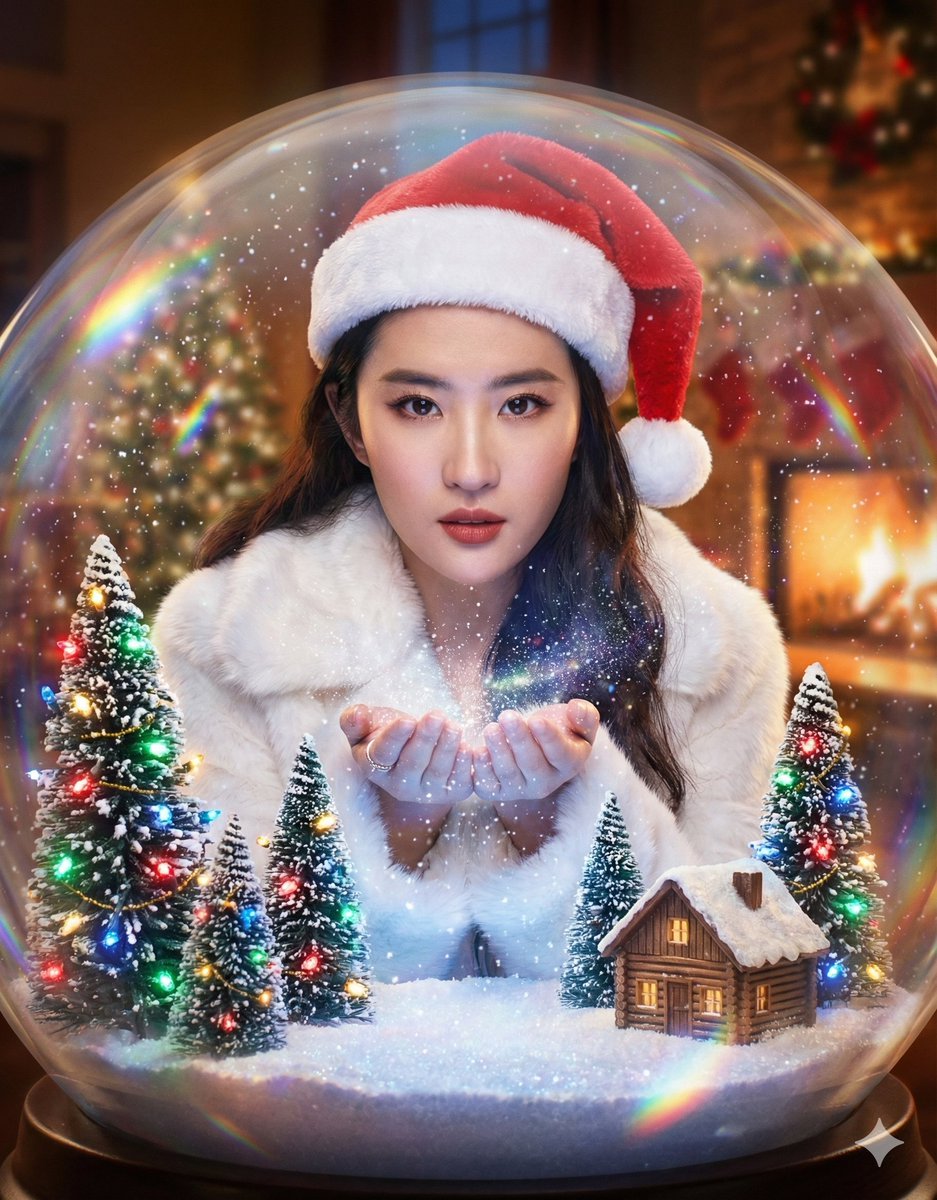
Surreal Character Trapped in a Giant Christmas Snow Globe
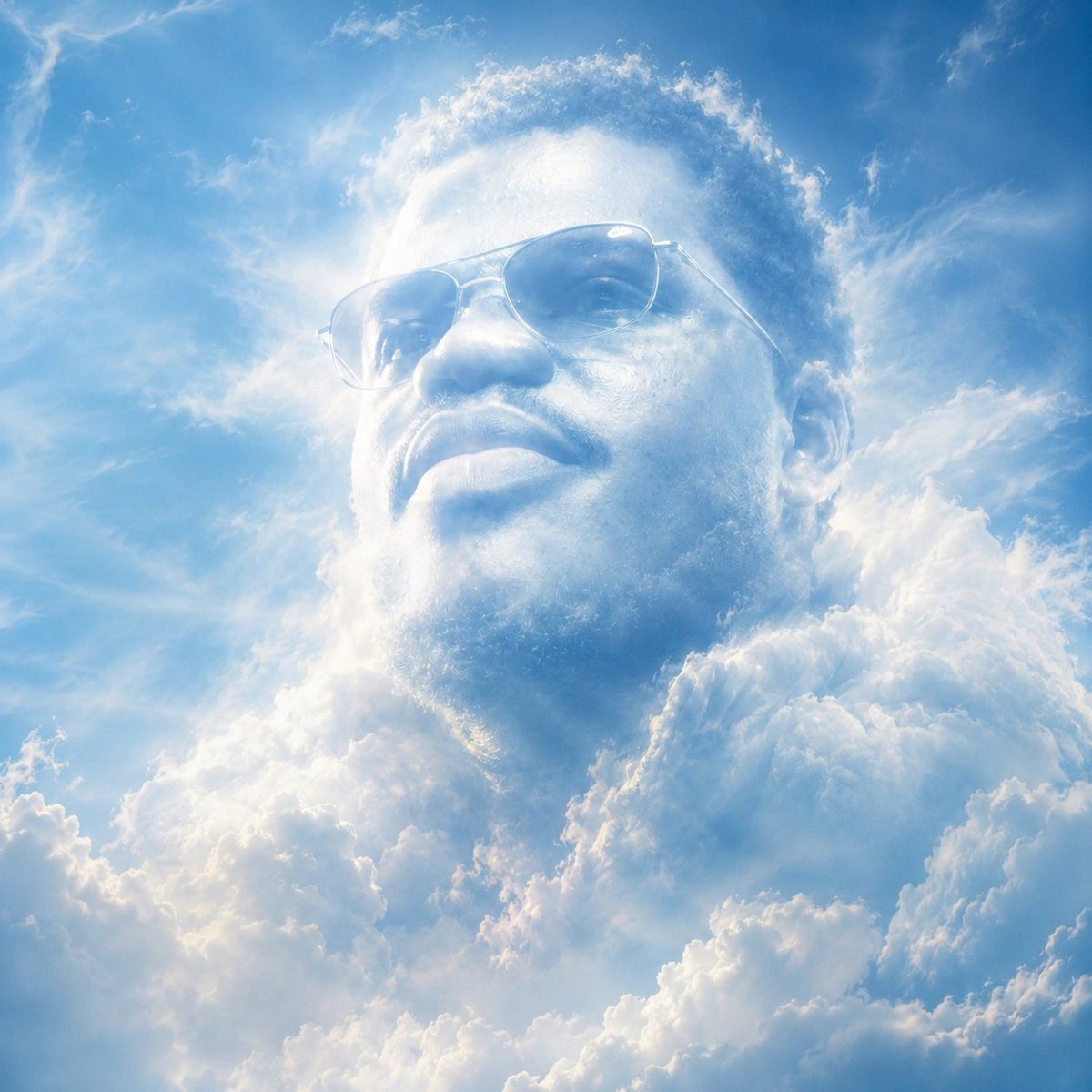
Atmospheric Cloud Transformation
Universal JSON Template for Editorial Product Ads
Japanese Graffiti Art Portrait
Browse template categories
Red Hoodie Dragon-Wolf Warrior questions
How do I use the Red Hoodie Dragon-Wolf Warrior template?
Add your photo if the template asks for one, edit the prompt if you like — the template's model and format are already selected — and press Generate. Your version opens in PicX Studio.
Can I customize the Red Hoodie Dragon-Wolf Warrior template?
Yes. You can change the subject, setting, lighting, mood, format, and available model controls before creating your image.
Is the Red Hoodie Dragon-Wolf Warrior template free?
Opening and editing this template is free. Generating uses credits, shown on the Generate button when you are signed in.
Which AI model should I use?
Start with GPT Image 2, which is the model associated with this template. You can compare another compatible model for a different finish.
Looking for something else? Browse all templates.

Your photo, any look
Thousands of ready templates for every top image and video model, from one credit balance.