
Origami Style Global Infographic
A complex instruction set for creating tactile, paper-folded infographics based on researched datasets with a quiet luxury magazine aesthetic.
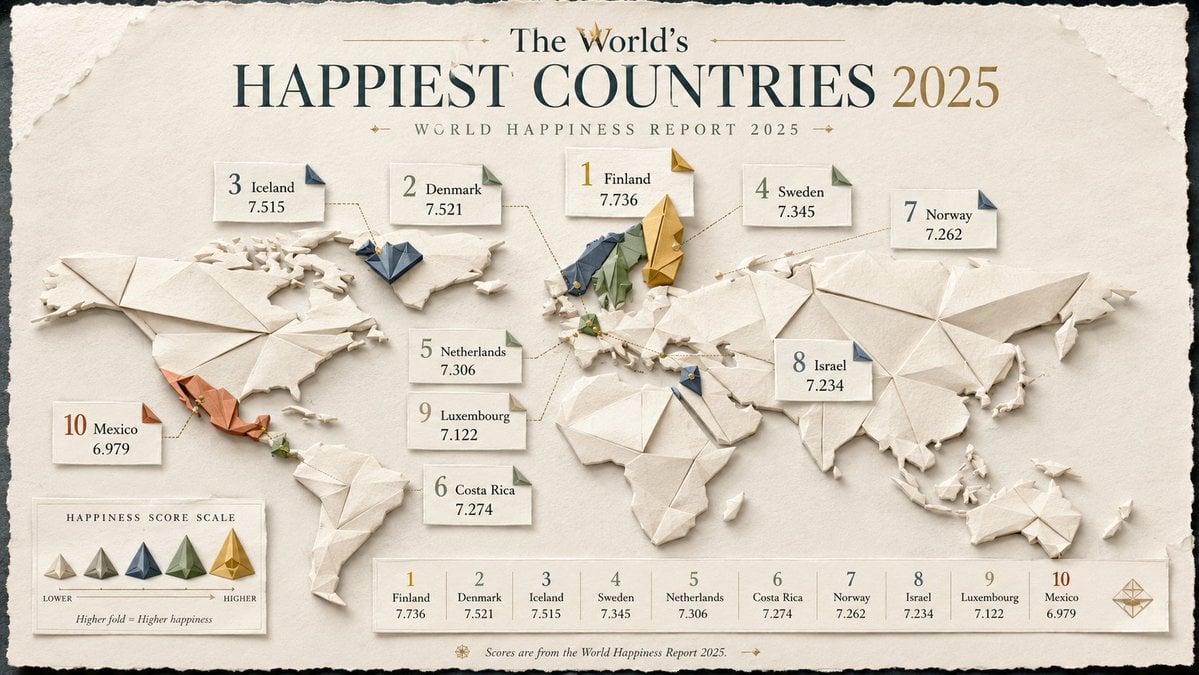
- Prompt included
- Model and format preset
- Free template
The prompt behind this image
Copy the exact prompt behind Origami Style Global Infographic, or open it in the studio and make it yours.
(researched {argument name="dataset type" default="geopolitical or global dataset"} × {argument name="map style" default="elegant folded-paper cartography"}) + (origami sculpture ^ editorial information design ^ soft tactile shading) - (flat boring map + fake country data + corporate dashboard aesthetic) = viral folded-world infographic INPUT: {argument name="topic" default="Countries with the fastest internet speeds"} SYSTEM: Research the input topic and create a premium infographic built around a stylized world or regional map made from layered origami paper forms. RESEARCH REQUIREMENTS: - Research the correct ranking or comparison data for the topic. - Verify country names, numerical values, and year/date. - Use authoritative international or official sources where possible. - Do not invent values, ranks, or map classifications. - Keep metric definitions consistent across all countries. VISUAL CONCEPT: Turn the data into an elegant folded-paper map or collection of origami country tiles. Use folds, shadows, tabs, and layered paper shapes to encode hierarchy, rank, or magnitude. STYLE: origami editorial infographic, layered paper map, tactile folds, premium magazine design, quiet luxury information art COMPOSITION: - strong title at top - world map or region map as the main visual - top countries highlighted with larger folded structures - small callout cards with: country name value rank year - subtle legend if needed - use visual hierarchy through size, folds, and elevation - minimal but readable labels MATERIALS: matte paper, embossed card, soft deckled edges, cream and muted color palette, subtle drop shadows OUTPUT: Research the topic, verify the dataset, then generate a polished origami-style global infographic that feels tactile, elegant, and highly shareable.
How to use Origami Style Global Infographic in 3 steps
- 1
Open
The prompt is already in the box next to the preview, with the template's model and format selected.
- 2…a portrait of your subject in softgolden-hour light, 85mm…
Personalize
Edit the subject and creative details for your destination.
- 3Generate
Generate
Press Generate — your image is created in PicX Studio, so you can compare it with the original and refine one variable at a time.
More like this
Templates with the same subject, style or setup. Open one to see its prompt.

Japan Travel Brochure Poster
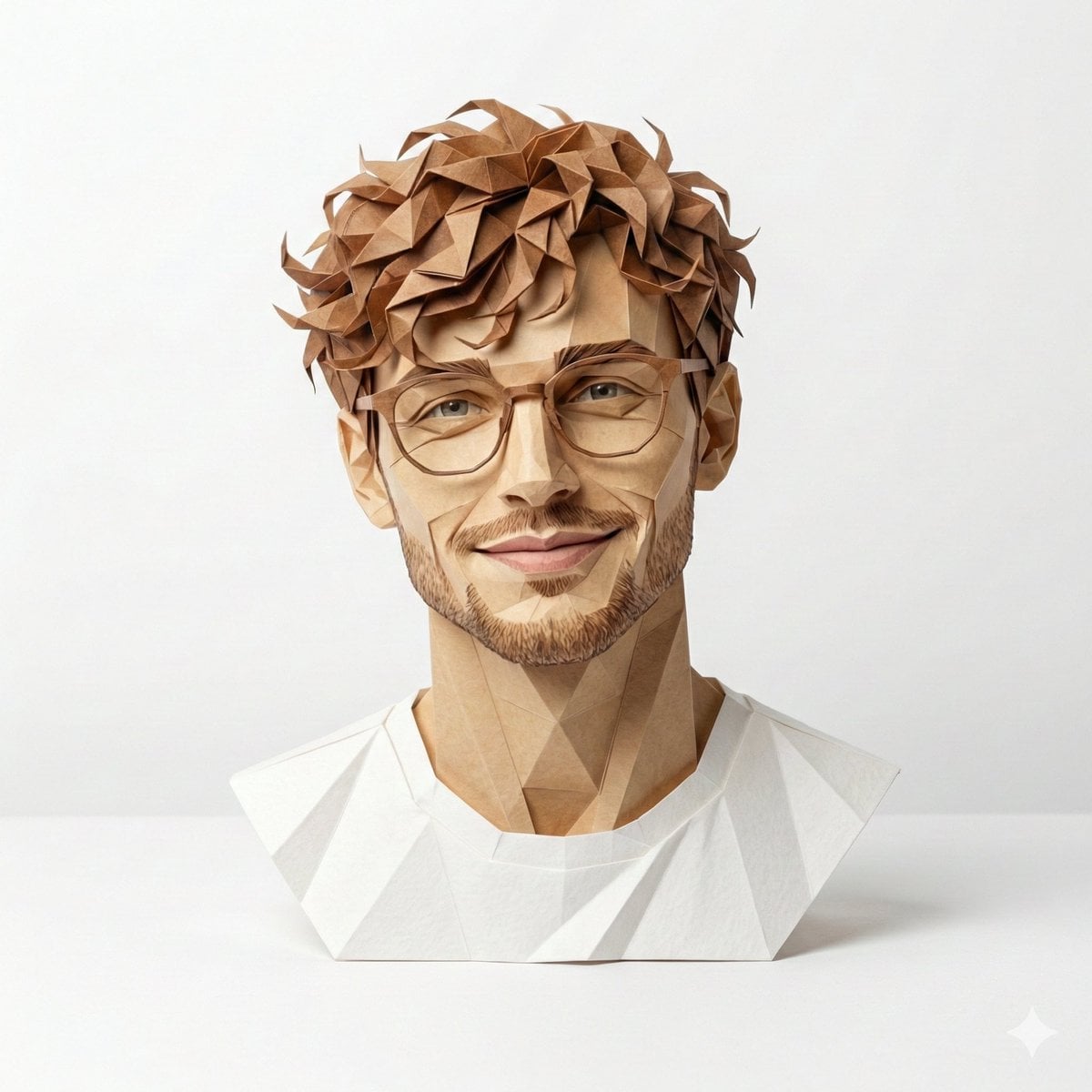
Origami Masterpiece Portrait

Global Slugfest Multi Nation Poster

Isometric Process Educational Diorama

Isometric Vehicle Teardown Infographic Template

Gpt2 E Commerce Main Image Earbuds E Commerce Infographic

Gpt2 Infographic Edu Visual Alishan One Day Travel Poster

Gpt2 Infographic Edu Visual Ethnographic Plate for Tibetan Ceremonial Hat

Gpt2 Infographic Edu Visual Earth Signs Zodiac Character Poster

Gpt2 Infographic Edu Visual Water Signs Zodiac Character Poster

Gpt2 Infographic Edu Visual Ink Wash Tribute Poster for Chen Uen

Gpt2 Infographic Edu Visual Vintage Claude Shannon Infographic Poster
Make it yours
Origami Style Global Infographic works as-is. These are the safest ways to change it without losing the look.
Change one field
Copy a single group, rewrite it, and generate again so you can see what that field is doing.
Keep the frame, change the subject
Hold the composition and light of Origami Style Global Infographic, then swap wardrobe, props or the person for a new take.
| If the result… | Why | Fix |
|---|---|---|
| The result drifts from the preview | Too many fields changed at once. | Reuse Origami Style Global Infographic as-is first, then change one group — subject, light, or setting. |
| The model over-stylizes the scene | The prose prompt leaves finish and camera underspecified. | Add one camera or lighting sentence and stay on GPT Image 2. |
More GPT Image 2 templates
Other prompts made for GPT Image 2.

Six VTuber Japanese Logo Sheet

Realistic Portrait of Woman and Deer

The Vista Modular Condo Poster

AI Model Routing Comparison Infographic

2.5D Anime Art Board

Isometric Productivity Desk Scene

New York Double Exposure Poster

Four-Panel AI Landscape Comparison

Japanese Tatami Lifestyle Magazine Cover

NESCAFÉ Coffee Map Poster
More image prompts
Fresh picks from across the catalog.

Old Money & Gangster Style Animal Squads

Deathstalker Arachne Personification

Cinematic Night City with Visible Power Grid

Avatar Movie Selfie in a Cinema Hall
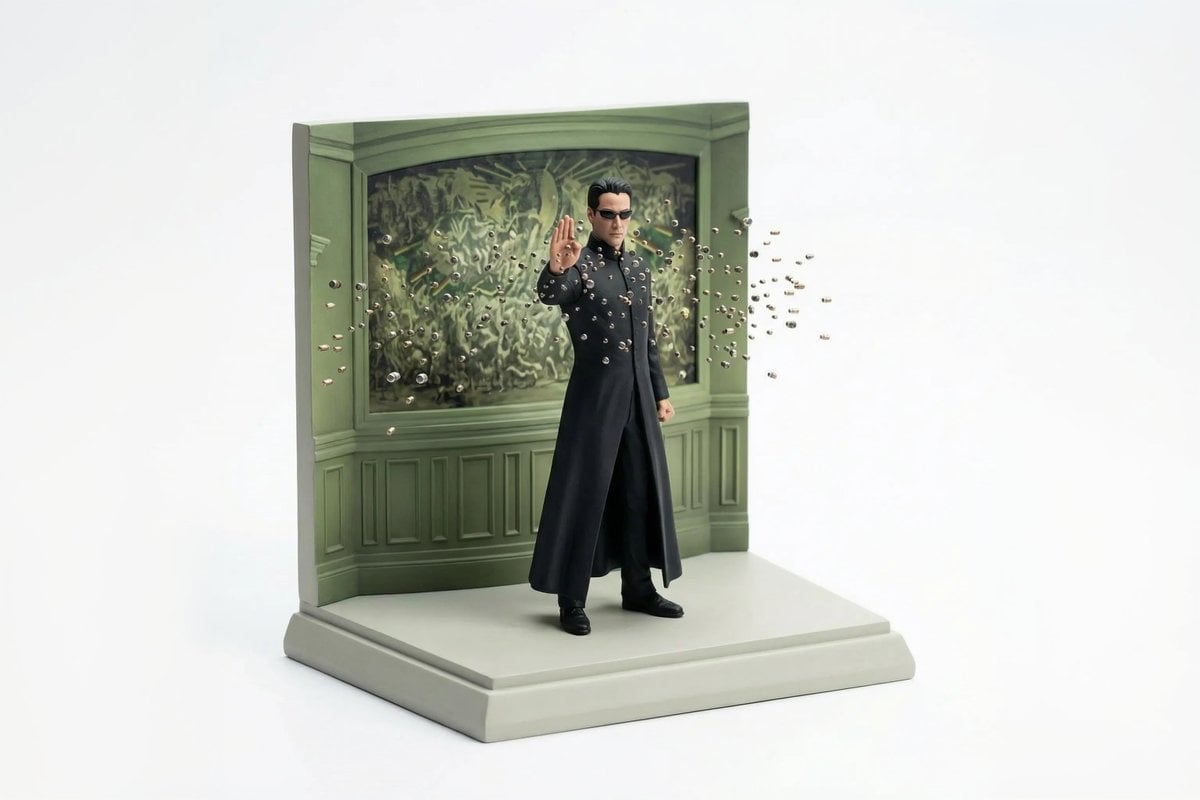
Miniature Diorama Reconstruction from a Reference Scene

Pan Jinlian Social E-commerce Meme

90s Fangirl Selfie Prompt (Korean Subject)
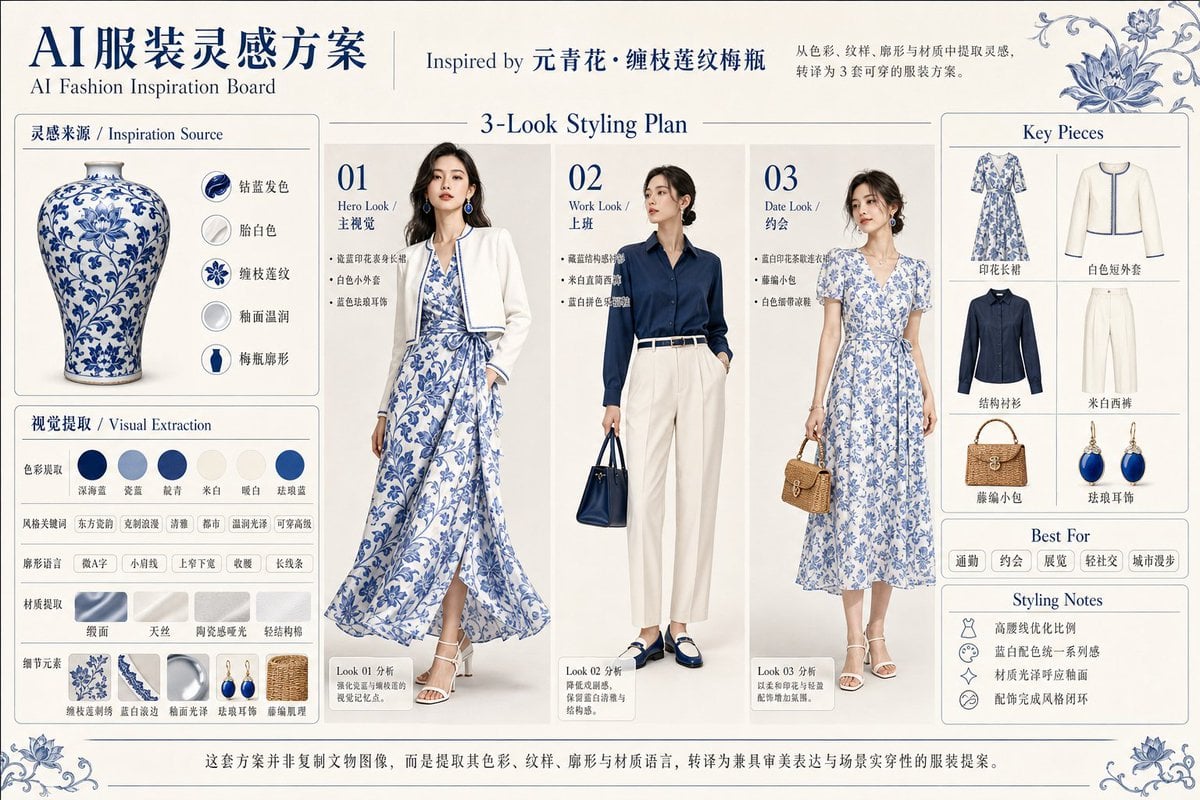
Blue Porcelain Fashion Inspiration Board

Dramatic Studio Portrait with Reference Photo

Candid Bar Scene with Phone and Beer Details
Browse template categories
Origami Style Global Infographic questions
How do I use the Origami Style Global Infographic template?
Add your photo if the template asks for one, edit the prompt if you like — the template's model and format are already selected — and press Generate. Your version opens in PicX Studio.
Can I customize the Origami Style Global Infographic template?
Yes. You can change the subject, setting, lighting, mood, format, and available model controls before creating your image.
Is the Origami Style Global Infographic template free?
Opening and editing this template is free. Generating uses credits, shown on the Generate button when you are signed in.
Which AI model should I use?
Start with GPT Image 2, which is the model associated with this template. You can compare another compatible model for a different finish.
Looking for something else? Browse all templates.

Your photo, any look
Thousands of ready templates for every top image and video model, from one credit balance.