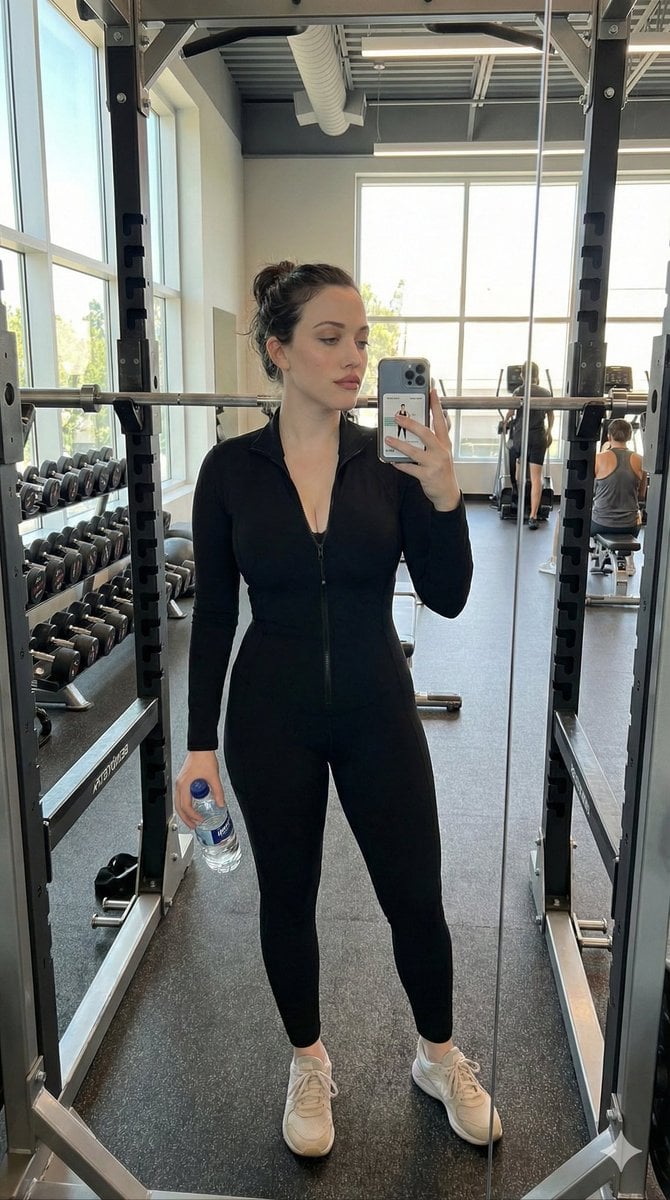
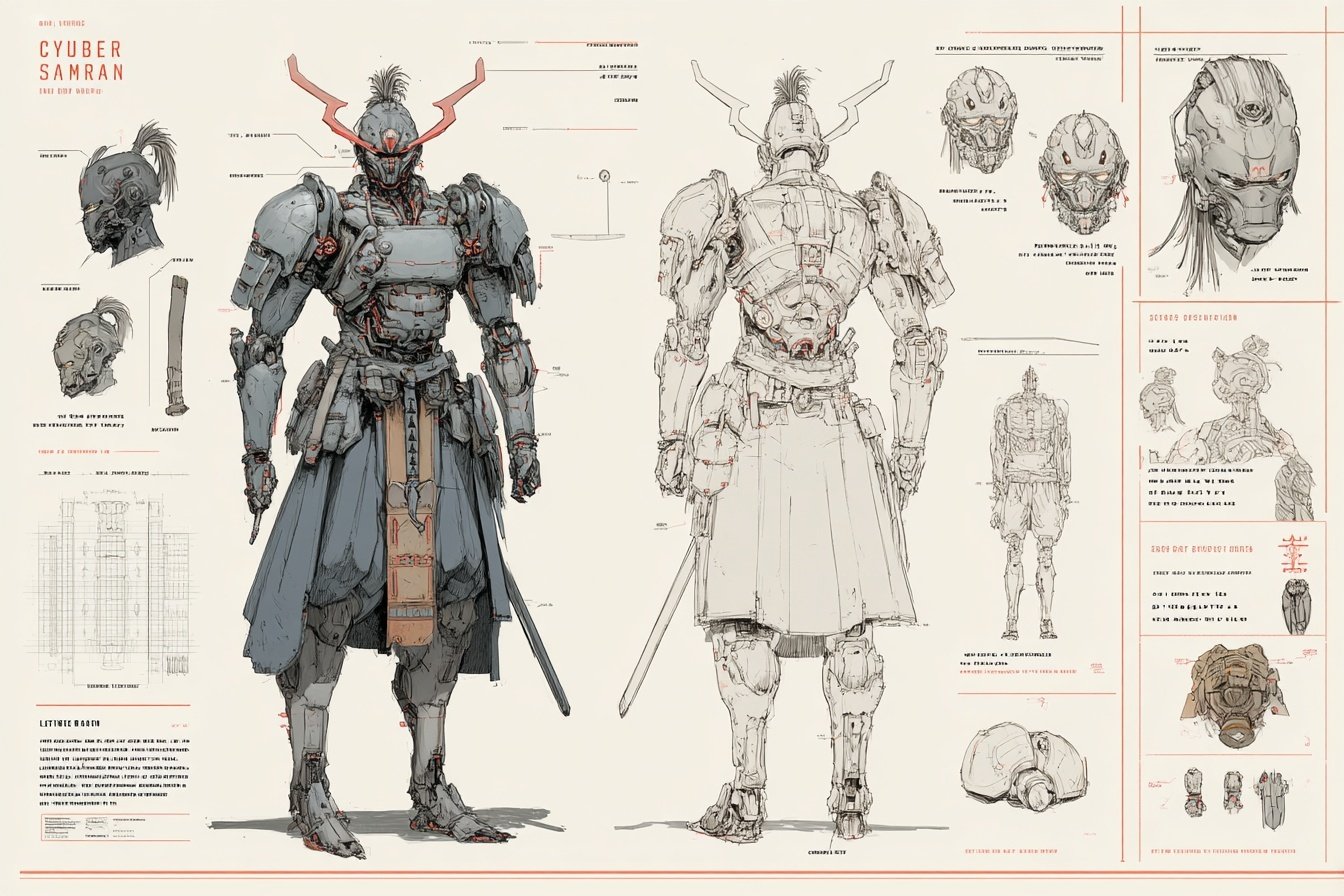
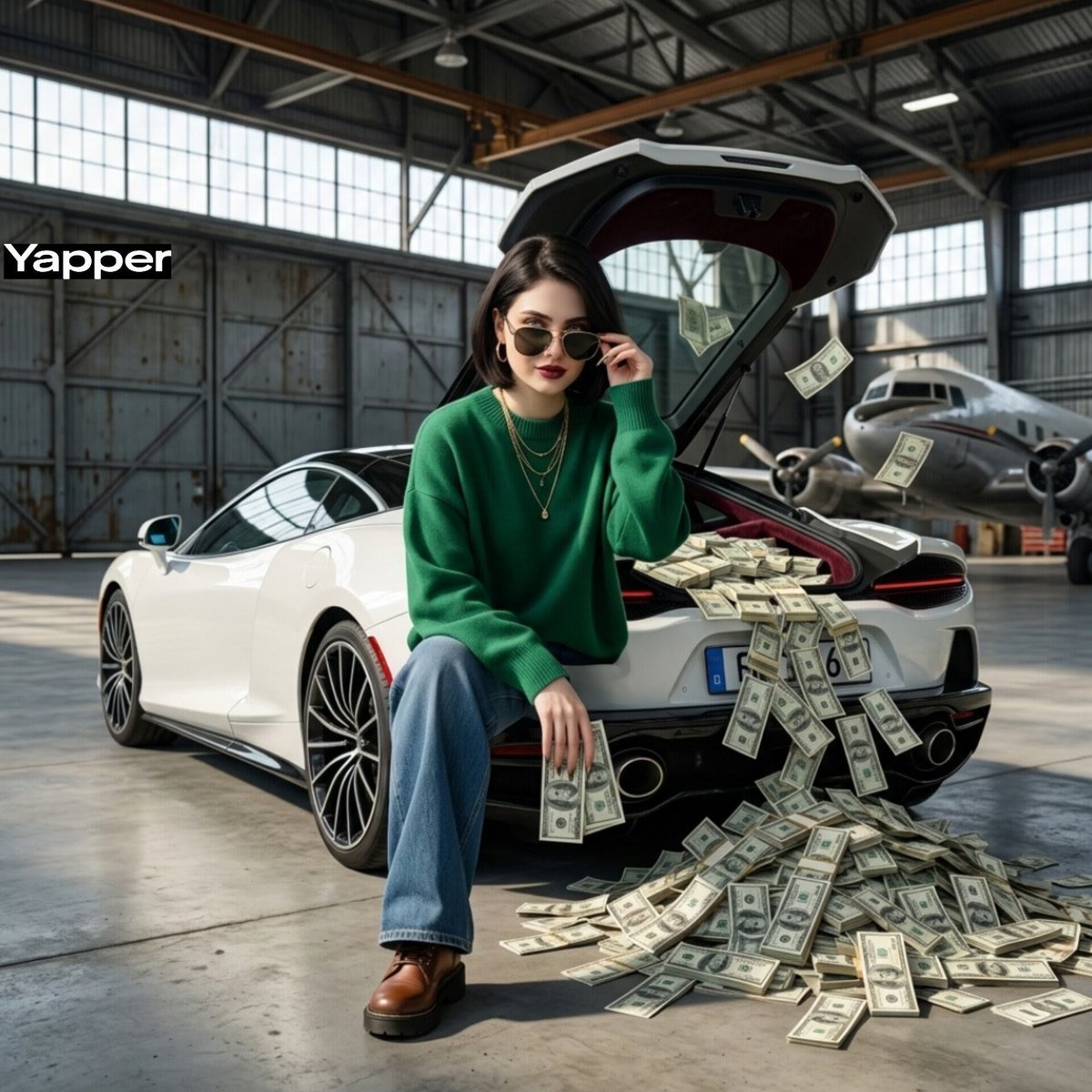
How do I use the Apartment Standing Pose Transformation template?
Edit the prompt in the box under the preview — the template's model and format are already selected — and press Generate. Your version appears right on this page.
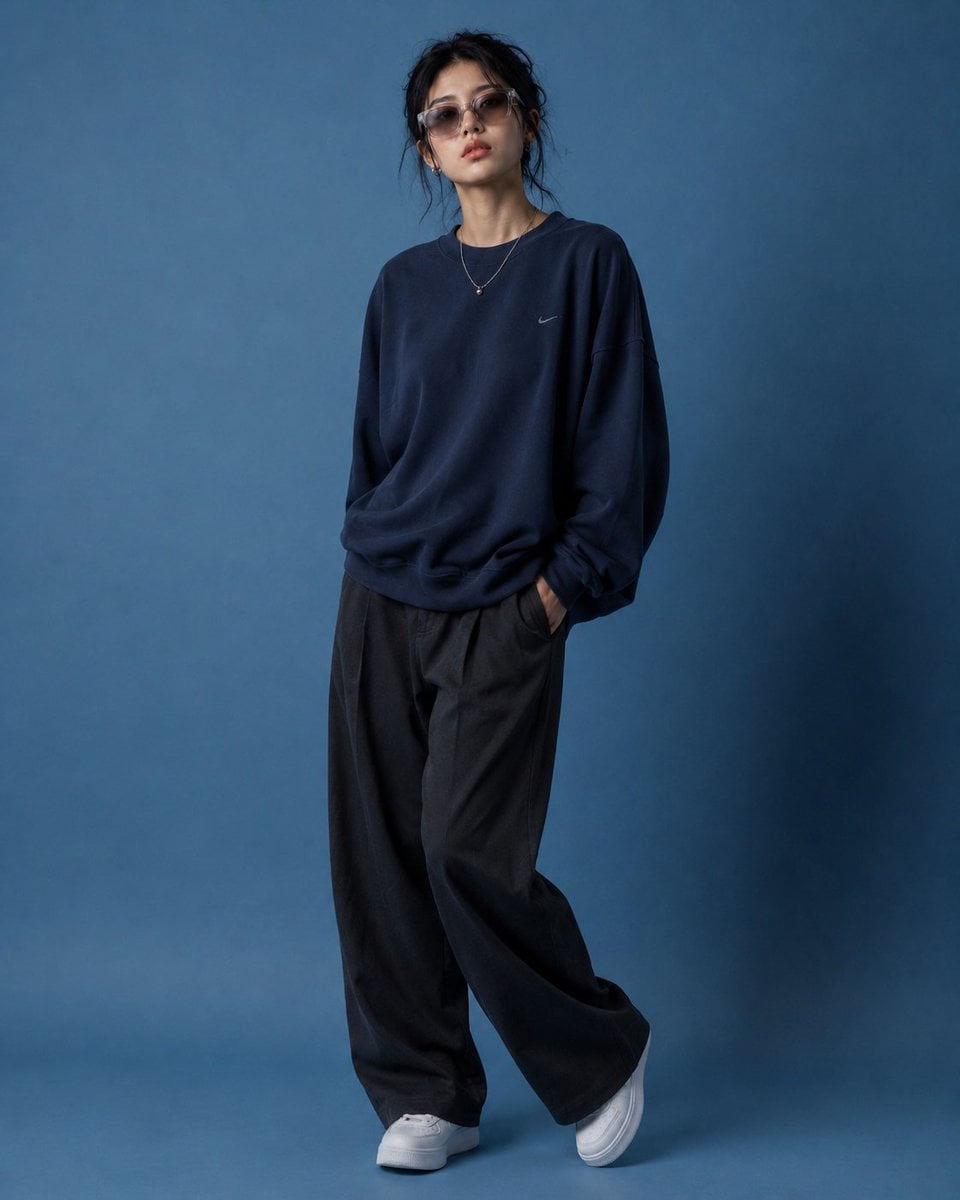
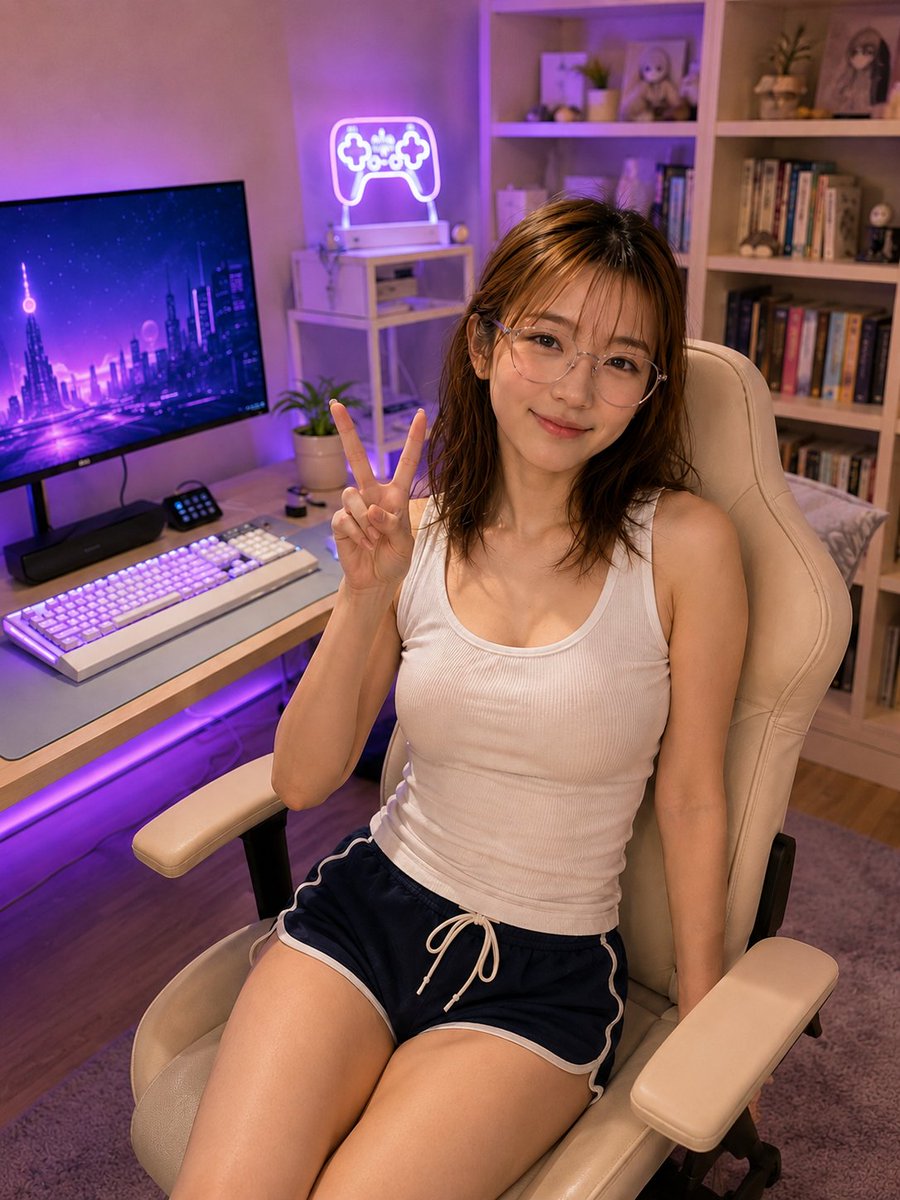
Transforms a reference portrait into a realistic standing smartphone snapshot in a nighttime apartment while preserving the person, outfit, and anonymized face.

This template uses your photo — add one with the + button.
Using the provided reference image, regenerate the same person and outfit as a realistic vertical smartphone photo, but change the setting and pose. Make her standing indoors in a casual apartment room at night instead of sitting in a gaming chair. Keep the white ribbed tank top and navy athletic shorts with white trim and drawstring, and preserve the face anonymization block. Pose her with one hand raised beside her face making a peace sign, while the other arm hangs down naturally; crop from head to upper thighs. Replace the gaming desk background with a lived-in bedroom/apartment interior: cream walls, doorway edge on the left, light wood floor, gray rug, bed or soft clutter in the lower right, a dark beanbag/chair, and a window with curtains showing city lights at night. Use natural indoor lighting, realistic phone-camera perspective, slight candid snapshot feel, and avoid neon gaming lights or bookshelf décor.
Using the provided reference image, regenerate the same person and outfit as a realistic vertical smartphone photo, but change the setting and pose. Make her standing indoors in a casual apartment room at night instead of sitting in a gaming chair. Keep the white ribbed tank top and navy athletic shorts with white trim and drawstring, and preserve the face anonymization block. Pose her with one hand raised beside her face making a peace sign, while the other arm hangs down naturally; crop from head to upper thighs. Replace the gaming desk background with a lived-in bedroom/apartment interior: cream walls, doorway edge on the left, light wood floor, gray rug, bed or soft clutter in the lower right, a dark beanbag/chair, and a window with curtains showing city lights at night. Use natural indoor lighting, realistic phone-camera perspective, slight candid snapshot feel, and avoid neon gaming lights or bookshelf décor.
Apartment Standing Pose Transformation needs input media to work. Open it in the studio and these load alongside the prompt — pick whichever ones your chosen model can take.
Edit the prompt in the box under the preview — the template's model and format are already selected — and press Generate. Your version appears right on this page.
Yes. You can change the subject, setting, lighting, mood, format, and available model controls before creating your image.
Opening and editing this template is free. Generating uses credits, shown on the Generate button when you are signed in.
Start with GPT Image 2, which is the model associated with this template. You can compare another compatible model for a different finish.
Follow a topic to a crawlable collection of related PicX Studio templates.