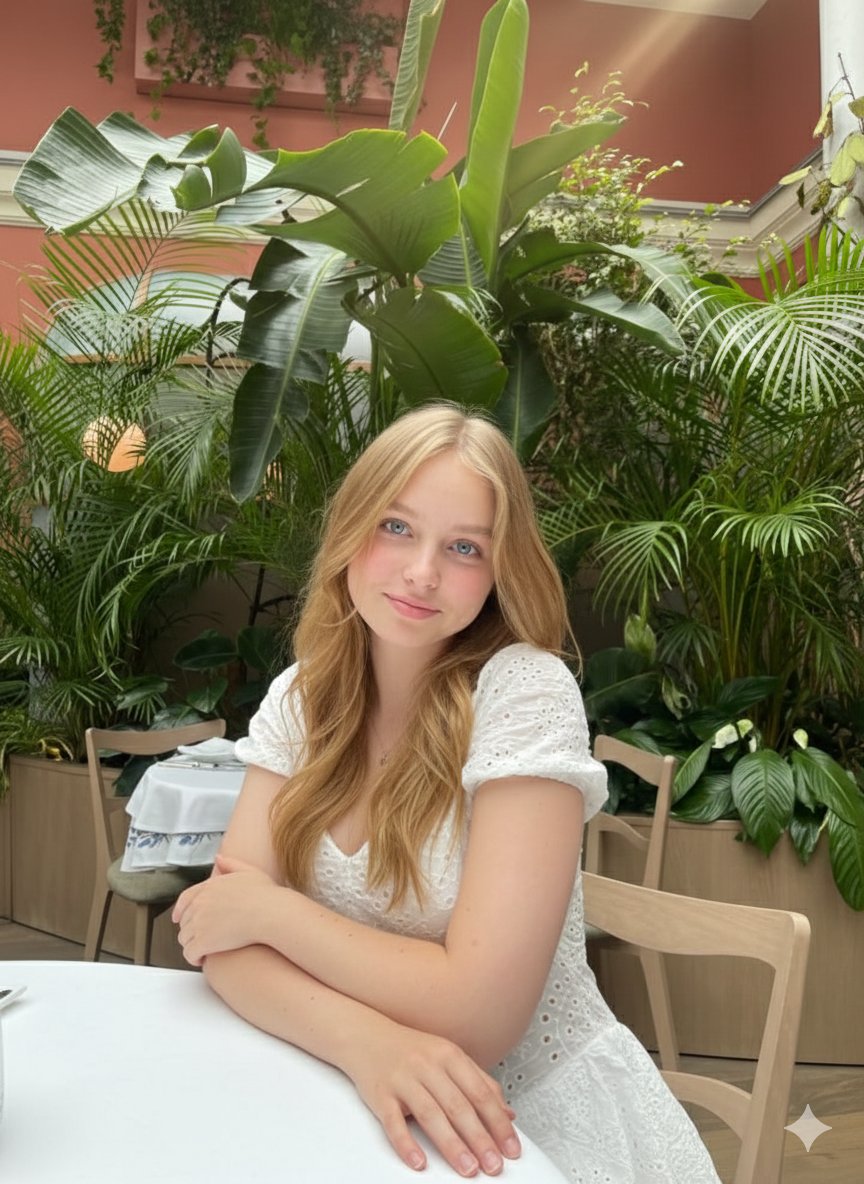
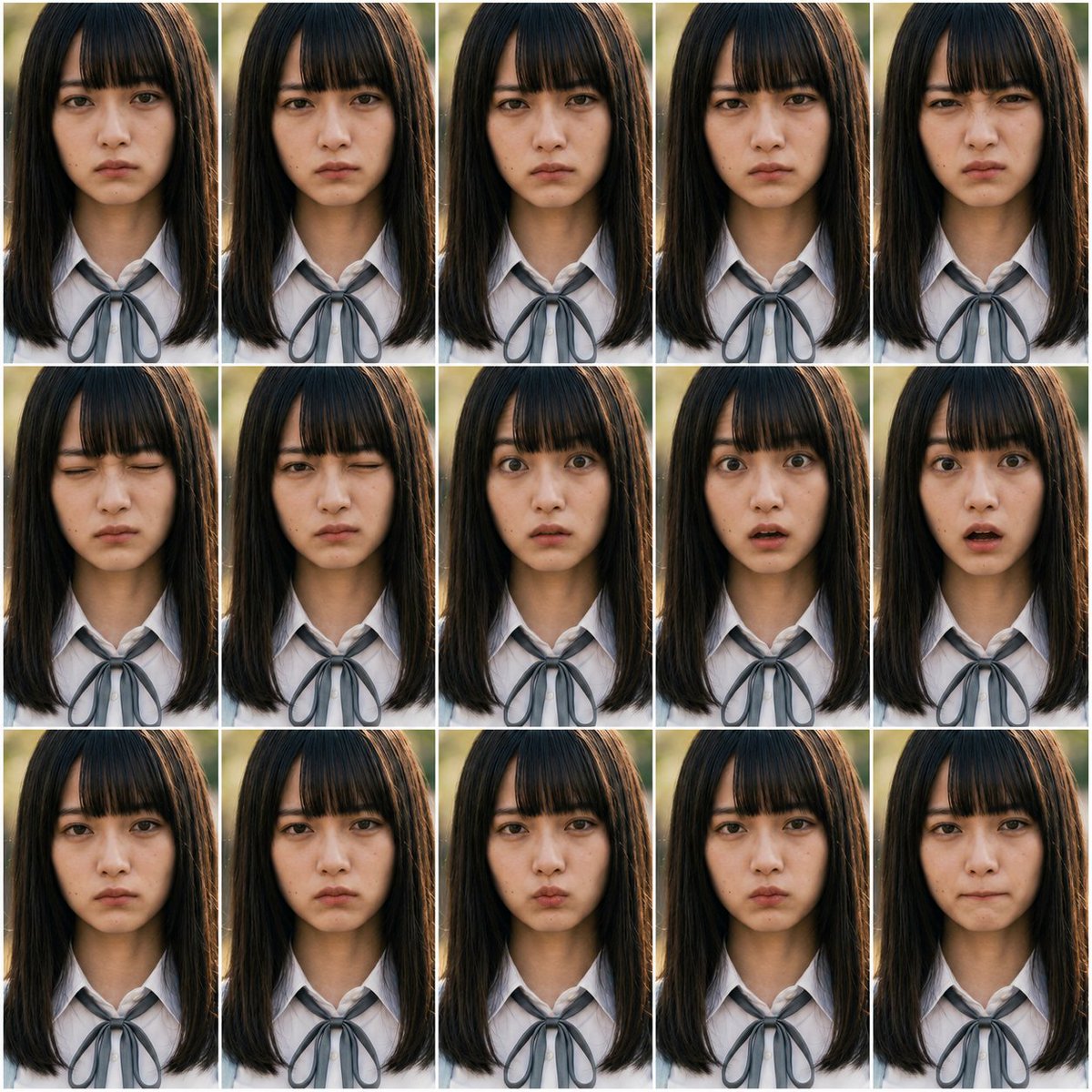
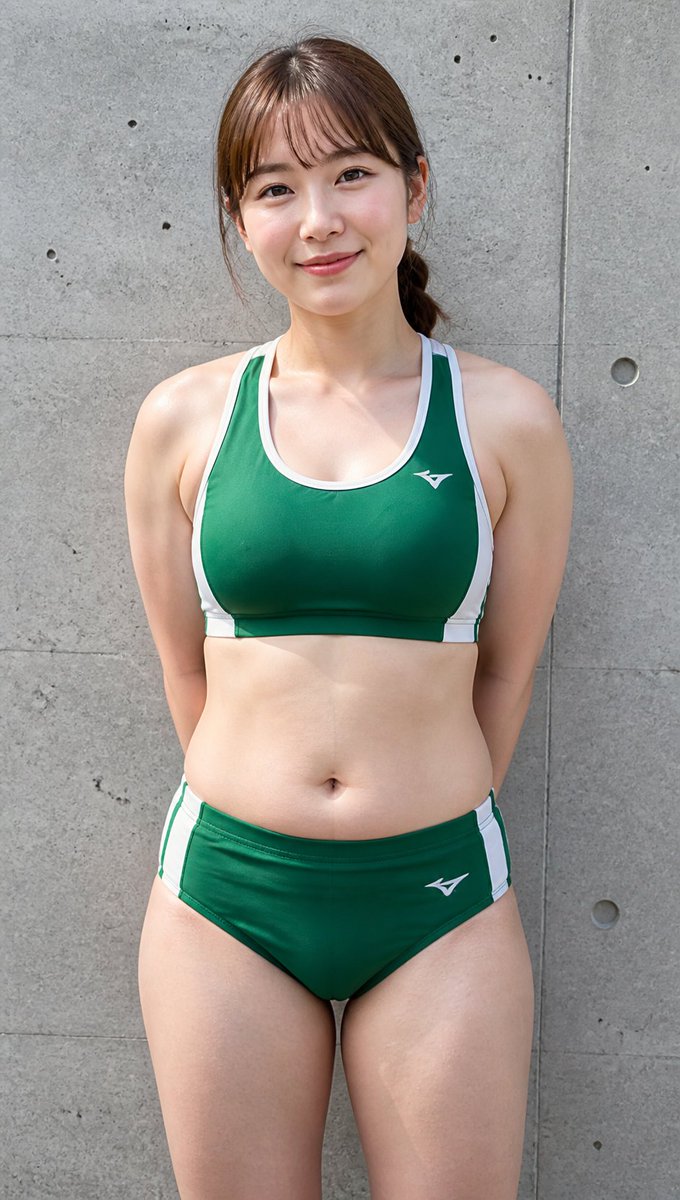
How do I use the Expressionistic Impasto Magazine Portrait template?
Choose the primary action to open PicX Studio with the available template settings. Review the model and format, personalize the creative direction, and generate when ready.
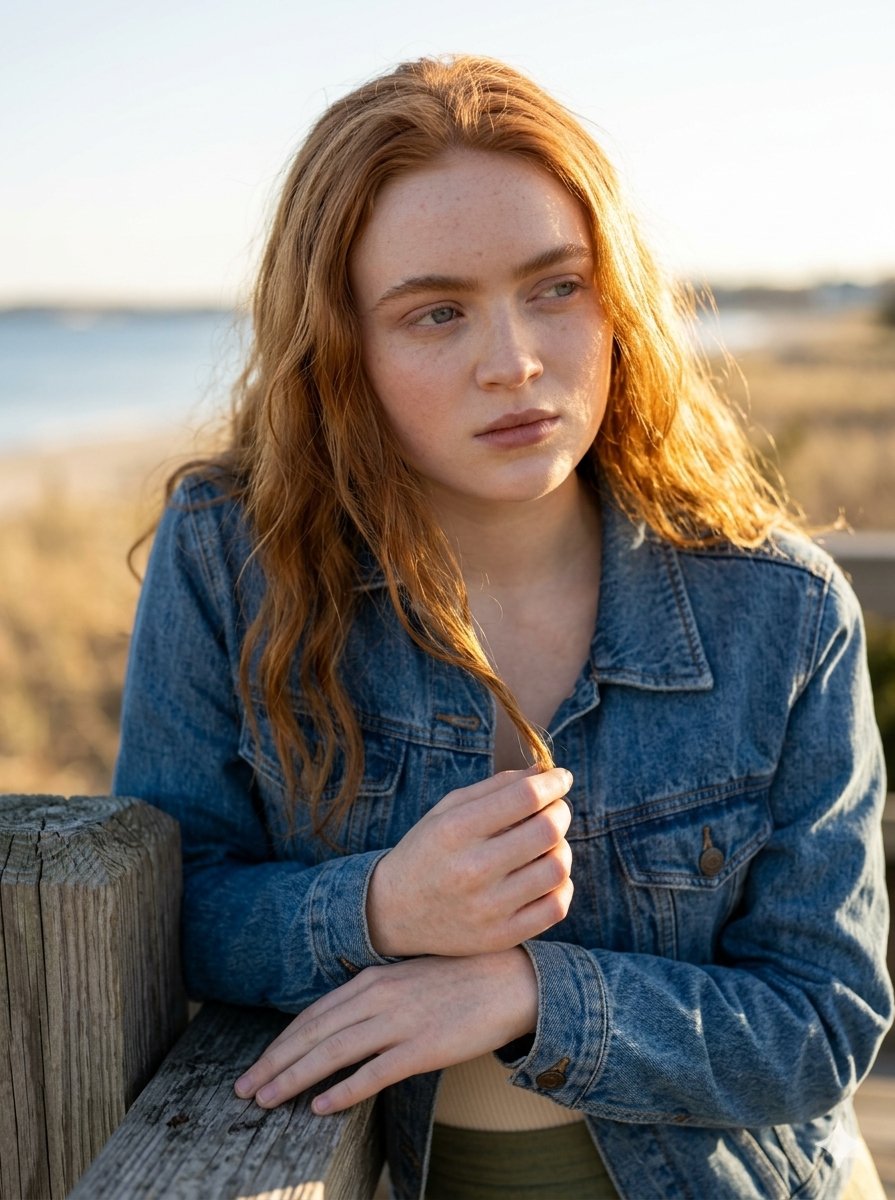
A high-concept artistic prompt for an expressionistic oil painting style portrait with heavy impasto textures, resembling a futuristic magazine cover.
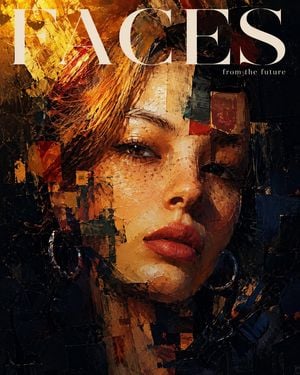
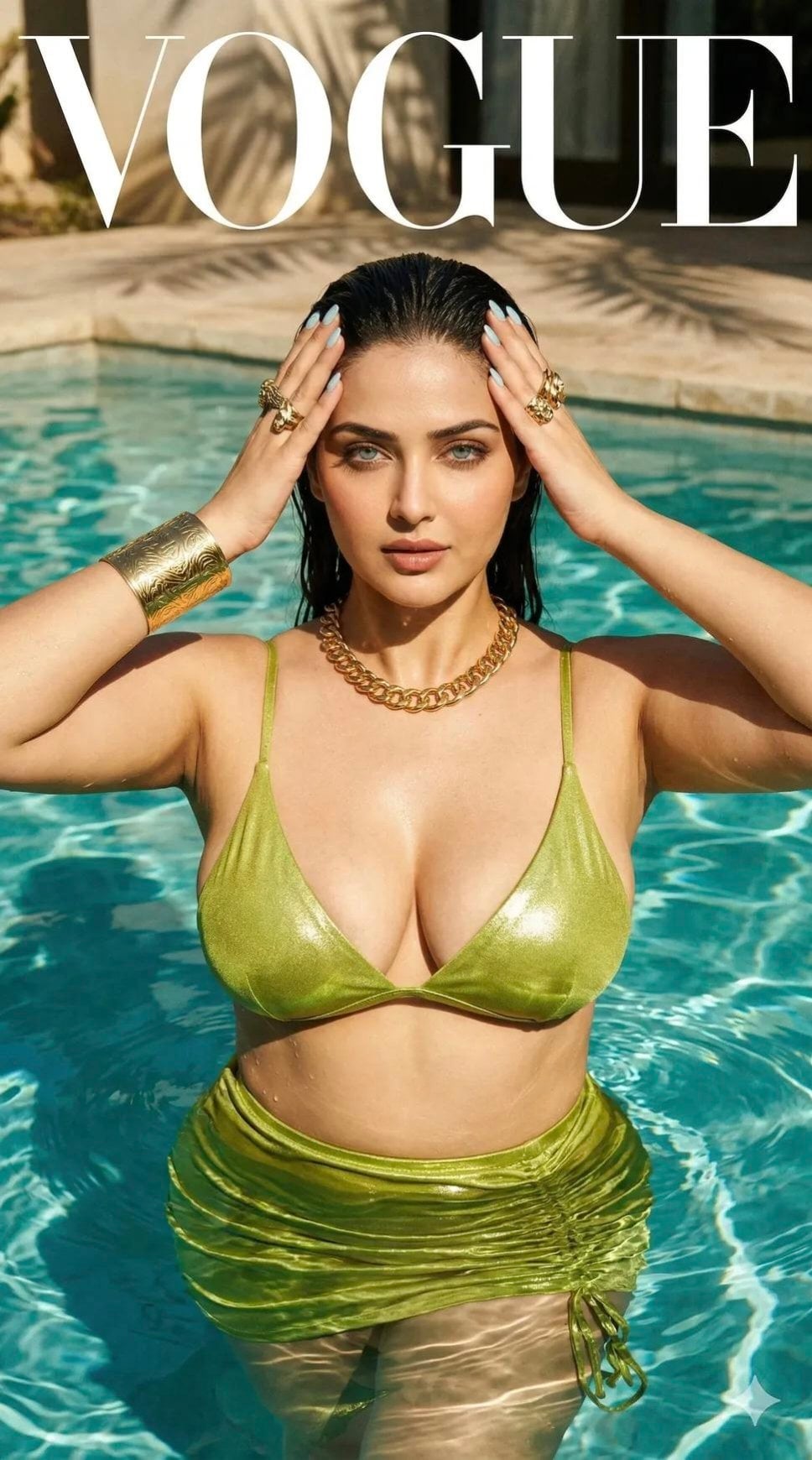
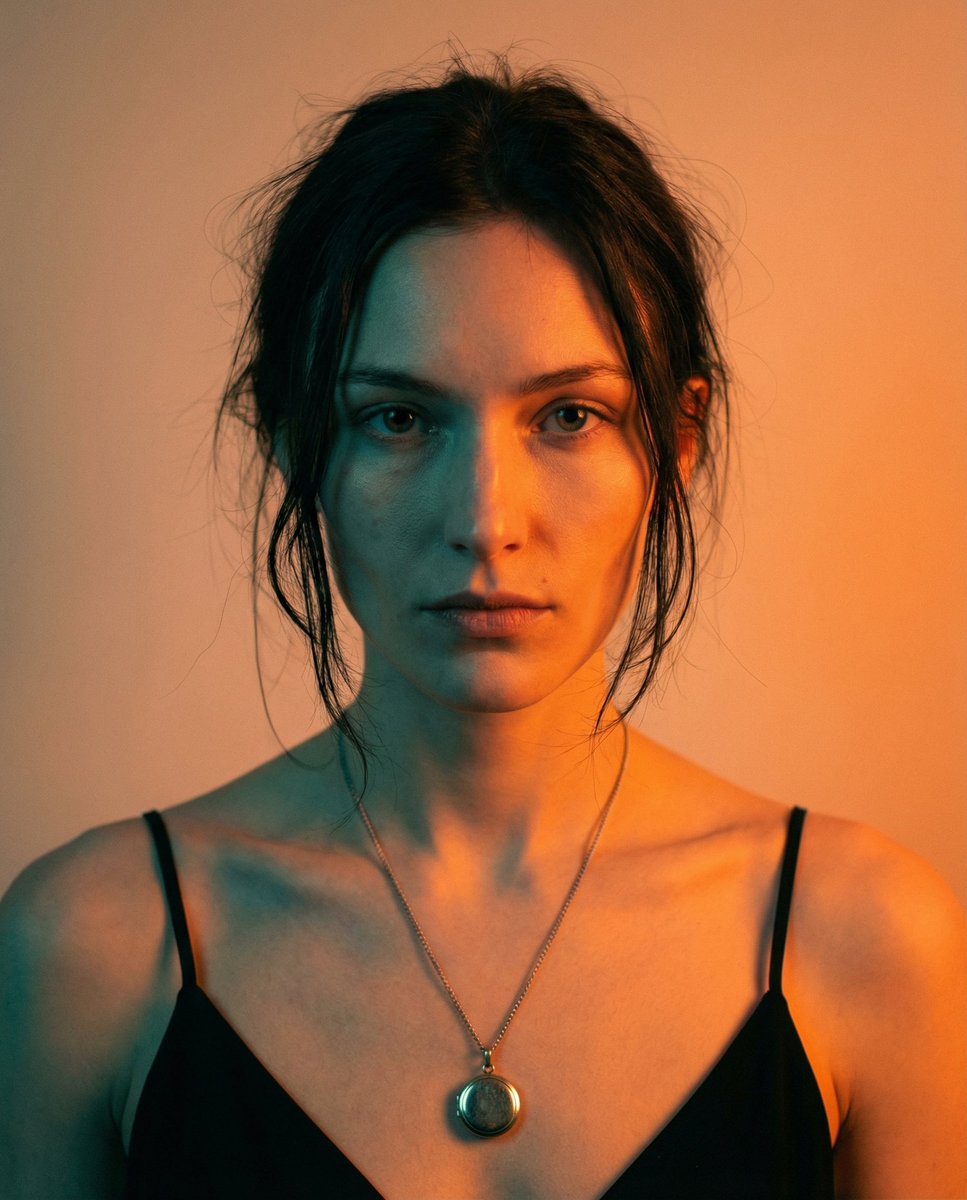
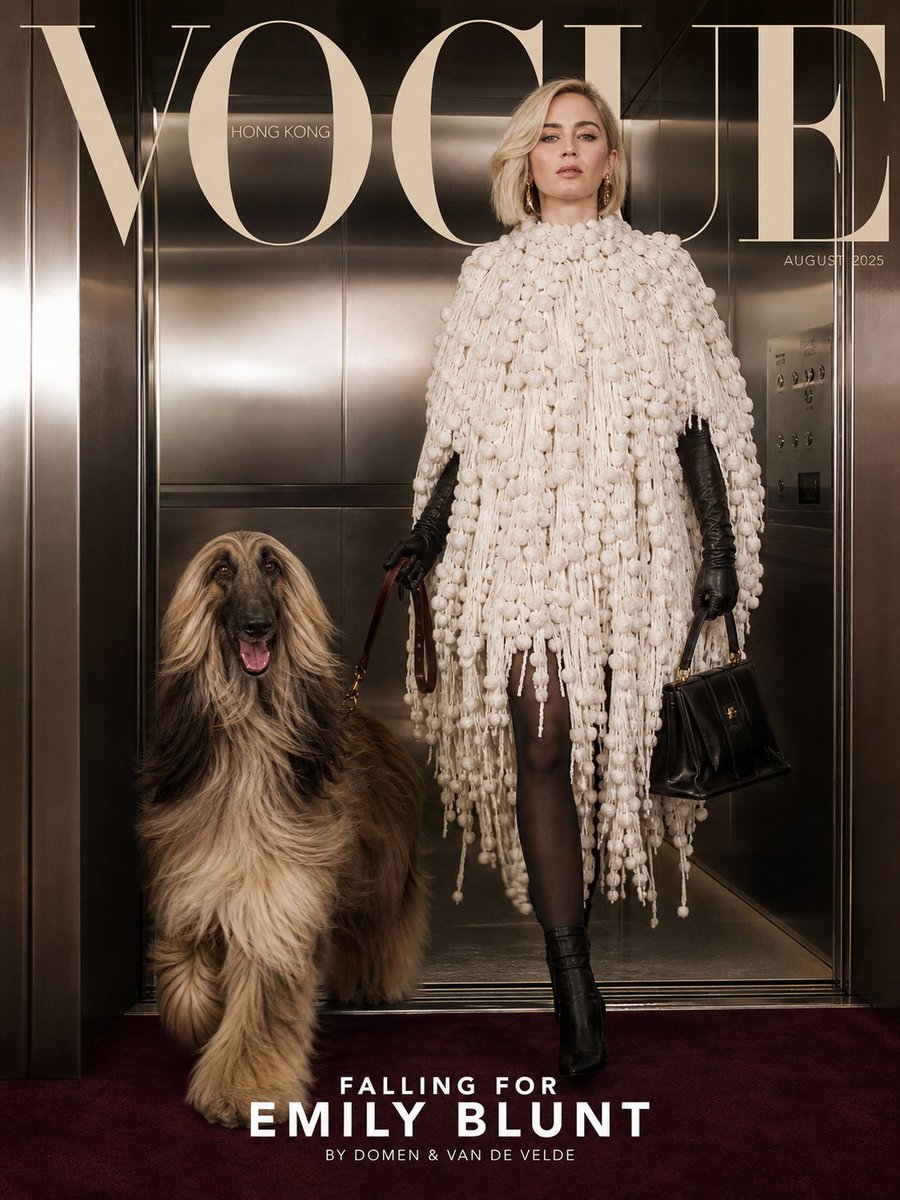
Create an image: An expressionistic close-up portrait of the attached model, in an oil painting style with heavy impasto. Cover of {argument name="magazine name" default="FACES"} magazine from the future. The face is partially fragmented and deconstructed into abstract geometric blocks and thick textures. Dramatic chiaroscuro lighting with a bright golden light coming from the upper left creates an intense contrast with a black background and deep shadows. The color palette contrasts warm tones of gold, coppery orange, and red in the highlights with deep marine blues and blacks in the shadow textures. Visible digital brushstrokes are square and raised. The gaze is lowered, creating an intimate, artistic, and abstract atmosphere.
Choose the primary action to open PicX Studio with the available template settings. Review the model and format, personalize the creative direction, and generate when ready.
Yes. You can change the subject, setting, lighting, mood, format, and available model controls before creating your image.
This template is free to open and customize. Generation usage is shown in PicX Studio before you create.
Start with GPT Image 2, which is the model associated with this template. You can compare another compatible model for a different finish.
Follow a topic to a crawlable collection of related PicX Studio templates.