
Cozy Winter Street Fashion Portrait Prompt
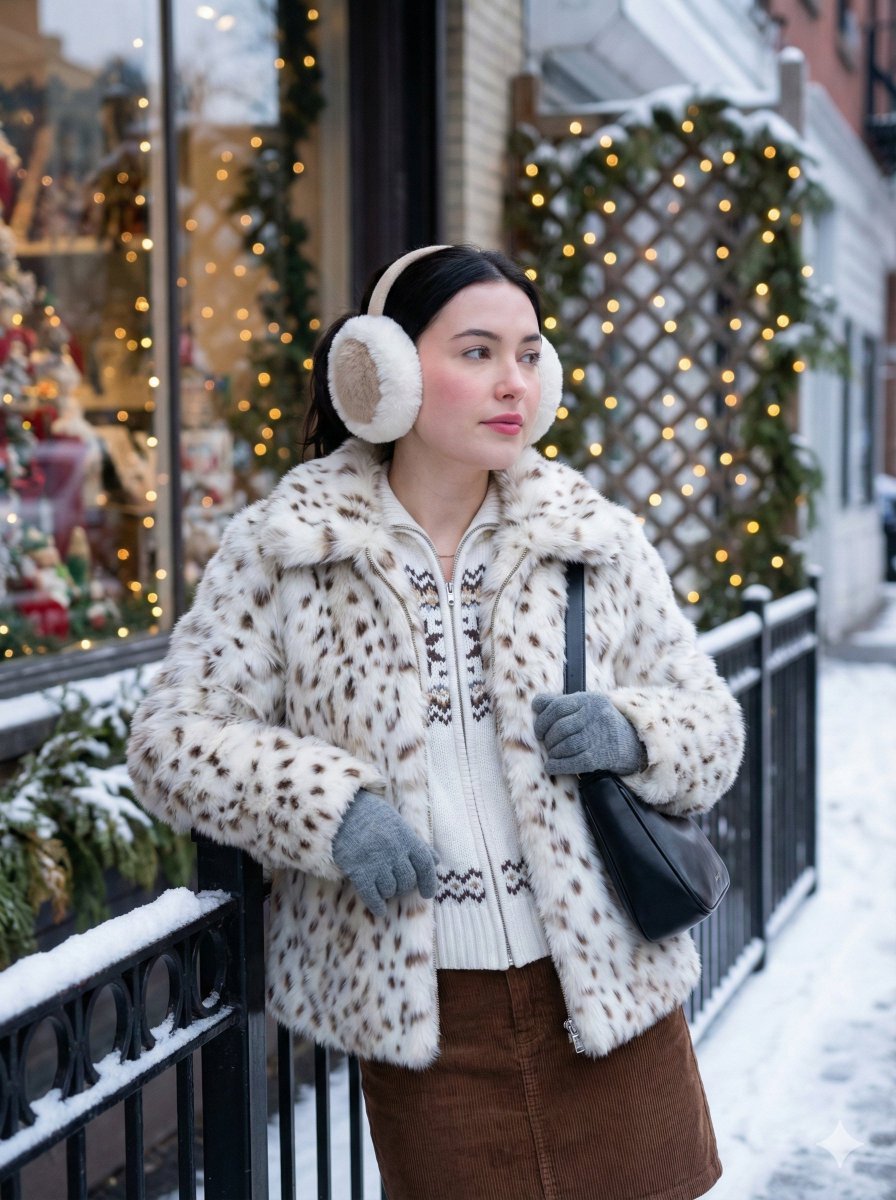
A detailed prompt for generating a photorealistic winter street scene portrait of a young woman leaning against a railing, wearing a faux-fur coat and earmuffs, set against a festive, warmly lit storefront in an urban…
- Prompt included
- Model and format preset
- Free template
The prompt behind this image
Copy the exact prompt behind Cozy Winter Street Fashion Portrait Prompt, or open it in the studio and make it yours.
Subject A young woman leaning casually against a black metal railing in an outdoor urban setting. She is captured in a three-quarter view, looking off to the right with a soft, distant gaze. Clothing A statement faux-fur coat in {argument name="coat color" default="white with soft light brown spots"}, giving a cozy, plush texture. Underneath, she wears a white zip-up knit sweater featuring a blue Nordic or snowflake pattern. She is wearing a brown corduroy skirt and light grey knitted gloves. Hair Dark black hair, pulled back neatly away from her face, largely covered by her large earmuffs. Face Fair, clear complexion with soft, natural makeup featuring rosy cheeks and pink lips. Her expression is calm and contemplative. Accessories Large, fluffy white and beige earmuffs covering her ears. She carries a black shoulder bag with a patterned cord strap hanging by her side. Environment A festive winter street scene. Directly behind her is a storefront window (signage visible: "HUSFLIDEN") filled with warm holiday decorations, including red candles and figurines. To her left, a trellis is wrapped in twinkling warm-white fairy lights (string lights). Lighting A mix of soft, cool natural daylight (typical of a winter afternoon) and warm artificial light glowing from the shop window and the string lights, creating a cozy holiday atmosphere. Camera Medium shot (thigh-up), eye-level angle. The background is slightly softened (shallow depth of field) to draw attention to the subject while keeping the festive context visible. Style Winter street fashion, holiday lifestyle photography, cozy and festive aesthetic, high resolution, photorealistic.
How to use Cozy Winter Street Fashion Portrait Prompt in 3 steps
- 1
Open
The prompt is already in the box next to the preview, with the template's model and format selected.
- 2…a portrait of your subject in softgolden-hour light, 85mm…
Personalize
Edit the subject and creative details for your destination.
- 3Generate
Generate
Press Generate — your image is created in PicX Studio, so you can compare it with the original and refine one variable at a time.
More like this
Templates with the same subject, style or setup. Open one to see its prompt.

Nano Banana 2 High Fashion Sports Campai

Couture Fashion Editorial Woman and Drag

Ive Yujin Fashion Portrait in Blue

Nano Banana 2 Editorial Fashion Portrait

Caution Tape Fashion — Industrial Editorial

Nano Banana - Street Paris T-Shirt
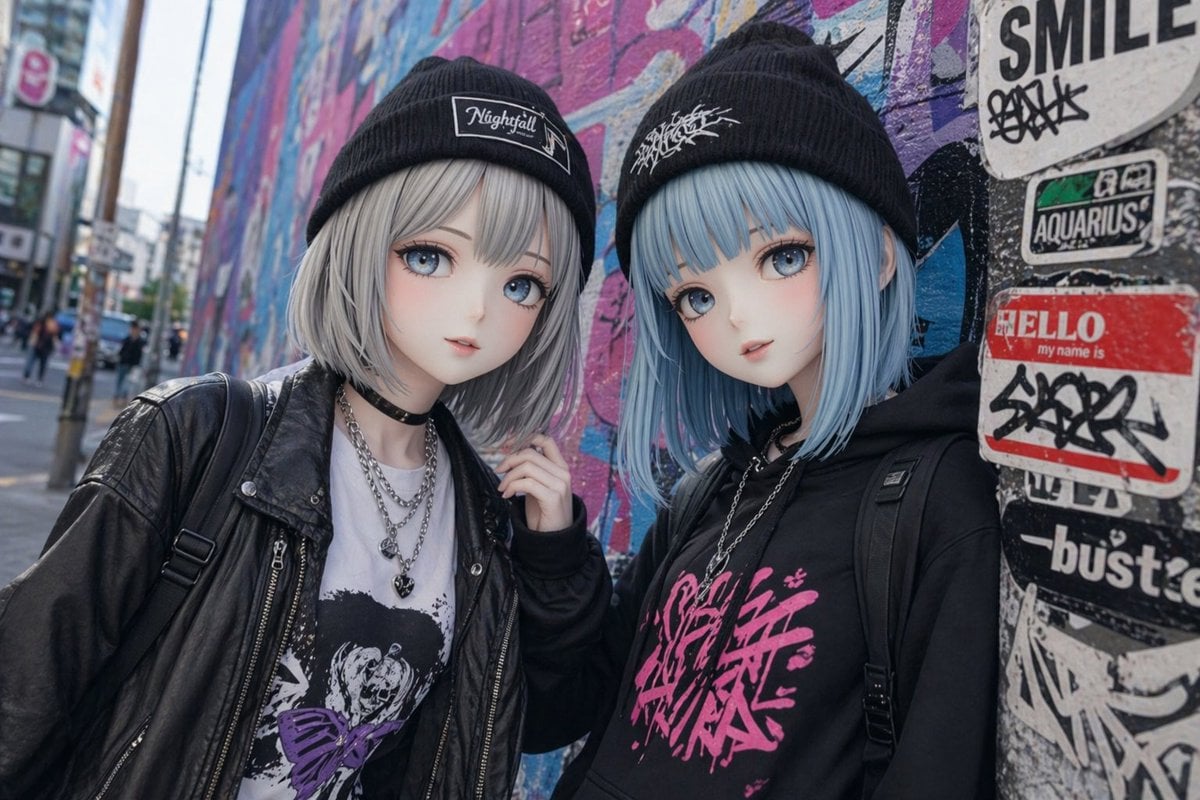
Kawaii Street Fashion Duo Portrait
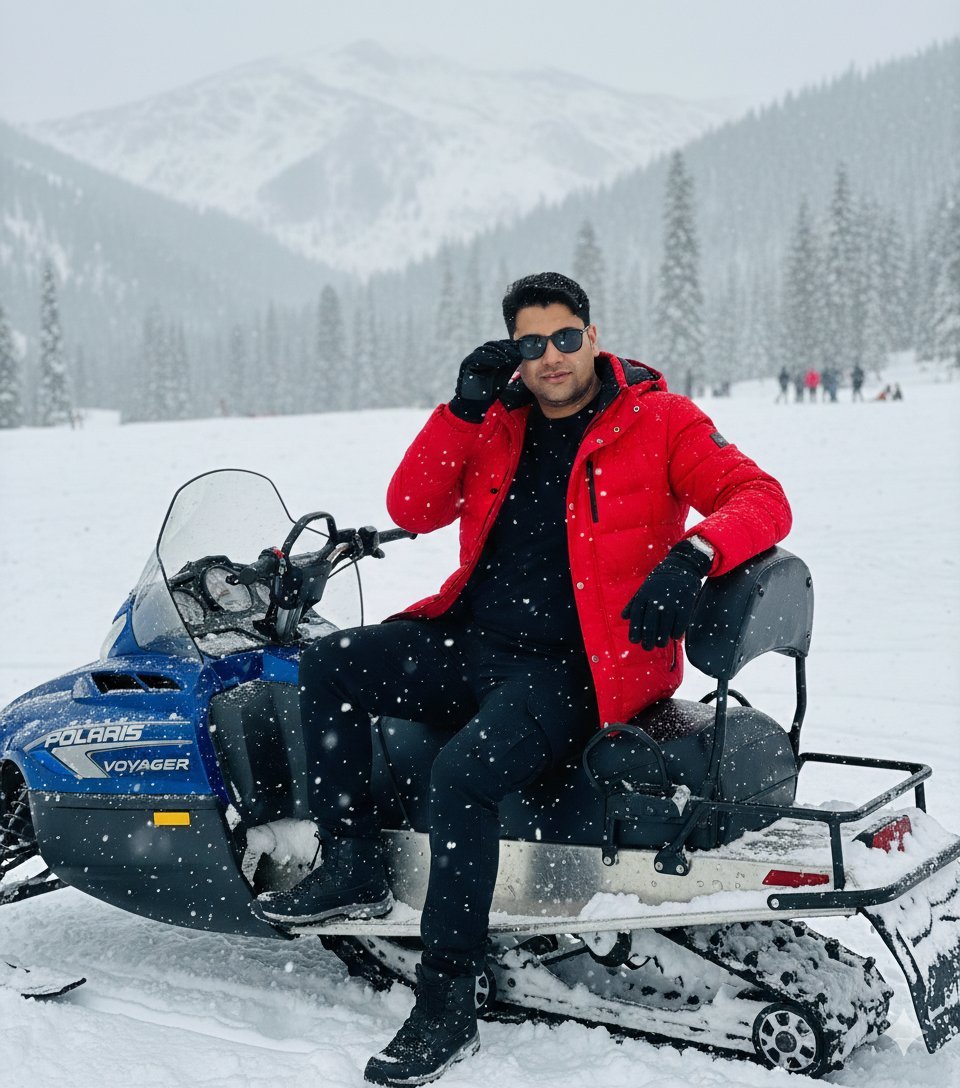
Snowy Locations Views Winter Special

Miniature Self Portrait Collage

Two Tickets, One Night

Found Photograph: Us, 1970

Meet Me When It Rains
Make it yours
Cozy Winter Street Fashion Portrait Prompt works as-is. These are the safest ways to change it without losing the look.
Change one field
Copy a single group, rewrite it, and generate again so you can see what that field is doing.
Keep the frame, change the subject
Hold the composition and light of Cozy Winter Street Fashion Portrait Prompt, then swap wardrobe, props or the person for a new take.
| If the result… | Why | Fix |
|---|---|---|
| The result drifts from the preview | Too many fields changed at once. | Reuse Cozy Winter Street Fashion Portrait Prompt as-is first, then change one group — subject, light, or setting. |
| The model over-stylizes the scene | The prose prompt leaves finish and camera underspecified. | Add one camera or lighting sentence and stay on Nano Banana 2. |
More Nano Banana 2 templates
Other prompts made for Nano Banana 2.

Photorealistic Leaf Shaped Like a Dragon

K-Pop Idol Portrait Grid for Rapid Selection

Poetic Rain Forest Portrait During Golden Hour

Urban Street Portrait with Cartoon Inner Self Duo

Candid Nighttime Photo with Cat Prompt

High-Concept 3D Diorama Generation Prompt

Cinematic Futuristic Studio Portrait Template

Skincare Editorial Photography Collage Prompt

Hyper-Realistic Commercial Product Photography (Splash Effect)

Hyper-Realistic Nightclub Portrait Prompt
More image prompts
Fresh picks from across the catalog.

Moon Kanji Lakeside Night
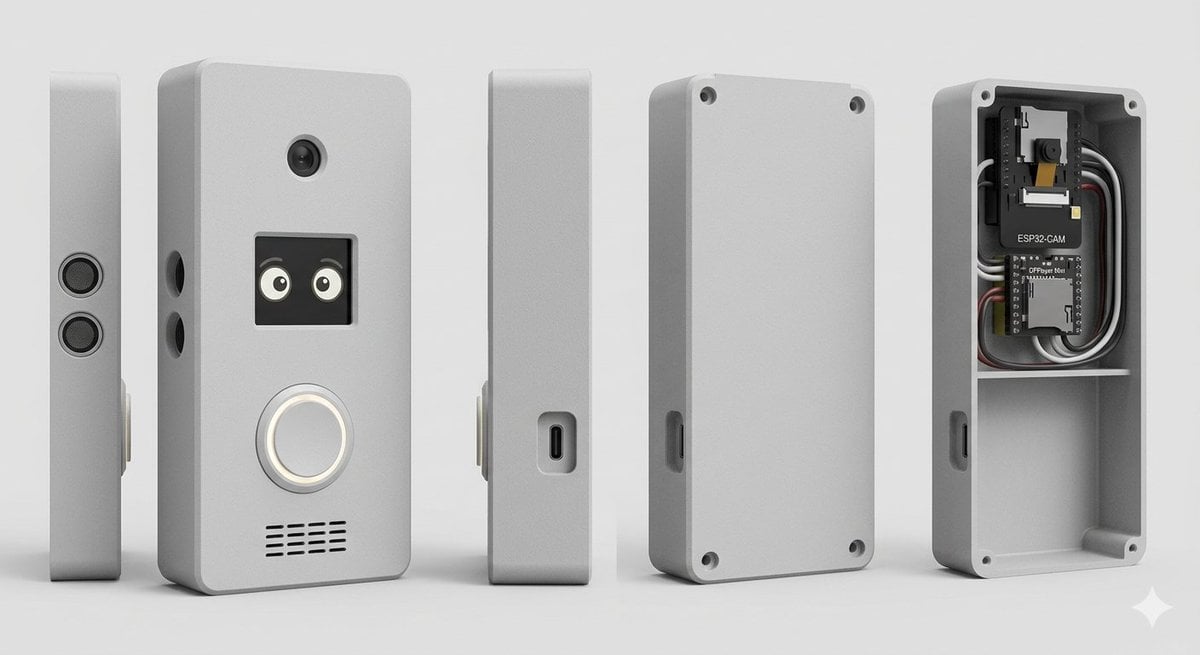
Smart Doorbell Enclosure Product Render
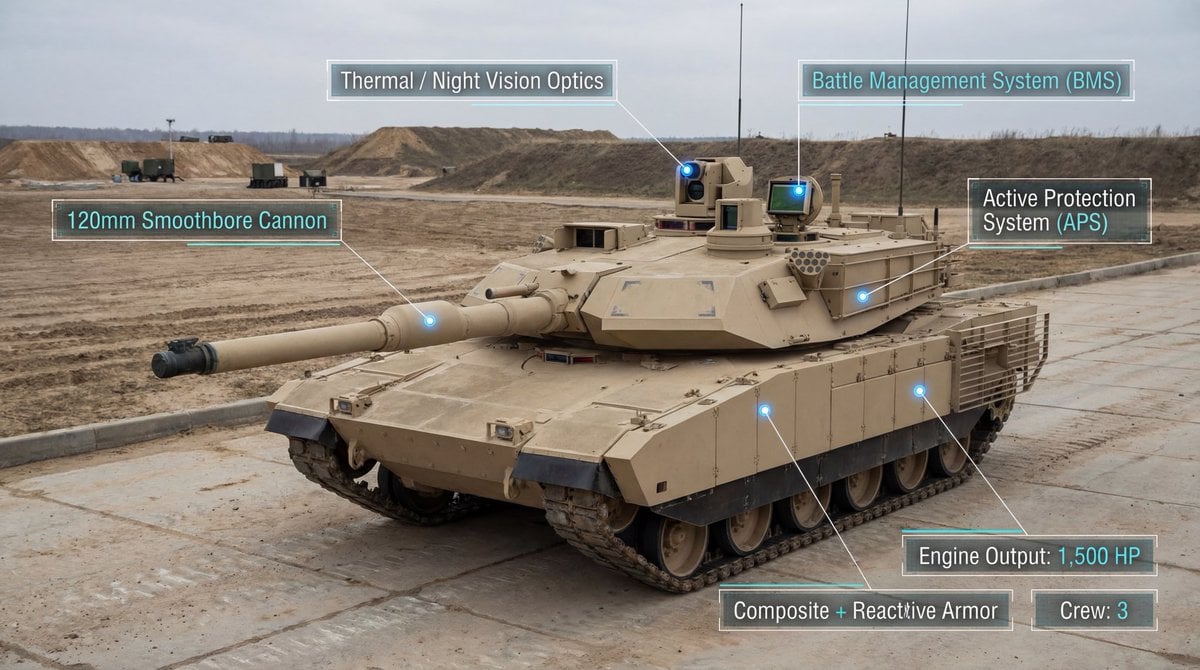
Modern Combat Tank Infographic Prompt
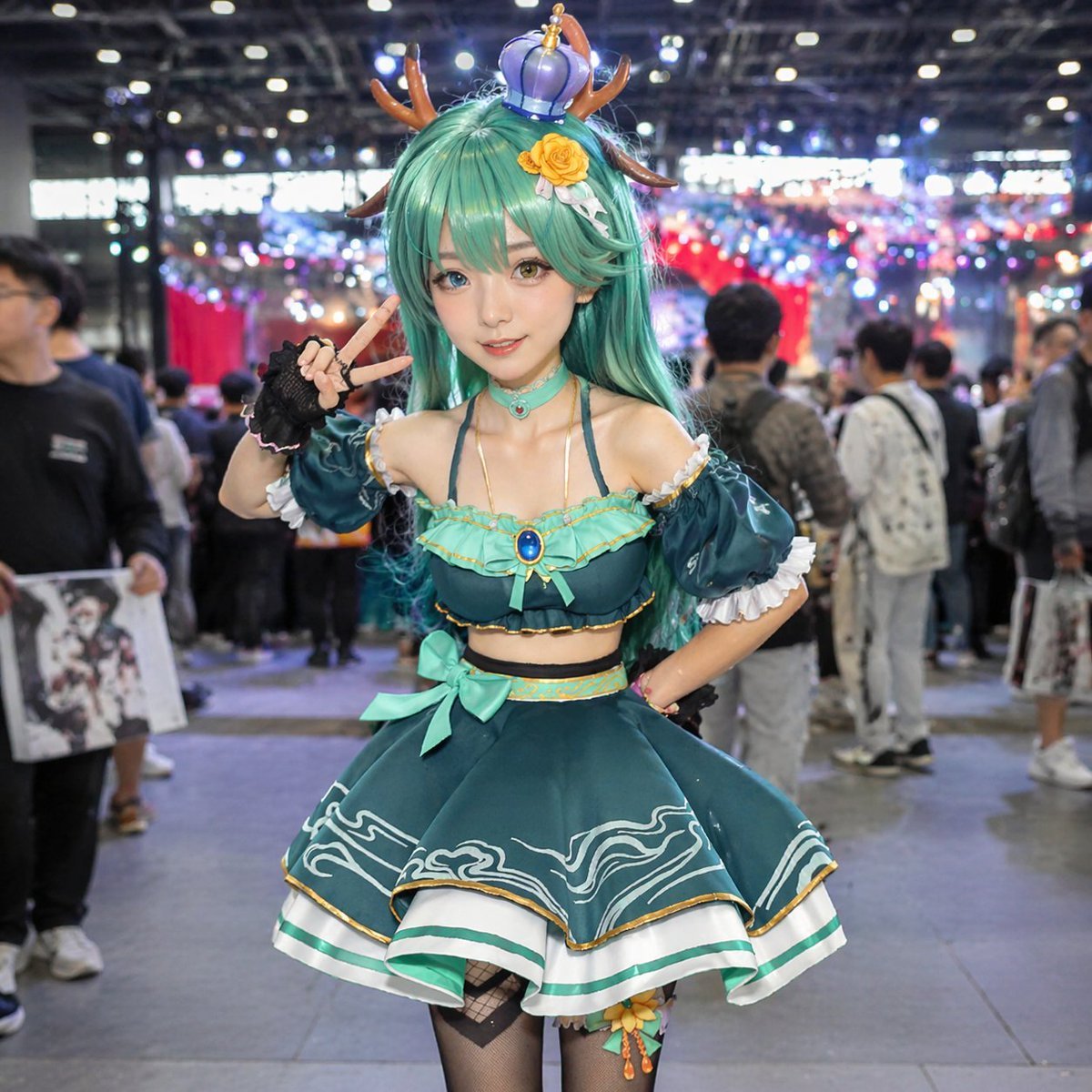
Cosplayer Portrait at Convention
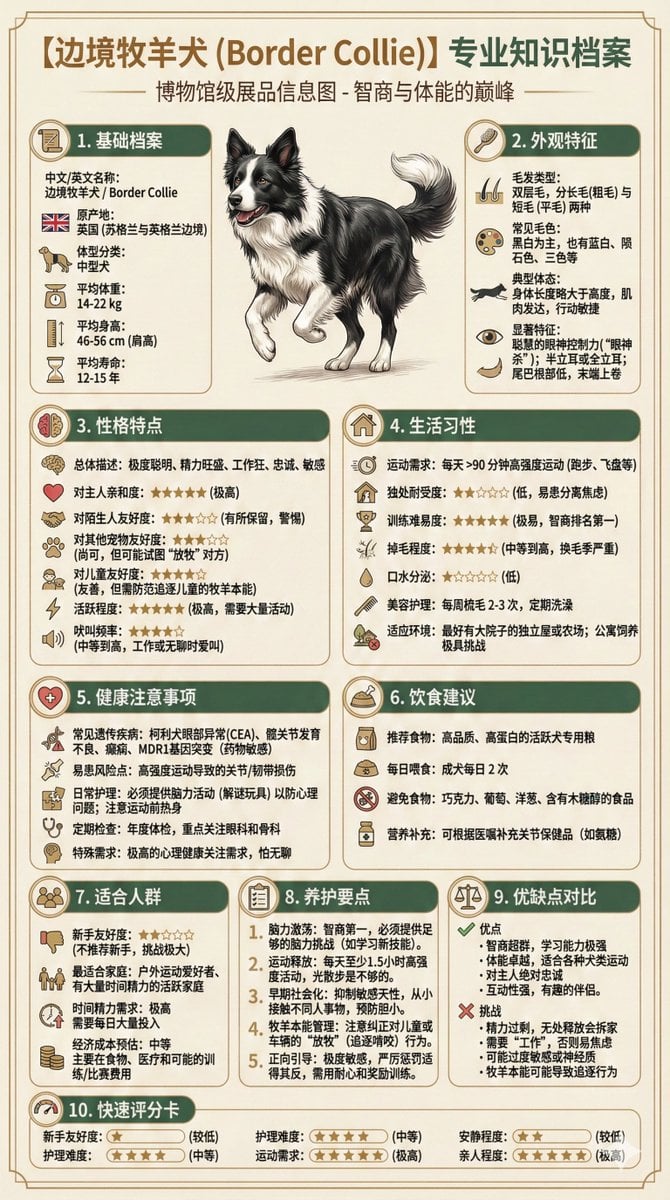
Universal Pet Feeding Guide Generator
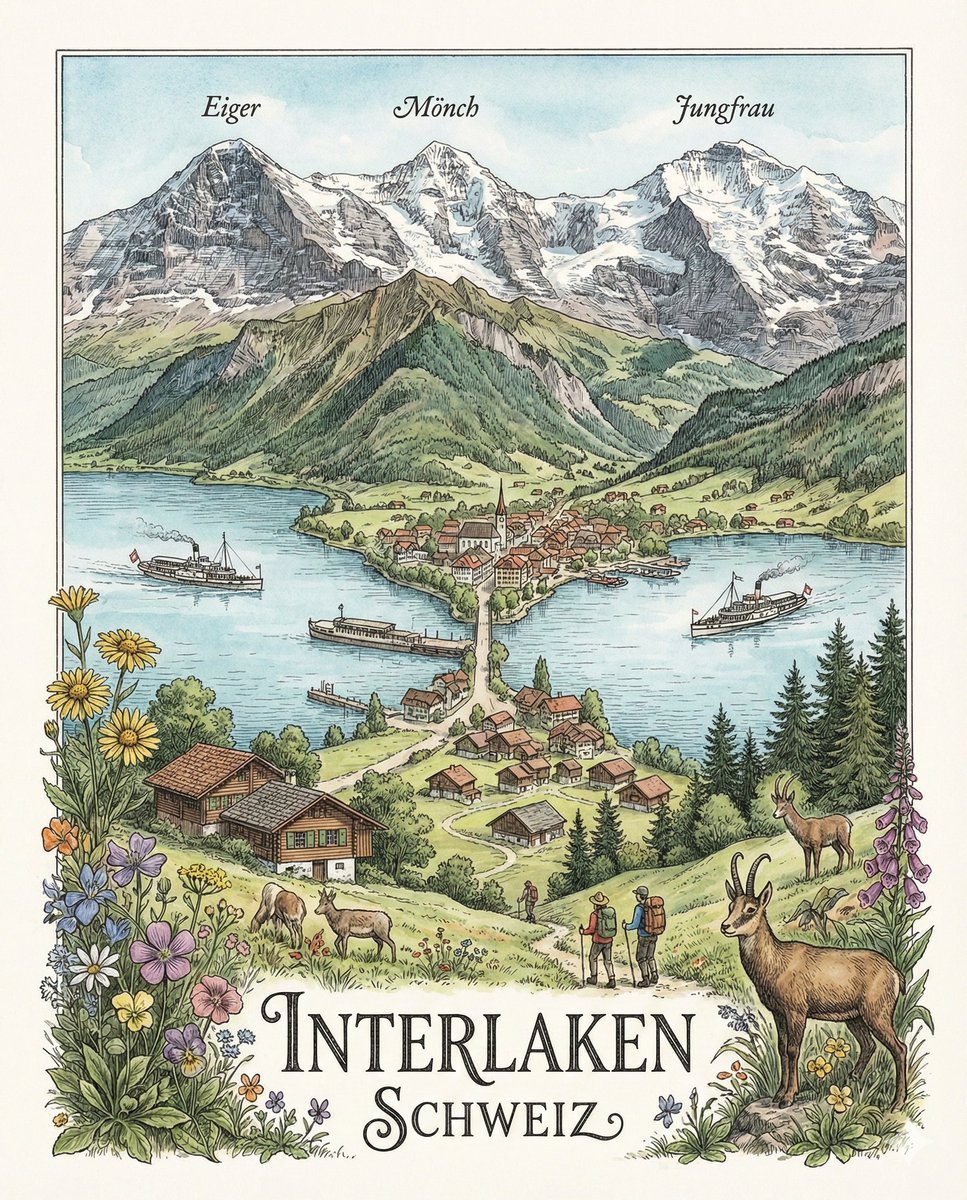
Geographically Accurate Precision Illustration of Interlaken, Switzerland
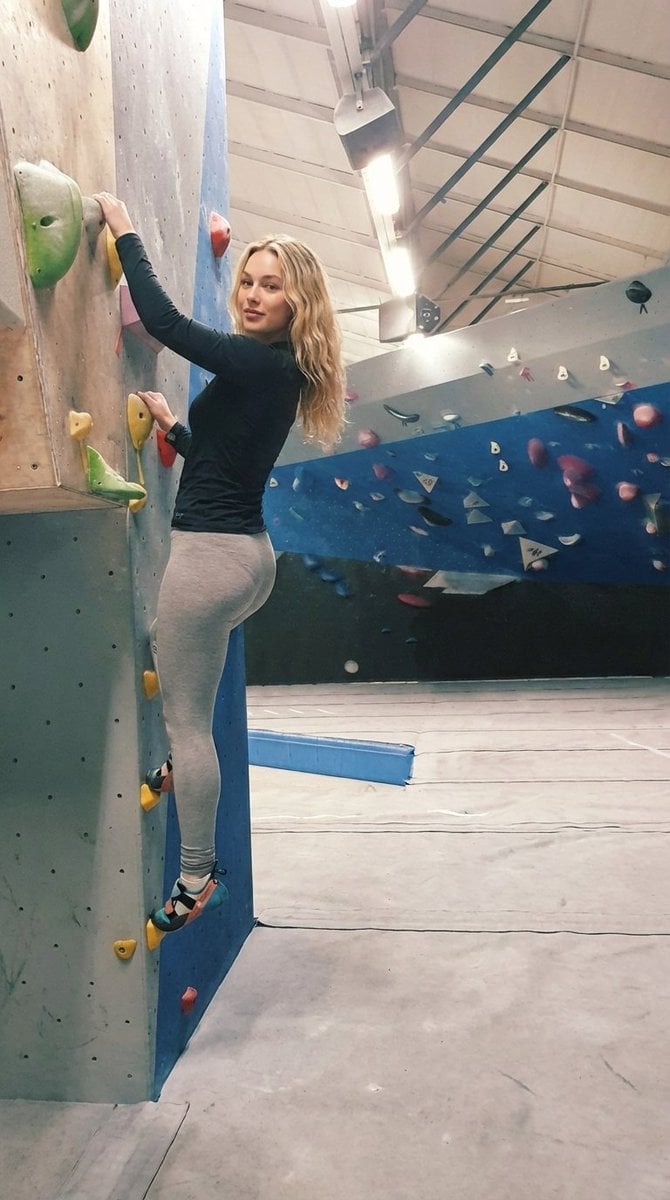
Detailed Image Prompt for Sports Lifestyle Photography of Indoor Bouldering
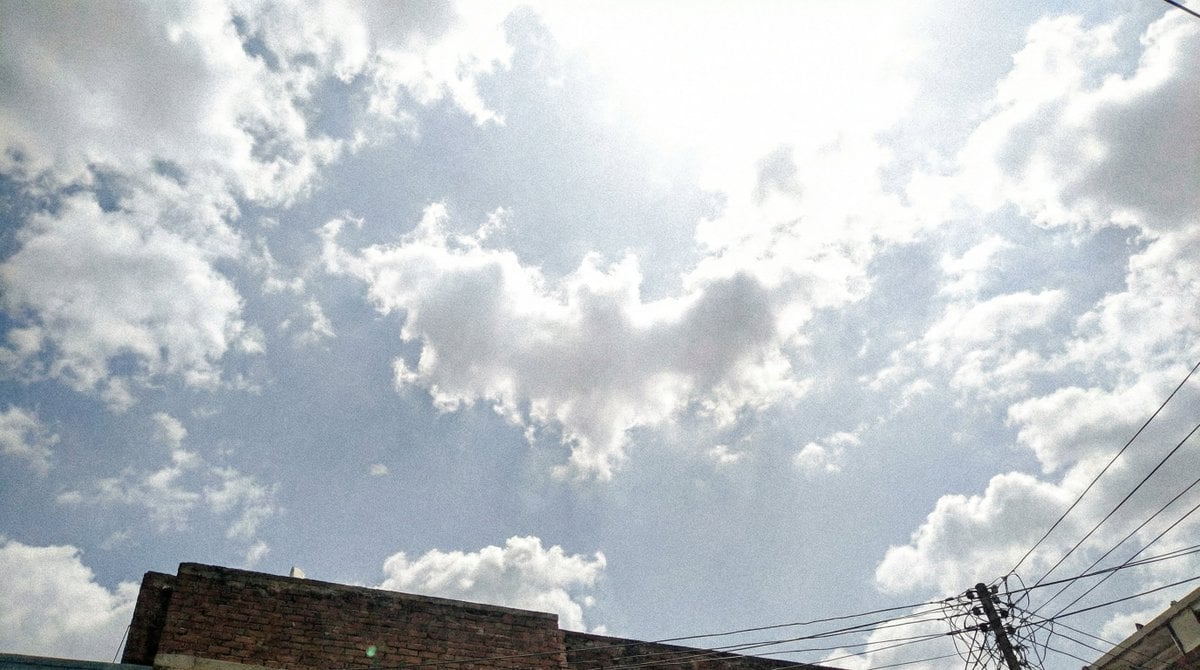
Cloud Pareidolia Smartphone Snapshot
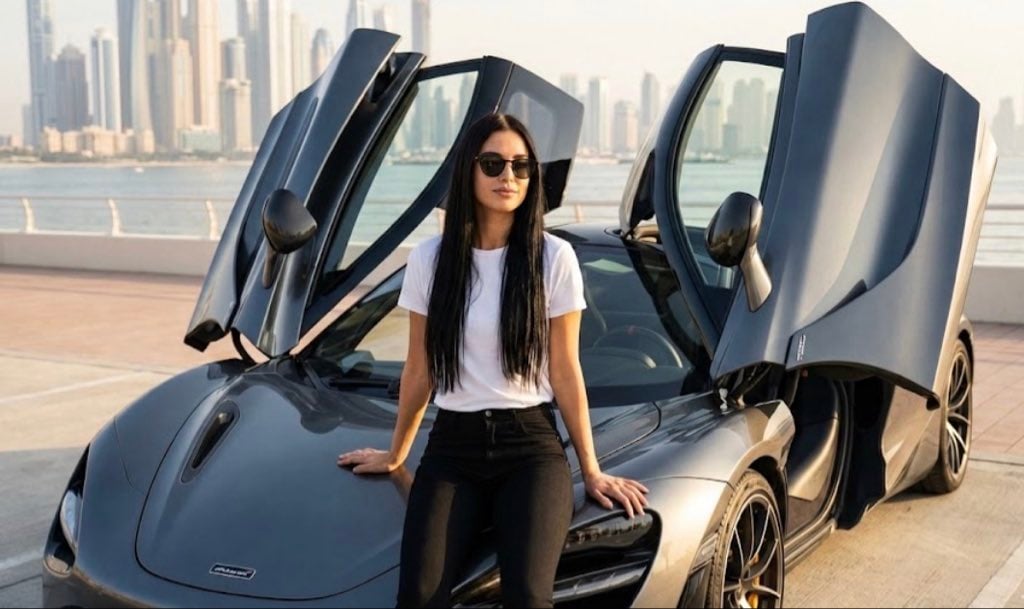
Ultra Realistic McLaren Supercar Portrait Prompt
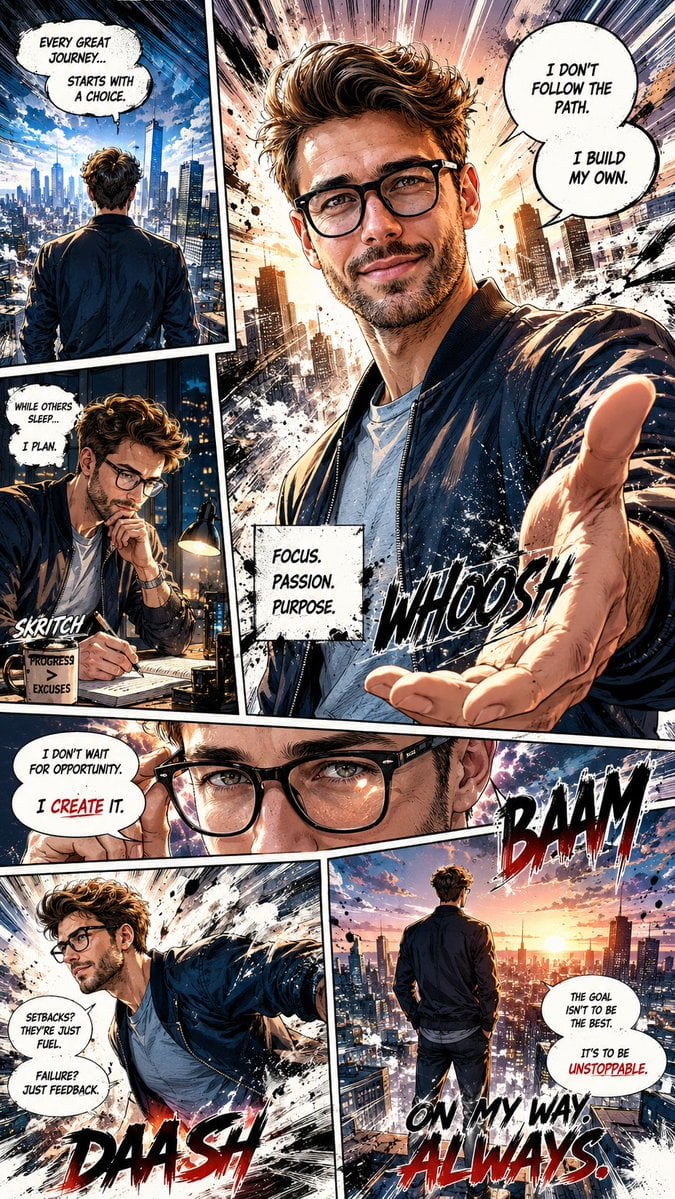
Dynamic Manga Page Illustration
Browse template categories
Cozy Winter Street Fashion Portrait Prompt questions
How do I use the Cozy Winter Street Fashion Portrait Prompt template?
Add your photo if the template asks for one, edit the prompt if you like — the template's model and format are already selected — and press Generate. Your version opens in PicX Studio.
Can I customize the Cozy Winter Street Fashion Portrait Prompt template?
Yes. You can change the subject, setting, lighting, mood, format, and available model controls before creating your image.
Is the Cozy Winter Street Fashion Portrait Prompt template free?
Opening and editing this template is free. Generating uses credits, shown on the Generate button when you are signed in.
Which AI model should I use?
Start with Nano Banana 2, which is the model associated with this template. You can compare another compatible model for a different finish.
Looking for something else? Browse all templates.

Your photo, any look
Thousands of ready templates for every top image and video model, from one credit balance.