
Neon Butterfly Fairy Dancer
A vivid vertical anime fantasy illustration prompt for creating a radiant fairy dancer engulfed in glowing butterflies, flowers, and prismatic magical light.
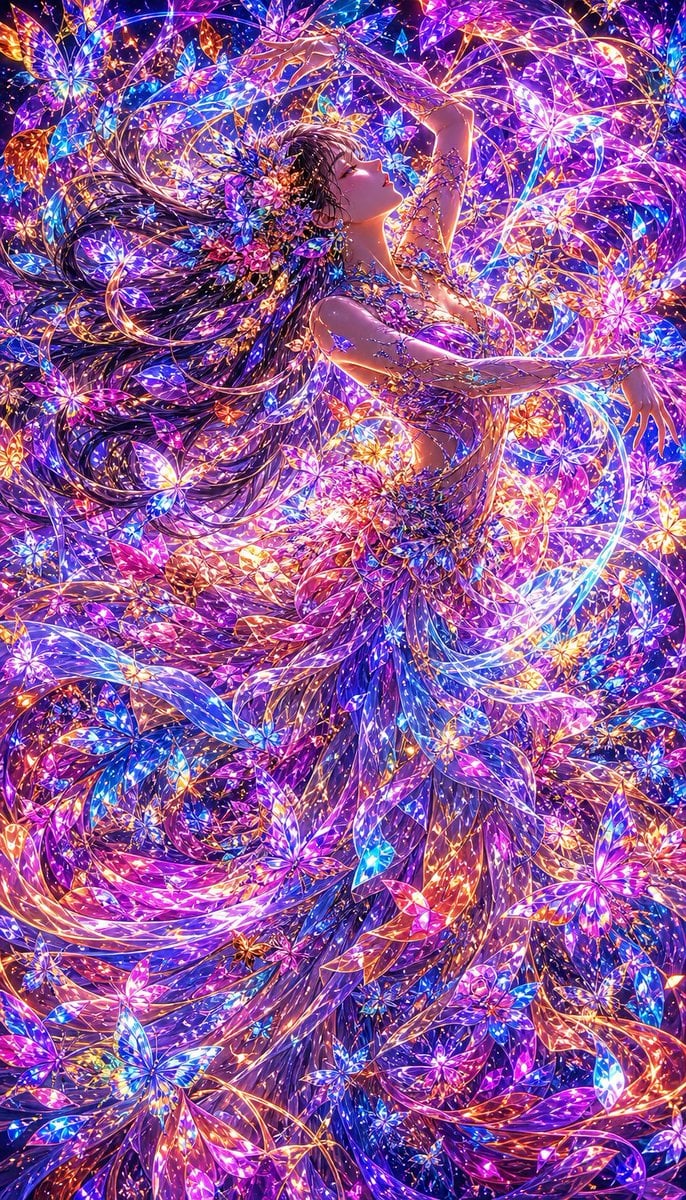
- Prompt included
- Model and format preset
- Free template
The prompt behind this image
Copy the exact prompt behind Neon Butterfly Fairy Dancer, or open it in the studio and make it yours.
Create a vertical 2:3 ultra-detailed anime fantasy illustration of one ethereal dancing woman surrounded by a dense storm of luminous crystal butterflies, flower petals, and magical light trails. The single female subject has {argument name="hair color" default="long flowing dark brown hair"} streaming dramatically to the left, a serene upward-facing profile, closed or half-closed eyes, and a graceful arched pose with both arms extended above and outward as if floating in music. She wears an ornate floral fairy-dancer costume made of countless jewel-like blossoms, translucent petals, vines, and sparkling filigree, with a flowing layered skirt that dissolves into ribbons, butterfly wings, and glowing floral fragments. Fill the entire frame edge to edge with hundreds of radiant butterflies and flower shapes in {argument name="color palette" default="electric violet, magenta, cyan, sapphire blue, gold, orange, and hot pink"}, with swirling circular composition lines wrapping around her body and hair. Use intense neon bioluminescent lighting, glittering highlights, prismatic glass textures, iridescent wings, golden threadlike arcs, star-like sparkles, and maximalist detail. The mood is ecstatic, magical, and dreamlike, like a celestial flower festival or butterfly nebula. Make the image highly polished, sharp, vibrant, and intricate, with no text, no border, no watermark, and no extra characters.
How to use Neon Butterfly Fairy Dancer in 3 steps
- 1Upload ImagePNG, JPG or paste
Add your photo
Upload the photo the template builds on. The prompt, model and format are already set.
- 2…a portrait of your subject in softgolden-hour light, 85mm…
Personalize
Edit the subject and creative details for your destination.
- 3Generate
Generate
Press Generate — your image is created in PicX Studio, so you can compare it with the original and refine one variable at a time.
More like this
Templates with the same subject, style or setup. Open one to see its prompt.
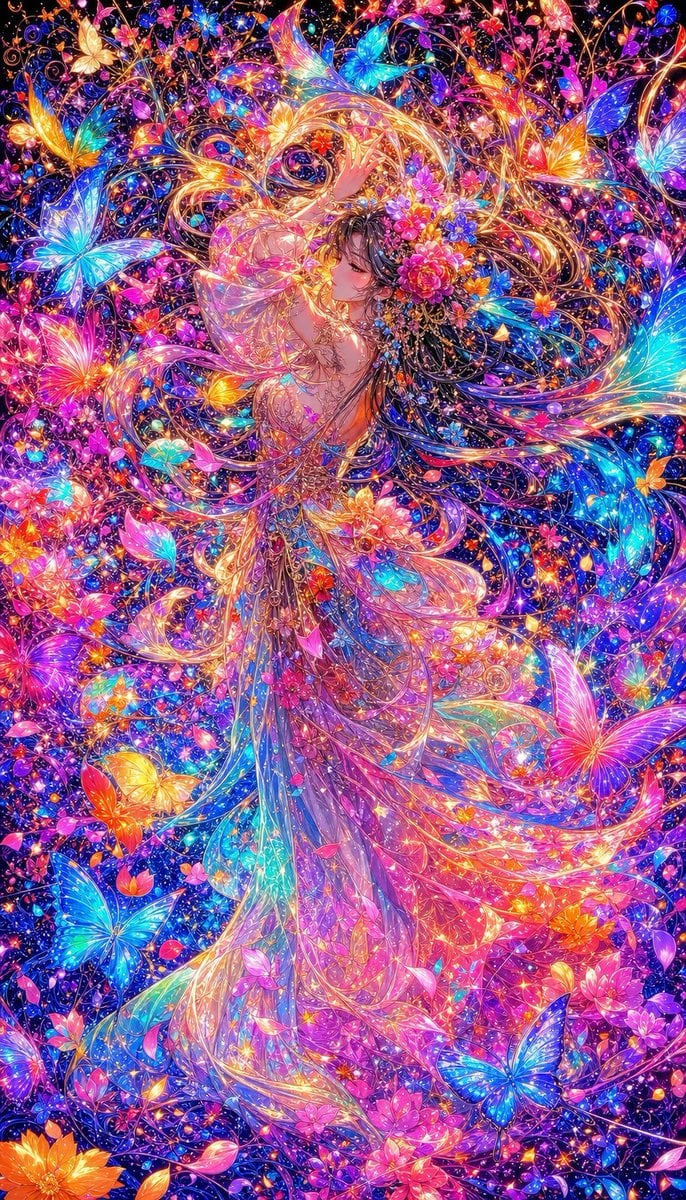
Neon Butterfly Fairy Fantasy

80s Neon Disco Night

Cartoon TV Show Poster Pack

Rainy Night Android Cyberpunk Portrait

Korean Idol Partial Shadow Editorial Portrait

Cyberpunk Neon Profile Fashion Portrait

Neon Night Crosswalk Candid Portrait

Subway Platform Quiet Introspective Portrait
Rainy Night Android Cyberpunk Portrait

Cinematic Sci-Fi Commander Side Profile Portrait
Low-Angle Cyberpunk Neon Profile Portrait

Cinematic Neon Light Strip Studio Portrait
Make it yours
Neon Butterfly Fairy Dancer works as-is. These are the safest ways to change it without losing the look.
Change one field
Copy a single group, rewrite it, and generate again so you can see what that field is doing.
Keep the frame, change the subject
Hold the composition and light of Neon Butterfly Fairy Dancer, then swap wardrobe, props or the person for a new take.
| If the result… | Why | Fix |
|---|---|---|
| The result drifts from the preview | Too many fields changed at once. | Reuse Neon Butterfly Fairy Dancer as-is first, then change one group — subject, light, or setting. |
| The model over-stylizes the scene | The prose prompt leaves finish and camera underspecified. | Add one camera or lighting sentence and stay on GPT Image 2. |
More GPT Image 2 templates
Other prompts made for GPT Image 2.

Six VTuber Japanese Logo Sheet

Realistic Portrait of Woman and Deer

The Vista Modular Condo Poster

AI Model Routing Comparison Infographic

2.5D Anime Art Board

Isometric Productivity Desk Scene

New York Double Exposure Poster

Four-Panel AI Landscape Comparison

Japanese Tatami Lifestyle Magazine Cover

NESCAFÉ Coffee Map Poster
More image prompts
Fresh picks from across the catalog.

Luxury Boat Alpine Lake Editorial Photo Prompt

Four-Season Plush Festival City Grid
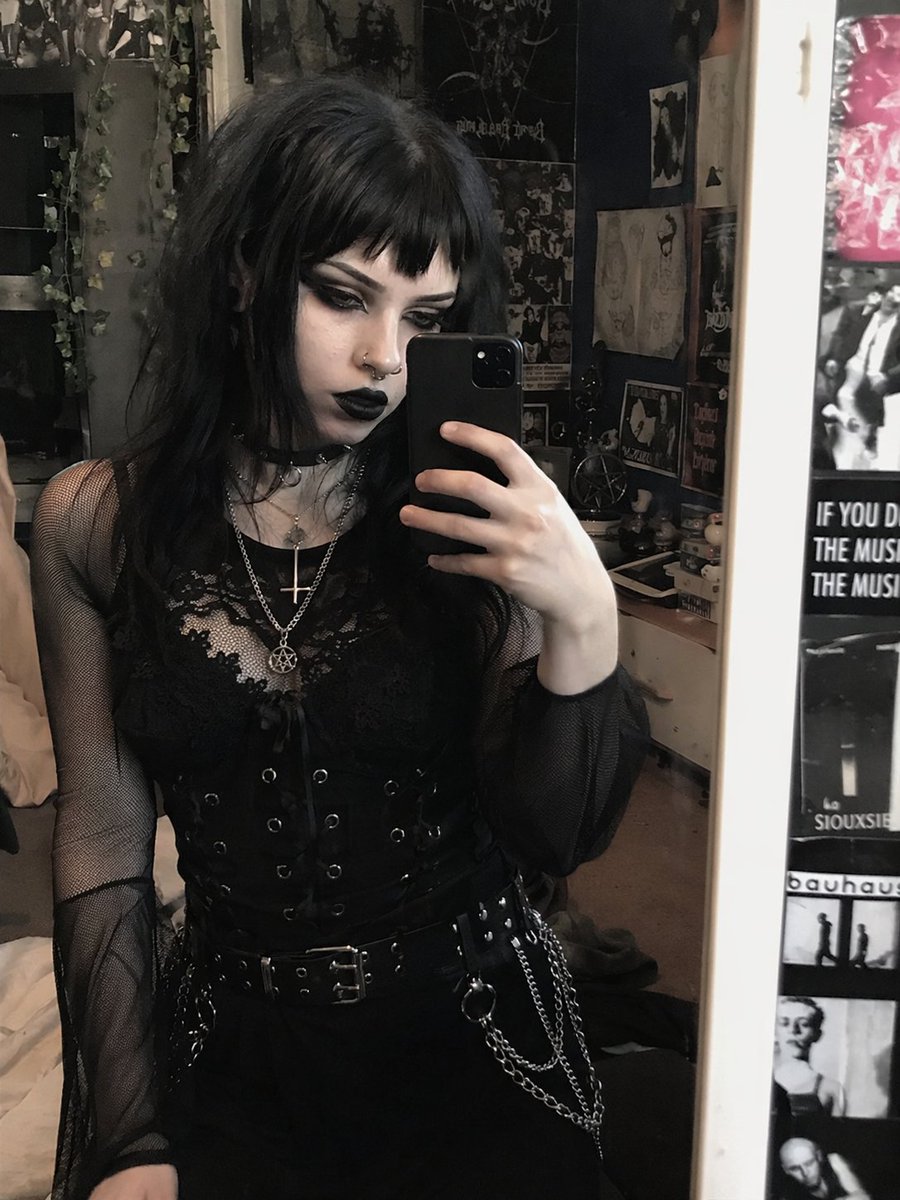
Goth Style Transformation
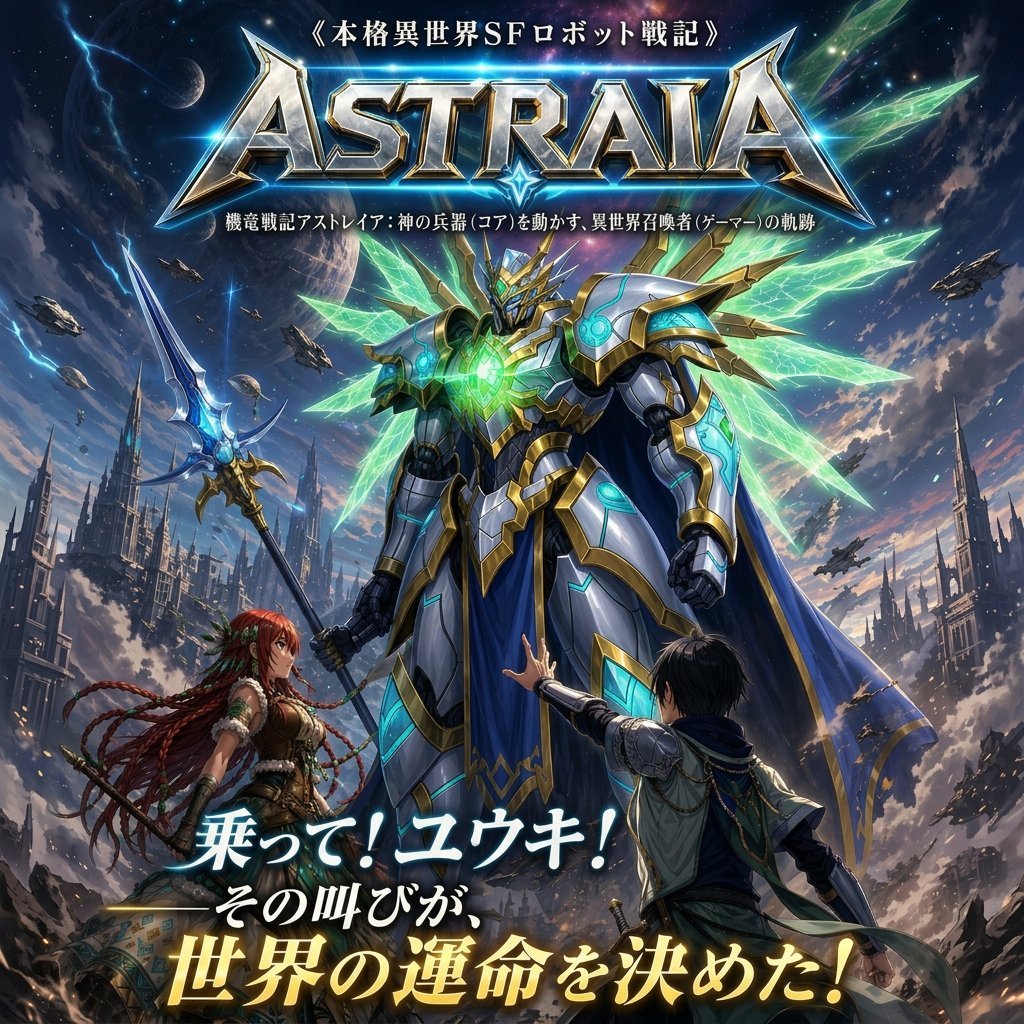
Epic Fantasy Mecha Light Novel Cover
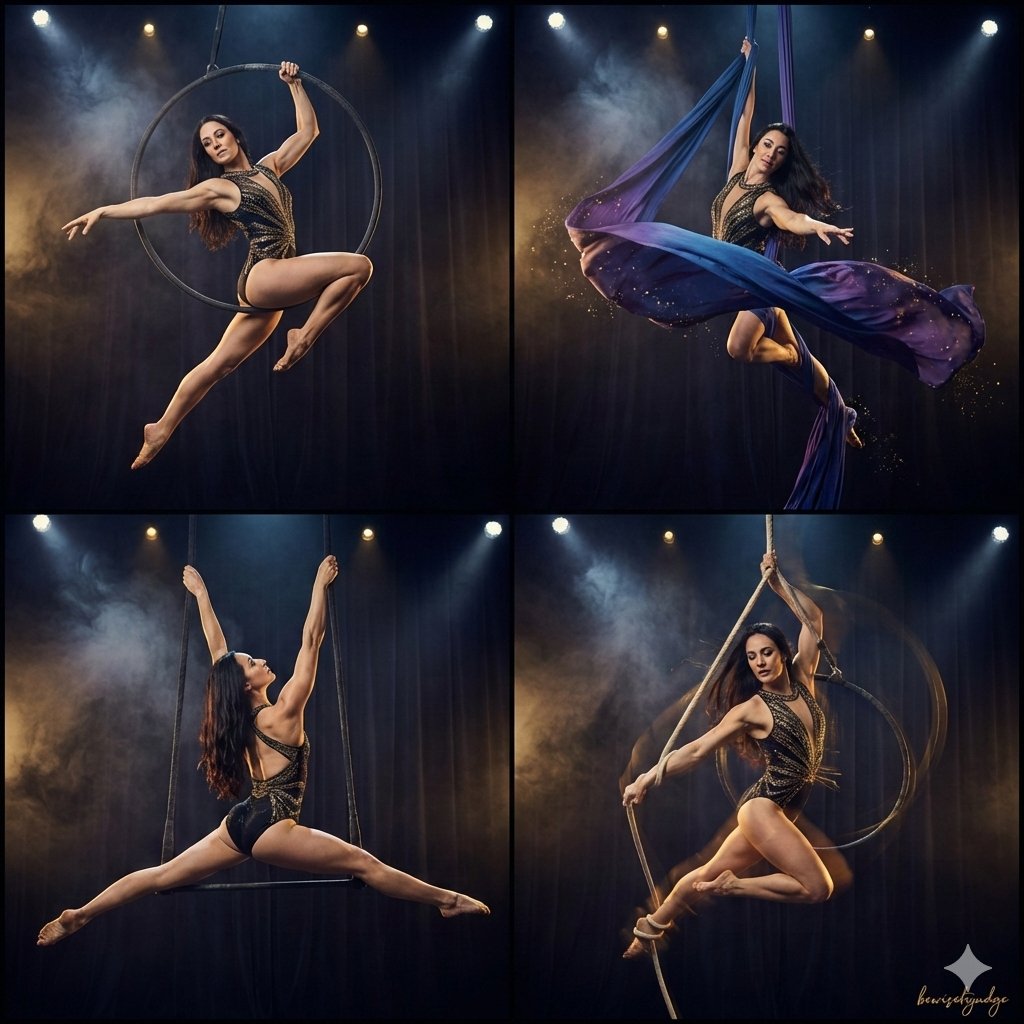
Four-Panel Aerial Circus Composition
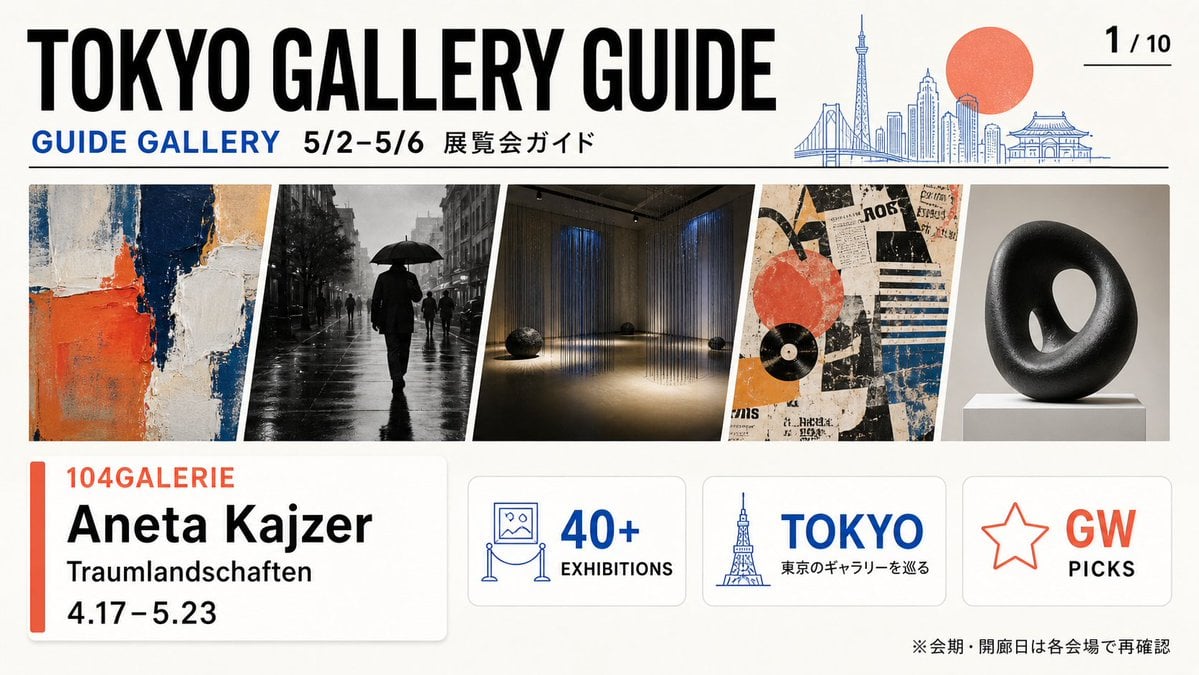
Tokyo Gallery Guide Brochure
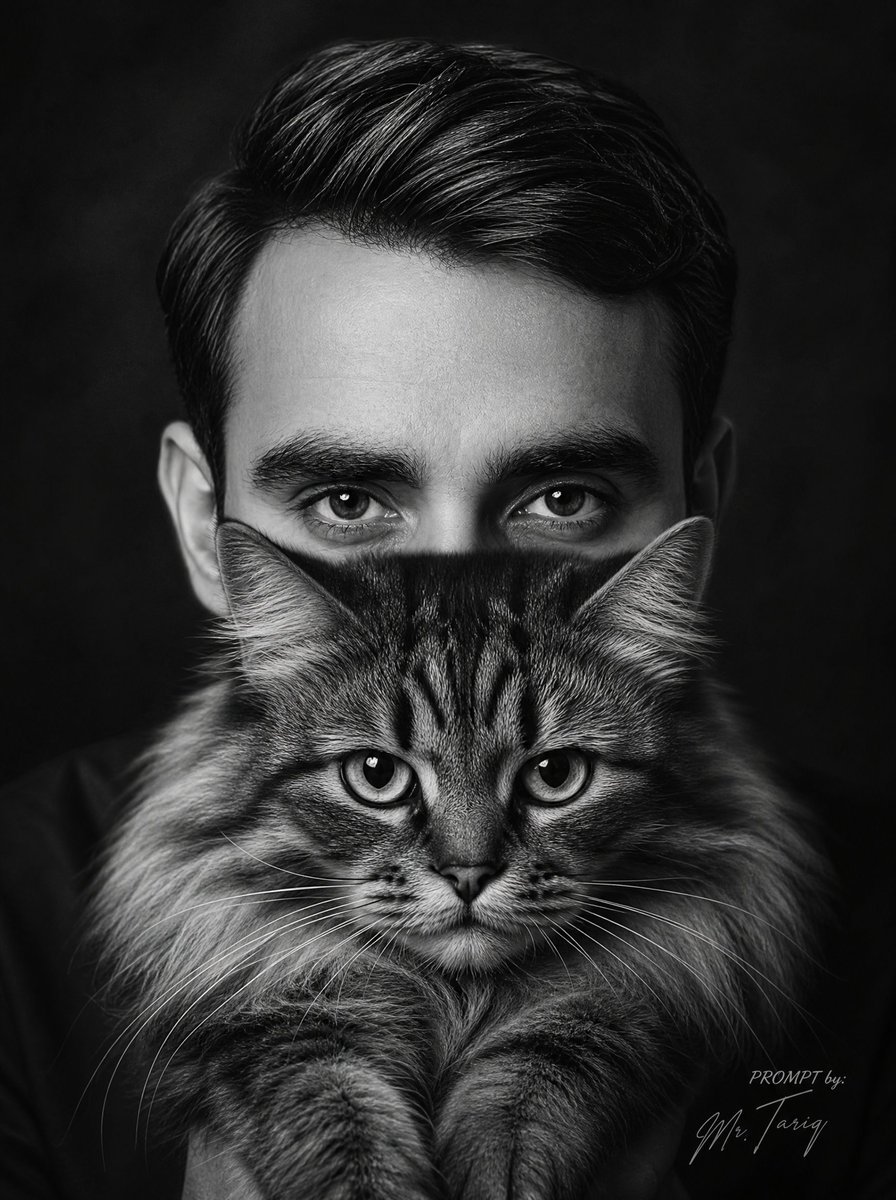
Monochrome Man Holding Cat Portrait
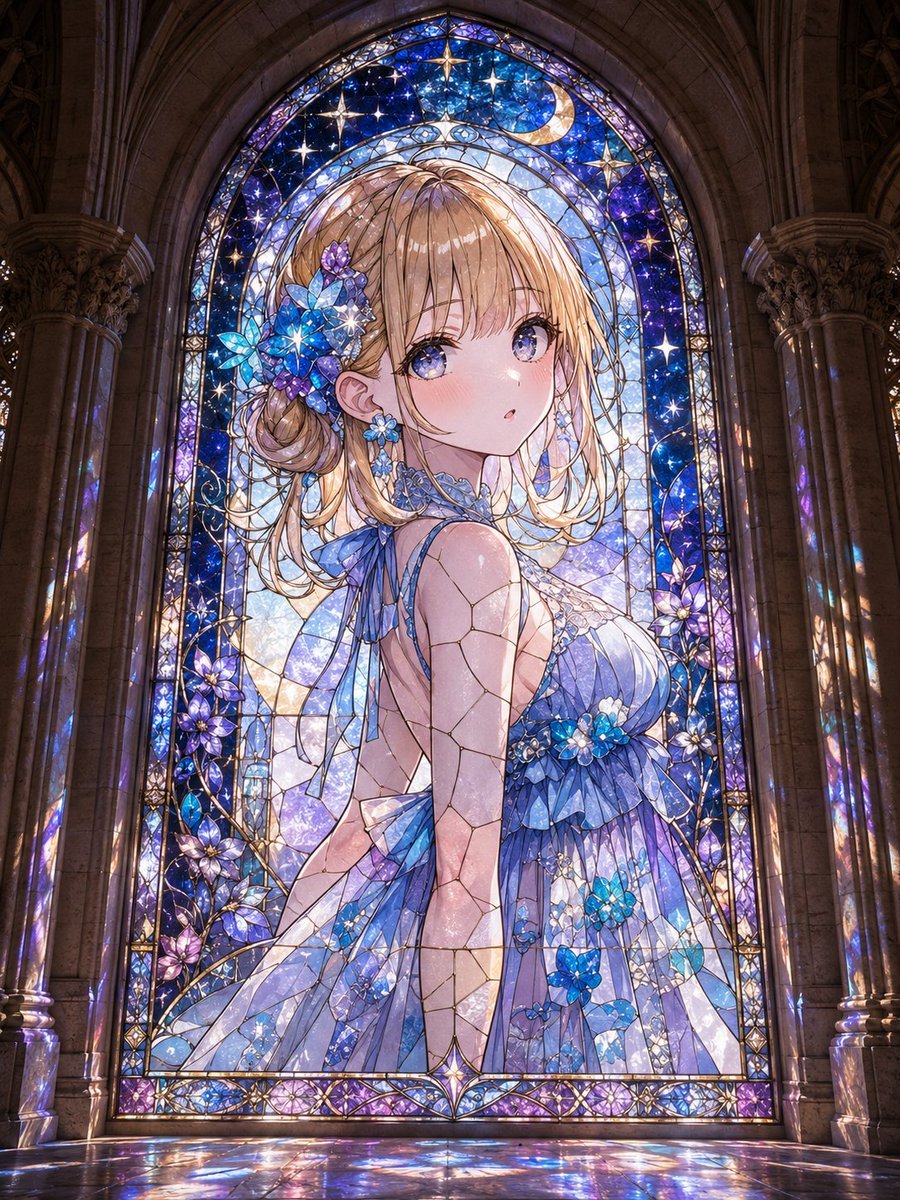
Anime Girl Stained Glass Chapel
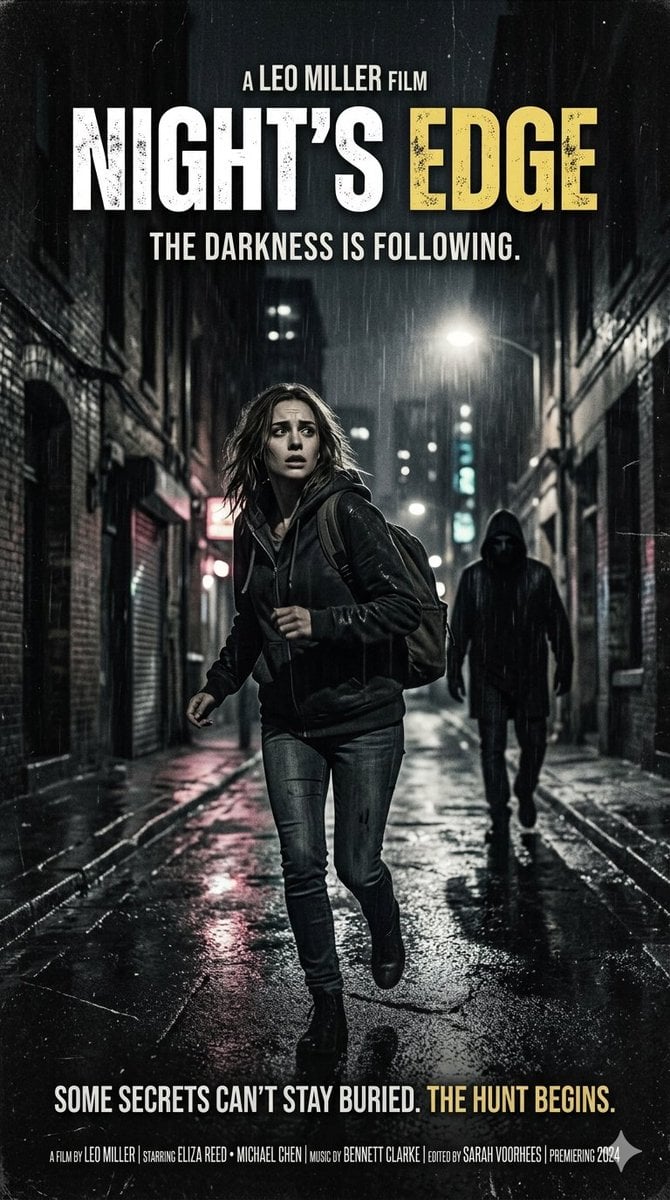
Neo-noir psychological thriller movie poster
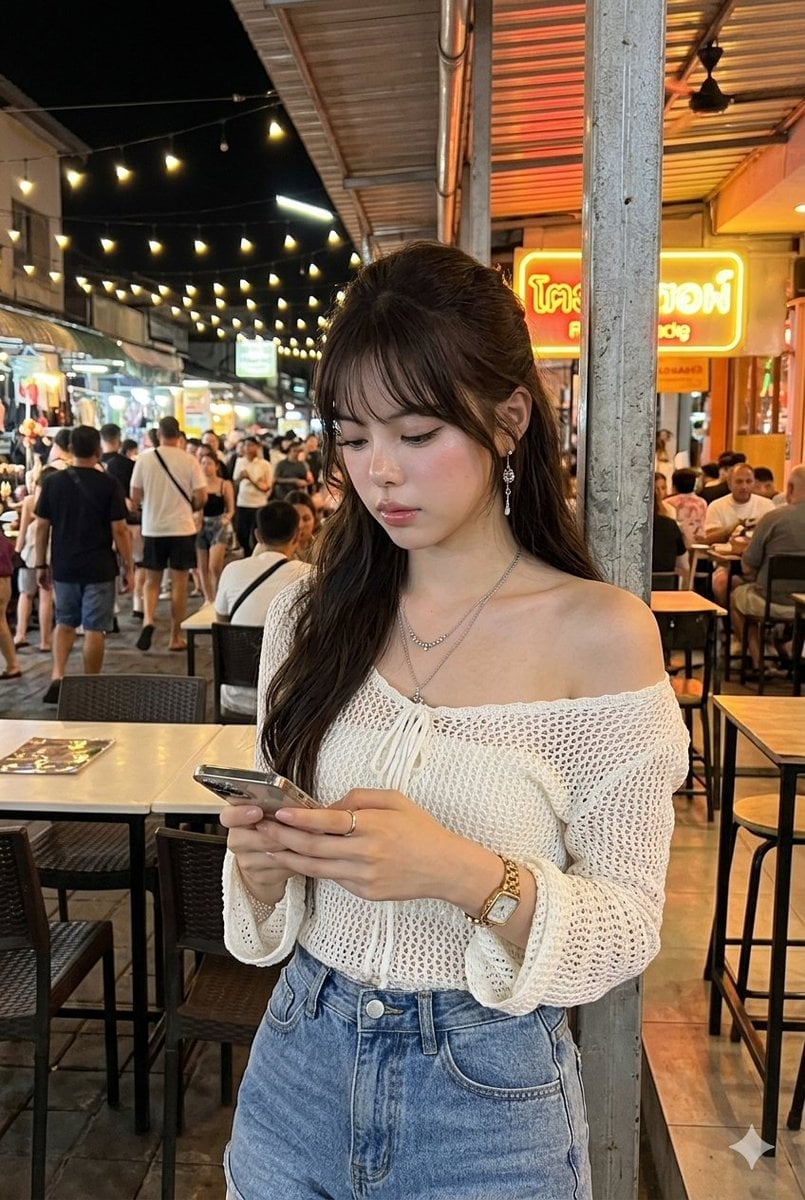
Tropical Night Market Portrait
Browse template categories
Neon Butterfly Fairy Dancer questions
How do I use the Neon Butterfly Fairy Dancer template?
Add your photo if the template asks for one, edit the prompt if you like — the template's model and format are already selected — and press Generate. Your version opens in PicX Studio.
Can I customize the Neon Butterfly Fairy Dancer template?
Yes. You can change the subject, setting, lighting, mood, format, and available model controls before creating your image.
Is the Neon Butterfly Fairy Dancer template free?
Opening and editing this template is free. Generating uses credits, shown on the Generate button when you are signed in.
Which AI model should I use?
Start with GPT Image 2, which is the model associated with this template. You can compare another compatible model for a different finish.
Looking for something else? Browse all templates.

Your photo, any look
Thousands of ready templates for every top image and video model, from one credit balance.