
Neon Butterfly Fairy Fantasy
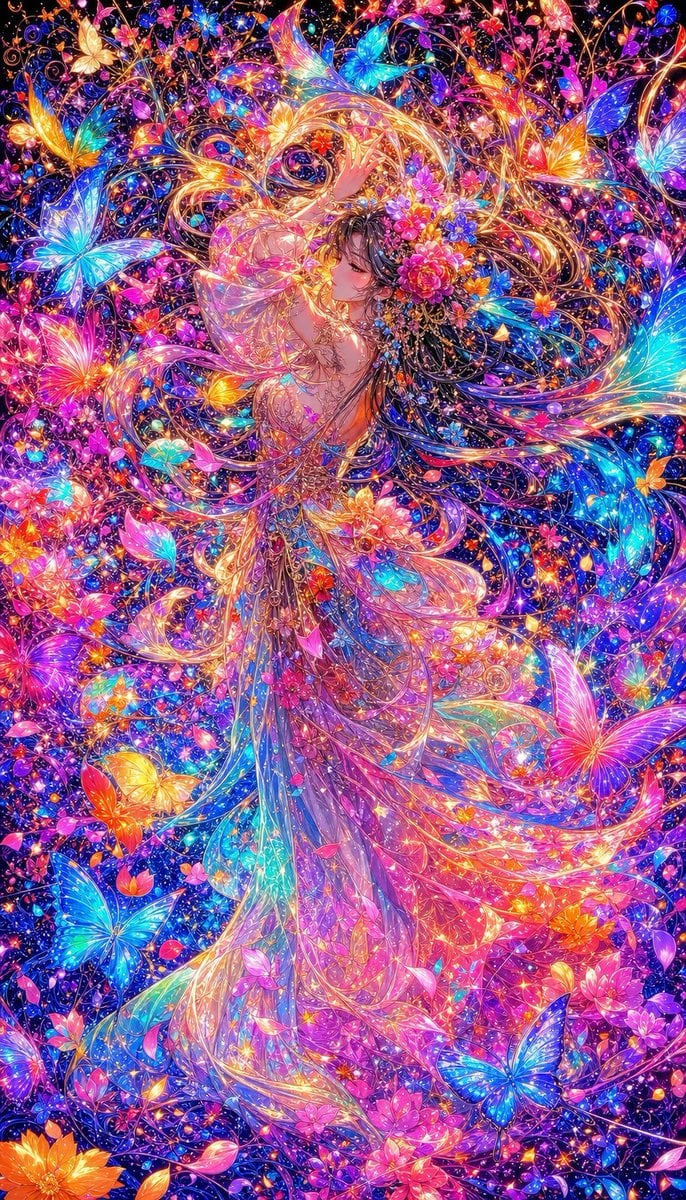
A richly detailed vertical anime fantasy illustration of an iridescent fairy princess surrounded by glowing butterflies, flowers, vines, and cosmic sparkle.
- Prompt included
- Model and format preset
- Premium template
The prompt behind this image
Copy the exact prompt behind Neon Butterfly Fairy Fantasy, or open it in the studio and make it yours.
Create an ultra-detailed vertical fantasy anime illustration of {argument name="character name" default="an elegant faceless fairy princess"} standing full body in the center, surrounded by an overwhelming luminous garden of butterflies, flowers, vines, and stardust. The composition is extremely dense and maximalist, with no empty space: a dark midnight-blue cosmic background is filled edge to edge with glowing floral filigree, sparkling particles, gem-like petals, curling golden tendrils, and neon light trails. The character wears a long translucent flowing gown made of layered glassy petals and iridescent ribbons, with a sweeping train that curves from the lower center toward the right, blending into the flower field. Her hair and dress stream upward and outward in large ornate swirls, creating a halo-like spiral around her head; place a small vertical soft gray-brown rectangular blur over the face so the facial features are obscured. Use {argument name="color palette" default="electric cyan, hot pink, violet, magenta, orange, gold, and deep sapphire blue"} with intense glow, high saturation, glossy highlights, and jewel-like refractions. Include exactly 11 prominent oversized butterflies: one golden butterfly at the upper left, one large cyan butterfly on the left side, one cyan butterfly near the upper center, one orange butterfly at the upper right, one cyan-pink butterfly at the far upper right, one large cyan butterfly on the right edge, one large magenta butterfly at the lower right, one blue butterfly near the lower right, one blue butterfly at the lower left, one orange-yellow butterfly near the lower left, and one pink-yellow butterfly on the mid-left; add many tiny secondary butterflies and petals as background detail. Surround the character with clustered flowers in pink, orange, purple, blue, and red, especially near the chest and along the dress. Style: {argument name="art style" default="premium Japanese AI fantasy illustration, ornate anime, stained-glass iridescence, hyper-detailed digital painting"}. Lighting should be radiant and magical, with thousands of tiny star sparkles and glowing outlines; make the image crisp, intricate, and highly polished. Canvas: vertical 2:3 portrait, full-frame composition, no text, no watermark, no border.
How to use Neon Butterfly Fairy Fantasy in 3 steps
- 1Upload ImagePNG, JPG or paste
Add your photo
Upload the photo the template builds on. The prompt, model and format are already set.
- 2…a portrait of your subject in softgolden-hour light, 85mm…
Personalize
Edit the subject and creative details for your destination.
- 3Generate
Generate
Press Generate — your image is created in PicX Studio, so you can compare it with the original and refine one variable at a time.
More like this
Templates with the same subject, style or setup. Open one to see its prompt.
JSON Seedance - Fairy Macro Flight
Neon Butterfly Fairy Dancer

80s Neon Disco Night

Cartoon TV Show Poster Pack

Rainy Night Android Cyberpunk Portrait

Anime Fantasy Celestial Movie Poster

Korean Idol Partial Shadow Editorial Portrait

Cyberpunk Neon Profile Fashion Portrait

Neon Night Crosswalk Candid Portrait

Subway Platform Quiet Introspective Portrait
Rainy Night Android Cyberpunk Portrait
Anime Fantasy Celestial Movie Poster
Make it yours
Neon Butterfly Fairy Fantasy works as-is. These are the safest ways to change it without losing the look.
Change one field
Copy a single group, rewrite it, and generate again so you can see what that field is doing.
Keep the frame, change the subject
Hold the composition and light of Neon Butterfly Fairy Fantasy, then swap wardrobe, props or the person for a new take.
| If the result… | Why | Fix |
|---|---|---|
| The result drifts from the preview | Too many fields changed at once. | Reuse Neon Butterfly Fairy Fantasy as-is first, then change one group — subject, light, or setting. |
| The model over-stylizes the scene | The prose prompt leaves finish and camera underspecified. | Add one camera or lighting sentence and stay on GPT Image 2. |
More GPT Image 2 templates
Other prompts made for GPT Image 2.

Six VTuber Japanese Logo Sheet

Realistic Portrait of Woman and Deer

The Vista Modular Condo Poster

AI Model Routing Comparison Infographic

2.5D Anime Art Board

Isometric Productivity Desk Scene

New York Double Exposure Poster

Four-Panel AI Landscape Comparison

Japanese Tatami Lifestyle Magazine Cover

NESCAFÉ Coffee Map Poster
More image prompts
Fresh picks from across the catalog.
Premium Commercial Food Photography
Madison Beer Hotel Iphone Flash
Dreamy Lake Triple Portrait
Surreal Conceptual Mind Portrait
Girl in Oversized Tank Top Doing Pushups
High-Fashion Studio Photo Collage Prompt
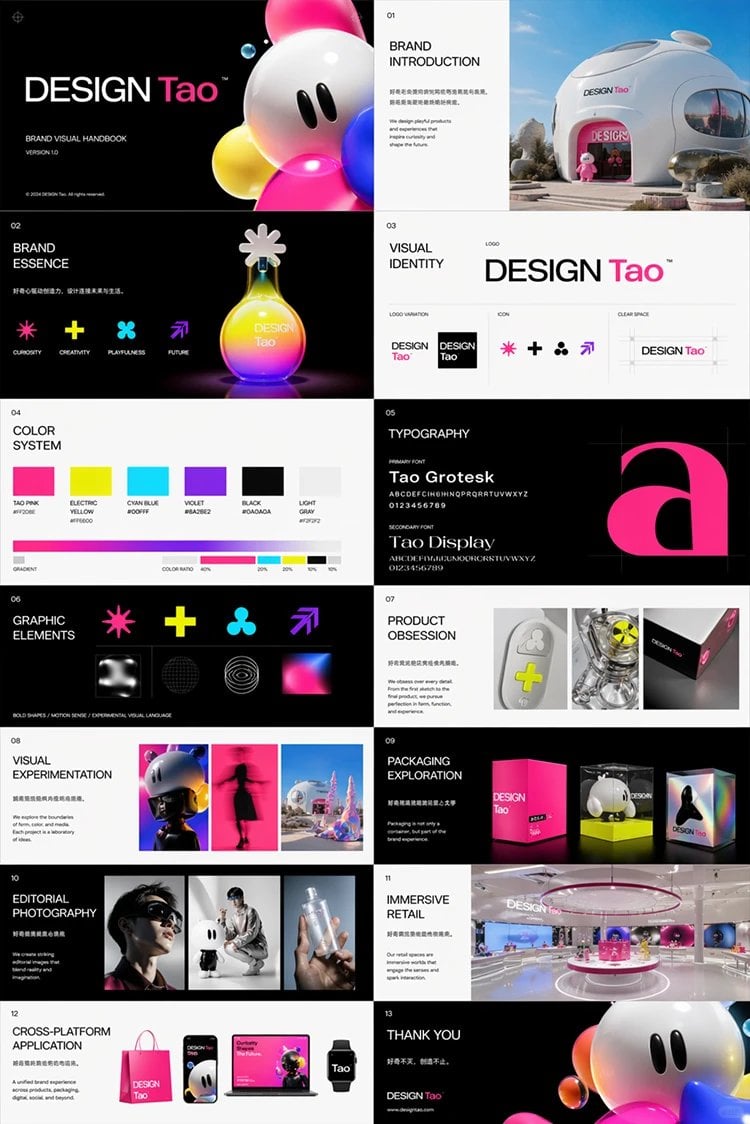
Futuristic Brand Visual Manual
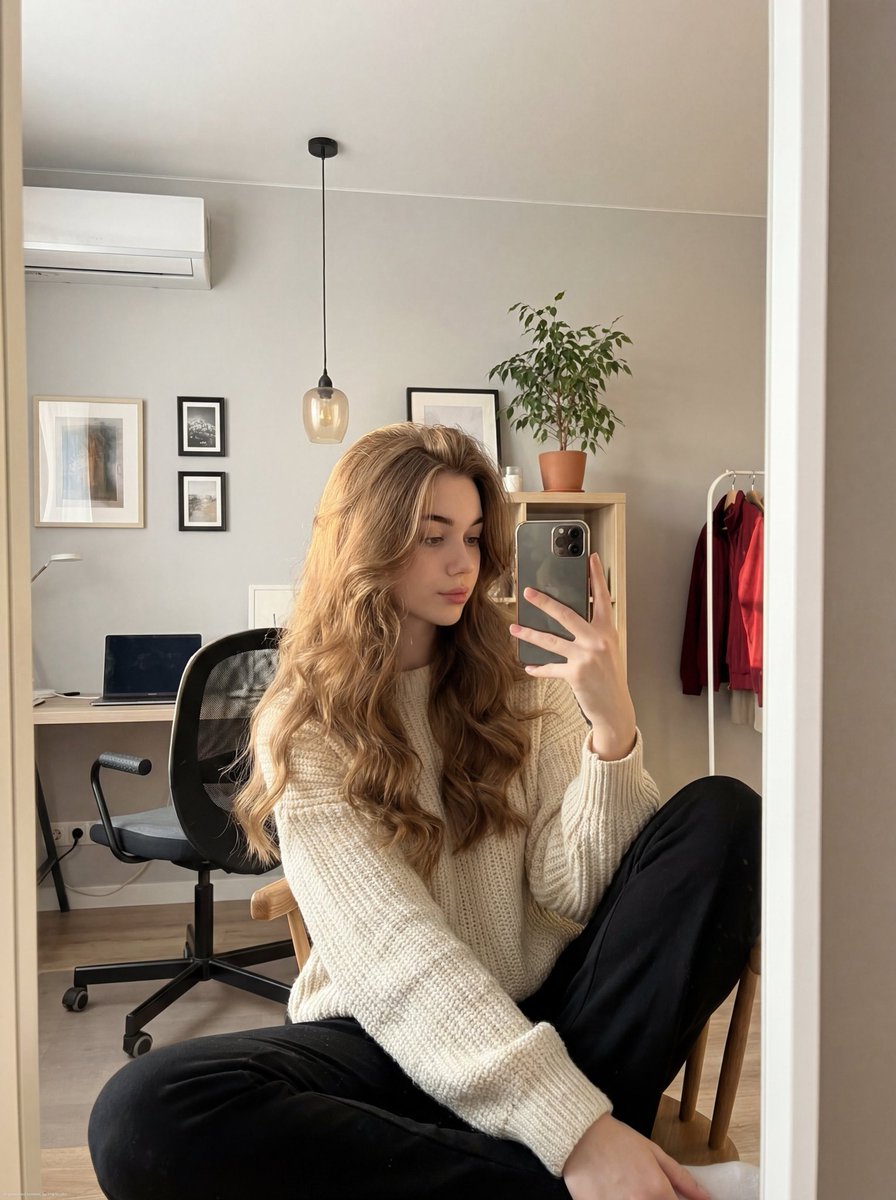
Realistic mirror selfie of a young woman in a cozy cream sweater
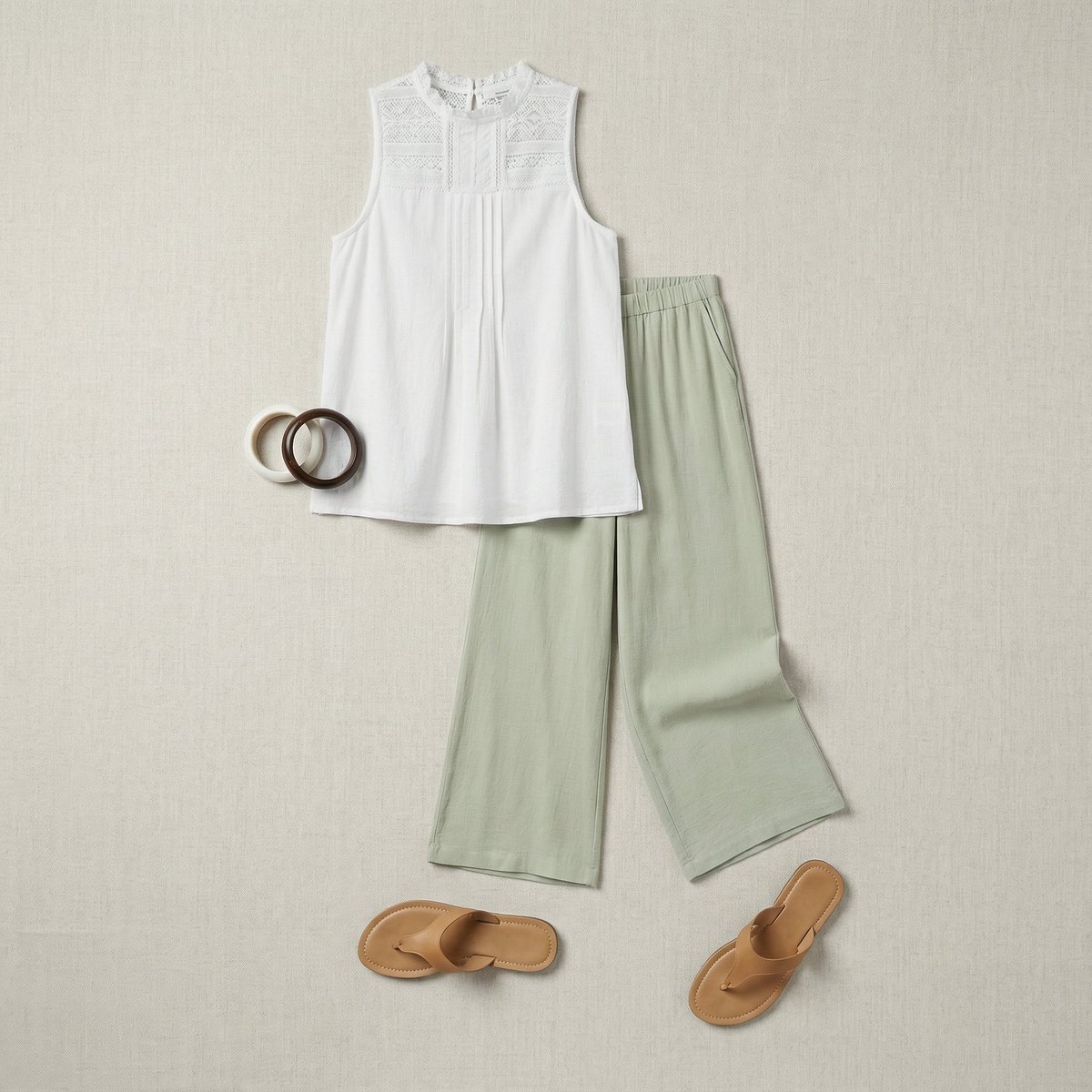
Flat Lay Fashion Editorial Image
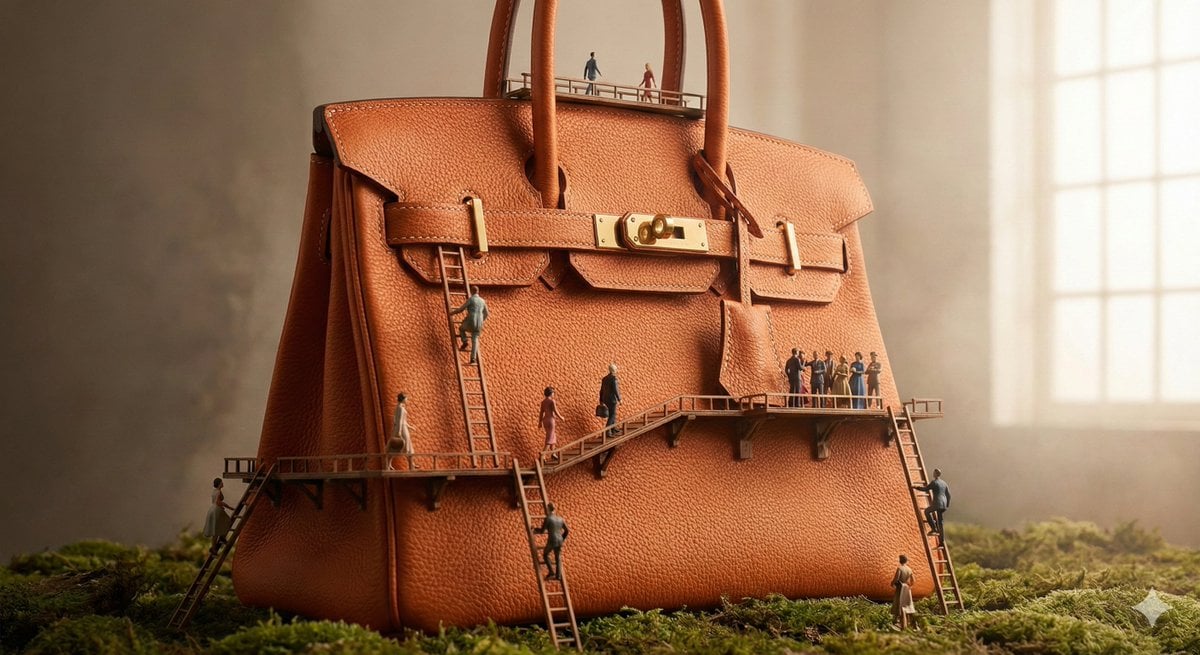
Micro World Discovery Product Photography Prompt
Browse template categories
Neon Butterfly Fairy Fantasy questions
How do I use the Neon Butterfly Fairy Fantasy template?
Add your photo if the template asks for one, edit the prompt if you like — the template's model and format are already selected — and press Generate. Your version opens in PicX Studio.
Can I customize the Neon Butterfly Fairy Fantasy template?
Yes. You can change the subject, setting, lighting, mood, format, and available model controls before creating your image.
Is the Neon Butterfly Fairy Fantasy template free?
Opening and editing this template is free. Generating uses credits, shown on the Generate button when you are signed in.
Which AI model should I use?
Start with GPT Image 2, which is the model associated with this template. You can compare another compatible model for a different finish.
Looking for something else? Browse all templates.

Your photo, any look
Thousands of ready templates for every top image and video model, from one credit balance.