
Salaryman LINE Sticker Set
Generates a cheerful 24-piece fictional Japanese messaging sticker pack featuring a salaryman, rabbit mascot, and robot mascot.
- Prompt included
- Model and format preset
- Free template
The prompt behind this image
Copy the exact prompt behind Salaryman LINE Sticker Set, or open it in the studio and make it yours.
- Type
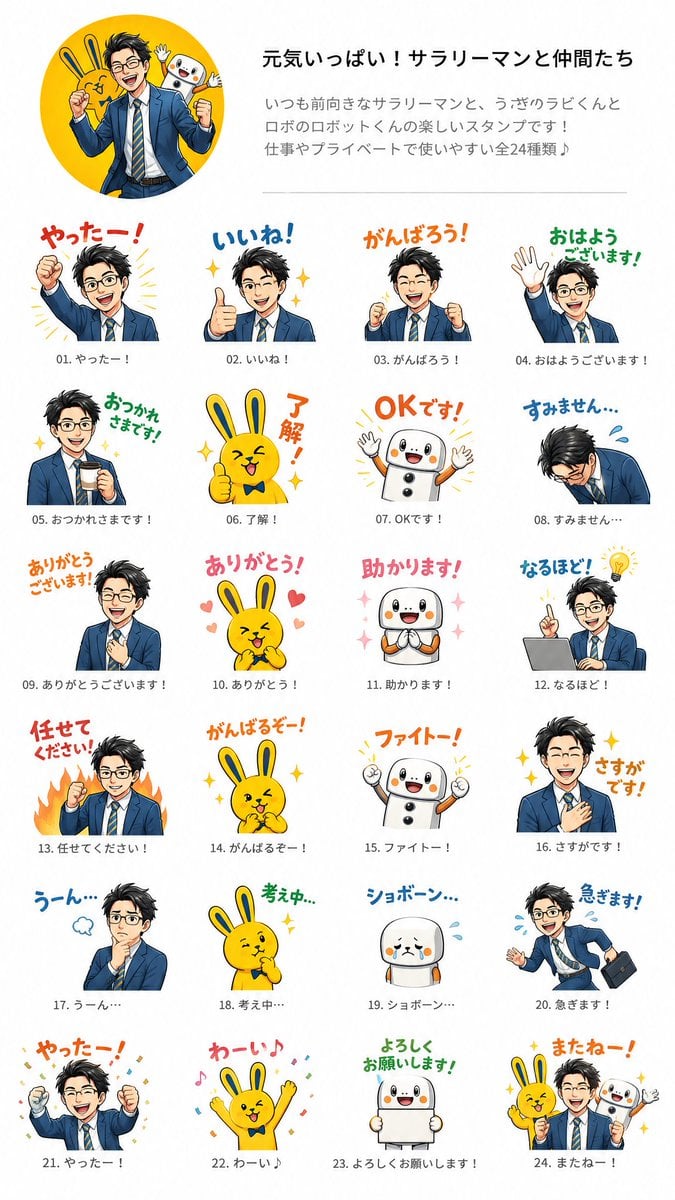
- fictional LINE sticker set presentation sheet
- Style
- bright commercial Japanese messaging sticker catalog, clean white background, cheerful vector-and-digital illustration hybrid, crisp outlines, saturated colors, playful hand-lettered Japanese captions, small gray item numbers and captions under every sticker
- Header › Layout
- top section with a large circular yellow hero illustration on the left and text block on the right
- Header › Hero Image
- a smiling energetic Japanese salaryman in a navy business suit and striped tie posing with a yellow rabbit mascot and a white round robot mascot behind him inside a yellow circle
- Header › Title
- {argument name="headline text" default="元気いっぱい!サラリーマンと仲間たち"}
- Header › Description
- Japanese promotional copy explaining that this is a fun stamp set featuring a positive salaryman, a rabbit called Rabi-kun, and a robot called Robo-kun, useful for work and private life, all 24 types
- Characters › Main Character
- {argument name="main character" default="cheerful Japanese salaryman"}, black tousled short hair, navy suit, white shirt, striped blue-yellow tie, expressive business poses
- Characters › Mascot 1
- {argument name="rabbit mascot" default="yellow rabbit named Rabi-kun"}, long ears, round body, bow tie, cute energetic expressions
- Characters › Mascot 2
- {argument name="robot mascot" default="white robot named Robo-kun"}, rounded body, black button-like circles, orange cheeks, small arms, friendly face
- Layout › Grid
- 24 individual stickers arranged in a neat 4-column by 6-row catalog beneath the header, each sticker has large colorful Japanese phrase text above or beside the character art, with item number 01 to 24 and a smaller matching caption underneath
- Layout › Count
- 24
- Layout › Stickers › 0 › Number
- 01
- Layout › Stickers › 0 › Label
- やったー!
- Layout › Stickers › 0 › Description
- salaryman raises one fist triumphantly with yellow burst lines
- Layout › Stickers › 1 › Number
- 02
- Layout › Stickers › 1 › Label
- いいね!
- Layout › Stickers › 1 › Description
- salaryman gives a big thumbs-up, sparkling stars around him
- Layout › Stickers › 2 › Number
- 03
- Layout › Stickers › 2 › Label
- がんばろう!
- Layout › Stickers › 2 › Description
- salaryman clenches both fists in encouragement
- Layout › Stickers › 3 › Number
- 04
- Layout › Stickers › 3 › Label
- おはようございます!
- Layout › Stickers › 3 › Description
- salaryman waves hello with green morning greeting text
- Layout › Stickers › 4 › Number
- 05
Raw JSON
{"type":"fictional LINE sticker set presentation sheet","style":"bright commercial Japanese messaging sticker catalog, clean white background, cheerful vector-and-digital illustration hybrid, crisp outlines, saturated colors, playful hand-lettered Japanese captions, small gray item numbers and captions under every sticker","header":{"layout":"top section with a large circular yellow hero illustration on the left and text block on the right","hero_image":"a smiling energetic Japanese salaryman in a navy business suit and striped tie posing with a yellow rabbit mascot and a white round robot mascot behind him inside a yellow circle","title":"{argument name=\"headline text\" default=\"元気いっぱい!サラリーマンと仲間たち\"}","description":"Japanese promotional copy explaining that this is a fun stamp set featuring a positive salaryman, a rabbit called Rabi-kun, and a robot called Robo-kun, useful for work and private life, all 24 types"},"characters":{"main_character":"{argument name=\"main character\" default=\"cheerful Japanese salaryman\"}, black tousled short hair, navy suit, white shirt, striped blue-yellow tie, expressive business poses","mascot_1":"{argument name=\"rabbit mascot\" default=\"yellow rabbit named Rabi-kun\"}, long ears, round body, bow tie, cute energetic expressions","mascot_2":"{argument name=\"robot mascot\" default=\"white robot named Robo-kun\"}, rounded body, black button-like circles, orange cheeks, small arms, friendly face"},"layout":{"grid":"24 individual stickers arranged in a neat 4-column by 6-row catalog beneath the header, each sticker has large colorful Japanese phrase text above or beside the character art, with item number 01 to 24 and a smaller matching caption underneath","count":24,"stickers":[{"number":"01","label":"やったー!","description":"salaryman raises one fist triumphantly with yellow burst lines"},{"number":"02","label":"いいね!","description":"salaryman gives a big thumbs-up, sparkling stars around him"},{"number":"03","label":"がんばろう!","description":"salaryman clenches both fists in encouragement"},{"number":"04","label":"おはようございます!","description":"salaryman waves hello with green morning greeting text"},{"number":"05","label":"おつかれさまです!","description":"salaryman holds a drink or coffee and smiles politely with sparkles"},{"number":"06","label":"了解!","description":"yellow rabbit gives a thumbs-up with orange vertical text"},{"number":"07","label":"OKです!","description":"white robot raises both arms happily with orange OK text"},{"number":"08","label":"すみません…","description":"salaryman bows deeply in apology with blue sweat marks"},{"number":"09","label":"ありがとうございます!","description":"salaryman places a hand on his chest in gratitude"},{"number":"10","label":"ありがとう!","description":"yellow rabbit clasps hands happily surrounded by pink hearts"},{"number":"11","label":"助かります!","description":"white robot clasps hands gratefully with pink sparkles"},{"number":"12","label":"なるほど!","description":"salaryman sits at a laptop and points upward with a glowing lightbulb idea"},{"number":"13","label":"任せてください!","description":"salaryman pumps a fist with orange flames behind him"},{"number":"14","label":"がんばるぞー!","description":"yellow rabbit clenches fists with determination and sparkles"},{"number":"15","label":"ファイトー!","description":"white robot raises both fists in support with orange cheering text"},{"number":"16","label":"さすがです!","description":"salaryman touches his chest modestly while sparkles shine around him"},{"number":"17","label":"うーん…","description":"salaryman thinks with hand on chin and a small blue thought puff"},{"number":"18","label":"考え中…","description":"yellow rabbit thinks with one paw on chin and green text"},{"number":"19","label":"ショボーン…","description":"white robot looks sad and teary with blue sweat drops"},{"number":"20","label":"急ぎます!","description":"salaryman runs in a hurry carrying a black briefcase, tie flying, blue sweat drops"},{"number":"21","label":"やったー!","description":"salaryman celebrates with both fists raised and multicolor confetti"},{"number":"22","label":"わーい♪","description":"yellow rabbit jumps with both arms raised, music notes and confetti"},{"number":"23","label":"よろしくお願いします!","description":"white robot smiles while holding a blank white sign, green polite request text"},{"number":"24","label":"またねー!","description":"farewell group sticker with salaryman, yellow rabbit, and white robot waving together, orange goodbye text and sparkles"}]},"composition_notes":"Keep the sheet vertical like a product preview, generous white margins, thin divider line below the header, consistent sticker scale, Japanese captions in red, orange, blue, green, and pink hand-drawn lettering. The salaryman face should be generic and friendly, not a real person. Make it look like a plausible fictional LINE sticker pack preview.","aspect_ratio":"{argument name=\"aspect ratio\" default=\"9:16 vertical poster\"}"}How to use Salaryman LINE Sticker Set in 3 steps
- 1Upload ImagePNG, JPG or paste
Add your photo
Upload the photo the template builds on. The prompt, model and format are already set.
- 2…a portrait of your subject in softgolden-hour light, 85mm…
Personalize
Edit the subject and creative details for your destination.
- 3Generate
Generate
Press Generate — your image is created in PicX Studio, so you can compare it with the original and refine one variable at a time.
More like this
Templates with the same subject, style or setup. Open one to see its prompt.

Brand Sticker Sheet Monoline Vector

A trendy, high-end Sticker Sheet set
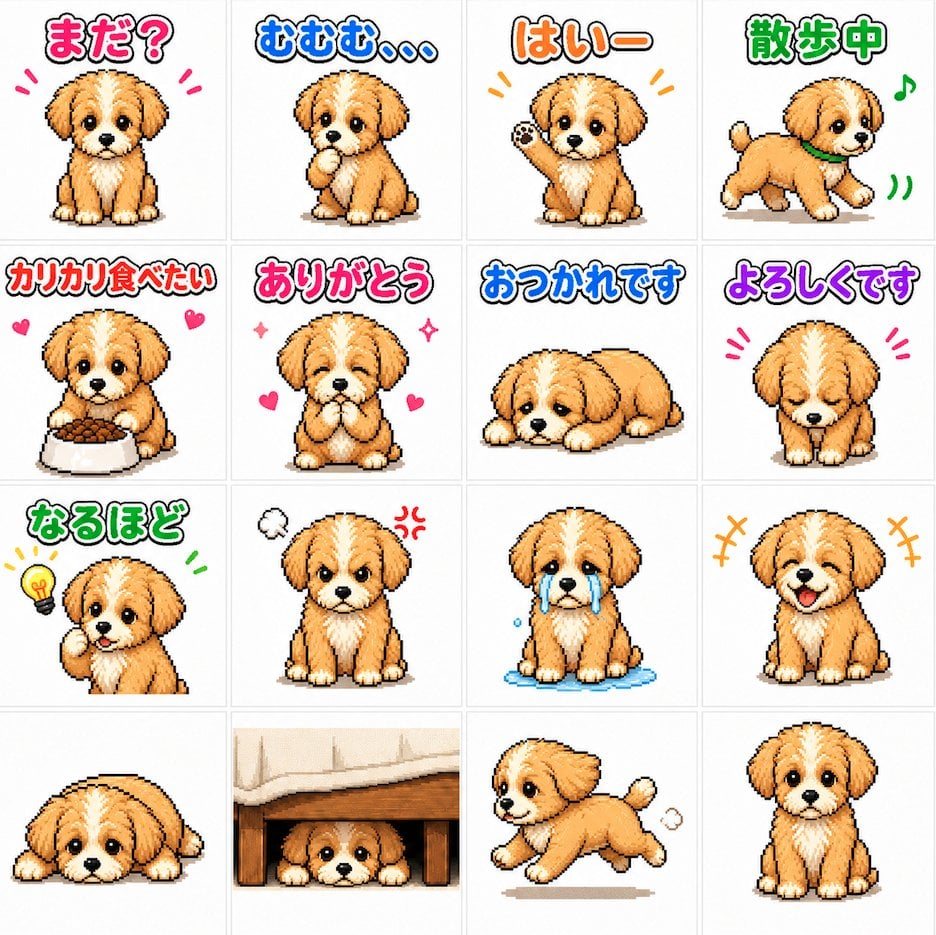
Cute Puppy LINE Sticker Grid
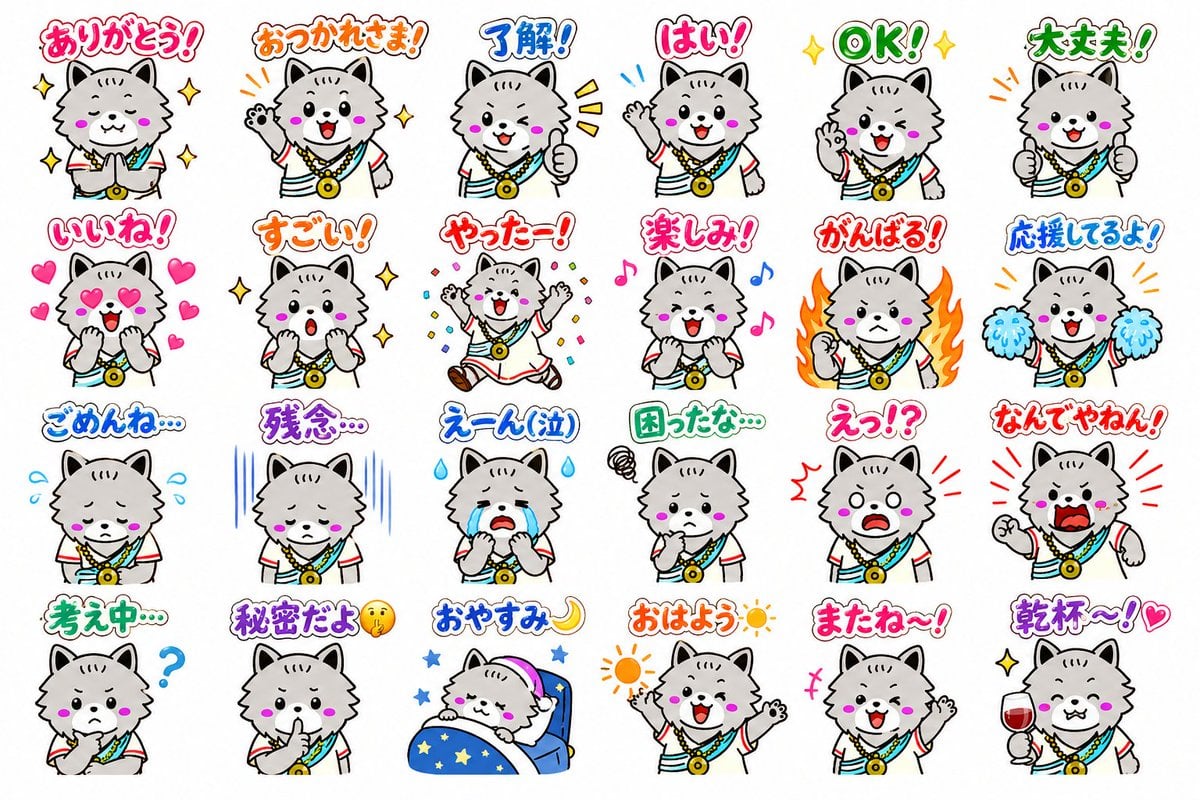
24 Cute Mascot LINE Stickers
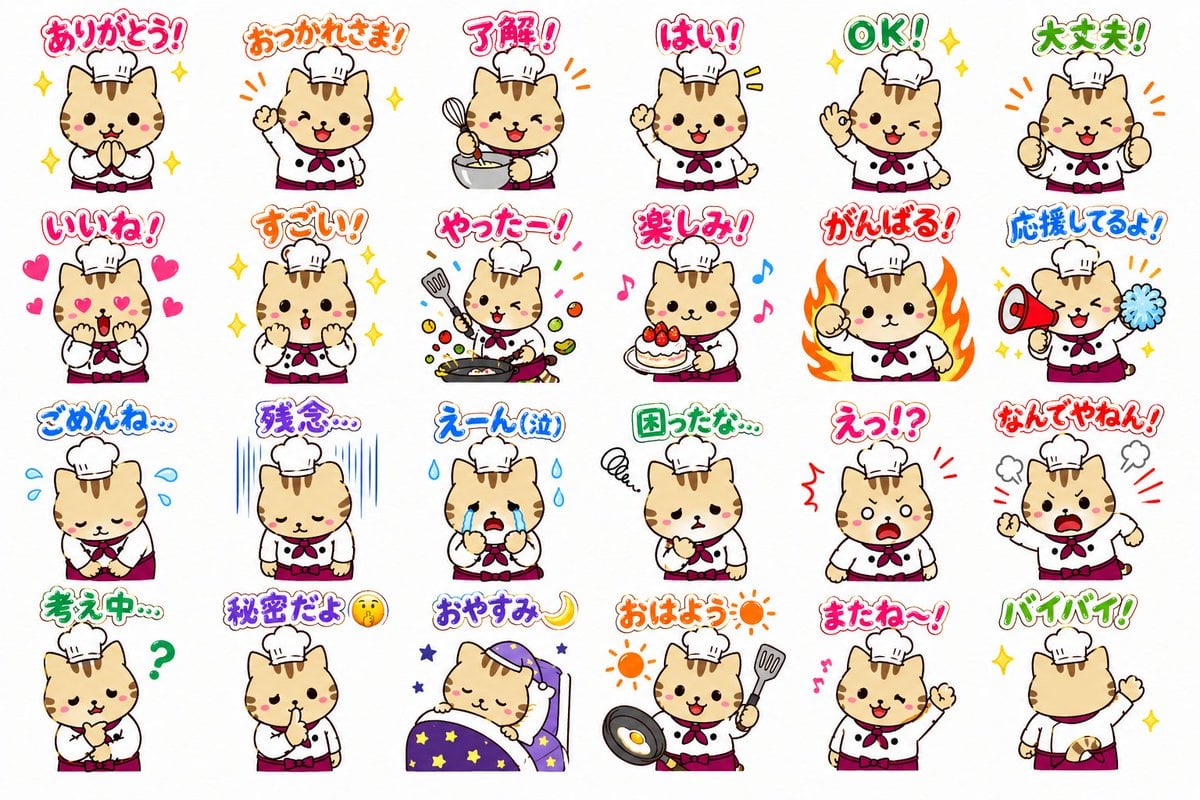
Chef Cat LINE Sticker Sheet
Cartoon Animal Sticker Set
Cute Japanese LINE Sticker Sheet

Sticker Art Style - Rainbow Girl

Sticker Art Style - Rainbow Girl v2
Sticker Art Style - Rainbow Girl

Sticker Art Style

Our Song was on a Cassette
Make it yours
Salaryman LINE Sticker Set works as-is. These are the safest ways to change it without losing the look.
Change one field
Copy a single group, rewrite it, and generate again so you can see what that field is doing.
Keep the frame, change the subject
Hold the composition and light of Salaryman LINE Sticker Set, then swap wardrobe, props or the person for a new take.
| If the result… | Why | Fix |
|---|---|---|
| The result drifts from the preview | Too many fields changed at once. | Reuse Salaryman LINE Sticker Set as-is first, then change one group — subject, light, or setting. |
| GPT Image 2 ignores part of the JSON | Some models flatten or skip nested keys. | Keep the same values and paste them as a short paragraph instead. |
More GPT Image 2 templates
Other prompts made for GPT Image 2.

Six VTuber Japanese Logo Sheet

Realistic Portrait of Woman and Deer

The Vista Modular Condo Poster

AI Model Routing Comparison Infographic

2.5D Anime Art Board

Isometric Productivity Desk Scene

New York Double Exposure Poster

Four-Panel AI Landscape Comparison

Japanese Tatami Lifestyle Magazine Cover

NESCAFÉ Coffee Map Poster
More image prompts
Fresh picks from across the catalog.

Fantasy Dragon and Warrior Image Prompt
Blurred Face Fashion Sketch

Surreal Fisheye Stadium Portrait
Prompt to Praise an Image's Emotional Quality

AI Model Router App Store Screenshot

Anime Female Wrestler in Arena
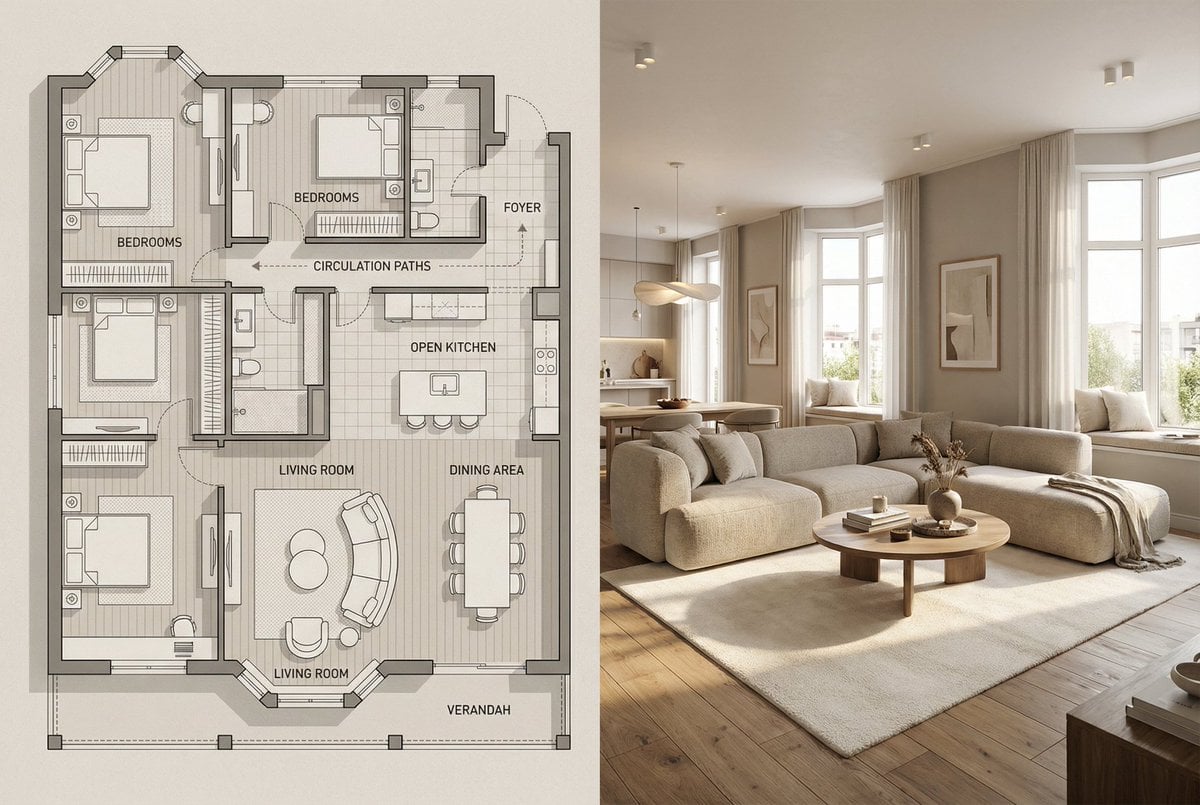
Architectural Floor Plan and Realistic Interior Photo Generation

3D Caricature Avatar With Privacy Block

Miniature Alpine Mountainside Village Scene
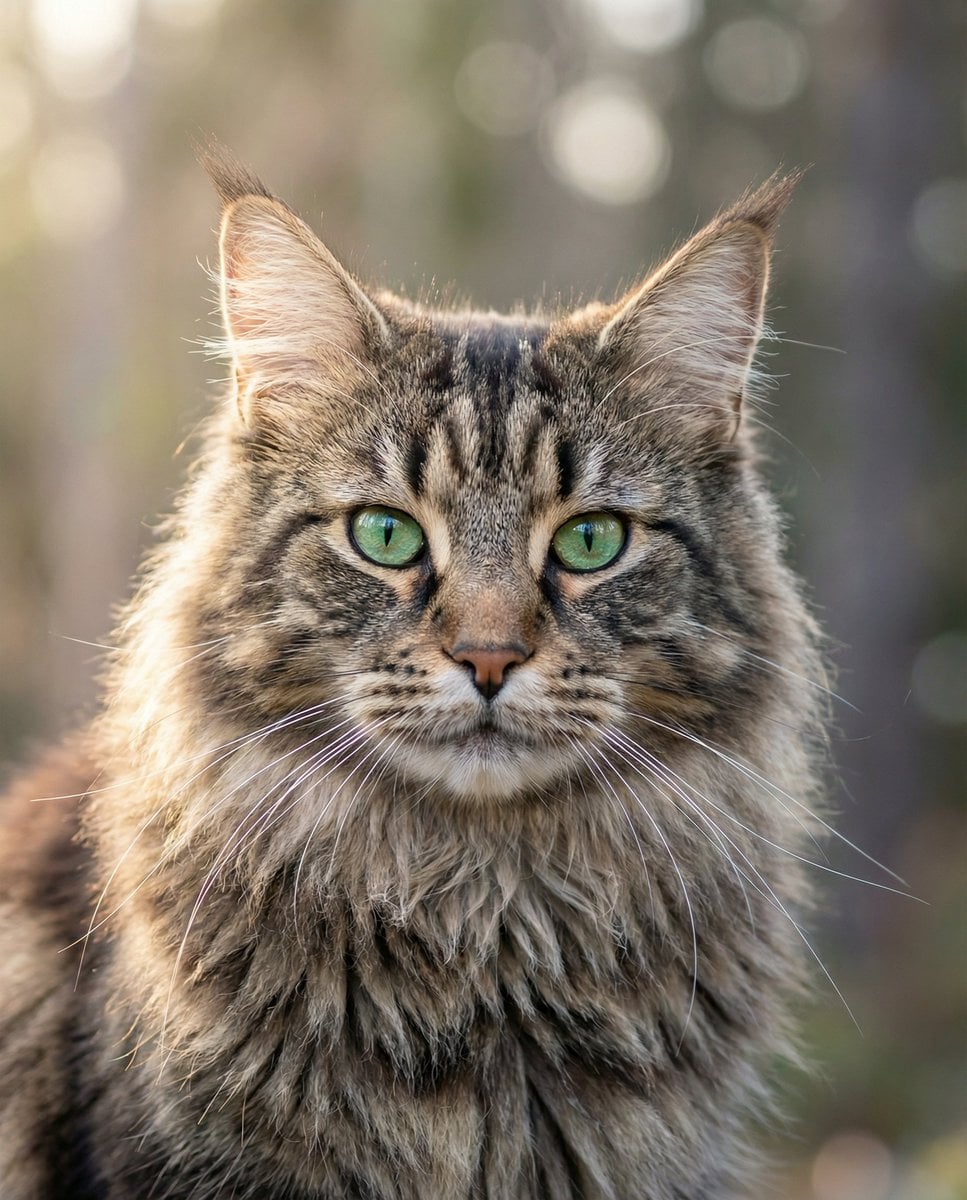
Hyper-Realistic Maine Coon Portrait
Browse template categories
Salaryman LINE Sticker Set questions
How do I use the Salaryman LINE Sticker Set template?
Add your photo if the template asks for one, edit the prompt if you like — the template's model and format are already selected — and press Generate. Your version opens in PicX Studio.
Can I customize the Salaryman LINE Sticker Set template?
Yes. You can change the subject, setting, lighting, mood, format, and available model controls before creating your image.
Is the Salaryman LINE Sticker Set template free?
Opening and editing this template is free. Generating uses credits, shown on the Generate button when you are signed in.
Which AI model should I use?
Start with GPT Image 2, which is the model associated with this template. You can compare another compatible model for a different finish.
Looking for something else? Browse all templates.

Your photo, any look
Thousands of ready templates for every top image and video model, from one credit balance.