
Blurred Face Fashion Sketch
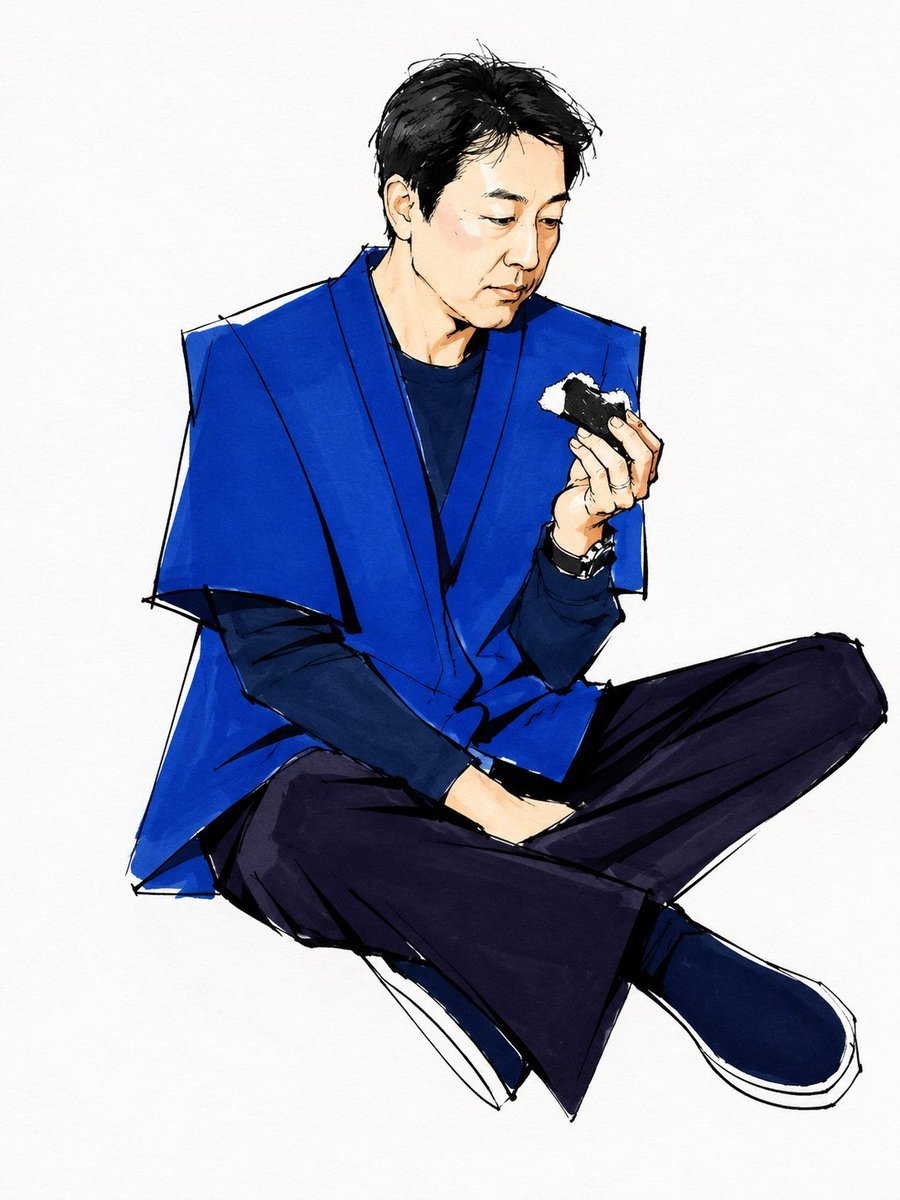
A stylized marker-and-ink fashion illustration of a seated man in a cobalt-blue vest holding a rice ball, useful for editorial character concept art.
- Prompt included
- Model and format preset
- Free template
The prompt behind this image
Copy the exact prompt behind Blurred Face Fashion Sketch, or open it in the studio and make it yours.
Create a loose fashion illustration on a clean off-white paper background: a young East Asian man with {argument name="hair color" default="messy black hair"} sits cross-legged in a relaxed pose, body angled slightly left, holding a half-eaten triangular rice ball in his raised right hand. His face is intentionally obscured by a soft rectangular blur centered over the facial features, while the ears, jawline, neck, and hair remain partly visible. Dress him in a bold cobalt-blue sleeveless oversized vest or haori-like outer layer with sharp angular shoulders over a dark navy long-sleeve shirt, loose black wide-leg trousers, dark blue slip-on shoes with white soles, and a small black wristwatch or bracelet. Use expressive hand-drawn ink outlines, visible sketch construction lines, rough marker strokes, watercolor-like blue fills, high-contrast shadows, and minimal background detail. Keep the composition full-body, centered, with the seated legs forming a wide diagonal base; make the clothing graphic and geometric, the hand anatomy refined, and the overall mood quiet, stylish, and slightly melancholic. No text, no props other than exactly 1 rice ball and 1 wrist accessory, no detailed background.
How to use Blurred Face Fashion Sketch in 3 steps
- 1Upload ImagePNG, JPG or paste
Add your photo
Upload the photo the template builds on. The prompt, model and format are already set.
- 2…a portrait of your subject in softgolden-hour light, 85mm…
Personalize
Edit the subject and creative details for your destination.
- 3Generate
Generate
Press Generate — your image is created in PicX Studio, so you can compare it with the original and refine one variable at a time.
More like this
Templates with the same subject, style or setup. Open one to see its prompt.

Face-Locked Cream Half-Zip Street Walk

Face-Locked Identity Reference Portrait

80s College Gate

1988 Mall Style

80s Polka Dot Saree
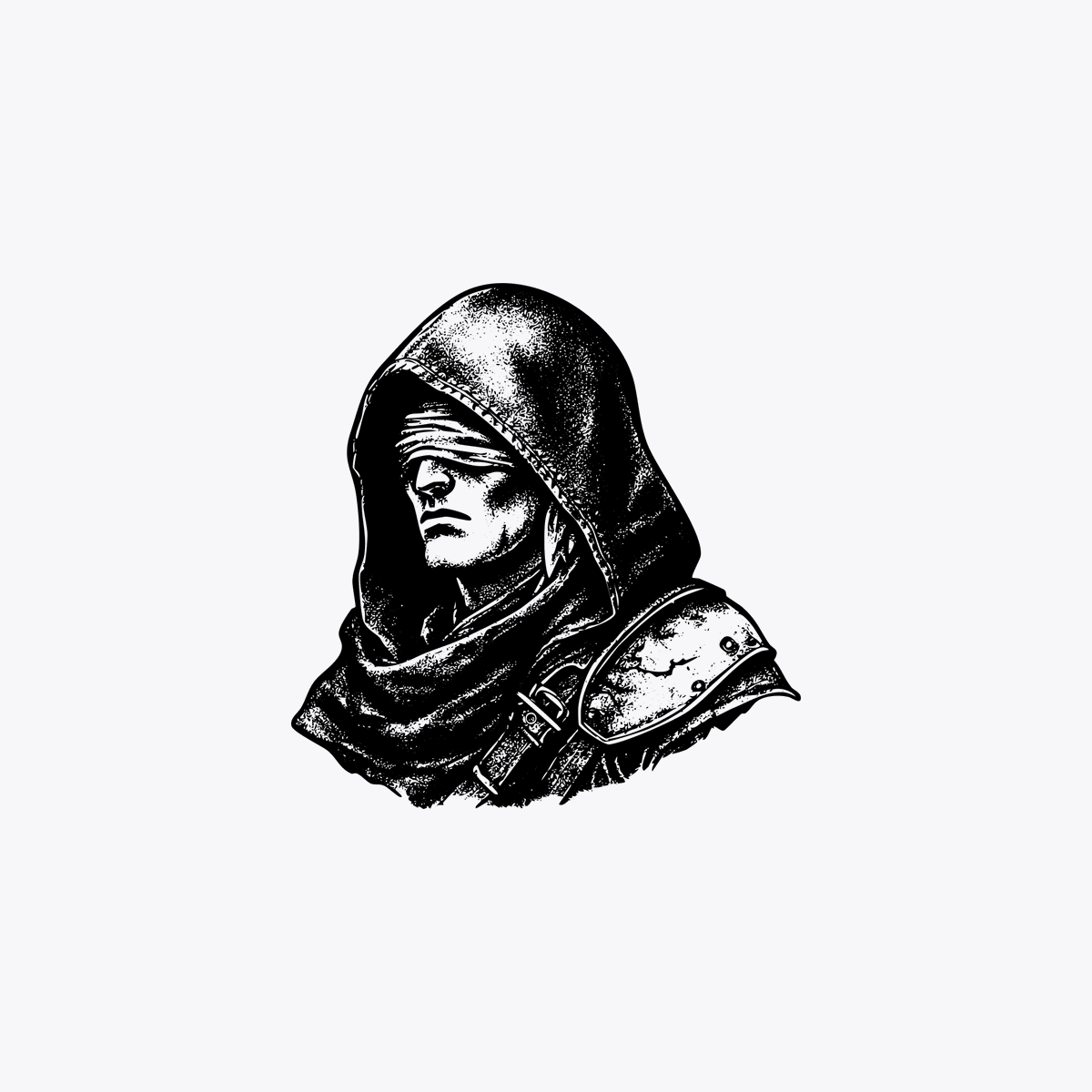
Hooded Rogue with Blurred Face
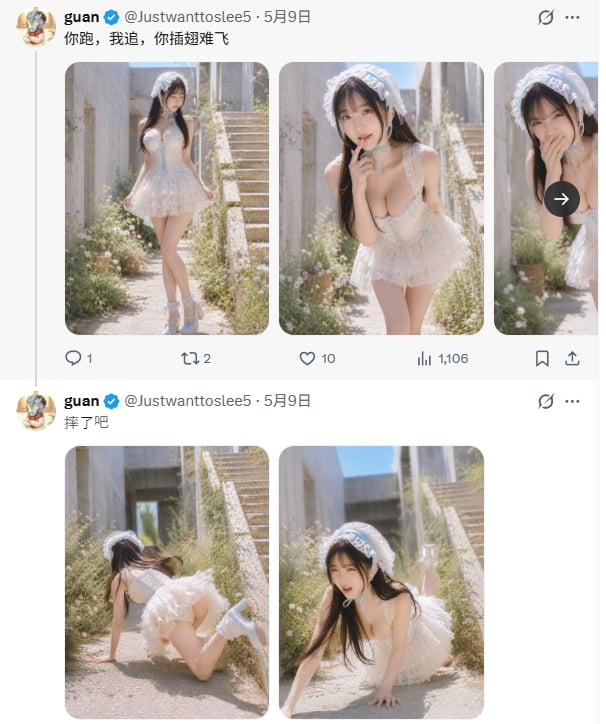
X Timeline With Blurred Fashion Photos
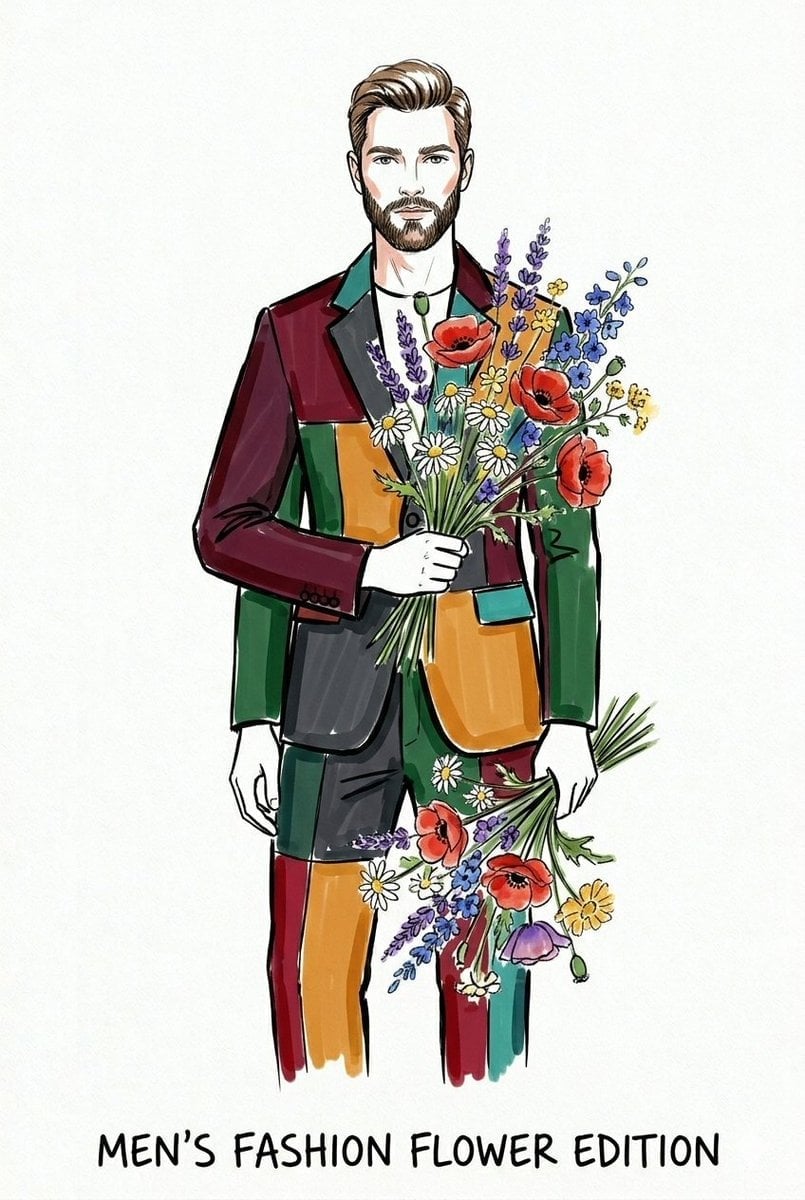
Watercolor Fashion Illustration Sketch

Polo Ralph Lauren Luxury American Heritage Fashion Campaign

Cinematic Street Fashion Photographer Portrait

High-Fashion Editorial Magazine Cover ICON

Fine Art Monochrome Fashion Portrait
Make it yours
Blurred Face Fashion Sketch works as-is. These are the safest ways to change it without losing the look.
Change one field
Copy a single group, rewrite it, and generate again so you can see what that field is doing.
Keep the frame, change the subject
Hold the composition and light of Blurred Face Fashion Sketch, then swap wardrobe, props or the person for a new take.
| If the result… | Why | Fix |
|---|---|---|
| The result drifts from the preview | Too many fields changed at once. | Reuse Blurred Face Fashion Sketch as-is first, then change one group — subject, light, or setting. |
| The model over-stylizes the scene | The prose prompt leaves finish and camera underspecified. | Add one camera or lighting sentence and stay on GPT Image 2. |
More GPT Image 2 templates
Other prompts made for GPT Image 2.

Six VTuber Japanese Logo Sheet

Realistic Portrait of Woman and Deer

The Vista Modular Condo Poster

AI Model Routing Comparison Infographic

2.5D Anime Art Board

Isometric Productivity Desk Scene

New York Double Exposure Poster

Four-Panel AI Landscape Comparison

Japanese Tatami Lifestyle Magazine Cover

NESCAFÉ Coffee Map Poster
More image prompts
Fresh picks from across the catalog.
Photorealistic Cinematic Portrait with M
Surreal Top-Down iPhone Fashion
Cinematic Portrait with Harsh Flash and Floral Background
Cinematic Artist Studio Portrait
16K Ultra-Realistic Identity-Locked Luxury Portrait
Gemini Night Flash Portrait
Nine-Panel Vegetable Anime Comic
Old Photo Restoration to DSLR Quality
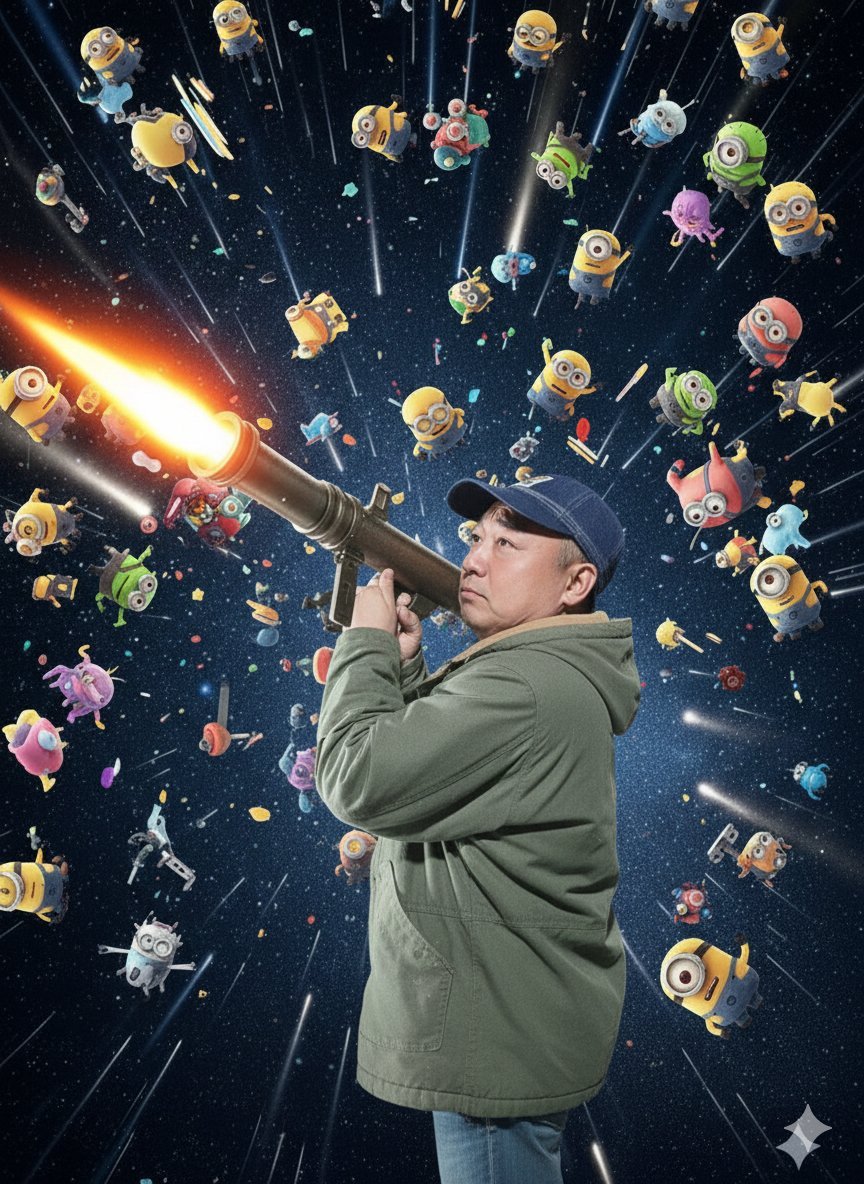
Nano Banana Pro Rocket Launcher Action Prompt
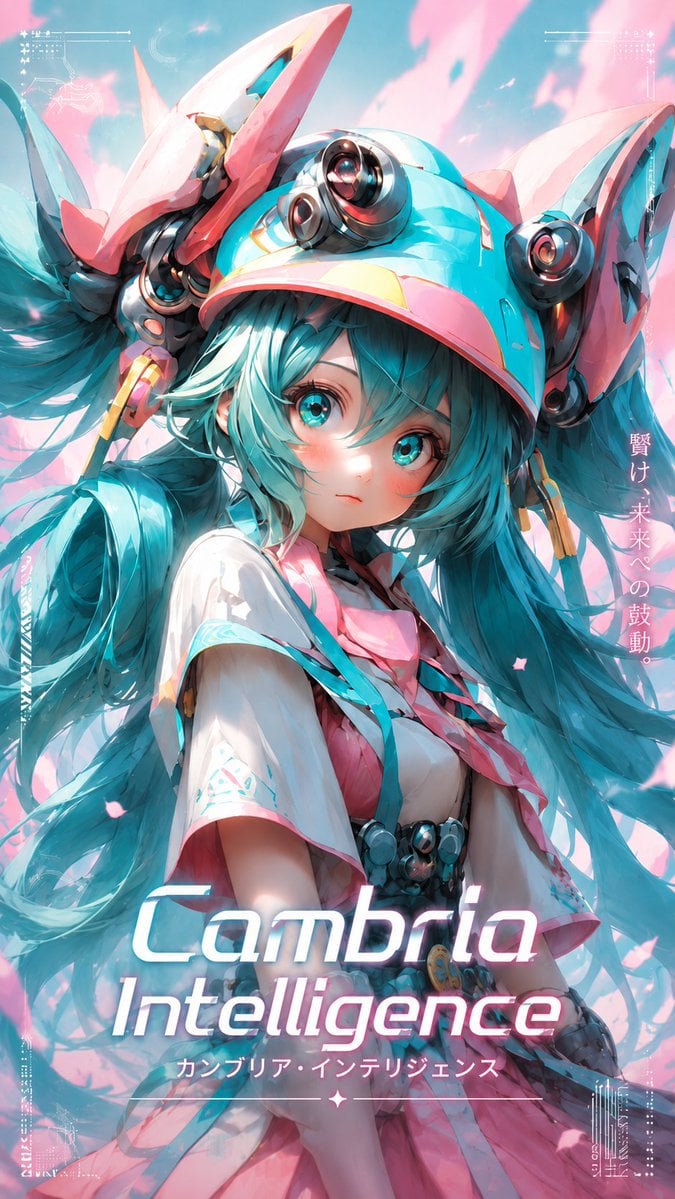
Cyber Anime Idol Music Cover
Browse template categories
Blurred Face Fashion Sketch questions
How do I use the Blurred Face Fashion Sketch template?
Add your photo if the template asks for one, edit the prompt if you like — the template's model and format are already selected — and press Generate. Your version opens in PicX Studio.
Can I customize the Blurred Face Fashion Sketch template?
Yes. You can change the subject, setting, lighting, mood, format, and available model controls before creating your image.
Is the Blurred Face Fashion Sketch template free?
Opening and editing this template is free. Generating uses credits, shown on the Generate button when you are signed in.
Which AI model should I use?
Start with GPT Image 2, which is the model associated with this template. You can compare another compatible model for a different finish.
Looking for something else? Browse all templates.

Your photo, any look
Thousands of ready templates for every top image and video model, from one credit balance.