
Nine-Panel Vegetable Anime Comic
Creates a cute nine-panel children's anime comic by turning tomato and cauliflower reference photos into an educational mini story.
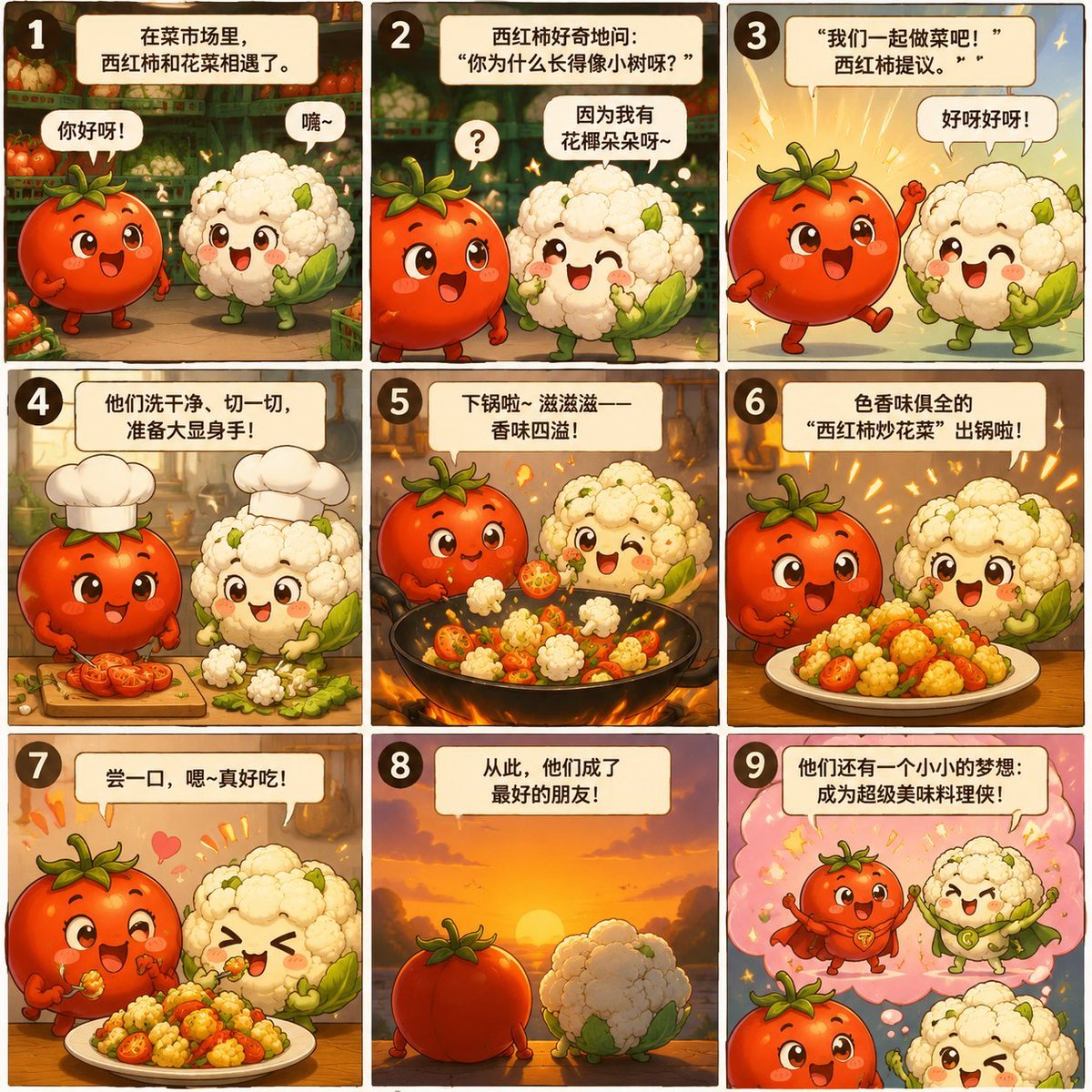
- Prompt included
- Model and format preset
- Premium template
The prompt behind this image
Copy the exact prompt behind Nine-Panel Vegetable Anime Comic, or open it in the studio and make it yours.
Using REFERENCE_0 as the cauliflower character base and REFERENCE_1 as the tomato character base, transform the real vegetables into a cute children's anime comic story page. Anthropomorphize one tomato and one cauliflower as round chibi characters with expressive faces, small arms and legs, while keeping their recognizable tomato and cauliflower identities. Goal: Create a 3×3 nine-panel story comic about {argument name="story theme" default="a tomato and cauliflower meeting in a vegetable market, becoming friends, cooking together, and creating a delicious dish"}. Layout: Use exactly 9 square panels in a clean grid, each with a dark rounded border, warm illustrated lighting, and a numbered circle in the top-left corner of every panel from 1 to 9. Add Chinese narration/dialogue boxes at the top of each panel and speech bubbles where needed. Story panels and required text: 1. Market meeting scene. Text box: 「在菜市场里,西红柿和花菜相遇了。」 Speech bubbles: 「你好呀!」 and 「嗨~」 2. Tomato asks cauliflower why it looks like a small tree. Text box: 「西红柿好奇地问:“你为什么长得像小树呀?”」 Speech bubble from cauliflower: 「因为我有花椰朵呀~」 Add a small question mark near the tomato. 3. Tomato proposes they cook together. Text box: 「“我们一起做菜吧!”西红柿提议。」 Speech bubble: 「好呀好呀!」 Use a bright excited background. 4. Prep scene. Text box: 「他们洗干净、切一切,准备大显身手!」 Show both characters wearing chef hats, with chopped tomato and cauliflower pieces on a cutting board. 5. Stir-fry scene. Text box: 「下锅啦~滋滋滋——香味四溢!」 Show a wok full of tomato and cauliflower pieces, with steam and warm firelight. 6. Finished dish reveal. Text box: 「色香味俱全的“西红柿炒花菜”出锅啦!」 Show the characters proudly presenting a plate of the finished dish. 7. Tasting scene. Text box: 「尝一口,嗯~真好吃!」 Show both characters happily eating, with hearts and celebratory marks. 8. Friendship scene. Text box: 「从此,他们成了最好的朋友!」 Show the tomato and cauliflower from behind watching a sunset. 9. Dream ending. Text box: 「他们还有一个小小的梦想:成为超级美味料理侠!」 Show them imagining themselves as heroic food characters in a pink dream bubble with stars. Style: Bright Japanese/Korean children's picture-book anime, adorable chibi expressions, rounded forms, soft painterly shading, warm market and kitchen atmosphere, vibrant reds, creams, greens, and golden highlights. Make it feel like a complete educational mini picture book for kids. Customization: The main characters are {argument name="main ingredients" default="tomato and cauliflower"}; the featured dish is {argument name="dish name" default="西红柿炒花菜"}; the language of all visible text is {argument name="comic text language" default="Chinese"}; the tone is {argument name="tone" default="cute, funny, and child-friendly"}. Constraints: Generate one complete page only, exactly 9 panels, exactly the numbered sequence 1–9, no extra panels, no watermark, no photorealism, and avoid adding unrelated characters.
Reference images included
Nine-Panel Vegetable Anime Comic needs input media to work. They load alongside the prompt when you open it in the studio.
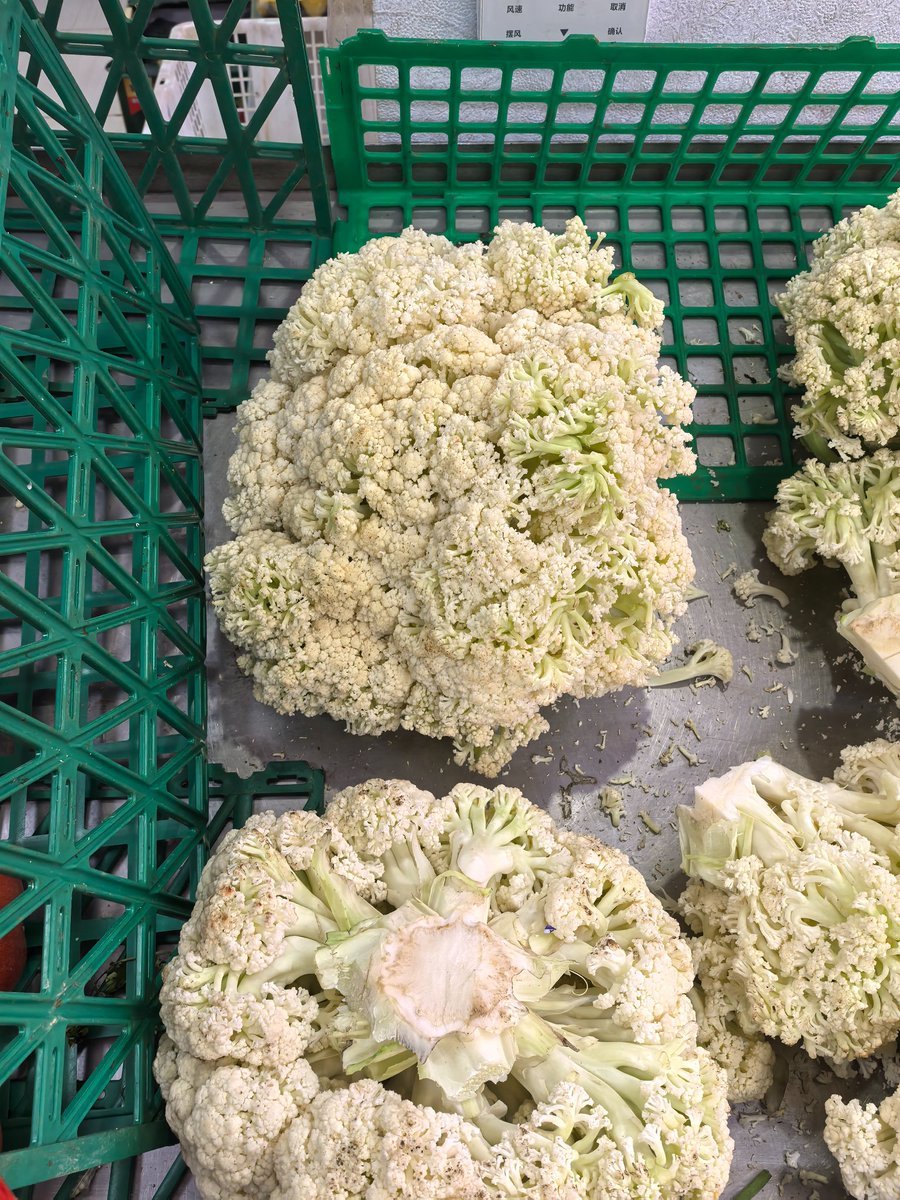
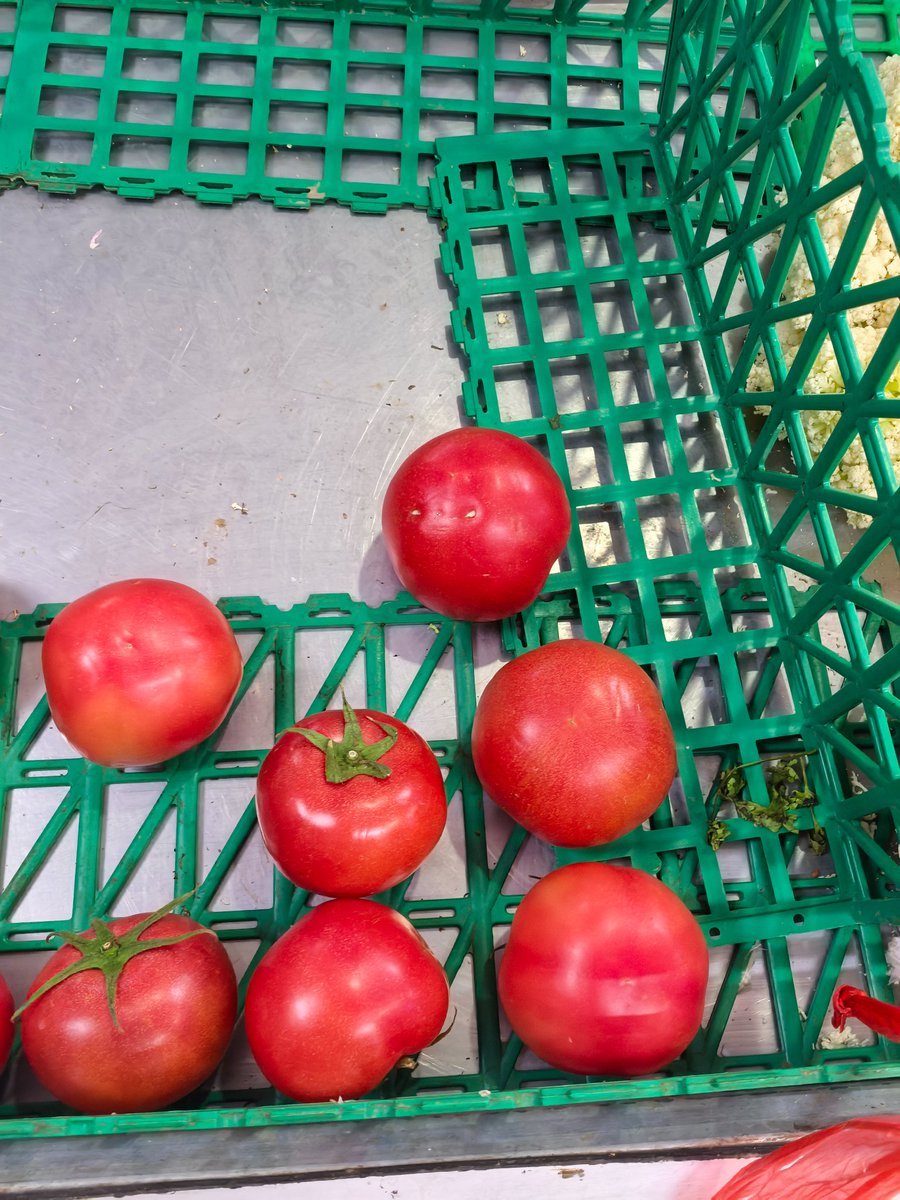
How to use Nine-Panel Vegetable Anime Comic in 3 steps
- 1Upload ImagePNG, JPG or paste
Add your photo
Upload the photo the template builds on. The prompt, model and format are already set.
- 2…a portrait of your subject in softgolden-hour light, 85mm…
Personalize
Edit the subject and creative details for your destination.
- 3Generate
Generate
Press Generate — your image is created in PicX Studio, so you can compare it with the original and refine one variable at a time.
More like this
Templates with the same subject, style or setup. Open one to see its prompt.
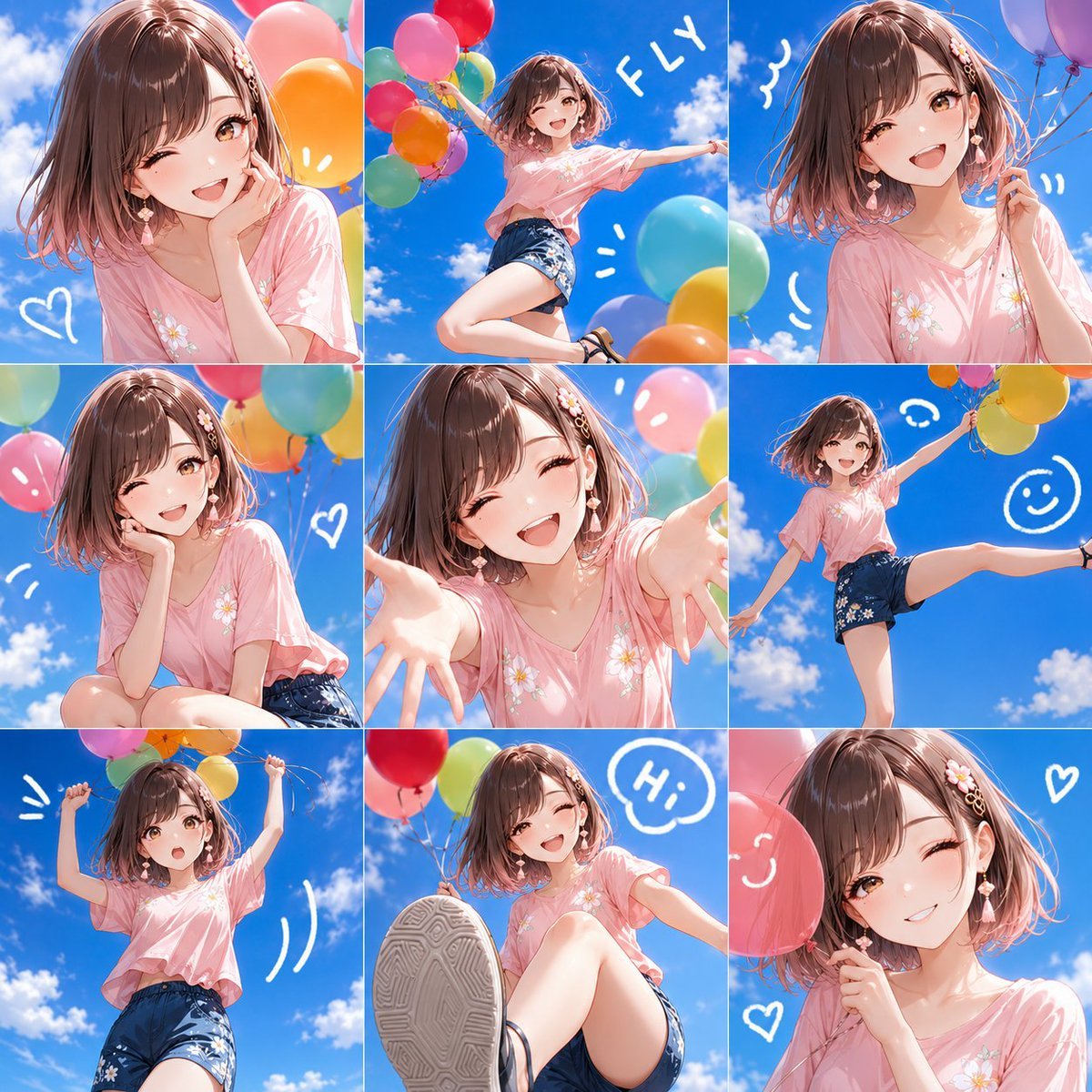
Nine-Panel Summer Balloon Anime Collage

Gpt2 E Commerce Main Image 9 Panel Product Tvc Storyboard
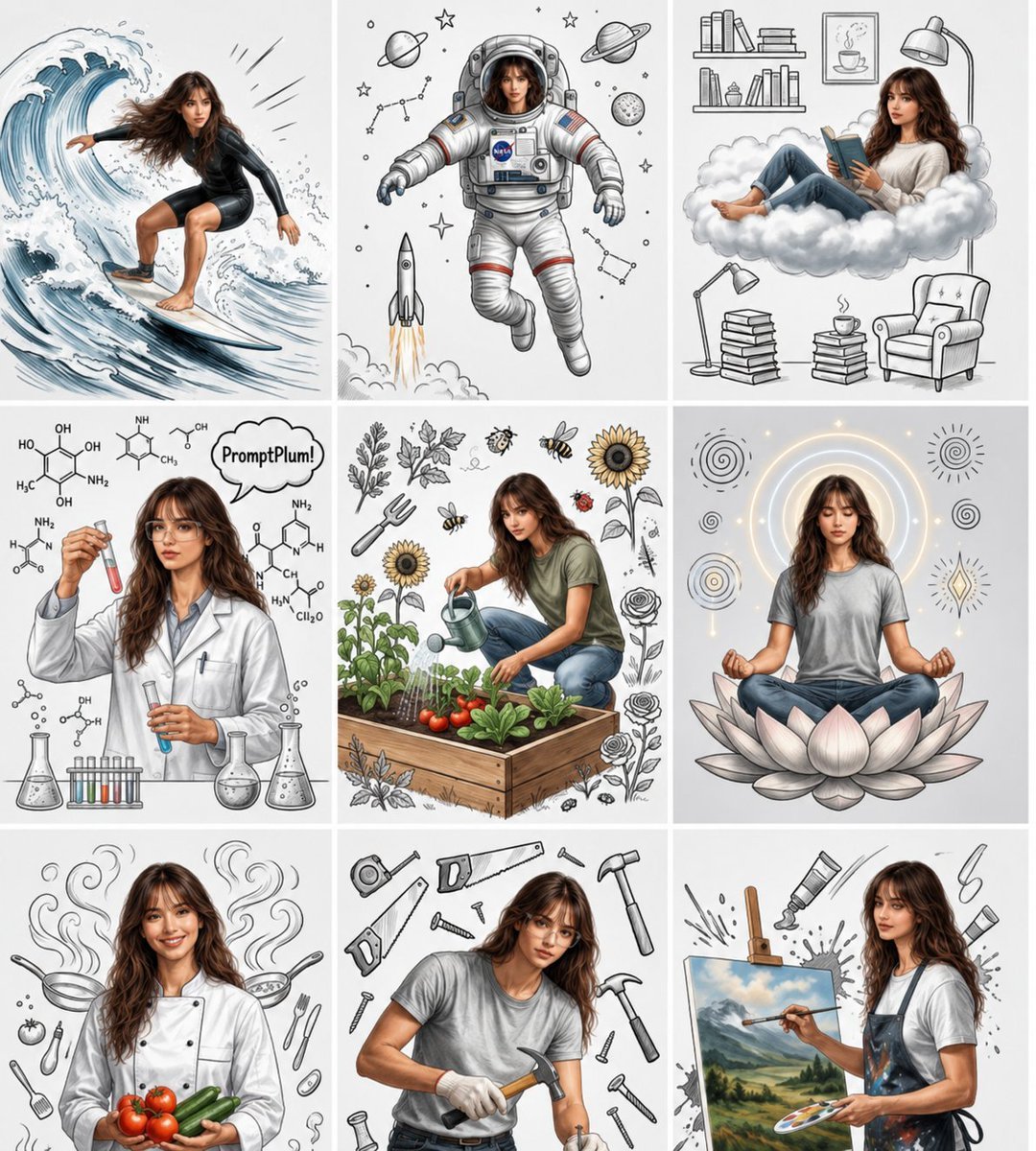
Consistent Character Nine-Panel Illustration Collage
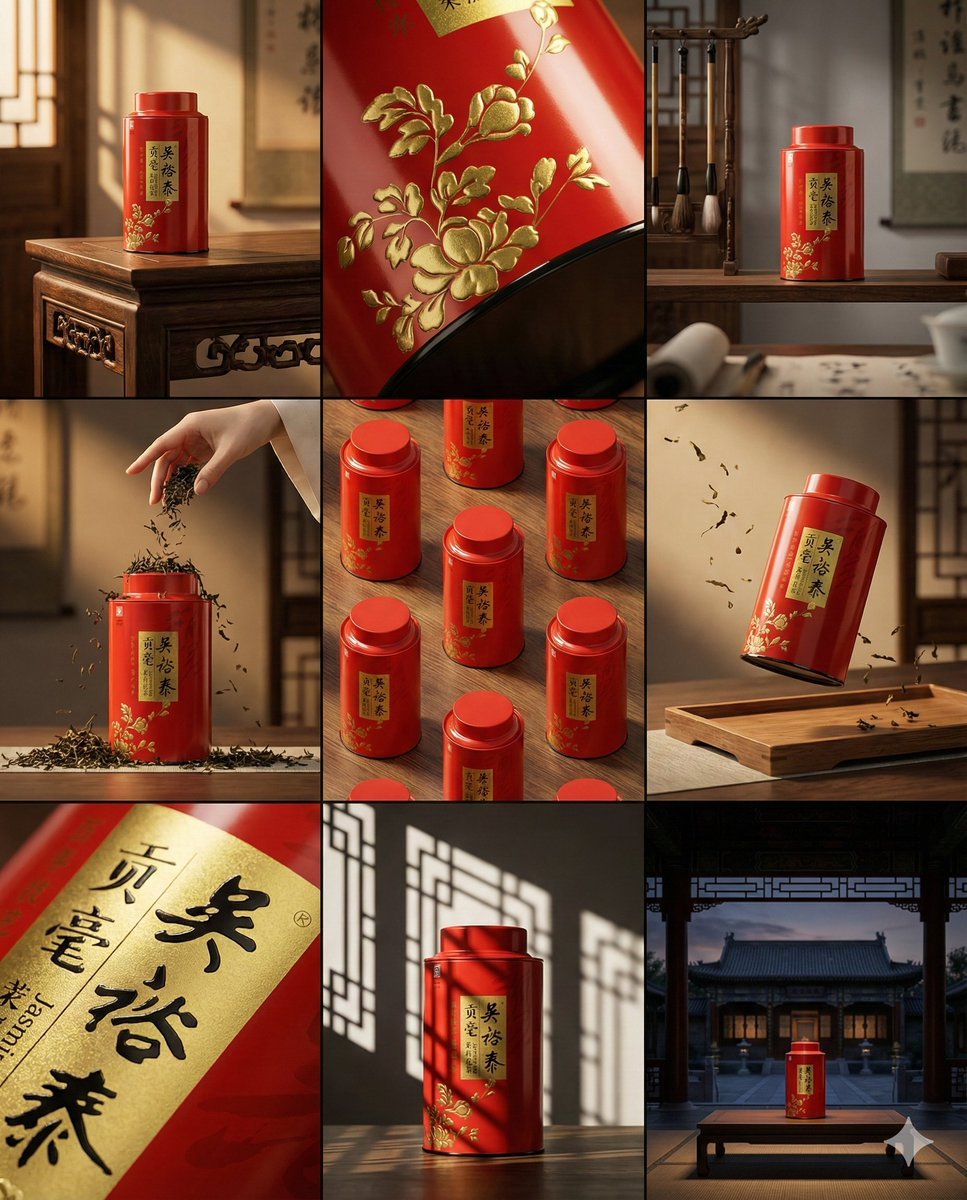
A clean 3 3 storyboard grid with nine equal-sized panels and an overall
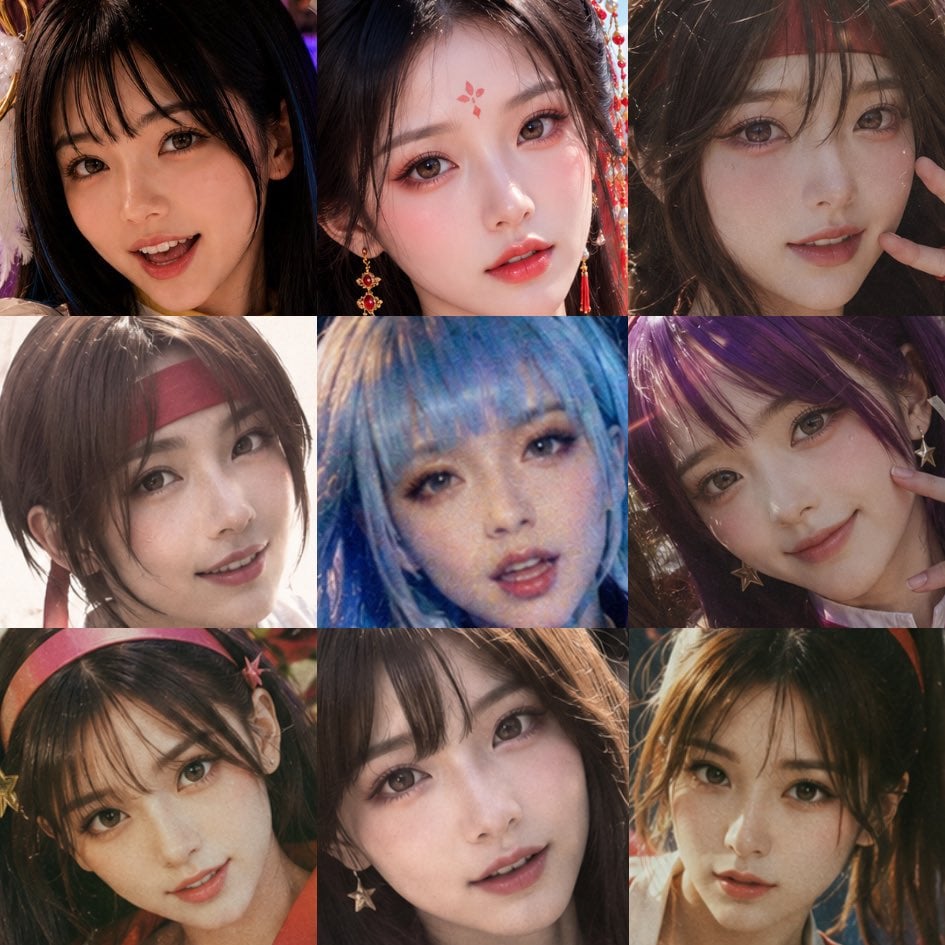
Nine-Panel AI Beauty Face Collage

Four-Panel Anime Face Comparison
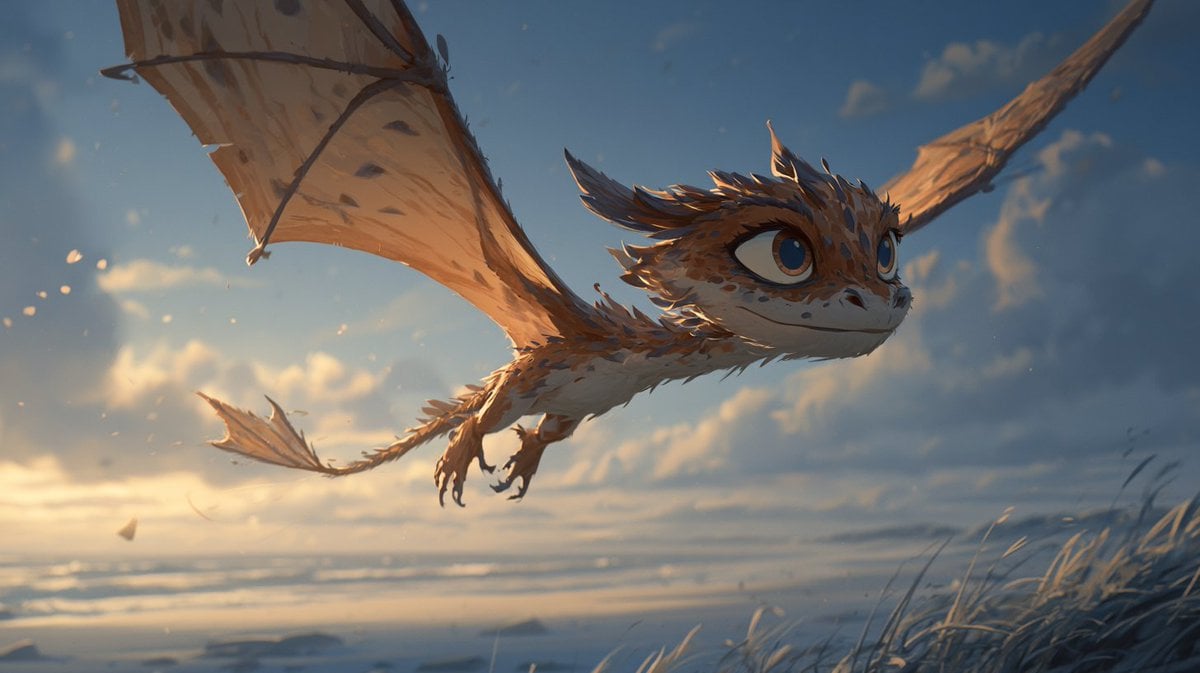
Multi-Panel Comic Illustration

Cel 2D Finale Fireworks

Cel 2D Garden Maze

Cel 2D Rooftop Concert

Cel 2D Bicycle Coast

Cel 2D Castle Gate
Make it yours
Nine-Panel Vegetable Anime Comic works as-is. These are the safest ways to change it without losing the look.
Change one field
Copy a single group, rewrite it, and generate again so you can see what that field is doing.
Keep the frame, change the subject
Hold the composition and light of Nine-Panel Vegetable Anime Comic, then swap wardrobe, props or the person for a new take.
| If the result… | Why | Fix |
|---|---|---|
| The result drifts from the preview | Too many fields changed at once. | Reuse Nine-Panel Vegetable Anime Comic as-is first, then change one group — subject, light, or setting. |
| The model over-stylizes the scene | The prose prompt leaves finish and camera underspecified. | Add one camera or lighting sentence and stay on GPT Image 2. |
More GPT Image 2 templates
Other prompts made for GPT Image 2.

Six VTuber Japanese Logo Sheet

Realistic Portrait of Woman and Deer

The Vista Modular Condo Poster

AI Model Routing Comparison Infographic

2.5D Anime Art Board

Isometric Productivity Desk Scene

New York Double Exposure Poster

Four-Panel AI Landscape Comparison

Japanese Tatami Lifestyle Magazine Cover

NESCAFÉ Coffee Map Poster
More image prompts
Fresh picks from across the catalog.
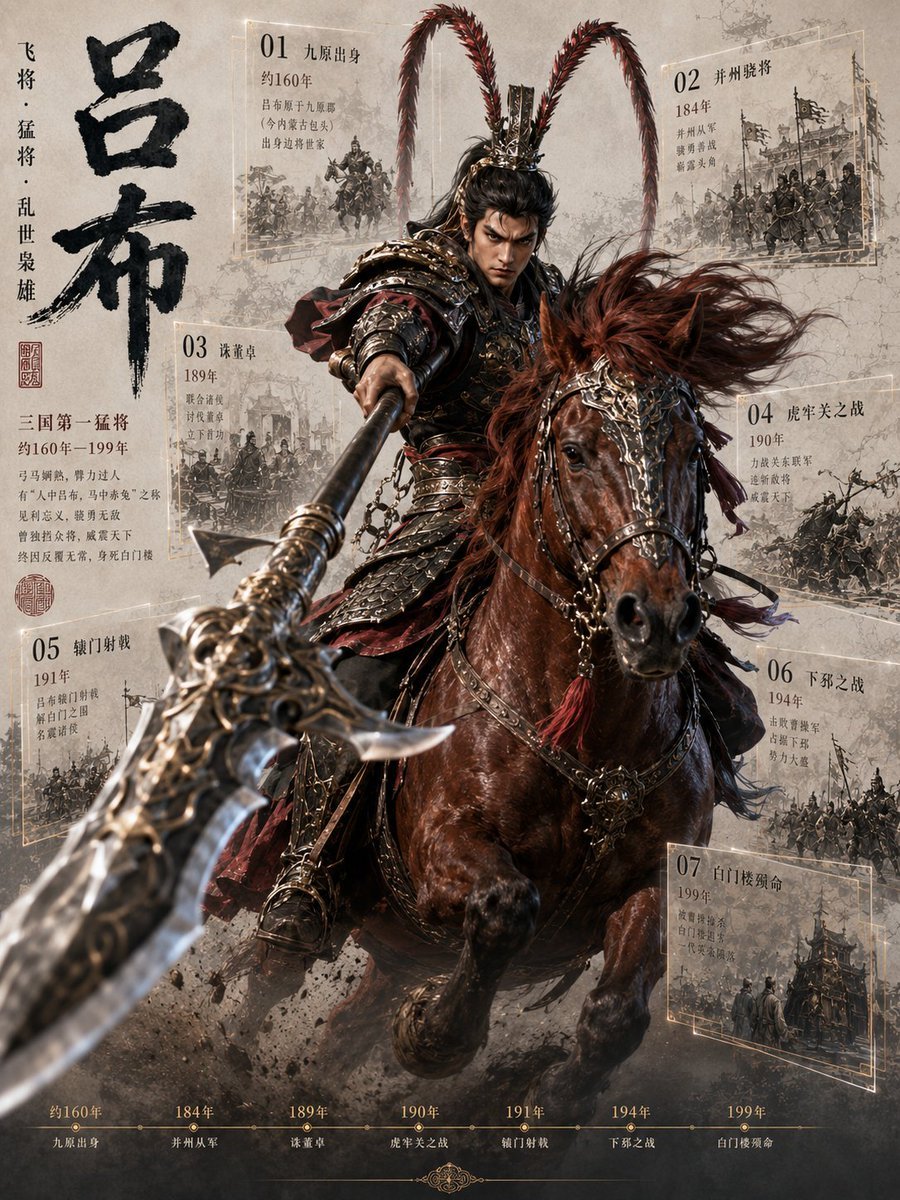
Lü Bu Historical Warrior Poster

Chaotic Fourth Crusade Parody Poster
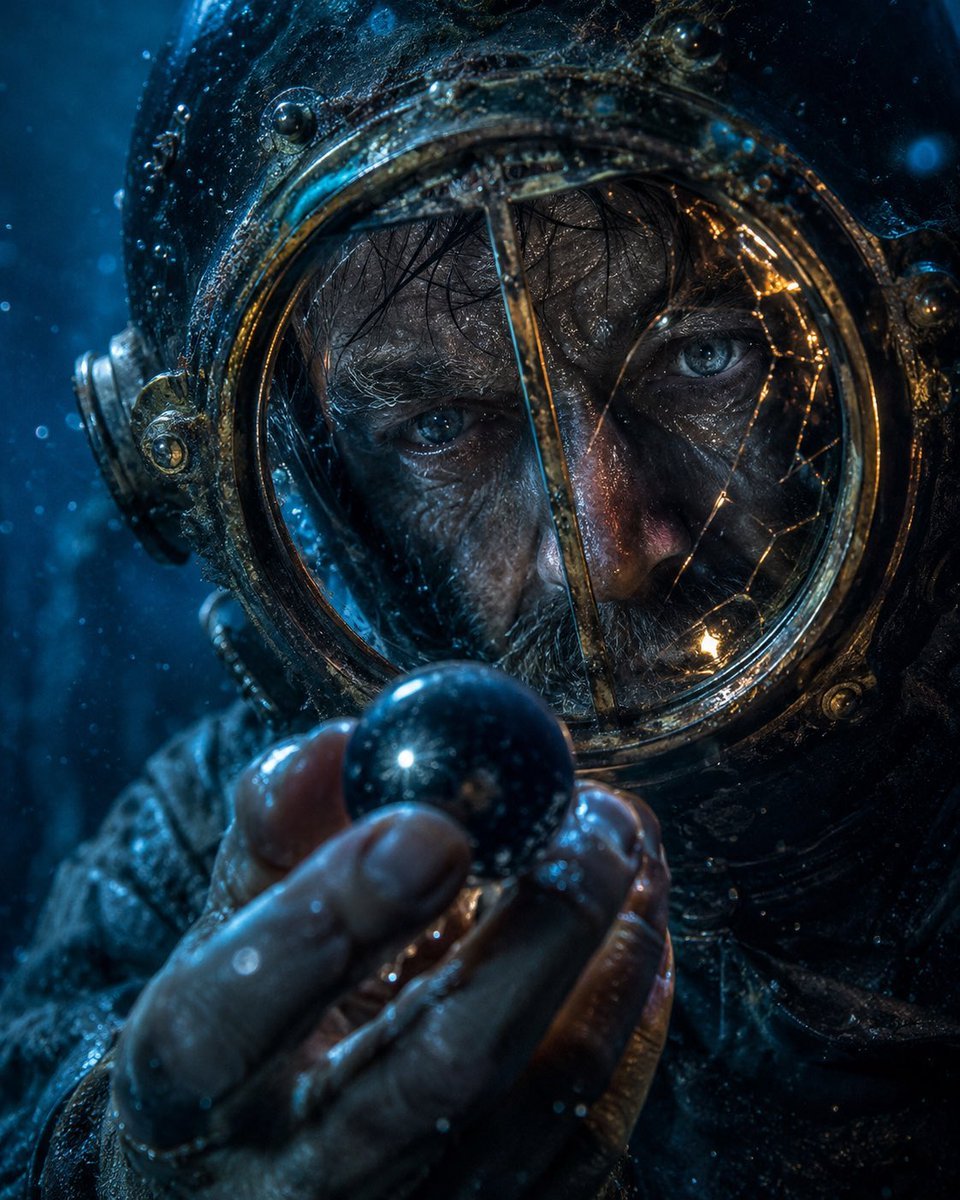
Deep-Sea Diver Artifact Close-Up
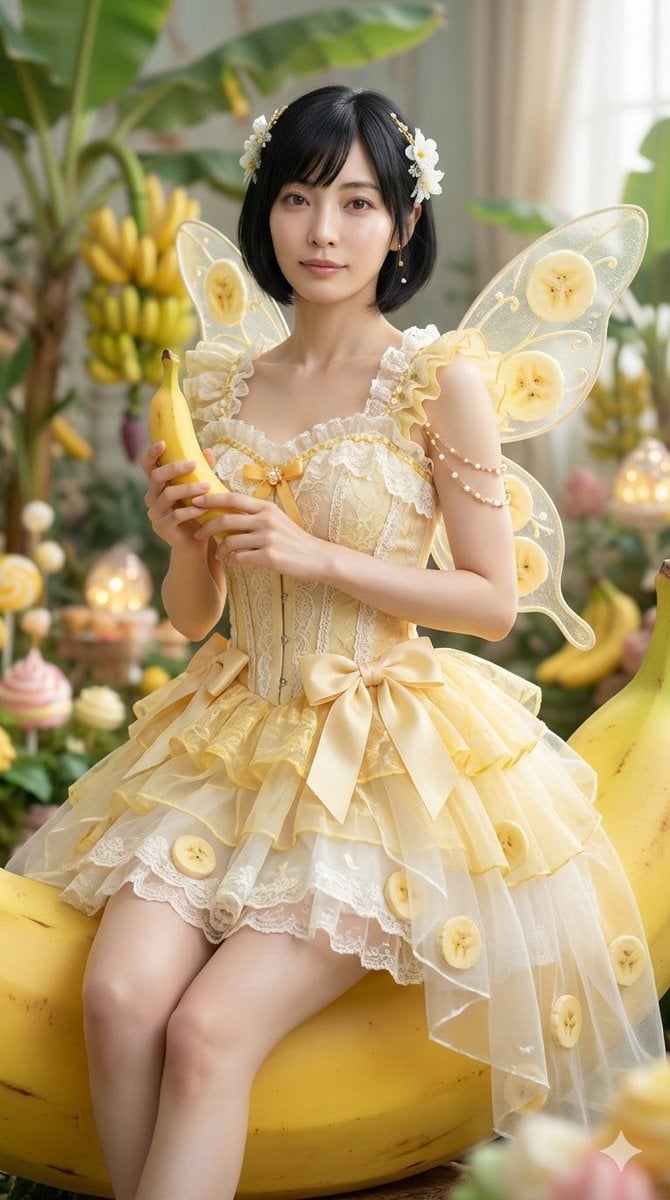
Cinematic Action Video Prompt: Banana Fairy vs. Zombies
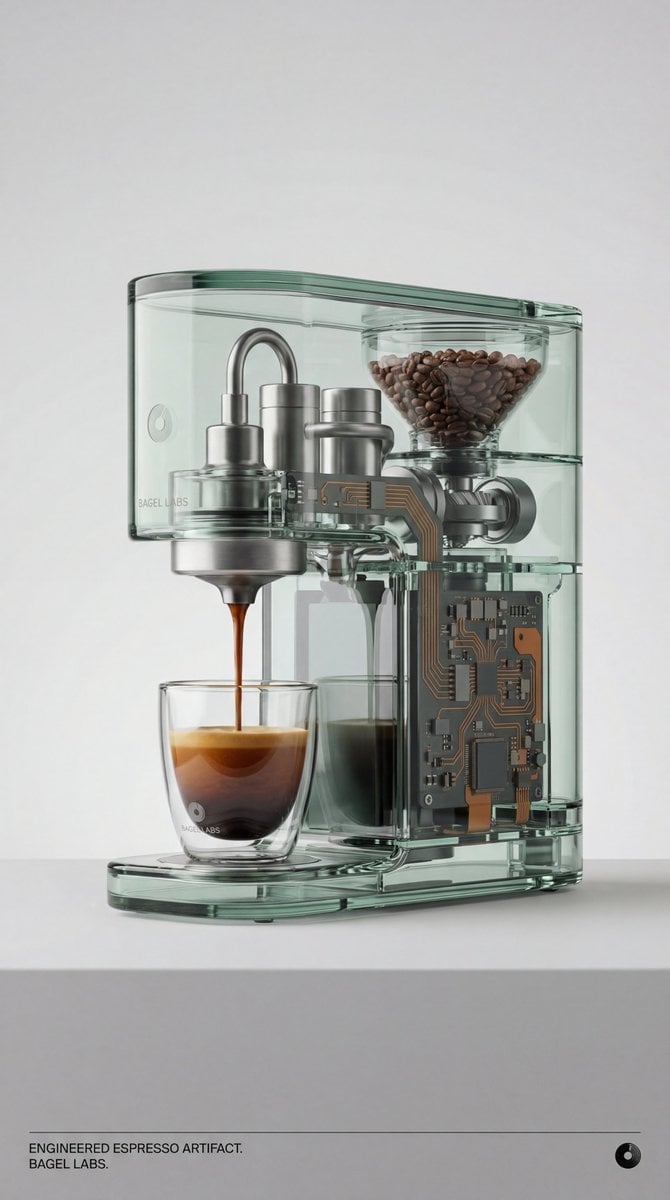
Recontextualized Glass Espresso Machine Product Shot

Noir Mafia Boss Car Portrait

Akashi Typographic Travel Poster
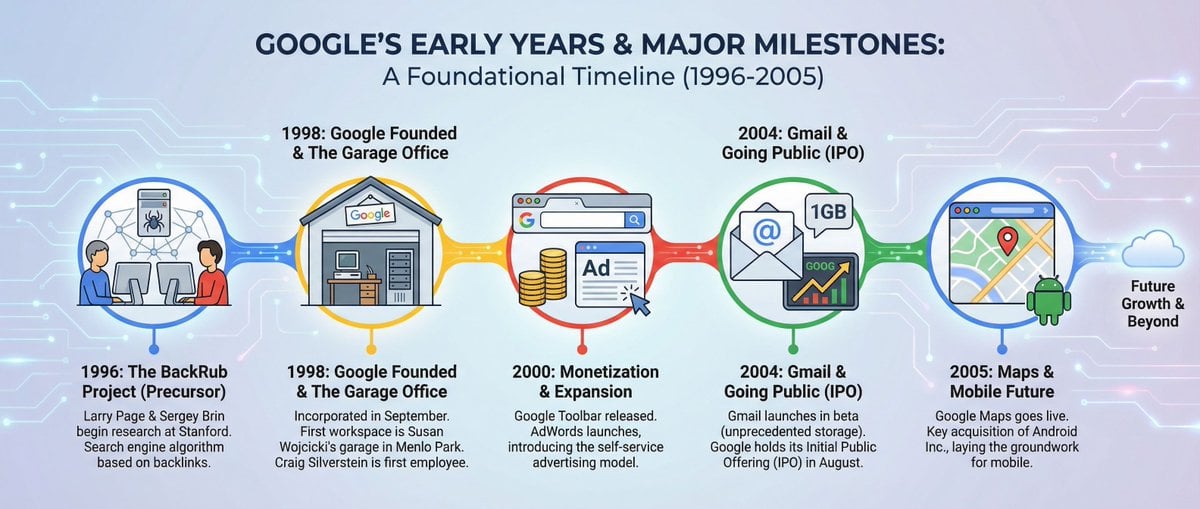
Infographic about Google’s early years
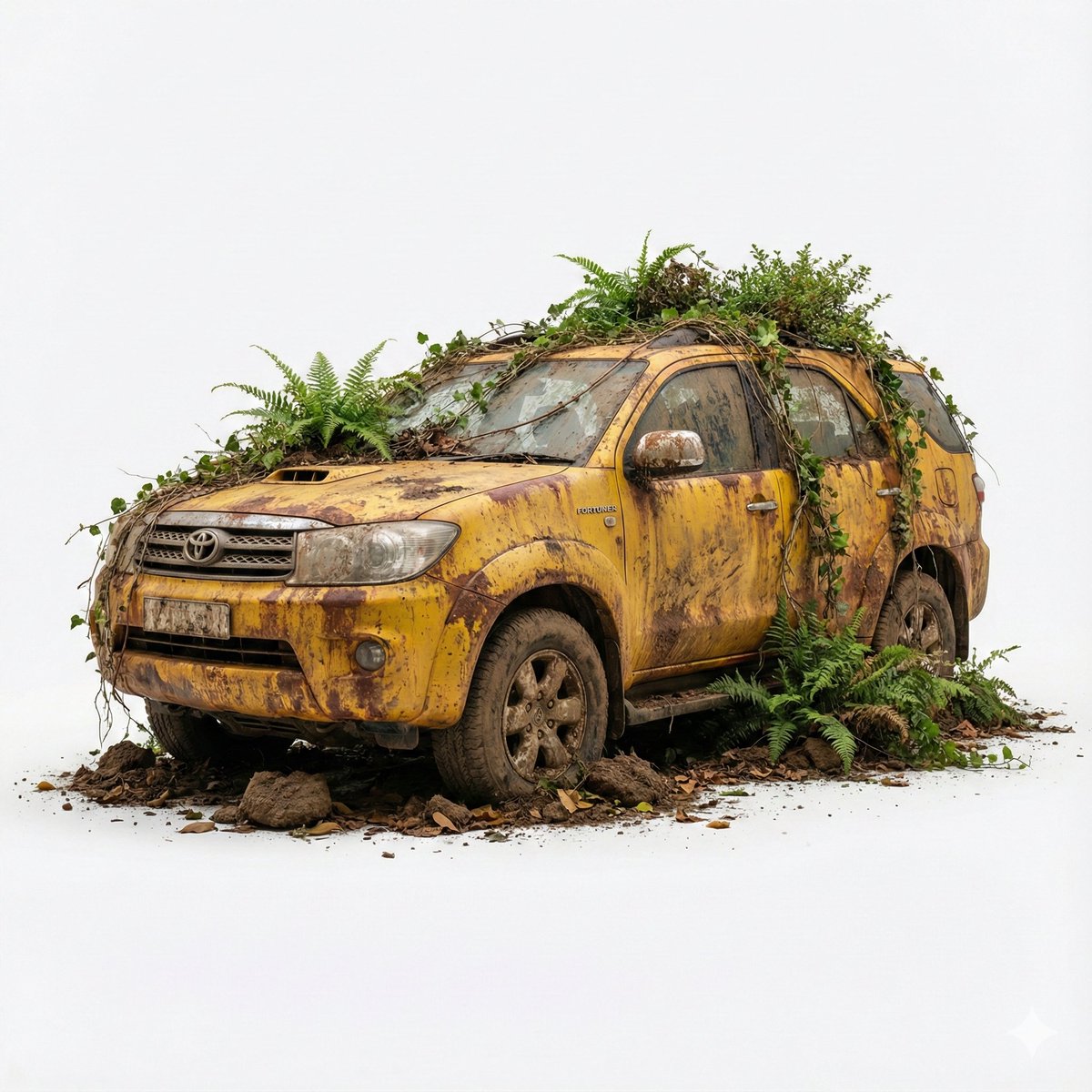
Abandoned Object Photorealistic Image Generator

Ultra-Realistic Portrait with Hard Lighting Prompt
Browse template categories
Nine-Panel Vegetable Anime Comic questions
How do I use the Nine-Panel Vegetable Anime Comic template?
Add your photo if the template asks for one, edit the prompt if you like — the template's model and format are already selected — and press Generate. Your version opens in PicX Studio.
Can I customize the Nine-Panel Vegetable Anime Comic template?
Yes. You can change the subject, setting, lighting, mood, format, and available model controls before creating your image.
Is the Nine-Panel Vegetable Anime Comic template free?
Opening and editing this template is free. Generating uses credits, shown on the Generate button when you are signed in.
Which AI model should I use?
Start with GPT Image 2, which is the model associated with this template. You can compare another compatible model for a different finish.
Looking for something else? Browse all templates.

Your photo, any look
Thousands of ready templates for every top image and video model, from one credit balance.