
Cloisonné Craft PPT Cover
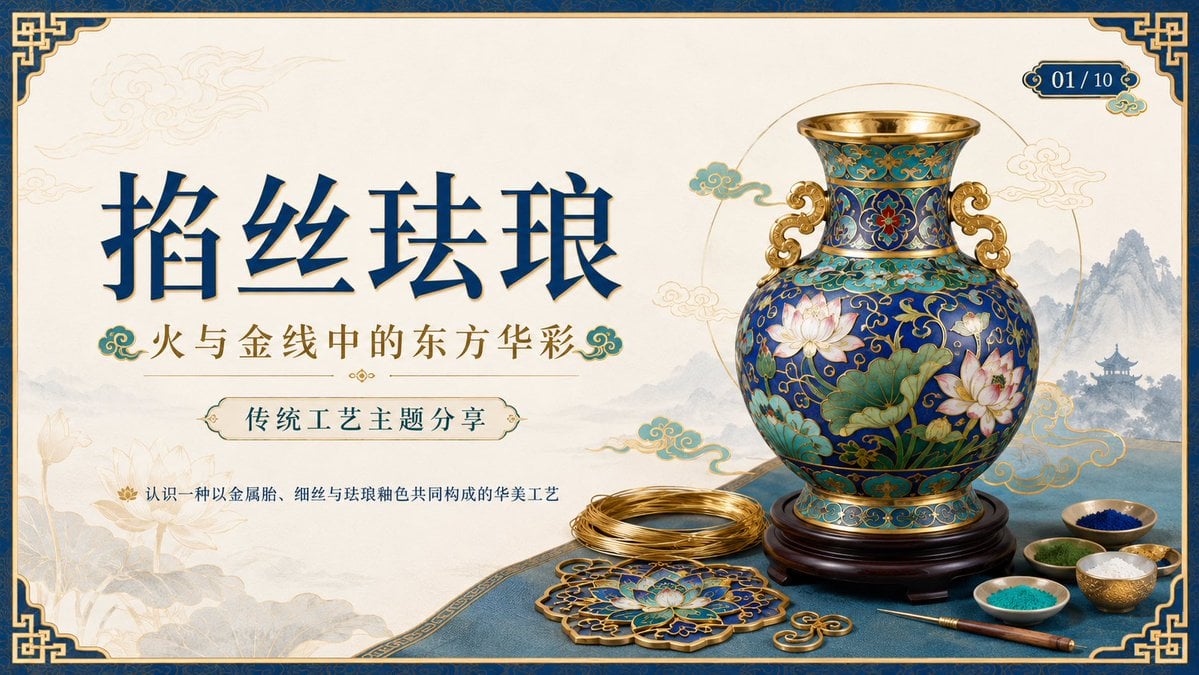
Generates an elegant Chinese-style course title slide about cloisonné enamel craft for a traditional arts presentation.
- Prompt included
- Model and format preset
- Free template
The prompt behind this image
Copy the exact prompt behind Cloisonné Craft PPT Cover, or open it in the studio and make it yours.
Create a 16:9 widescreen PowerPoint cover slide in an elegant Chinese traditional craft presentation style, with an ivory rice-paper background, dark teal and gold ornamental border, and decorative Chinese corner brackets. The main headline on the left is large dark blue Chinese calligraphy text reading {argument name="headline text" default="掐丝珐琅"}, with a smaller gold subtitle underneath reading {argument name="subtitle text" default="火与金线中的东方华彩"}. Below it, place a centered rounded label plaque with teal text reading {argument name="section label" default="传统工艺主题分享"}, and a small explanatory line near the lower left reading {argument name="footer note" default="认识一种以金属胎、细丝与珐琅釉色共同构成的华美工艺"}. In the top-right corner, add a small ornate dark teal page indicator reading {argument name="page indicator" default="01 / 10"}. On the right half, feature a highly detailed blue-and-gold cloisonné enamel vase on a dark wooden stand, decorated with lotus flowers, green lotus leaves, curling gold wire patterns, turquoise accents, and ornate gold handles. The tabletop foreground contains exactly 7 discrete craft objects: 1 coil of gold wire, 1 flat cloisonné floral medallion, 1 gold key-shaped ornament, 1 fine metalworking brush or stylus, and 4 small bowls of enamel powder in blue, green, turquoise, and white/gold. Add pale ink-wash mountains, a distant pavilion, soft lotus line art, and floating auspicious cloud motifs in the background. Use a refined museum-course aesthetic, realistic product rendering mixed with delicate Chinese illustration, harmonious cream, deep navy, turquoise, and metallic gold palette, crisp typography, balanced negative space, premium educational PPT title-slide composition.
How to use Cloisonné Craft PPT Cover in 3 steps
- 1Upload ImagePNG, JPG or paste
Add your photo
Upload the photo the template builds on. The prompt, model and format are already set.
- 2…a portrait of your subject in softgolden-hour light, 85mm…
Personalize
Edit the subject and creative details for your destination.
- 3Generate
Generate
Press Generate — your image is created in PicX Studio, so you can compare it with the original and refine one variable at a time.
More like this
Templates with the same subject, style or setup. Open one to see its prompt.
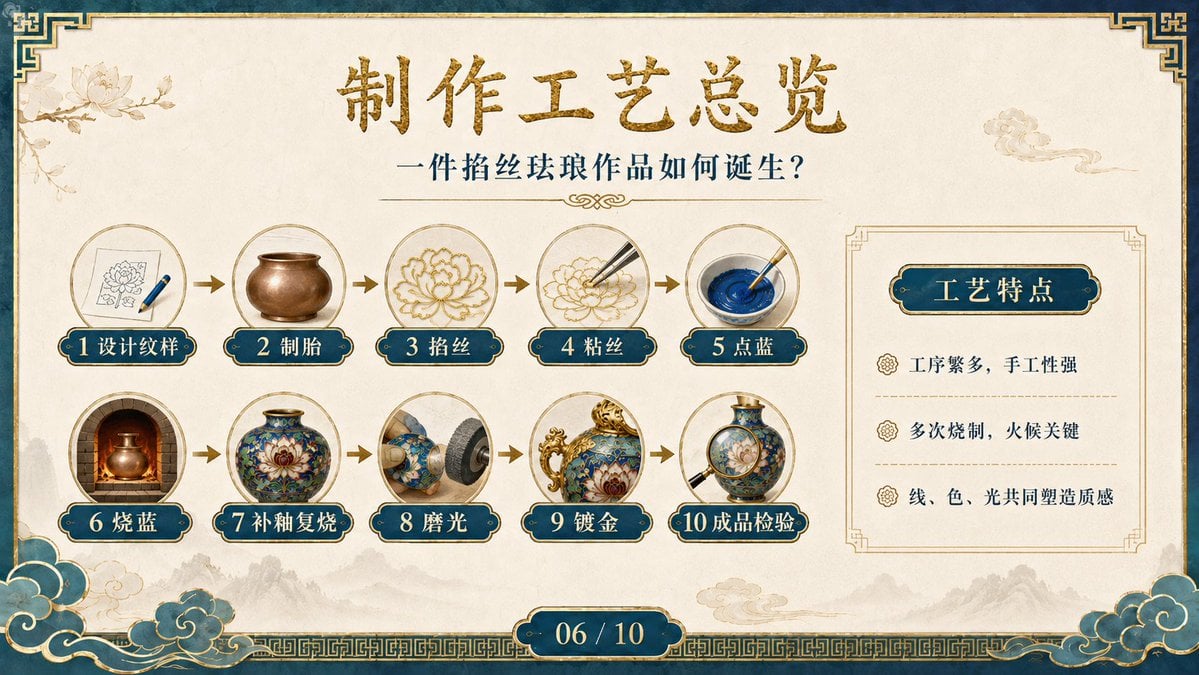
Cloisonné Craft Process PPT Slide
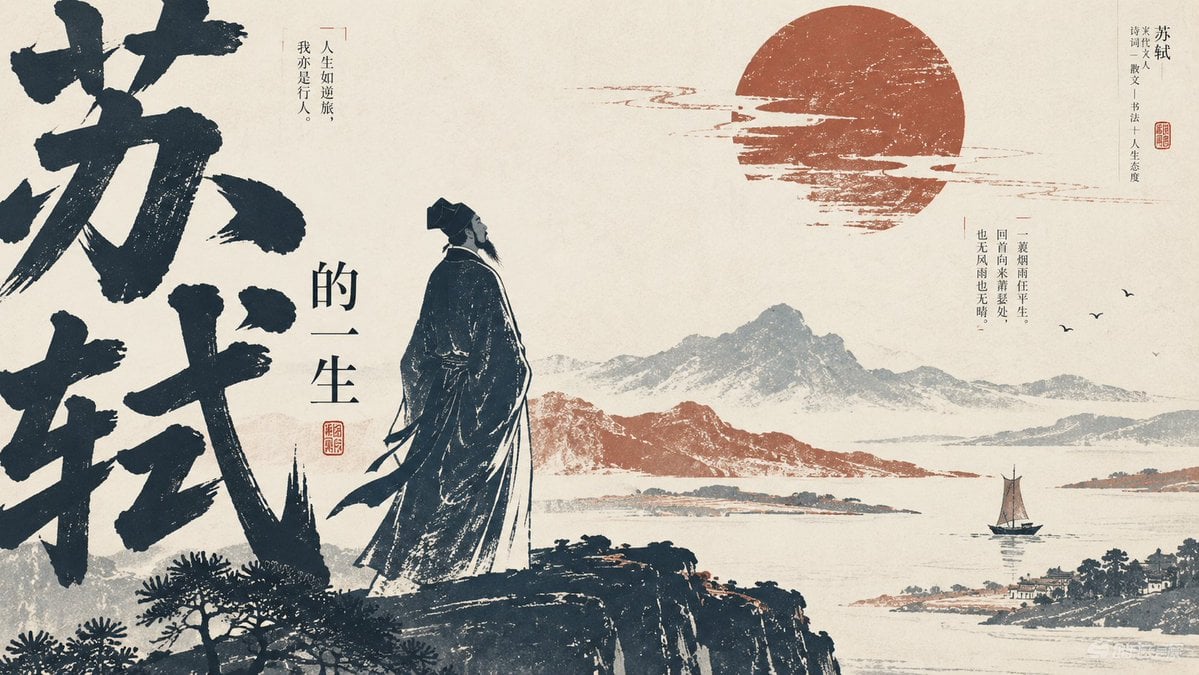
Editorial PPT Cover Design
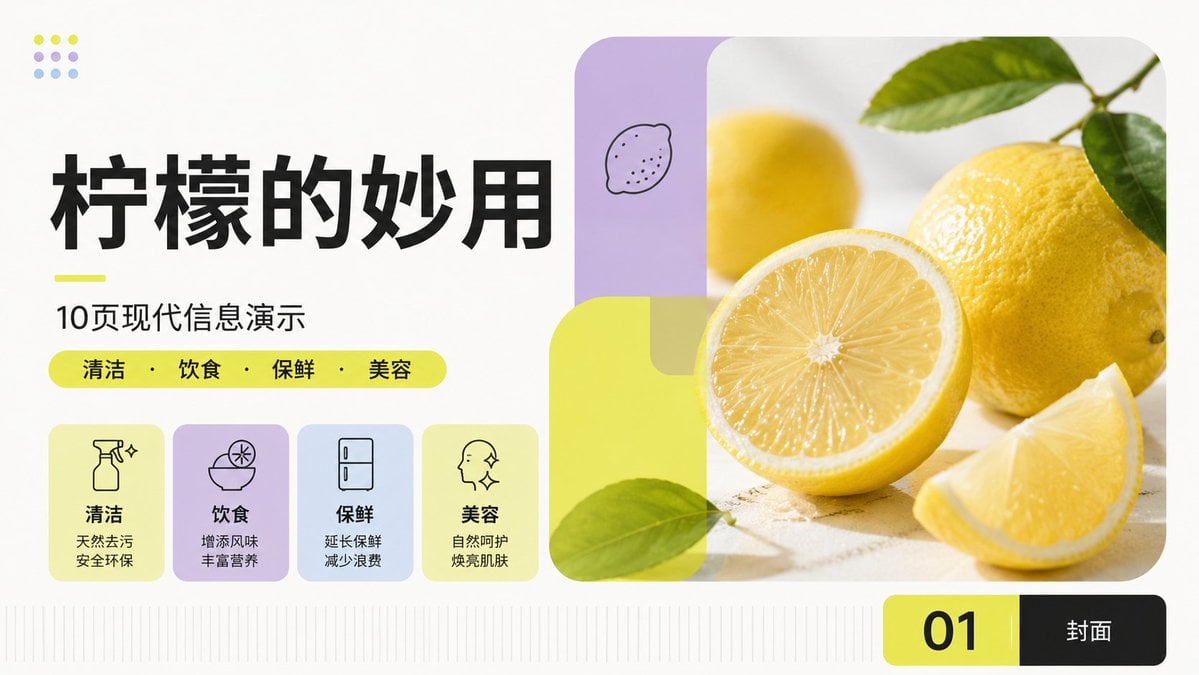
Modern Lemon Uses PPT Cover
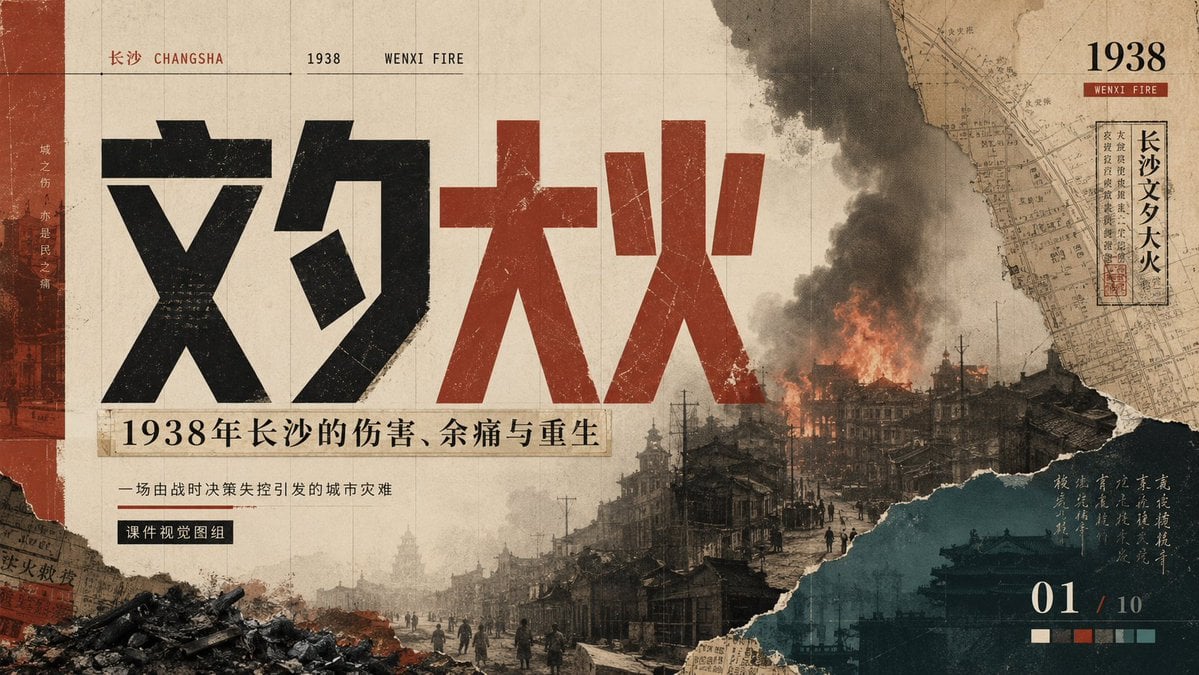
Wenxi Fire Historical PPT Cover
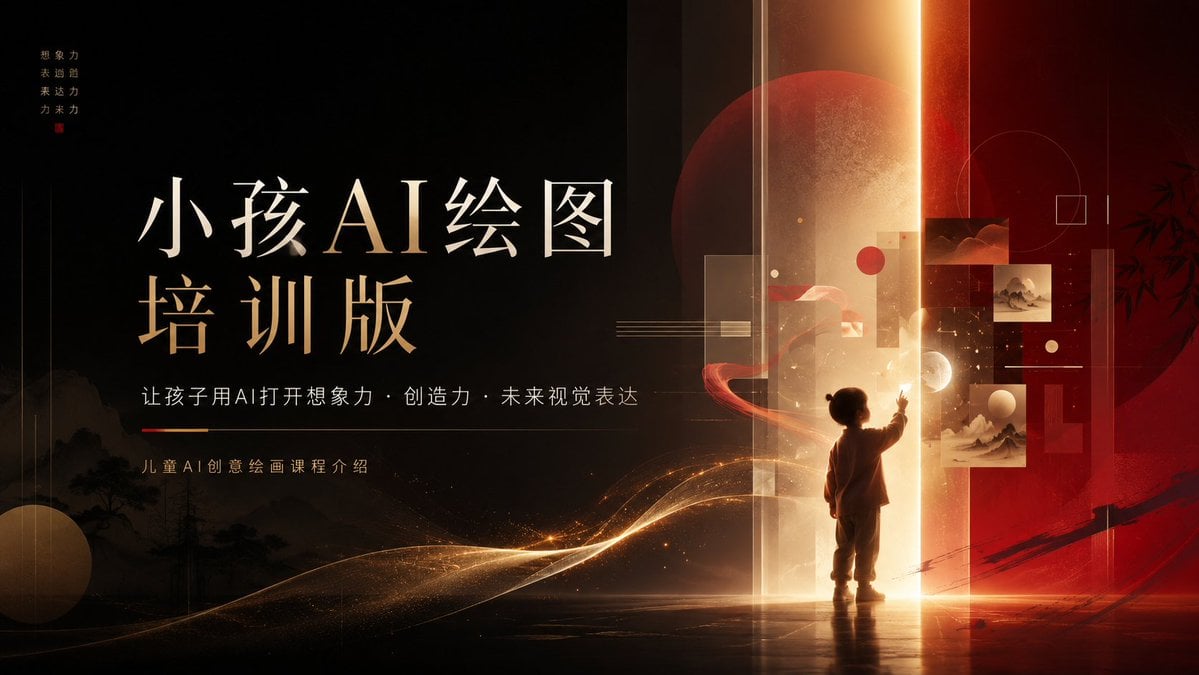
Children’s AI Art Course PPT Cover

Paper Cut Finale Fireworks

Paper Cut Garden Maze

Paper Cut Rooftop Concert

Paper Cut Bicycle Coast

Paper Cut Castle Gate

Paper Cut Kitchen Chaos

Paper Cut Carnival Ride
Make it yours
Cloisonné Craft PPT Cover works as-is. These are the safest ways to change it without losing the look.
Change one field
Copy a single group, rewrite it, and generate again so you can see what that field is doing.
Keep the frame, change the subject
Hold the composition and light of Cloisonné Craft PPT Cover, then swap wardrobe, props or the person for a new take.
| If the result… | Why | Fix |
|---|---|---|
| The result drifts from the preview | Too many fields changed at once. | Reuse Cloisonné Craft PPT Cover as-is first, then change one group — subject, light, or setting. |
| The model over-stylizes the scene | The prose prompt leaves finish and camera underspecified. | Add one camera or lighting sentence and stay on GPT Image 2. |
More GPT Image 2 templates
Other prompts made for GPT Image 2.

Six VTuber Japanese Logo Sheet

Realistic Portrait of Woman and Deer

The Vista Modular Condo Poster

AI Model Routing Comparison Infographic

2.5D Anime Art Board

Isometric Productivity Desk Scene

New York Double Exposure Poster

Four-Panel AI Landscape Comparison

Japanese Tatami Lifestyle Magazine Cover

NESCAFÉ Coffee Map Poster
More image prompts
Fresh picks from across the catalog.
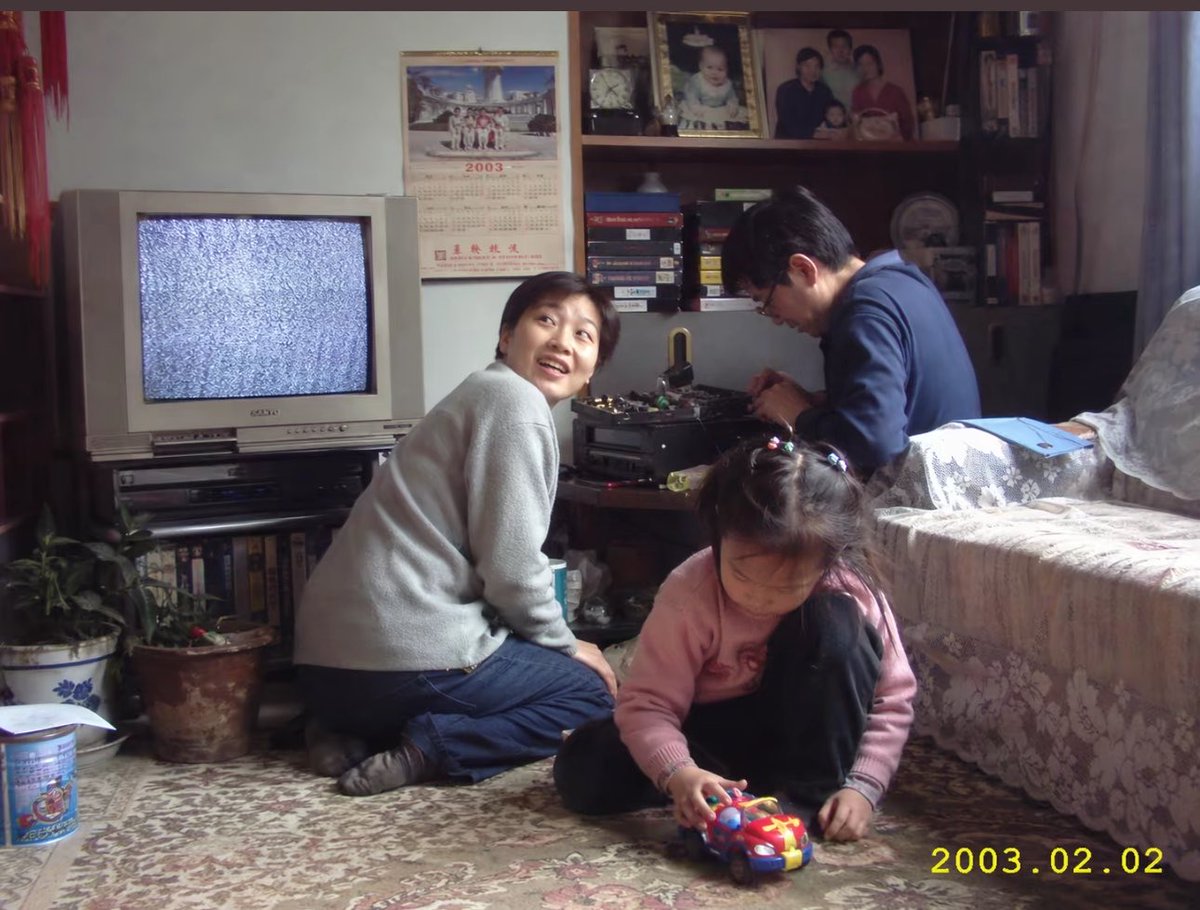
Early 2000s Family Living Room Photo
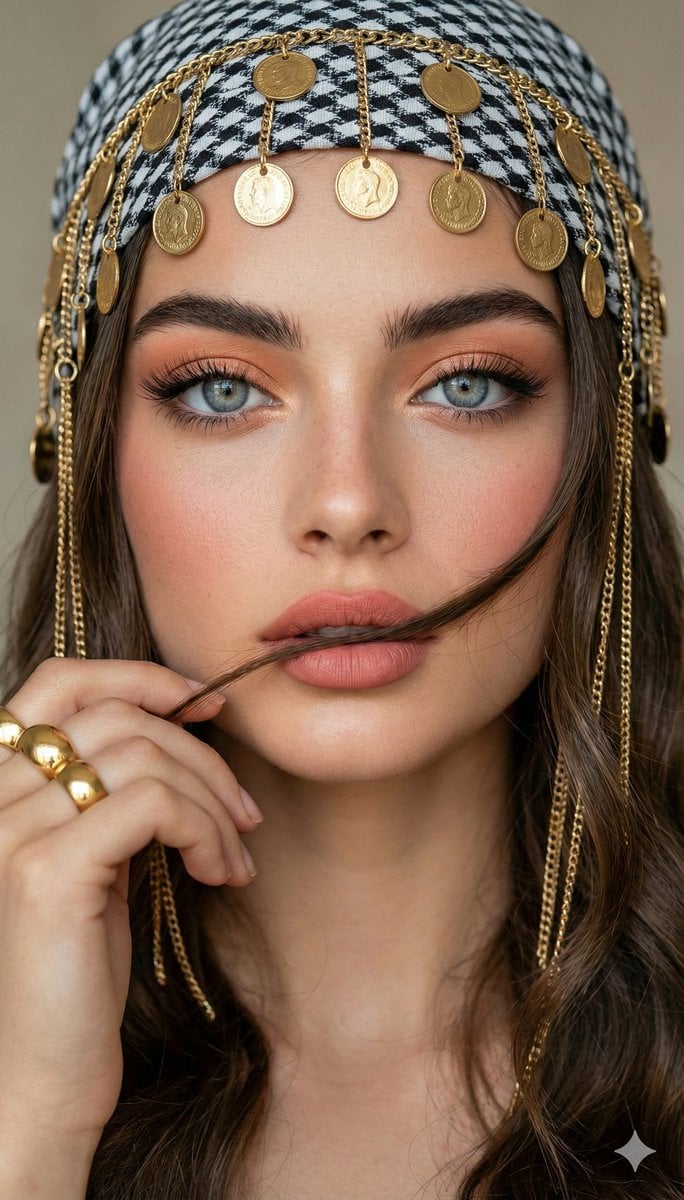
Close-up Portrait with Headscarf and Jewelry Prompt (Image Reference)
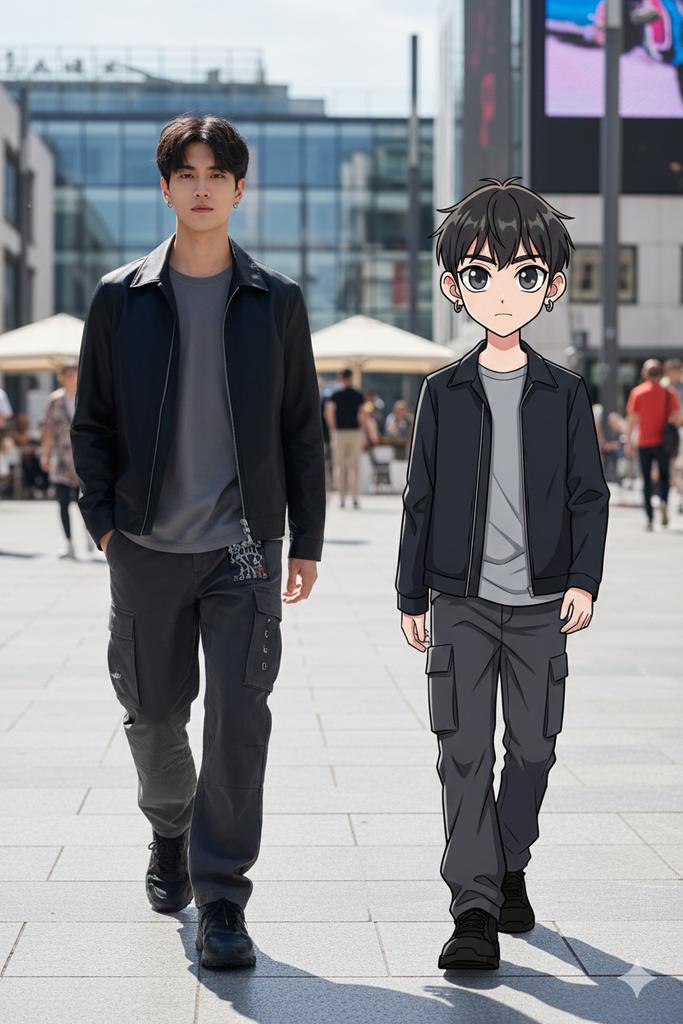
64K Street Candid with Cartoon Twin and Custom Branding
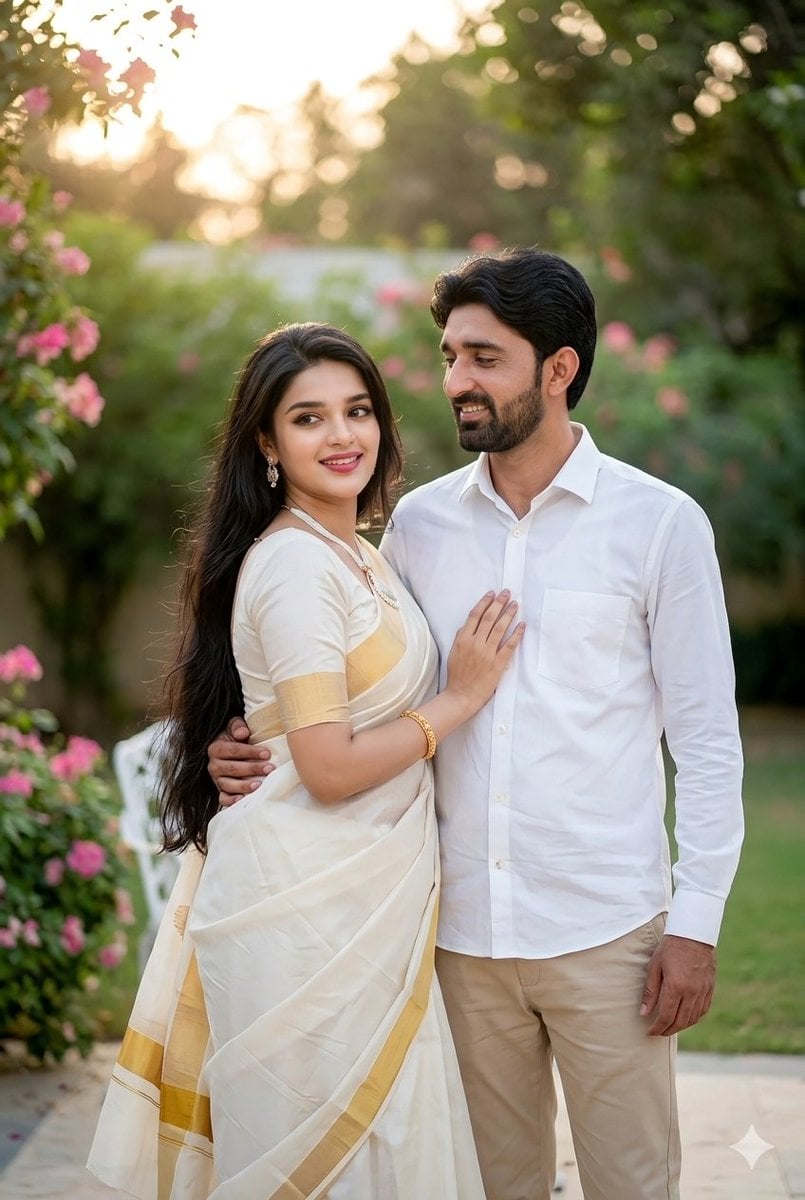
Indian Couple Portrait Prompt
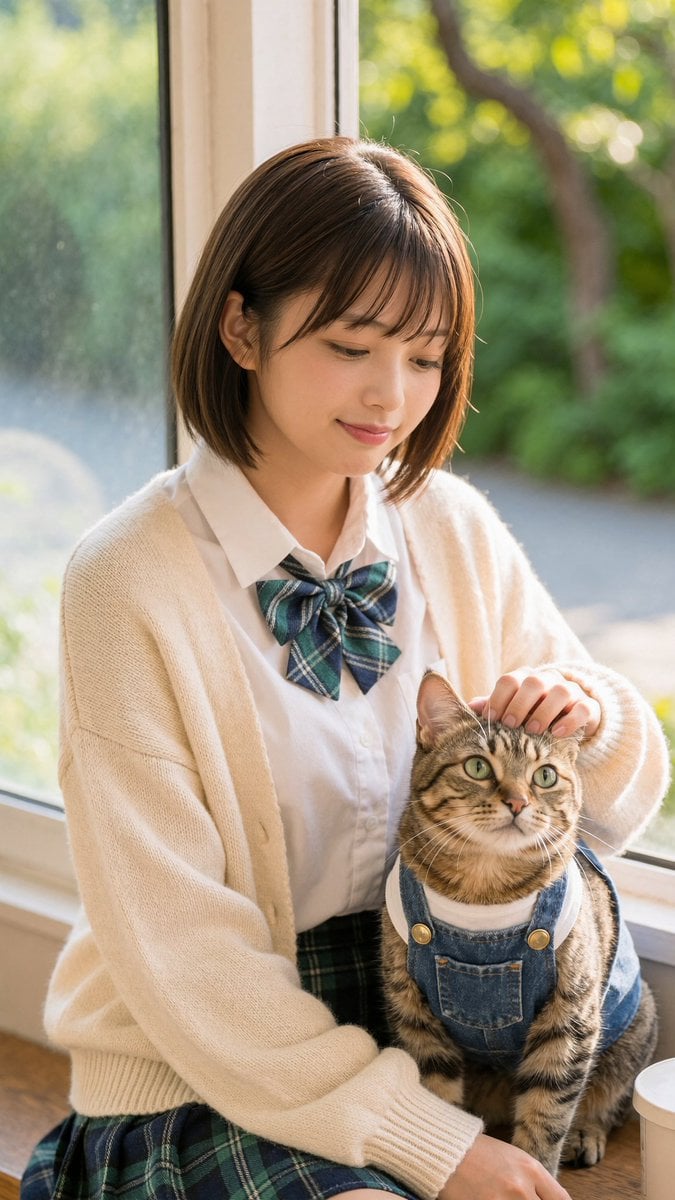
Schoolgirl With Cat by Sunlit Window
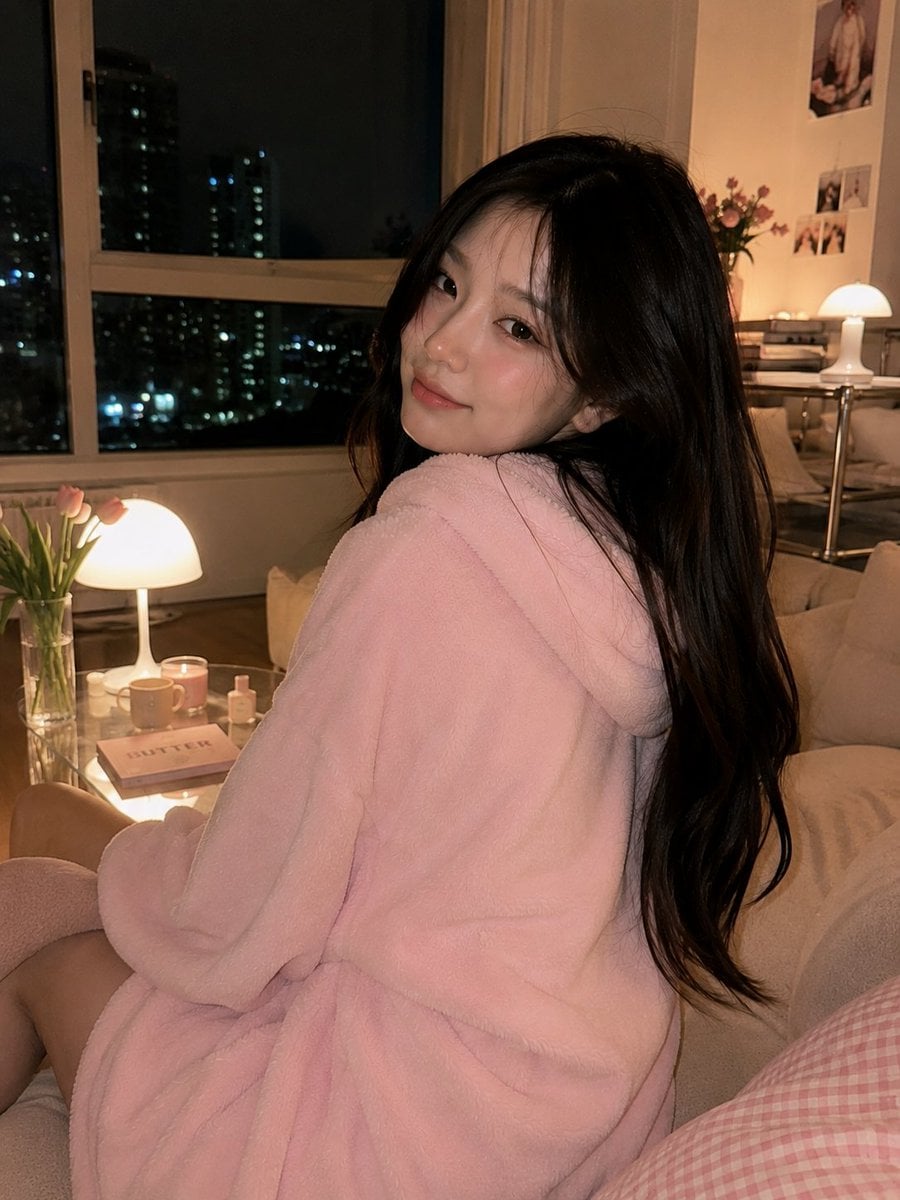
Cozy Korean Living Room Portrait
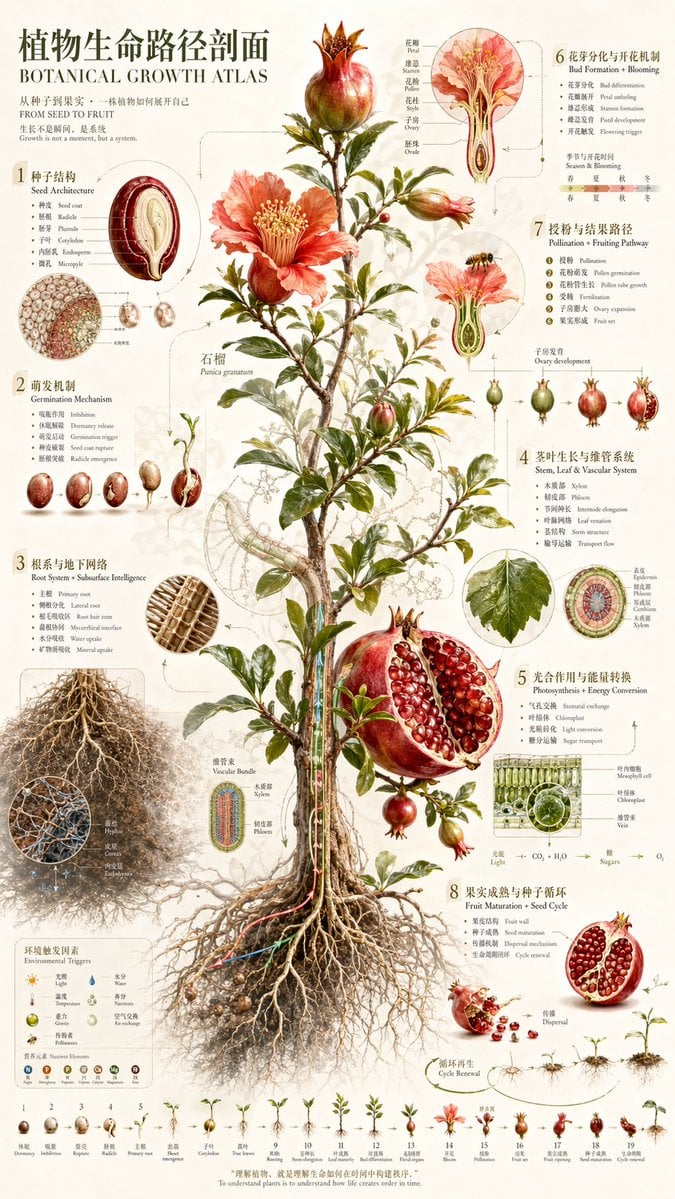
Vintage Pomegranate Growth Atlas
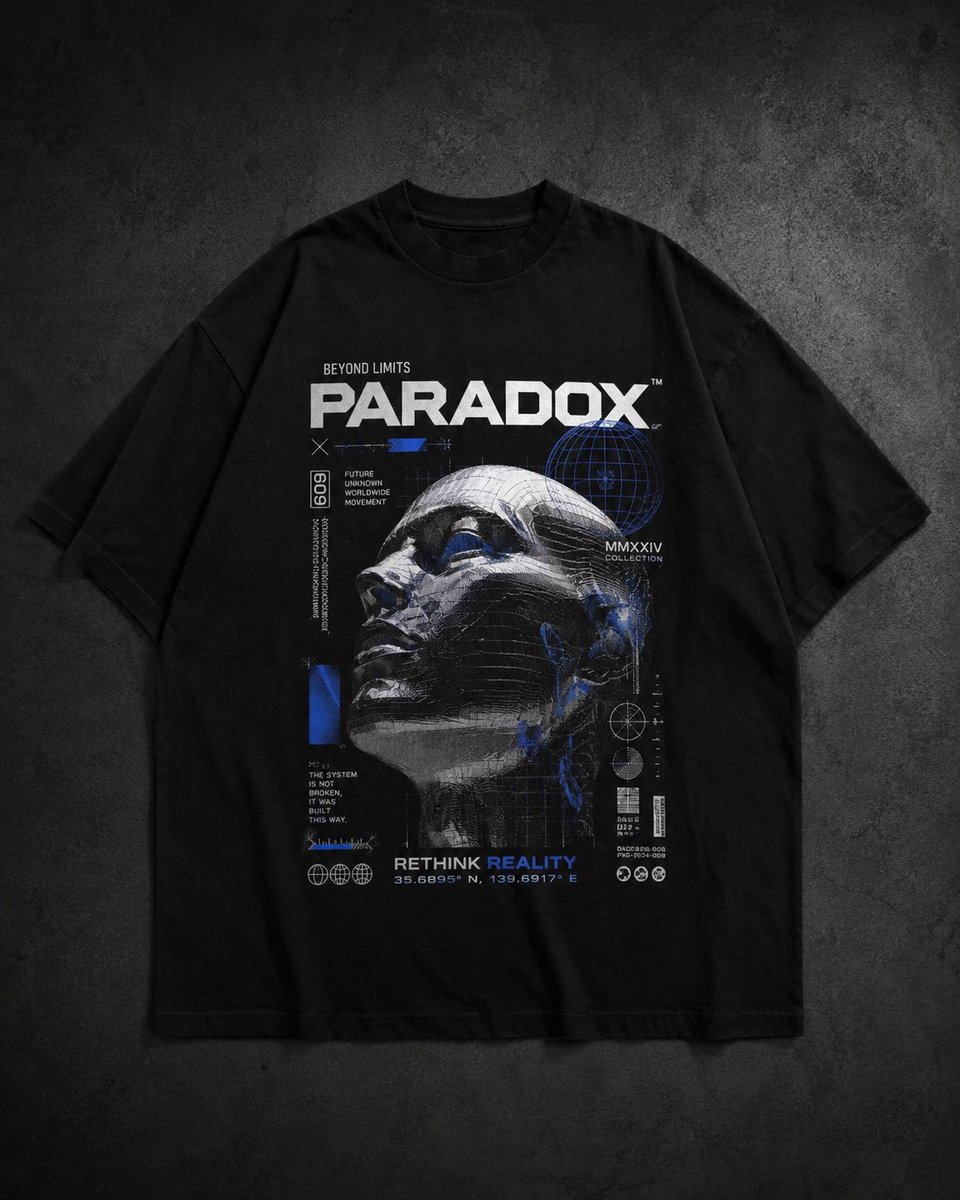
Modern Streetwear and Luxury T-Shirt Designs
untitled
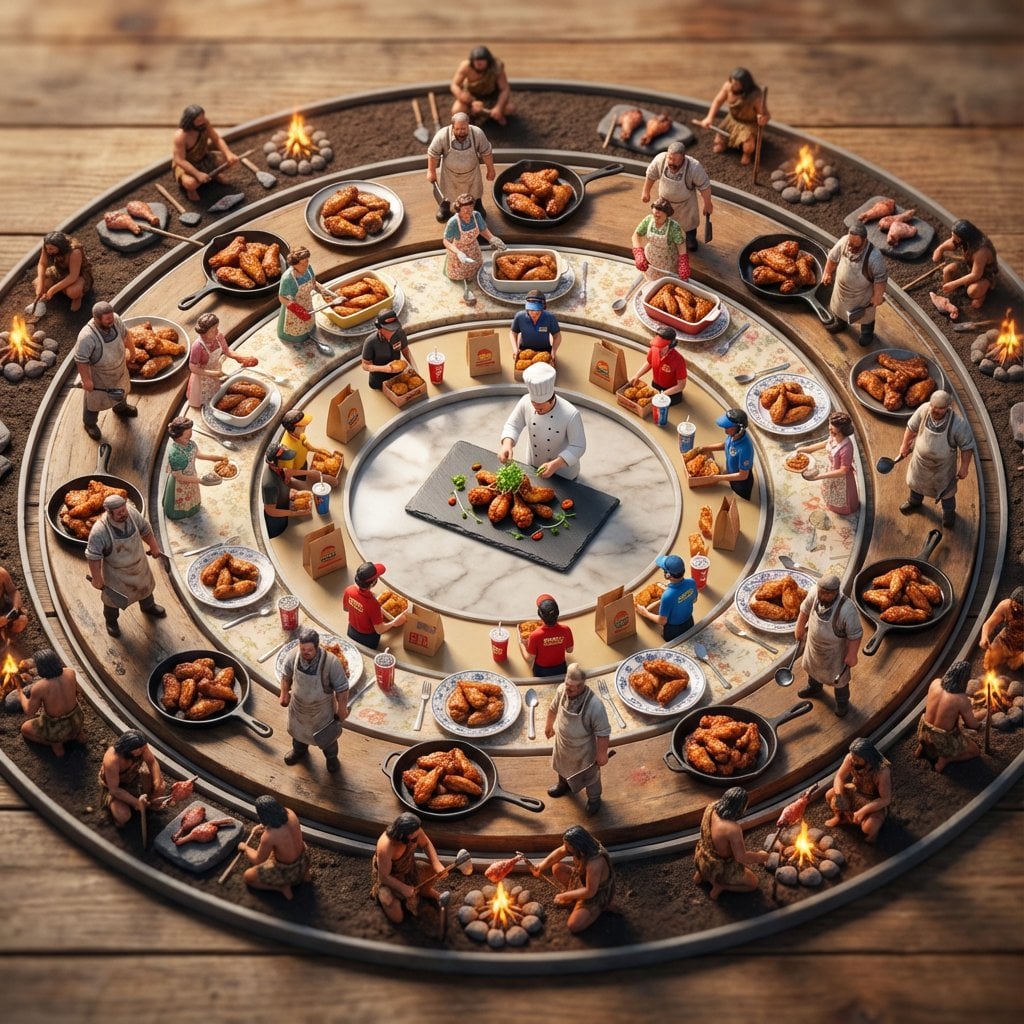
Food History Diorama in Mandala Format (Spicy Chicken Wings)
Browse template categories
Cloisonné Craft PPT Cover questions
How do I use the Cloisonné Craft PPT Cover template?
Add your photo if the template asks for one, edit the prompt if you like — the template's model and format are already selected — and press Generate. Your version opens in PicX Studio.
Can I customize the Cloisonné Craft PPT Cover template?
Yes. You can change the subject, setting, lighting, mood, format, and available model controls before creating your image.
Is the Cloisonné Craft PPT Cover template free?
Opening and editing this template is free. Generating uses credits, shown on the Generate button when you are signed in.
Which AI model should I use?
Start with GPT Image 2, which is the model associated with this template. You can compare another compatible model for a different finish.
Looking for something else? Browse all templates.

Your photo, any look
Thousands of ready templates for every top image and video model, from one credit balance.