
Children’s AI Art Course PPT Cover
A premium cinematic presentation cover for a children’s AI drawing course using Chinese typography, glowing portals, and futuristic education aesthetics.
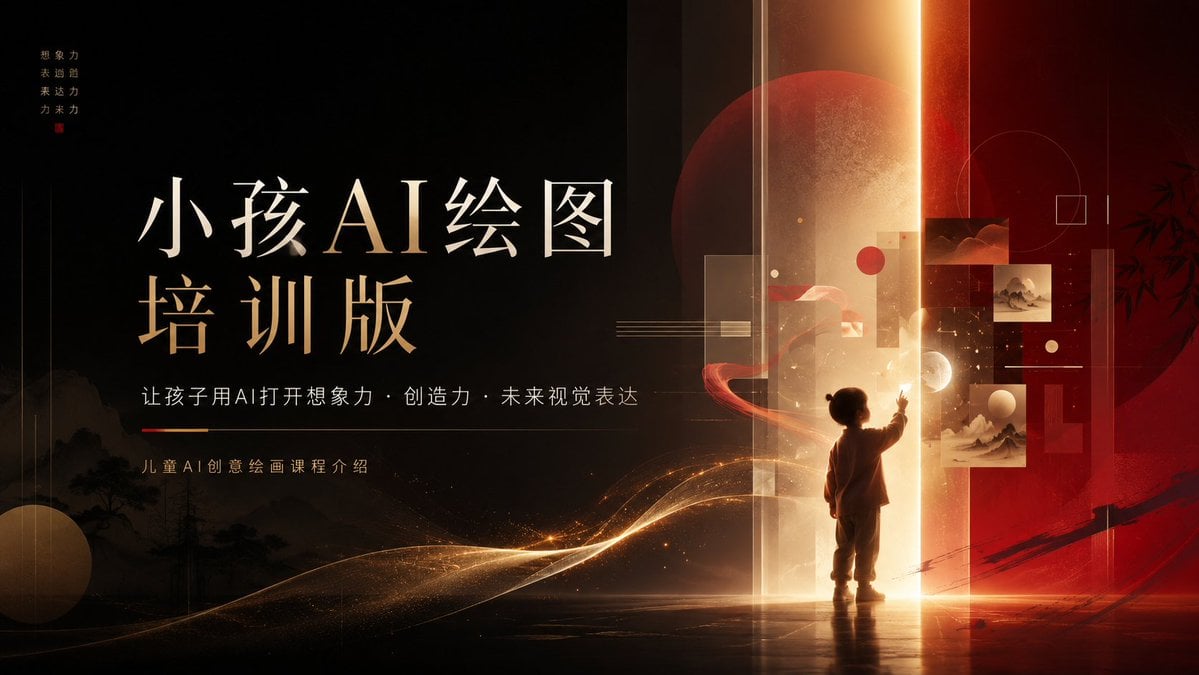
- Prompt included
- Model and format preset
- Premium template
The prompt behind this image
Copy the exact prompt behind Children’s AI Art Course PPT Cover, or open it in the studio and make it yours.
Goal: Create a cinematic 16:9 PowerPoint cover slide for a children’s AI art course, blending premium Chinese aesthetics, futuristic AI education, and warm imaginative storytelling. Canvas: Wide presentation slide, 1366×768 or 16:9 ratio. Dark black-to-burgundy background with a strong vertical glowing portal slightly right of center. Use a luxury black, deep red, ivory, and gold palette with soft haze, dust particles, and luminous light trails. Layout: Left side is the typography area; right side is the fantasy visual scene. Place a large two-line Chinese title on the left: first line “小孩AI绘图”, second line “培训版”, with elegant Song/Ming-style serif Chinese typography, ivory on top and warm gold accents below. Under the title, add one subtitle line: “让孩子用AI打开想象力 · 创造力 · 未来视觉表达”. Below that, add a small caption: “儿童AI创意绘画课程介绍”. In the top-left corner, include a tiny vertical four-line motto reading “想象力 / 表达力 / 未来力 / 创造力” with a small red seal-like square beneath it. Subject details: On the right, show one small child silhouette standing at the base of the glowing portal, facing away from the viewer and reaching one hand toward floating visual panels. The child should look about 5–7 years old, short, with a rounded head silhouette and simple clothing, rendered as a warm backlit figure. Around the child, include exactly 5 floating art panels: 2 small dark red abstract landscape panels near the upper right, 2 pale Chinese ink landscape panels stacked near the middle-right, and 1 small translucent rectangular panel near the portal. Add exactly 4 main geometric accents: 1 large translucent red moon/circle behind the portal, 1 thin outlined circle in the upper right, 1 small outlined square near it, and 1 beige sphere near the lower left. Add a red ribbon-like orbit around the child and golden wave particles sweeping from lower left toward the portal. Visual style: High-end course-presentation cover, cinematic lighting, subtle Chinese ink landscape silhouettes along the bottom left, faint bamboo silhouette on the far right, layered transparent rectangles, thin technical lines, warm golden vertical beam, glossy floor reflection, dramatic contrast, refined editorial composition, premium education brand aesthetic. Customizable text: Main title should read {argument name="main title" default="小孩AI绘图\n培训版"}. Subtitle should read {argument name="subtitle" default="让孩子用AI打开想象力 · 创造力 · 未来视觉表达"}. Small course label should read {argument name="course label" default="儿童AI创意绘画课程介绍"}. Motto should read {argument name="vertical motto" default="想象力\n表达力\n未来力\n创造力"}. Overall theme should remain {argument name="course theme" default="children’s AI creative drawing course"}. Constraints: Keep the composition uncluttered and presentation-ready. Do not add extra people, extra title text, logos, watermarks, or UI elements. Preserve the luxurious black-red-gold palette and the exact counts of 1 child, 5 floating art panels, and 4 main geometric accents.
How to use Children’s AI Art Course PPT Cover in 3 steps
- 1Upload ImagePNG, JPG or paste
Add your photo
Upload the photo the template builds on. The prompt, model and format are already set.
- 2…a portrait of your subject in softgolden-hour light, 85mm…
Personalize
Edit the subject and creative details for your destination.
- 3Generate
Generate
Press Generate — your image is created in PicX Studio, so you can compare it with the original and refine one variable at a time.
More like this
Templates with the same subject, style or setup. Open one to see its prompt.
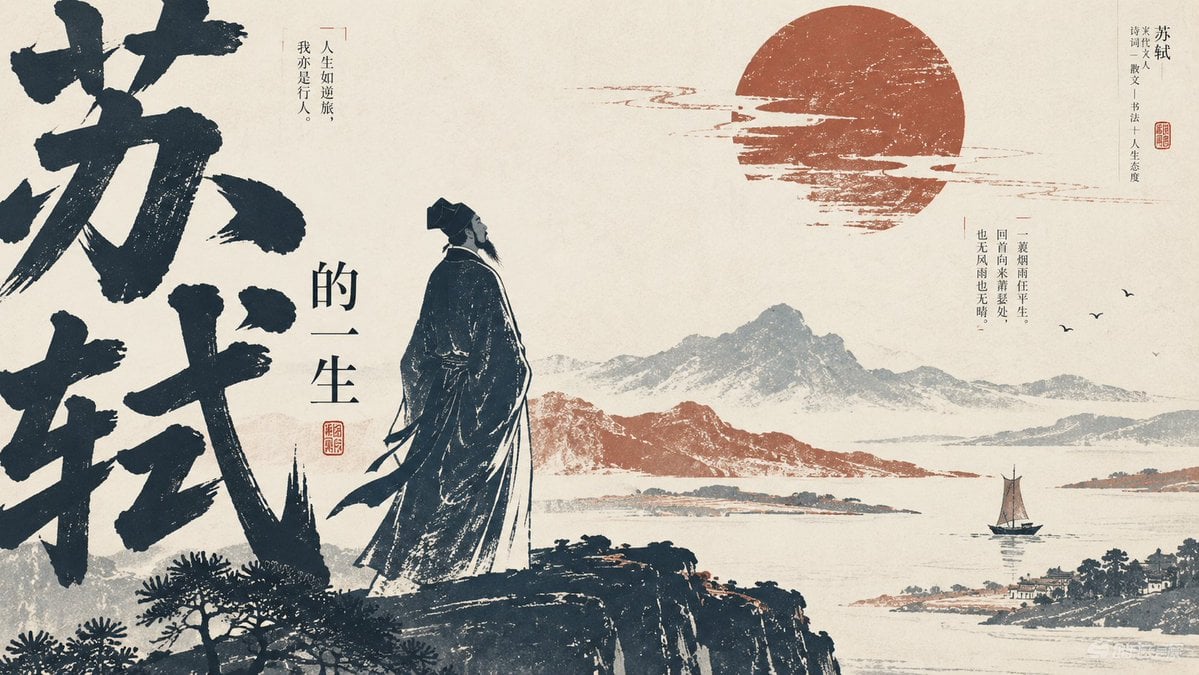
Editorial PPT Cover Design
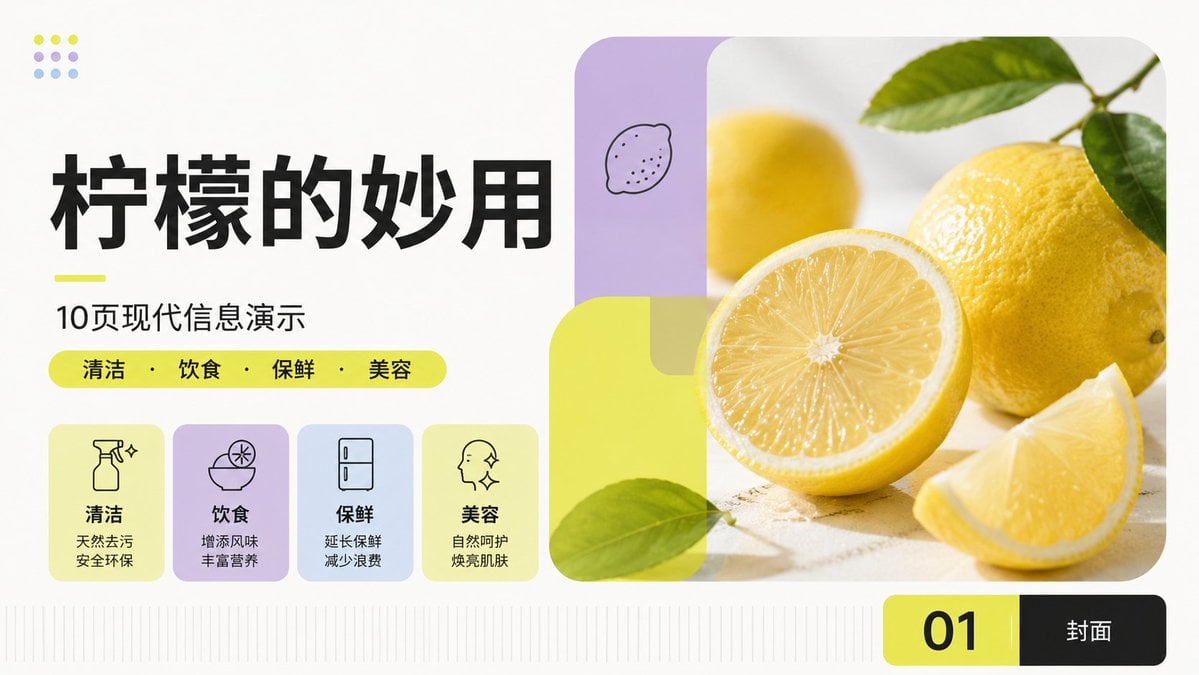
Modern Lemon Uses PPT Cover
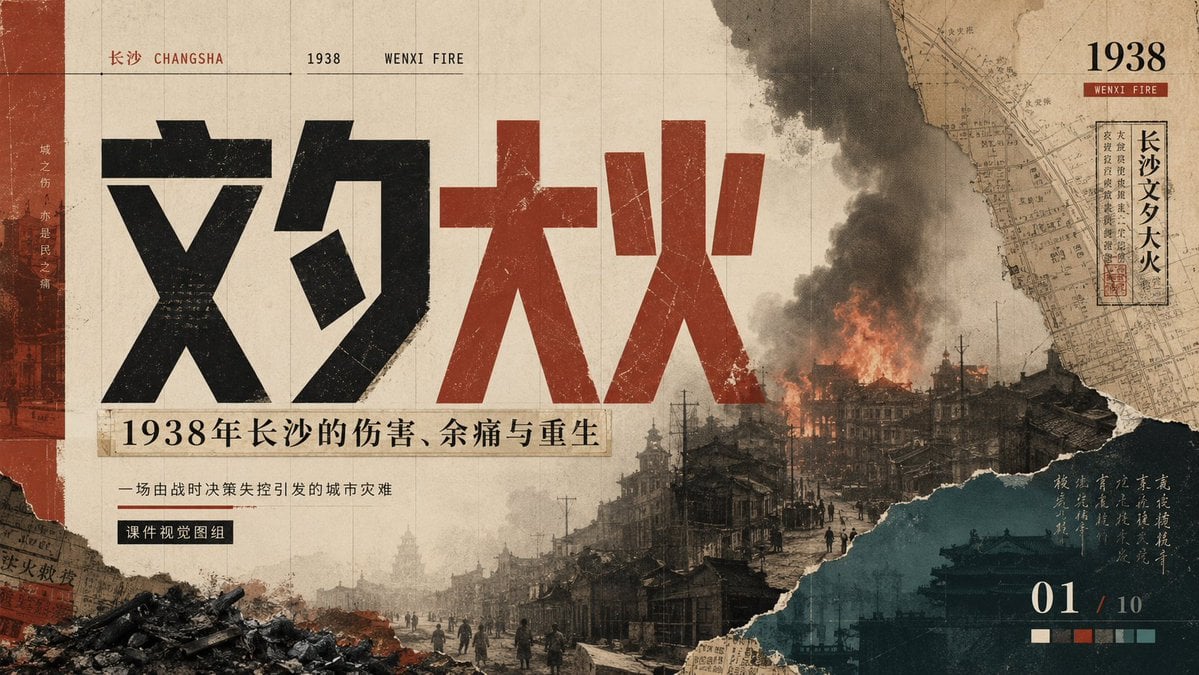
Wenxi Fire Historical PPT Cover
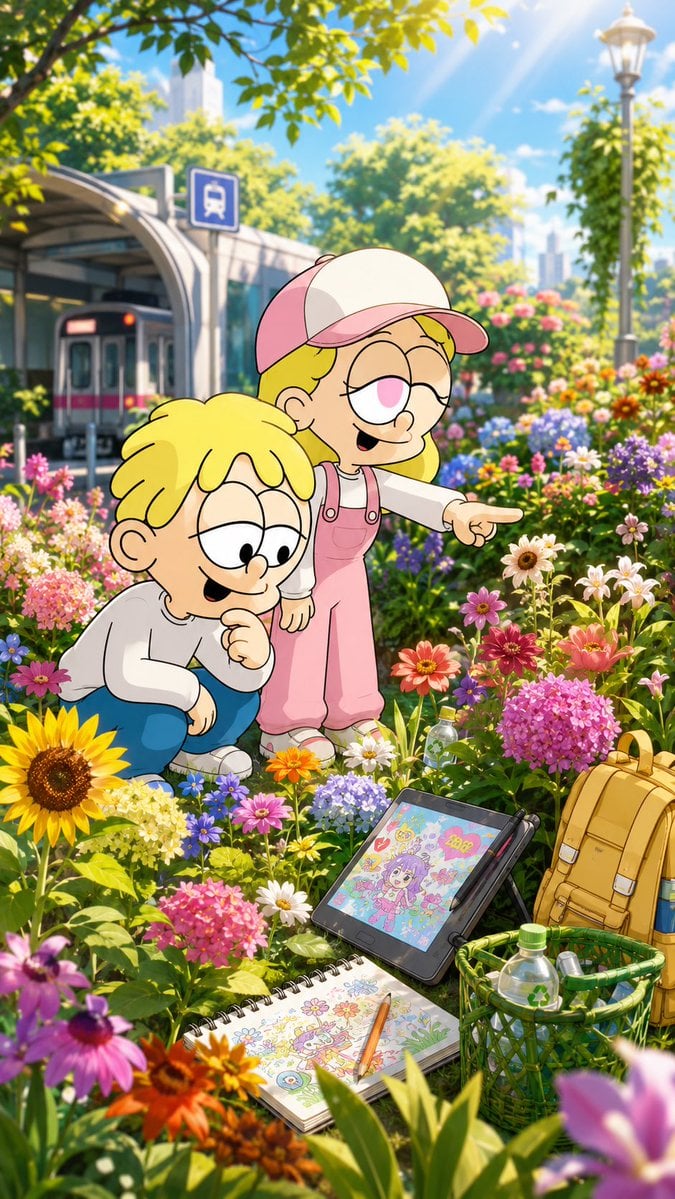
Children Discover Flowers in Anime Garden
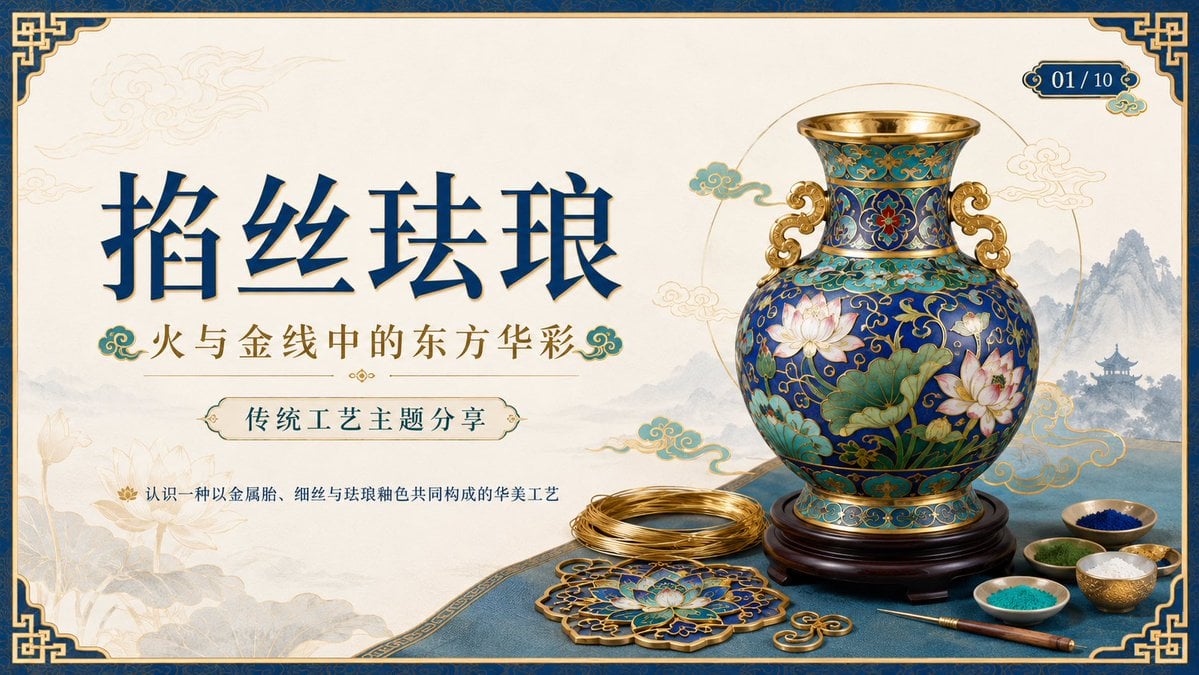
Cloisonné Craft PPT Cover

Web Design Course Promotional Banner
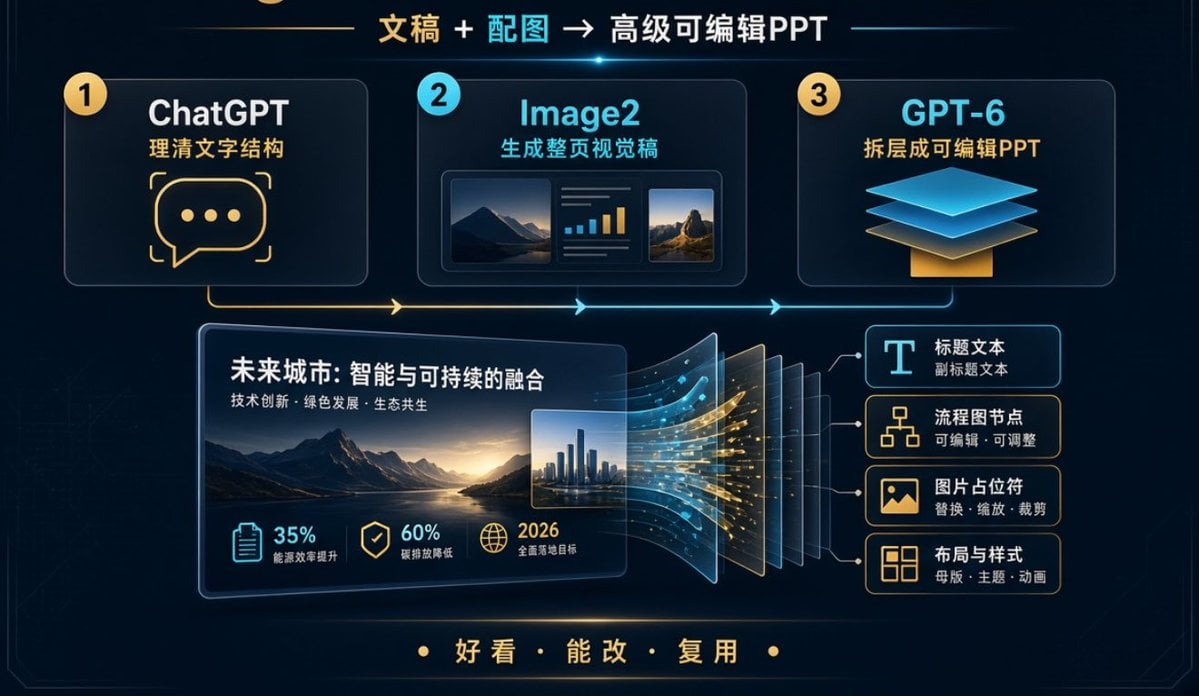
Editable PPT Workflow Infographic
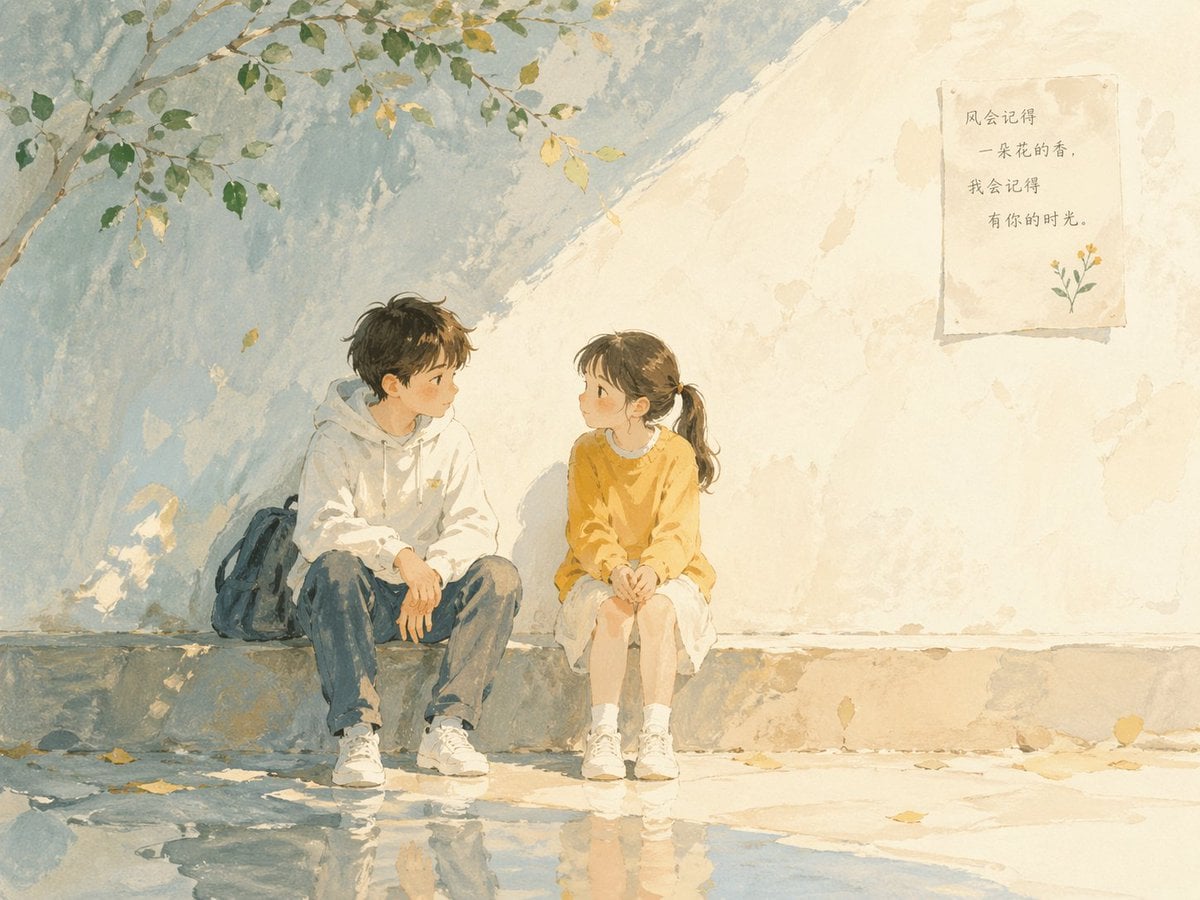
Watercolor Children Book Illustration
Quiet Newspaper Fashion Cover

Off Duty Fashion Magazine Cover

Japanese Tatami Lifestyle Magazine Cover
Children's Art Class Enrollment Poster
Make it yours
Children’s AI Art Course PPT Cover works as-is. These are the safest ways to change it without losing the look.
Change one field
Copy a single group, rewrite it, and generate again so you can see what that field is doing.
Keep the frame, change the subject
Hold the composition and light of Children’s AI Art Course PPT Cover, then swap wardrobe, props or the person for a new take.
| If the result… | Why | Fix |
|---|---|---|
| The result drifts from the preview | Too many fields changed at once. | Reuse Children’s AI Art Course PPT Cover as-is first, then change one group — subject, light, or setting. |
| The model over-stylizes the scene | The prose prompt leaves finish and camera underspecified. | Add one camera or lighting sentence and stay on GPT Image 2. |
More GPT Image 2 templates
Other prompts made for GPT Image 2.

Six VTuber Japanese Logo Sheet

Realistic Portrait of Woman and Deer

The Vista Modular Condo Poster

AI Model Routing Comparison Infographic

2.5D Anime Art Board

Isometric Productivity Desk Scene

New York Double Exposure Poster

Four-Panel AI Landscape Comparison

NESCAFÉ Coffee Map Poster

Brutalist Cogito Chinese Typography Poster
More image prompts
Fresh picks from across the catalog.
Organic Golden Alchemy Surreal Portrait
X Harboriis Use the Uploaded X Account
Submerged Intimate Portrait
Character in location prompt
Neon Rain Streetwear Portrait
Dog Selfie at Eiffel Tower

Raw Night Street Photography with Flash Prompt (Identity Lock)
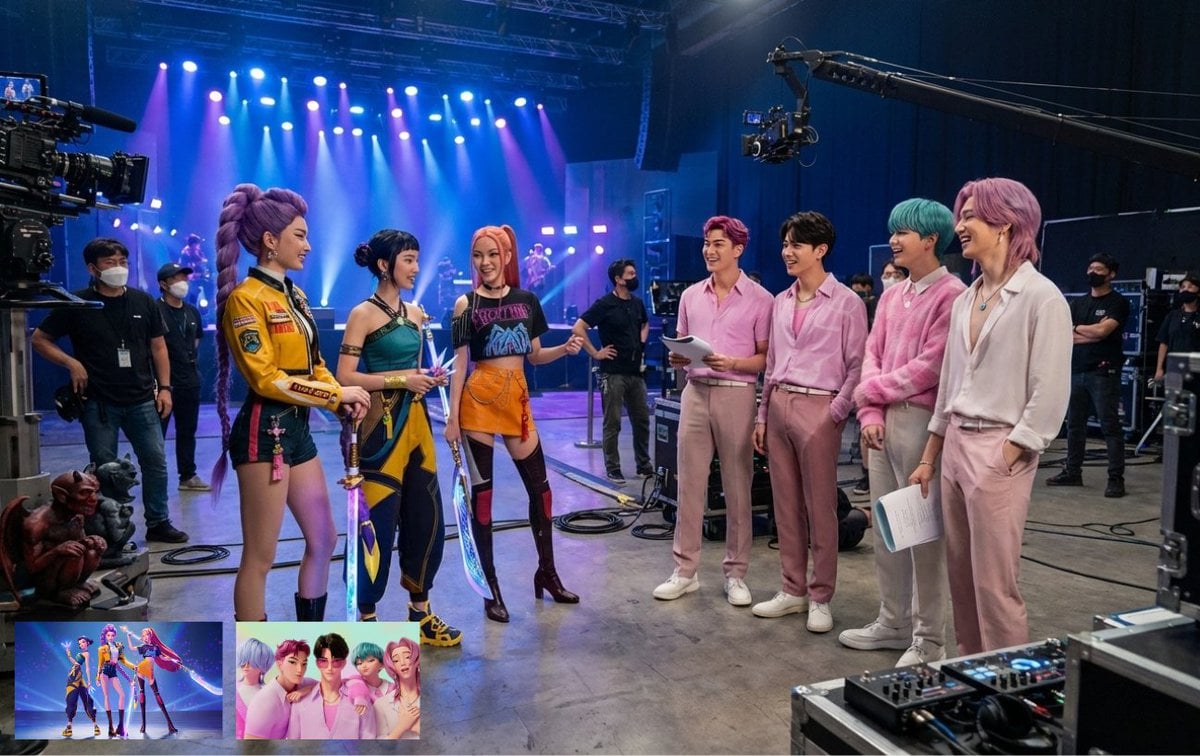
Cat drinking cola illustration
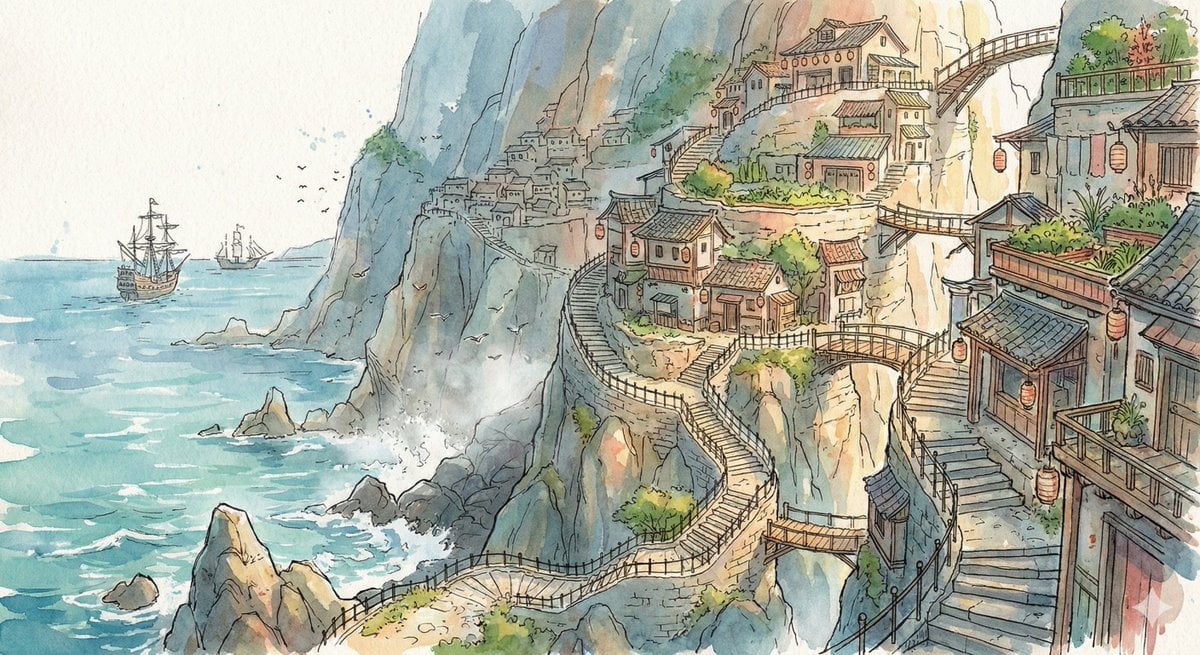
Watercolor Cliffside Village Illustration
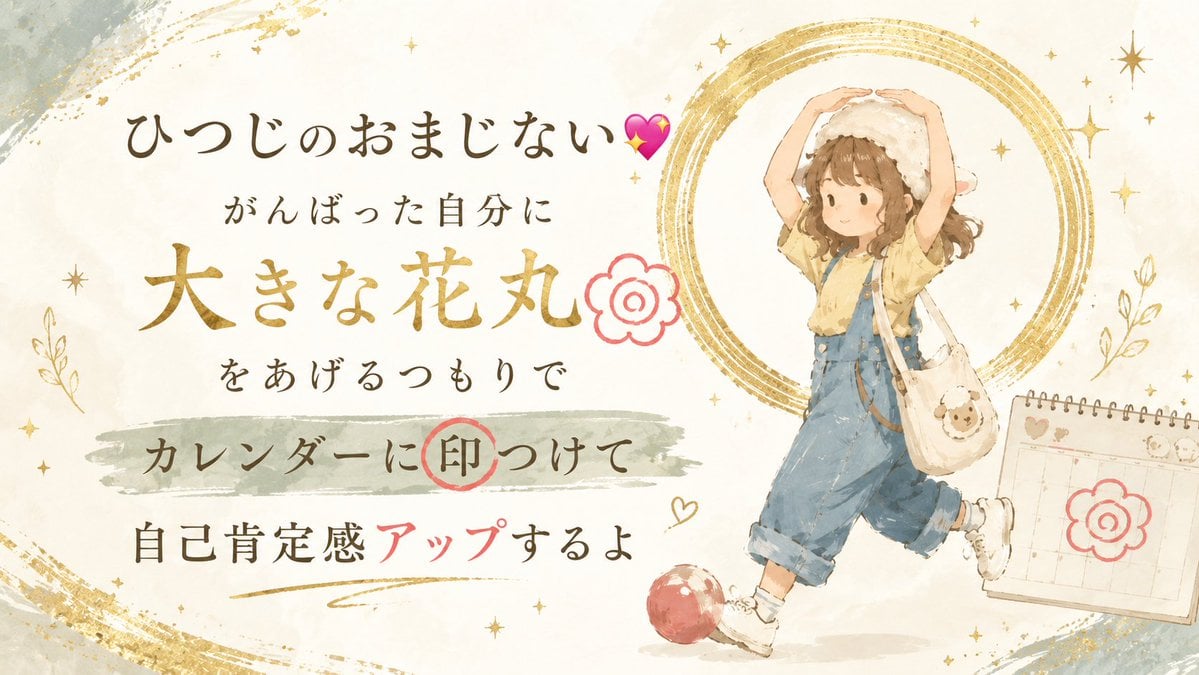
Japanese Self-Care Flower Mark Card
Browse template categories
Children’s AI Art Course PPT Cover questions
How do I use the Children’s AI Art Course PPT Cover template?
Add your photo if the template asks for one, edit the prompt if you like — the template's model and format are already selected — and press Generate. Your version opens in PicX Studio.
Can I customize the Children’s AI Art Course PPT Cover template?
Yes. You can change the subject, setting, lighting, mood, format, and available model controls before creating your image.
Is the Children’s AI Art Course PPT Cover template free?
Opening and editing this template is free. Generating uses credits, shown on the Generate button when you are signed in.
Which AI model should I use?
Start with GPT Image 2, which is the model associated with this template. You can compare another compatible model for a different finish.
Looking for something else? Browse all templates.

Your photo, any look
Thousands of ready templates for every top image and video model, from one credit balance.