
Wenxi Fire Historical PPT Cover
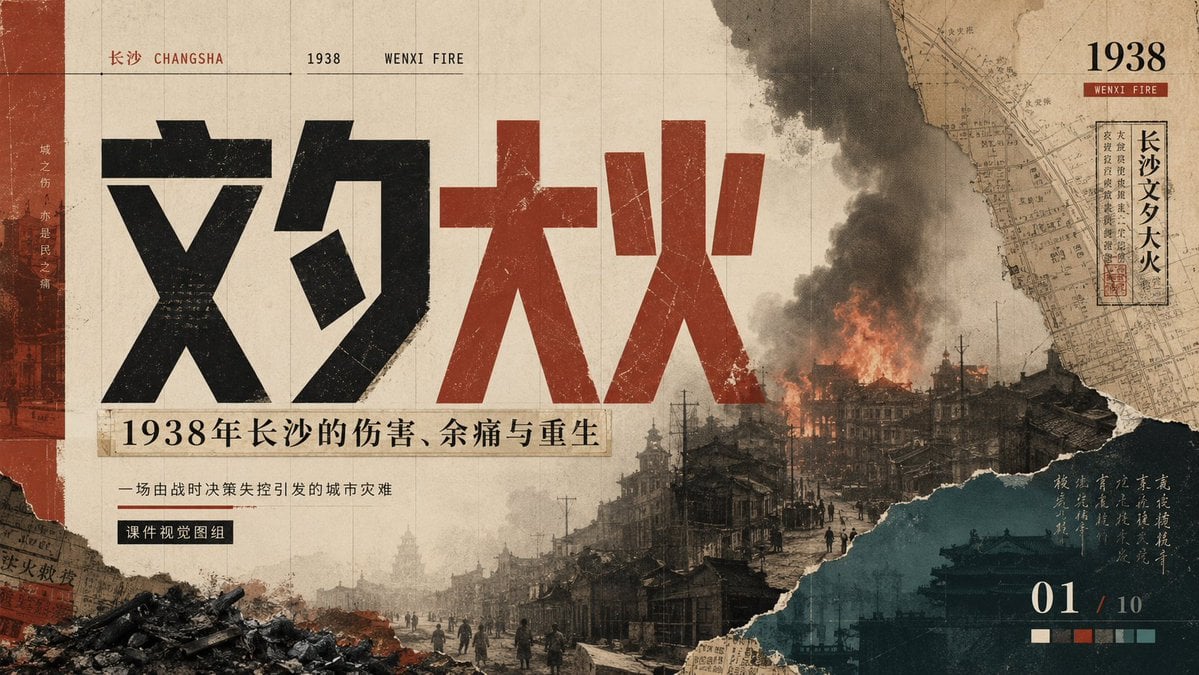
A solemn archival-style 16:9 presentation cover about the 1938 Wenxi Fire in Changsha, suitable for historical lecture slides or documentary visuals.
- Prompt included
- Model and format preset
- Free template
The prompt behind this image
Copy the exact prompt behind Wenxi Fire Historical PPT Cover, or open it in the studio and make it yours.
Goal: Create a 16:9 cinematic historical PowerPoint cover slide about the {argument name="historical event" default="Wenxi Fire in Changsha, 1938"}, using a heavy archival collage aesthetic that feels solemn, painful, and reflective. Canvas: Wide presentation slide, 1200×675 or 16:9. Use an aged beige paper background with faint grid lines, scratches, stains, fold marks, dust, and worn print texture. The overall palette is sepia, charcoal black, brick red, smoky gray, and deep teal. Layout: Design one dense poster-like slide with exactly 5 main visual zones: 1) a narrow vertical brick-red strip on the far left with faint city imagery and vertical Chinese text, 2) a huge central title occupying the left and middle of the slide, 3) a burning ruined city panorama across the lower half and right center, 4) a torn-paper map collage in the upper-right corner, and 5) a dark teal torn-paper information block in the lower-right corner. Text content: At the top-left, set small bilingual/location text: “长沙 CHANGSHA”, then “1938”, then “WENXI FIRE”, separated by thin horizontal rules. The main title must be enormous Chinese typography reading “文夕大火”, with “文夕” in distressed black and “大火” in distressed dark red. Under the title, place a beige label strip reading “1938年长沙的伤害、余痛与重生”. Below it, add a smaller subtitle: “一场由战时决策失控引发的城市灾难”. Under that, add a small black rectangular tag reading “课件视觉图组”. In the upper-right, add a bold “1938” with a small red label “WENXI FIRE”, plus a vertical framed Chinese stamp-like label reading “长沙文夕大火”. In the lower-right, add a large page indicator “01 / 10”. Include one short vertical handwritten-style Chinese note over the teal panel, subtle and atmospheric. Subject details: The city scene should show old Changsha streets in ruins, dark silhouettes of people walking, damaged traditional and early modern buildings, telephone poles, rubble piles, and a large building burning with orange flames and thick black smoke rising into the sky. Add torn collage edges where the city photo meets the paper background. Include exactly 1 prominent fire plume, exactly 1 large smoke column, exactly 1 rubble pile in the lower-left foreground, exactly 1 torn map fragment in the upper-right, and exactly 1 teal torn-paper block in the lower-right. Visual style: Heavy historical aesthetics, archival documentary poster, Chinese modernist editorial design, distressed letterpress typography, old newspaper collage, torn paper, grainy halftone, scratches, muted contrast, somber memorial mood. Use bold geometric Chinese title characters with rough ink erosion and printed wear. Keep the composition dramatic but readable. Constraints: Do not make it look modern, glossy, or clean. Avoid extra decorative icons, people portraits, watermarks, or random English filler text. Preserve the exact slide/page feeling and the solemn historical tone.
How to use Wenxi Fire Historical PPT Cover in 3 steps
- 1Upload ImagePNG, JPG or paste
Add your photo
Upload the photo the template builds on. The prompt, model and format are already set.
- 2…a portrait of your subject in softgolden-hour light, 85mm…
Personalize
Edit the subject and creative details for your destination.
- 3Generate
Generate
Press Generate — your image is created in PicX Studio, so you can compare it with the original and refine one variable at a time.
More like this
Templates with the same subject, style or setup. Open one to see its prompt.

Editorial PPT Cover Design

Modern Lemon Uses PPT Cover

Children’s AI Art Course PPT Cover

Neon Anime Fireworks Magazine Cover
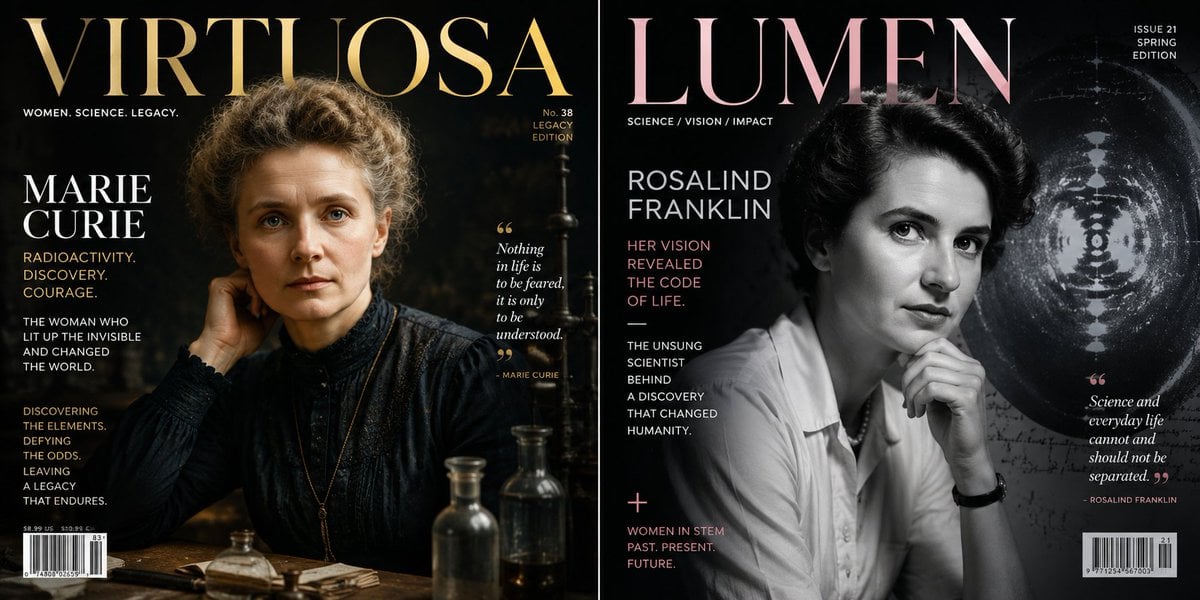
Historical Figure Magazine Cover Generator

Cloisonné Craft PPT Cover

Ancient Temple Portrait — White Dress Nano Banana
PixVerse v6 - Cinematic Fire Scene

Cinematic Fire Portrait - Boy

Golden Retriever Sunset Campfire Photography
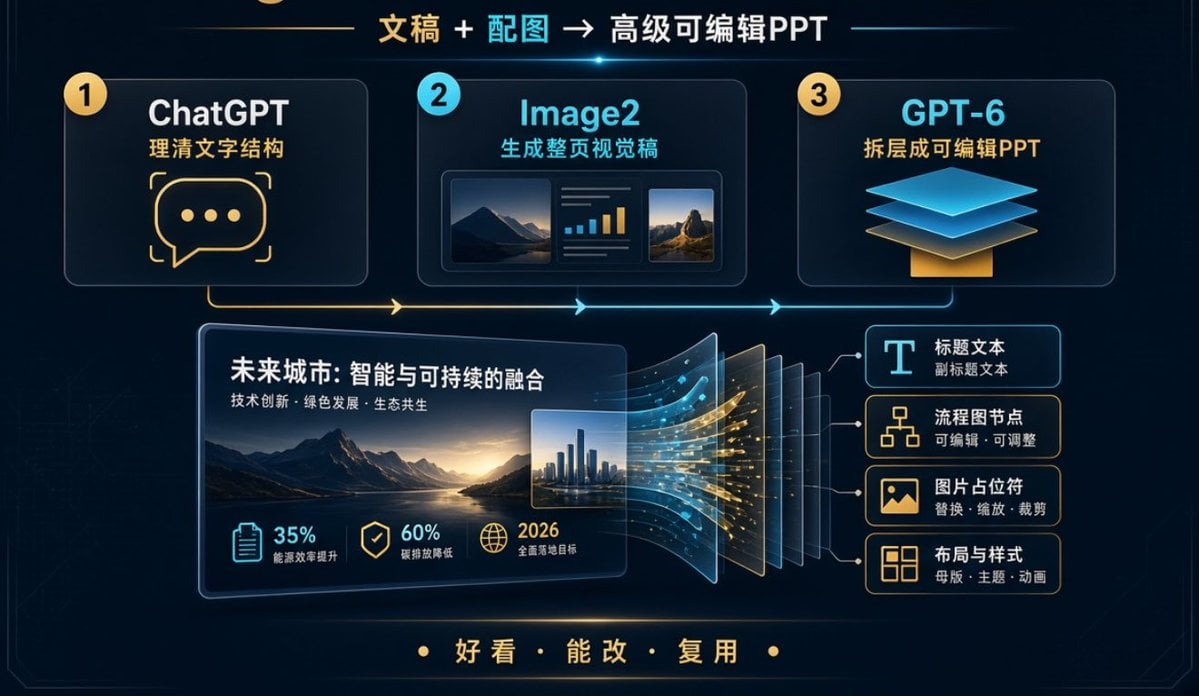
Editable PPT Workflow Infographic

Off Duty Fashion Magazine Cover
Make it yours
Wenxi Fire Historical PPT Cover works as-is. These are the safest ways to change it without losing the look.
Change one field
Copy a single group, rewrite it, and generate again so you can see what that field is doing.
Keep the frame, change the subject
Hold the composition and light of Wenxi Fire Historical PPT Cover, then swap wardrobe, props or the person for a new take.
| If the result… | Why | Fix |
|---|---|---|
| The result drifts from the preview | Too many fields changed at once. | Reuse Wenxi Fire Historical PPT Cover as-is first, then change one group — subject, light, or setting. |
| The model over-stylizes the scene | The prose prompt leaves finish and camera underspecified. | Add one camera or lighting sentence and stay on GPT Image 2. |
More GPT Image 2 templates
Other prompts made for GPT Image 2.

Six VTuber Japanese Logo Sheet

Realistic Portrait of Woman and Deer

The Vista Modular Condo Poster

AI Model Routing Comparison Infographic

2.5D Anime Art Board

Isometric Productivity Desk Scene

New York Double Exposure Poster

Four-Panel AI Landscape Comparison

NESCAFÉ Coffee Map Poster

Brutalist Cogito Chinese Typography Poster
More image prompts
Fresh picks from across the catalog.

Neon Cyber Streetwear Portrait

Nano Banana Pro Mixed Style Coloring Study Prompt

Candid Paparazzi Street Fashion in All White

Commercial Collaboration Poster

Reflection in Pupil Image Generation Prompt
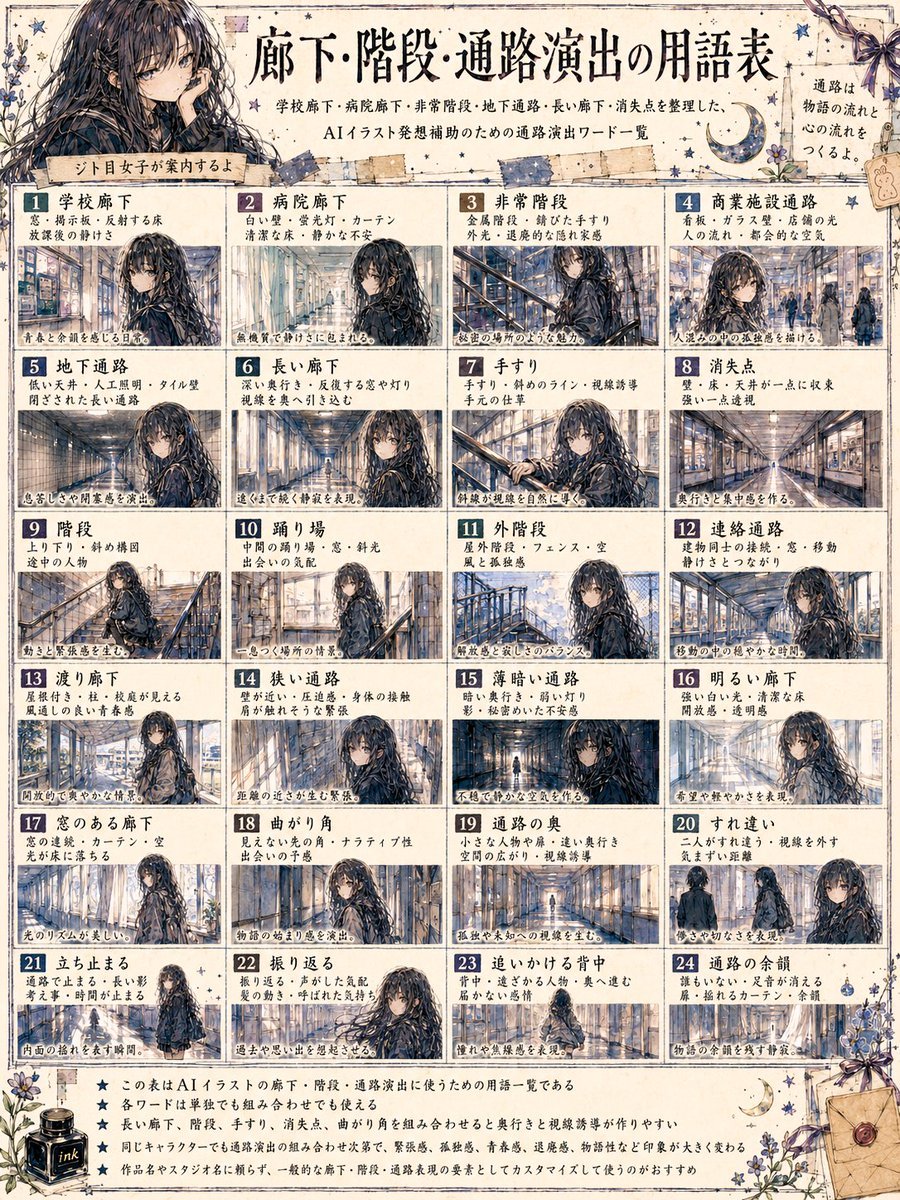
Japanese Corridor Vocabulary Poster

Ethereal Doll-like Portrait in a Night Car Interior
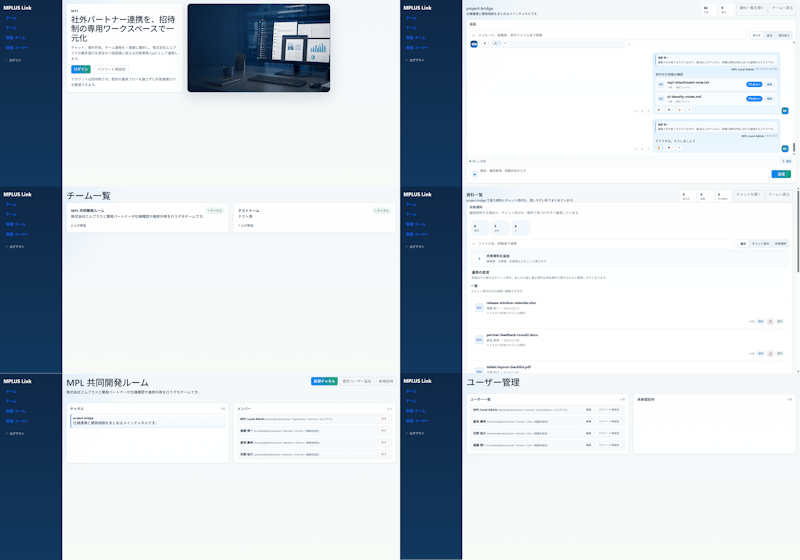
Modern MPLUS Link UI Redesign
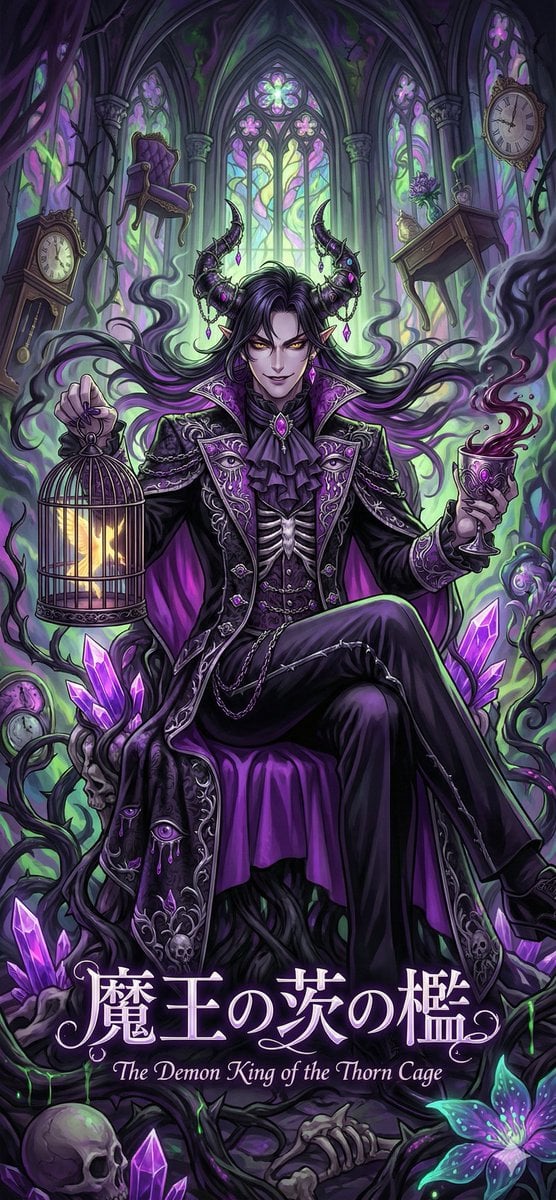
Dark Fairy Tale, Surrealism, Gothic Psychedelic Character Generation
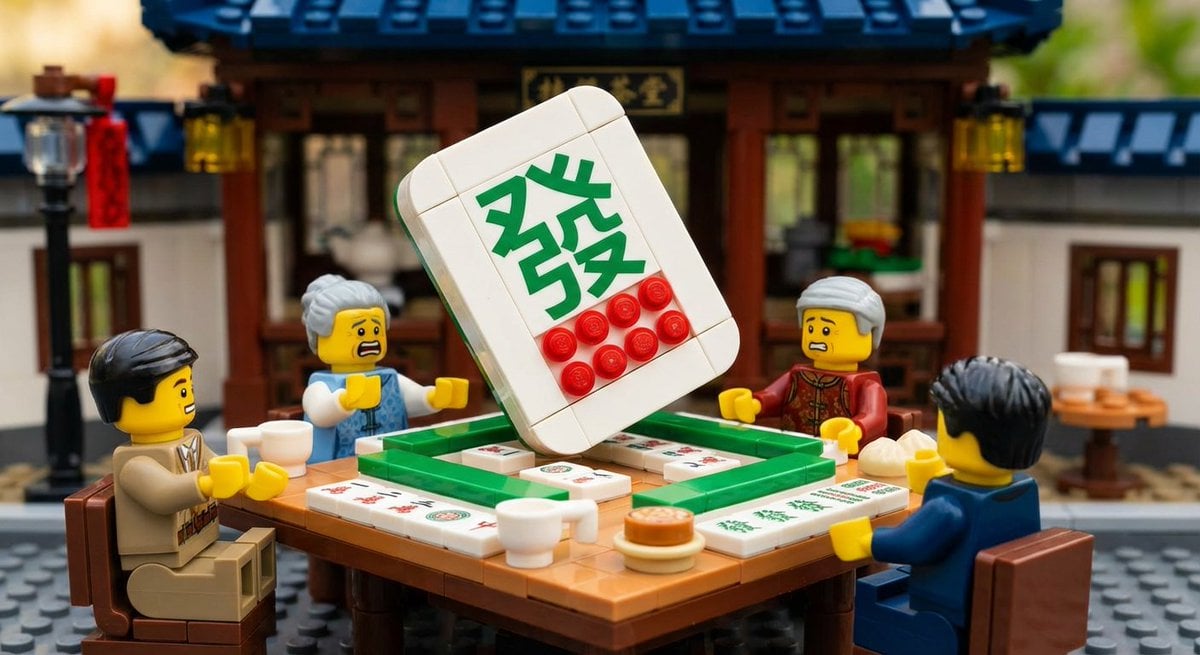
Nano Banana Pro-themed hero image (duplicate Chinese prompt 2)
Browse template categories
Wenxi Fire Historical PPT Cover questions
How do I use the Wenxi Fire Historical PPT Cover template?
Add your photo if the template asks for one, edit the prompt if you like — the template's model and format are already selected — and press Generate. Your version opens in PicX Studio.
Can I customize the Wenxi Fire Historical PPT Cover template?
Yes. You can change the subject, setting, lighting, mood, format, and available model controls before creating your image.
Is the Wenxi Fire Historical PPT Cover template free?
Opening and editing this template is free. Generating uses credits, shown on the Generate button when you are signed in.
Which AI model should I use?
Start with GPT Image 2, which is the model associated with this template. You can compare another compatible model for a different finish.
Looking for something else? Browse all templates.

Your photo, any look
Thousands of ready templates for every top image and video model, from one credit balance.