
Modern Lemon Uses PPT Cover
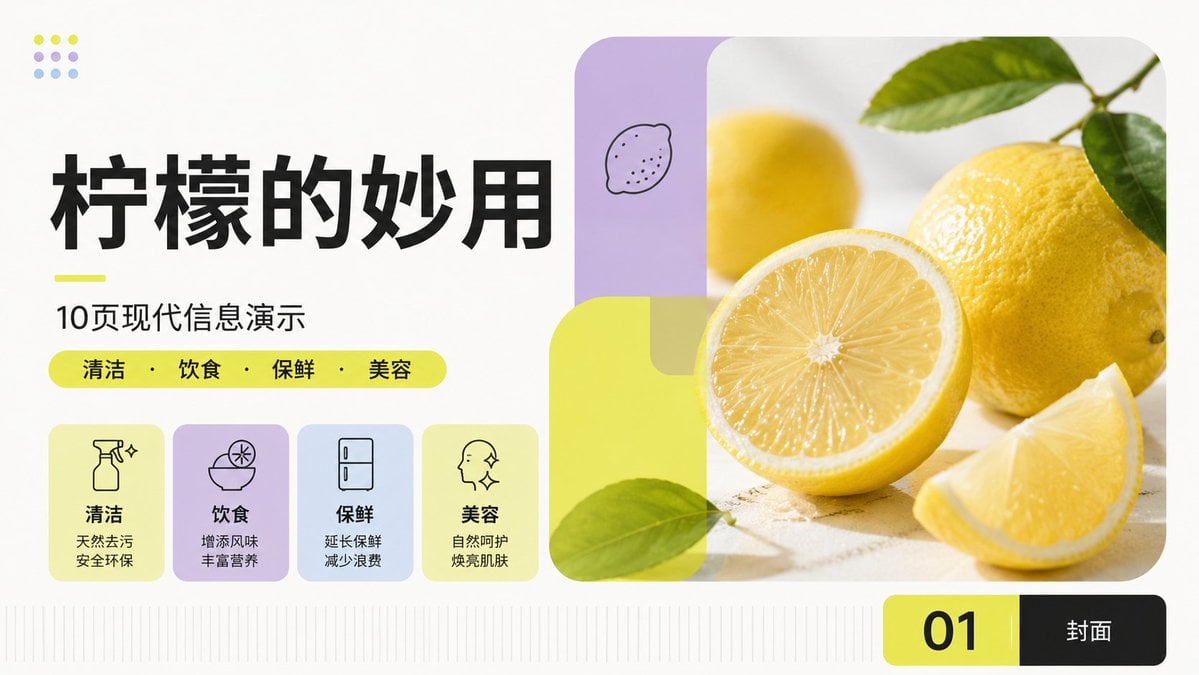
Generates a fresh Chinese 16:9 presentation cover slide about lemon uses with modular cards, lemon photography, and clean modern PPT styling.
- Prompt included
- Model and format preset
- Free template
The prompt behind this image
Copy the exact prompt behind Modern Lemon Uses PPT Cover, or open it in the studio and make it yours.
Goal: Create a clean modern Chinese PPT cover slide about {argument name="topic" default="柠檬的妙用"}, using an international Swiss-style modular grid, fresh lemon-yellow accents, soft pastel blocks, and a bright health/lifestyle editorial look. Canvas: 16:9 widescreen presentation slide, off-white background, airy margins, crisp vector typography, no watermark. Use asymmetrical balance: large text-heavy left column and large rounded photo composition on the right. Layout: Left side contains the title stack and four feature cards. Right side contains a large rounded-corner lemon photography panel occupying about half the slide width. Bottom right has a black-and-yellow page label bar. Add subtle vertical baseline/grid ticks along the bottom edge. Text content: Main title in very large bold black Chinese characters: {argument name="headline text" default="柠檬的妙用"}. Below it, add a short neon-yellow underline, then subtitle: {argument name="subtitle text" default="10页现代信息演示"}. Under the subtitle, place a rounded neon-yellow pill containing exactly 4 category words separated by centered dots: {argument name="category text" default="清洁 · 饮食 · 保鲜 · 美容"}. Bottom page label shows a large black “01” on a neon-yellow rounded rectangle segment and “封面” in white on a black rounded rectangle segment. Feature cards: Include exactly 4 rounded pastel cards in a row under the category pill, each with a simple black line icon, bold Chinese label, and two-line description: 1) spray bottle sparkle icon, label “清洁”, description “天然去污 / 安全环保”; 2) bowl with lemon slice icon, label “饮食”, description “增添风味 / 丰富营养”; 3) refrigerator icon, label “保鲜”, description “延长保鲜 / 减少浪费”; 4) face profile with sparkles icon, label “美容”, description “自然呵护 / 焕亮肌肤”. Card colors from left to right: pale lemon yellow, lavender, pale blue, pale lemon yellow. Right image composition: Use realistic high-key photography of fresh lemons on a light stone surface: one large whole yellow lemon with green leaves at the upper right, one half lemon with visible juicy radial pulp in the center foreground, one lemon wedge at lower right, and a softly blurred yellow lemon in the background. Overlay modern rounded translucent geometric panels: a vertical lavender rounded rectangle at upper left with a tiny hand-drawn lemon doodle, and a large translucent neon-yellow rounded square/rectangle overlapping the lower-left of the photo with a green leaf crossing it. Keep the photo corners heavily rounded. Decorative details: At top left, add a small 3×3 dot motif, exactly 9 dots, using alternating lemon yellow, lavender, and pale blue. Keep all icons monoline black, typography bold and modern, with strong alignment and generous whitespace. Avoid extra text or additional cards.
How to use Modern Lemon Uses PPT Cover in 3 steps
- 1Upload ImagePNG, JPG or paste
Add your photo
Upload the photo the template builds on. The prompt, model and format are already set.
- 2…a portrait of your subject in softgolden-hour light, 85mm…
Personalize
Edit the subject and creative details for your destination.
- 3Generate
Generate
Press Generate — your image is created in PicX Studio, so you can compare it with the original and refine one variable at a time.
More like this
Templates with the same subject, style or setup. Open one to see its prompt.

Editorial PPT Cover Design

Wenxi Fire Historical PPT Cover

Children’s AI Art Course PPT Cover

Paper Cut Craft Illustration

Premium Editorial Branding Poster Charcoal Green

Stylized Fashion Portrait Bold Color Contrast Editorial
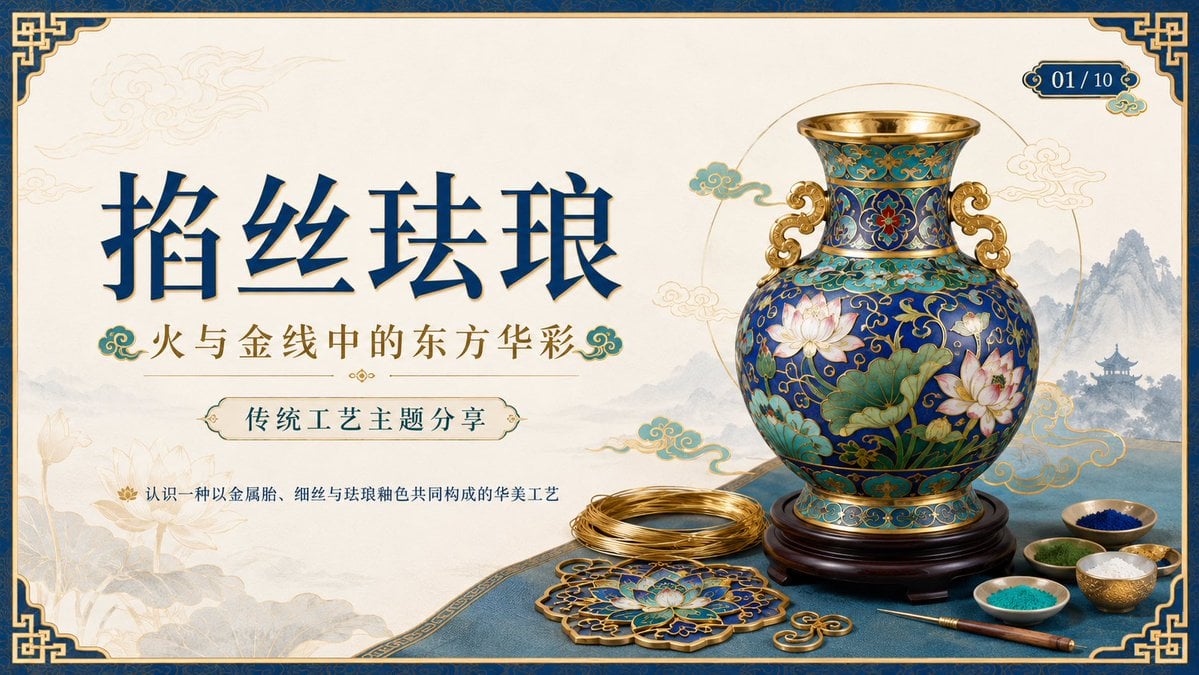
Cloisonné Craft PPT Cover

Woman in Mall with Chanel Bag - Heart Gesture
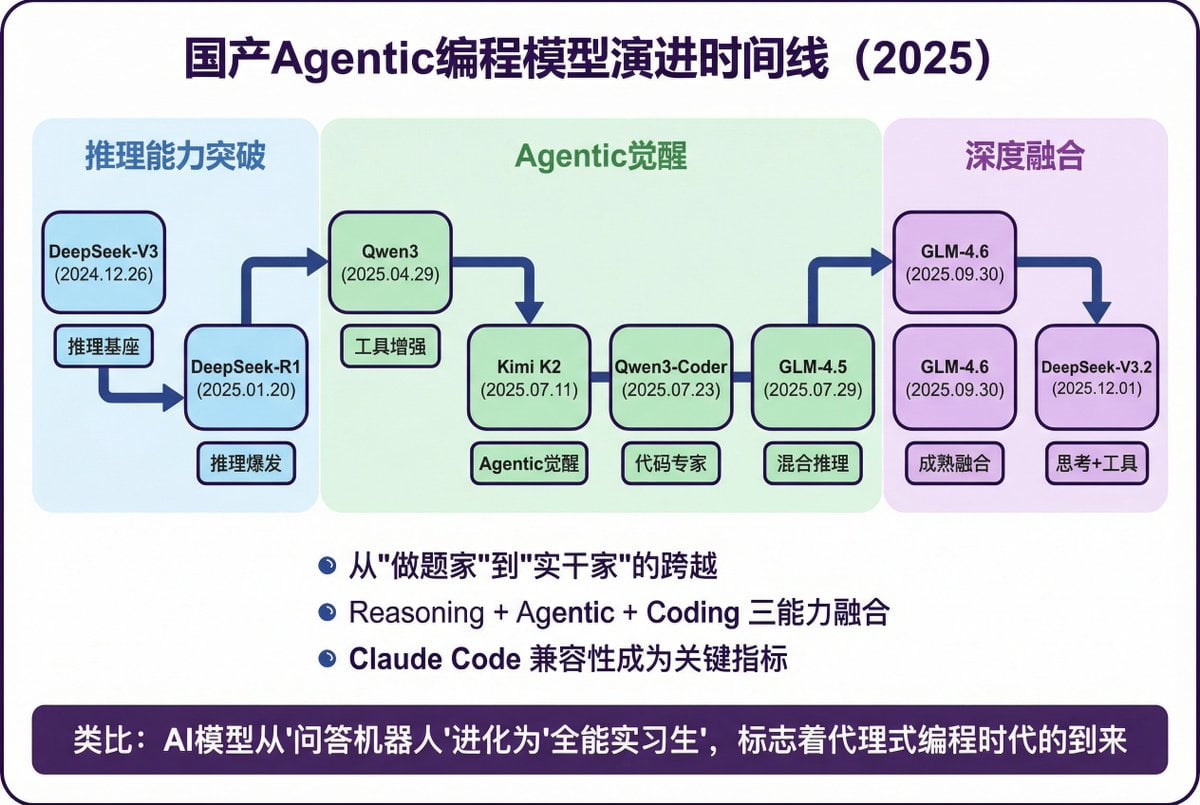
Modern Minimalist PPT/Diagram Generation Prompt

Modern Oriental Papercut Art Cityscape

Mid-Century Modern Lifestyle Illustration
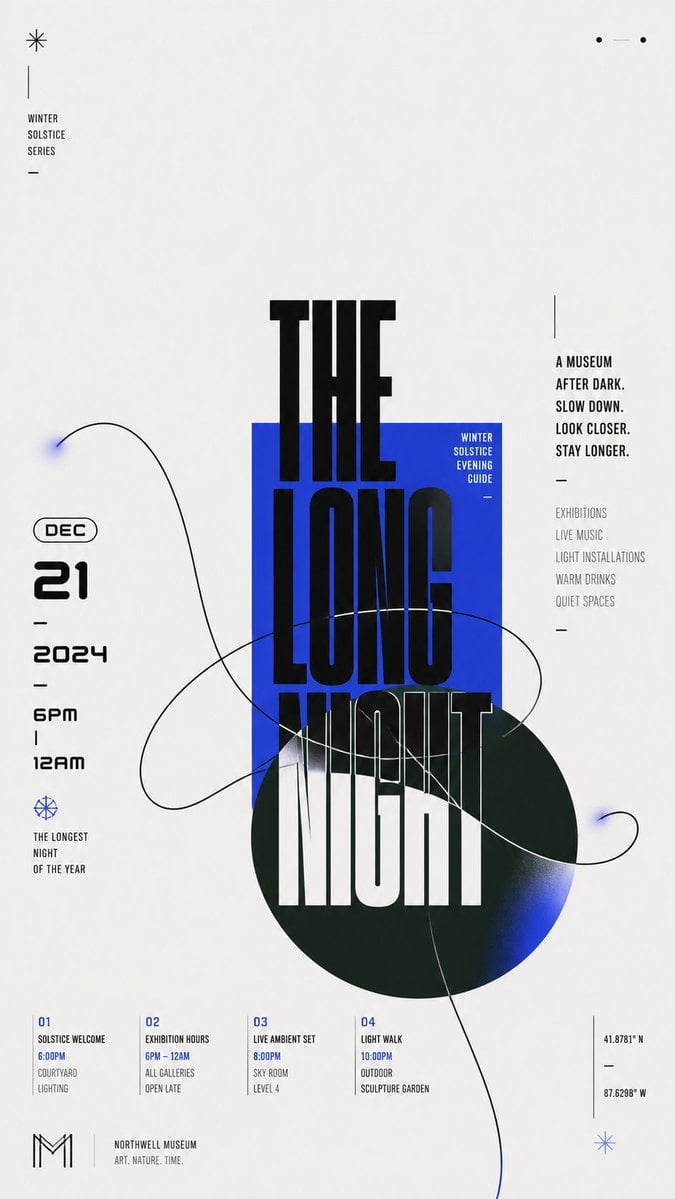
Modern Chinese Graphic Design
Make it yours
Modern Lemon Uses PPT Cover works as-is. These are the safest ways to change it without losing the look.
Change one field
Copy a single group, rewrite it, and generate again so you can see what that field is doing.
Keep the frame, change the subject
Hold the composition and light of Modern Lemon Uses PPT Cover, then swap wardrobe, props or the person for a new take.
| If the result… | Why | Fix |
|---|---|---|
| The result drifts from the preview | Too many fields changed at once. | Reuse Modern Lemon Uses PPT Cover as-is first, then change one group — subject, light, or setting. |
| The model over-stylizes the scene | The prose prompt leaves finish and camera underspecified. | Add one camera or lighting sentence and stay on GPT Image 2. |
More GPT Image 2 templates
Other prompts made for GPT Image 2.

Six VTuber Japanese Logo Sheet

Realistic Portrait of Woman and Deer

The Vista Modular Condo Poster

AI Model Routing Comparison Infographic

2.5D Anime Art Board

Isometric Productivity Desk Scene

New York Double Exposure Poster

Four-Panel AI Landscape Comparison

NESCAFÉ Coffee Map Poster

Brutalist Cogito Chinese Typography Poster
More image prompts
Fresh picks from across the catalog.

Japanese Wireless Earbuds Lifestyle Ad
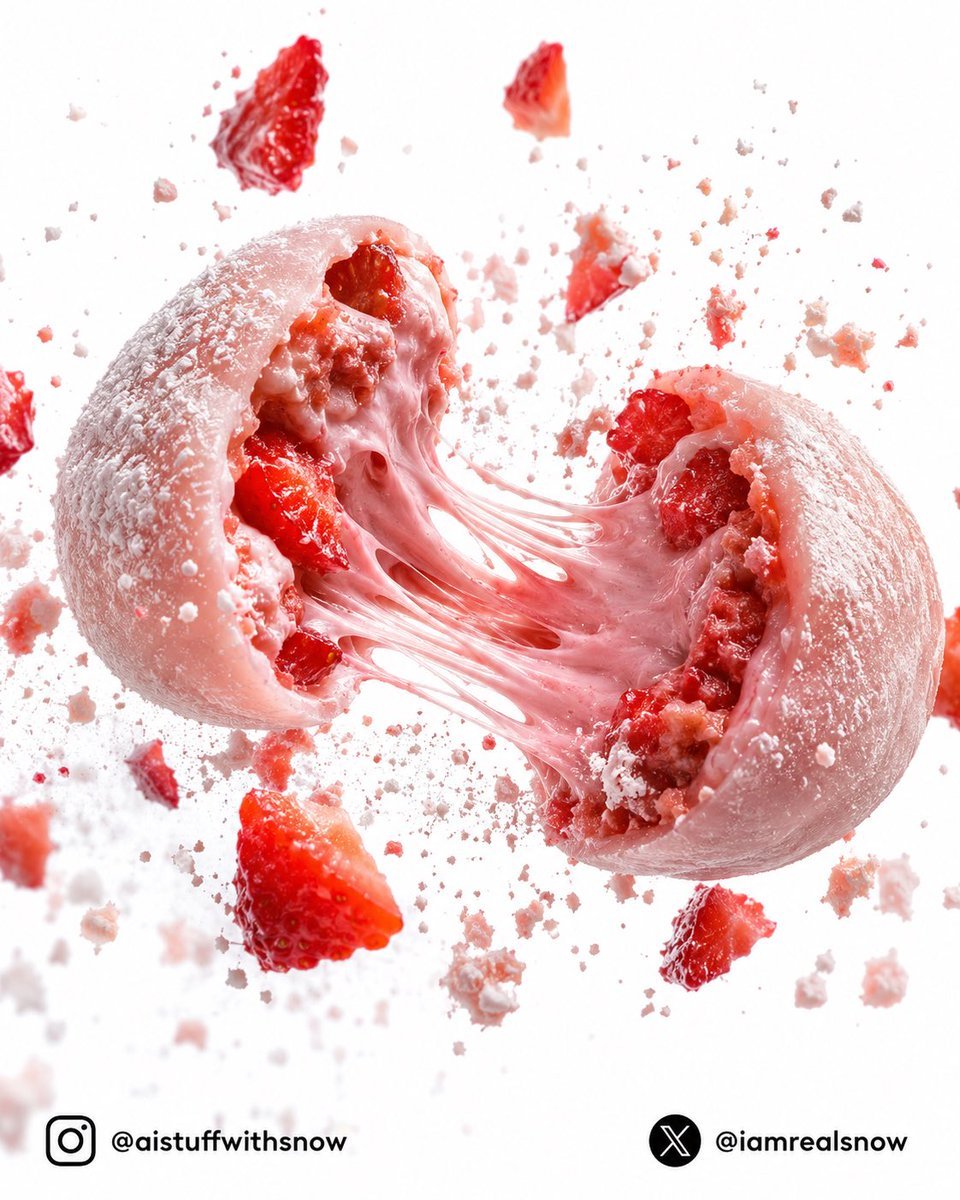
Strawberry Lava Mochi Explosion Photography
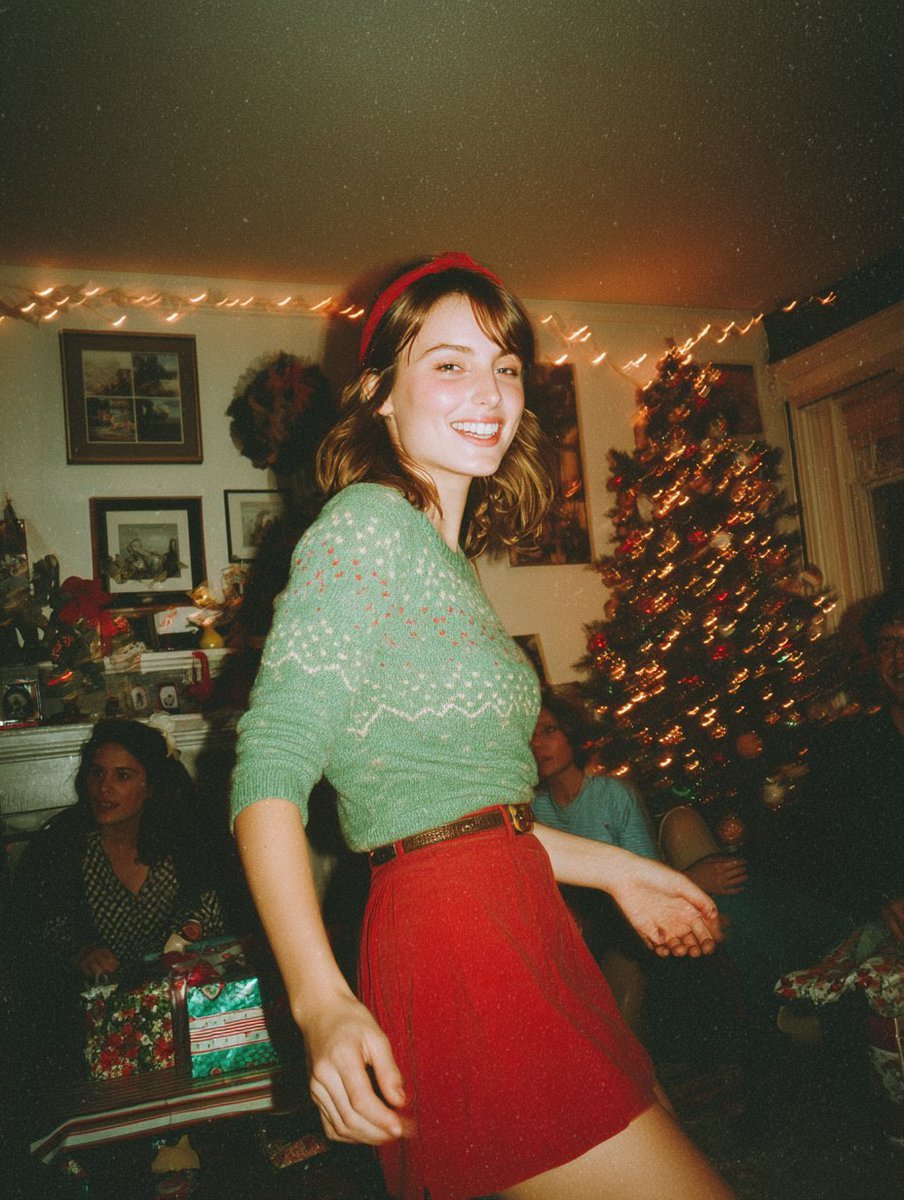
Candid Vintage Holiday Scene Photography Prompt

Line Art Animal Listening to Music
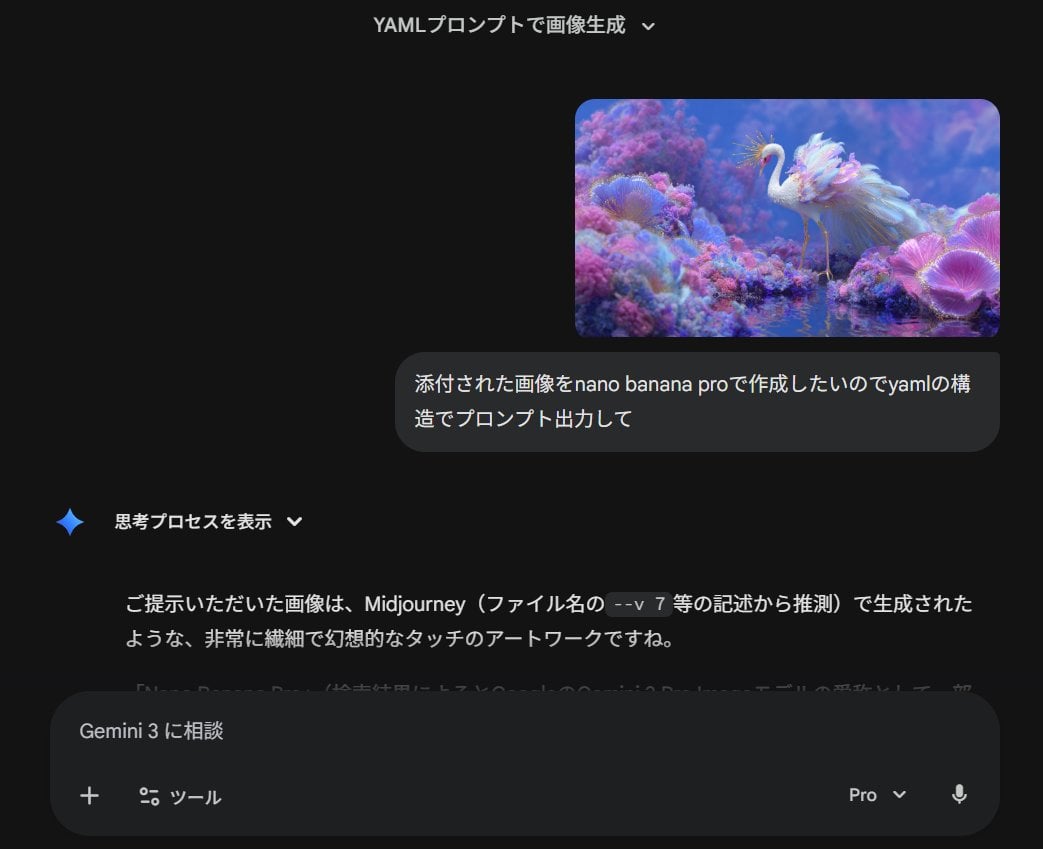
Meta-Prompt for Generating YAML-Structured Prompts from Images
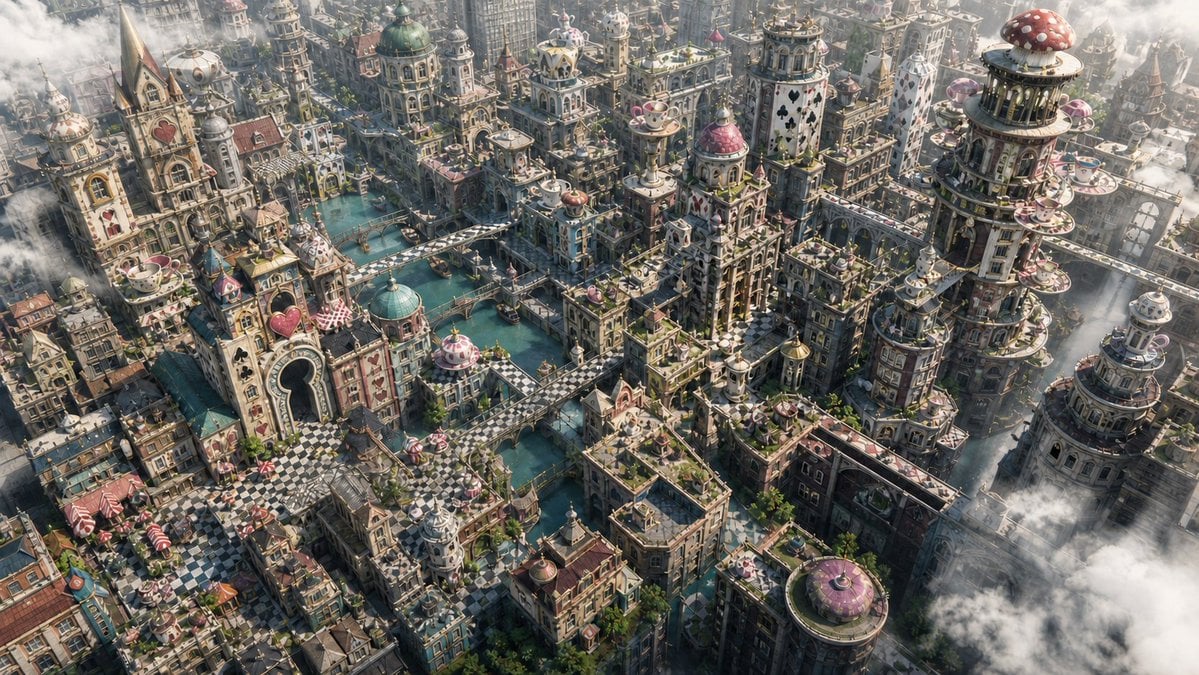
Fantasy Whimsical Downtown Aerial View

Street Fashion Editorial with 90s Nostalgia Items
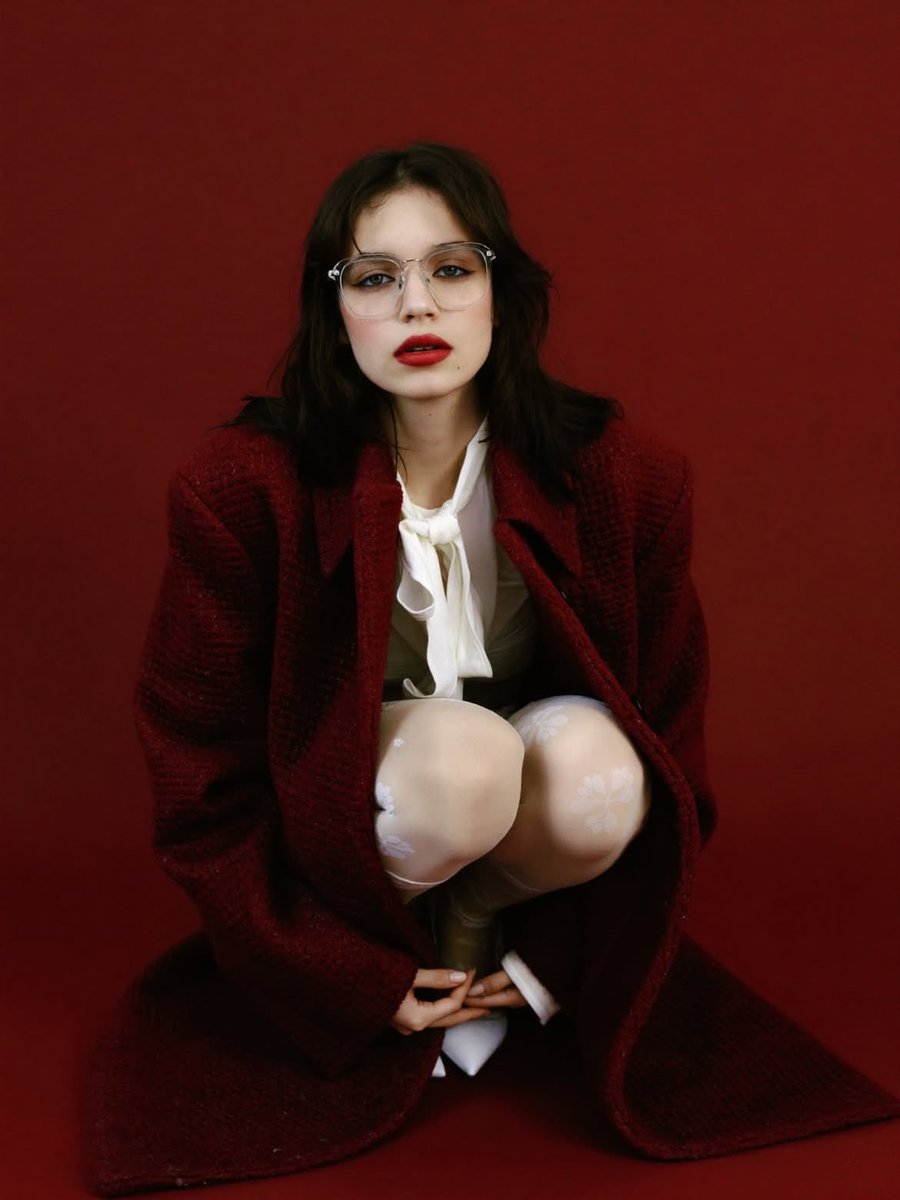
High-Fashion Editorial Portrait with Red Background
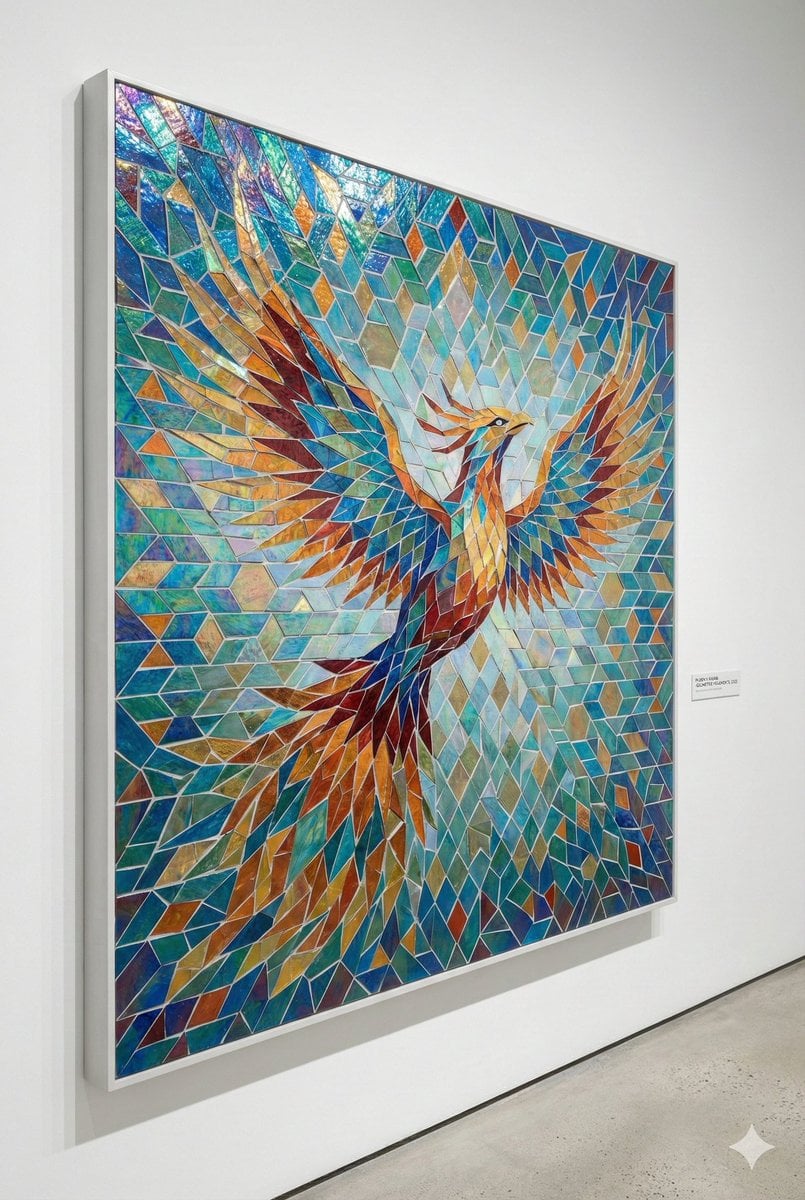
Geometric Mosaic Composition Prompt
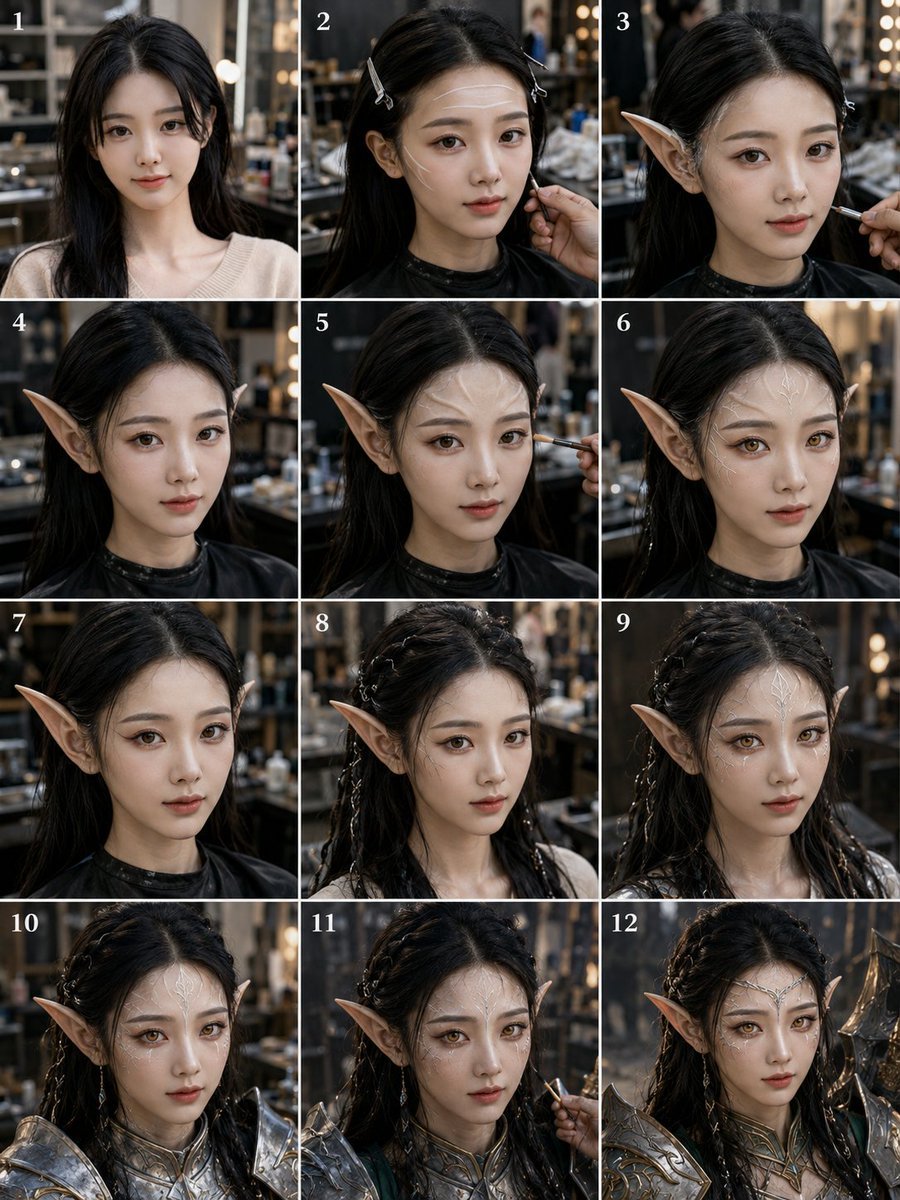
Elf Warrior Transformation Collage
Browse template categories
Modern Lemon Uses PPT Cover questions
How do I use the Modern Lemon Uses PPT Cover template?
Add your photo if the template asks for one, edit the prompt if you like — the template's model and format are already selected — and press Generate. Your version opens in PicX Studio.
Can I customize the Modern Lemon Uses PPT Cover template?
Yes. You can change the subject, setting, lighting, mood, format, and available model controls before creating your image.
Is the Modern Lemon Uses PPT Cover template free?
Opening and editing this template is free. Generating uses credits, shown on the Generate button when you are signed in.
Which AI model should I use?
Start with GPT Image 2, which is the model associated with this template. You can compare another compatible model for a different finish.
Looking for something else? Browse all templates.

Your photo, any look
Thousands of ready templates for every top image and video model, from one credit balance.