
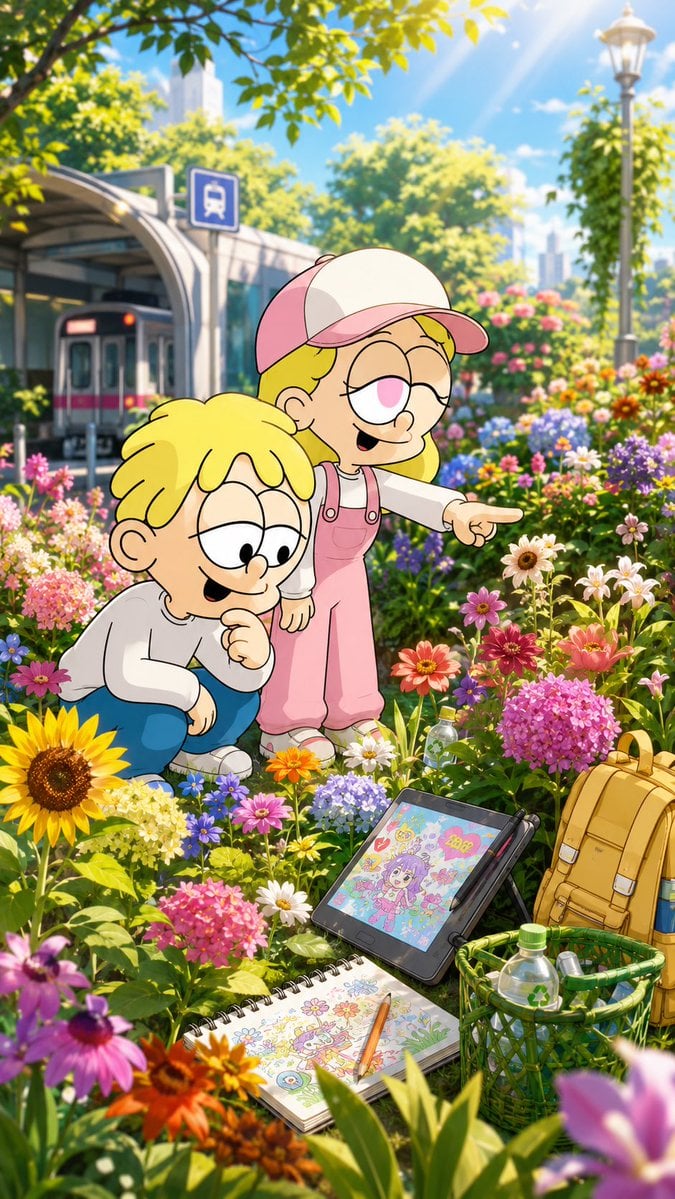
Children Discover Flowers in Anime Garden
A vertical premium anime illustration of two cute cartoon children exploring a colorful urban flower garden with art supplies in the foreground.
- Prompt included
- Model and format preset
- Premium template
The prompt behind this image
Copy the exact prompt behind Children Discover Flowers in Anime Garden, or open it in the studio and make it yours.
Create a vertical 9:16 premium anime-style illustration in bright summer daylight, set in a lush urban flower garden beside a modern tram or bus stop. Two cheerful cartoon children with rounded, simple line-art faces are the main subjects: {argument name="boy character name" default="Masaharu"}, a blond boy with no glasses, wearing a plain white long-sleeve shirt, blue pants, and white sneakers, crouching among the flowers with one hand near his chin and smiling as he looks down; and {argument name="girl character name" default="Momoka"}, a blond girl wearing a pink-and-cream baseball cap, round glasses, a white long-sleeve shirt, pink overalls, and white shoes, standing beside him and pointing excitedly toward a flower. Keep their designs consistent and cute, like official character-sheet cartoon children, with oversized heads, simple eyes, soft outlines, and expressive happy faces. The foreground is packed with abundant colorful flowers, including exactly these prominent flower groups: 1 large sunflower at lower left, pink hydrangea clusters, purple daisies, white daisies, red-orange zinnias, yellow-orange blossoms, blue small flowers, and blurred pink/purple flowers at the bottom edge for depth. In the lower right foreground, include exactly 5 art-and-picnic objects: 1 tilted digital drawing tablet on a stand showing a colorful anime girl illustration, 1 black stylus resting beside it, 1 open spiral sketchbook showing cute flower and character doodles, 1 pencil laid across the sketchbook, and 1 yellow backpack next to a green basket containing water bottles. In the background, show a clean city transit shelter with a tram or bus partially visible, a blue transit sign, leafy green trees, distant high-rise buildings, a tall streetlamp, sunbeams streaming from the upper right, and soft bokeh. Use saturated colors, crisp character lines, painterly detailed environment, cinematic depth of field, warm highlights, TikTok trailer energy, wholesome discovery mood, 720p vertical composition. Avoid text overlays, avoid logos, avoid extra characters, and ensure Masaharu never wears glasses.
How to use Children Discover Flowers in Anime Garden in 3 steps
- 1Upload ImagePNG, JPG or paste
Add your photo
Upload the photo the template builds on. The prompt, model and format are already set.
- 2…a portrait of your subject in softgolden-hour light, 85mm…
Personalize
Edit the subject and creative details for your destination.
- 3Generate
Generate
Press Generate — your image is created in PicX Studio, so you can compare it with the original and refine one variable at a time.
More like this
Templates with the same subject, style or setup. Open one to see its prompt.











Make it yours
Children Discover Flowers in Anime Garden works as-is. These are the safest ways to change it without losing the look.
Change one field
Copy a single group, rewrite it, and generate again so you can see what that field is doing.
Keep the frame, change the subject
Hold the composition and light of Children Discover Flowers in Anime Garden, then swap wardrobe, props or the person for a new take.
| If the result… | Why | Fix |
|---|---|---|
| The result drifts from the preview | Too many fields changed at once. | Reuse Children Discover Flowers in Anime Garden as-is first, then change one group — subject, light, or setting. |
| The model over-stylizes the scene | The prose prompt leaves finish and camera underspecified. | Add one camera or lighting sentence and stay on GPT Image 2. |
More GPT Image 2 templates
Other prompts made for GPT Image 2.

Six VTuber Japanese Logo Sheet

Realistic Portrait of Woman and Deer

The Vista Modular Condo Poster

AI Model Routing Comparison Infographic

2.5D Anime Art Board

Isometric Productivity Desk Scene

New York Double Exposure Poster

Four-Panel AI Landscape Comparison

Japanese Tatami Lifestyle Magazine Cover

NESCAFÉ Coffee Map Poster
More image prompts
Fresh picks from across the catalog.

Cinematic Fiery Momo Street Food Ad

Minimalist Cave Painting Style Avatar

Hyper-Realistic Portrait of a Pouting Oil Painting Artist
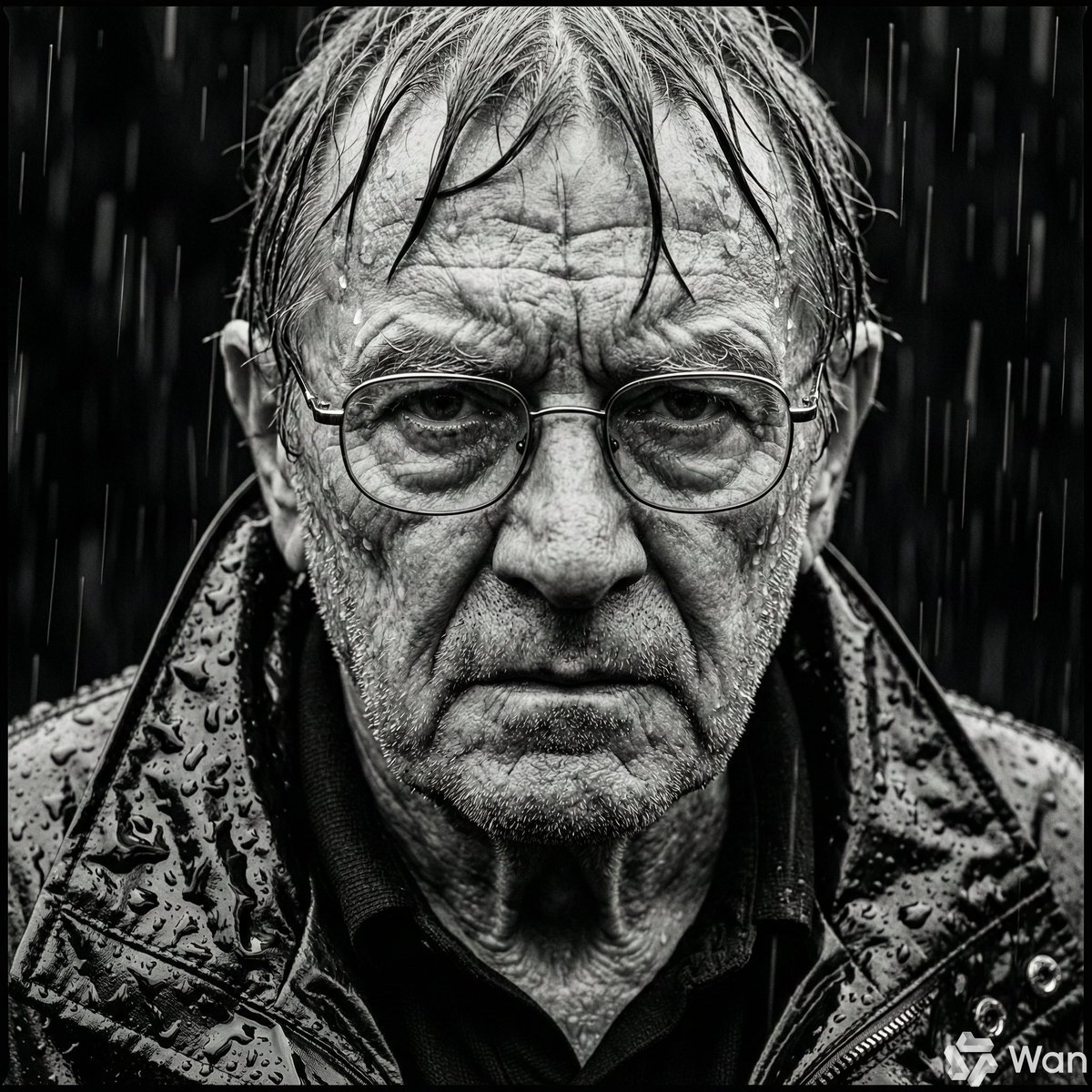
Monochrome Portrait of Elderly Man in Heavy Rain

Vlog Style Video Generation Prompt
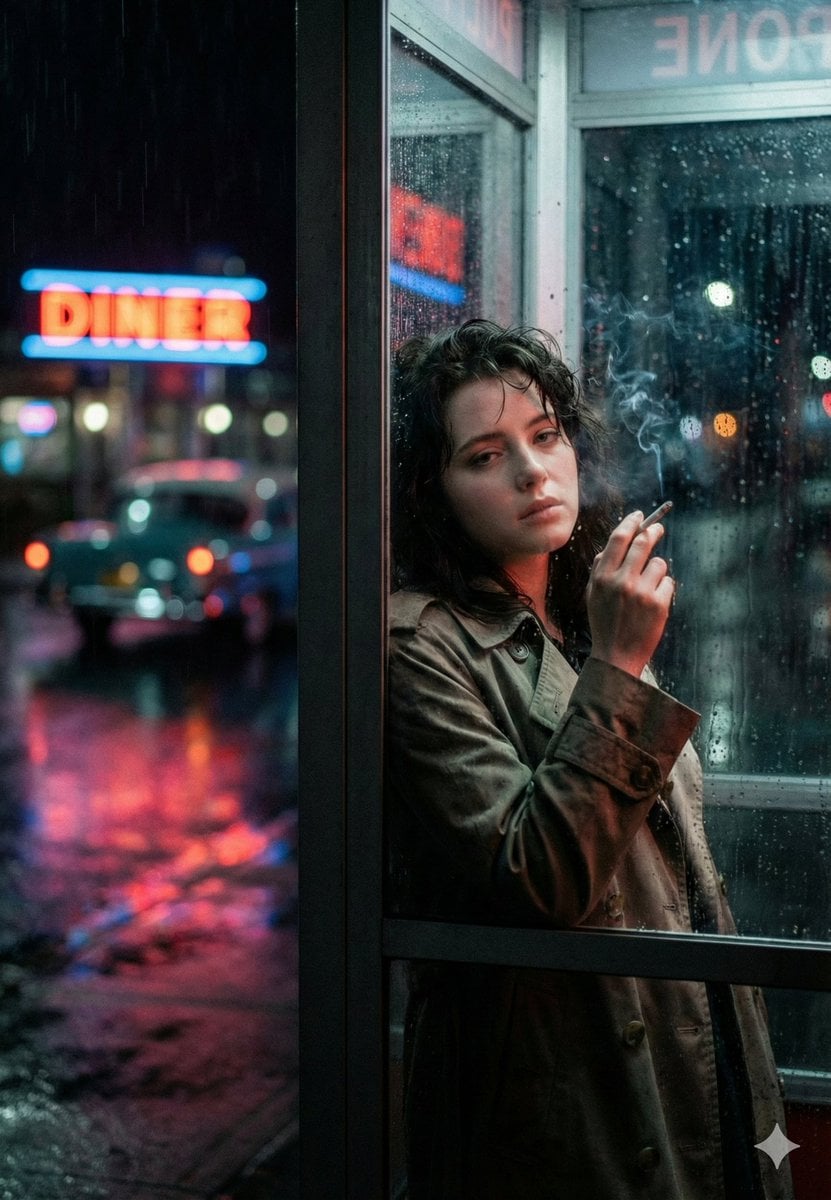
Neo-Noir Phone Booth Scene in the Rain

Panel Christmas Photobooth Sticker Generator

Guangzhou Ink Brush Travel Poster

Luxury Sporty Asian Nightlife Portrait

Social Media Pet Avatar Creator
Browse template categories
Children Discover Flowers in Anime Garden questions
How do I use the Children Discover Flowers in Anime Garden template?
Add your photo if the template asks for one, edit the prompt if you like — the template's model and format are already selected — and press Generate. Your version opens in PicX Studio.
Can I customize the Children Discover Flowers in Anime Garden template?
Yes. You can change the subject, setting, lighting, mood, format, and available model controls before creating your image.
Is the Children Discover Flowers in Anime Garden template free?
Opening and editing this template is free. Generating uses credits, shown on the Generate button when you are signed in.
Which AI model should I use?
Start with GPT Image 2, which is the model associated with this template. You can compare another compatible model for a different finish.
Looking for something else? Browse all templates.

Your photo, any look
Thousands of ready templates for every top image and video model, from one credit balance.