
Children's Art Class Enrollment Poster
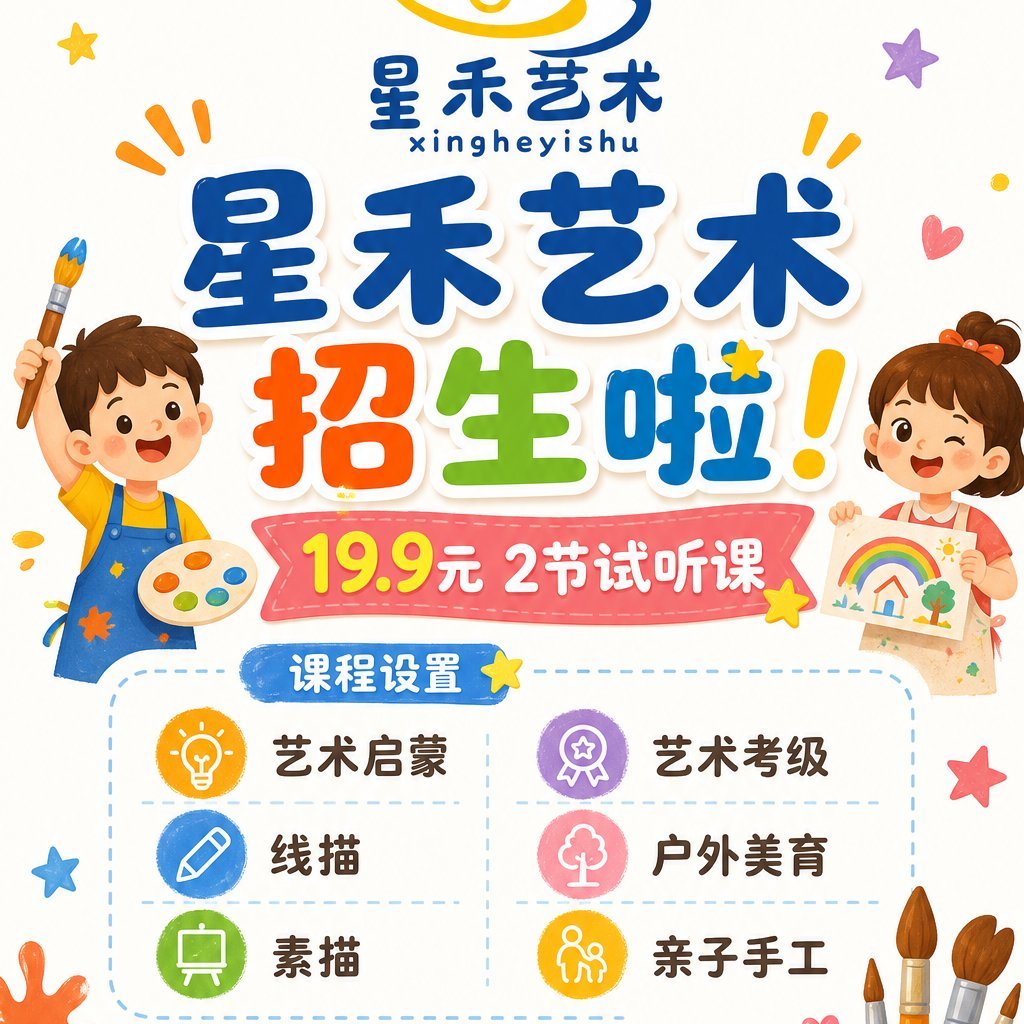
A colorful square Chinese poster advertising a children's art school trial class with cartoon kids, playful typography, and a six-item course grid.
- Prompt included
- Model and format preset
- Premium template
The prompt behind this image
Copy the exact prompt behind Children's Art Class Enrollment Poster, or open it in the studio and make it yours.
Goal: Create a cheerful square Chinese children's art class enrollment poster for {argument name="art school name" default="星禾艺术"}, bright and playful, aimed at parents of young children. Canvas: 1:1 square poster on a warm off-white background with lots of white space, rounded cartoon shapes, soft shadows, and colorful doodle decorations. Use a cute hand-drawn vector illustration style with thick rounded Chinese lettering, glossy sticker-like text, and saturated primary colors. Layout: Top center has a small logo area with a yellow-and-blue abstract swirl above the school name, the Chinese text “星禾艺术” and small pinyin “xingheyishu”. The main headline dominates the upper middle in large chunky blue characters “星禾艺术”, followed by an oversized multicolor call-to-action “招生啦!” with red/orange “招”, green “生”, blue “啦”, and a yellow exclamation mark. Below it place a pink stitched ribbon banner containing the offer “19.9元 2节试听课”, with “19.9” in bright yellow and the rest in white. Under the ribbon, add a dashed rounded rectangle course panel with a blue pill label “课程设置”. The panel contains exactly 6 course items in a 2-column by 3-row grid, separated by pale dashed lines: 1) yellow lightbulb icon, “艺术启蒙”; 2) purple medal icon, “艺术考级”; 3) blue pencil icon, “线描”; 4) pink tree icon, “户外美育”; 5) green easel icon, “素描”; 6) orange parent-and-child craft icon, “亲子手工”. Characters and decorative elements: On the left side, draw a smiling little boy in blue overalls over a yellow shirt, holding a paintbrush up in one hand and a painter’s palette with six paint blobs in the other. On the right side, draw a smiling little girl with brown hair and an orange bow, winking while holding a childlike rainbow drawing. Around the poster add exactly 12 small decorative doodles: yellow star near top left, purple star top right, orange emphasis marks near both top sides, a red heart at upper right, small yellow dot at far right, yellow star near the headline, yellow star near the banner, blue star at lower left, red star at lower right, orange paint splash at lower left, and a cluster of paintbrushes rising from the lower right corner. Text content: Use the exact visible Chinese text: {argument name="headline text" default="星禾艺术 招生啦!"}; {argument name="trial offer" default="19.9元 2节试听课"}; {argument name="course label" default="课程设置"}. Keep all course names in Chinese exactly as listed. Constraints: Make the poster family-friendly, clean, high-resolution, and print-ready. Keep the typography large and legible, avoid photorealism, avoid extra course items or extra paragraphs of text, no watermark, no QR code.
How to use Children's Art Class Enrollment Poster in 3 steps
- 1Upload ImagePNG, JPG or paste
Add your photo
Upload the photo the template builds on. The prompt, model and format are already set.
- 2…a portrait of your subject in softgolden-hour light, 85mm…
Personalize
Edit the subject and creative details for your destination.
- 3Generate
Generate
Press Generate — your image is created in PicX Studio, so you can compare it with the original and refine one variable at a time.
More like this
Templates with the same subject, style or setup. Open one to see its prompt.

Japan Travel Brochure Poster

Cartoon TV Show Poster Pack

Trendy Cafe Drink Promo Poster

Urban Fashion Editorial Collage Streetwear Poster

Premium Fashion Editorial Cover Layout System

Polo Ralph Lauren Luxury American Heritage Fashion Campaign

Monochrome Halftone Editorial Fashion Poster

Retro Mirror Luxury Fashion Campaign Poster

Luxury Fashion Campaign Typography Poster System

Premium Fashion Editorial Campaign Poster System

Ultra-Stylized High-Fashion Streetwear Poster

Urban Fashion Editorial Collage Poster
Make it yours
Children's Art Class Enrollment Poster works as-is. These are the safest ways to change it without losing the look.
Change one field
Copy a single group, rewrite it, and generate again so you can see what that field is doing.
Keep the frame, change the subject
Hold the composition and light of Children's Art Class Enrollment Poster, then swap wardrobe, props or the person for a new take.
| If the result… | Why | Fix |
|---|---|---|
| The result drifts from the preview | Too many fields changed at once. | Reuse Children's Art Class Enrollment Poster as-is first, then change one group — subject, light, or setting. |
| The model over-stylizes the scene | The prose prompt leaves finish and camera underspecified. | Add one camera or lighting sentence and stay on GPT Image 2. |
More GPT Image 2 templates
Other prompts made for GPT Image 2.

Six VTuber Japanese Logo Sheet

Realistic Portrait of Woman and Deer

The Vista Modular Condo Poster

AI Model Routing Comparison Infographic

2.5D Anime Art Board

Isometric Productivity Desk Scene

New York Double Exposure Poster

Four-Panel AI Landscape Comparison

Japanese Tatami Lifestyle Magazine Cover

NESCAFÉ Coffee Map Poster
More image prompts
Fresh picks from across the catalog.
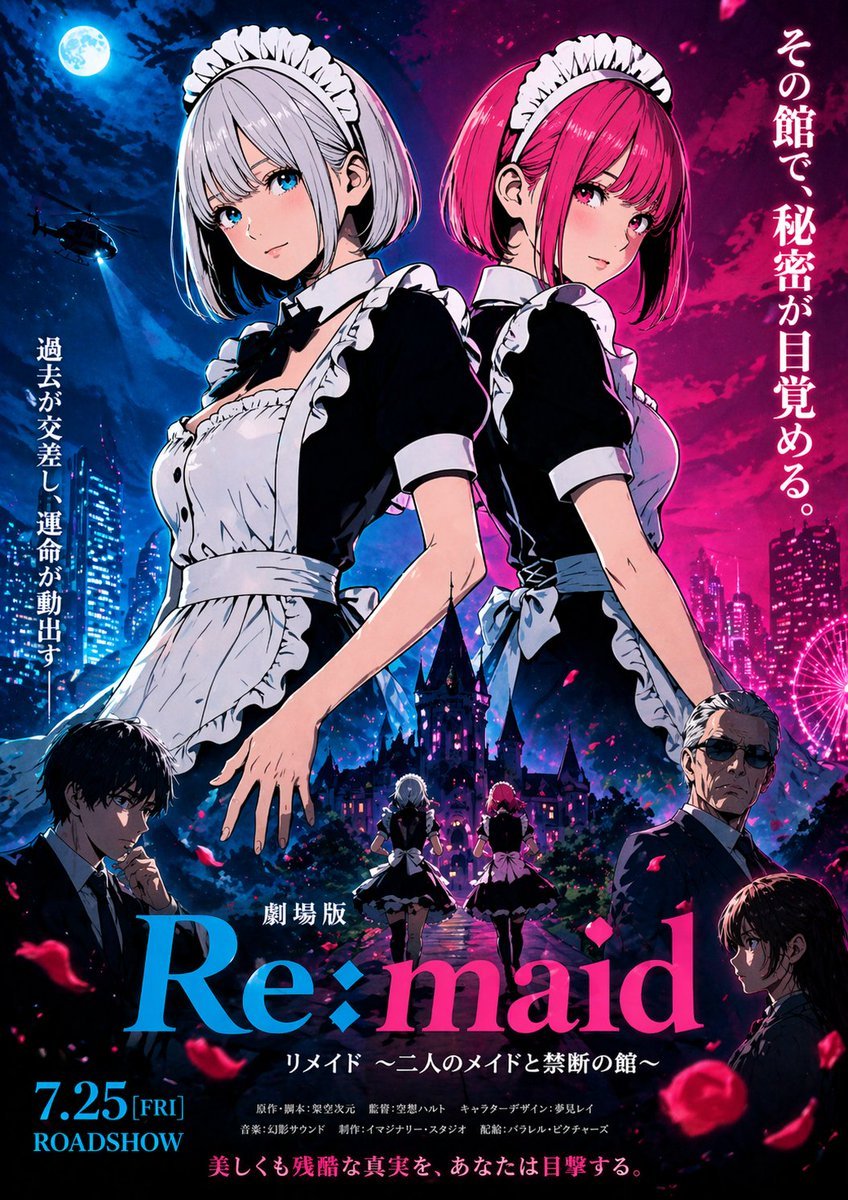
Anime Maid Thriller Movie Poster
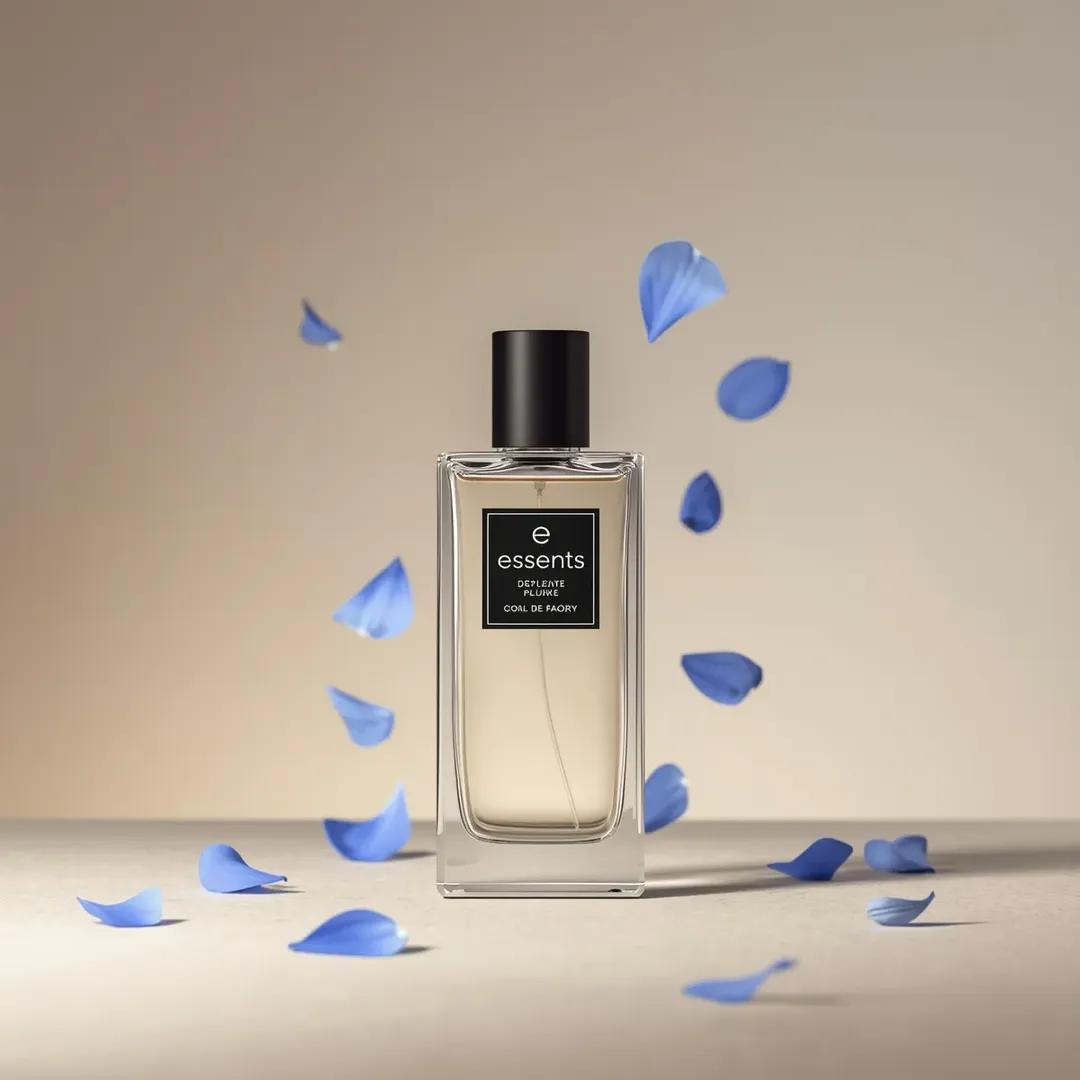
Luxury Perfume Bottle Product Shot Prompt

Hyper-Realistic Commercial Portrait for Monster Energy
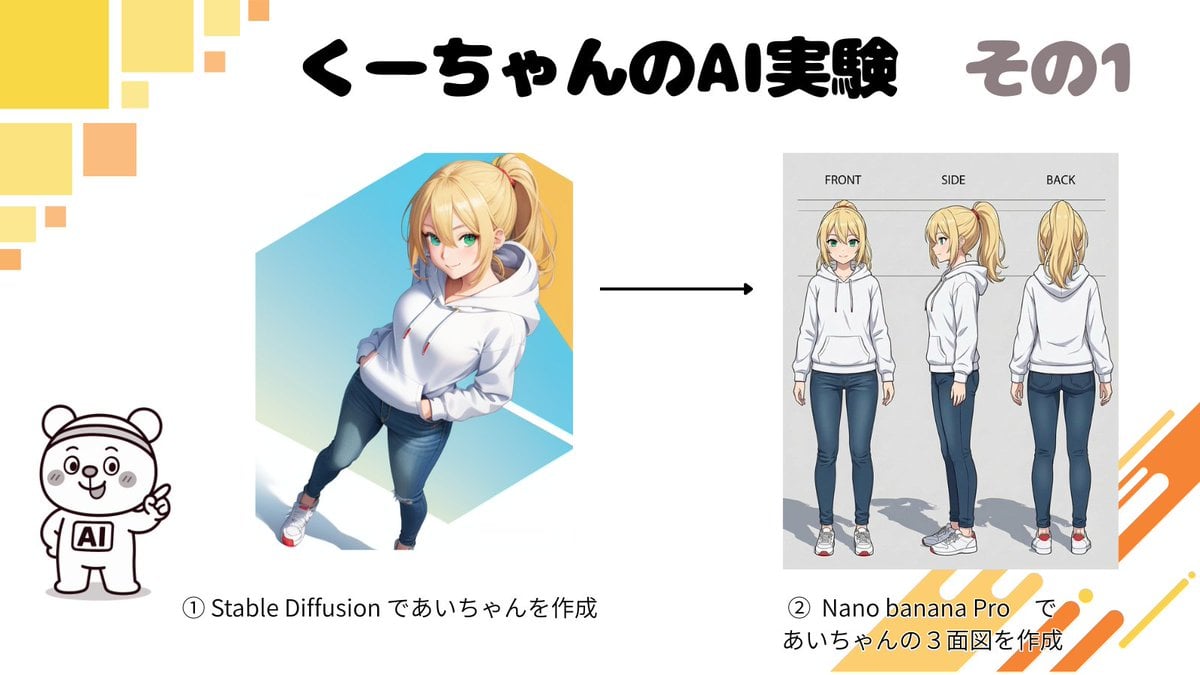
Character Turnaround Sheet Generation
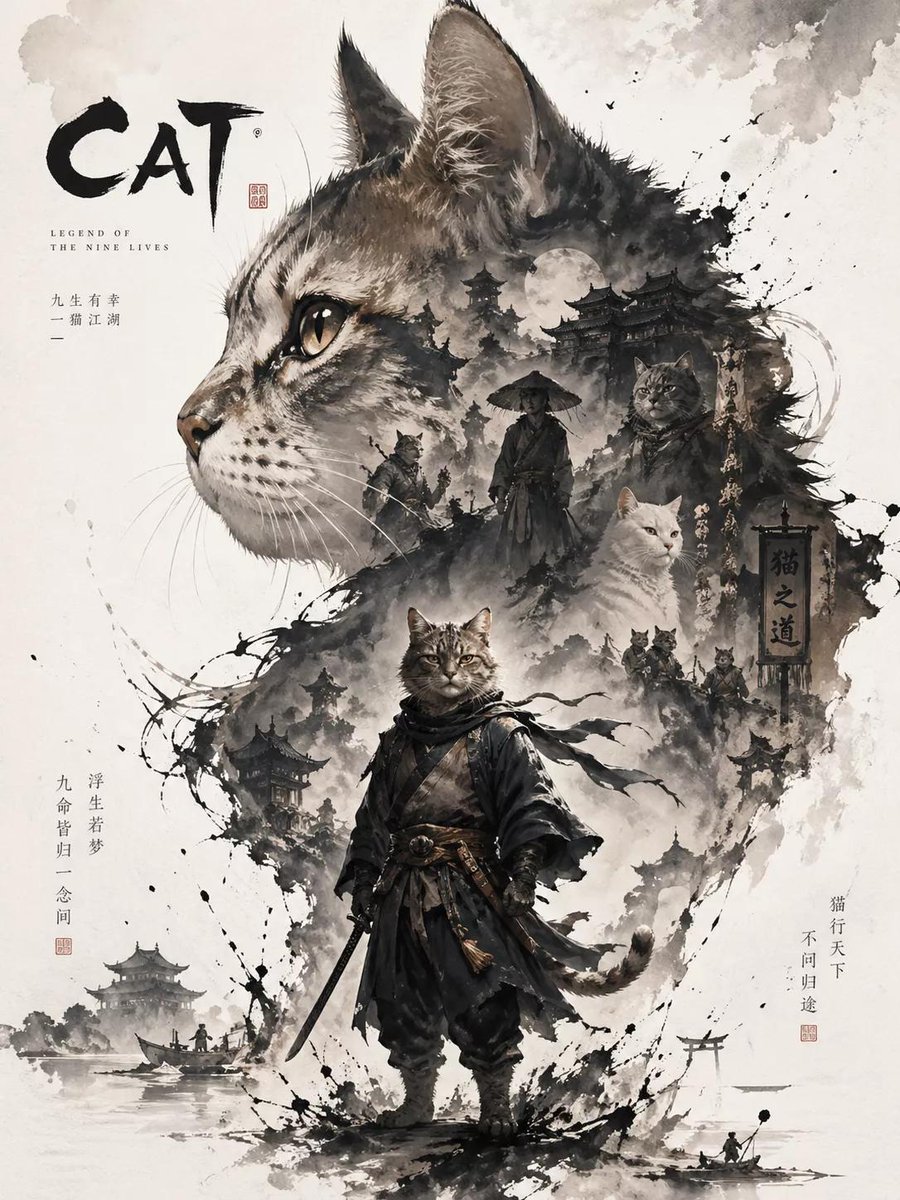
Oriental Aesthetic Poster Design
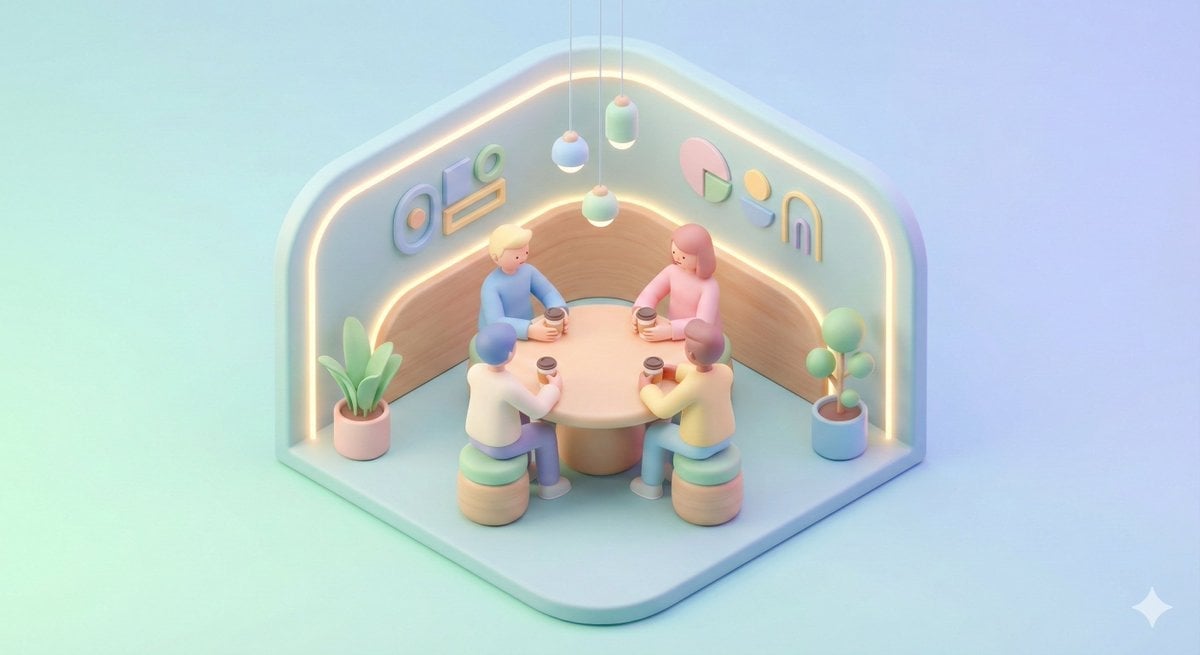
Minimal Isometric 3D Perspective
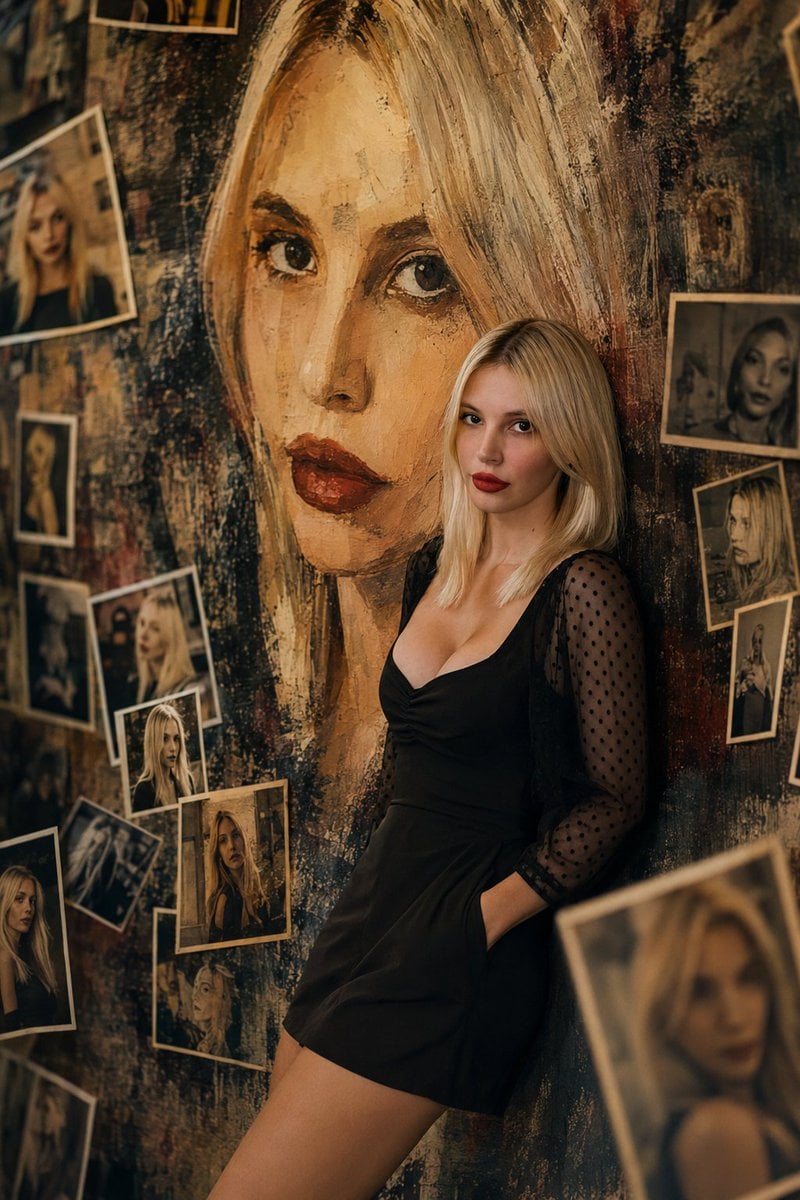
Artistic Mural Gallery Portrait
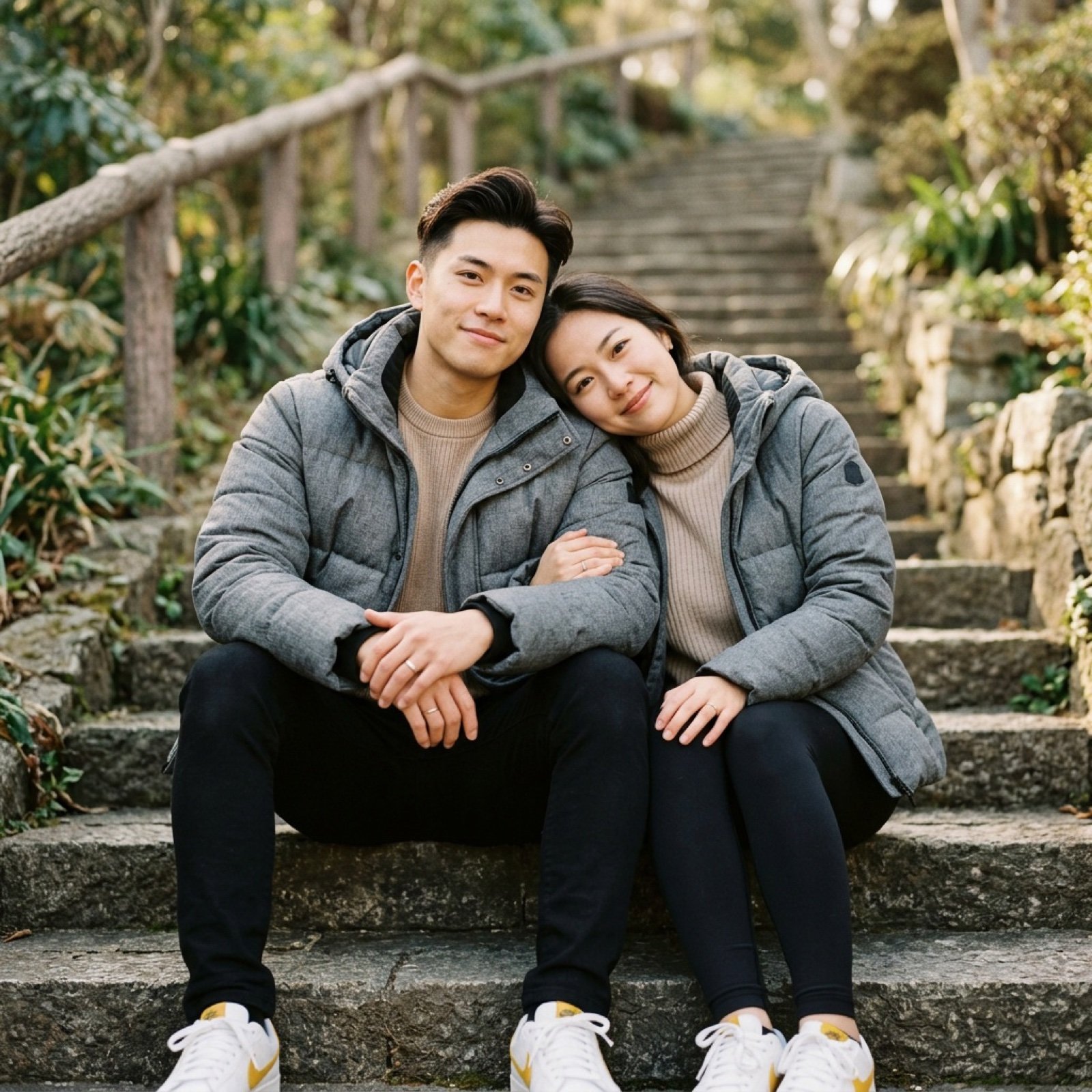
Ultra-realistic lifestyle portrait prompt for a modern couple
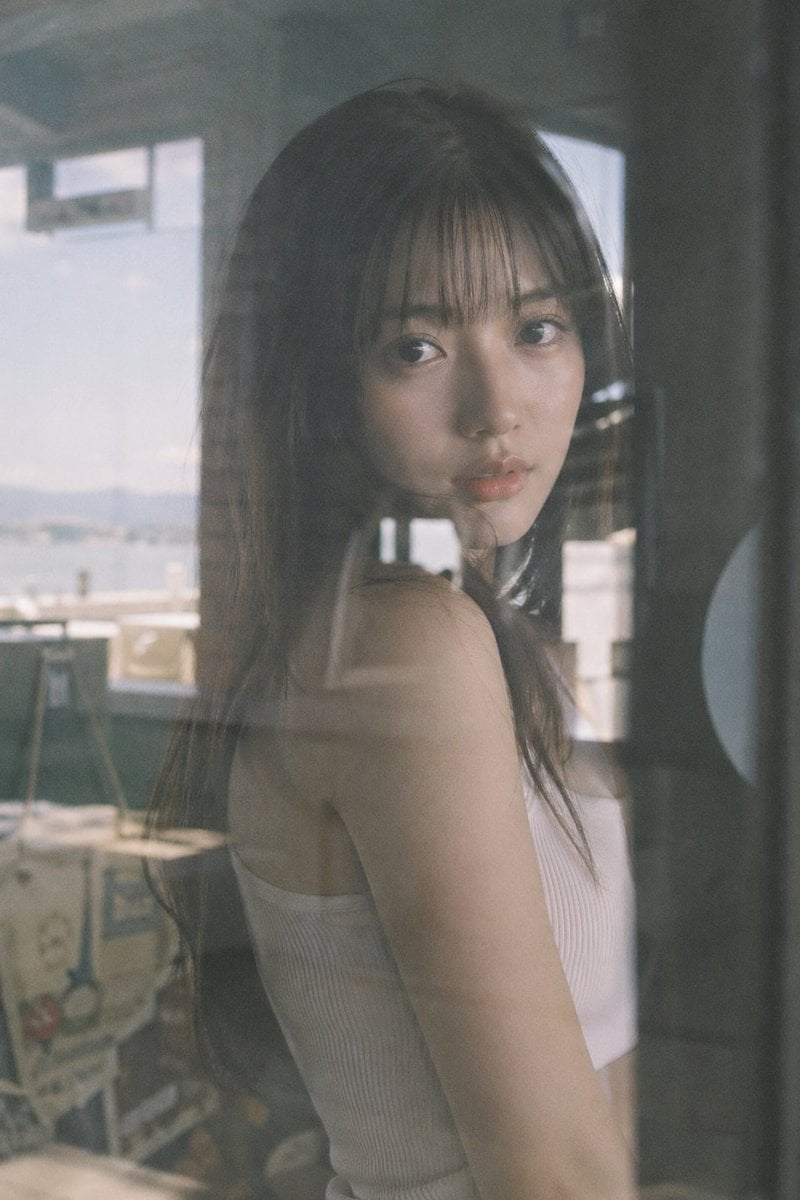
Japanese Idol Reflection Aesthetic

Nano Banana Pro Ultra Realistic Indoor Portrait Prompt
Browse template categories
Children's Art Class Enrollment Poster questions
How do I use the Children's Art Class Enrollment Poster template?
Add your photo if the template asks for one, edit the prompt if you like — the template's model and format are already selected — and press Generate. Your version opens in PicX Studio.
Can I customize the Children's Art Class Enrollment Poster template?
Yes. You can change the subject, setting, lighting, mood, format, and available model controls before creating your image.
Is the Children's Art Class Enrollment Poster template free?
Opening and editing this template is free. Generating uses credits, shown on the Generate button when you are signed in.
Which AI model should I use?
Start with GPT Image 2, which is the model associated with this template. You can compare another compatible model for a different finish.
Looking for something else? Browse all templates.

Your photo, any look
Thousands of ready templates for every top image and video model, from one credit balance.