
Cute Bird Emerald Mine Adventure
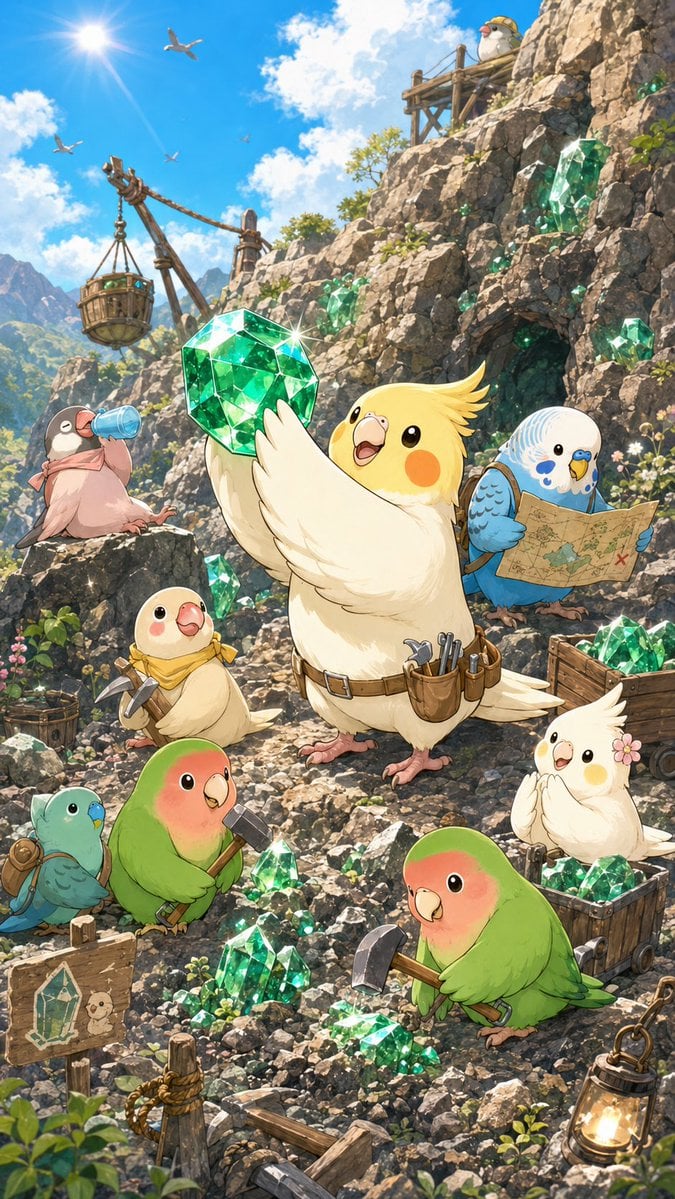
A vertical anime storybook illustration prompt for creating adorable birds mining sparkling emeralds in a cheerful mountain fantasy scene.
- Prompt included
- Model and format preset
- Free template
The prompt behind this image
Copy the exact prompt behind Cute Bird Emerald Mine Adventure, or open it in the studio and make it yours.
Create a vertical, richly detailed anime storybook illustration of cute pet birds mining emerald crystals on a sunny mountain cliff. The scene is a cheerful fantasy mining site with rocky terrain, sparkling green gems, wooden equipment, and a bright blue sky. Use a warm, polished Japanese anime style with soft outlines, expressive faces, luminous highlights, and high-detail natural textures. Canvas: vertical 2:3 composition, tall poster framing, bright daylight. Put the sun in the upper left with lens flare, blue sky and white clouds behind jagged green mountains. The rocky cliff rises up the right side and background, with a dark mine entrance in the mid-right rock face and a small wooden lookout platform near the upper right. Main subject: In the center foreground, place a joyful cream cockatiel with yellow crest and orange cheeks, wearing a miner belt with small tools and pouches, holding up one oversized faceted emerald crystal that sparkles with a starburst. This central bird is the largest figure and the focal point. Bird count and roles: Show exactly 9 cute birds on the ground/cliff plus 4 small seabirds flying in the sky. The 9 main birds are: 1 central cream cockatiel proudly lifting the giant emerald; 1 blue-and-white budgie on the right reading an old treasure map with a red X; 1 dusty pink Java sparrow on the left drinking from a blue water bottle; 1 small pale yellow chick at lower left-center wearing a yellow scarf and holding a pickaxe; 1 teal-and-blue budgie at the bottom left wearing a tiny backpack; 1 green peach-faced lovebird at lower left holding a hammer; 1 green peach-faced lovebird at lower center-right using a pickaxe on the stones; 1 small white cockatiel on the right with a pink flower near its head, standing by a mine cart full of gems; 1 tiny white bird wearing a yellow miner helmet on the high wooden platform. Environment and objects: Include a rustic wooden crane on the left with ropes and a suspended metal cage bucket. Include exactly 2 wooden mine carts or crates filled with emeralds: one near the right bird and one at the lower right. Include 1 hanging lantern glowing at the bottom right, 1 wooden sign at bottom left with a simple crystal drawing and small bird doodle, 1 broken wooden rail or beam across the bottom foreground, and 1 coiled rope tied to a post. Place emerald crystals throughout the scene: 1 giant emerald in the central bird’s wings, 1 large embedded emerald on the right cliff, 1 medium emerald cluster beside the mine entrance, 1 crystal cluster in the right mine cart, 1 crystal cluster in the lower-right crate, 1 cluster near the green bird with the hammer, 1 cluster near the green bird with the pickaxe, 2 clusters along the lower foreground, and small green sparkle flecks on the cliff. Mood and lighting: Make everything whimsical, adventurous, and optimistic. Crystals should glow translucent emerald green with bright white specular glints. Use sunlit rim lighting, soft shadows, warm highlights on feathers, and detailed rocky textures. Keep the birds round, adorable, and expressive, with oversized glossy eyes and tiny feet. Customizable details: The main crystal color should be {argument name="crystal color" default="emerald green"}. The central bird species should be {argument name="main bird species" default="cream cockatiel"}. The setting should be {argument name="setting" default="sunny mountain emerald mine"}. The art style should be {argument name="art style" default="polished Japanese anime storybook illustration"}. The mood should be {argument name="mood" default="cheerful treasure-hunting adventure"}. Constraints: no humans, no text labels except the simple crystal drawing on the sign, no watermark, no photorealism, no dark horror tone, keep the composition dense but readable.
How to use Cute Bird Emerald Mine Adventure in 3 steps
- 1Upload ImagePNG, JPG or paste
Add your photo
Upload the photo the template builds on. The prompt, model and format are already set.
- 2…a portrait of your subject in softgolden-hour light, 85mm…
Personalize
Edit the subject and creative details for your destination.
- 3Generate
Generate
Press Generate — your image is created in PicX Studio, so you can compare it with the original and refine one variable at a time.
More like this
Templates with the same subject, style or setup. Open one to see its prompt.

Minecraft Homage Illustrious Style

Cute Sticker
Watercolor Fantasy Dragon-Bird Boy
Emerald Aetheric Surveyor
Anime Summoner Adventurer Character

Professional Studio Portrait Emerald Theme

Emerald & Gold Luxury Portrait
Cinematic Fashion with Red Angry Bird

Emerald Double Exposure Fashion Portrait
Giant Bird Portal in the Sky

Bird's-Eye Street Fashion Portrait
Cinematic Bird Fashion Portrait
Make it yours
Cute Bird Emerald Mine Adventure works as-is. These are the safest ways to change it without losing the look.
Change one field
Copy a single group, rewrite it, and generate again so you can see what that field is doing.
Keep the frame, change the subject
Hold the composition and light of Cute Bird Emerald Mine Adventure, then swap wardrobe, props or the person for a new take.
| If the result… | Why | Fix |
|---|---|---|
| The result drifts from the preview | Too many fields changed at once. | Reuse Cute Bird Emerald Mine Adventure as-is first, then change one group — subject, light, or setting. |
| The model over-stylizes the scene | The prose prompt leaves finish and camera underspecified. | Add one camera or lighting sentence and stay on GPT Image 2. |
More GPT Image 2 templates
Other prompts made for GPT Image 2.

Six VTuber Japanese Logo Sheet

Realistic Portrait of Woman and Deer

The Vista Modular Condo Poster

AI Model Routing Comparison Infographic

2.5D Anime Art Board

Isometric Productivity Desk Scene

New York Double Exposure Poster

Four-Panel AI Landscape Comparison

Japanese Tatami Lifestyle Magazine Cover

NESCAFÉ Coffee Map Poster
More image prompts
Fresh picks from across the catalog.

Calligraphic Dreamy Risograph Poster

World Cup Soccer Girl High Fashion Poster
Jomon Pottery Museum Exhibit Mashup

Underwater macro portrait (left half of face)
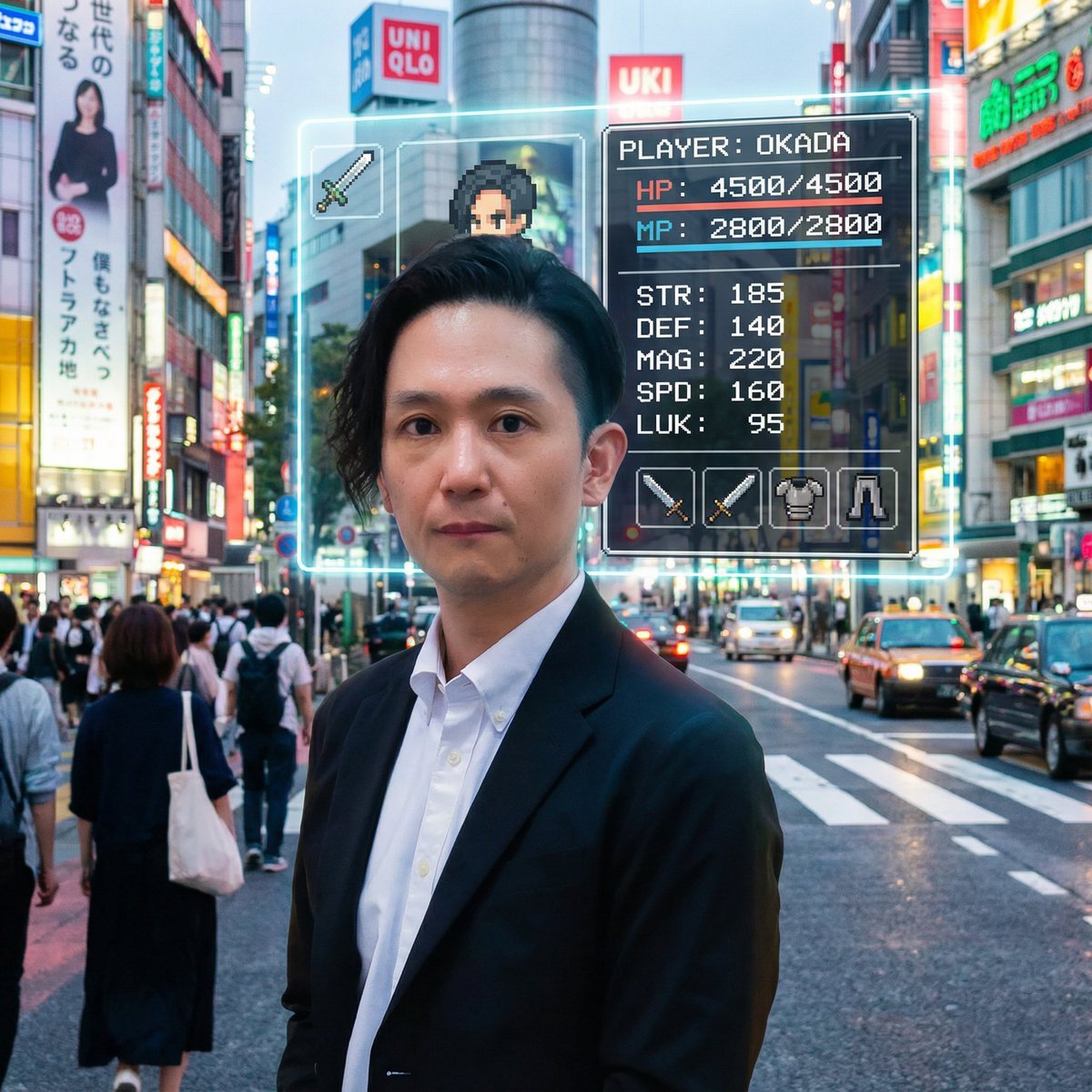
RPG Status Screen Overlay
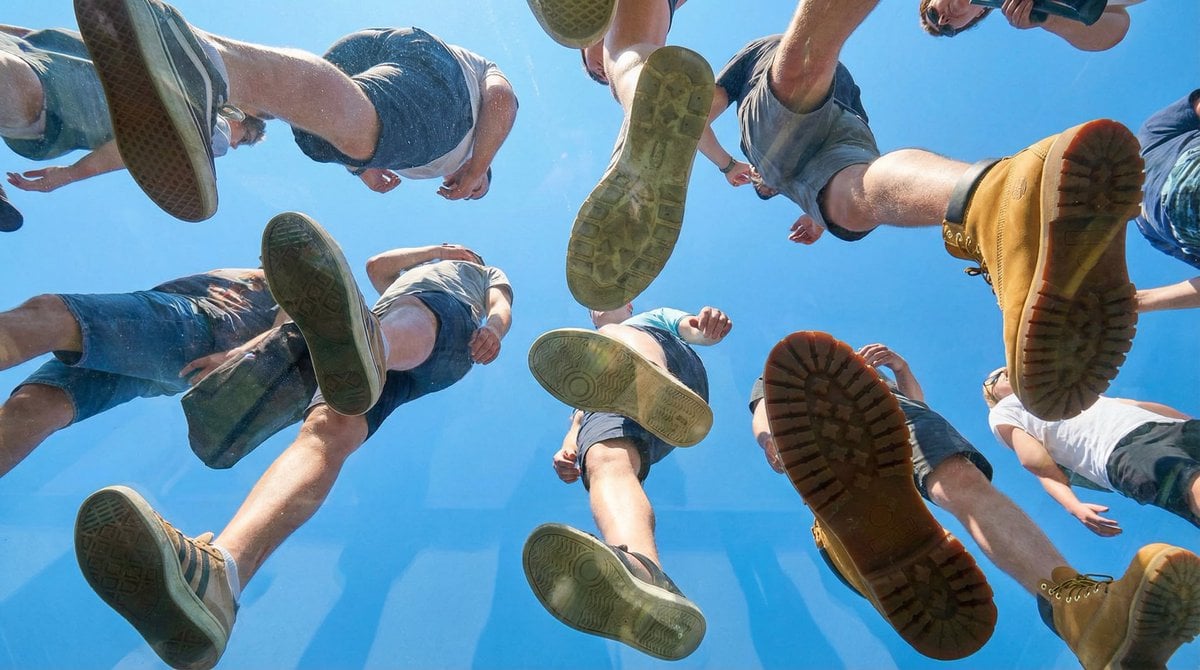
Under Glass Floor Perspective Shot
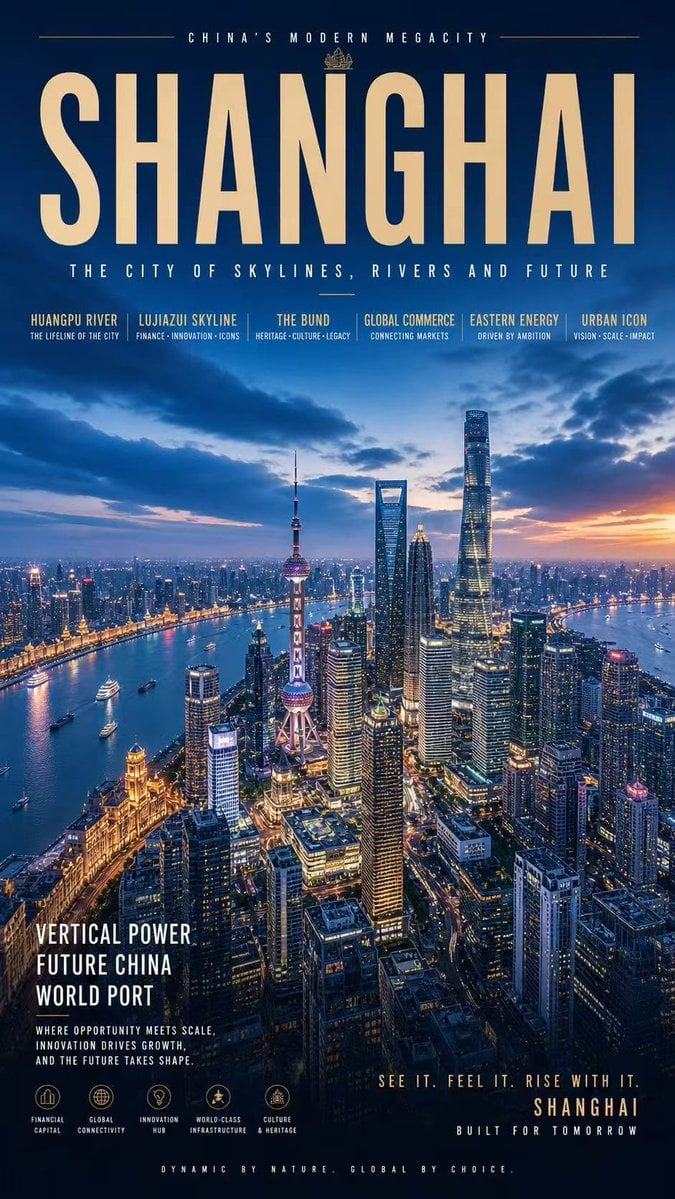
Shanghai Megacity Night Poster
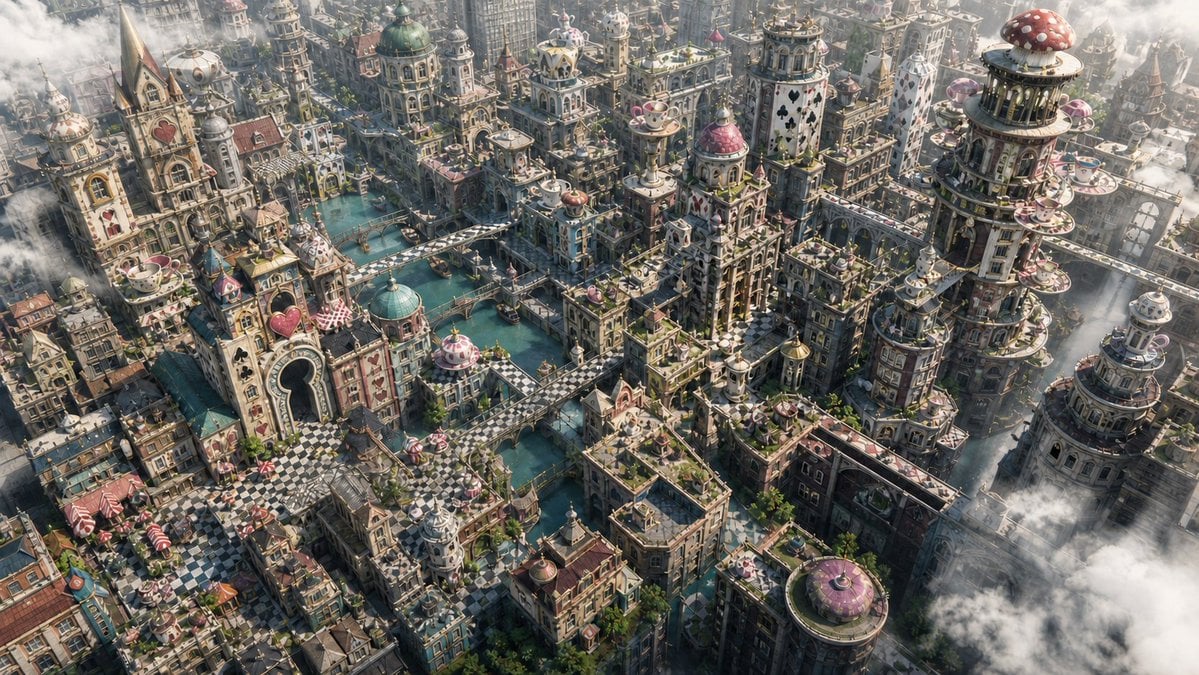
Fantasy Whimsical Downtown Aerial View
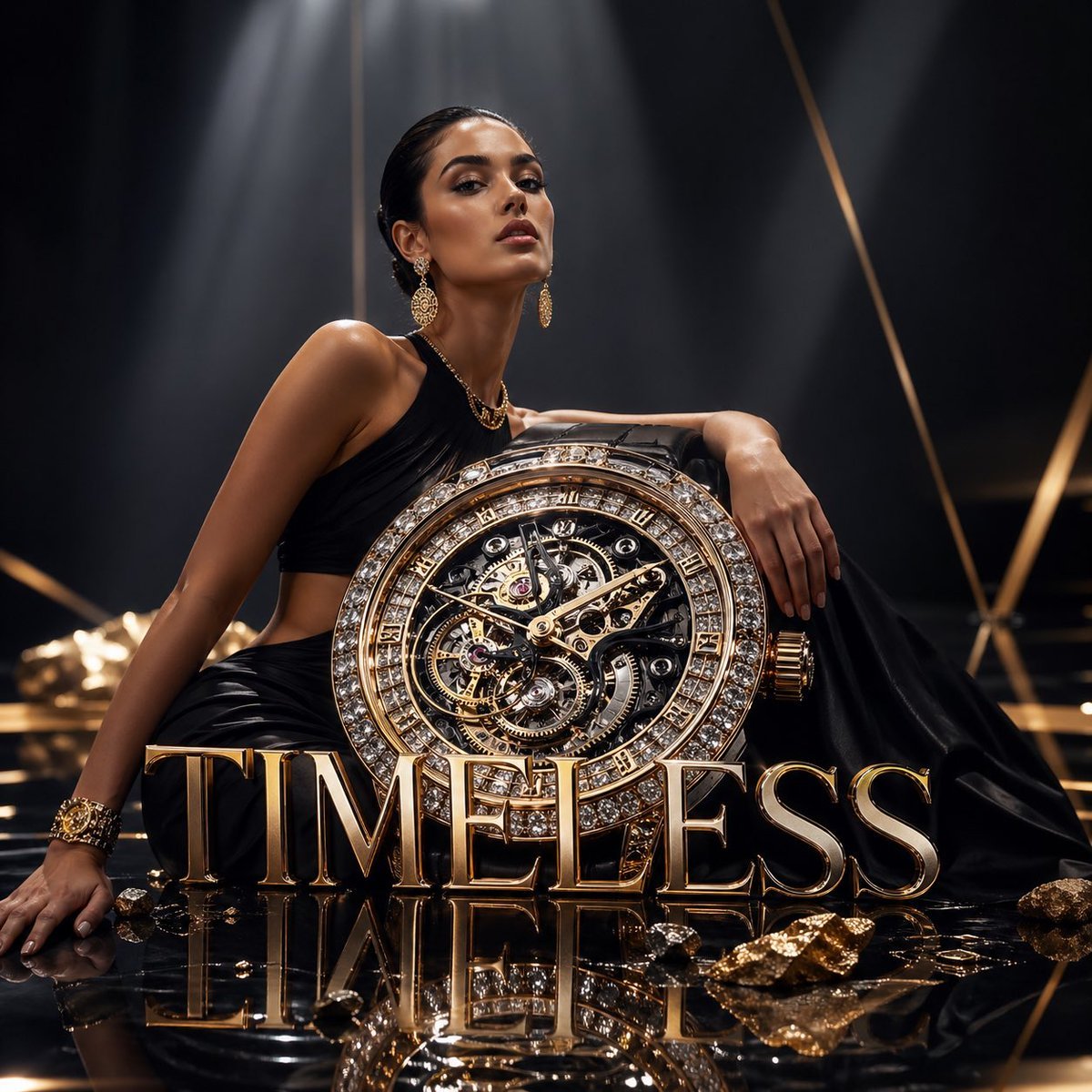
Luxury Watch Fashion Ad
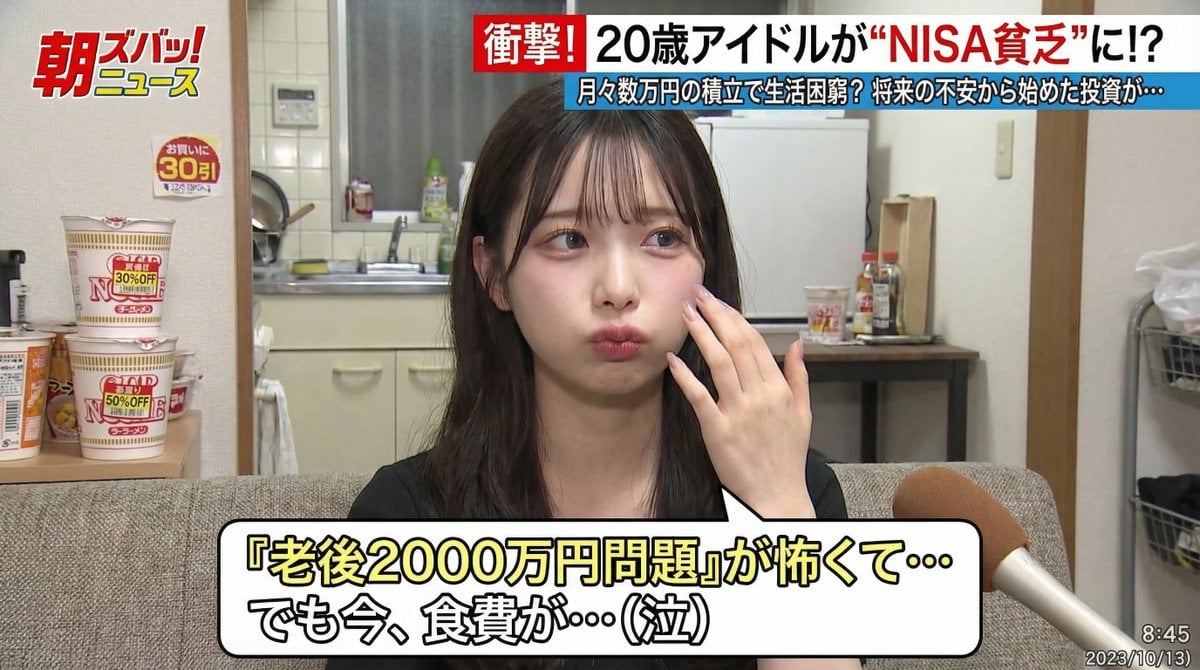
Japanese TV Program Style Image Generation
Browse template categories
Cute Bird Emerald Mine Adventure questions
How do I use the Cute Bird Emerald Mine Adventure template?
Add your photo if the template asks for one, edit the prompt if you like — the template's model and format are already selected — and press Generate. Your version opens in PicX Studio.
Can I customize the Cute Bird Emerald Mine Adventure template?
Yes. You can change the subject, setting, lighting, mood, format, and available model controls before creating your image.
Is the Cute Bird Emerald Mine Adventure template free?
Opening and editing this template is free. Generating uses credits, shown on the Generate button when you are signed in.
Which AI model should I use?
Start with GPT Image 2, which is the model associated with this template. You can compare another compatible model for a different finish.
Looking for something else? Browse all templates.

Your photo, any look
Thousands of ready templates for every top image and video model, from one credit balance.