
Misty Cliffside Mule Trail
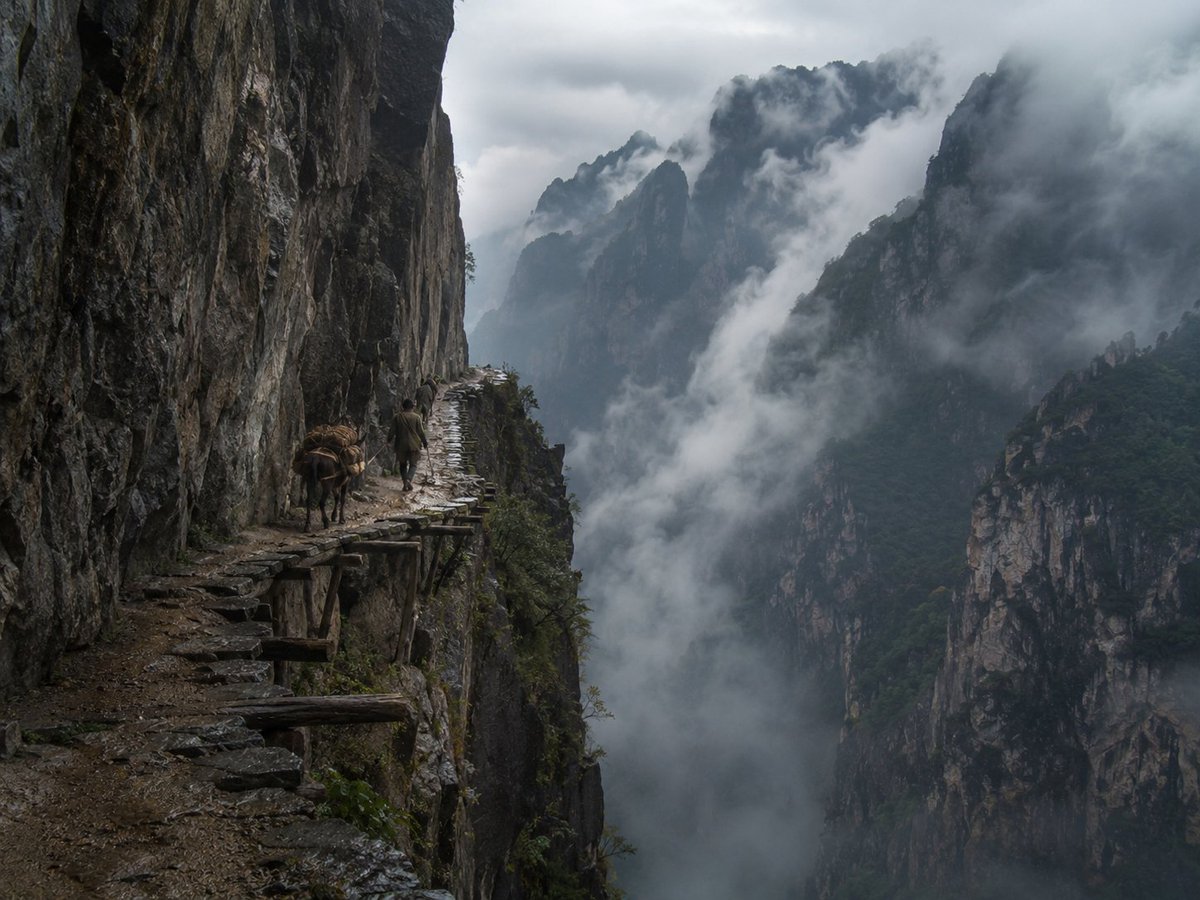
Generates a realistic fine-art documentary photograph of a lone traveler and pack mule on a dangerous ancient mountain plank road above a fog-filled gorge.
- Prompt included
- Model and format preset
- Free template
The prompt behind this image
Copy the exact prompt behind Misty Cliffside Mule Trail, or open it in the studio and make it yours.
Create a hyper-realistic collectible fine-art documentary landscape photograph inspired by ancient Chinese mountain travel writings: a lone traveler and one pack mule moving along a perilous cliffside plank road carved into a sheer rock wall in {argument name="location" default="a remote misty Chinese mountain gorge"}. The image is a wide horizontal frame, shot from behind and slightly to the left on the narrow path, with the dark vertical cliff face dominating the entire left third of the composition and a vast abyss opening to the right. The path is made of uneven wet stone slabs and old wooden support beams jutting out from the cliff, with rough dirt, broken edges, and no railing; count exactly 2 living subjects on the path: 1 human traveler in muted earth-toned traditional mountain clothing and 1 brown pack mule carrying bundled cargo. The traveler is small in scale, walking away from the camera beside the mule, emphasizing danger, solitude, and the immensity of nature. Across the right and center background, show multiple jagged limestone peaks and steep forested cliffs fading into layers of dense white-gray fog and low cloud, with swirling mist pouring through the valley below. Use a cold, moody, overcast atmosphere after rain, wet rock textures, deep shadows, desaturated blue-gray and charcoal tones with subtle green vegetation. Make it look like a real photograph taken by a top National Geographic or fine-art landscape photographer, with natural light, high dynamic range, sharp foreground detail, atmospheric depth, cinematic realism, no fantasy architecture, no modern objects, no text, no watermark. Camera feel: {argument name="camera feel" default="full-frame documentary photography, 28mm wide-angle lens, f/8, natural overcast light"}. Overall mood: {argument name="mood" default="awe, danger, ancient journey, and lonely grandeur"}.
How to use Misty Cliffside Mule Trail in 3 steps
- 1Upload ImagePNG, JPG or paste
Add your photo
Upload the photo the template builds on. The prompt, model and format are already set.
- 2…a portrait of your subject in softgolden-hour light, 85mm…
Personalize
Edit the subject and creative details for your destination.
- 3Generate
Generate
Press Generate — your image is created in PicX Studio, so you can compare it with the original and refine one variable at a time.
More like this
Templates with the same subject, style or setup. Open one to see its prompt.
Cyberpunk Cliffside Megacity Wallpaper

Dramatic motion blur trails, long-exposure photography effect, dynamic
Golden Hour Alpine Trail Landscape

Fashion Editorial Magazine Cover with Motion Trails
AR Scenic Cliffside Portrait Analysis
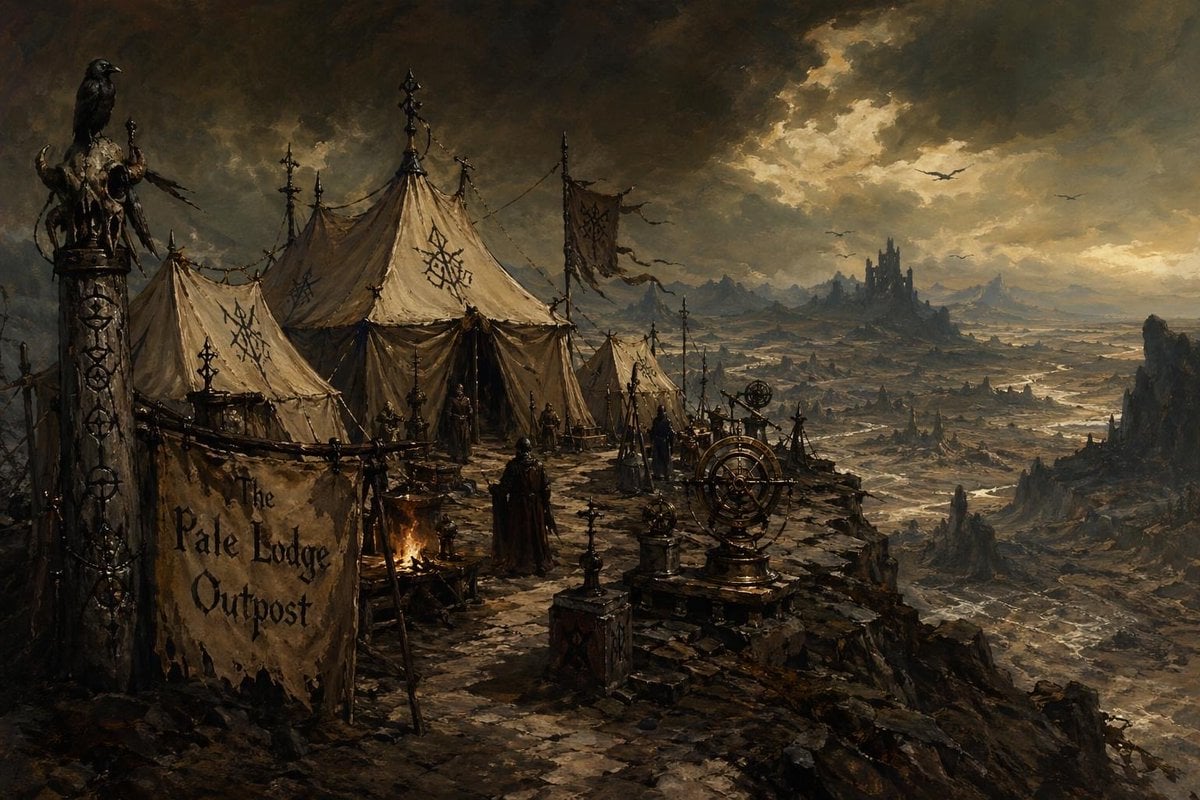
Dark Fantasy Cliffside Outpost
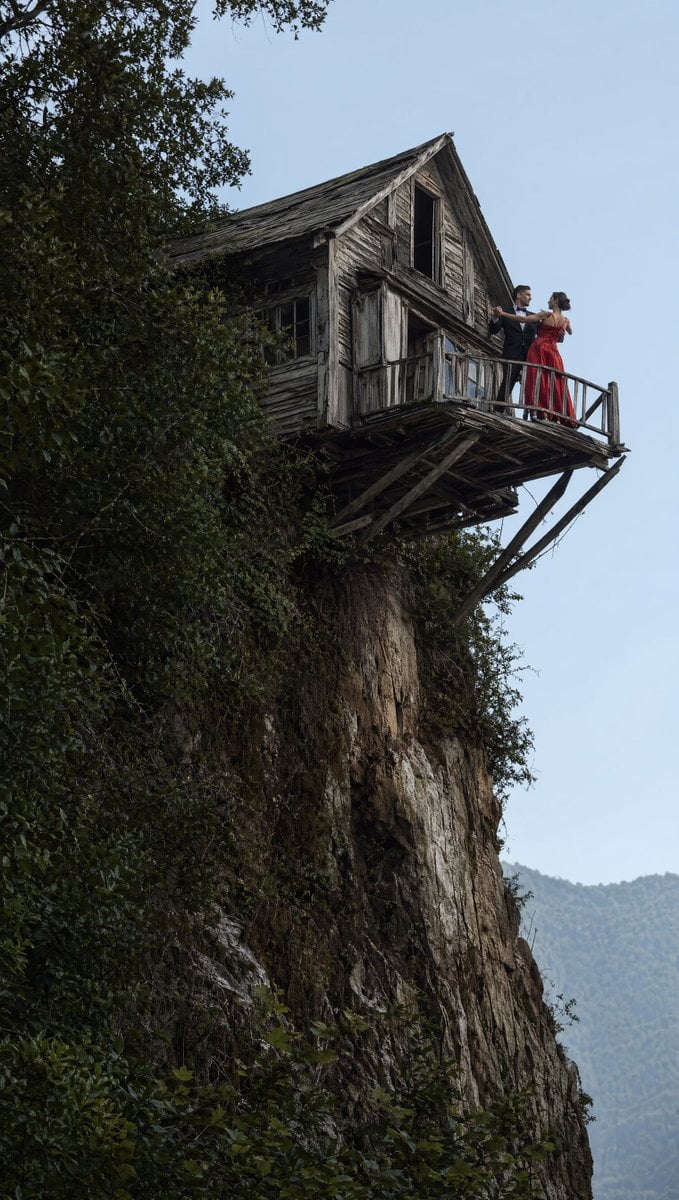
Dancing Couple on Cliffside House
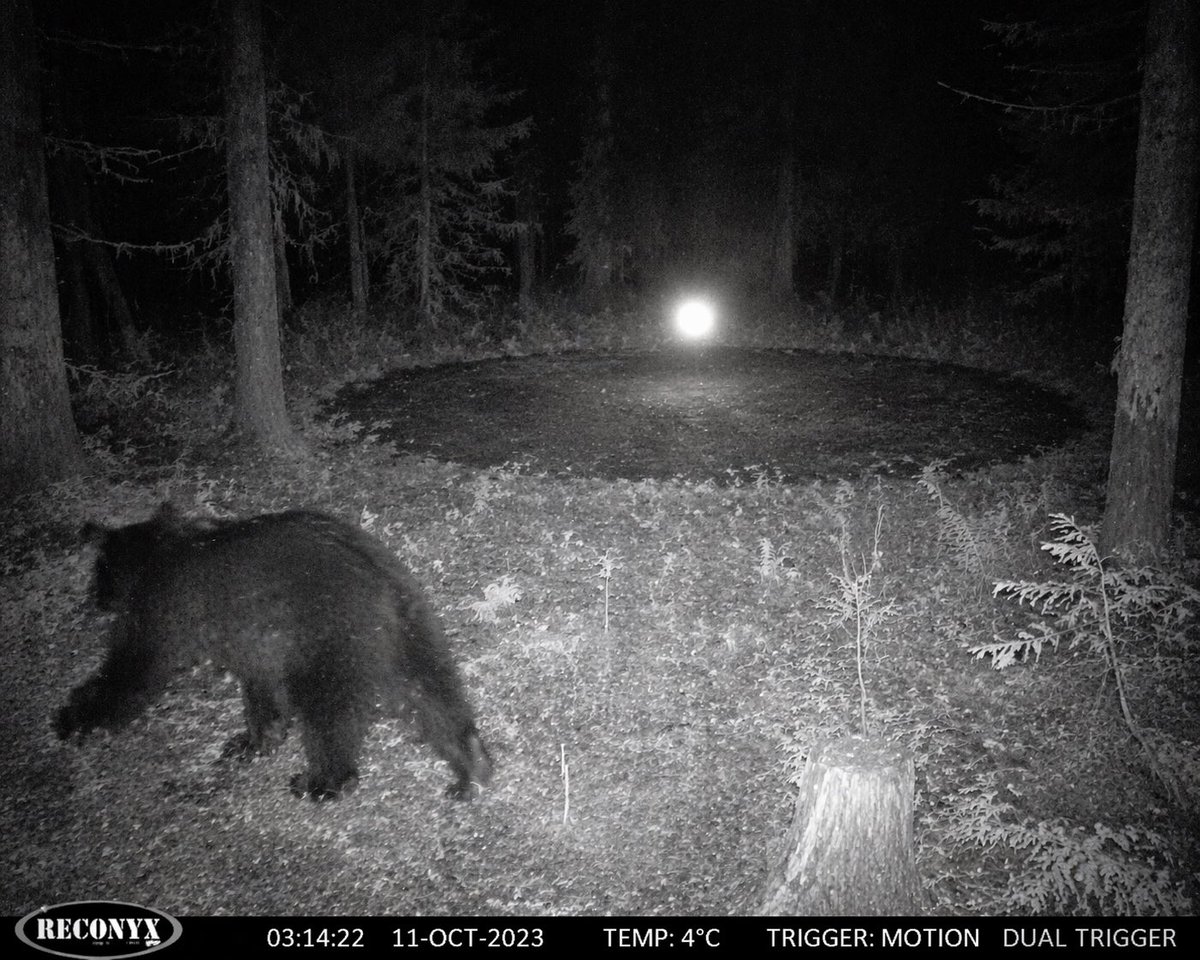
Paranormal Trail Camera Encounter
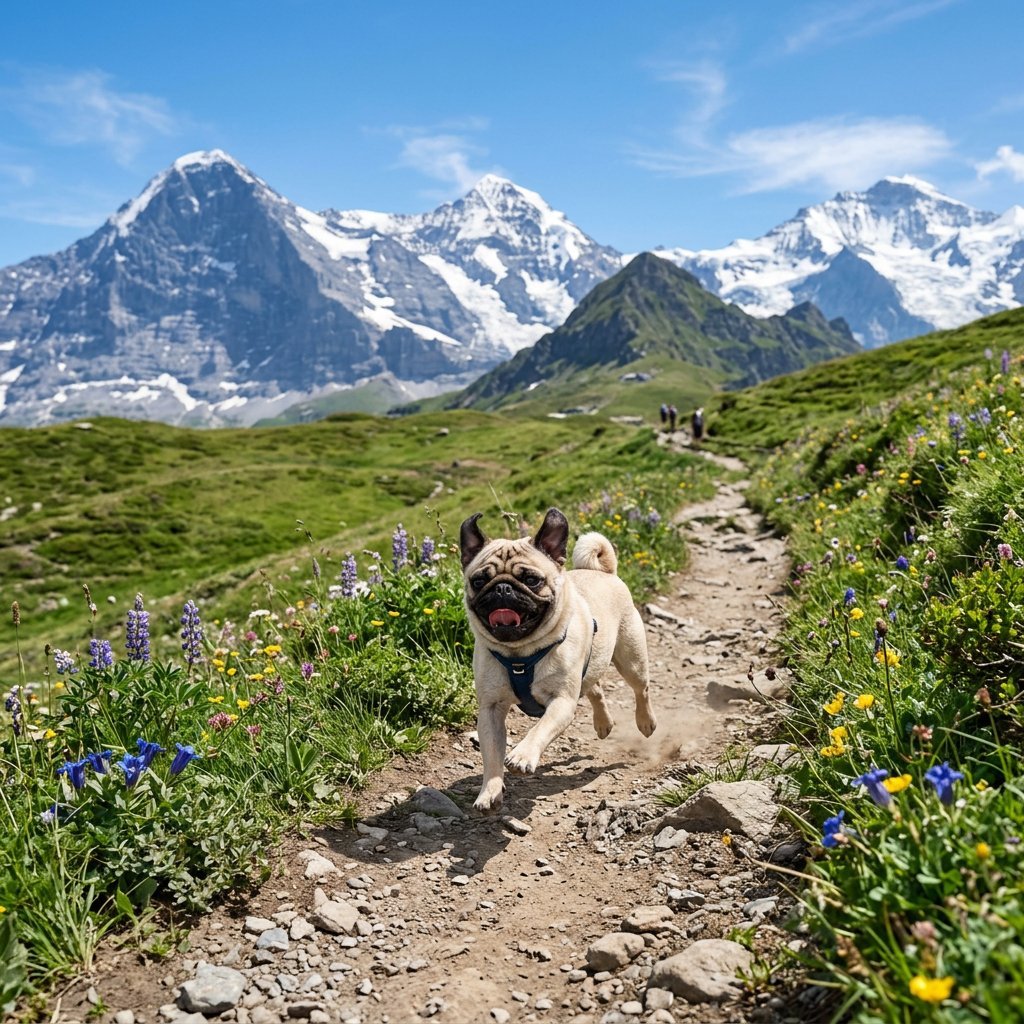
Pug Running on Alpine Trail

Overlapping Anime Knight Motion Trail

Motivational Trail Running Action Shot Prompt
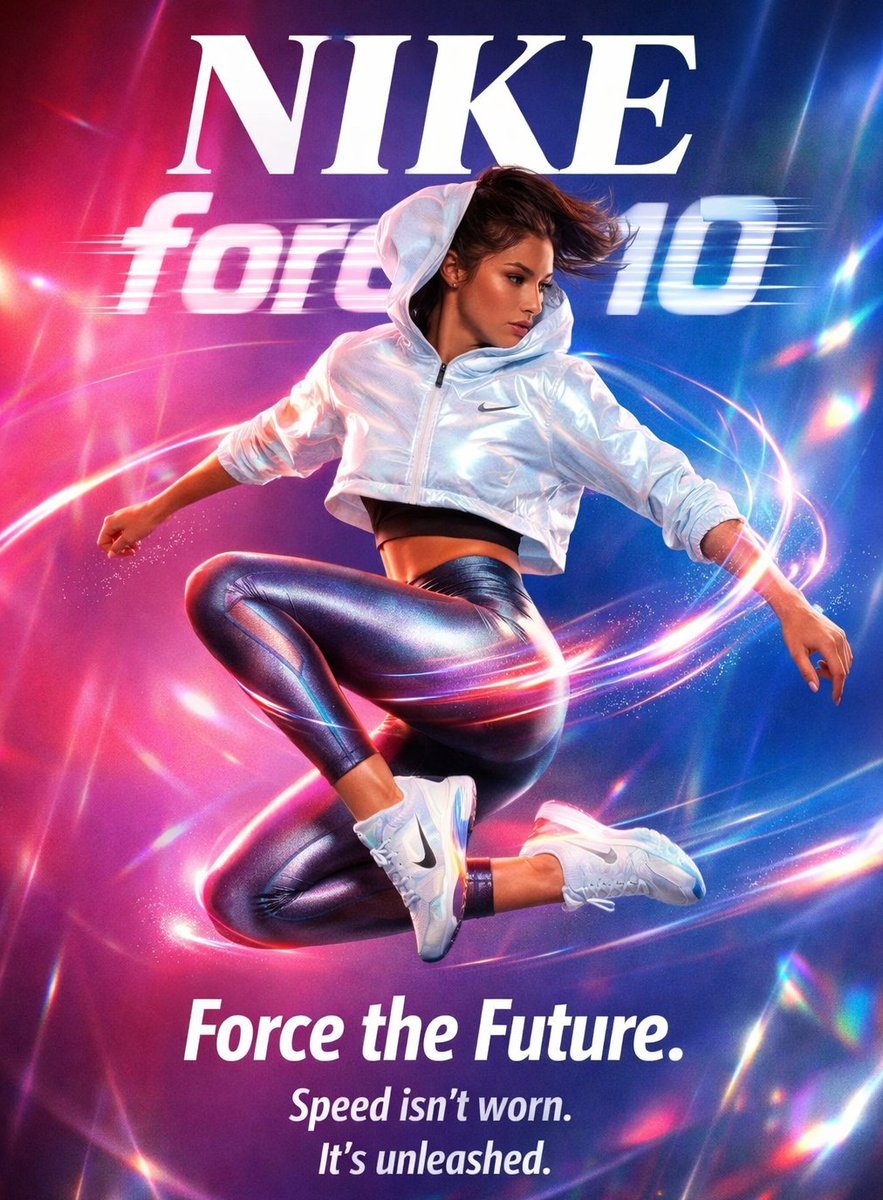
Futuristic Nike Fashion Ad with Light Trails
Make it yours
Misty Cliffside Mule Trail works as-is. These are the safest ways to change it without losing the look.
Change one field
Copy a single group, rewrite it, and generate again so you can see what that field is doing.
Keep the frame, change the subject
Hold the composition and light of Misty Cliffside Mule Trail, then swap wardrobe, props or the person for a new take.
| If the result… | Why | Fix |
|---|---|---|
| The result drifts from the preview | Too many fields changed at once. | Reuse Misty Cliffside Mule Trail as-is first, then change one group — subject, light, or setting. |
| The model over-stylizes the scene | The prose prompt leaves finish and camera underspecified. | Add one camera or lighting sentence and stay on GPT Image 2. |
More GPT Image 2 templates
Other prompts made for GPT Image 2.

Six VTuber Japanese Logo Sheet

Realistic Portrait of Woman and Deer

The Vista Modular Condo Poster

AI Model Routing Comparison Infographic

2.5D Anime Art Board

Isometric Productivity Desk Scene

New York Double Exposure Poster

Four-Panel AI Landscape Comparison

Japanese Tatami Lifestyle Magazine Cover

NESCAFÉ Coffee Map Poster
More image prompts
Fresh picks from across the catalog.

Affogato Dessert Photography

Gpt2 Product Marketing 18 Panel Mascot Brand Identity Document

Sculptor's Awakening Cinematic Scene Prompt
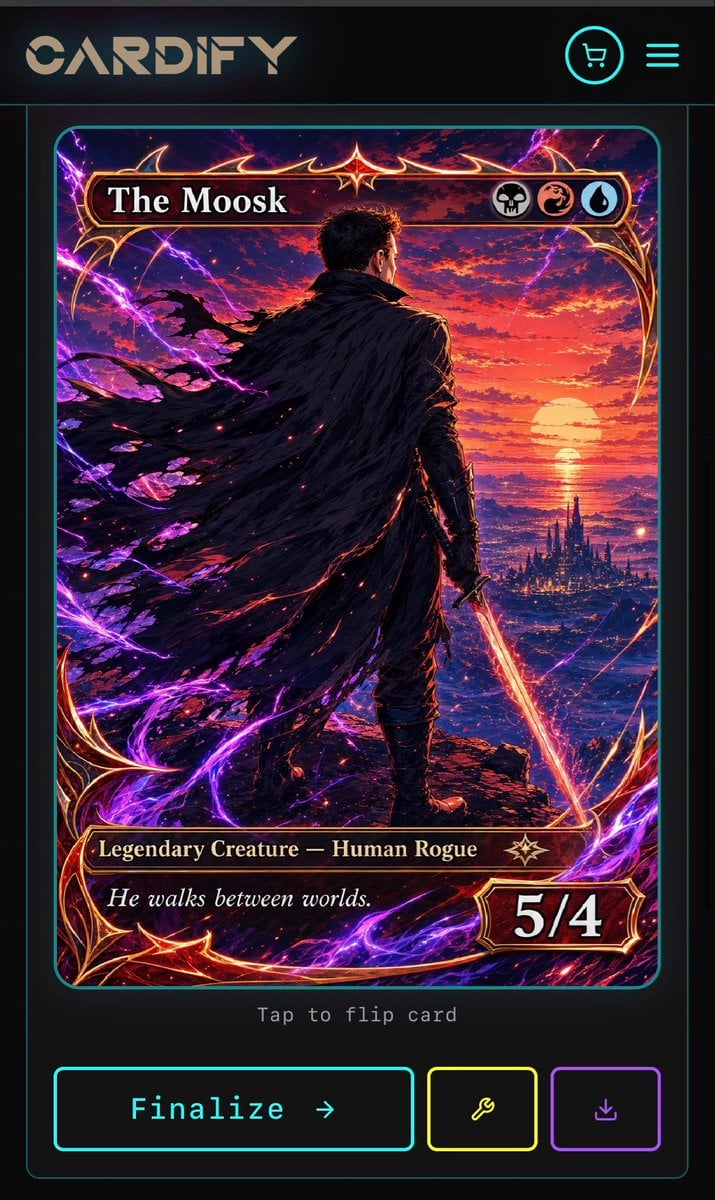
Cyberpunk Fantasy Trading Card App

Realistic Citizenship Identity Card
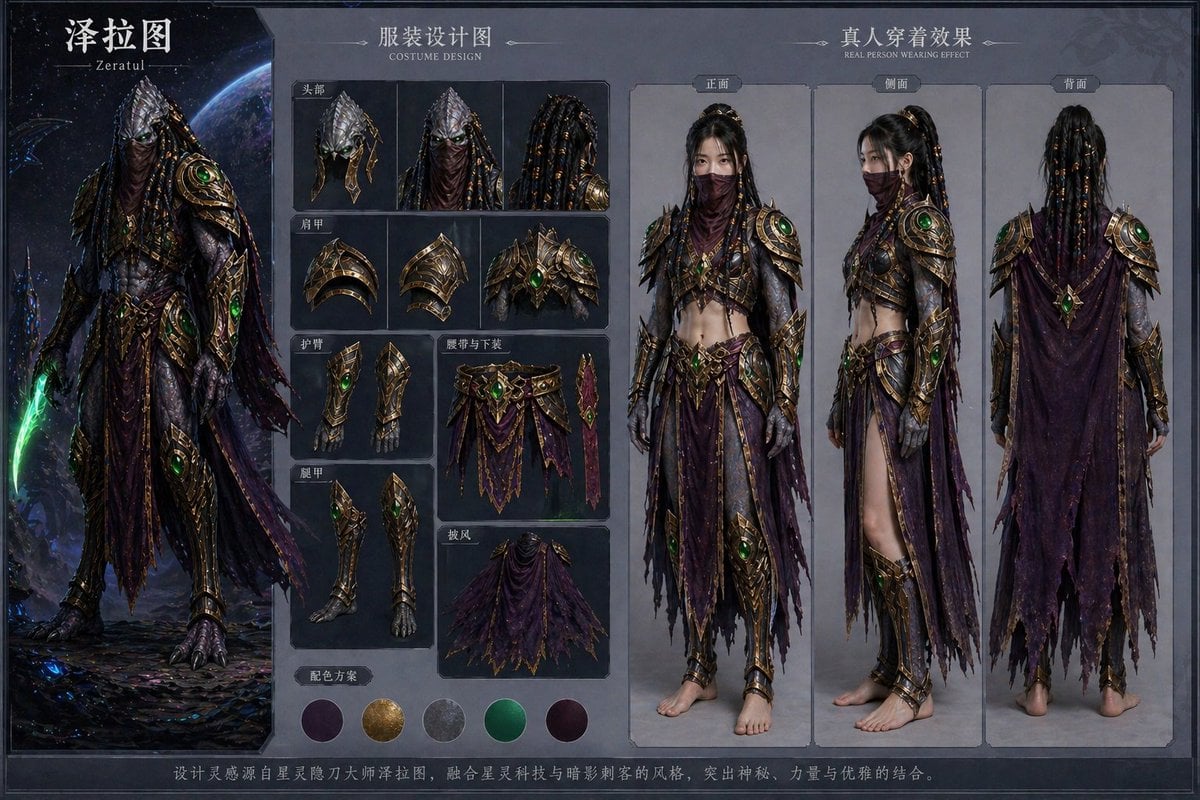
Character Costume Design Transfer
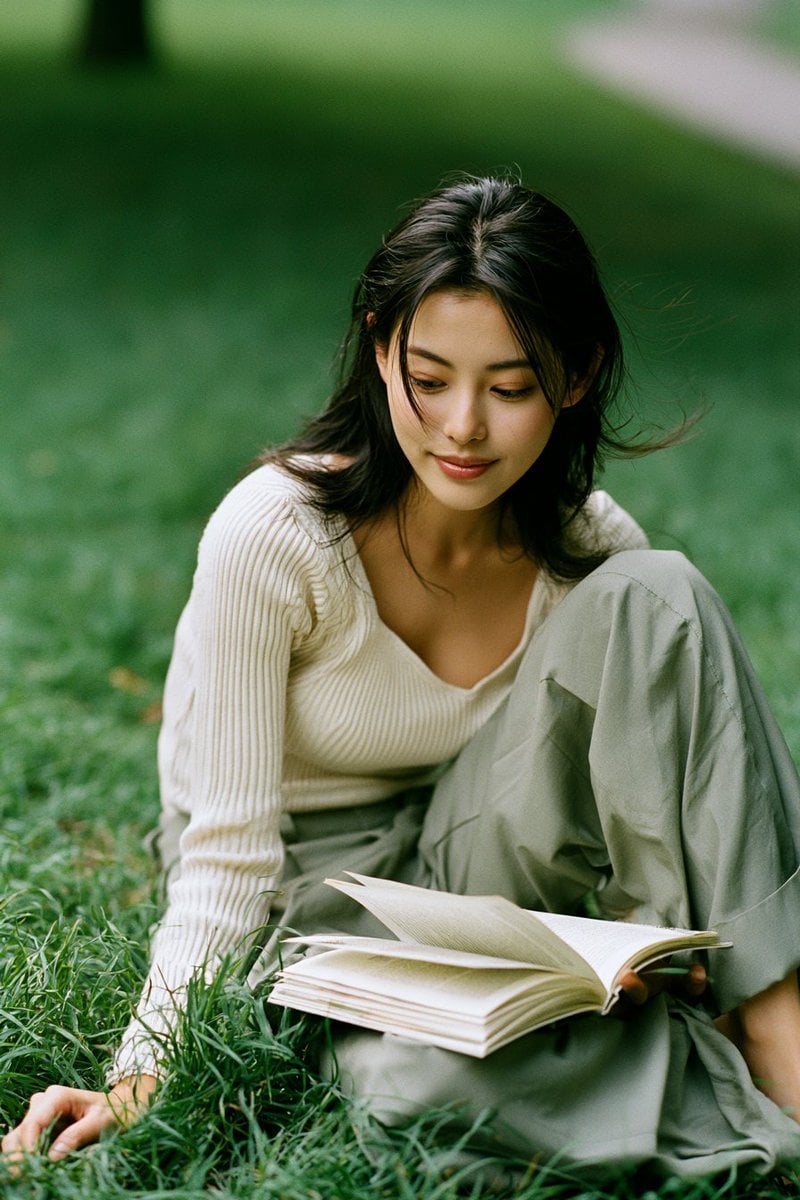
Candid Park Reading Portrait
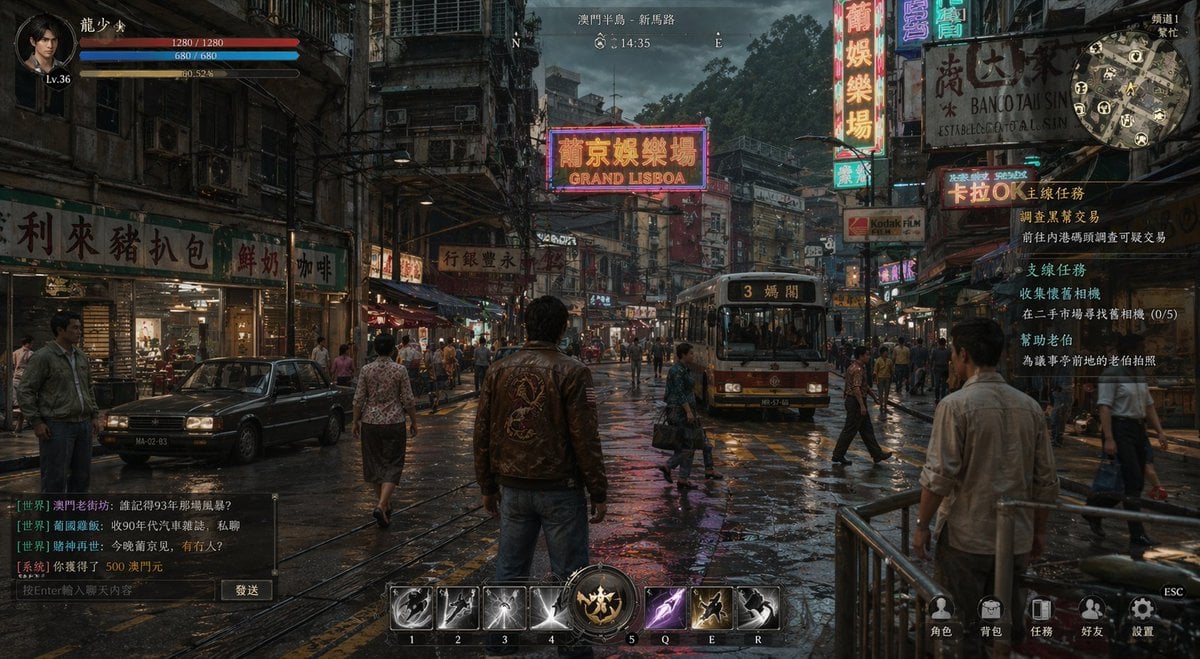
Rainy Neon Macau RPG Screenshot

Childlike Watercolor and Crayon Art

3D Papercraft Anime Poster
Browse template categories
Misty Cliffside Mule Trail questions
How do I use the Misty Cliffside Mule Trail template?
Add your photo if the template asks for one, edit the prompt if you like — the template's model and format are already selected — and press Generate. Your version opens in PicX Studio.
Can I customize the Misty Cliffside Mule Trail template?
Yes. You can change the subject, setting, lighting, mood, format, and available model controls before creating your image.
Is the Misty Cliffside Mule Trail template free?
Opening and editing this template is free. Generating uses credits, shown on the Generate button when you are signed in.
Which AI model should I use?
Start with GPT Image 2, which is the model associated with this template. You can compare another compatible model for a different finish.
Looking for something else? Browse all templates.

Your photo, any look
Thousands of ready templates for every top image and video model, from one credit balance.