Violet Dreams Surreal Fashion Editorial
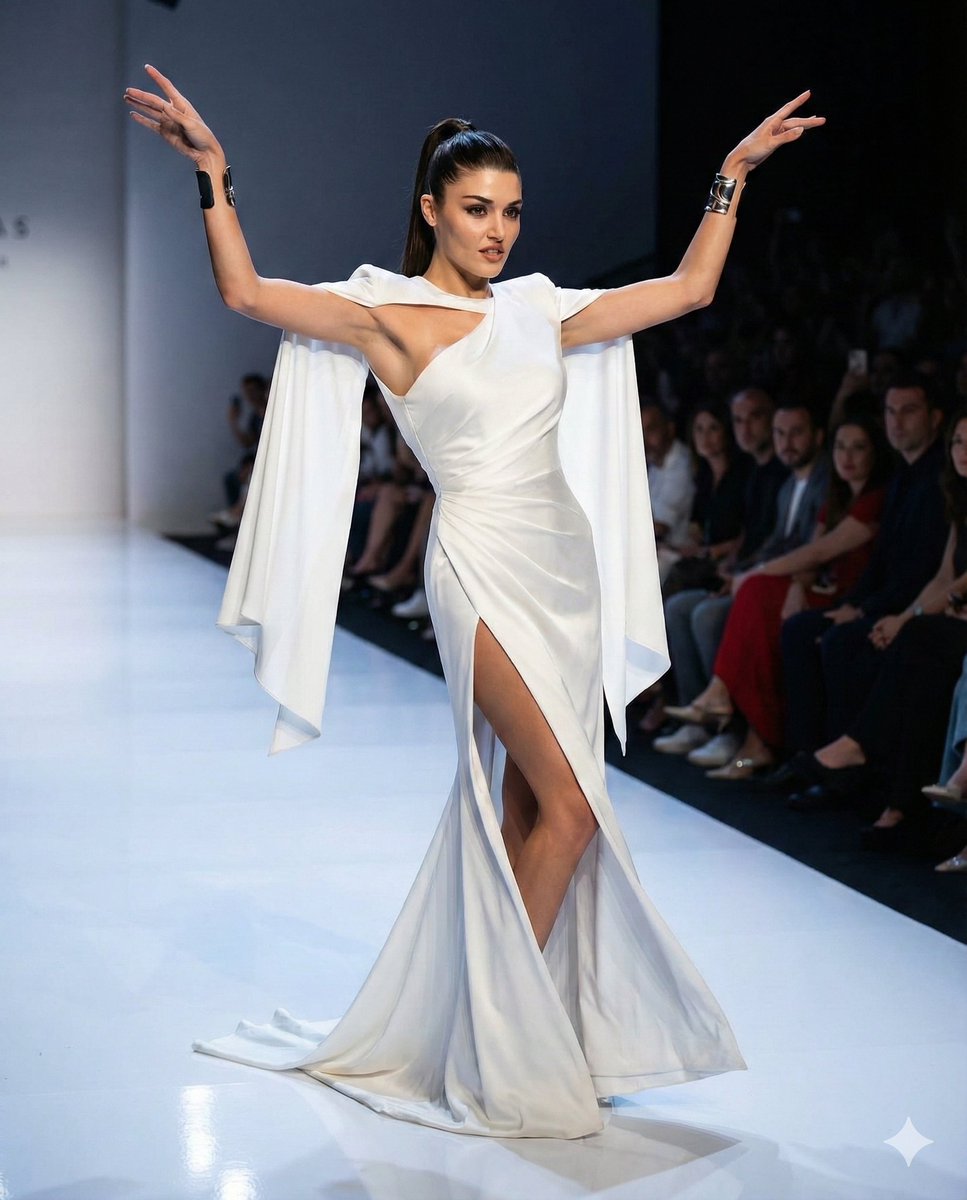
Gravity-Defying Violet Dreams on an Endless Horizon · A sprawling, high-budget practical effects editorial photograph of The Protagonist suspended fifty feet in the air above an endless, cracked white salt flat mirroring a pastel dawn sky. The Protagonist is seated regally inside a massive, perfectly circular hoop constructed from intertwined raw driftwood and thousands of living, blooming white orchids. The hoop hangs from a colossal, thick frayed maritime rope descending straight from the upper frame. The Protagonist wears a voluminous, surreal garment engineered from layered, deep violet parachute silk that billows and cascades outward in a fixed, gravity-defying shape, as if submerged underwater. The Protagonist's hair is a sculptural wet-look wave pulled into a gravity-defying, architectural spire, colored deep obsidian with an iridescent oil-slick sheen. The background features dozens of colossal, translucent meteorological weather balloons drifting silently. Shot on a Panavision Primo Anamorphic 35mm lens, combining epic cinematic wide-angle framing with the intimate, hyper-detailed skin texture and serene, unshakeable gaze of the subject. Suspended practical high-end studio strobes provide perfect Rembrandt lighting on the subject's face, contrasting with the soft golden hour atmospheric haze of the environment. Kodak Portra 400 film stock, exquisite micro-contrast on the salt crystals and silk weave, authentic analog film grain, no digital manipulation, tangible and uncanny reality. NO NEON. · To create a surreal, high-fashion editorial epic using grand-scale practical effects and in-camera impossibilities. · Photographic surrealism, majestic scale, intricate textures of parachute silk and organic orchids, anamorphic cinematic framing. · 35mm Anamorphic Cinema Camera · 4:5 · Center-framed subject suspended in mid-air, enveloped by a circular floral structure, symmetrical and vast background landscape. · Subject anchored in the middle third, surrounded by immense negative space of the sky and distant floating balloons, grounded by the salt flat horizon. · Wide tracking shot, perfectly eye-level with the elevated, suspended subject to simulate a crane shot. · 0 · Female · The Protagonist, an ethereal, regal, and ageless figure. · Universal, symmetrical high-fashion features. · Hyper-detailed skin texture, soft natural pores, serene, unshakeable gaze looking directly into the lens. · Sculptural wet-look wave pulled into a gravity-defying, architectural spire, colored deep obsidian with an iridescent oil-slick sheen. · Poised, elegant posture, appearing effortlessly weightless despite the physical reality of the suspension. · Calm, triumphant, subtly authoritative. · Seated within the suspended wooden/floral hoop, arms resting lightly on the curved edges, one leg extended gracefully downward. · Voluminous, gravity-defying surreal gown · Layered parachute silk · Deep saturated violet · Explosive, billowy, suspended in mid-air as if underwater · Minimalist geometric ear cuffs · Brushed silver · Titanium · Avant-garde high fashion · An endless, cracked white salt flat mirroring a pastel dawn sky, populated by derelict, floating meteorological weather balloons. · Dried crystalline salt ground, raw weathered driftwood, organic orchid petals, matte silk. · Infinite depth of field for the grand landscape, vast atmospheric perspective. · Volumetric dawn haze, crisp, still, and majestic air. · Subtle anamorphic lens flares from the rising sun, gentle oval bokeh on the distant balloons. · Cinematic dawn sunlight providing a soft, golden hour glow across the vast environment. · Suspended practical studio strobes executing perfect Rembrandt lighting on the subject's face. · Crisp golden rim light highlighting the architectural spire hair and the semi-translucent edges of the violet silk. · Soft, elongated shadows on the distant salt flats; deep, rich ambient occlusion within the heavy fabric folds. · Warm dawn (around 4000K) beautifully juxtaposed against the cool, deep violet of the garment. · Horizontal blue streak anamorphic flare sweeping softly across the lower third. · Panavision Primo Anamorphic · 35mm · f/2.8 · Tack sharp on the subject's eyes and the immediate floral hoop structure. · 35mm Anamorphic Film · Minimal distortion, capturing a sweeping, grand scale without warping the subject. · Pastel skies (soft blues, pinks, yellows) contrasting with the highly saturated, dense violet. · High dynamic range with gently lifted blacks and rich, filmic midtones. · Authentic Kodak Portra 400 film grain, tactile fabric micro-contrast. · None. Pure analog optical sharpness. · Subtle edge fringing typical of vintage anamorphic cinematic glass. · neon, cyberpunk, digital illustration, 3d render, fantasy art, flat lighting, plastic skin, CGI floating, cliché coffee shop, urban rooftop



















![Naive doodle-style subject illustration — A doodle-style {argument name="subject" default="[subject]"}, naive lines, humorous shape exaggeration](https://pbs.twimg.com/media/G6Wl2YxbsAARB2b.jpg)