How do I use the YouTube Gaming Stream Despair Scene template?
Choose the primary action to open PicX Studio with the available template settings. Review the model and format, personalize the creative direction, and generate when ready.
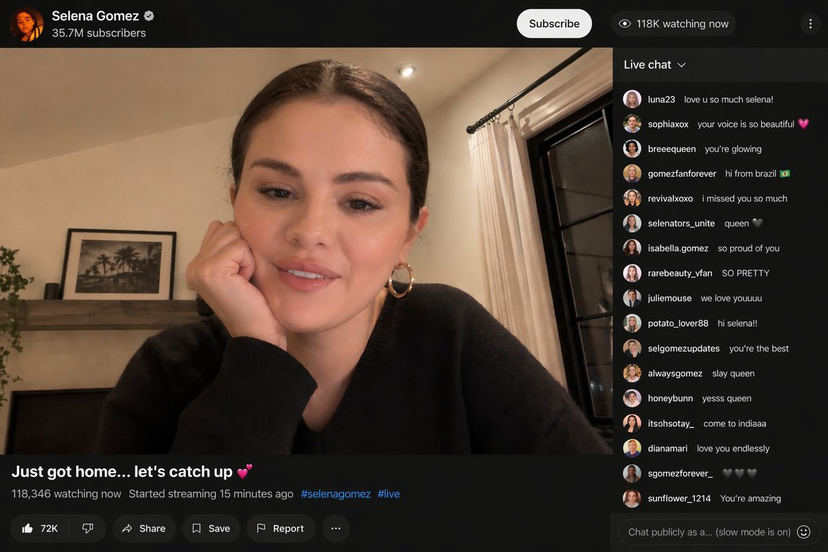
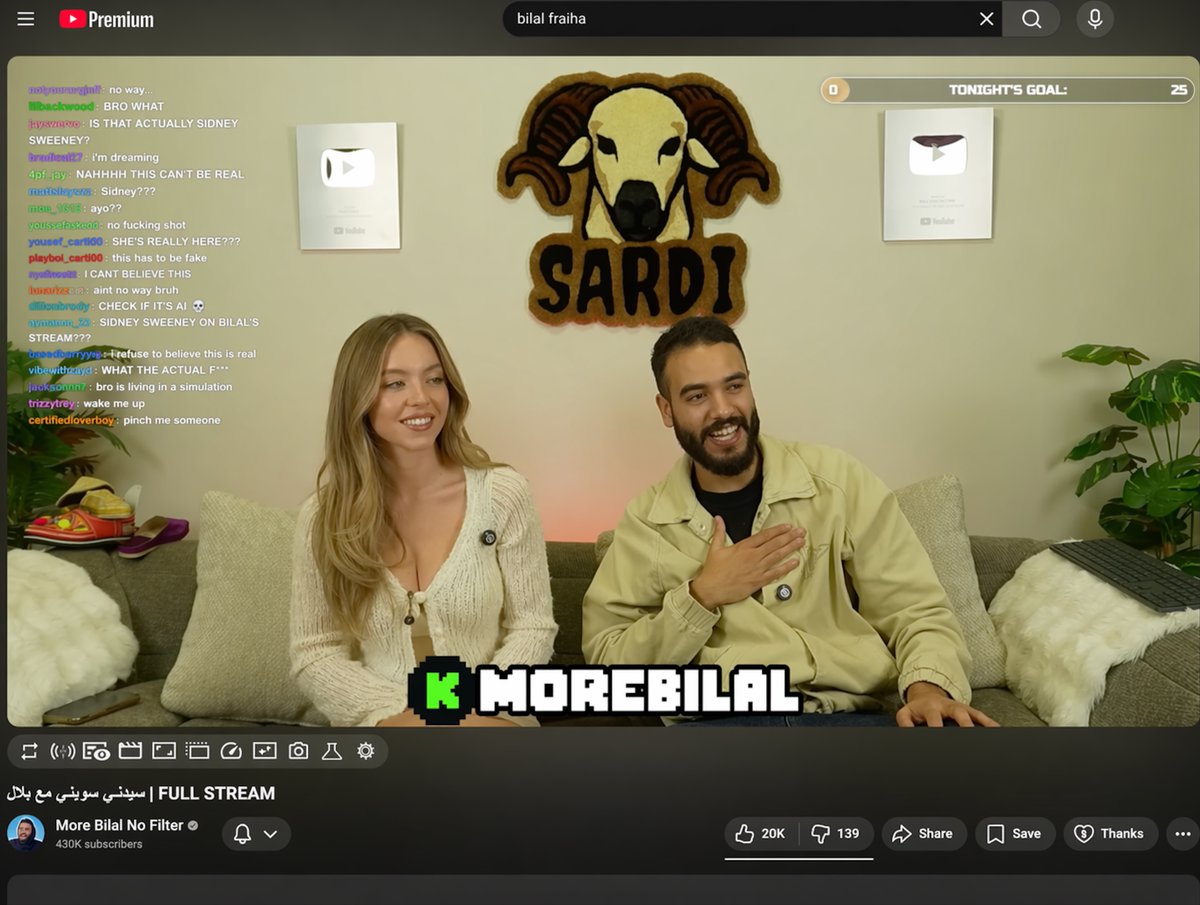
A specific prompt for generating a scene of a popular YouTuber experiencing a tragic failure in a game like Tetris, including chat reactions.
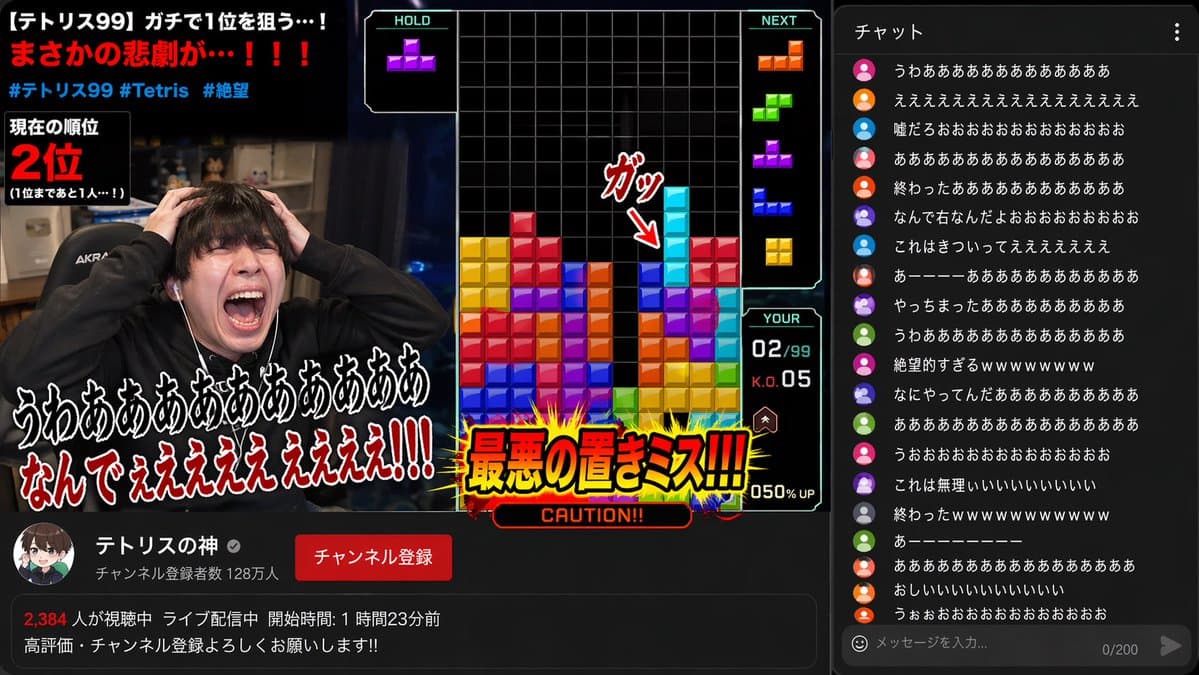
日本の人気YouTuberの{argument name="内容" default="ゲーム実況のワンシーン"}。{argument name="ゲーム名" default="テトリス"}で縦長の棒が入れば一気に崩せそうだったのに、棒が落ちた場所が微妙にズレて配信者が絶望の表情で絶叫、コメント欄は阿鼻叫喚。日本語。
Choose the primary action to open PicX Studio with the available template settings. Review the model and format, personalize the creative direction, and generate when ready.
Yes. You can change the subject, setting, lighting, mood, format, and available model controls before creating your image.
This template is free to open and customize. Generation usage is shown in PicX Studio before you create.
Start with GPT Image 2, which is the model associated with this template. You can compare another compatible model for a different finish.
© 2026 PicX Studio. All rights reserved.

Follow a topic to a crawlable collection of related PicX Studio templates.