
Neito Brand Color Exploration Board
A structured prompt for generating a 2×2 SaaS brand identity and landing-page mockup board with four accent color variations.
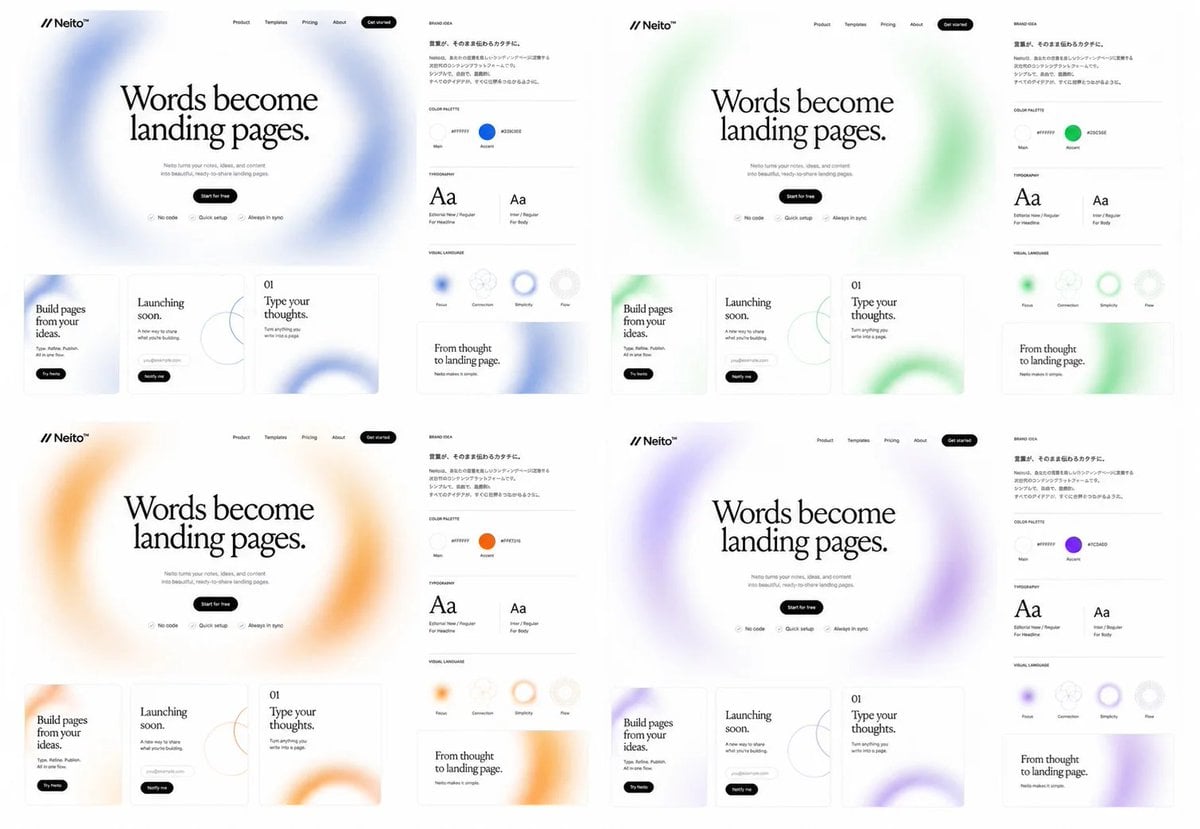
- Prompt included
- Model and format preset
- Free template
The prompt behind this image
Copy the exact prompt behind Neito Brand Color Exploration Board, or open it in the studio and make it yours.
Goal: Create a clean brand exploration board for a fictional SaaS landing-page builder called {argument name="brand name" default="Neito"}, showing the same website and brand identity system repeated in exactly 4 color directions. Canvas: Wide 16:9 white canvas, arranged as a 2×2 grid of four complete brand/website mockup panels with generous white space. Each panel is nearly identical except for the accent color and soft blurred gradient decorations. Layout: Each of the 4 panels contains exactly 2 main areas: a large landing-page mockup on the left and a narrow brand-guide column on the right. The four accent themes are: 1 blue, 2 green, 3 orange, 4 purple. Landing-page mockup details: At the top left place the logo mark as two forward slashes followed by “Neito” with a small star/spark symbol. Across the top navigation place exactly 5 items: Product, Templates, Pricing, About, and a black rounded “Get started” button. Center a large editorial serif headline: “Words become landing pages.” Below it add small gray supporting copy about turning ideas and content into beautiful ready-to-share landing pages, then a black pill button reading “Start for free”. Under the button place exactly 3 small feature chips with icons: “No code”, “Quick setup”, and “Always in sync”. Behind the hero headline use a huge airy blurred circular gradient ring in the panel’s accent color. Bottom website cards: Under each hero section place exactly 3 rectangular content cards with thin borders and rounded corners. Card 1 reads “Build pages from your ideas.” with a small black pill button “Try Neito”. Card 2 reads “Launching soon.” and includes a small rounded email/input pill plus a black “Notify me” button and a thin abstract circle-line graphic. Card 3 is numbered “01” and reads “Type your thoughts.” with small descriptive text and a large cropped blurred accent-color ring in the lower right. Brand-guide column: Add a small heading “BRAND IDEA” and a short Japanese-style paragraph block in small black text. Below it create exactly 4 labeled sections separated by thin gray horizontal rules: COLOR PALETTE, TYPOGRAPHY, VISUAL LANGUAGE, and a sample card. In COLOR PALETTE show exactly 2 circular swatches labeled Main and Accent; the Main swatch is near-white and the Accent swatch matches the panel color, with a small hex-code label beside each. In TYPOGRAPHY show exactly 2 type specimens: a large serif “Aa” labeled for headlines and a smaller sans-serif “Aa” labeled for body text. In VISUAL LANGUAGE show exactly 4 circular tokens labeled Flow, Connection, Simplicity, and Flex, with one or more using the accent color as a blurred ring. The final sample card reads “From thought to landing page.” with small subtext and a cropped blurred accent-color ring. Visual style: Minimal premium web-design presentation, monochrome typography, lots of white space, thin light-gray dividers, subtle shadows, soft frosted gradients, editorial serif headline paired with tiny modern sans-serif UI labels. Keep everything crisp like a Figma brand exploration screenshot. Use {argument name="headline text" default="Words become landing pages."} as the main repeated hero headline, {argument name="accent palette" default="blue, green, orange, purple"} for the four color variants, and {argument name="canvas ratio" default="16:9"}. Constraints: Show exactly 4 panels, exactly 3 bottom website cards per panel, exactly 2 brand areas per panel, exactly 2 color swatches per brand guide, exactly 2 typography specimens per brand guide, and exactly 4 visual-language tokens per brand guide. Do not add photos, people, device frames, dark backgrounds, or extra panels.
How to use Neito Brand Color Exploration Board in 3 steps
- 1Upload ImagePNG, JPG or paste
Add your photo
Upload the photo the template builds on. The prompt, model and format are already set.
- 2…a portrait of your subject in softgolden-hour light, 85mm…
Personalize
Edit the subject and creative details for your destination.
- 3Generate
Generate
Press Generate — your image is created in PicX Studio, so you can compare it with the original and refine one variable at a time.
More like this
Templates with the same subject, style or setup. Open one to see its prompt.
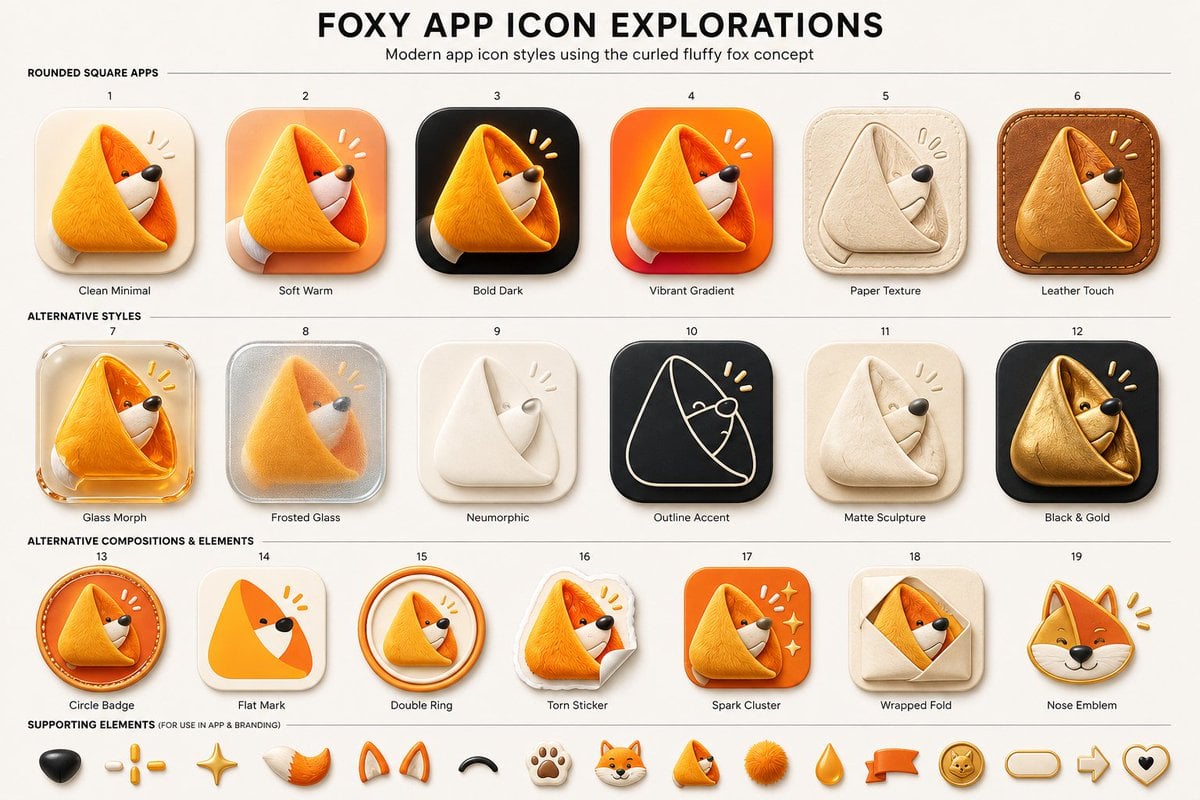
Foxy App Icon Exploration Board

Minecraft Japanese Research Lab Exploration
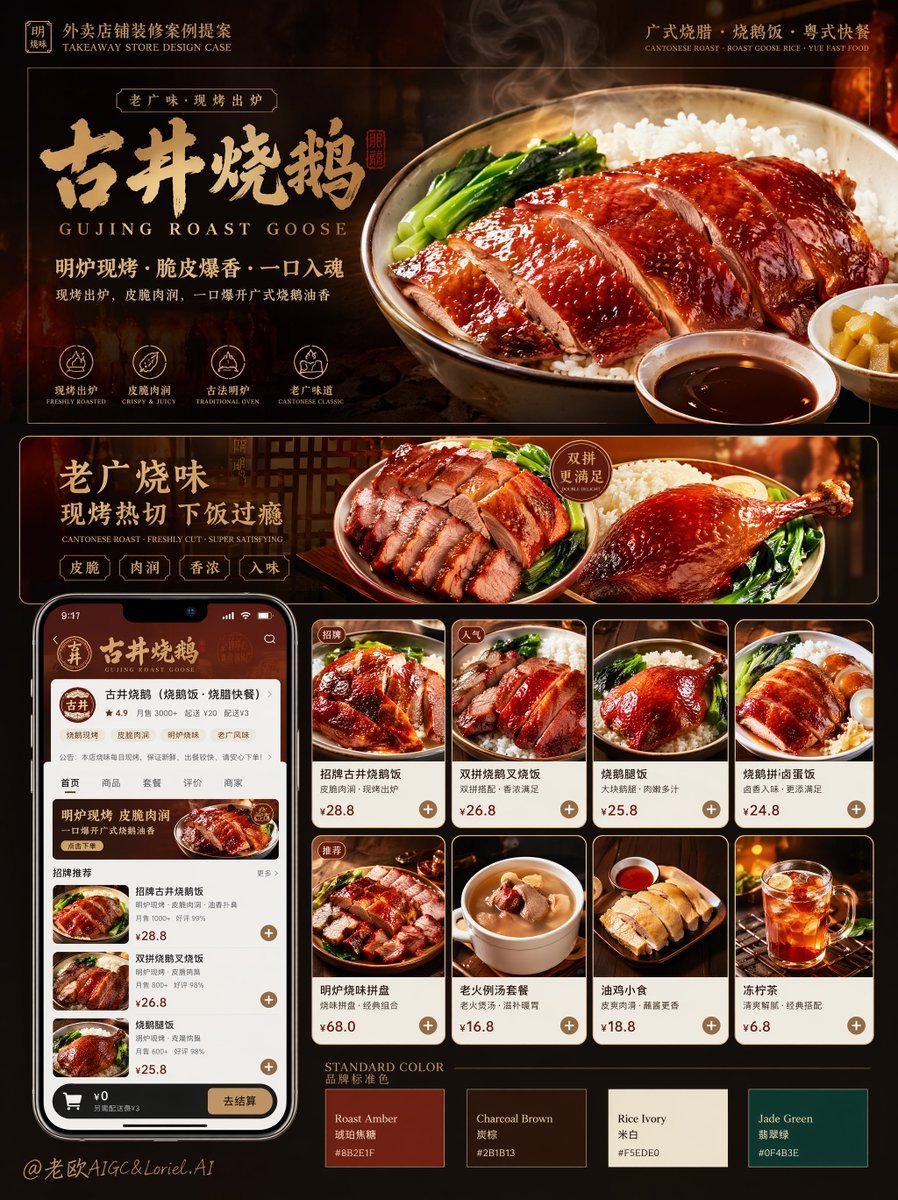
Roast Rice Branding Proposal Board
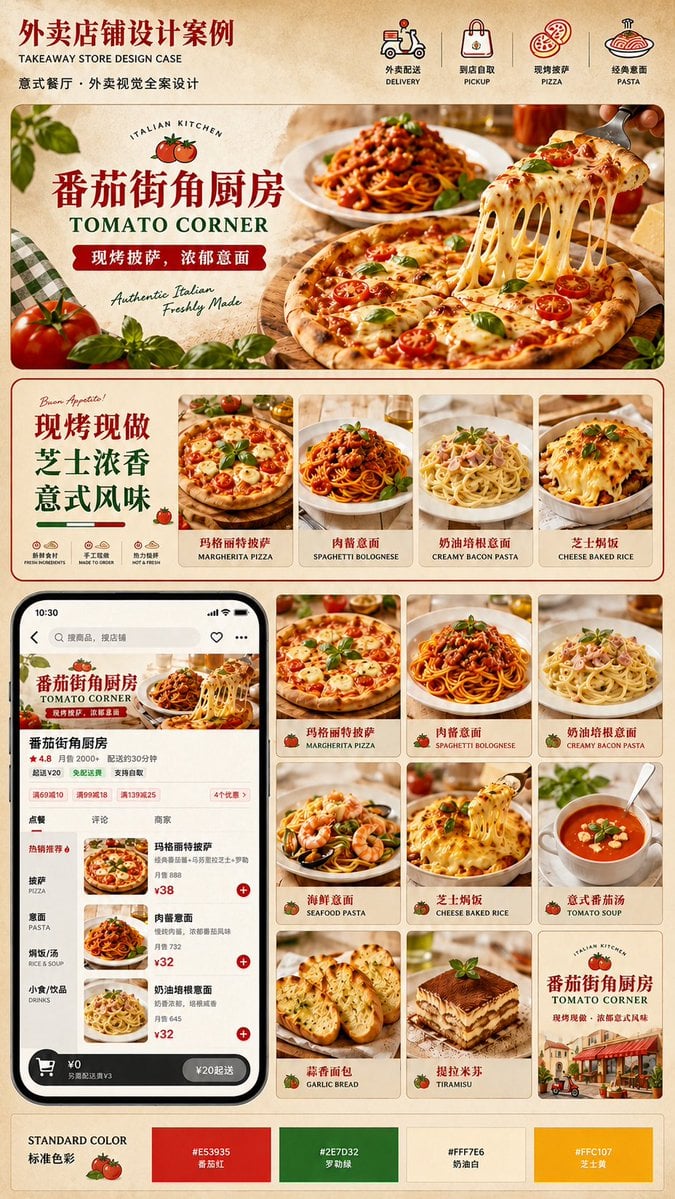
Italian Takeaway Brand Board
Minimalist Personal Color Analysis Board

Luxury Fashion Campaign Typography Poster System

Premium Fashion Editorial Campaign Poster System

Isometric Brand Store Diorama

Moss Logo Minimalist Brand Flat Lay
Dessert Brand Visual Identity Proposal Board
Pixar-Style Coffee Brand Storyboard
Monochrome Infra Brand Kit Board
Make it yours
Neito Brand Color Exploration Board works as-is. These are the safest ways to change it without losing the look.
Change one field
Copy a single group, rewrite it, and generate again so you can see what that field is doing.
Keep the frame, change the subject
Hold the composition and light of Neito Brand Color Exploration Board, then swap wardrobe, props or the person for a new take.
| If the result… | Why | Fix |
|---|---|---|
| The result drifts from the preview | Too many fields changed at once. | Reuse Neito Brand Color Exploration Board as-is first, then change one group — subject, light, or setting. |
| The model over-stylizes the scene | The prose prompt leaves finish and camera underspecified. | Add one camera or lighting sentence and stay on GPT Image 2. |
More GPT Image 2 templates
Other prompts made for GPT Image 2.

Six VTuber Japanese Logo Sheet

Realistic Portrait of Woman and Deer

The Vista Modular Condo Poster

AI Model Routing Comparison Infographic

2.5D Anime Art Board

Isometric Productivity Desk Scene

New York Double Exposure Poster

Four-Panel AI Landscape Comparison

Japanese Tatami Lifestyle Magazine Cover

NESCAFÉ Coffee Map Poster
More image prompts
Fresh picks from across the catalog.
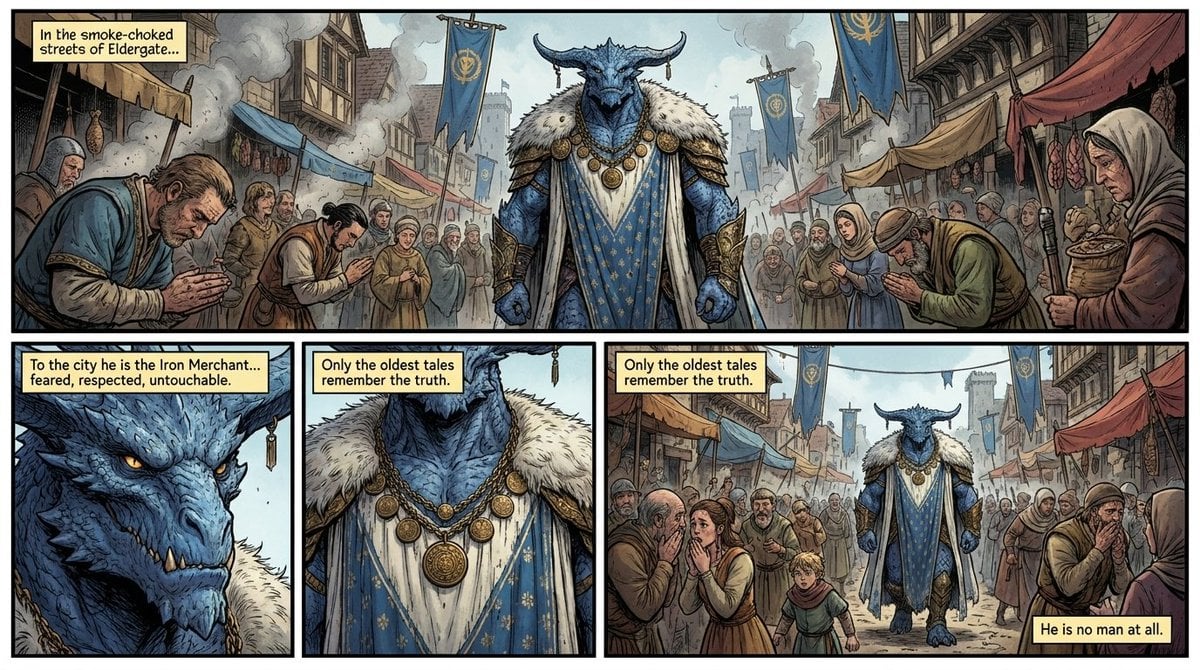
Fantasy Comic Page of Korvax in Eldergate

Hyper-Real Product Shot with Fisheye Distortion
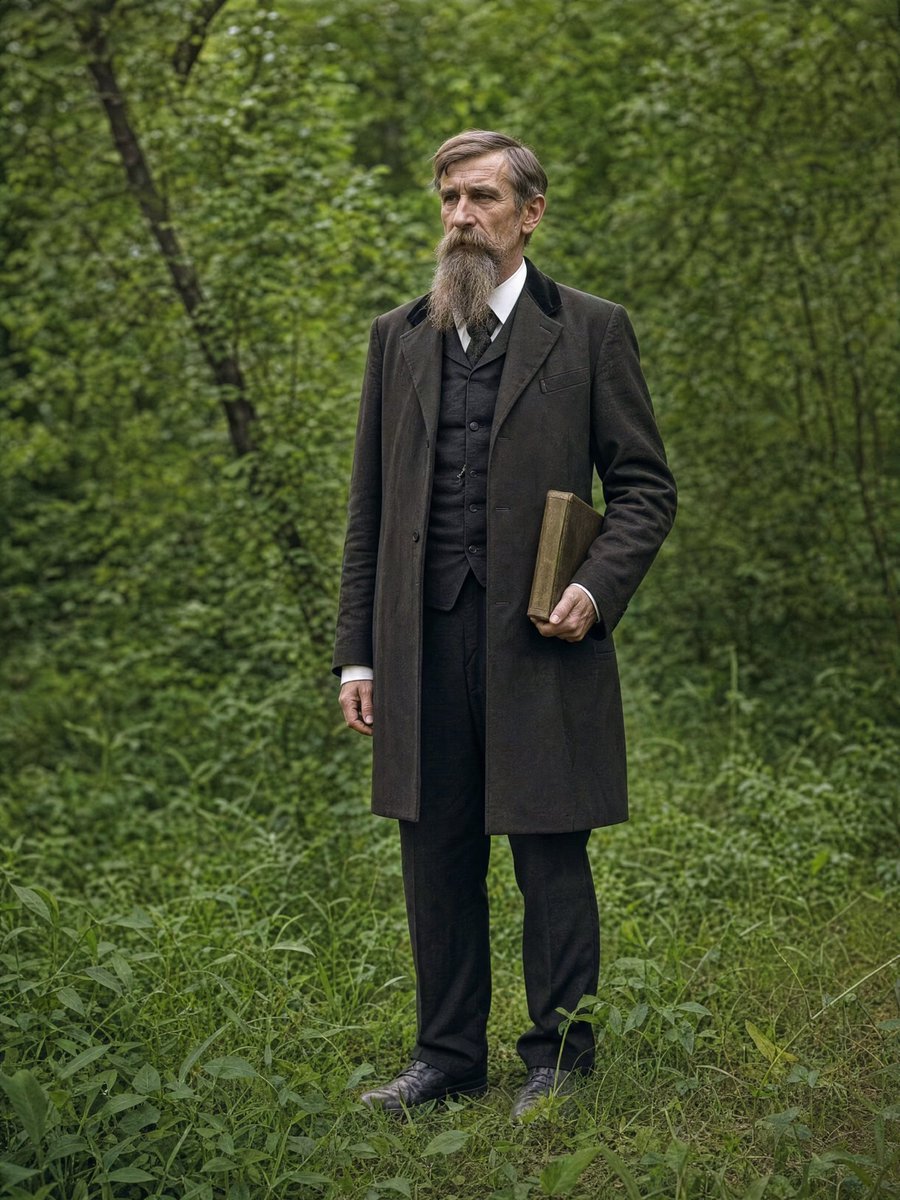
AI Photo Restoration and Upscale
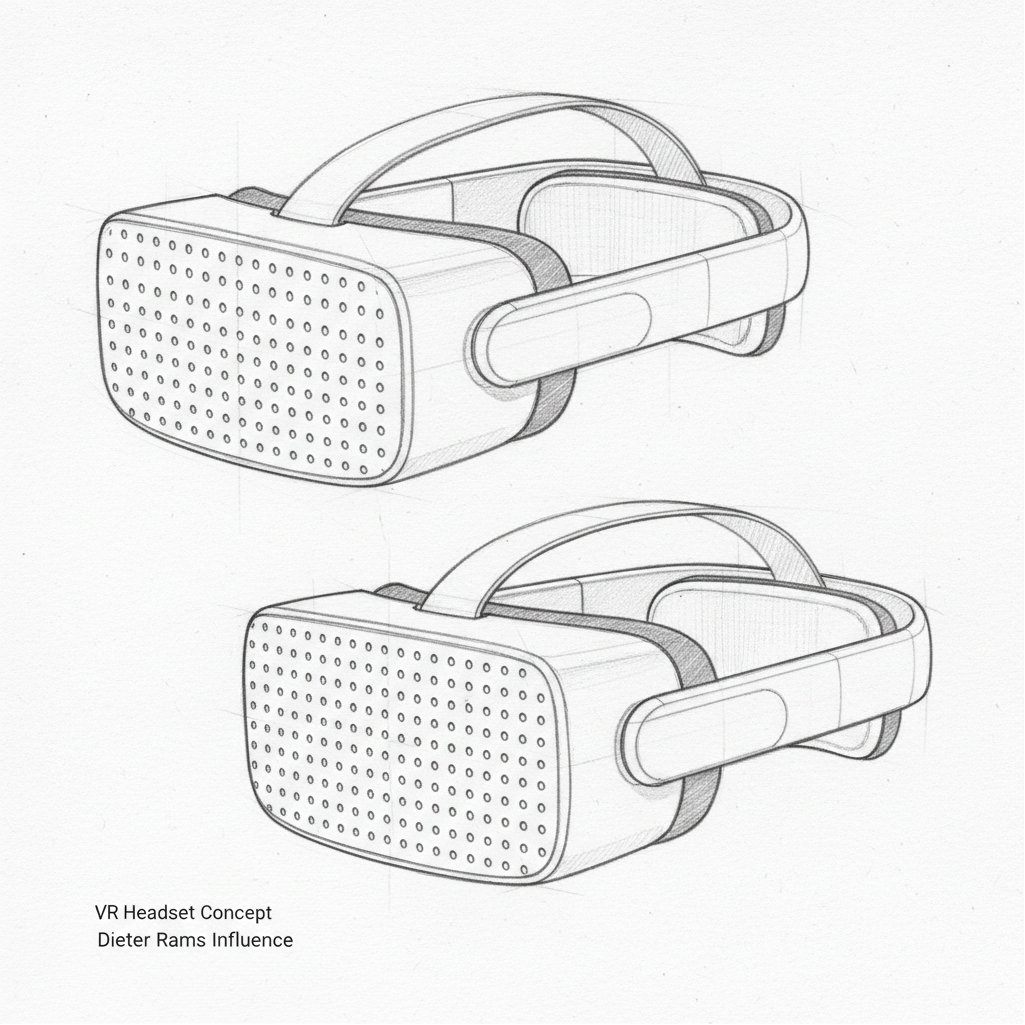
Dieter Rams Inspired VR Headset Sketch
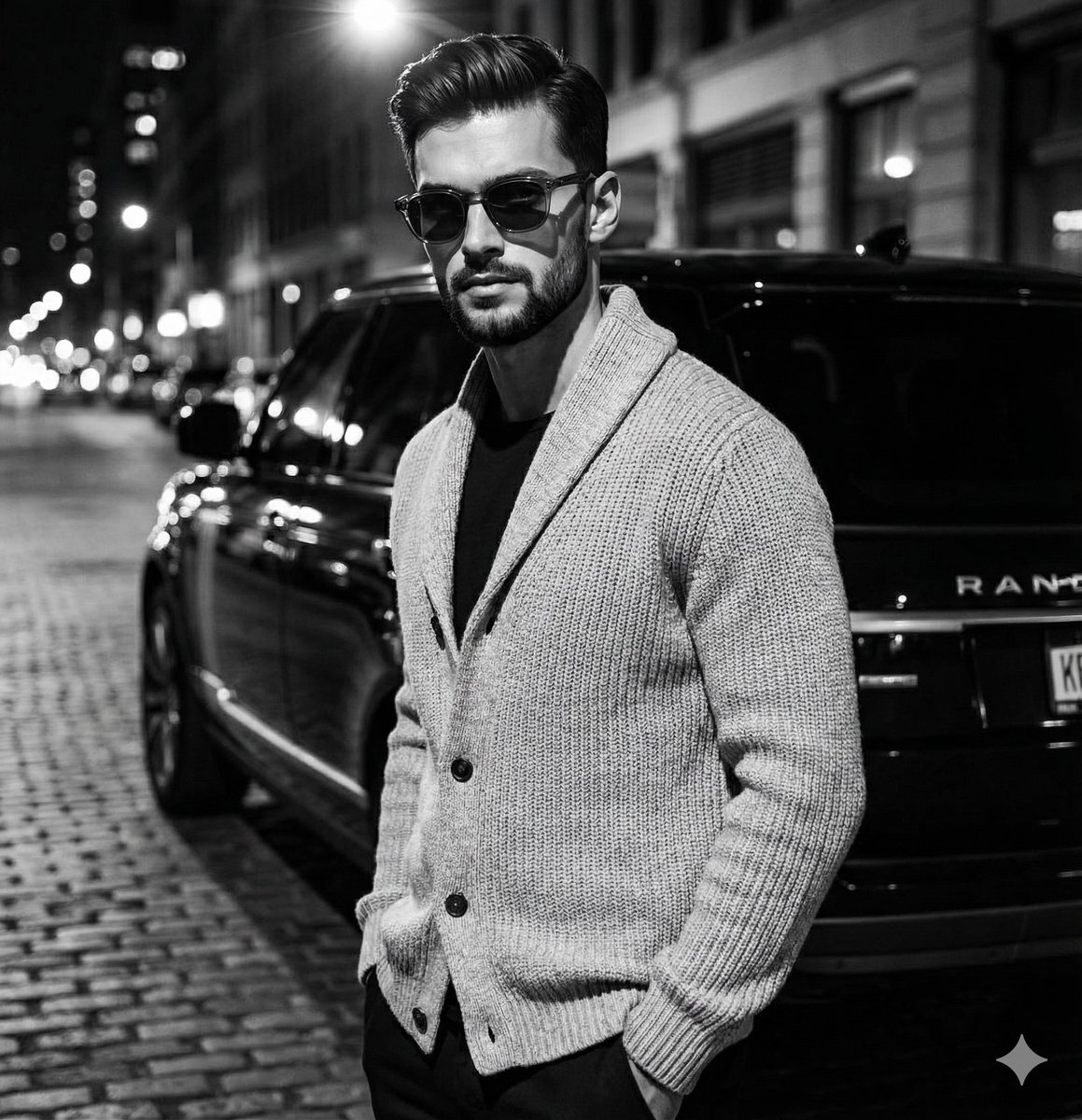
High-Contrast Black and White Fashion Editorial
Stylish Man on Balcony with Identity Lock
Dynasty Warriors: Kongming Musou Ranbu
Macro Studio Shot of Needle-Felted Product Sculpture
Kawaii Pop Surreal Ice Cream Hand
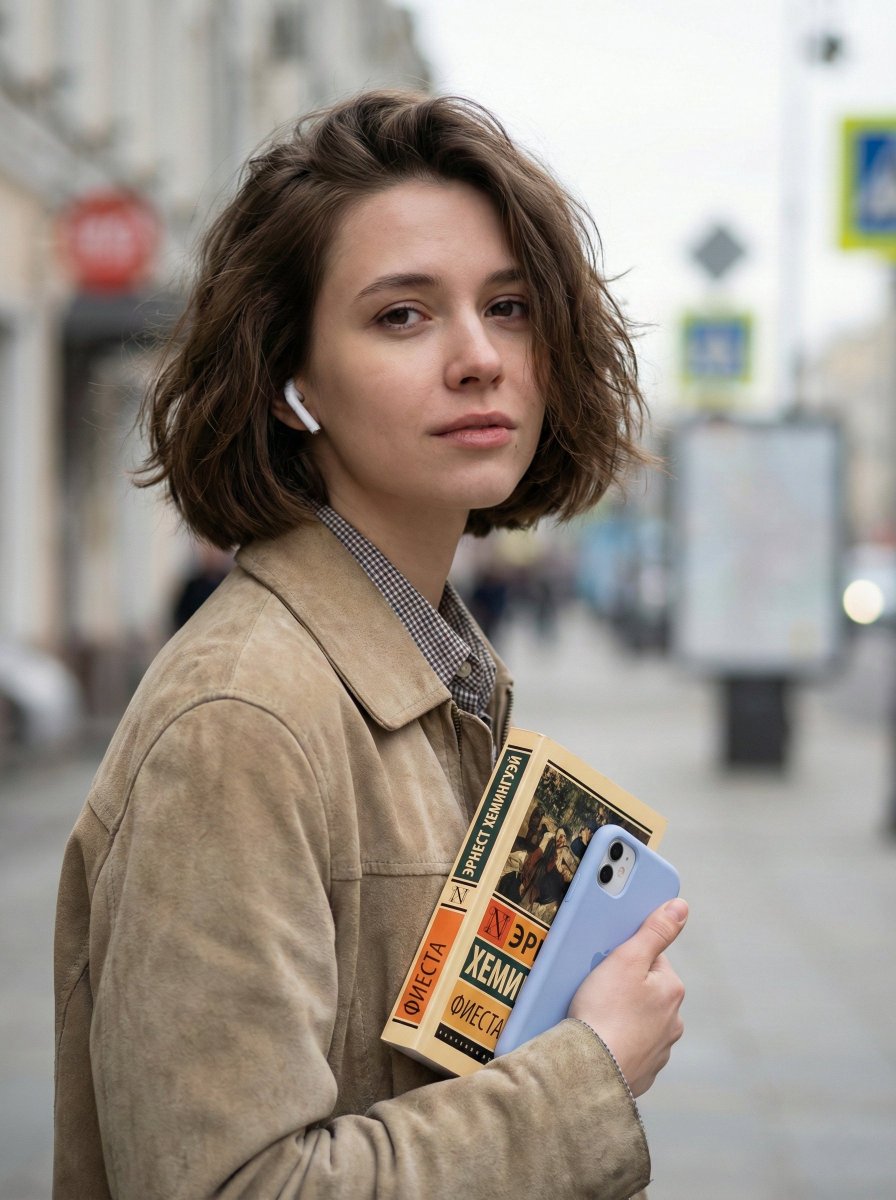
Photorealistic Street Portrait with Bokeh Background
Browse template categories
Neito Brand Color Exploration Board questions
How do I use the Neito Brand Color Exploration Board template?
Add your photo if the template asks for one, edit the prompt if you like — the template's model and format are already selected — and press Generate. Your version opens in PicX Studio.
Can I customize the Neito Brand Color Exploration Board template?
Yes. You can change the subject, setting, lighting, mood, format, and available model controls before creating your image.
Is the Neito Brand Color Exploration Board template free?
Opening and editing this template is free. Generating uses credits, shown on the Generate button when you are signed in.
Which AI model should I use?
Start with GPT Image 2, which is the model associated with this template. You can compare another compatible model for a different finish.
Looking for something else? Browse all templates.

Your photo, any look
Thousands of ready templates for every top image and video model, from one credit balance.