
Cinematic Portrait in Sage-Green Grass Field
A prompt for Gemini Nano Banana Pro to generate a cinematic editorial-style portrait in a 3:4 aspect ratio.
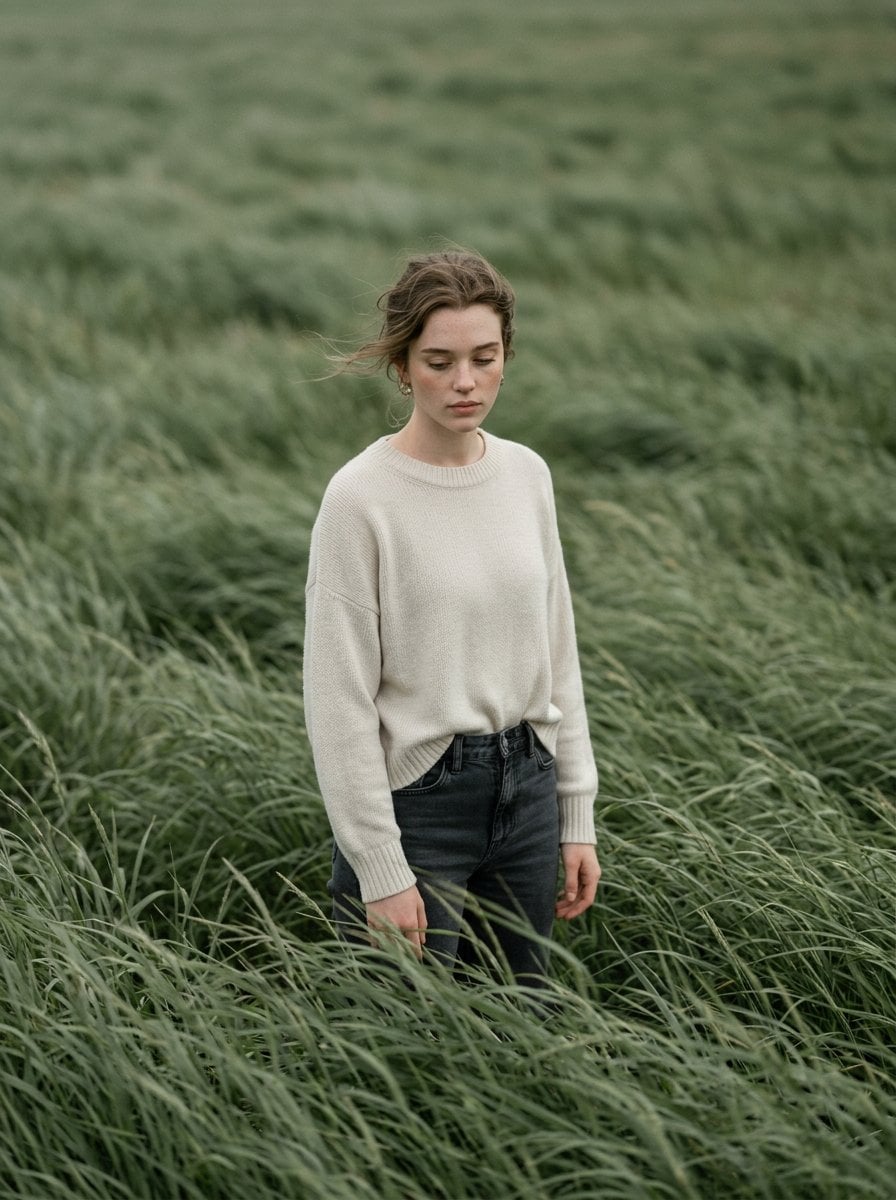
- Prompt included
- Model and format preset
- Free template
The prompt behind this image
Copy the exact prompt behind Cinematic Portrait in Sage-Green Grass Field, or open it in the studio and make it yours.
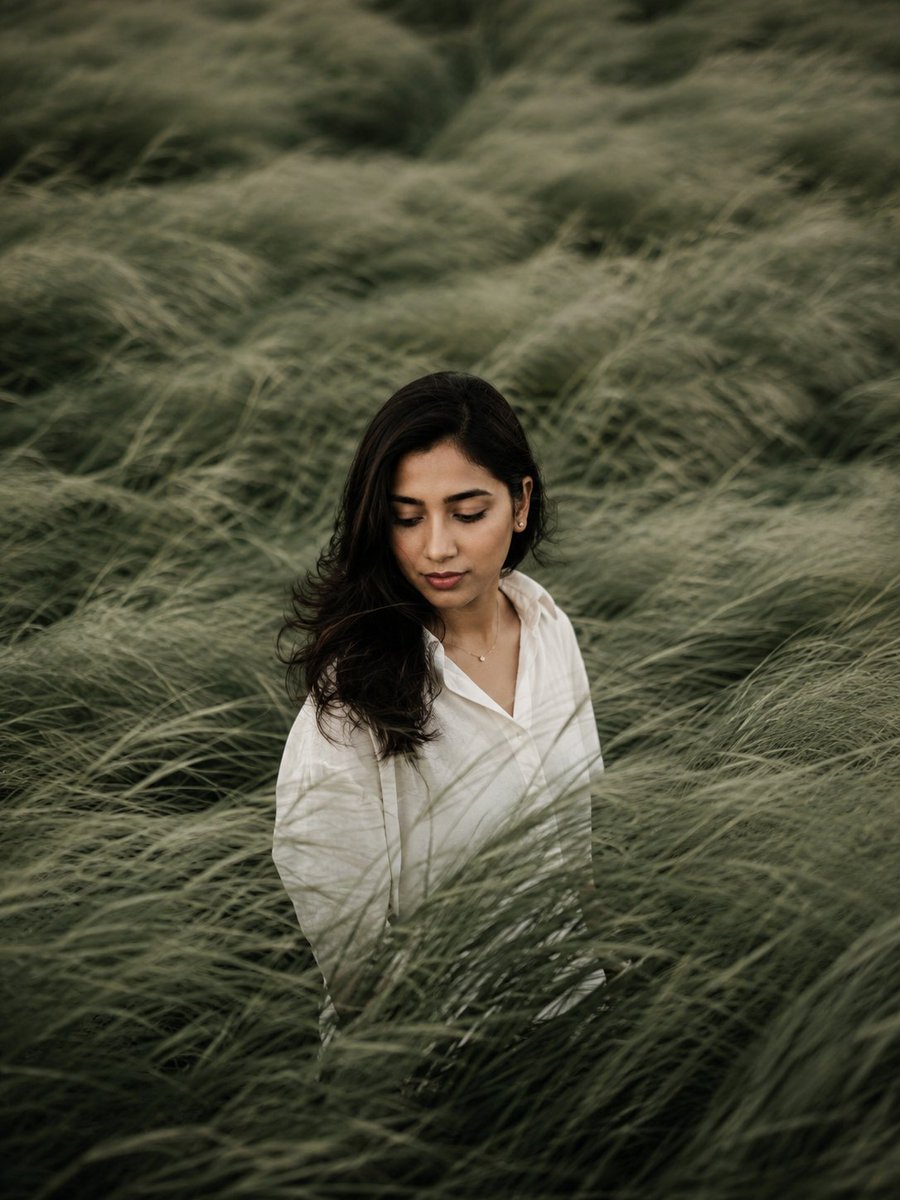
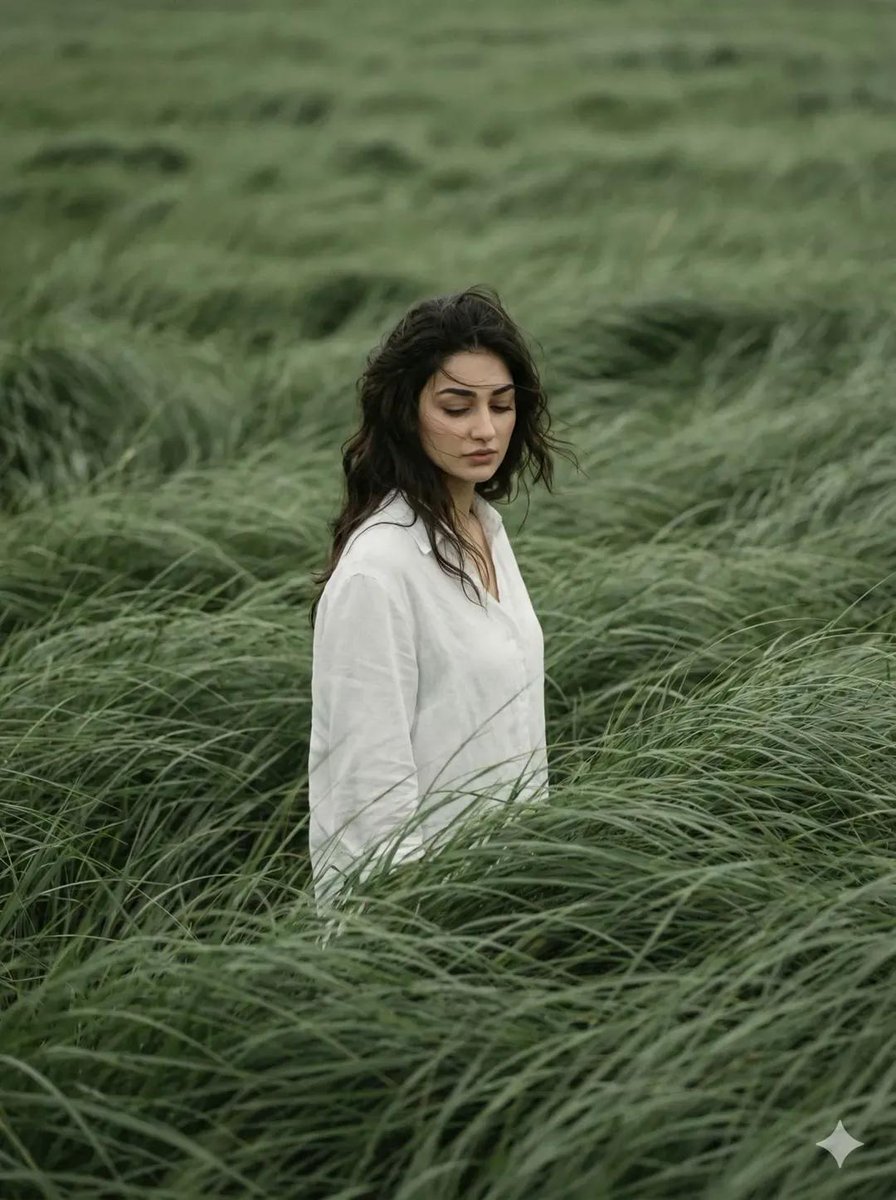
Create a cinematic editorial-style portrait in a 3:4 aspect ratio, with an atmospheric mood. Use the attached image as the exact reference for the subject’s face and identity, ensuring a perfect match. The subject (male or female) stands alone in the middle of a vast sage-green grass field, swept by strong winds. Tall grass surrounds the subject entirely, moving like ocean waves, partially obscuring the body and creating a sense of motion, depth, and isolation. The subject is wearing the exact same outfit as in the reference image. The hair appears slightly messy, naturally blown by the wind. The head is tilted slightly downward, with the gaze directed toward the ground, conveying a quiet, introspective, and melancholic mood. The facial expression is neutral, distant, and emotionally controlled. Compose the frame with the subject slightly off-center, using a slightly elevated camera angle. There should be no visible horizon only layers of grass filling the frame. Use muted natural tones such as sage green, deep olive green, and soft whites. Shoot in vertical 3:4 format using a telephoto lens with shallow depth of field. Frame the image in a cinematic style with a film photography aesthetic, including noticeable grain, soft edges, atmospheric lighting, and motion blur in the grass caused by wind. The overall tone should feel poetic, calm, and introspective, with high detail while maintaining a natural look. Magazine-cover quality, with no text or watermarks.
How to use Cinematic Portrait in Sage-Green Grass Field in 3 steps
- 1Upload ImagePNG, JPG or paste
Add your photo
Upload the photo the template builds on. The prompt, model and format are already set.
- 2…a portrait of your subject in softgolden-hour light, 85mm…
Personalize
Edit the subject and creative details for your destination.
- 3Generate
Generate
Press Generate — your image is created in PicX Studio, so you can compare it with the original and refine one variable at a time.
More like this
Templates with the same subject, style or setup. Open one to see its prompt.
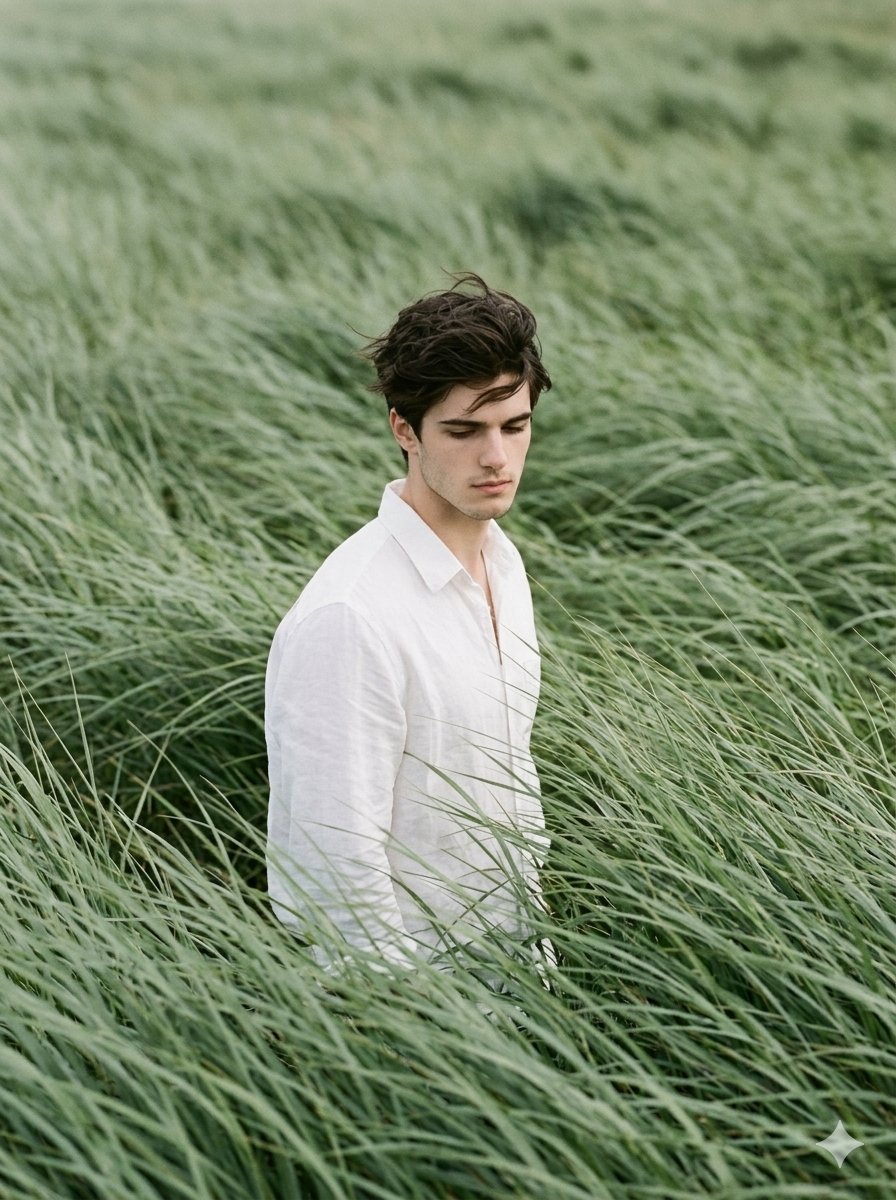
Cinematic Editorial Portrait in Sage Green Grass Fields

Golden Hour Grass Portrait — Wong Kar-wai Inspired Nano Banana
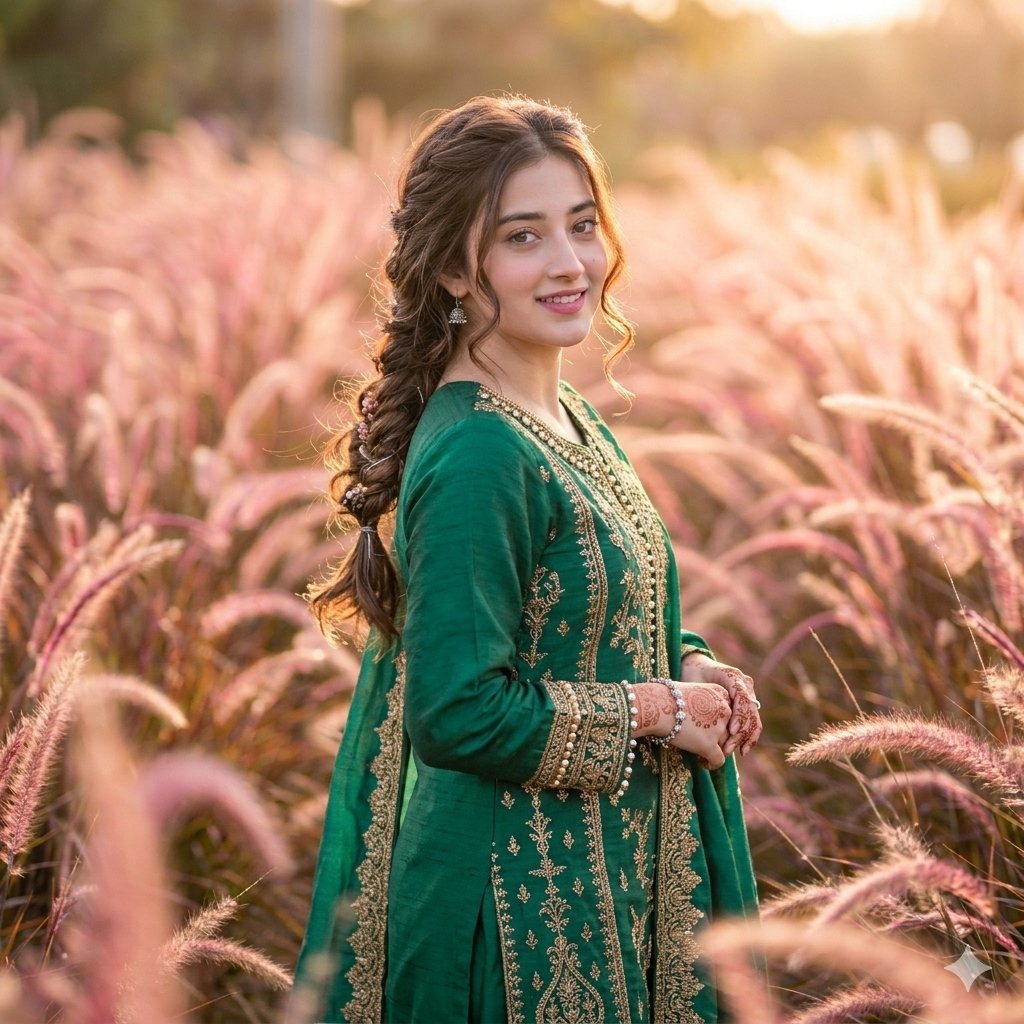
Fountain Grass Field Portrait
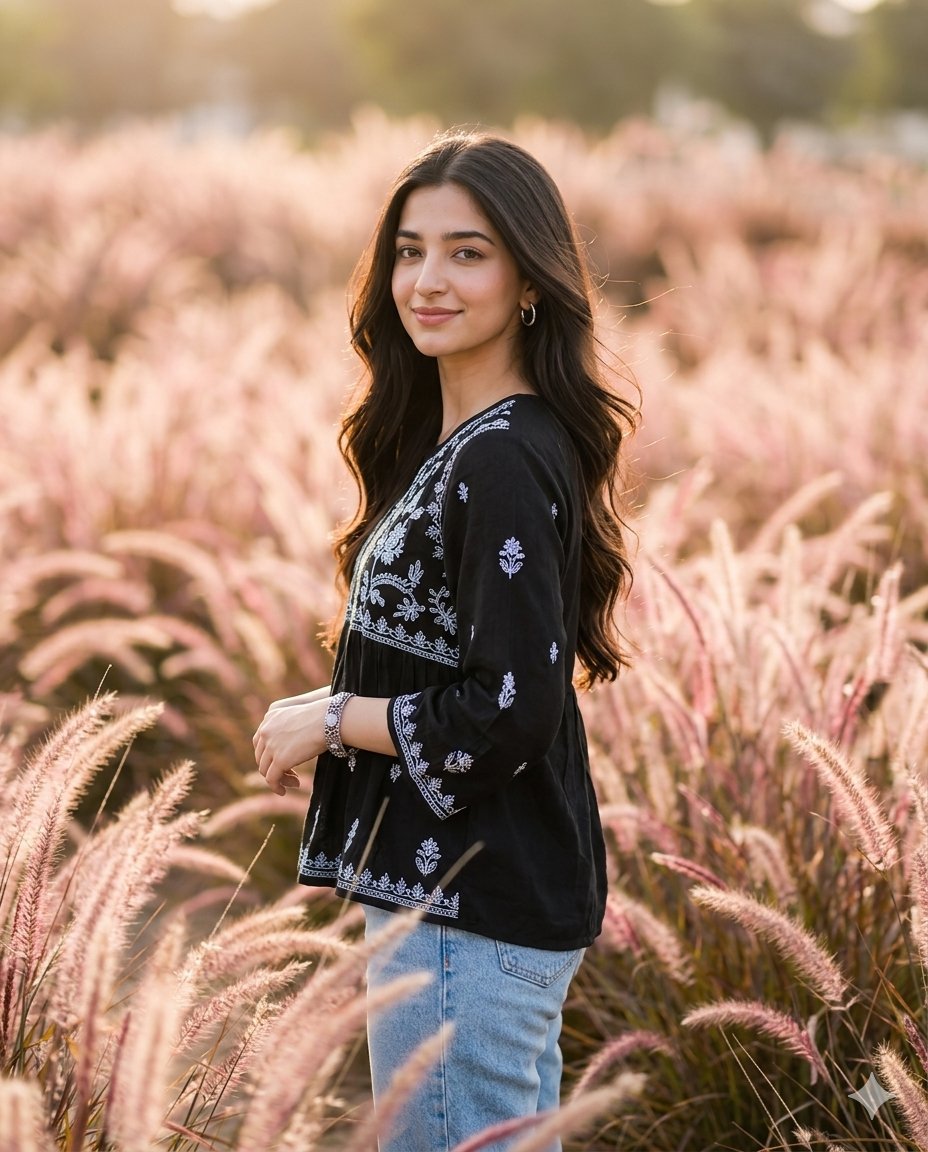
Cinematic Portrait in Pink Grass Field
Introspective Sage Field Portrait
Cinematic Editorial Portrait in Wind-Swept Grass Fields

Found Photograph: Us, 1970

80s Couple Studio Portrait

80s Bollywood Star

80s Golden Hour Cinema

Me in 1985

1985 Studio Portrait
Make it yours
Cinematic Portrait in Sage-Green Grass Field works as-is. These are the safest ways to change it without losing the look.
Change one field
Copy a single group, rewrite it, and generate again so you can see what that field is doing.
Keep the frame, change the subject
Hold the composition and light of Cinematic Portrait in Sage-Green Grass Field, then swap wardrobe, props or the person for a new take.
| If the result… | Why | Fix |
|---|---|---|
| The result drifts from the preview | Too many fields changed at once. | Reuse Cinematic Portrait in Sage-Green Grass Field as-is first, then change one group — subject, light, or setting. |
| The model over-stylizes the scene | The prose prompt leaves finish and camera underspecified. | Add one camera or lighting sentence and stay on Nano Banana 2. |
More Nano Banana 2 templates
Other prompts made for Nano Banana 2.

Photorealistic Leaf Shaped Like a Dragon

K-Pop Idol Portrait Grid for Rapid Selection

Poetic Rain Forest Portrait During Golden Hour

Urban Street Portrait with Cartoon Inner Self Duo

Candid Nighttime Photo with Cat Prompt

High-Concept 3D Diorama Generation Prompt

Cinematic Futuristic Studio Portrait Template

Skincare Editorial Photography Collage Prompt

Hyper-Realistic Commercial Product Photography (Splash Effect)

Hyper-Realistic Nightclub Portrait Prompt
More image prompts
Fresh picks from across the catalog.
8K Fantasy Illustration of Floating Castle
Urban Lifestyle Travel Editorial

Gemini System Prompt for 10-Page Manga Generation in Nano Banana Pro
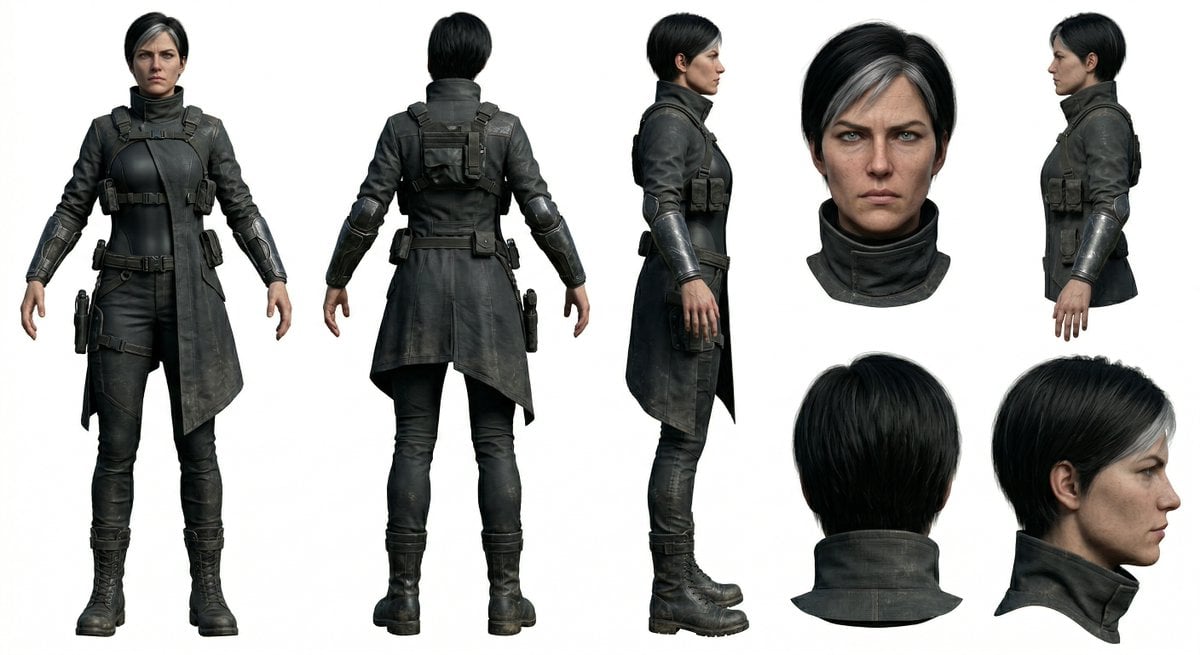
Photoreal Character Reference Sheet Prompt for Nano Banana Pro
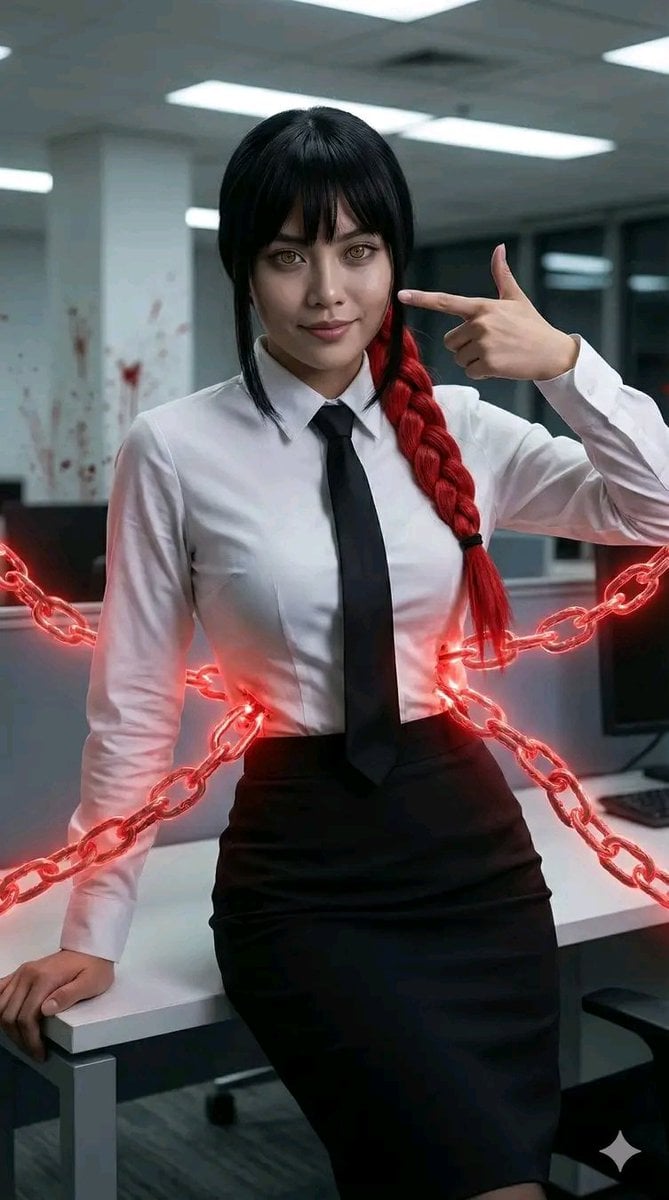
Chainsaw Man Makima Cosplay Psychological Thriller Prompt

Luxury Car Hijab Portrait with Finger Heart
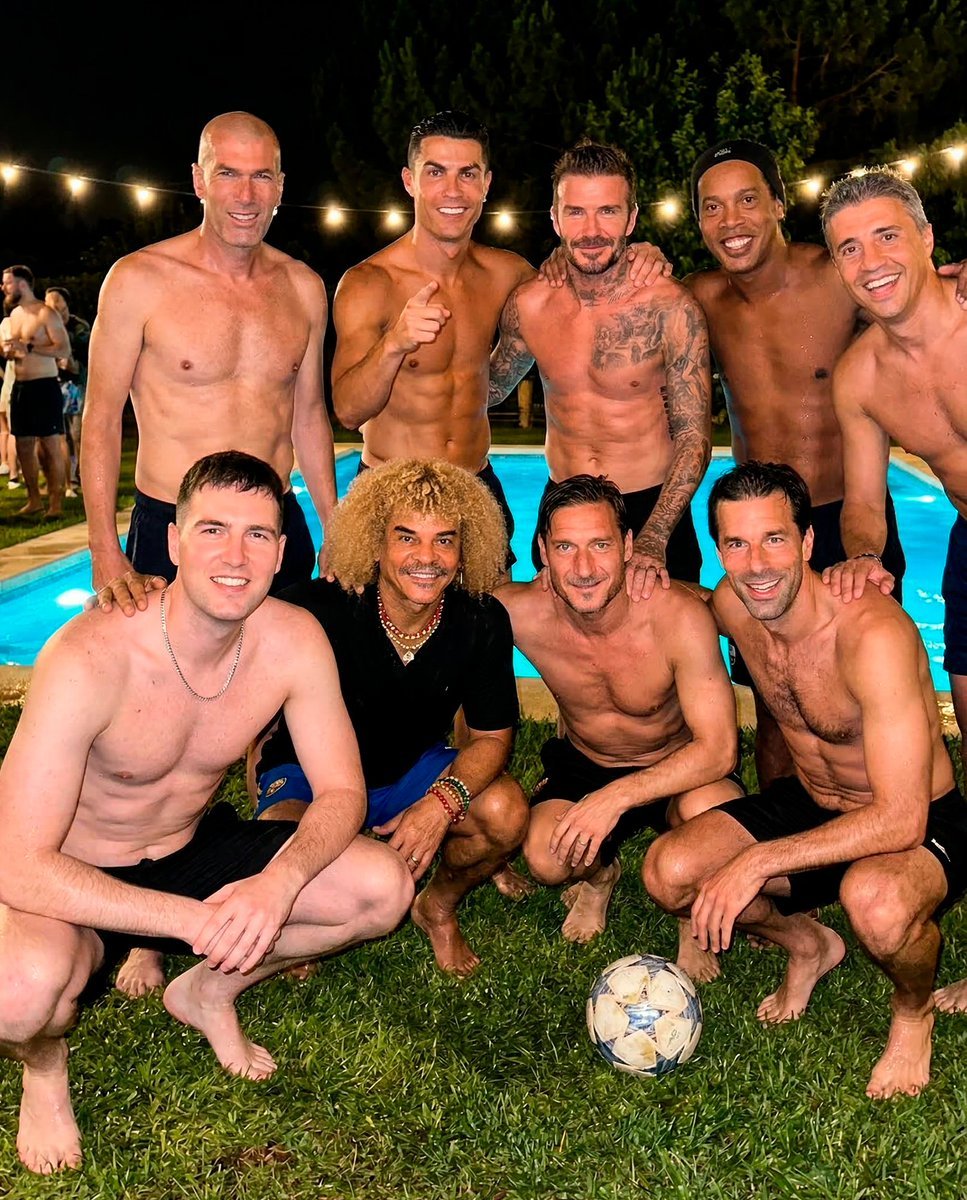
Legendary Football Photo That Never Happened
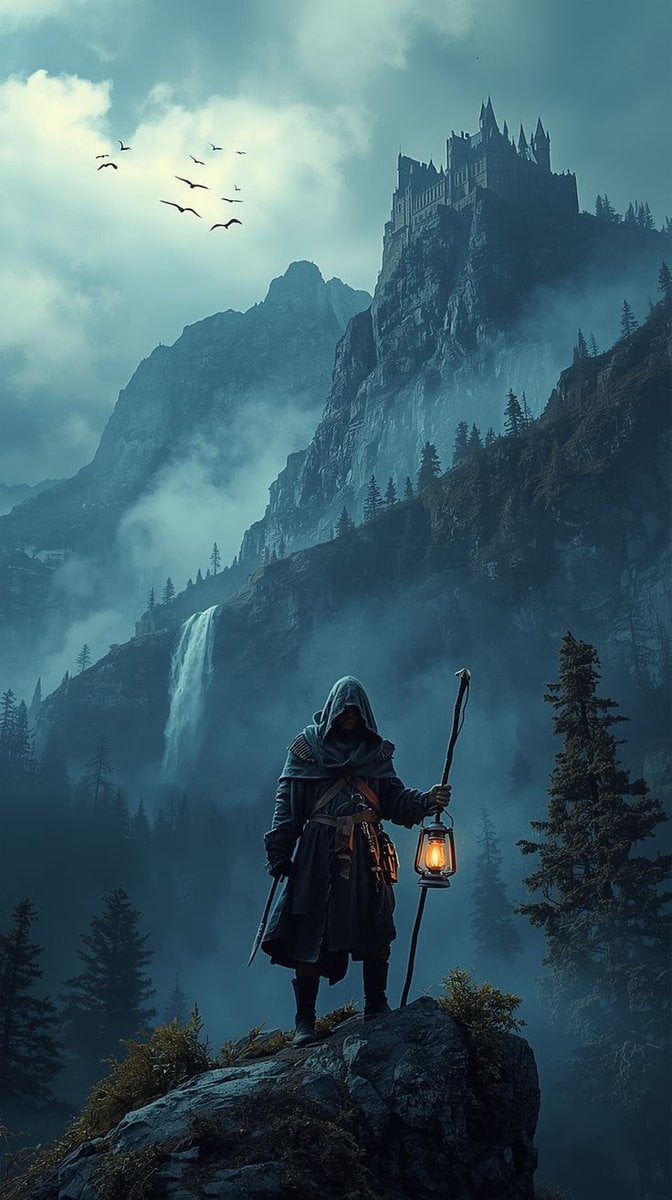
Epic Fantasy Warrior Landscape
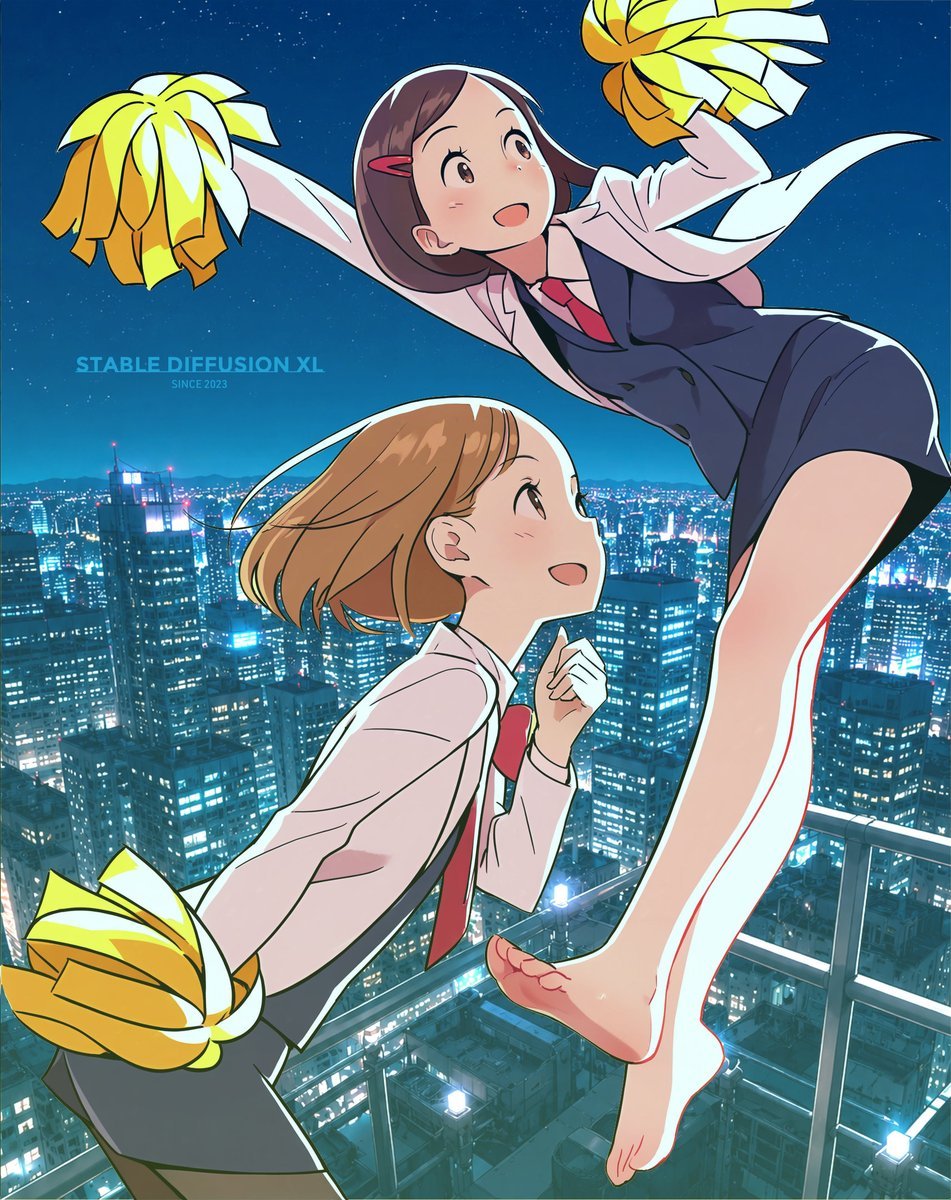
Anime Rooftop Cheerleaders at Night
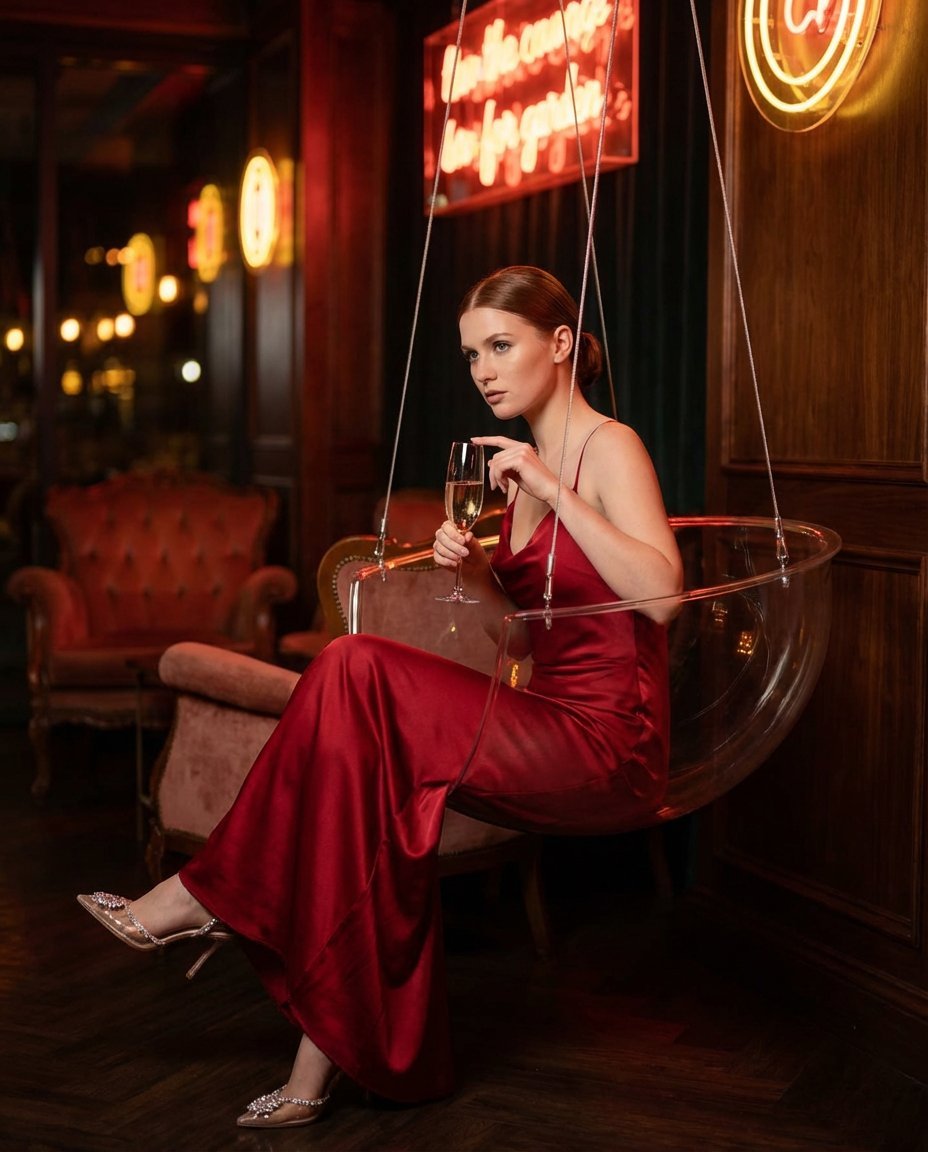
Lounge Portrait in Champagne Coupe Swing Chair
Browse template categories
Cinematic Portrait in Sage-Green Grass Field questions
How do I use the Cinematic Portrait in Sage-Green Grass Field template?
Add your photo if the template asks for one, edit the prompt if you like — the template's model and format are already selected — and press Generate. Your version opens in PicX Studio.
Can I customize the Cinematic Portrait in Sage-Green Grass Field template?
Yes. You can change the subject, setting, lighting, mood, format, and available model controls before creating your image.
Is the Cinematic Portrait in Sage-Green Grass Field template free?
Opening and editing this template is free. Generating uses credits, shown on the Generate button when you are signed in.
Which AI model should I use?
Start with Nano Banana 2, which is the model associated with this template. You can compare another compatible model for a different finish.
Looking for something else? Browse all templates.

Your photo, any look
Thousands of ready templates for every top image and video model, from one credit balance.