
Photorealistic Mirror Selfie with Eye Patches and Turban
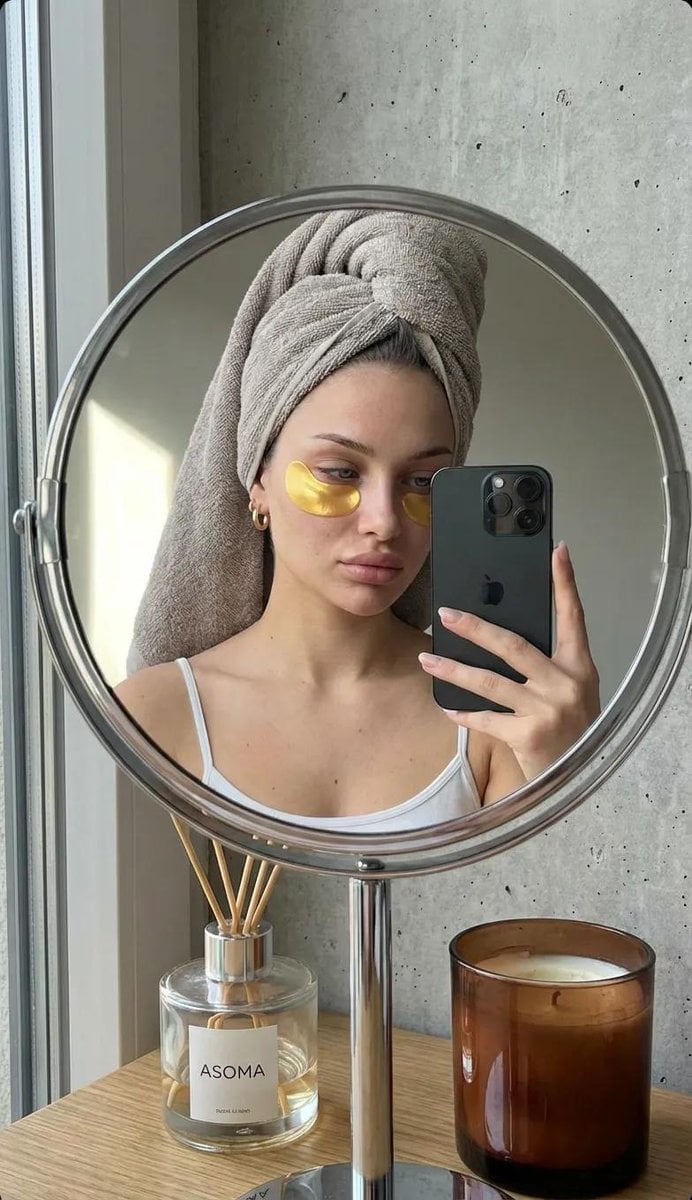
A highly detailed prompt for generating a photorealistic, candid mirror selfie focusing on a personal care moment, featuring a woman with a towel turban and gold hydrogel eye patches, emphasizing realistic skin texture…
- Prompt included
- Model and format preset
- Free template
The prompt behind this image
Copy the exact prompt behind Photorealistic Mirror Selfie with Eye Patches and Turban, or open it in the studio and make it yours.
A highly realistic mirror selfie of a young woman taken through the reflection of a round tabletop mirror with a chrome metal frame and stand. The composition feels intimate and natural, like a quiet personal care moment. She is wearing a thin white spaghetti-strap tank top. Her head is wrapped in a soft grey-beige terry towel styled as a turban, fully covering her hair. Under her left eye, a single pair of gold hydrogel eyepatches is applied — semi-circular, slightly reflective with a subtle metallic sheen. Her face appears makeup-free or with very minimal natural makeup. Skin looks fresh, hydrated, and real, with visible natural texture, soft pores, slight tonal variations, and gentle under-eye shadows. Lips have a neutral tone with a light natural gloss. She wears small gold hoop earrings. She holds a black iPhone with a triple-camera module (similar to iPhone 11 Pro or newer) in her right hand, angled toward the mirror. Her expression is calm and relaxed, slightly tired but peaceful, with her gaze directed slightly downward at the phone screen. Environment & background: Behind her is a grey concrete-textured wall. On the left side of the frame, a window allows soft natural daylight to enter, creating gentle, diffused illumination with a slightly cool tone. On the table in front of the mirror: On the left: a clear glass diffuser bottle with wooden sticks, labeled “ASOMA”. On the right: a brown glass candle jar, partially burned, with visible wax residue. Mood & lighting: Soft natural daylight, subtle shadows, no harsh highlights. Scandinavian / loft-style bathroom atmosphere, minimalistic, cozy, quiet. Color palette consists of muted greys, warm beige, soft whites, and restrained gold accents. Photographic realism, candid lifestyle photography feel, shallow depth of field, natural lens perspective (50–85mm equivalent), true-to-life proportions, no beauty retouching, no plastic skin, no exaggerated features, high detail, realistic reflections, authentic mirror distortion, editorial-quality realism.
How to use Photorealistic Mirror Selfie with Eye Patches and Turban in 3 steps
- 1
Open
The prompt is already in the box next to the preview, with the template's model and format selected.
- 2…a portrait of your subject in softgolden-hour light, 85mm…
Personalize
Edit the subject and creative details for your destination.
- 3Generate
Generate
Press Generate — your image is created in PicX Studio, so you can compare it with the original and refine one variable at a time.
More like this
Templates with the same subject, style or setup. Open one to see its prompt.

Gen Z Triple Selfie Collage — Y2K Flash Photography

Rooftop Fisheye — Cat-Ear Balaclava at Golden Hour

Eid al-Adha Cute Chaos — Fisheye Selfie with Farm Selfie, Mosque & Animals

Felt & Knit 3D Character — Photo-Exact Face, Pixar-Quality Plush Figurine

Cat Photobomb Selfie — 0.5x Wide Angle Café Chaos

Surreal Cat Astronaut — Humanoid Face Freefall

Gpt2 Fisheye Sky Crouch Portrait

Nano Banana Grwm Mirror Selfie Pink
Photorealistic Cracked Mirror Selfie

Cozy Knit Sweater Window Portrait

Mountain Lake Sunset Landscape

Retro Mirror Luxury Fashion Campaign Poster
Make it yours
Photorealistic Mirror Selfie with Eye Patches and Turban works as-is. These are the safest ways to change it without losing the look.
Change one field
Copy a single group, rewrite it, and generate again so you can see what that field is doing.
Keep the frame, change the subject
Hold the composition and light of Photorealistic Mirror Selfie with Eye Patches and Turban, then swap wardrobe, props or the person for a new take.
| If the result… | Why | Fix |
|---|---|---|
| The result drifts from the preview | Too many fields changed at once. | Reuse Photorealistic Mirror Selfie with Eye Patches and Turban as-is first, then change one group — subject, light, or setting. |
| The model over-stylizes the scene | The prose prompt leaves finish and camera underspecified. | Add one camera or lighting sentence and stay on Nano Banana 2. |
More Nano Banana 2 templates
Other prompts made for Nano Banana 2.

Photorealistic Leaf Shaped Like a Dragon

K-Pop Idol Portrait Grid for Rapid Selection

Poetic Rain Forest Portrait During Golden Hour

Urban Street Portrait with Cartoon Inner Self Duo

Candid Nighttime Photo with Cat Prompt

High-Concept 3D Diorama Generation Prompt

Cinematic Futuristic Studio Portrait Template

Skincare Editorial Photography Collage Prompt

Hyper-Realistic Commercial Product Photography (Splash Effect)

Hyper-Realistic Nightclub Portrait Prompt
More image prompts
Fresh picks from across the catalog.
1970s Architecture Magazine Cover

Turn Your Food Photos Into a Vintage Rec
Highly detailed 8K morning still life desk scene prompt
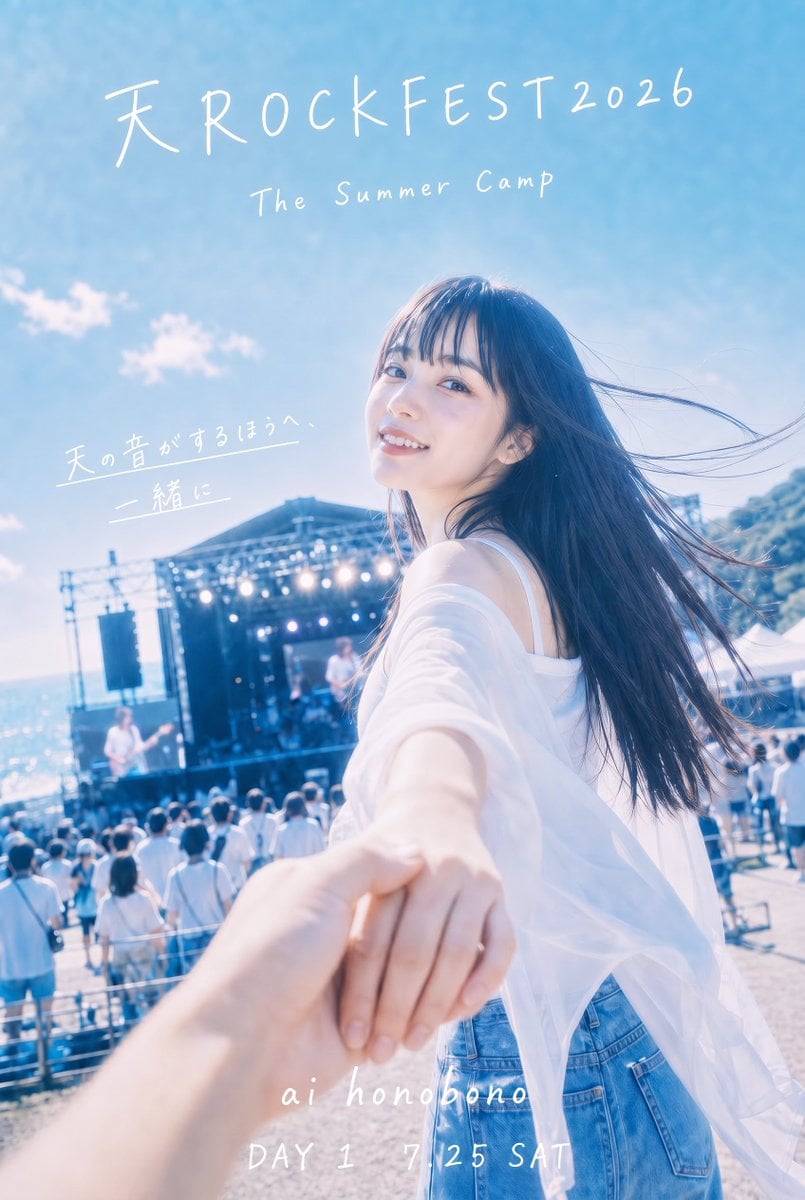
Seaside Rock Festival Poster
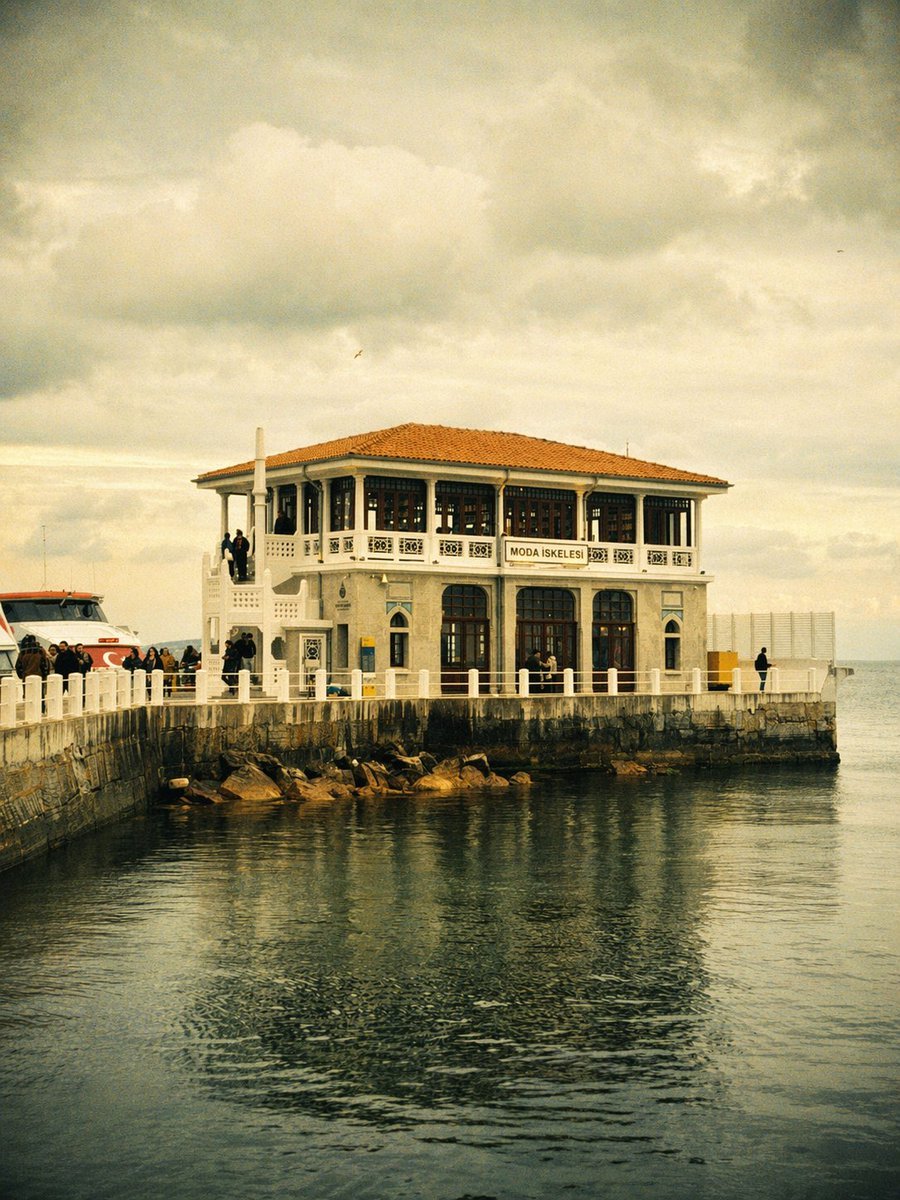
Vintage Moda Pier in Istanbul
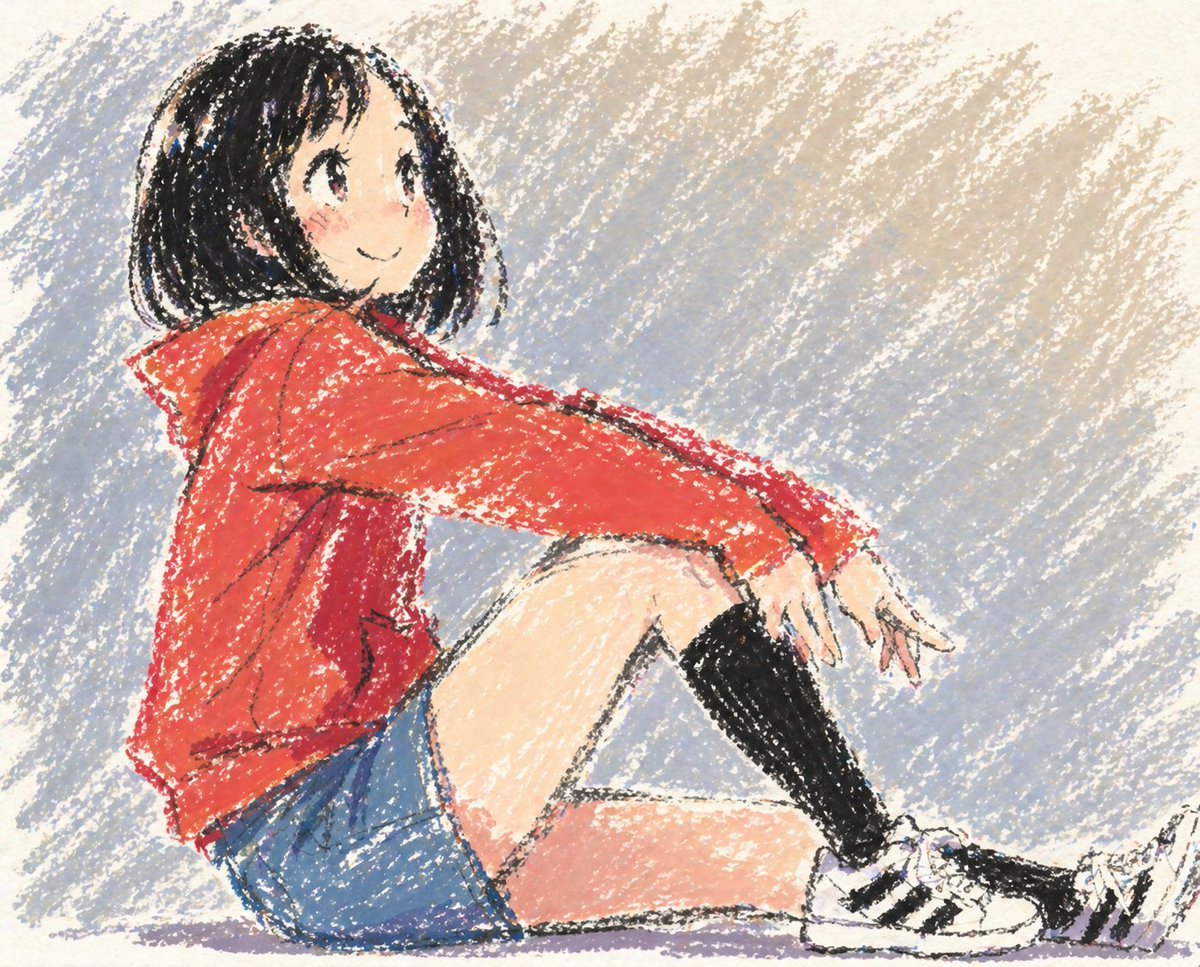
Cute Anime Girl in Oil Pastel
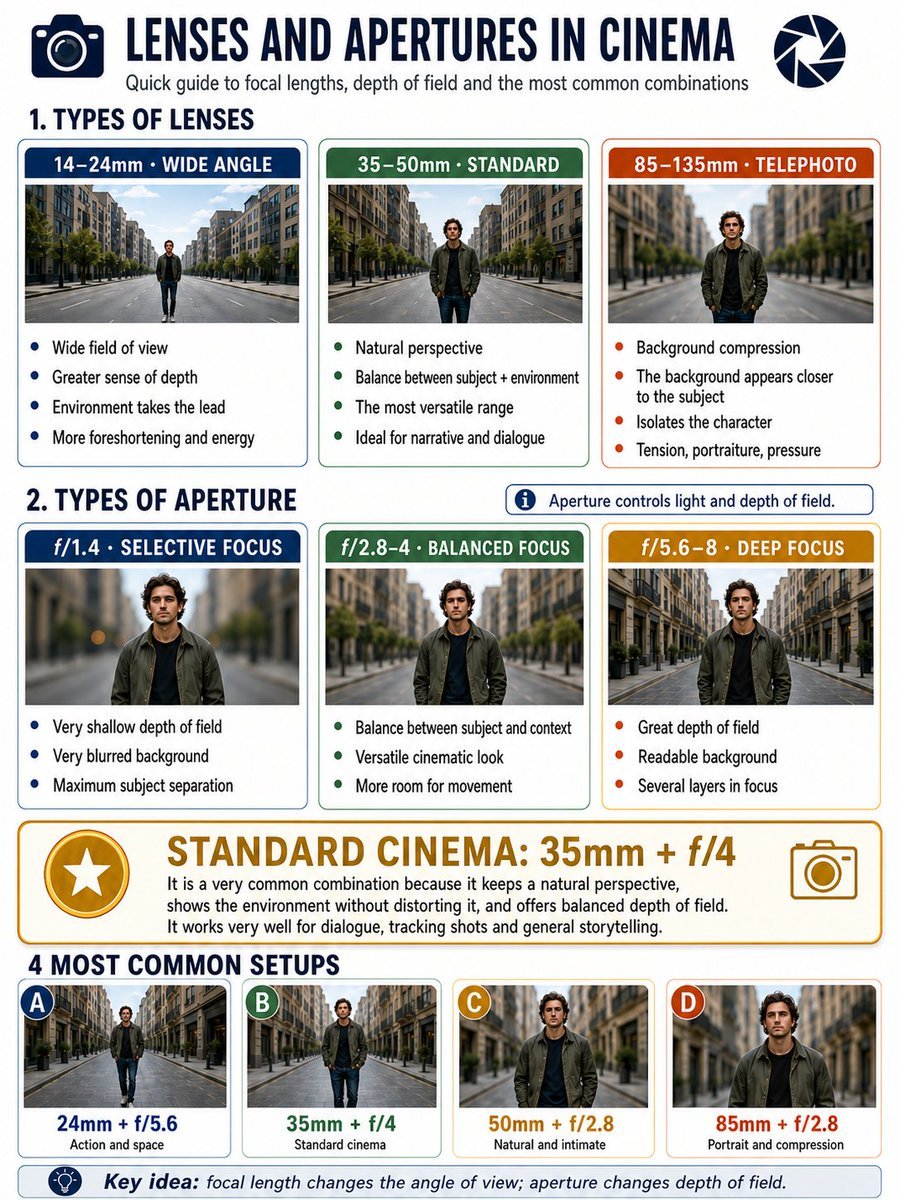
Cinema Lens Infographic Guide
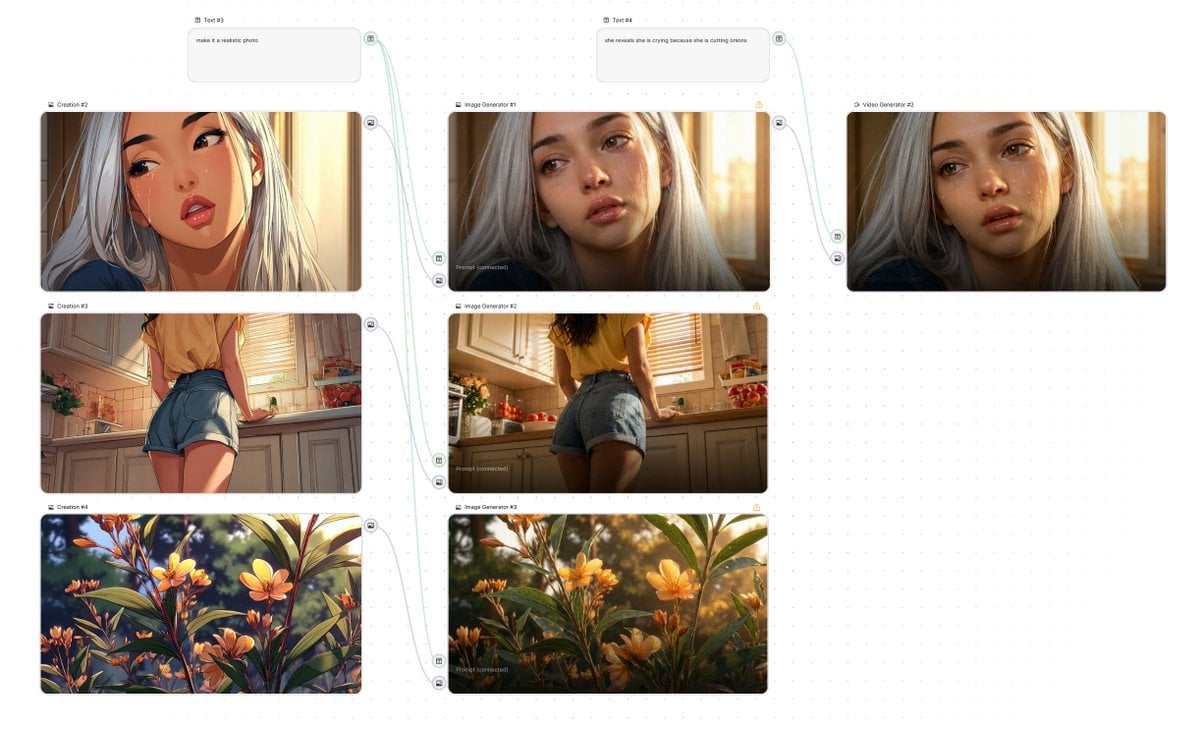
Simple Image-to-Image Realism Conversion
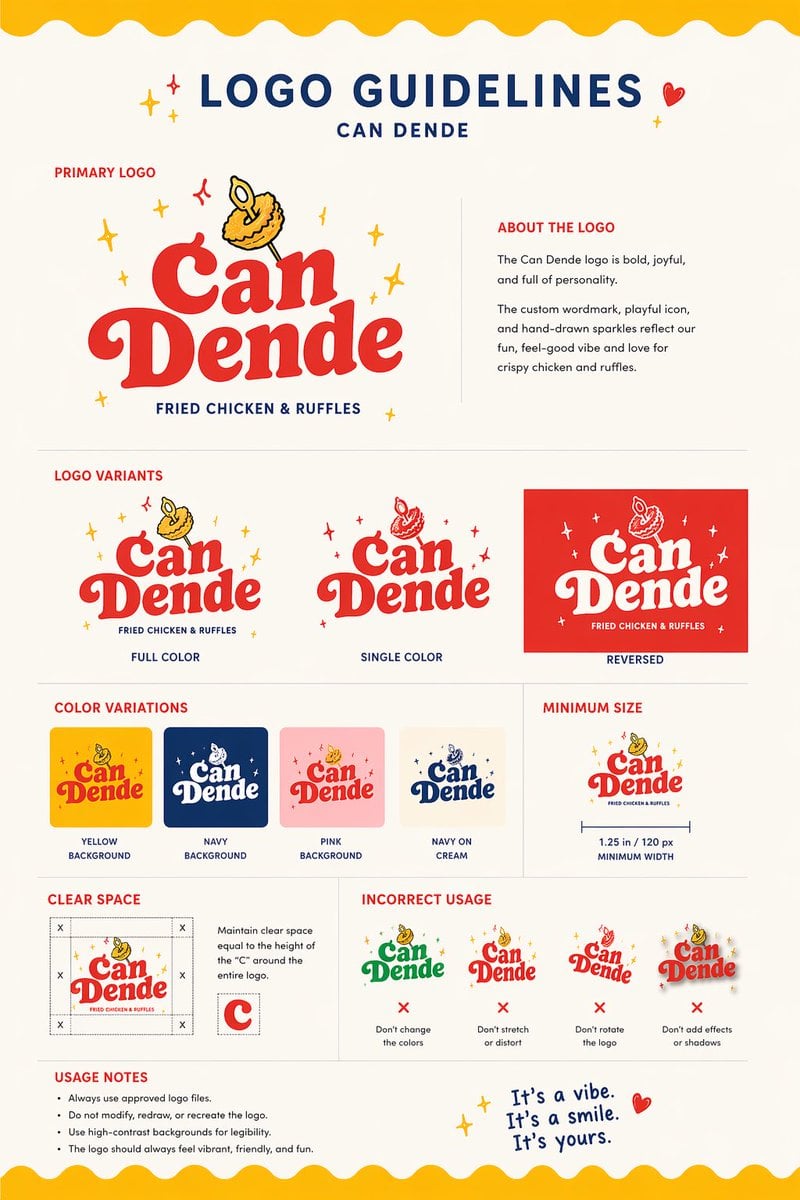
Restaurant Logo Guidelines Board
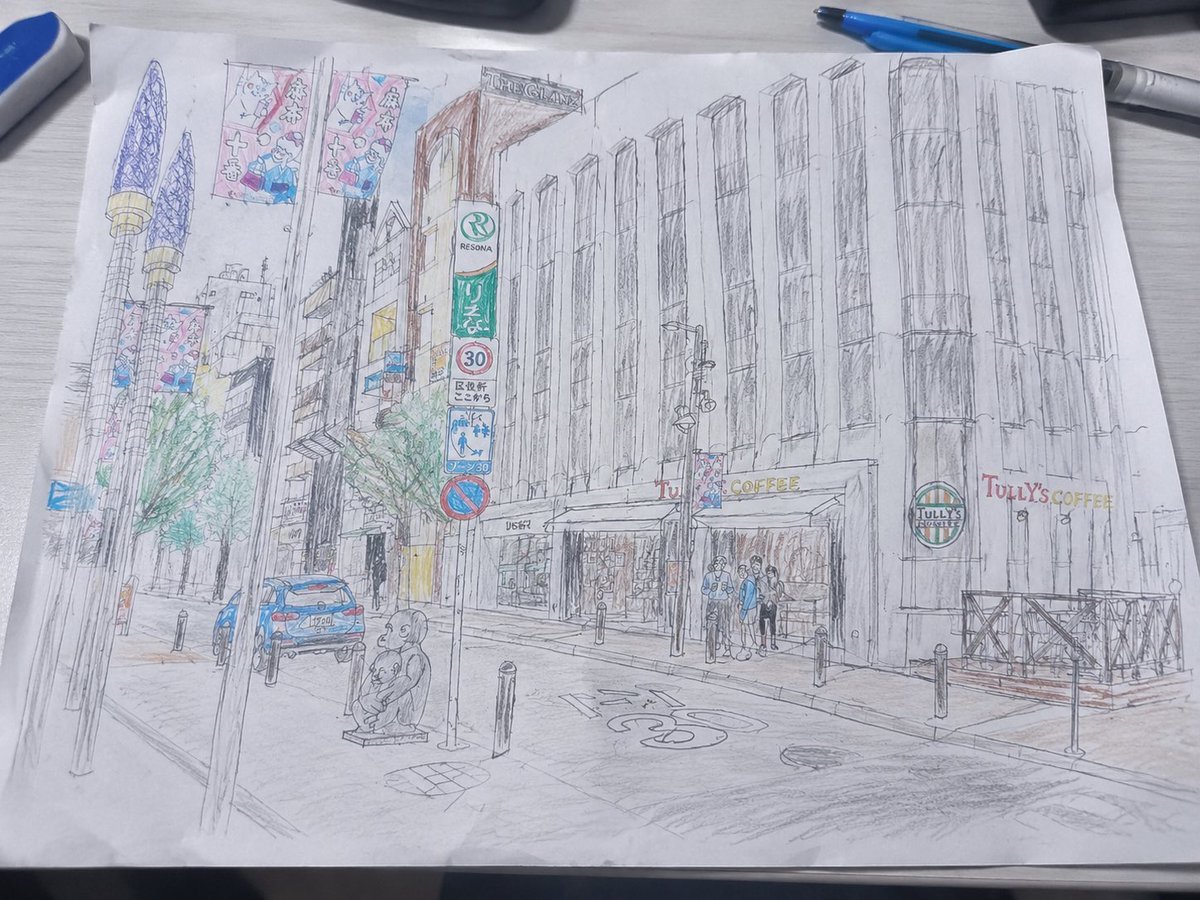
Mediocre Drawing Style Illustration
Browse template categories
Photorealistic Mirror Selfie with Eye Patches and Turban questions
How do I use the Photorealistic Mirror Selfie with Eye Patches and Turban template?
Add your photo if the template asks for one, edit the prompt if you like — the template's model and format are already selected — and press Generate. Your version opens in PicX Studio.
Can I customize the Photorealistic Mirror Selfie with Eye Patches and Turban template?
Yes. You can change the subject, setting, lighting, mood, format, and available model controls before creating your image.
Is the Photorealistic Mirror Selfie with Eye Patches and Turban template free?
Opening and editing this template is free. Generating uses credits, shown on the Generate button when you are signed in.
Which AI model should I use?
Start with Nano Banana 2, which is the model associated with this template. You can compare another compatible model for a different finish.
Looking for something else? Browse all templates.

Your photo, any look
Thousands of ready templates for every top image and video model, from one credit balance.