
Cosmic Space Opera Dark Emperor
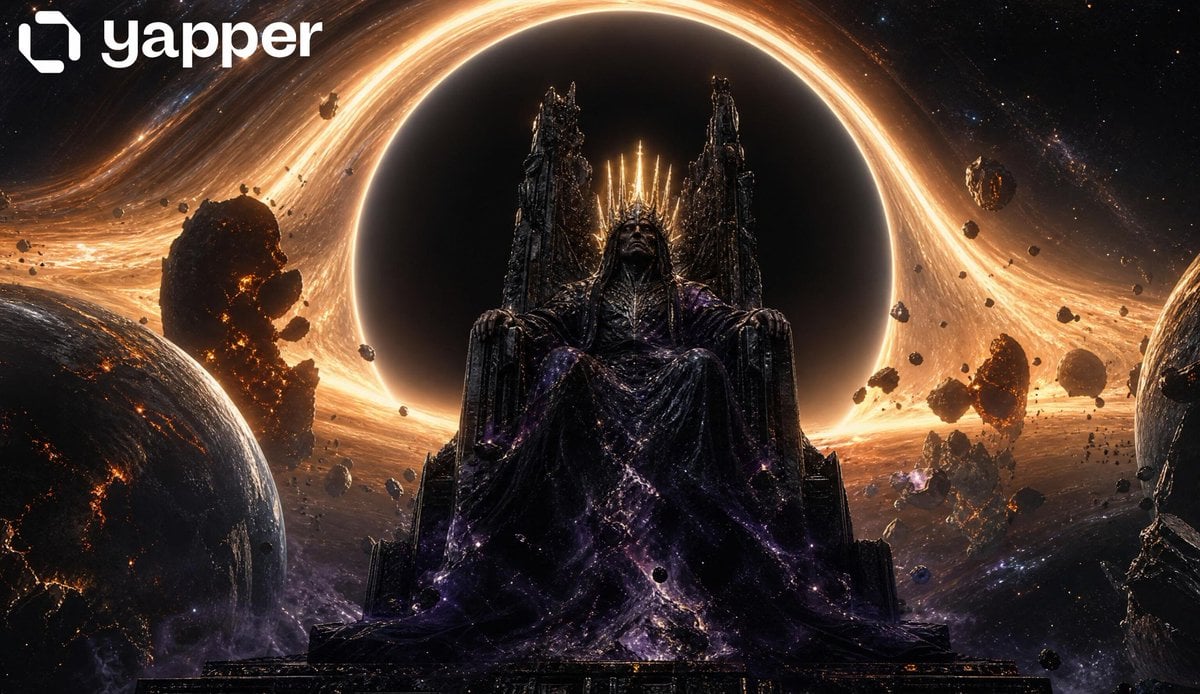
A dramatic, high-angle bird's-eye view of a dark emperor on a floating throne at the edge of a black hole, surrounded by planetary destruction.
- Prompt included
- Model and format preset
- Premium template
The prompt behind this image
Copy the exact prompt behind Cosmic Space Opera Dark Emperor, or open it in the studio and make it yours.
Cinematic space opera realism, masterpiece quality. Camera Position: high overhead bird's-eye angle, slightly tilted | Framing: looking down at the emperor and throne from above, the black hole opening directly beneath/behind the throne into infinite darkness, planetary destruction radiating outward in a circular composition. Subject: A dark emperor seated on a colossal floating throne, viewed from a high overhead angle that emphasizes his solitude and dominance against the incomprehensible scale of the black hole below. The throne floats at the exact tipping point of the event horizon — a tiny figure in absolute command of cosmic destruction. Clothing: black robes spread dramatically outward from the throne seat, dissolving into dark smoke that curls into the gravitational pull below. The robe dissolution creates a visual wing-like silhouette when seen from above, giving the emperor a dark angelic geometry. Crown: the crown's golden light projects upward toward the camera, blazing directly at the viewer — a concentrated point of warm radiance against the darkness. Throne: the massive obsidian throne becomes a centerpiece in the circular composition, its edges catching accretion disk amber light, casting long shadows outward in all directions. Background: radiating outward from the throne in a circle: shattered planets at various stages of destruction — some still partially intact with visible surface geography and cloud cover, others reduced to orbiting fragments and glowing magma trails. The black hole's accretion disk forms an enormous ring of fire that fills the extreme background, gravitational lensing creating concentric arcs of bent starlight around the void. The depth of the black hole stretches downward into absolute darkness below the throne. Primary Light: accretion disk light radiating inward from all sides — warm amber-gold casting circular light patterns on the throne and robe spread. Secondary Light: crown's golden upward blaze creating a spotlight-like cone toward the viewer. Ambient: cold blue-white starlight and gravitational lens arcs creating fine rim highlights on planet fragments. Color Grade: radial color — warm gold and amber at the edges from the accretion disk, deep cold black at the void center | crown warm gold beacon | robe smoke dark violet-black. Textures: detailed planetary surface geography on planet fragments, hyper-detailed robe fabric spread, rough throne stone surface with glinting mineral inclusions. Vibes: 2001 A Space Odyssey meets Avengers Endgame portal scene meets Lovecraftian cosmic scale — overwhelming, circular, mythological.
How to use Cosmic Space Opera Dark Emperor in 3 steps
- 1
Open
The prompt is already in the box next to the preview, with the template's model and format selected.
- 2…a portrait of your subject in softgolden-hour light, 85mm…
Personalize
Edit the subject and creative details for your destination.
- 3Generate
Generate
Press Generate — your image is created in PicX Studio, so you can compare it with the original and refine one variable at a time.
More like this
Templates with the same subject, style or setup. Open one to see its prompt.
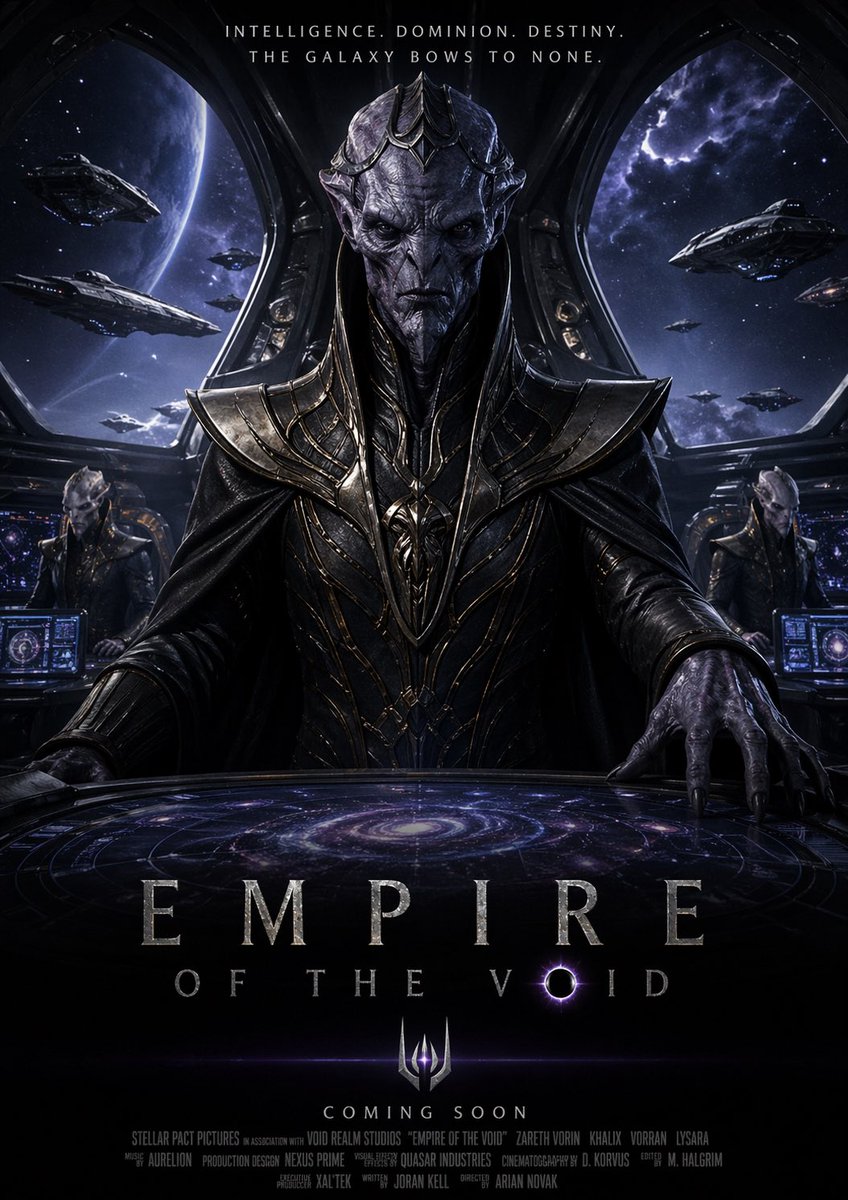
Dark Space Emperor Movie Poster
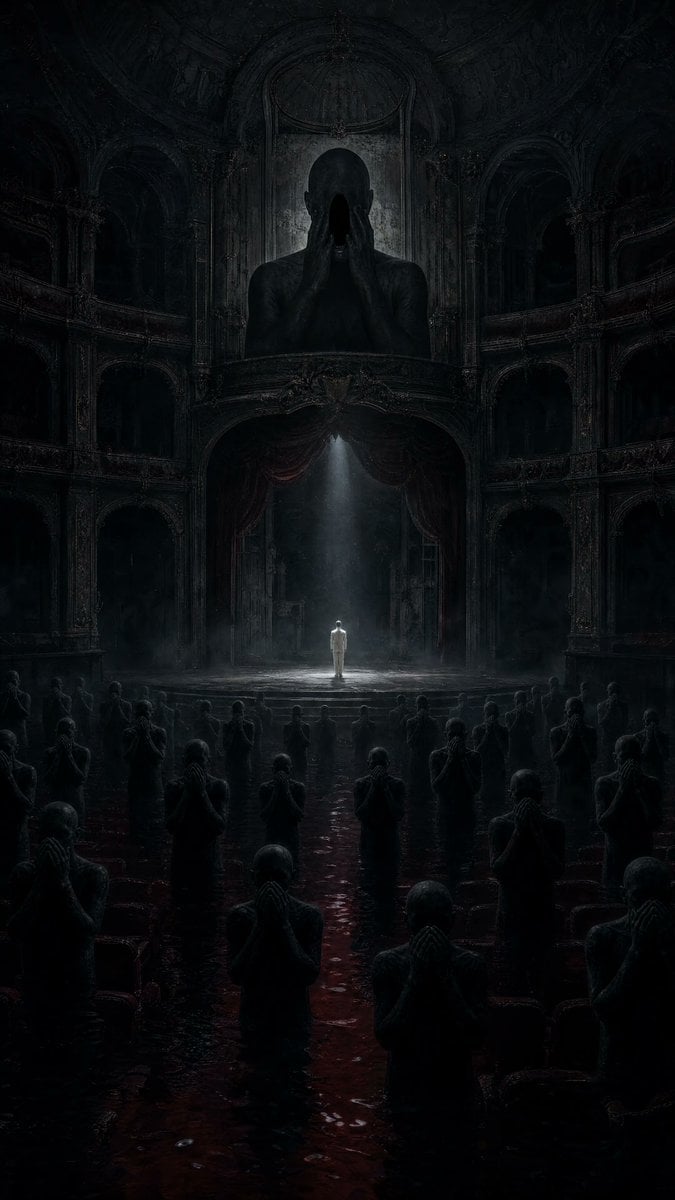
Dark Surrealist Flooded Opera House

Miniature Travel Diorama Postcard
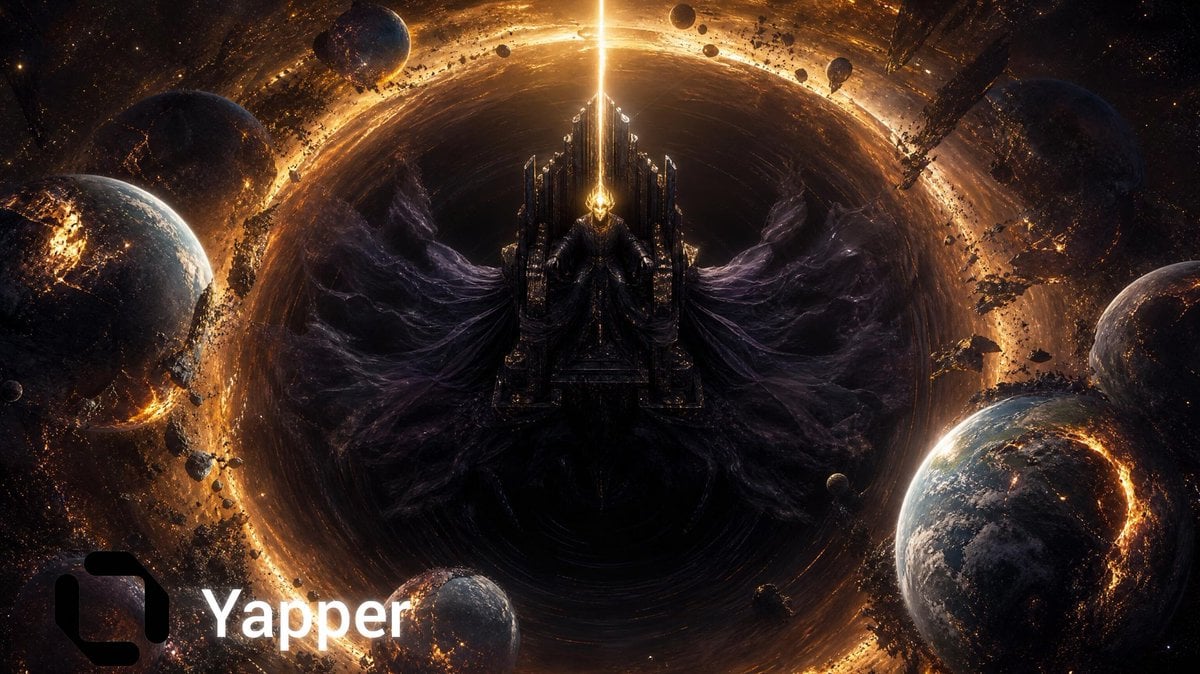
Cosmic Emperor Black Hole Throne

Astronaut Zero-Gravity Coffee Splash

Selective Color Monochrome Football Poster
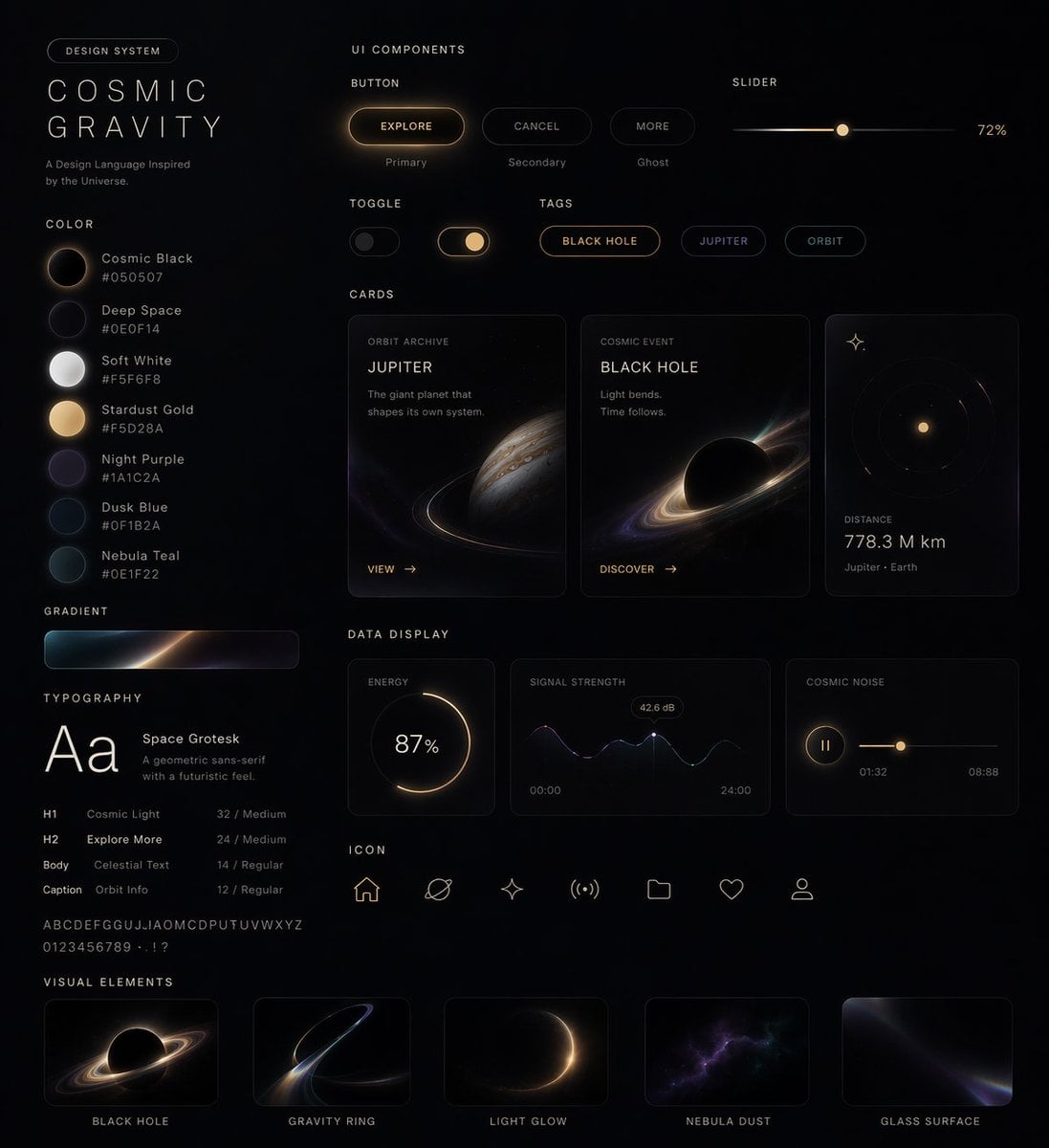
Cosmic Dark Mode UI Design System
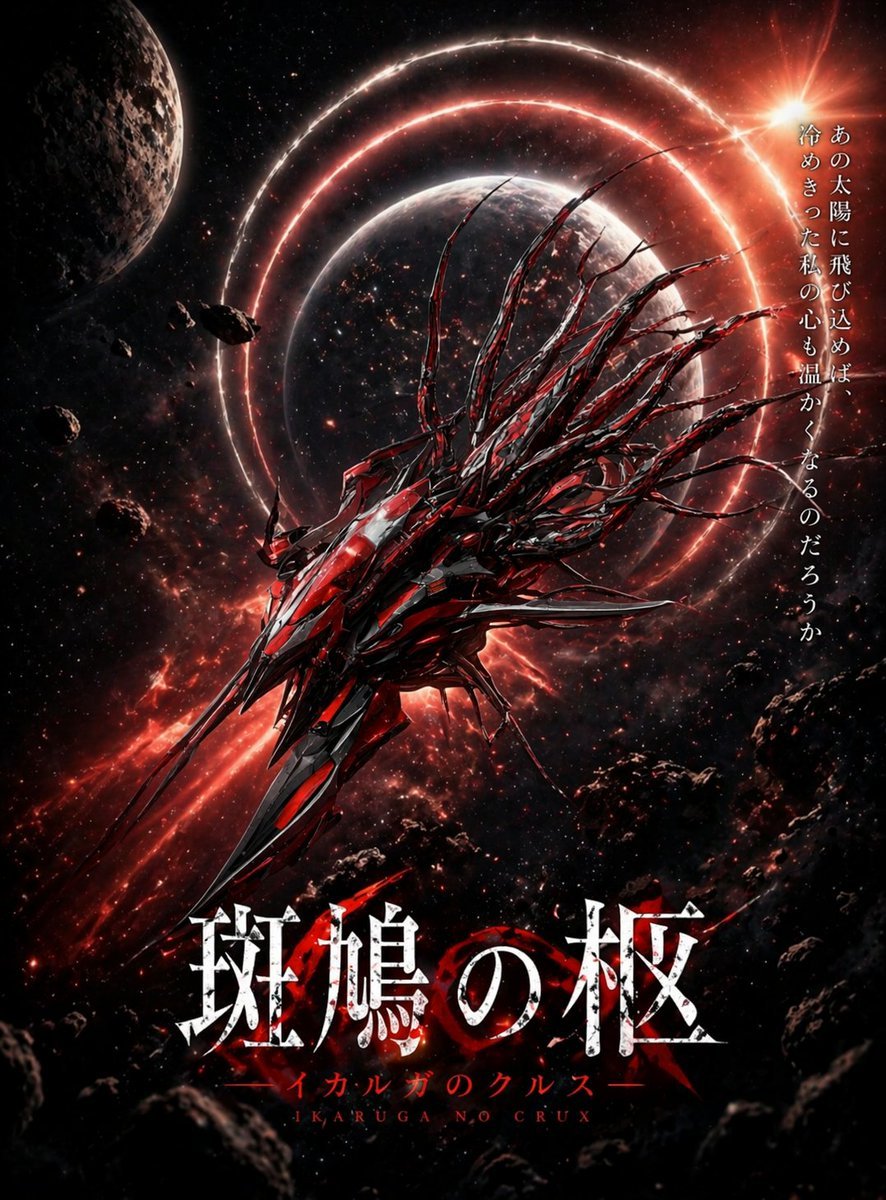
Crimson Space Opera Key Visual
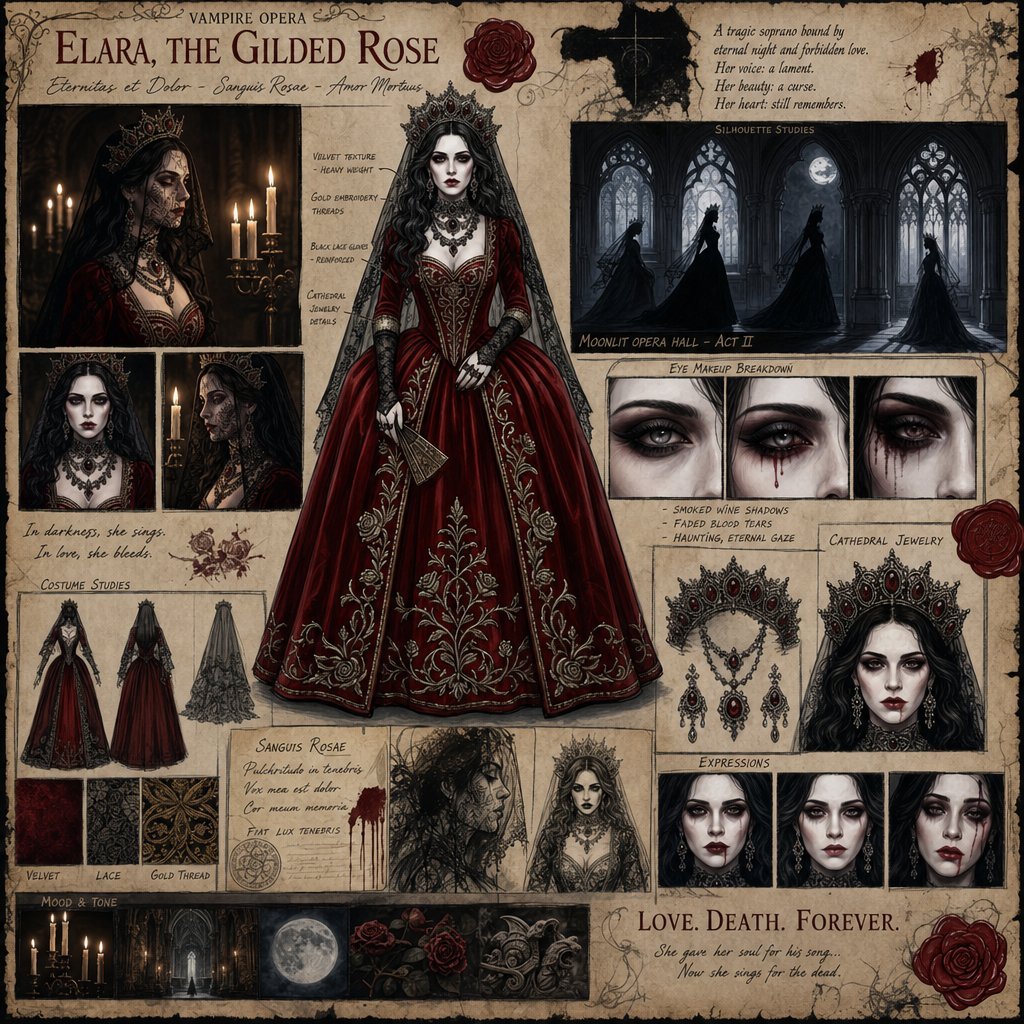
Dark Gothic Vampire Opera Character Design
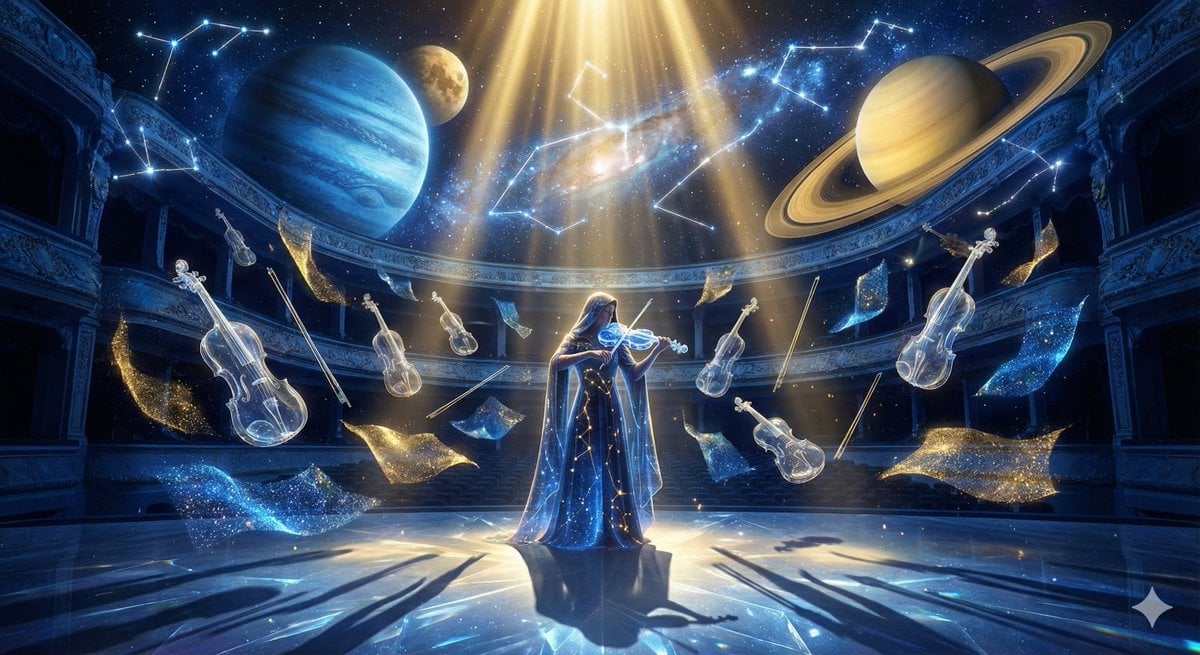
Cosmic Opera Stage Fantasy Scene

Night Sports Car Portrait — Cinematic Moody

Cinematic Eye Light Portraits — 3 Nano Banana Prompts
Make it yours
Cosmic Space Opera Dark Emperor works as-is. These are the safest ways to change it without losing the look.
Change one field
Copy a single group, rewrite it, and generate again so you can see what that field is doing.
Keep the frame, change the subject
Hold the composition and light of Cosmic Space Opera Dark Emperor, then swap wardrobe, props or the person for a new take.
| If the result… | Why | Fix |
|---|---|---|
| The result drifts from the preview | Too many fields changed at once. | Reuse Cosmic Space Opera Dark Emperor as-is first, then change one group — subject, light, or setting. |
| The model over-stylizes the scene | The prose prompt leaves finish and camera underspecified. | Add one camera or lighting sentence and stay on Nano Banana 2. |
More Nano Banana 2 templates
Other prompts made for Nano Banana 2.

Photorealistic Leaf Shaped Like a Dragon

K-Pop Idol Portrait Grid for Rapid Selection

Poetic Rain Forest Portrait During Golden Hour

Urban Street Portrait with Cartoon Inner Self Duo

Candid Nighttime Photo with Cat Prompt

High-Concept 3D Diorama Generation Prompt

Cinematic Futuristic Studio Portrait Template

Skincare Editorial Photography Collage Prompt

Hyper-Realistic Commercial Product Photography (Splash Effect)

Hyper-Realistic Nightclub Portrait Prompt
More image prompts
Fresh picks from across the catalog.

Hollywood Haute Couture Fantasy Seedance

Texture and Style Variation Prompt
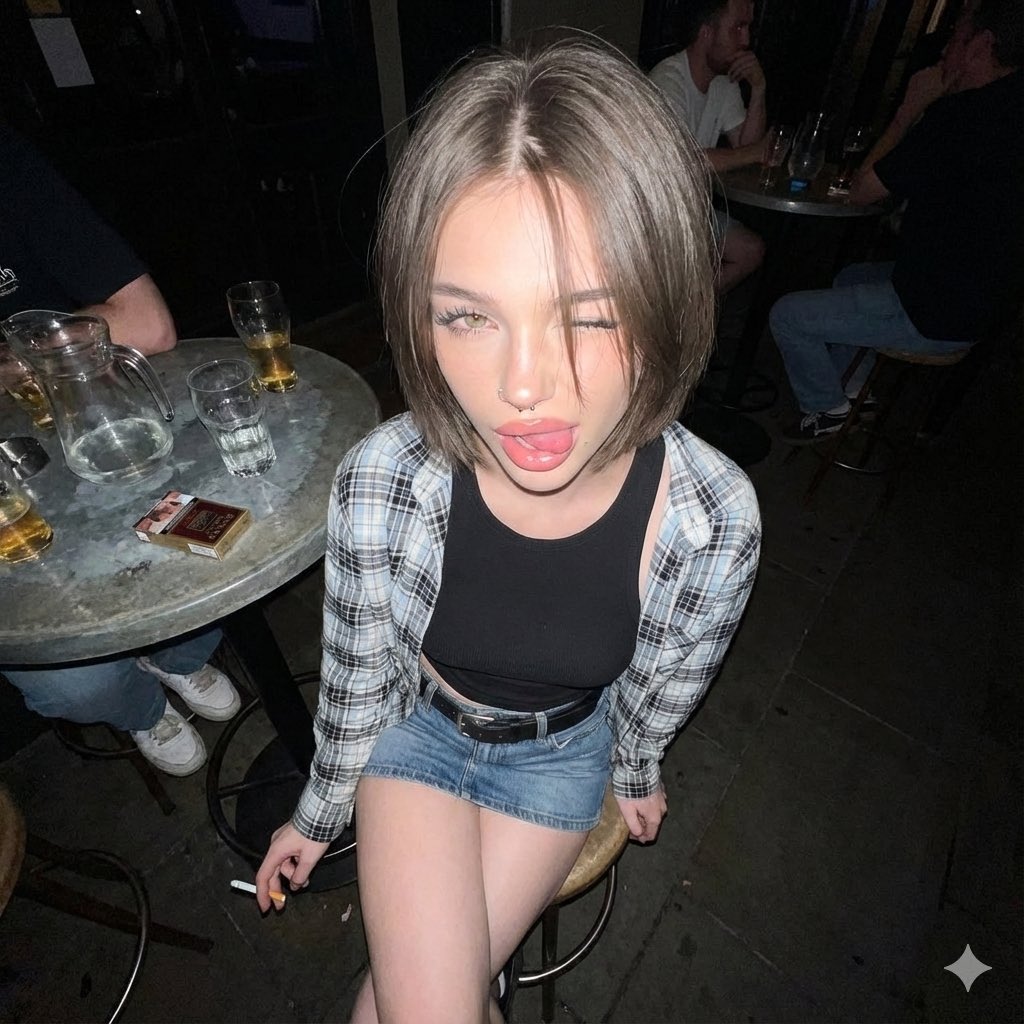
Y2K Grunge Flash Photography Snapshot
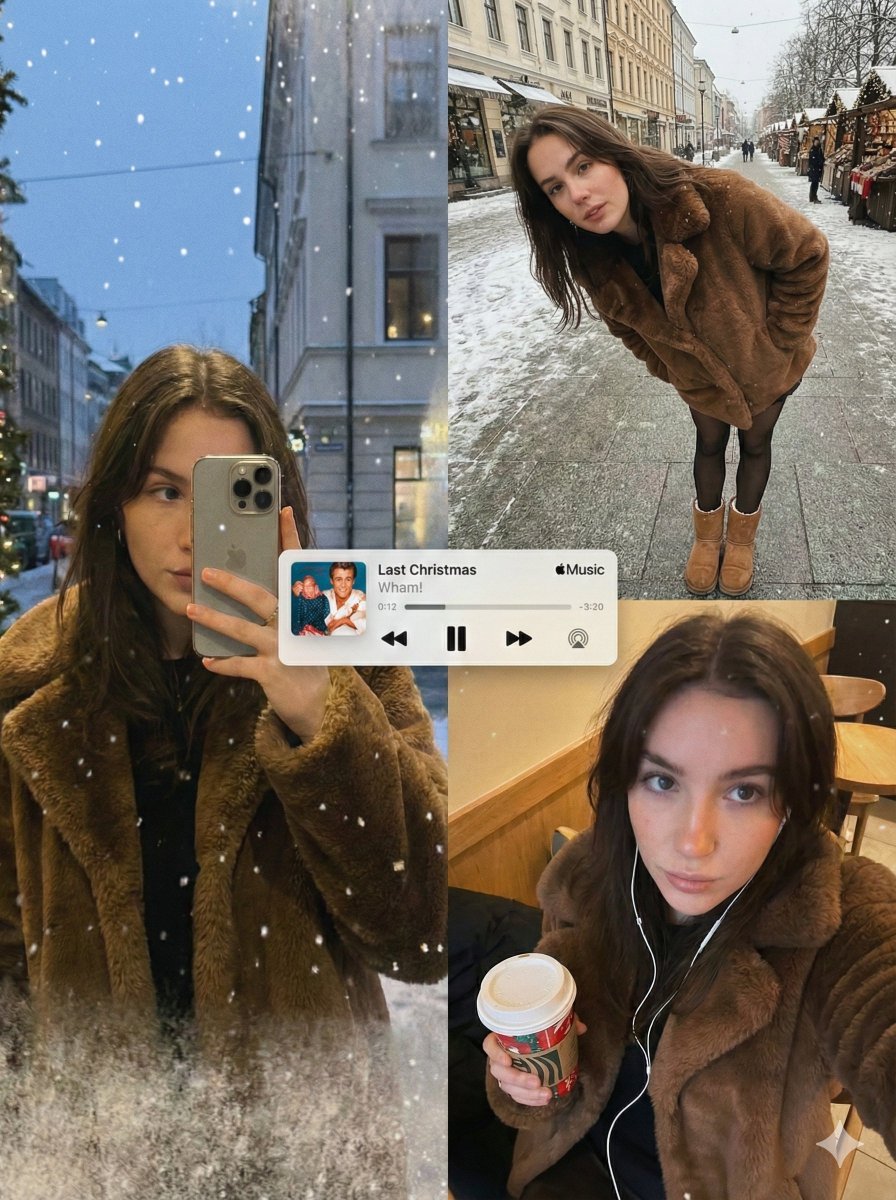
Editorial Winter Collage with Face Preservation

Japanese Summer Accessory Ad Poster
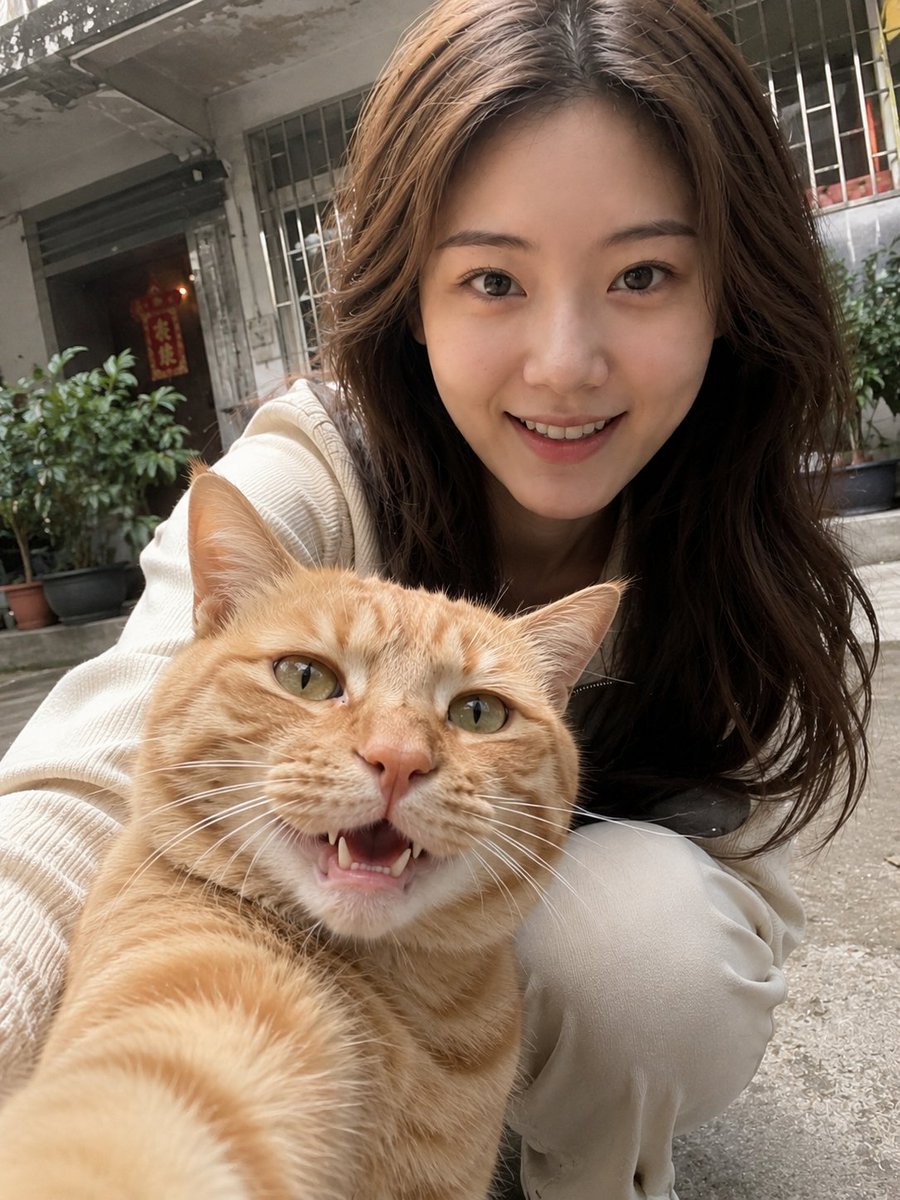
Realistic Pet and Owner Wide-Angle Selfie
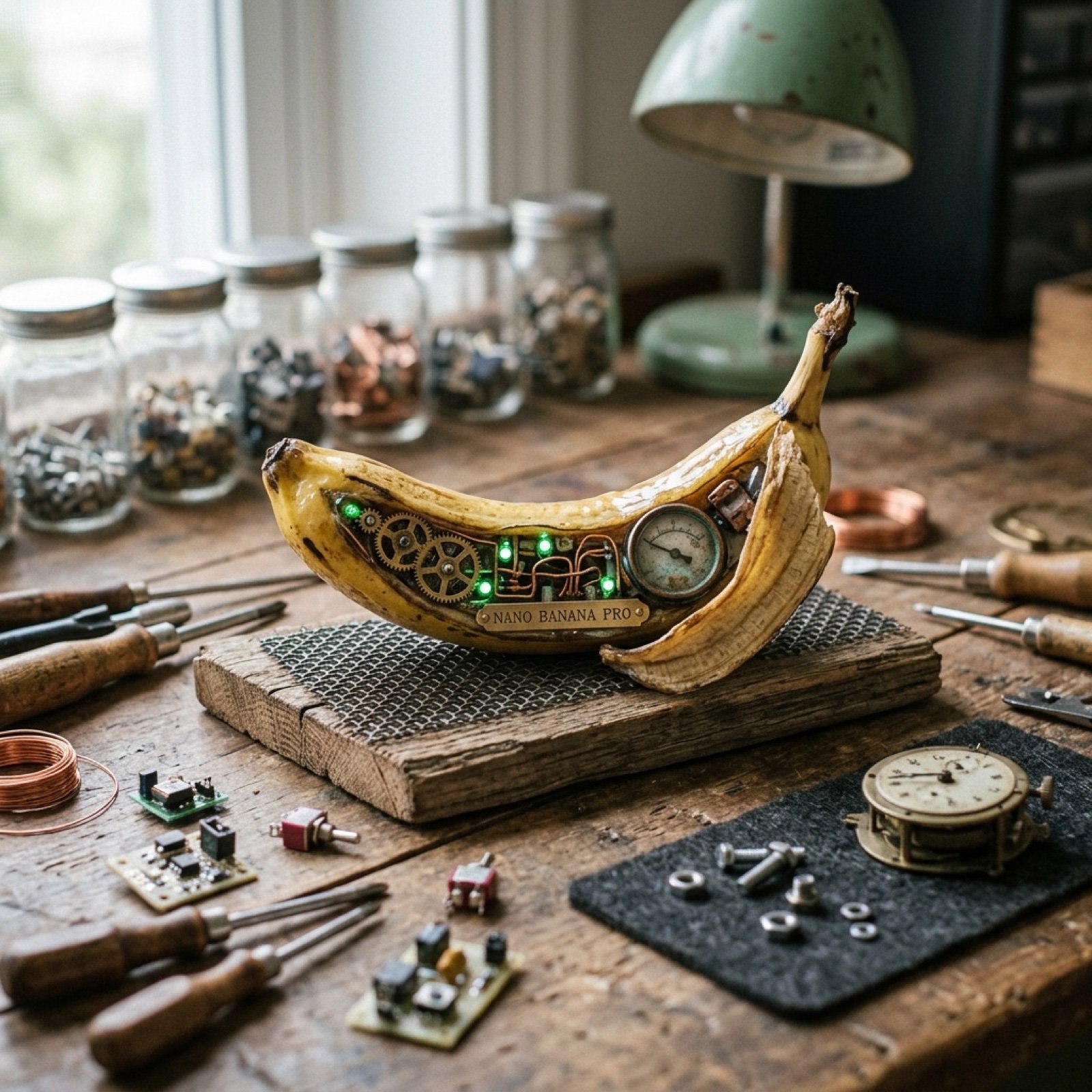
Nano Banana Pro Prompt Using Image Reference

Anime AI Course Presentation Thumbnail
Dramatic Monochromatic Portrait Prompt

Raw High-Contrast Night Documentation Portrait
Browse template categories
Cosmic Space Opera Dark Emperor questions
How do I use the Cosmic Space Opera Dark Emperor template?
Add your photo if the template asks for one, edit the prompt if you like — the template's model and format are already selected — and press Generate. Your version opens in PicX Studio.
Can I customize the Cosmic Space Opera Dark Emperor template?
Yes. You can change the subject, setting, lighting, mood, format, and available model controls before creating your image.
Is the Cosmic Space Opera Dark Emperor template free?
Opening and editing this template is free. Generating uses credits, shown on the Generate button when you are signed in.
Which AI model should I use?
Start with Nano Banana 2, which is the model associated with this template. You can compare another compatible model for a different finish.
Looking for something else? Browse all templates.

Your photo, any look
Thousands of ready templates for every top image and video model, from one credit balance.