
Macro Dewdrop on Spider Web
A photorealistic extreme macro sunrise scene showing a forest refracted inside a dewdrop on a spider silk strand.
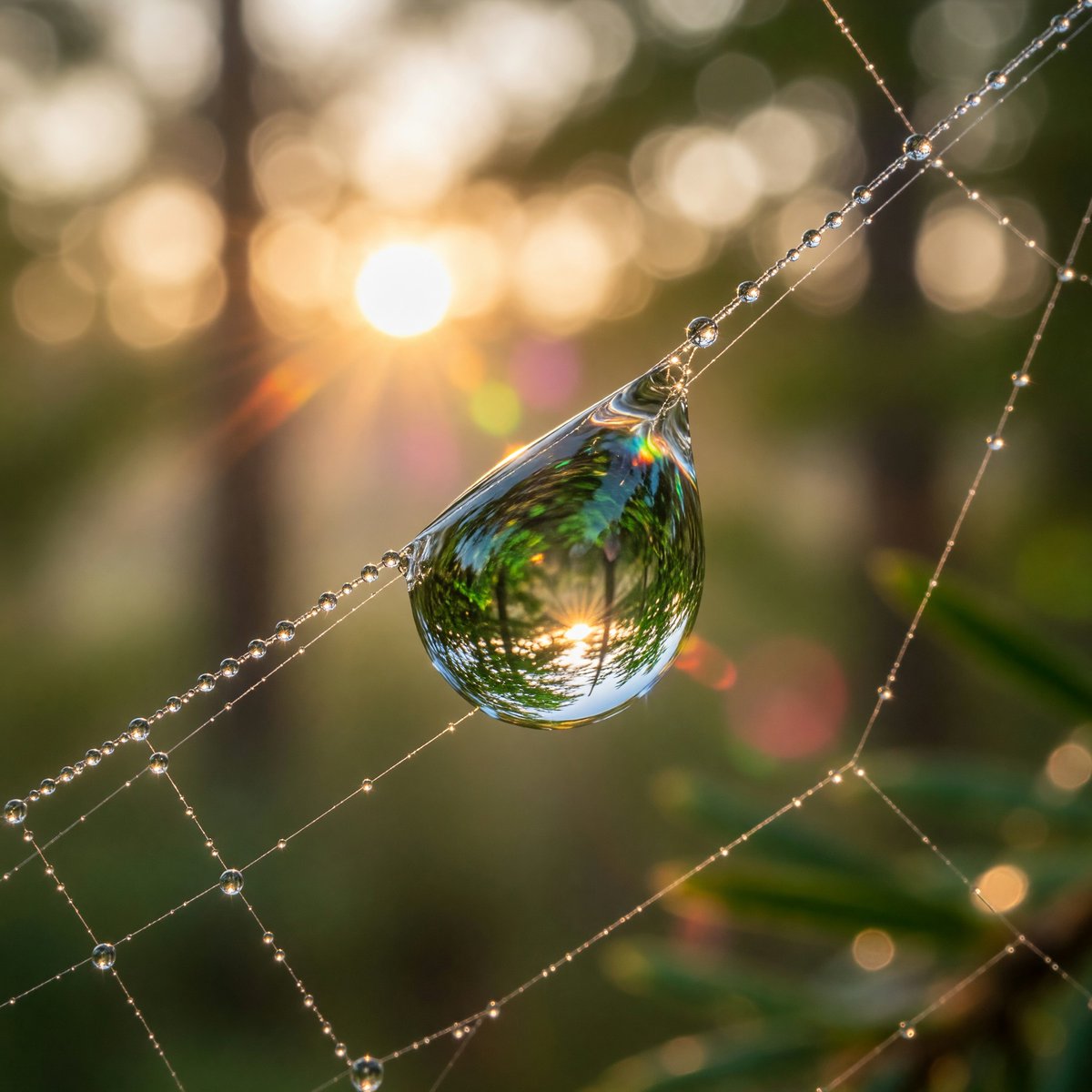
- Prompt included
- Model and format preset
- Free template
The prompt behind this image
Copy the exact prompt behind Macro Dewdrop on Spider Web, or open it in the studio and make it yours.
Extreme macro photograph of a single large teardrop-shaped dewdrop suspended from a diagonal spider silk strand at sunrise, with the dewdrop acting like a lens and clearly refracting an upside-down green forest and the glowing sun inside it. The spider web crosses the frame diagonally from lower left to upper right, with many tiny bead-like dew droplets along the silk and additional fine web strands forming delicate geometric lines in the foreground and right side. Warm golden sunlight sits softly blurred in the background to the left, creating circular bokeh, subtle lens flare, and a dreamy woodland atmosphere. Use a shallow depth of field with razor-sharp focus on the main dewdrop and nearby dew beads, creamy blurred trees and foliage behind, natural greens and amber highlights, photorealistic detail, 100mm macro lens look, f/2.8 aperture, sunrise backlighting, high dynamic range, realistic optics, no text, no people.
How to use Macro Dewdrop on Spider Web in 3 steps
- 1Upload ImagePNG, JPG or paste
Add your photo
Upload the photo the template builds on. The prompt, model and format are already set.
- 2…a portrait of your subject in softgolden-hour light, 85mm…
Personalize
Edit the subject and creative details for your destination.
- 3Generate
Generate
Press Generate — your image is created in PicX Studio, so you can compare it with the original and refine one variable at a time.
More like this
Templates with the same subject, style or setup. Open one to see its prompt.
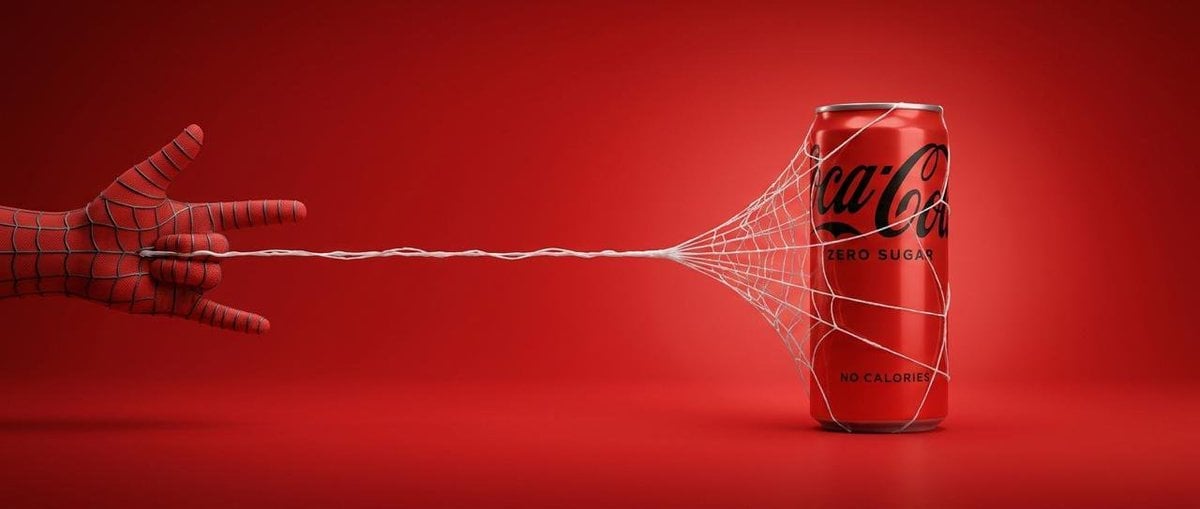
Cinematic Product Advertisement with Spider Web
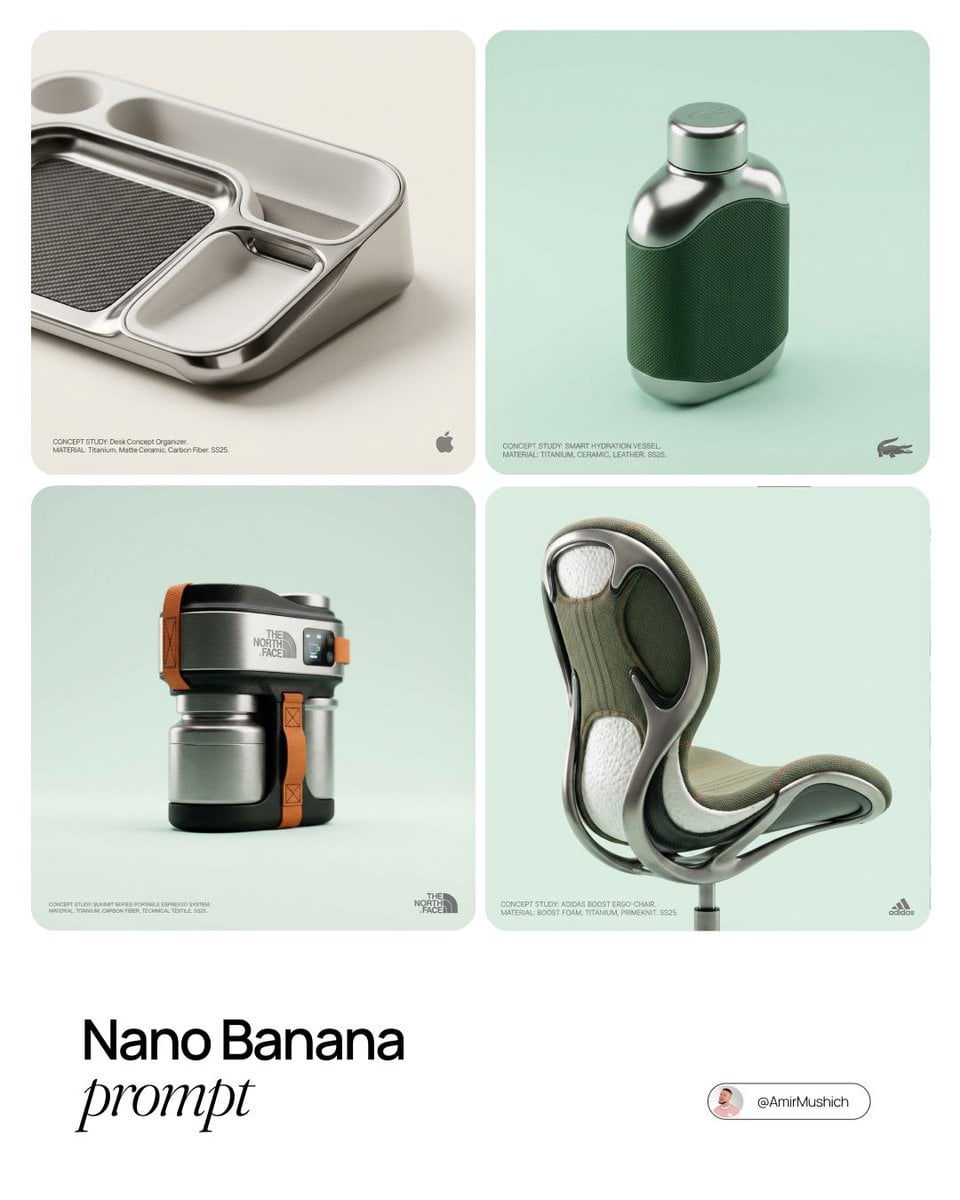
Editorial Concept Study Product Design

Firefly Pixar Spill — Nano Banana Pro
Seedance - Arrow Microscopic Battle
Seedance - Brand Commercial
JSON Seedance - Fairy Macro Flight

Web Design Course Promotional Banner

Underwater Macro Face Portrait
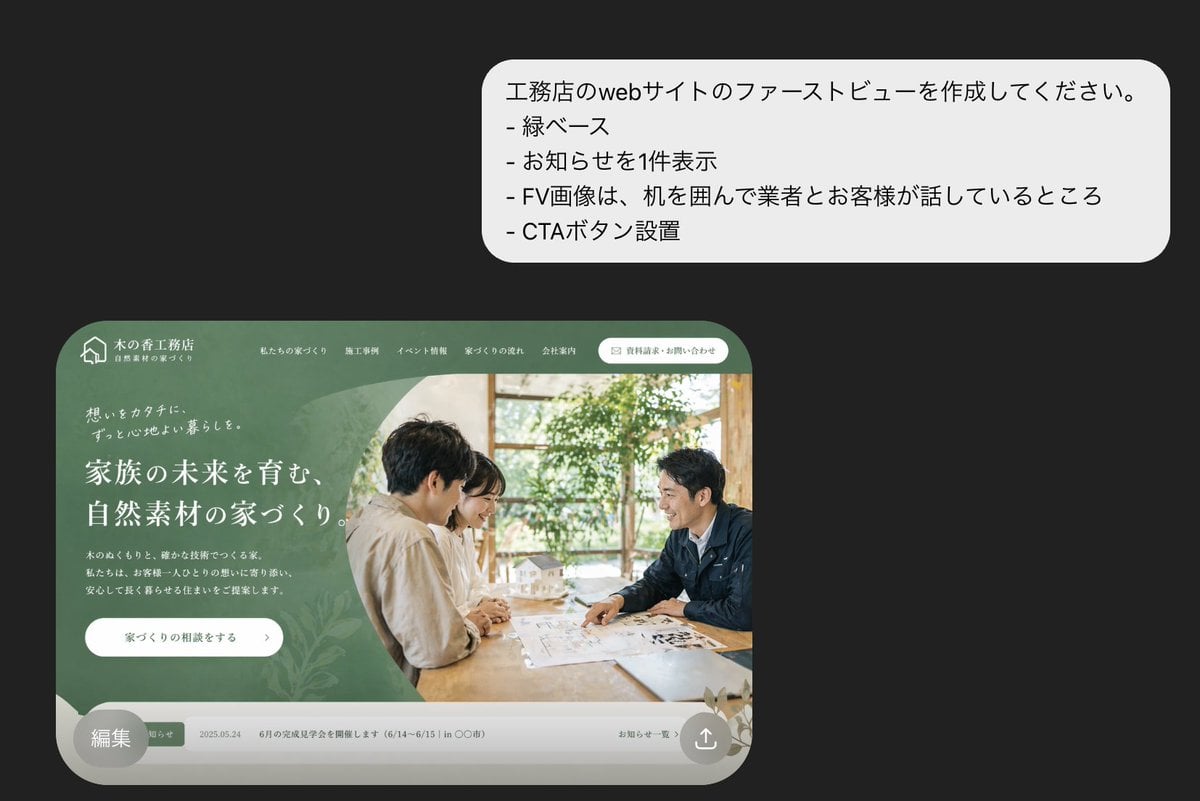
Japanese Builder Website Hero Mockup
Gothic Puppeteer and Spider Lilies
Intimate Macro Sleep Portrait

Premium Psychology Website AI Banner
Make it yours
Macro Dewdrop on Spider Web works as-is. These are the safest ways to change it without losing the look.
Change one field
Copy a single group, rewrite it, and generate again so you can see what that field is doing.
Keep the frame, change the subject
Hold the composition and light of Macro Dewdrop on Spider Web, then swap wardrobe, props or the person for a new take.
| If the result… | Why | Fix |
|---|---|---|
| The result drifts from the preview | Too many fields changed at once. | Reuse Macro Dewdrop on Spider Web as-is first, then change one group — subject, light, or setting. |
| The model over-stylizes the scene | The prose prompt leaves finish and camera underspecified. | Add one camera or lighting sentence and stay on GPT Image 2. |
More GPT Image 2 templates
Other prompts made for GPT Image 2.

Six VTuber Japanese Logo Sheet

Realistic Portrait of Woman and Deer

The Vista Modular Condo Poster

AI Model Routing Comparison Infographic

2.5D Anime Art Board

Isometric Productivity Desk Scene

New York Double Exposure Poster

Four-Panel AI Landscape Comparison

Japanese Tatami Lifestyle Magazine Cover

NESCAFÉ Coffee Map Poster
More image prompts
Fresh picks from across the catalog.
Photorealistic Urban Night Portrait of a British Man
untitled

Lacoste High-Fashion Advertisement
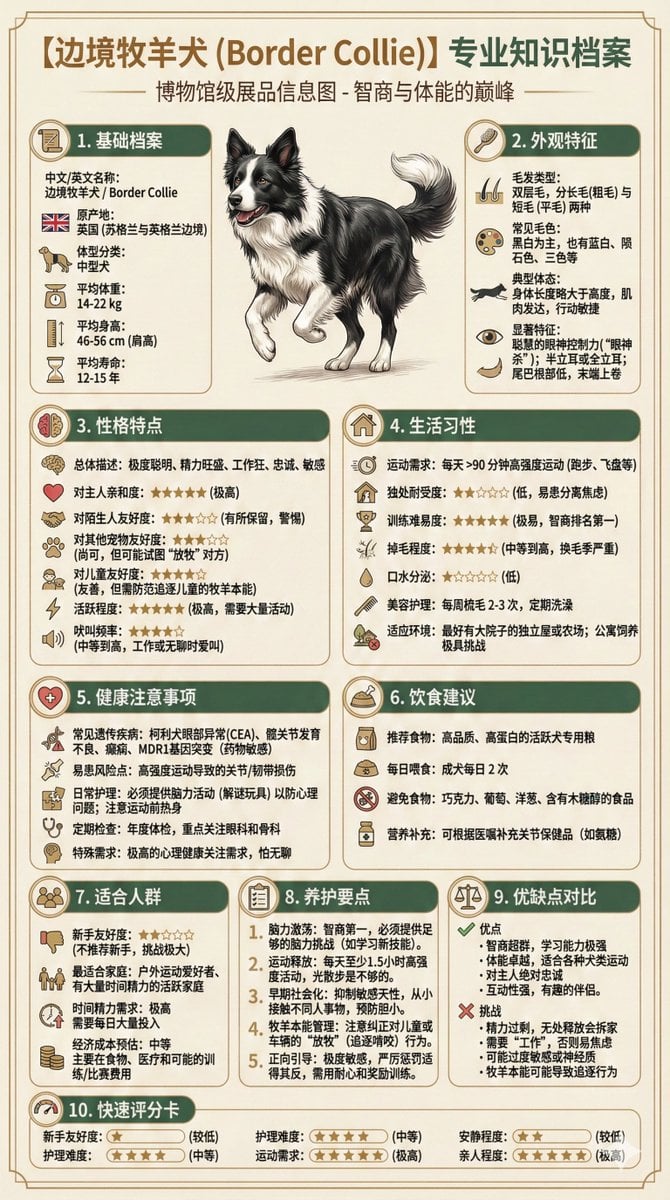
Universal Pet Feeding Guide Generator
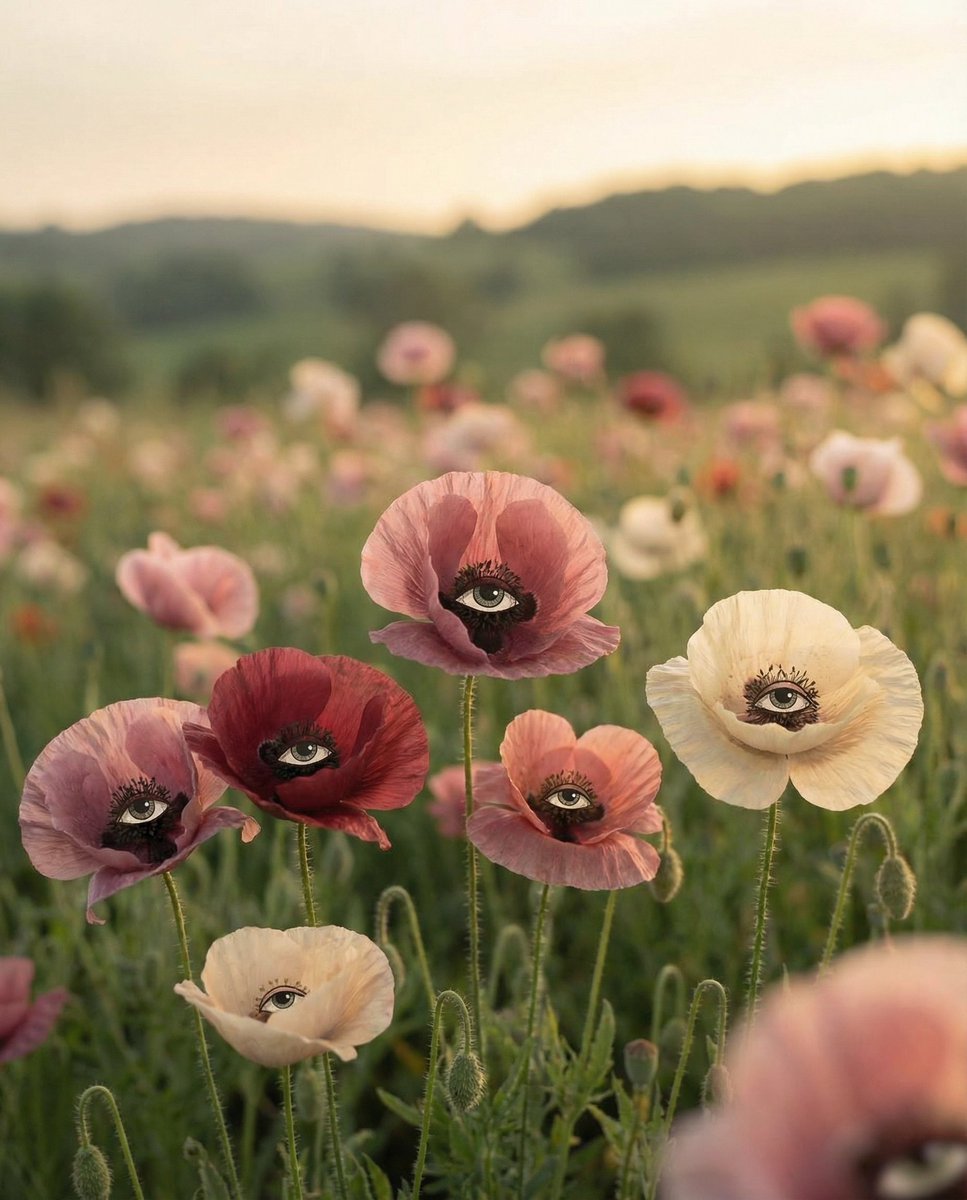
Surreal Poppies with Eyes
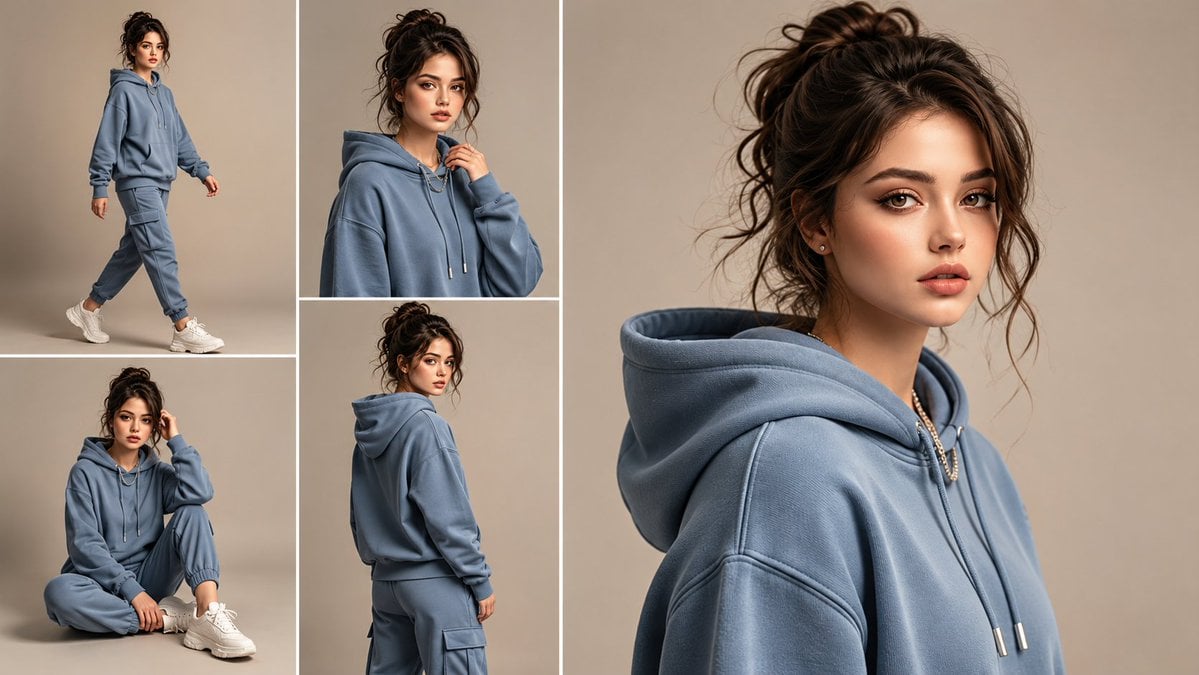
Anonymous Tracksuit Lookbook Collage
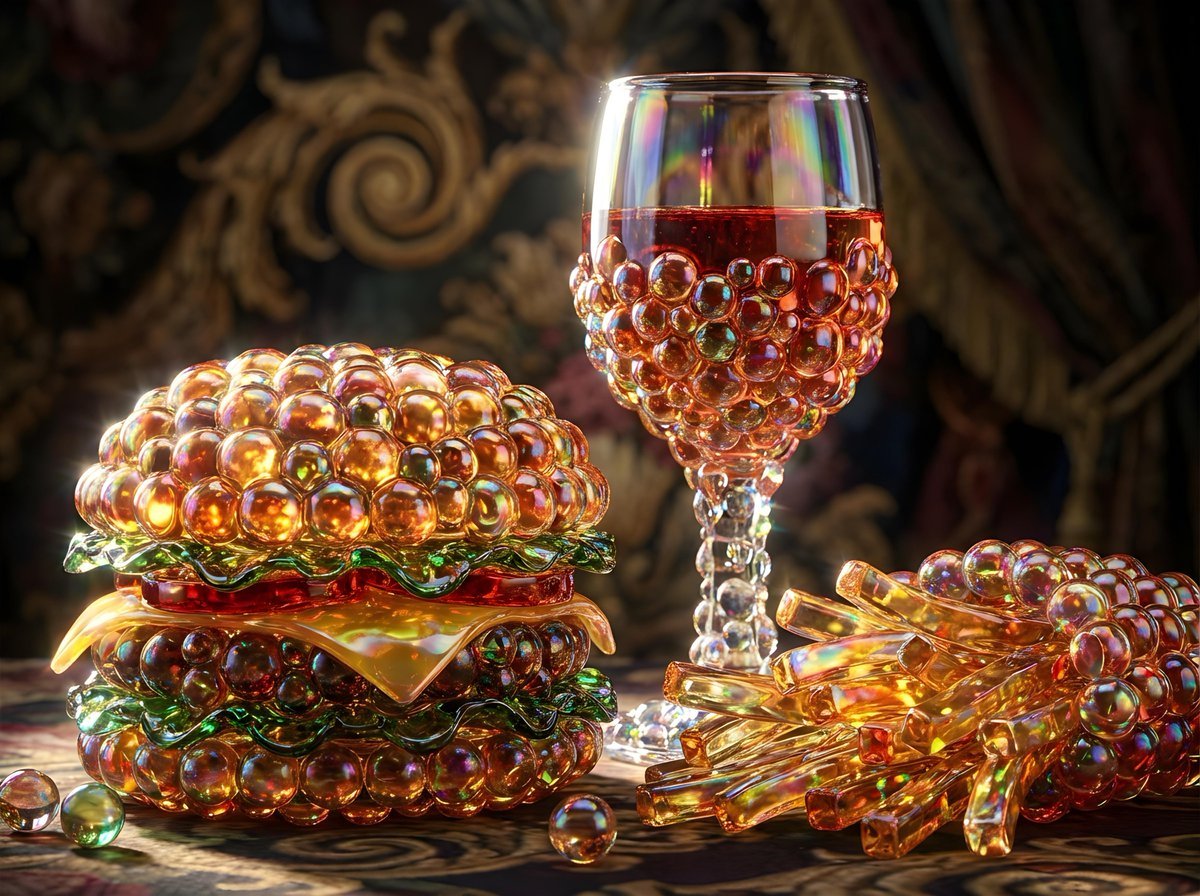
Bubbly Cheeseburger Still Life Prompt
Blonde Woman in Red Bodysuit in Snow

Luxury Sporty Asian Nightlife Portrait

Nagasaki Travel Poster with Central Woman
Browse template categories
Macro Dewdrop on Spider Web questions
How do I use the Macro Dewdrop on Spider Web template?
Add your photo if the template asks for one, edit the prompt if you like — the template's model and format are already selected — and press Generate. Your version opens in PicX Studio.
Can I customize the Macro Dewdrop on Spider Web template?
Yes. You can change the subject, setting, lighting, mood, format, and available model controls before creating your image.
Is the Macro Dewdrop on Spider Web template free?
Opening and editing this template is free. Generating uses credits, shown on the Generate button when you are signed in.
Which AI model should I use?
Start with GPT Image 2, which is the model associated with this template. You can compare another compatible model for a different finish.
Looking for something else? Browse all templates.

Your photo, any look
Thousands of ready templates for every top image and video model, from one credit balance.