
Humanist Sans-Serif Typography Design
A technical design prompt for generating a humanist sans-serif font, specifying details like stroke contrast, corner radius, and key identifier characters for layout design.
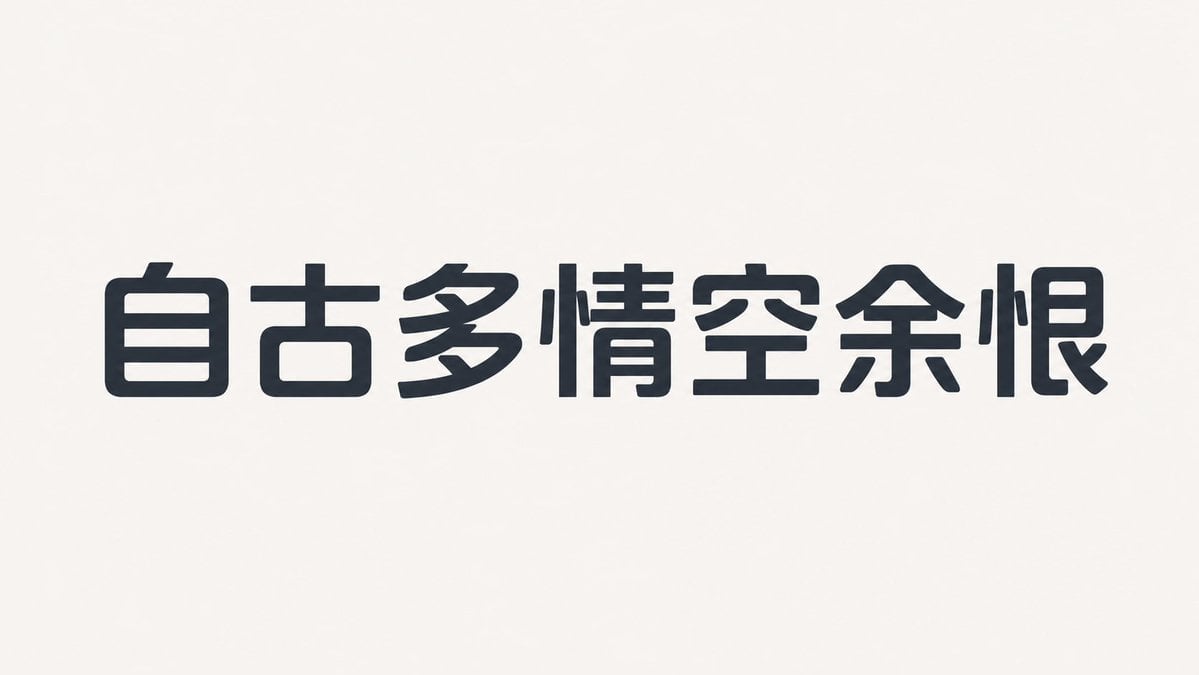
- Prompt included
- Model and format preset
- Free template
The prompt behind this image
Copy the exact prompt behind Humanist Sans-Serif Typography Design, or open it in the studio and make it yours.
这是一款字面偏宽、重心略低、字腔开放的{argument name="字体类型" default="无衬线体"},骨架以人文主义结构为主,整体紧凑但不拥挤。 笔画低对比,横画略细于竖画,曲线外侧饱满、内侧收紧,转角采用小半径圆角,末端多为轻微斜切。 字距偏紧但内部留白充足,重复部件保持相同曲率,其中小写 a、e、数字 2 和大写 R 是核心辨识字符,粗体通过扩展笔画内侧而非压缩字腔来增加重量。 —— 字体文字:{argument name="文字内容" default="上海自来水来自海上"} 比例:{argument name="比例" default="16:9"}
How to use Humanist Sans-Serif Typography Design in 3 steps
- 1
Open
The prompt is already in the box next to the preview, with the template's model and format selected.
- 2…a portrait of your subject in softgolden-hour light, 85mm…
Personalize
Edit the subject and creative details for your destination.
- 3Generate
Generate
Press Generate — your image is created in PicX Studio, so you can compare it with the original and refine one variable at a time.
More like this
Templates with the same subject, style or setup. Open one to see its prompt.
Typography Small, clean sans-serif and typewriter-style text blocks
Absurd Sans Serif Meme
In a bold, modern Sans-Serif font
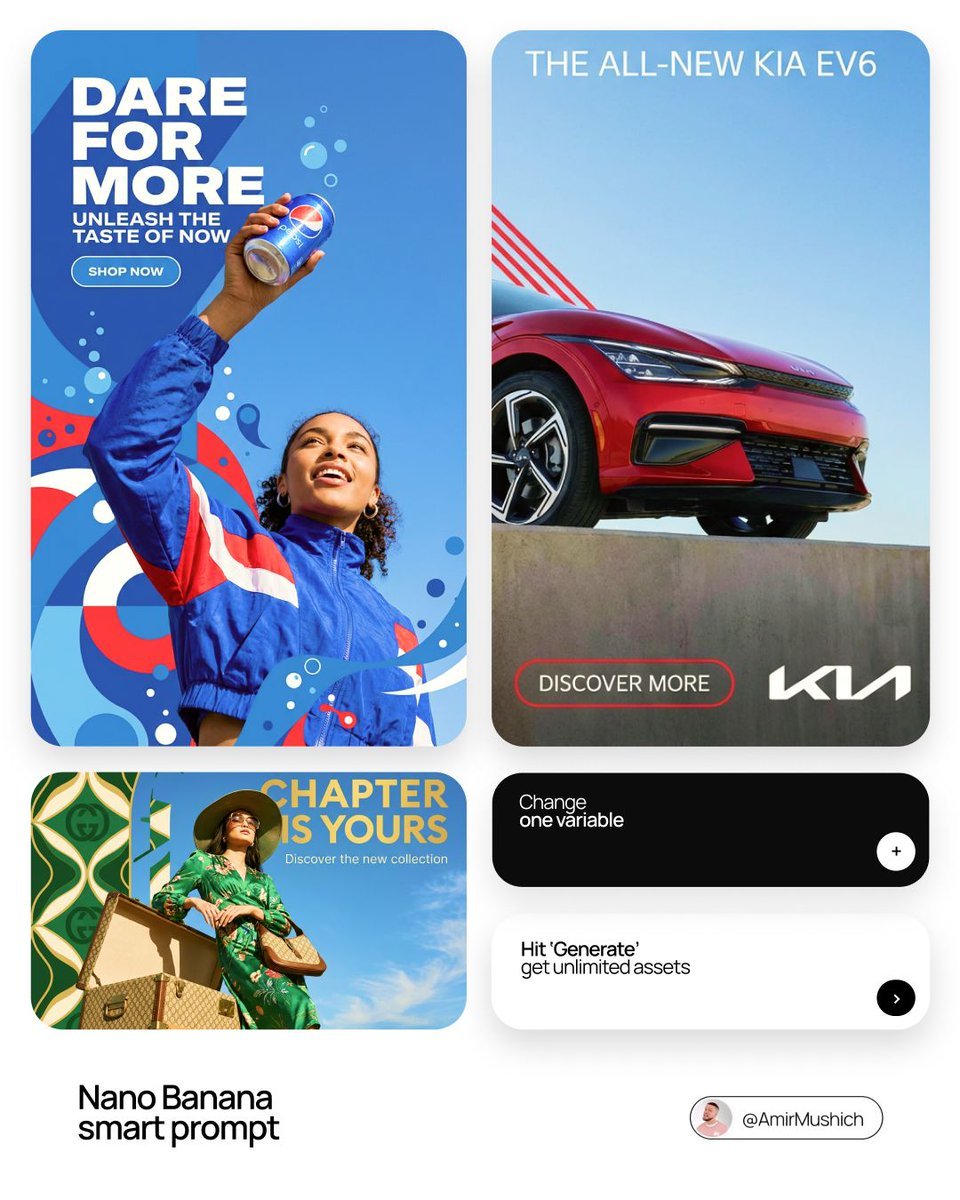
In a bold, modern Sans-Serif font
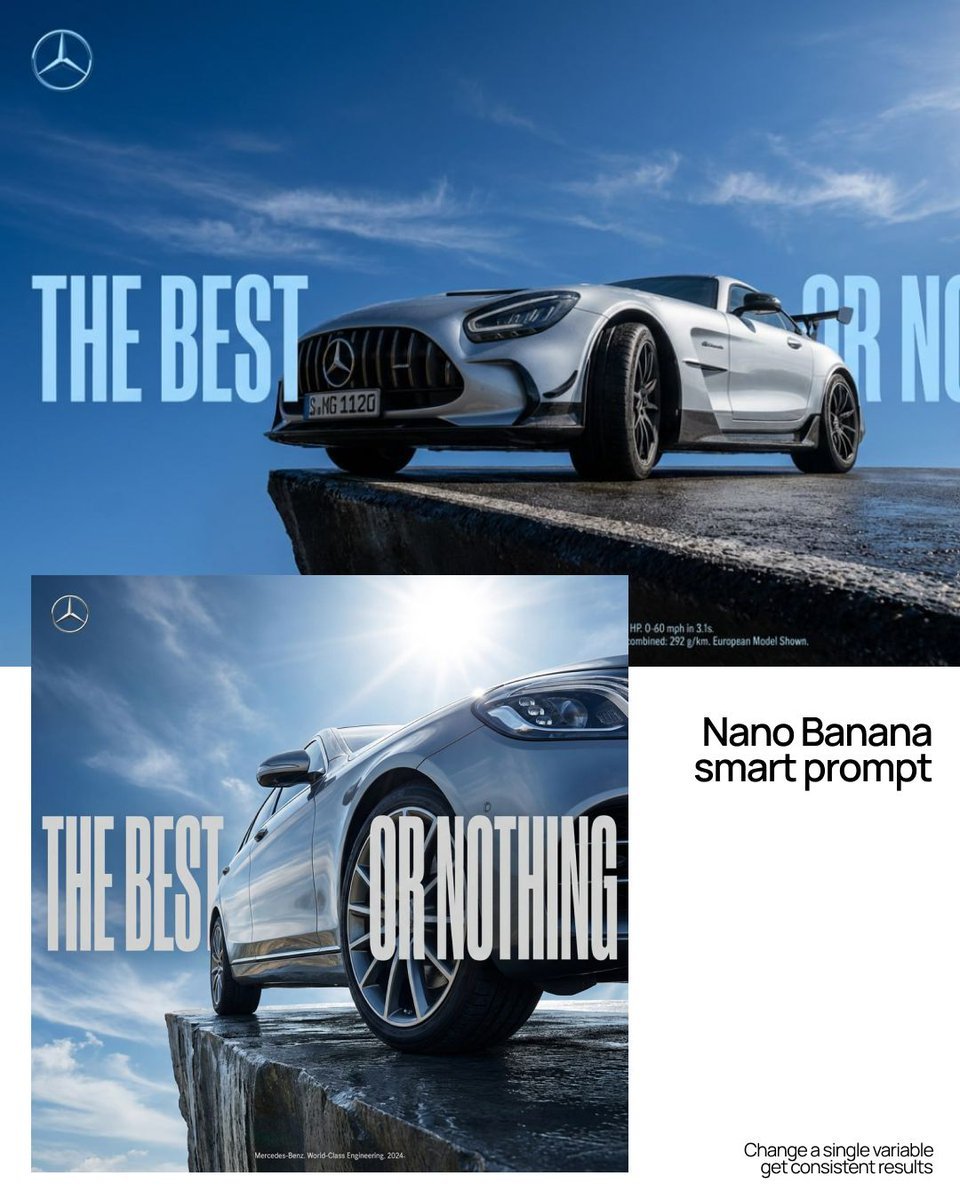
As massive, ultra-condensed bold sans-serif characters
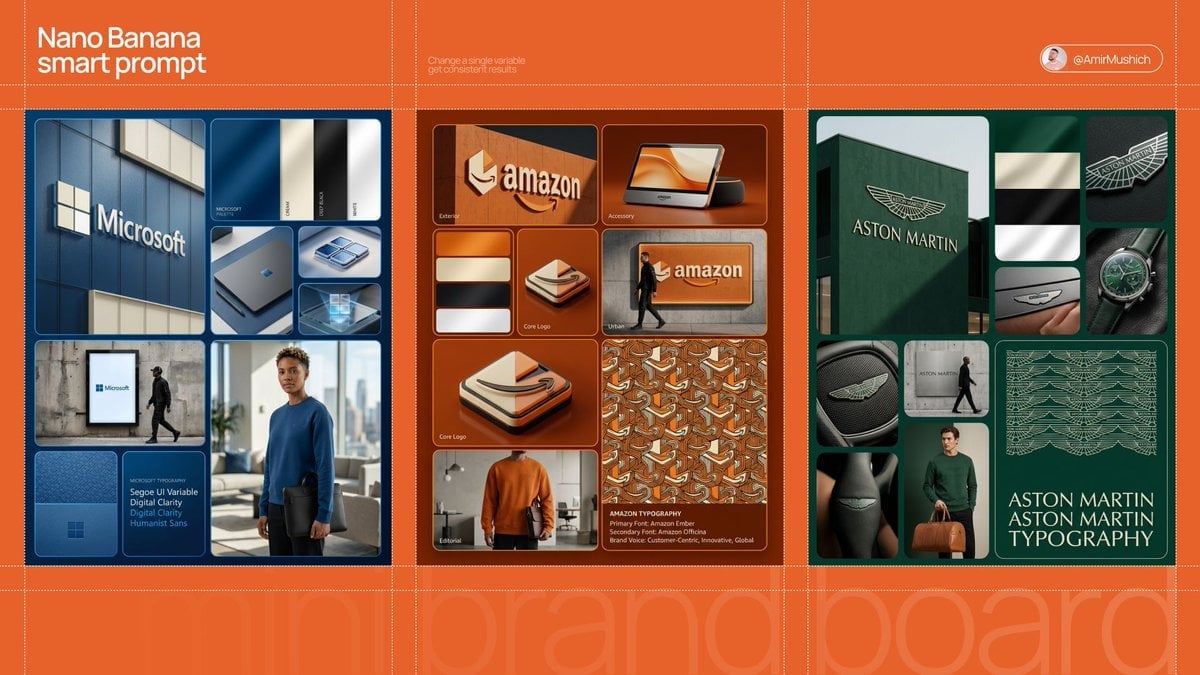
In a clean, high-end sans-serif

Motion Graphics Finale Fireworks

Motion Graphics Garden Maze

Motion Graphics Castle Gate

Motion Graphics Kitchen Chaos

Motion Graphics Carnival Ride

Motion Graphics Rainy Bus Stop
Make it yours
Humanist Sans-Serif Typography Design works as-is. These are the safest ways to change it without losing the look.
Change one field
Copy a single group, rewrite it, and generate again so you can see what that field is doing.
Keep the frame, change the subject
Hold the composition and light of Humanist Sans-Serif Typography Design, then swap wardrobe, props or the person for a new take.
| If the result… | Why | Fix |
|---|---|---|
| The result drifts from the preview | Too many fields changed at once. | Reuse Humanist Sans-Serif Typography Design as-is first, then change one group — subject, light, or setting. |
| The model over-stylizes the scene | The prose prompt leaves finish and camera underspecified. | Add one camera or lighting sentence and stay on GPT Image 2. |
More GPT Image 2 templates
Other prompts made for GPT Image 2.

Six VTuber Japanese Logo Sheet

Realistic Portrait of Woman and Deer

The Vista Modular Condo Poster

AI Model Routing Comparison Infographic

2.5D Anime Art Board

Isometric Productivity Desk Scene

New York Double Exposure Poster

Four-Panel AI Landscape Comparison

Japanese Tatami Lifestyle Magazine Cover

NESCAFÉ Coffee Map Poster
More image prompts
Fresh picks from across the catalog.
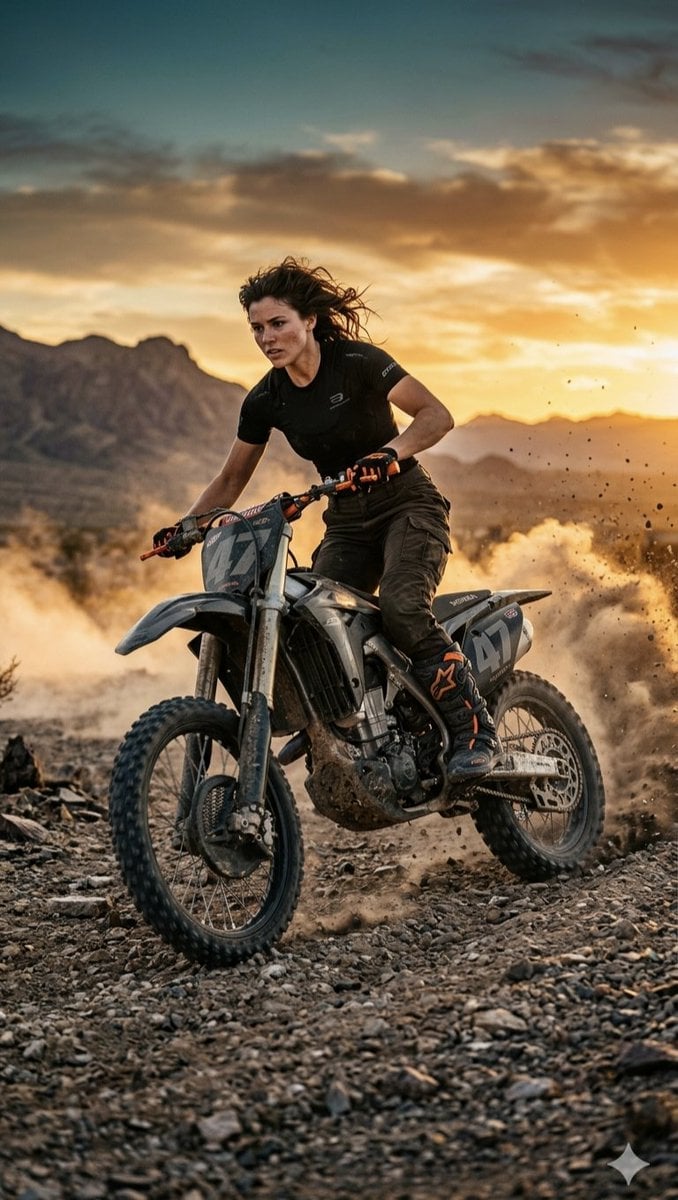
Desert Motocross Action Shot
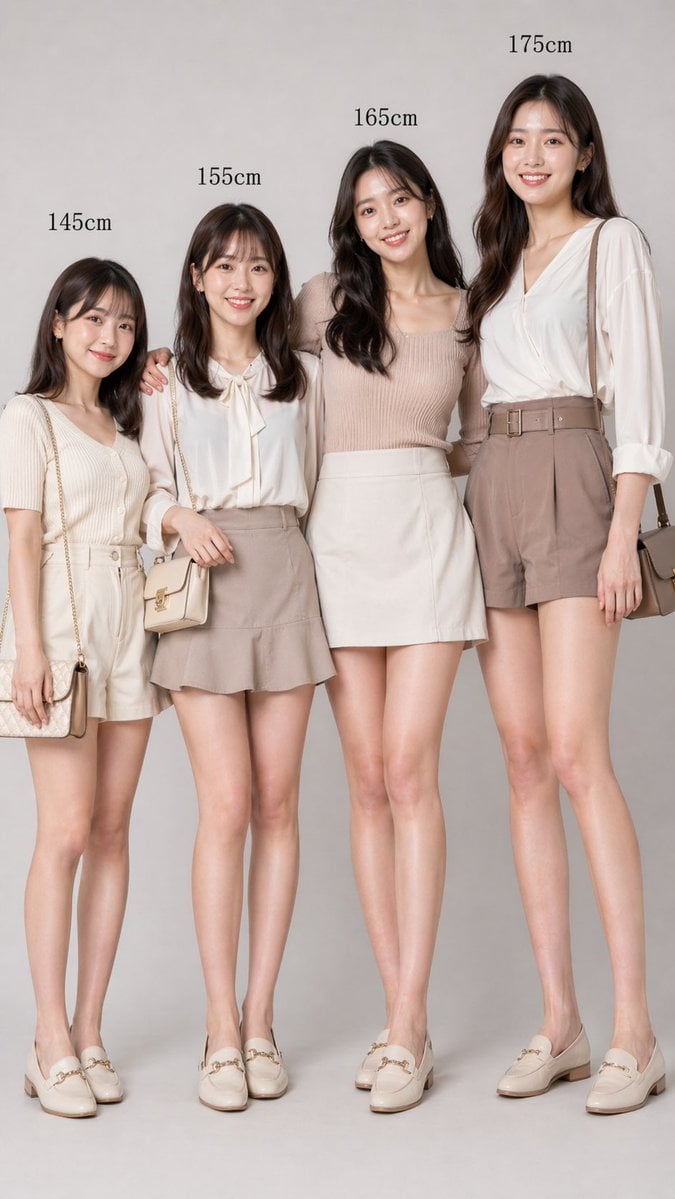
Fashion Height Comparison of Four Women
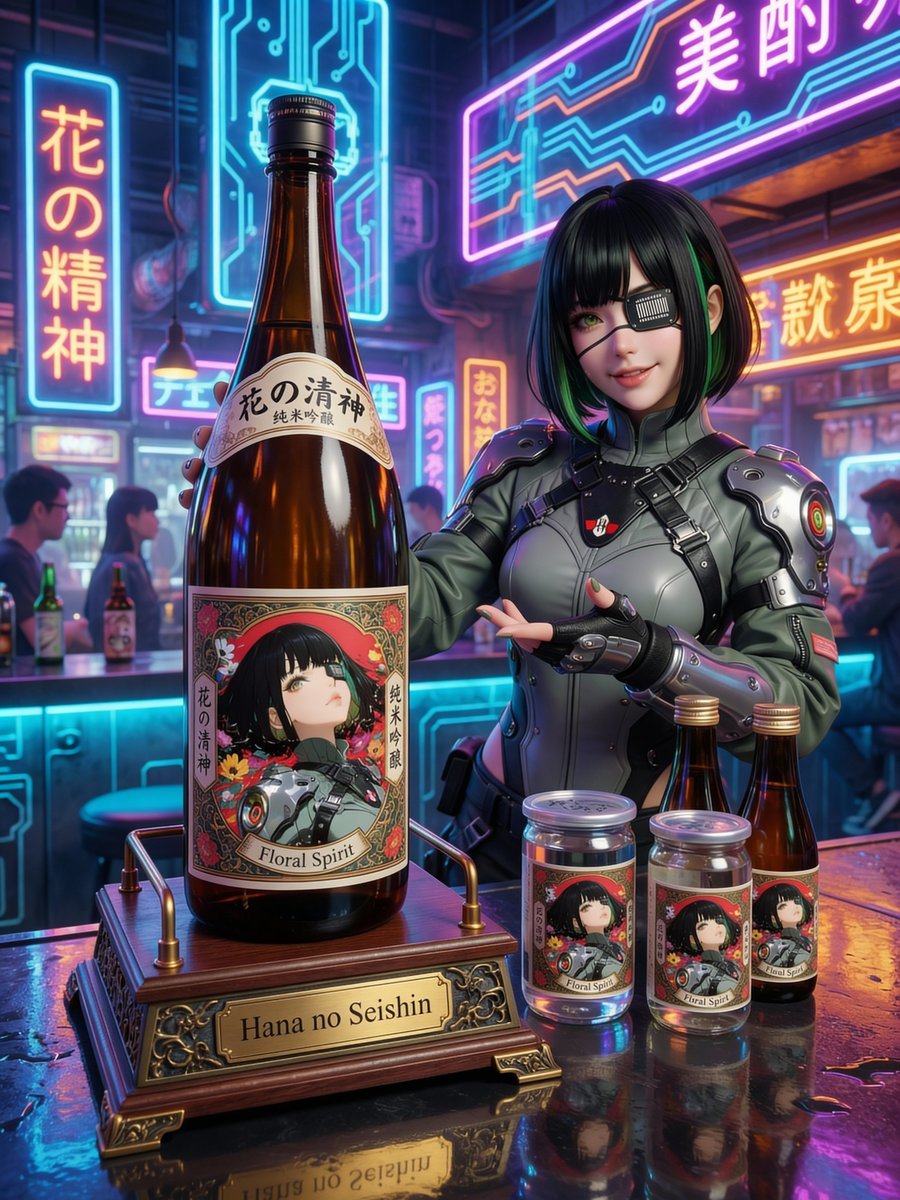
Fictional Sake Brand Bottle Design
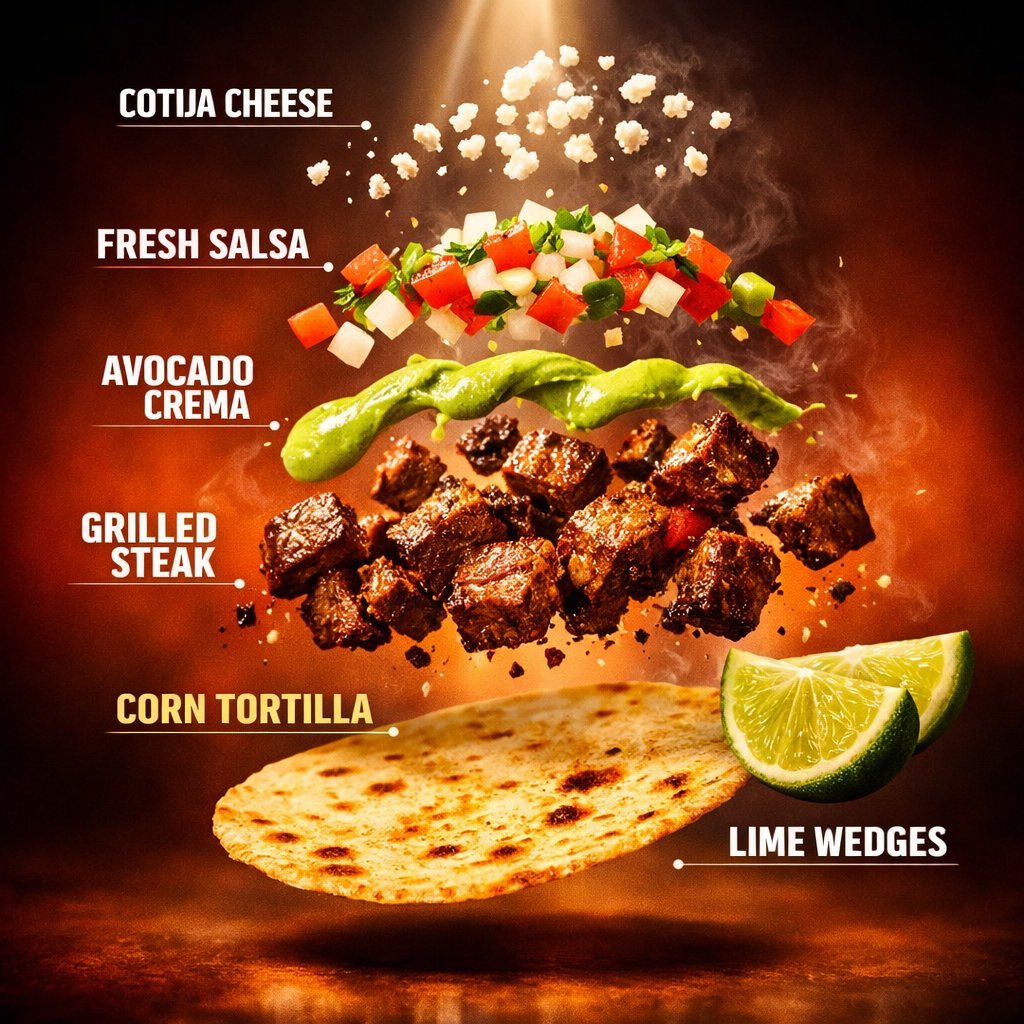
Exploded Tacos Commercial Visualization
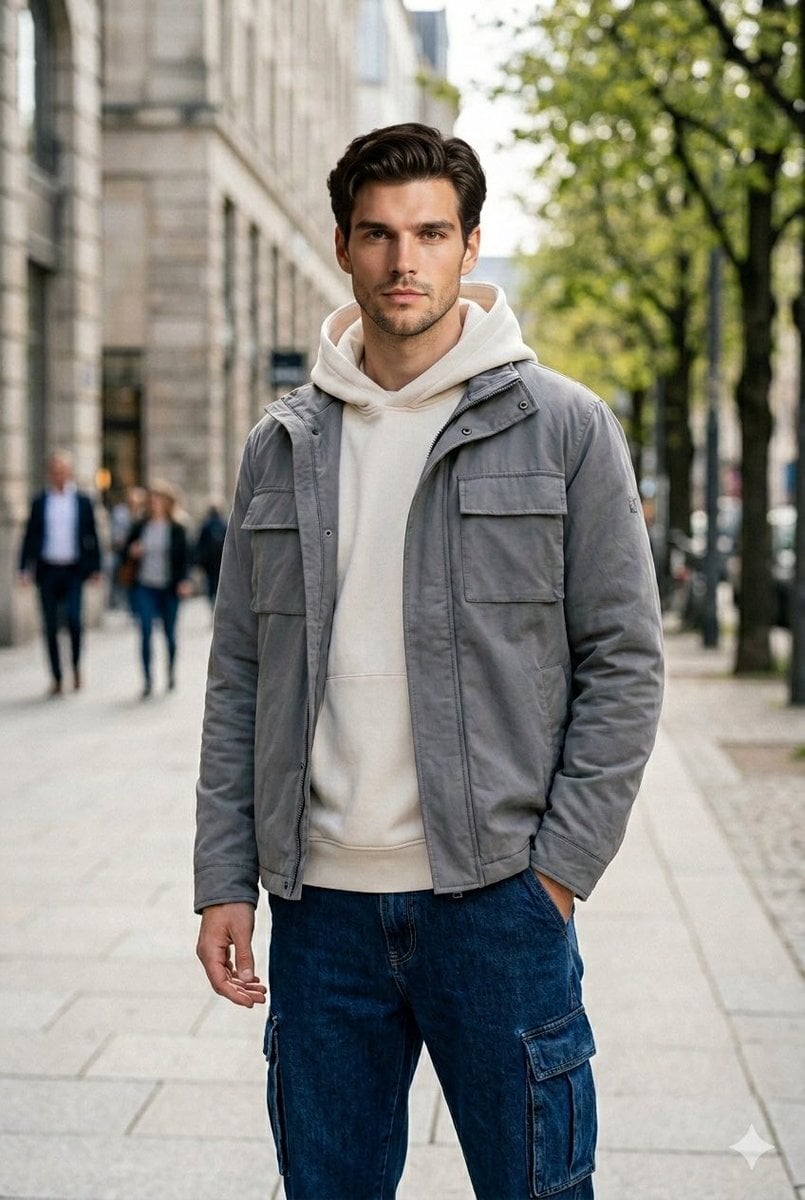
Ultra-Realistic Urban Portrait of a Young Man
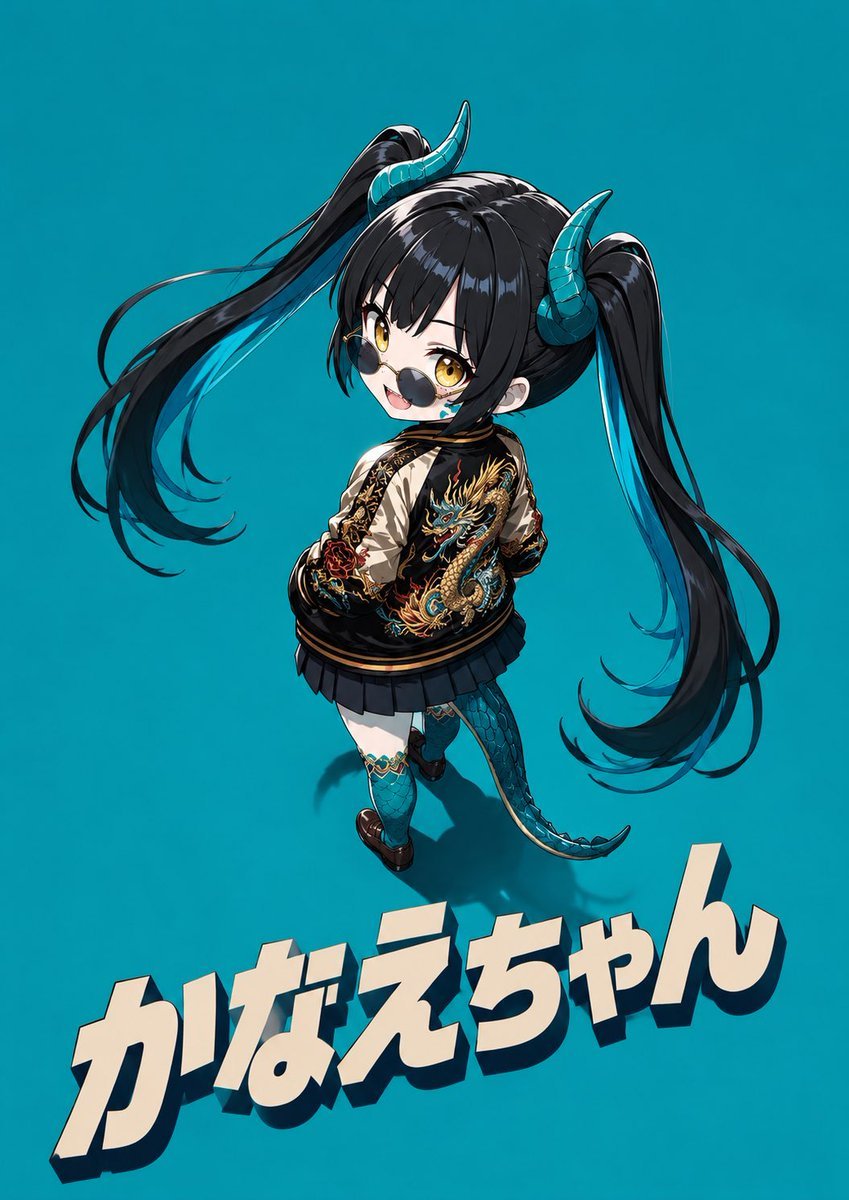
Cool Chibi Demon Girl Poster
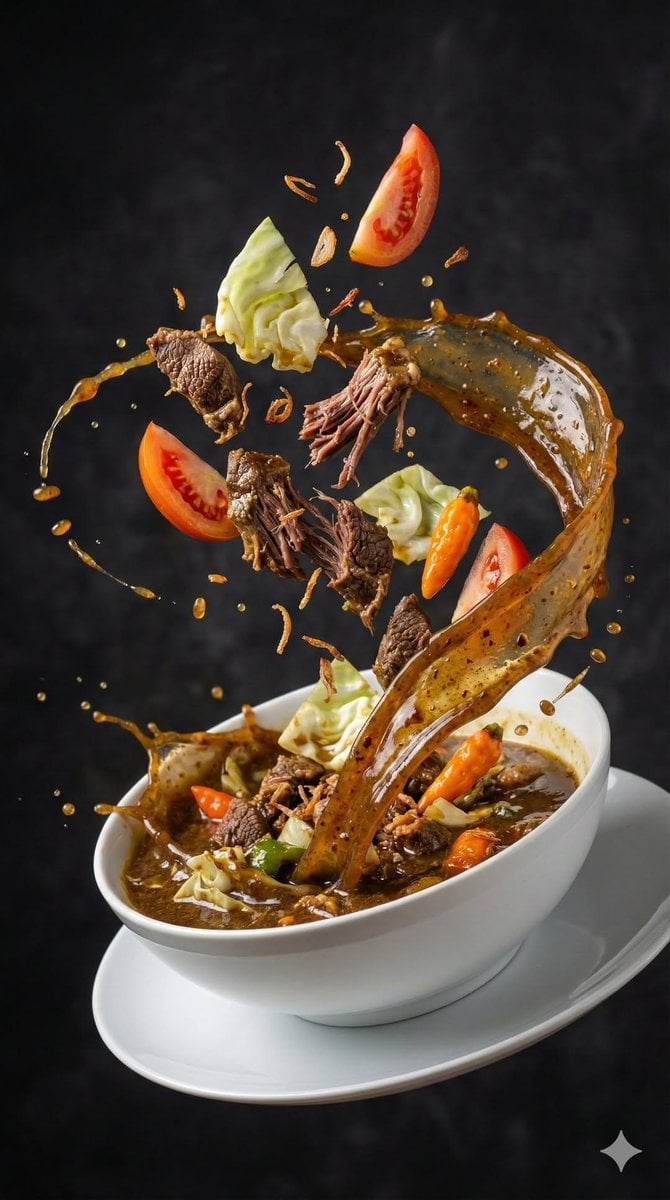
High-Speed Food Photography of Exploding Asian Soup
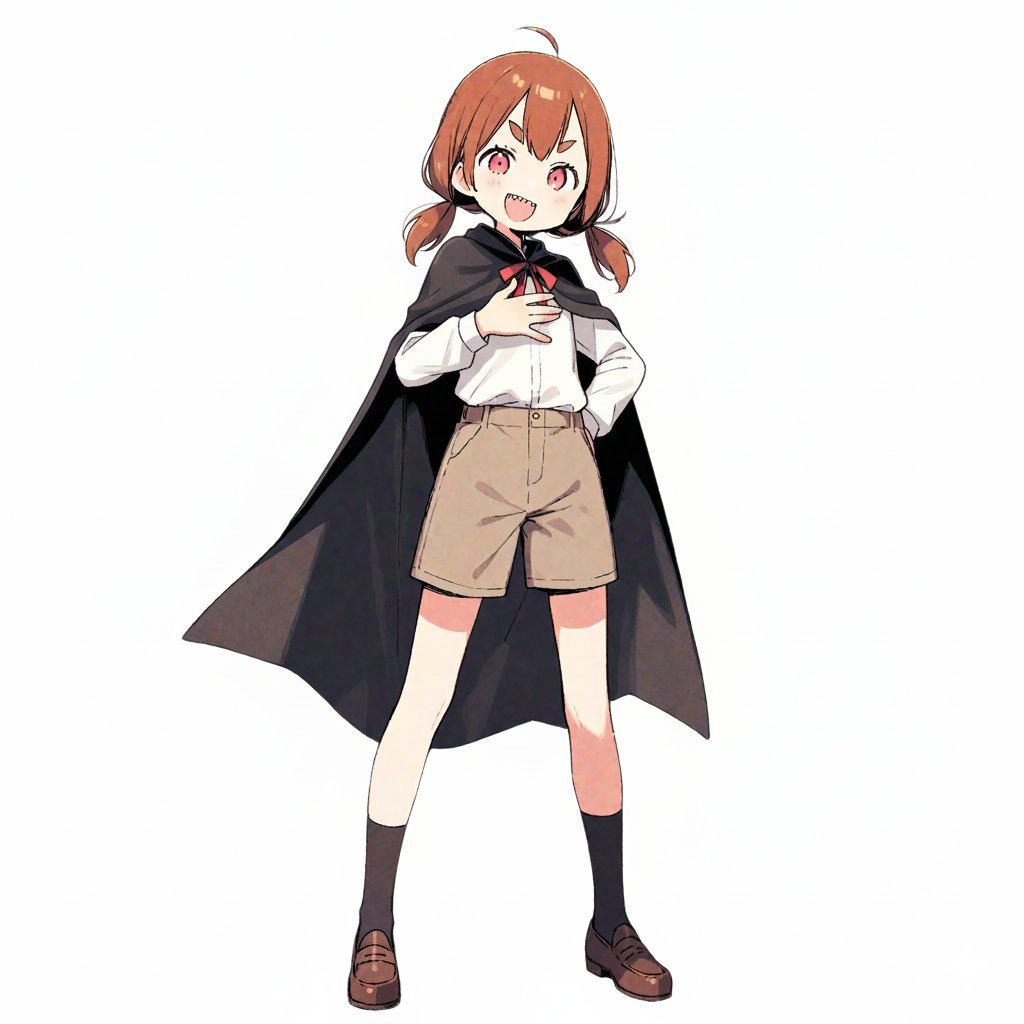
Travel Itinerary Illustration Generation Prompt
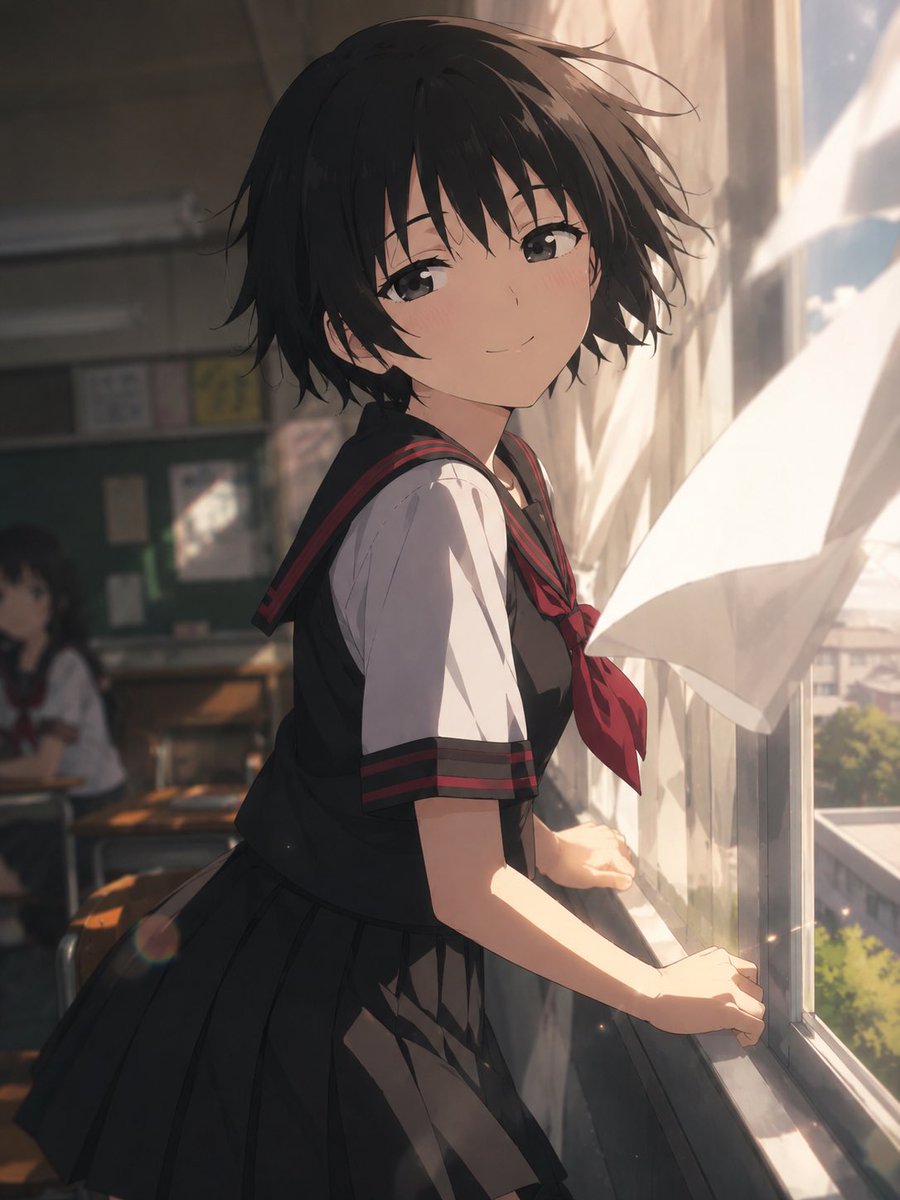
Cinematic Anime Screenshot Prompt
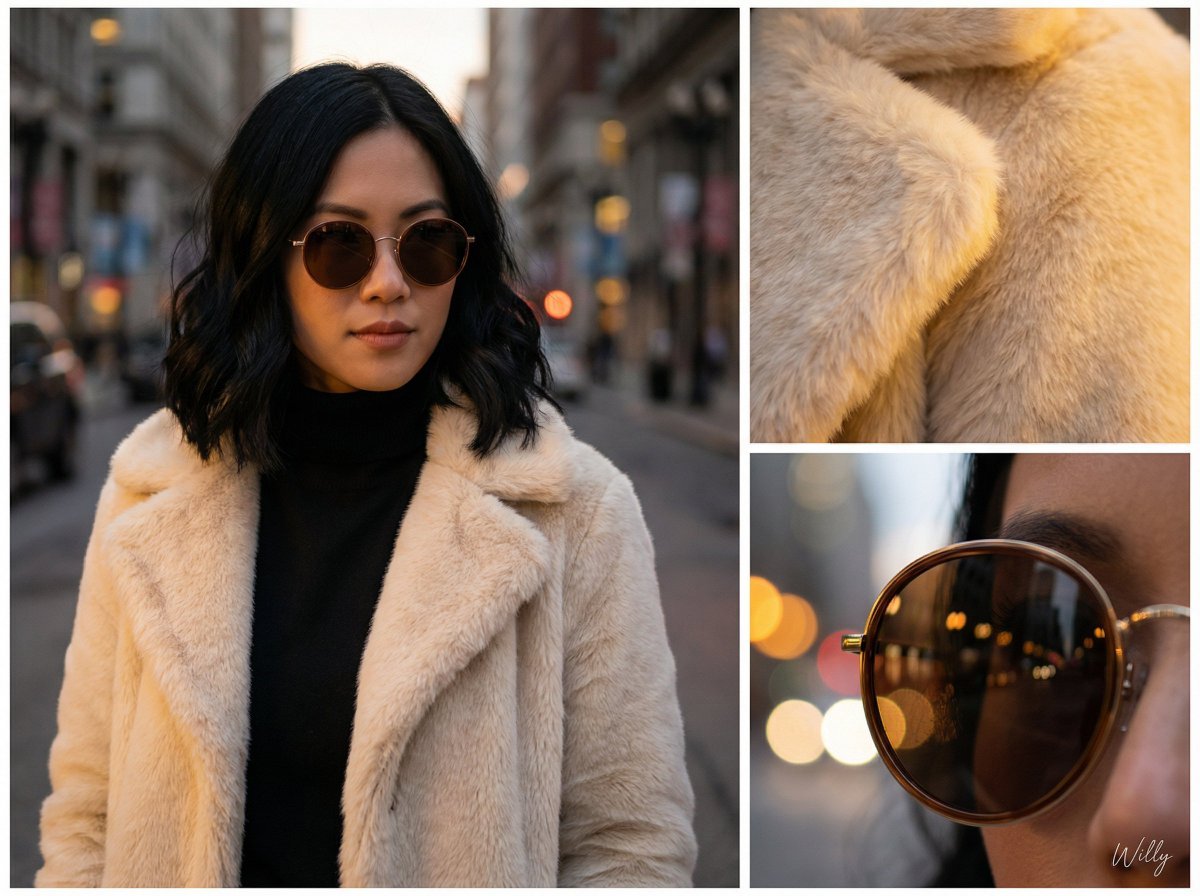
Asymmetric Grid Editorial Portrait with Detail Shots
Browse template categories
Humanist Sans-Serif Typography Design questions
How do I use the Humanist Sans-Serif Typography Design template?
Add your photo if the template asks for one, edit the prompt if you like — the template's model and format are already selected — and press Generate. Your version opens in PicX Studio.
Can I customize the Humanist Sans-Serif Typography Design template?
Yes. You can change the subject, setting, lighting, mood, format, and available model controls before creating your image.
Is the Humanist Sans-Serif Typography Design template free?
Opening and editing this template is free. Generating uses credits, shown on the Generate button when you are signed in.
Which AI model should I use?
Start with GPT Image 2, which is the model associated with this template. You can compare another compatible model for a different finish.
Looking for something else? Browse all templates.

Your photo, any look
Thousands of ready templates for every top image and video model, from one credit balance.