
Cinematic Anime Screenshot Prompt
A professional-grade prompt designed to turn reference images into dynamic cinematic anime frames with high-end lighting and camera work.
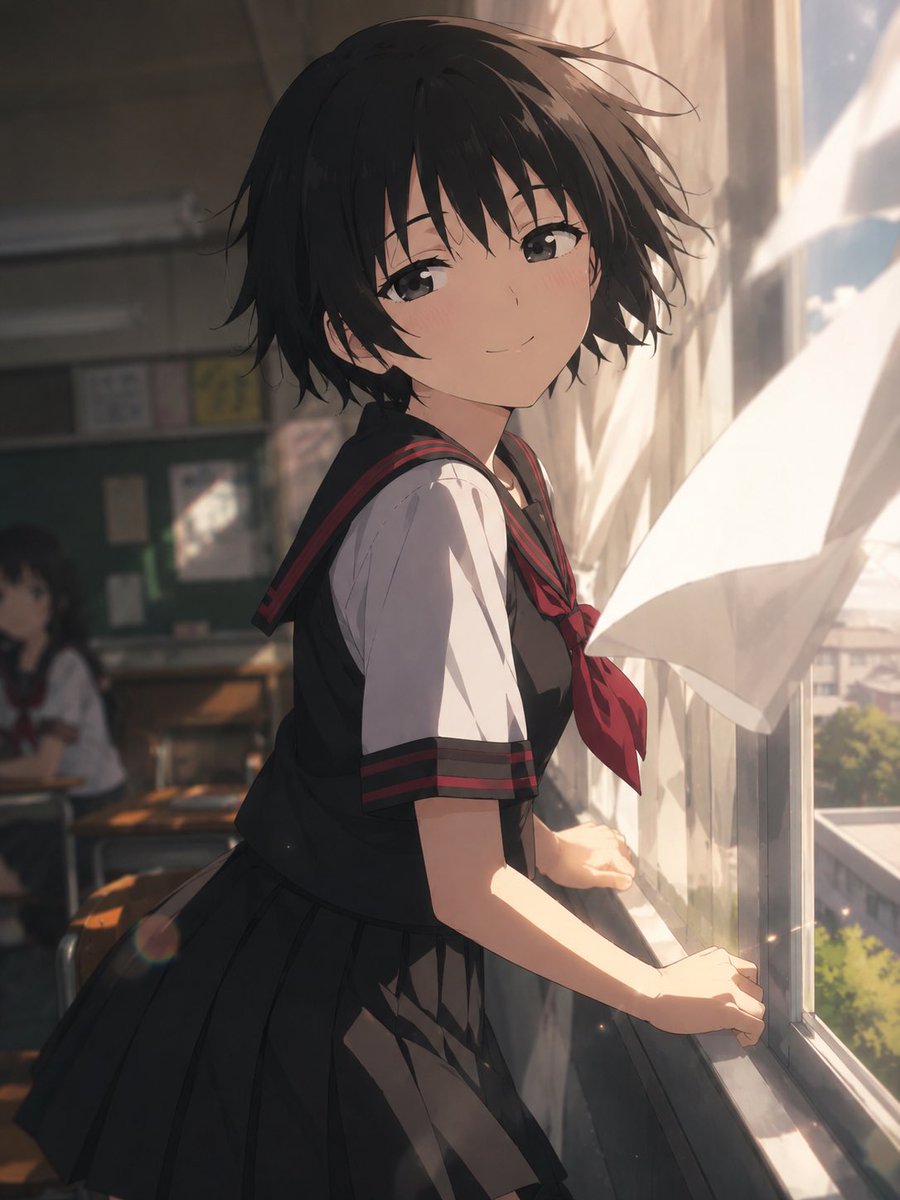
- Prompt included
- Model and format preset
- Free template
The prompt behind this image
Copy the exact prompt behind Cinematic Anime Screenshot Prompt, or open it in the studio and make it yours.
For the image about to be generated, please pass only the prompt instructions to GPT image2. {argument name="aspect ratio" default="a 3:4 portrait composition"}. Depict it as a cinematic scene from an anime. Do not carry over the reference image's composition, pose, or screen layout — use the reference only for character design, costume, face, color, and world setting. Depict an extremely dynamic and striking moment that fits the reference character's personality, emotions, occupation, combat style, and world setting. Rather than a mere pose, stage it as if capturing a moment mid-action, mid-emotion, or mid-movement. Use strong perspective, a wide-angle-lens-style composition, depth, foreground occlusion, hair and clothes moved by wind, rack focus, bokeh balls, aerial perspective, and cinematic lighting. Emphasize horizontal eye-line guidance and a wide sense of spatial staging. Make the whole image, background included, work as "a single cut from a piece of video work." Keep the background's information density high yet well organized, and keep visual noise down. Fragments are forbidden. Keep characters other than the lead to a minimum. Static poses, left-right symmetry, empty backgrounds, poster-like composition, and mobile-game-style character-standee art are forbidden. {argument name="anime style" default="Japanese TV anime style"}, anime screenshot, 2020s anime series, clean cel shading, flat anime coloring, polished anime lineart, no painterly rendering, clean digital anime finish, highly readable silhouette, cinematic anime depth of field.
How to use Cinematic Anime Screenshot Prompt in 3 steps
- 1Upload ImagePNG, JPG or paste
Add your photo
Upload the photo the template builds on. The prompt, model and format are already set.
- 2…a portrait of your subject in softgolden-hour light, 85mm…
Personalize
Edit the subject and creative details for your destination.
- 3Generate
Generate
Press Generate — your image is created in PicX Studio, so you can compare it with the original and refine one variable at a time.
More like this
Templates with the same subject, style or setup. Open one to see its prompt.












Make it yours
Cinematic Anime Screenshot Prompt works as-is. These are the safest ways to change it without losing the look.
Change one field
Copy a single group, rewrite it, and generate again so you can see what that field is doing.
Keep the frame, change the subject
Hold the composition and light of Cinematic Anime Screenshot Prompt, then swap wardrobe, props or the person for a new take.
| If the result… | Why | Fix |
|---|---|---|
| The result drifts from the preview | Too many fields changed at once. | Reuse Cinematic Anime Screenshot Prompt as-is first, then change one group — subject, light, or setting. |
| The model over-stylizes the scene | The prose prompt leaves finish and camera underspecified. | Add one camera or lighting sentence and stay on GPT Image 2. |
More GPT Image 2 templates
Other prompts made for GPT Image 2.

Six VTuber Japanese Logo Sheet

Realistic Portrait of Woman and Deer

The Vista Modular Condo Poster

AI Model Routing Comparison Infographic

2.5D Anime Art Board

Isometric Productivity Desk Scene

New York Double Exposure Poster

Four-Panel AI Landscape Comparison

Japanese Tatami Lifestyle Magazine Cover

NESCAFÉ Coffee Map Poster
More image prompts
Fresh picks from across the catalog.
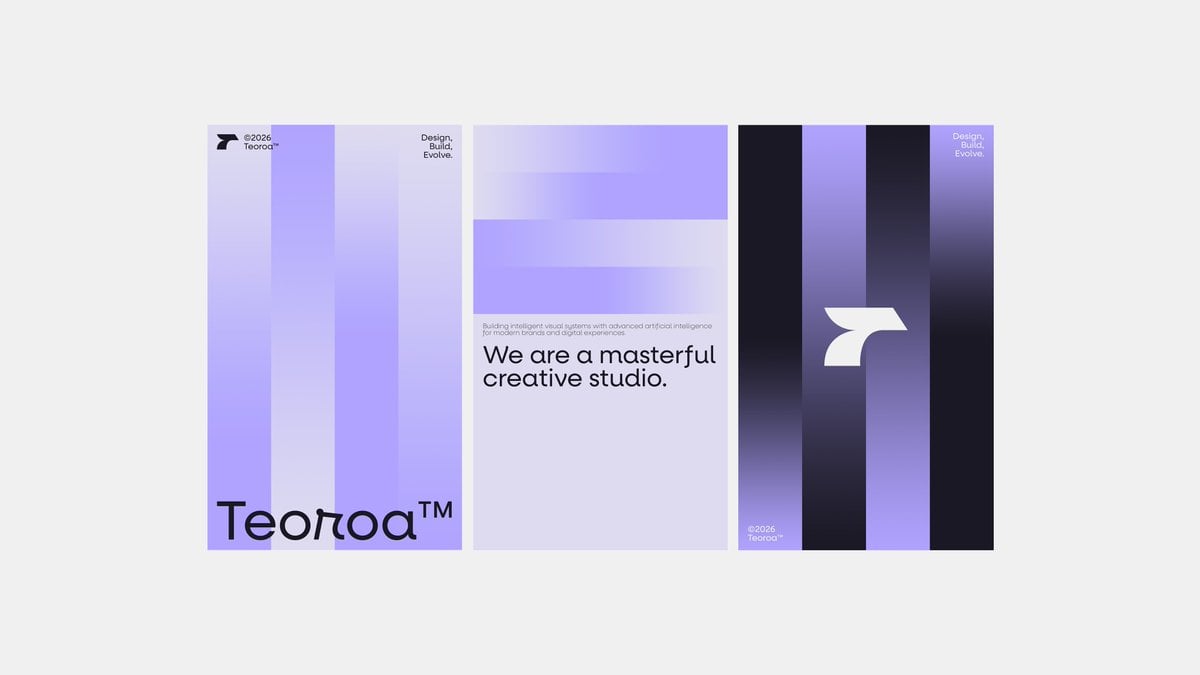
Minimalist Purple Brand Poster Triptych
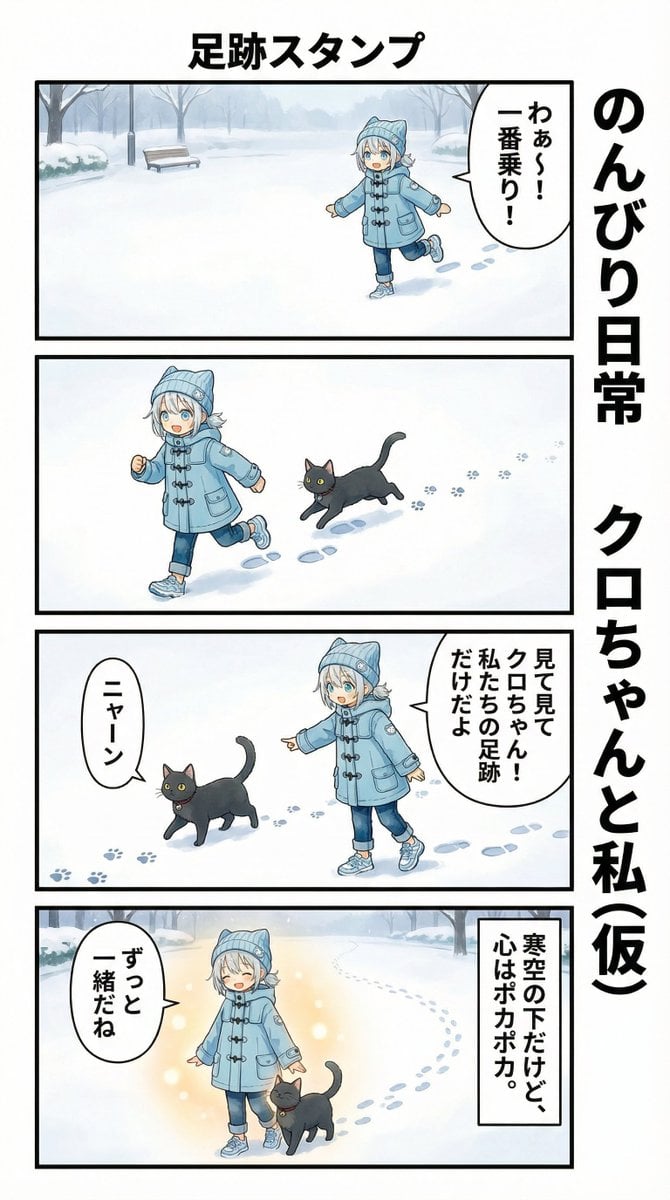
AI Manga Panel Generation
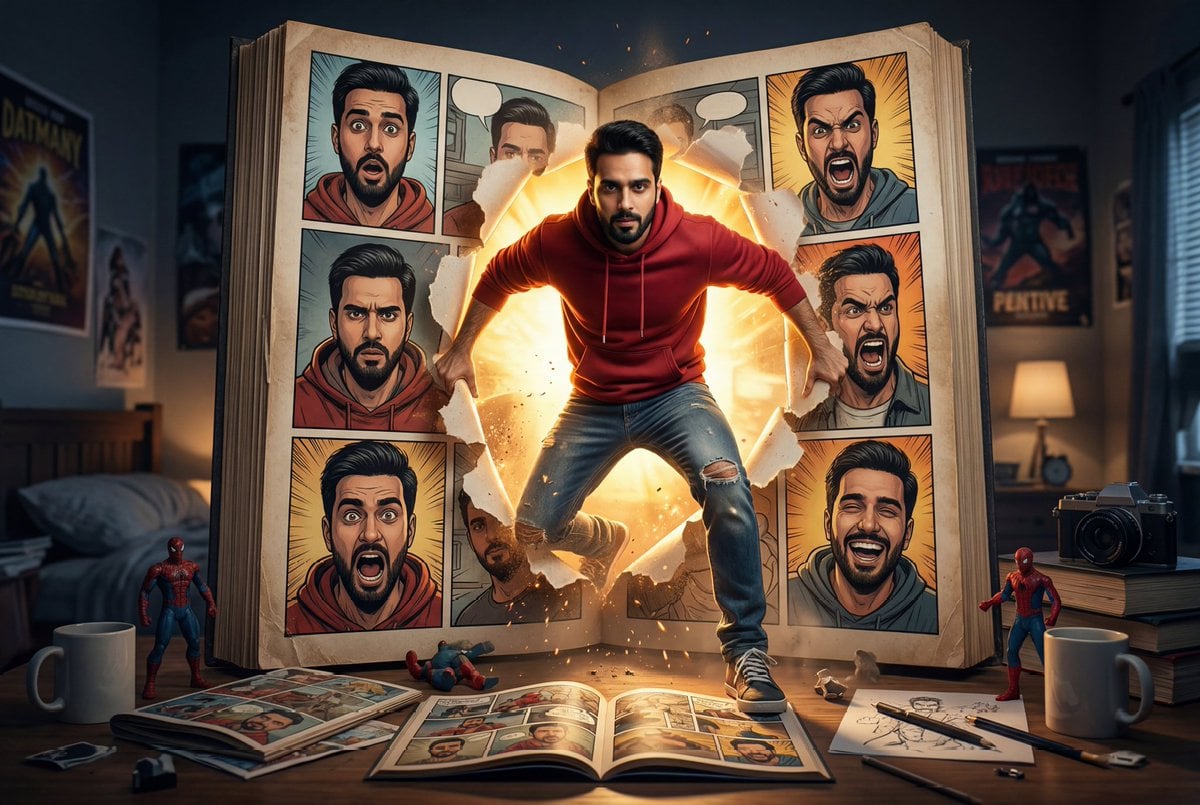
Cinematic Comic Book Step-Out Scene
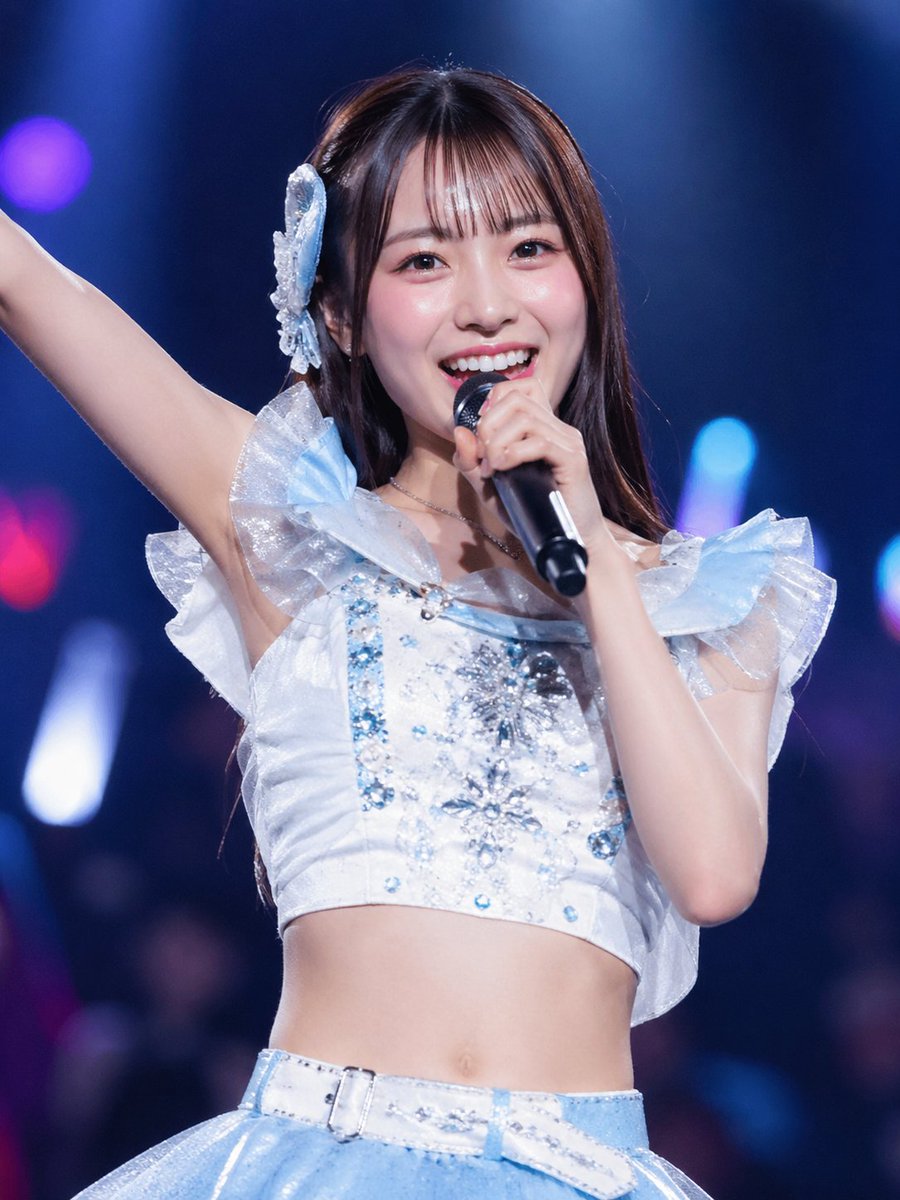
Japanese Idol Concert Portrait
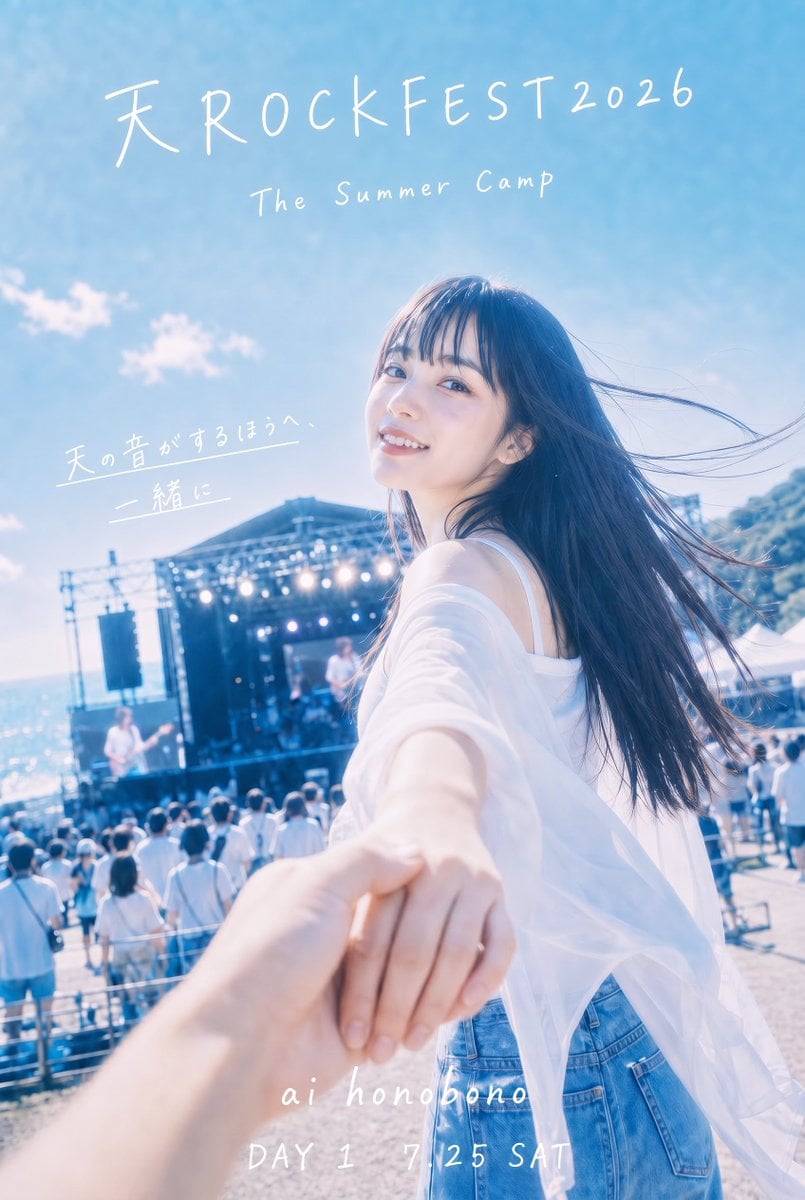
Seaside Rock Festival Poster
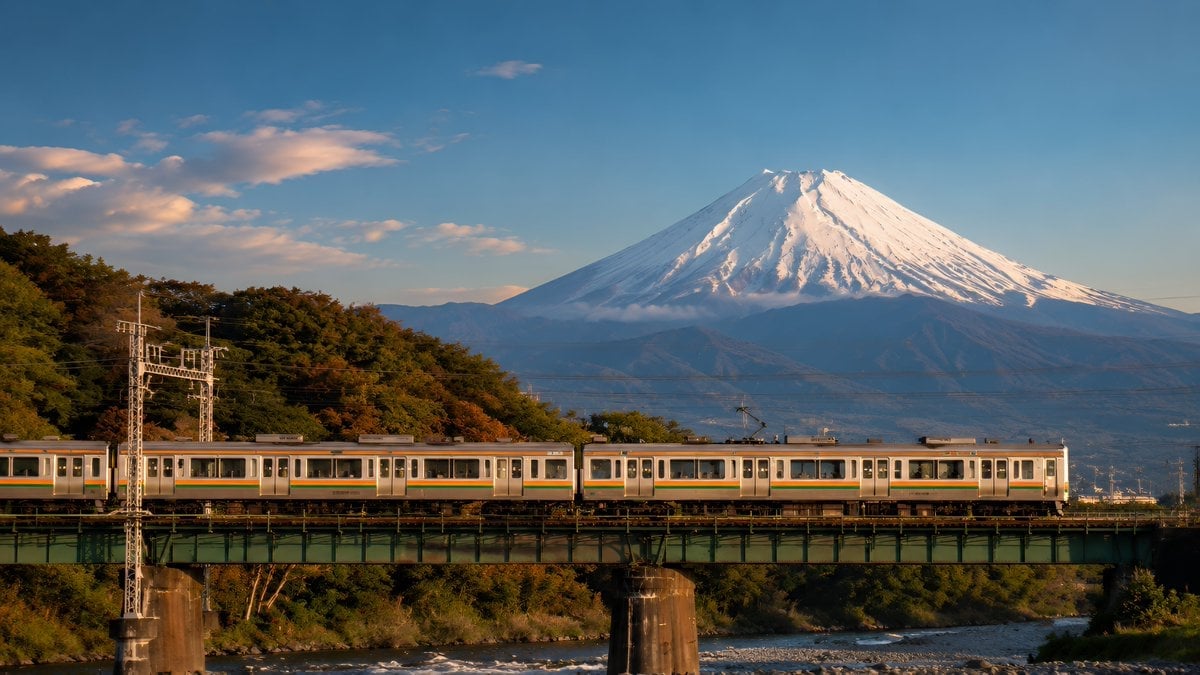
Mount Fuji Train Wallpaper
Nano Banana Pro prompt for a futuristic, neon-lit cityscape
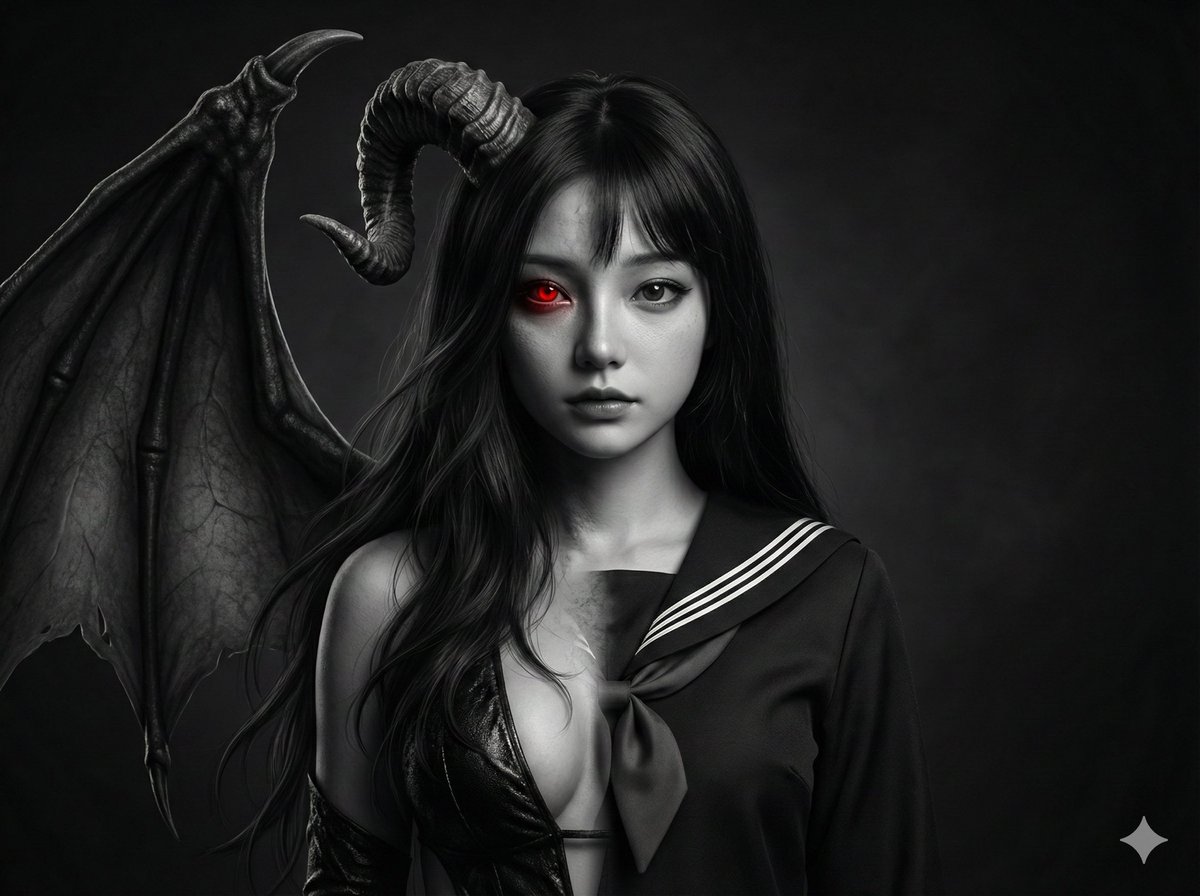
Human-Succubus Fusion Portrait Prompt
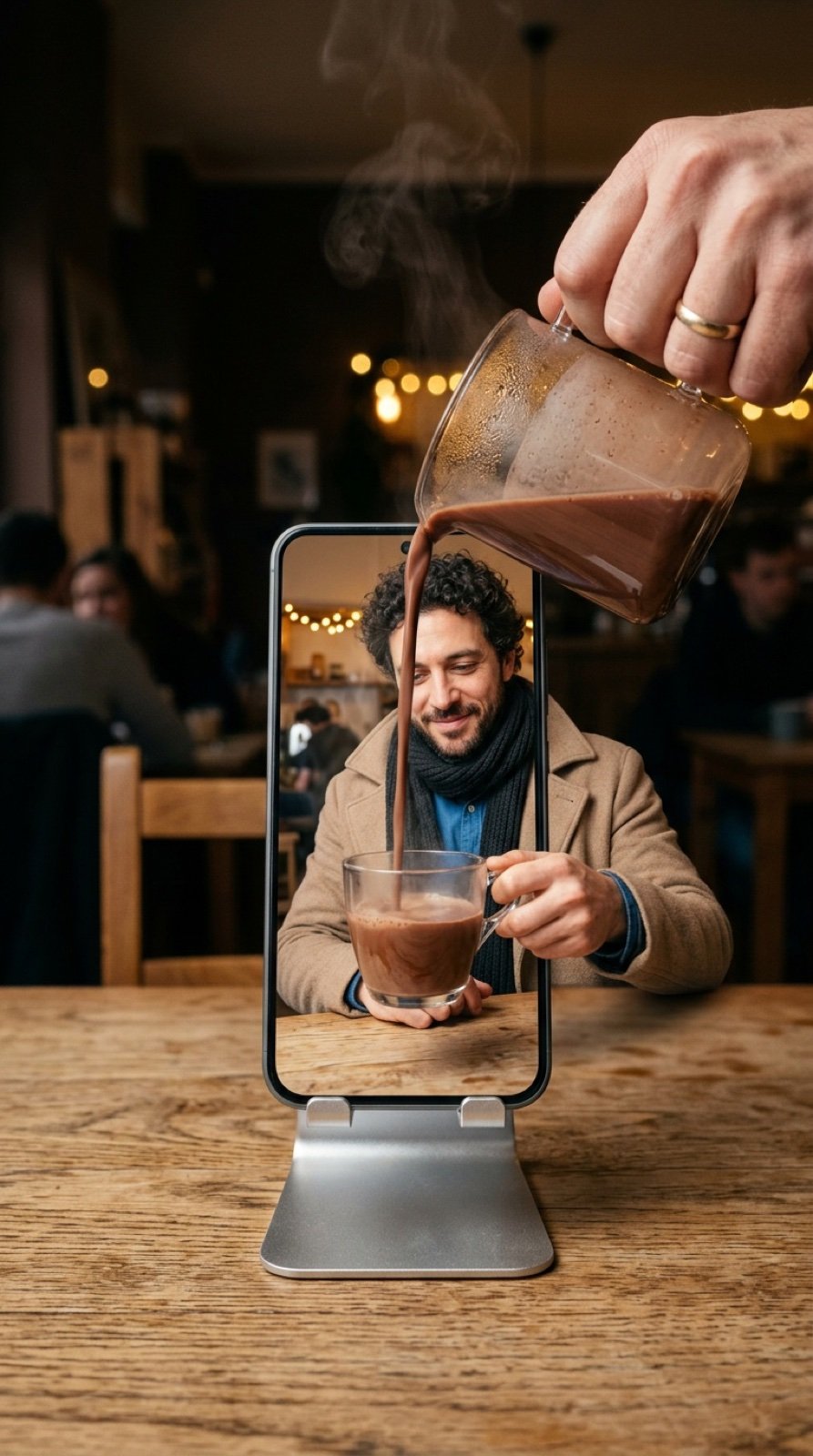
Mixed-Reality Hot Chocolate Pour Prompt (Image-to-Image)
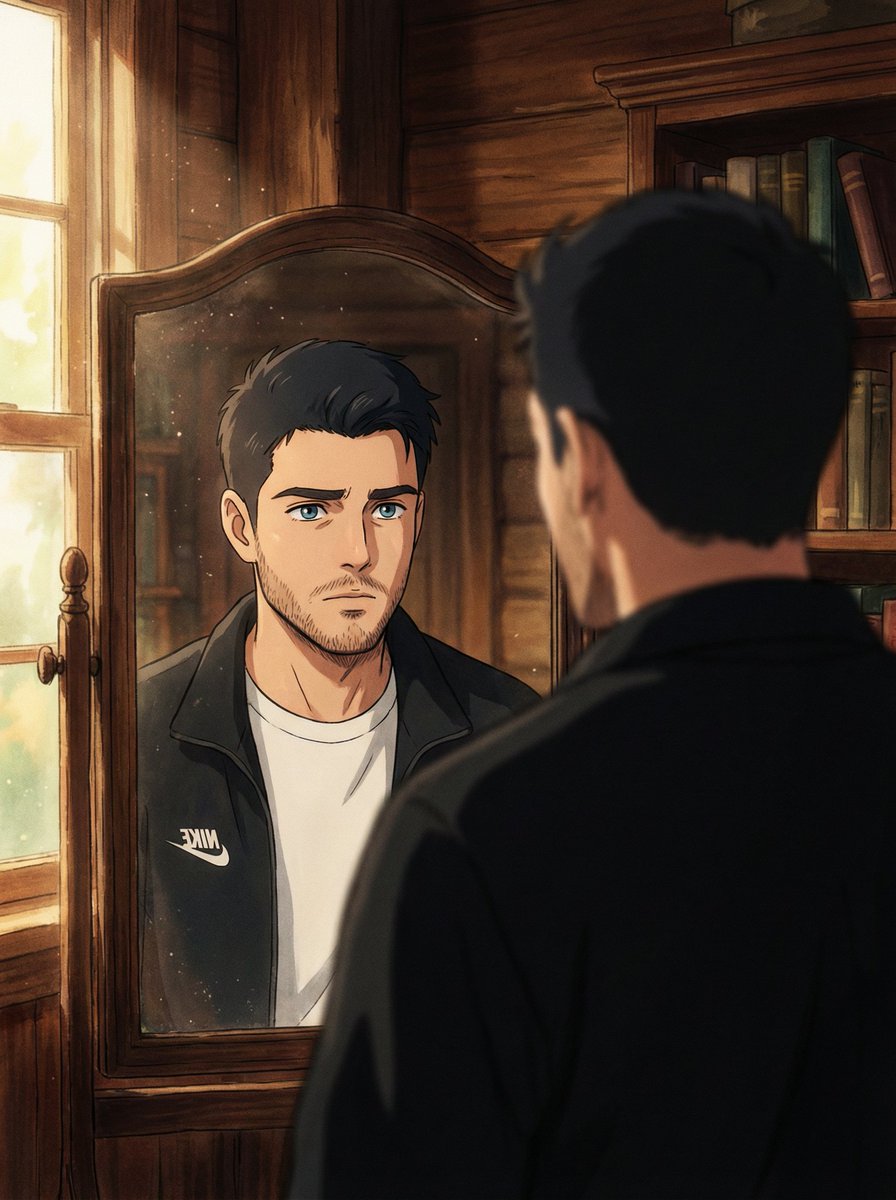
Cinematic Portrait Reflection with Ghibli Effect
Browse template categories
Cinematic Anime Screenshot Prompt questions
How do I use the Cinematic Anime Screenshot Prompt template?
Add your photo if the template asks for one, edit the prompt if you like — the template's model and format are already selected — and press Generate. Your version opens in PicX Studio.
Can I customize the Cinematic Anime Screenshot Prompt template?
Yes. You can change the subject, setting, lighting, mood, format, and available model controls before creating your image.
Is the Cinematic Anime Screenshot Prompt template free?
Opening and editing this template is free. Generating uses credits, shown on the Generate button when you are signed in.
Which AI model should I use?
Start with GPT Image 2, which is the model associated with this template. You can compare another compatible model for a different finish.
Looking for something else? Browse all templates.

Your photo, any look
Thousands of ready templates for every top image and video model, from one credit balance.