
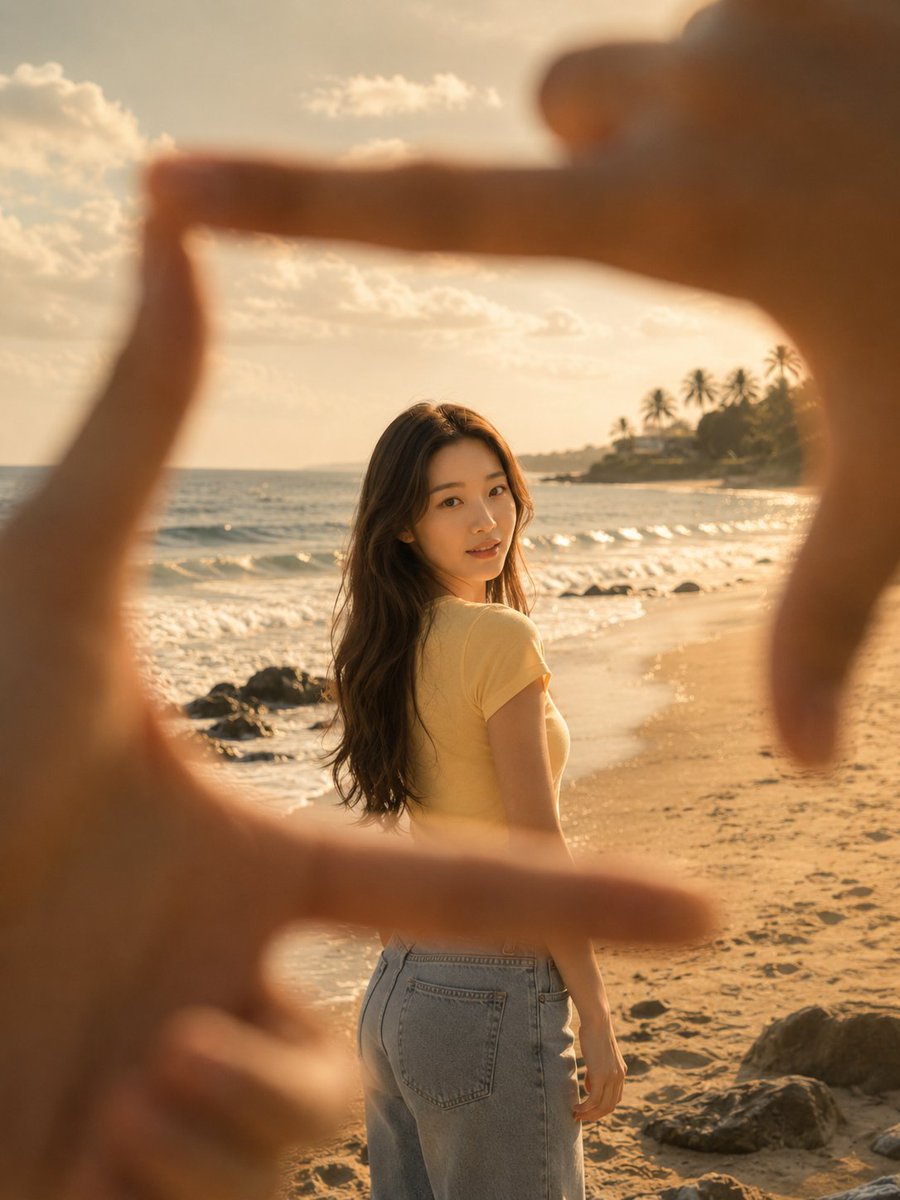
First-Person Beach Finger Frame Portrait
A nostalgic, vintage-style prompt for generating a first-person perspective photo at the beach, where the subject is framed by someone's fingers.
- Prompt included
- Model and format preset
- Free template
The prompt behind this image
Copy the exact prompt behind First-Person Beach Finger Frame Portrait, or open it in the studio and make it yours.
[Subject's pose and expression] [{argument name="subject" default="the person in image 1"}] is standing on the sandy beach, body turned, with their head slightly turned to glance back over their right shoulder, wearing a soft smile. The subject is stably captured in the center of another person's square finger-frame (made with both hands) positioned in the foreground, at a distance of about 4 meters. Hyper-realistic. [Subject's hairstyle and makeup details] She has long, full, naturally wavy light brown hair flowing down her back. The makeup emphasizes a natural skin tone suited to the beach setting, and she is wearing a simply designed {argument name="top" default="pale yellow short-sleeve t-shirt"}. [Lighting and light direction — important] Warm, soft afternoon natural sunlight envelops the entire beach. Warm light seeps into the subject's face and hair, rendering them brightly, while the hands forming the frame in the foreground are backlit, creating a contrasting dark silhouette. [Texture and color mood — important] A warm, faded yellow tone typical of vintage film cameras pervades the overall image, with a fine film-grain texture alive throughout. The intimacy of the first-person viewpoint blends with the romantic, analog feel of the beach to create a nostalgic mood. [Film and camera lens depth of field, angle] This is an eye-level, first-person angle looking at the subject through a frame formed by both hands. An extremely shallow depth of field is used, so the fingers in the foreground lose their shape and are rendered very blurry, with sharp focus only on the subject at the middle distance. [Background elements (optional)] A blue sea rolling in with white foaming waves and a wide sandy beach stretch out in the background. Dark rocks are visible in the wet sand at the lower left, and far off toward the right edge of the horizon, a blurry silhouette of a palm-tree coastline and a clear sky can be seen.
How to use First-Person Beach Finger Frame Portrait in 3 steps
- 1Upload ImagePNG, JPG or paste
Add your photo
Upload the photo the template builds on. The prompt, model and format are already set.
- 2…a portrait of your subject in softgolden-hour light, 85mm…
Personalize
Edit the subject and creative details for your destination.
- 3Generate
Generate
Press Generate — your image is created in PicX Studio, so you can compare it with the original and refine one variable at a time.
More like this
Templates with the same subject, style or setup. Open one to see its prompt.
Alpine Valley First-Person POV Portrait

Toddler Version of a Person in 3d Pixar

Found Photograph: Us, 1970

80s Couple Studio Portrait

80s Bollywood Star

80s Golden Hour Cinema

Me in 1985

1985 Studio Portrait

First Person POV Unusual Scenes

Hyper-Realistic Minecraft POV Portrait
A first-person point-of-view POV shot inside a modern supermarket aisle
First-person perspective inside a brightly lit supermarket aisle
Make it yours
First-Person Beach Finger Frame Portrait works as-is. These are the safest ways to change it without losing the look.
Change one field
Copy a single group, rewrite it, and generate again so you can see what that field is doing.
Keep the frame, change the subject
Hold the composition and light of First-Person Beach Finger Frame Portrait, then swap wardrobe, props or the person for a new take.
| If the result… | Why | Fix |
|---|---|---|
| The result drifts from the preview | Too many fields changed at once. | Reuse First-Person Beach Finger Frame Portrait as-is first, then change one group — subject, light, or setting. |
| The model over-stylizes the scene | The prose prompt leaves finish and camera underspecified. | Add one camera or lighting sentence and stay on GPT Image 2. |
More GPT Image 2 templates
Other prompts made for GPT Image 2.

Six VTuber Japanese Logo Sheet

Realistic Portrait of Woman and Deer

The Vista Modular Condo Poster

AI Model Routing Comparison Infographic

2.5D Anime Art Board

Isometric Productivity Desk Scene

New York Double Exposure Poster

Four-Panel AI Landscape Comparison

Japanese Tatami Lifestyle Magazine Cover

NESCAFÉ Coffee Map Poster
More image prompts
Fresh picks from across the catalog.
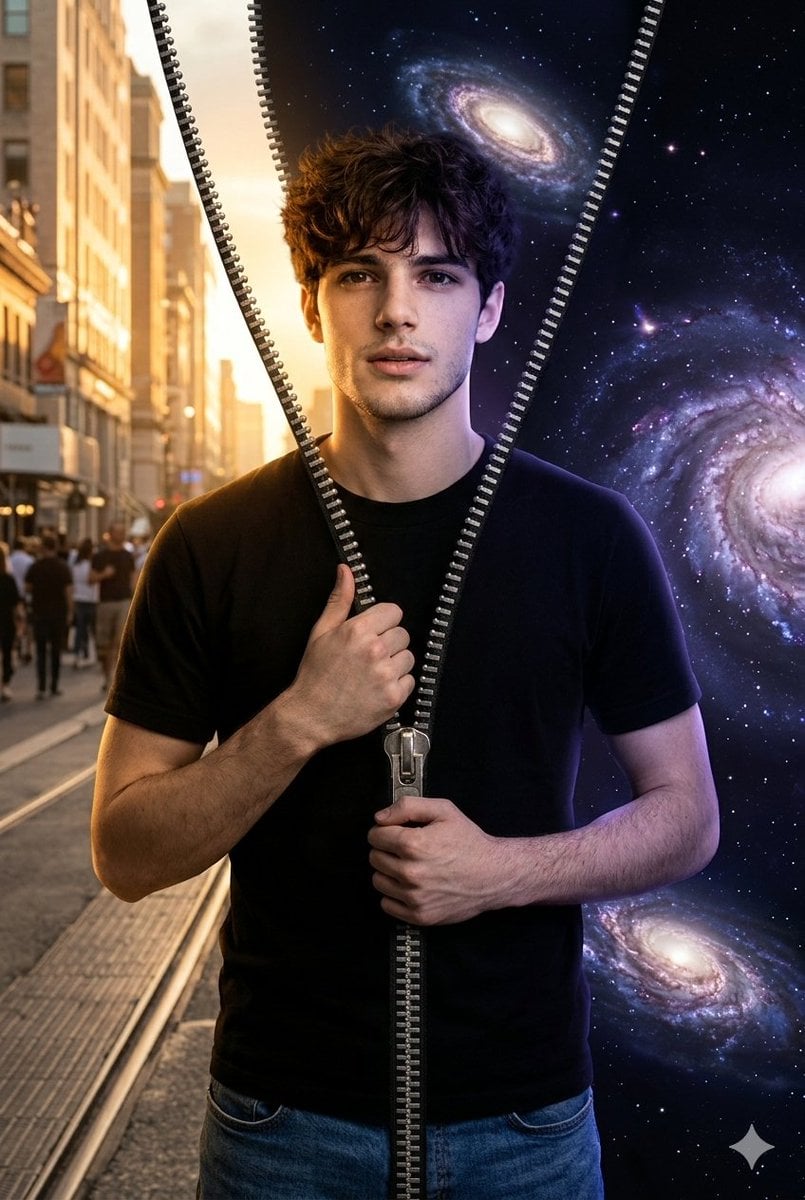
Conceptual Portrait of Man Zipping Reality Open to Cosmic Void

Angel in a Cradle Image Generation Prompt
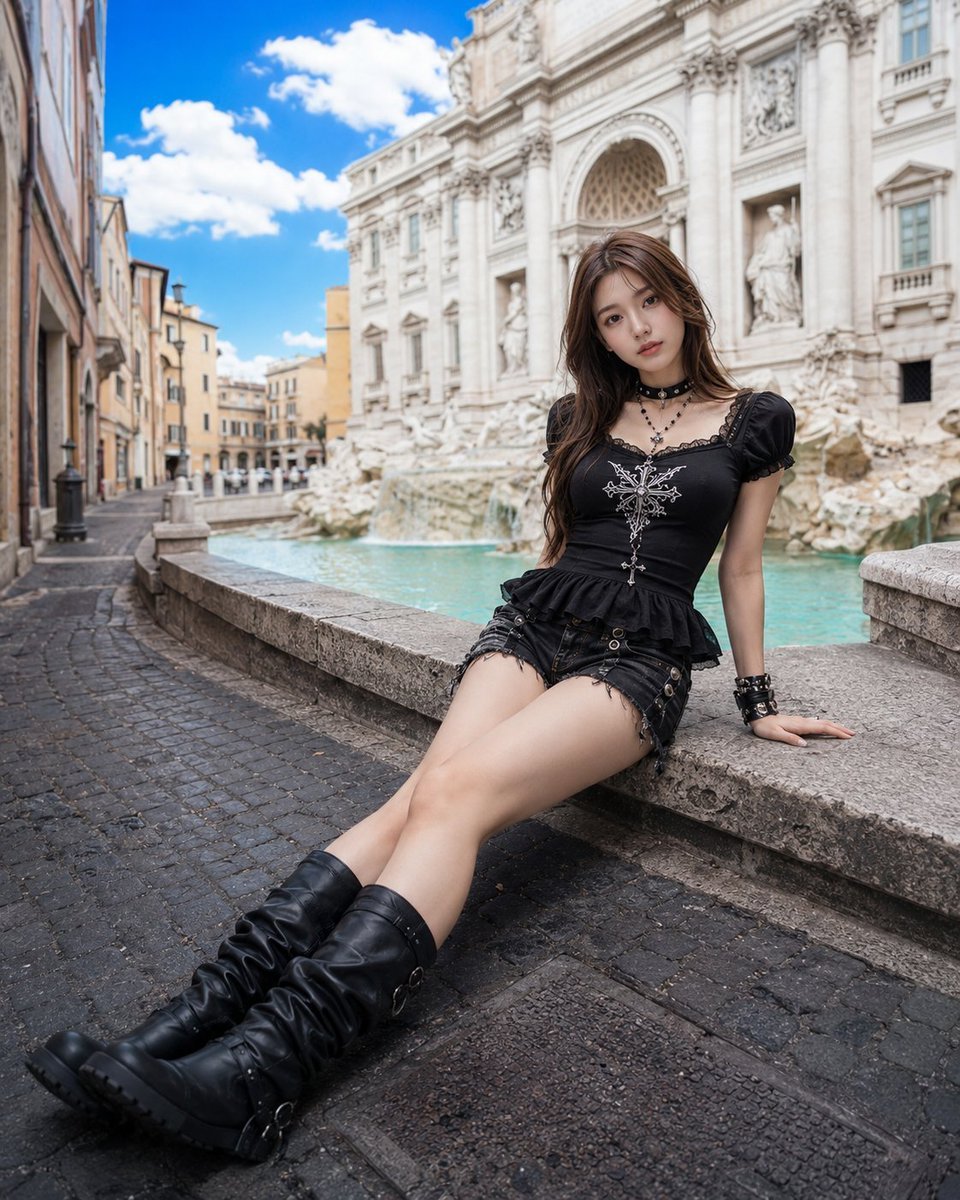
Gothic Fashion at Trevi Fountain
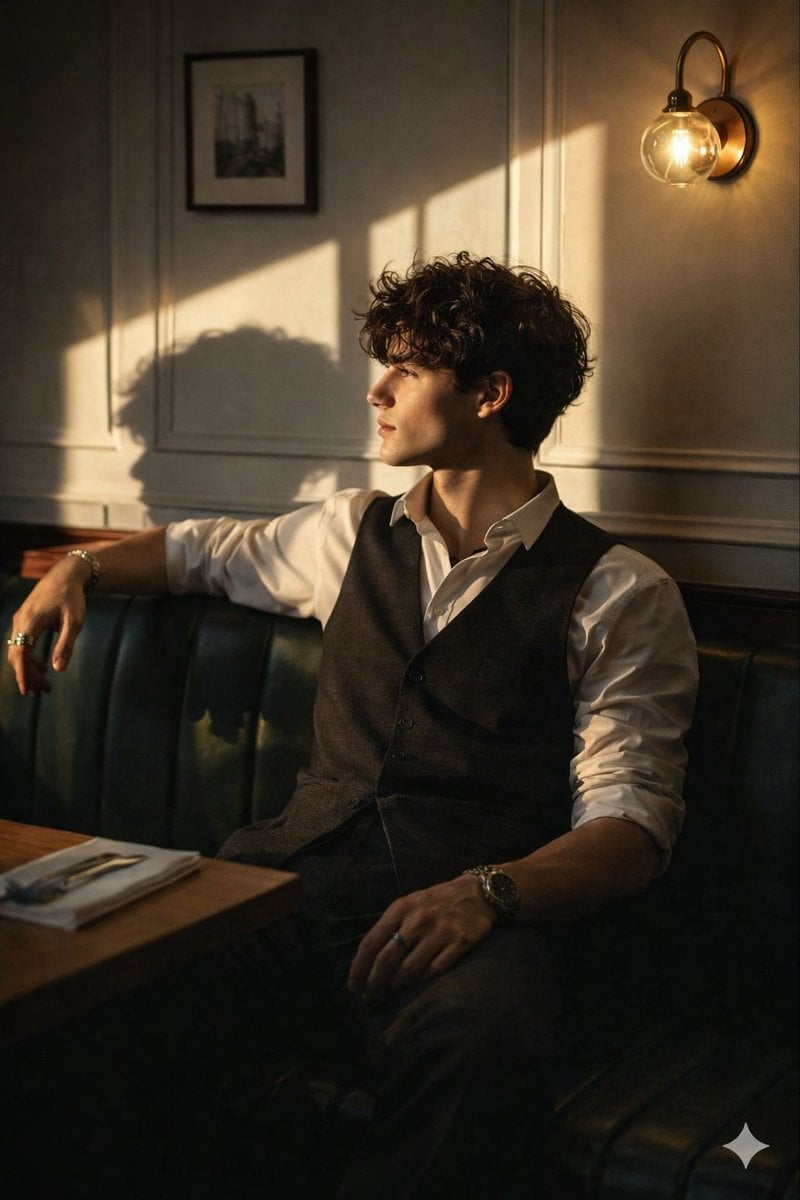
Cinematic Golden Hour Portrait Prompt
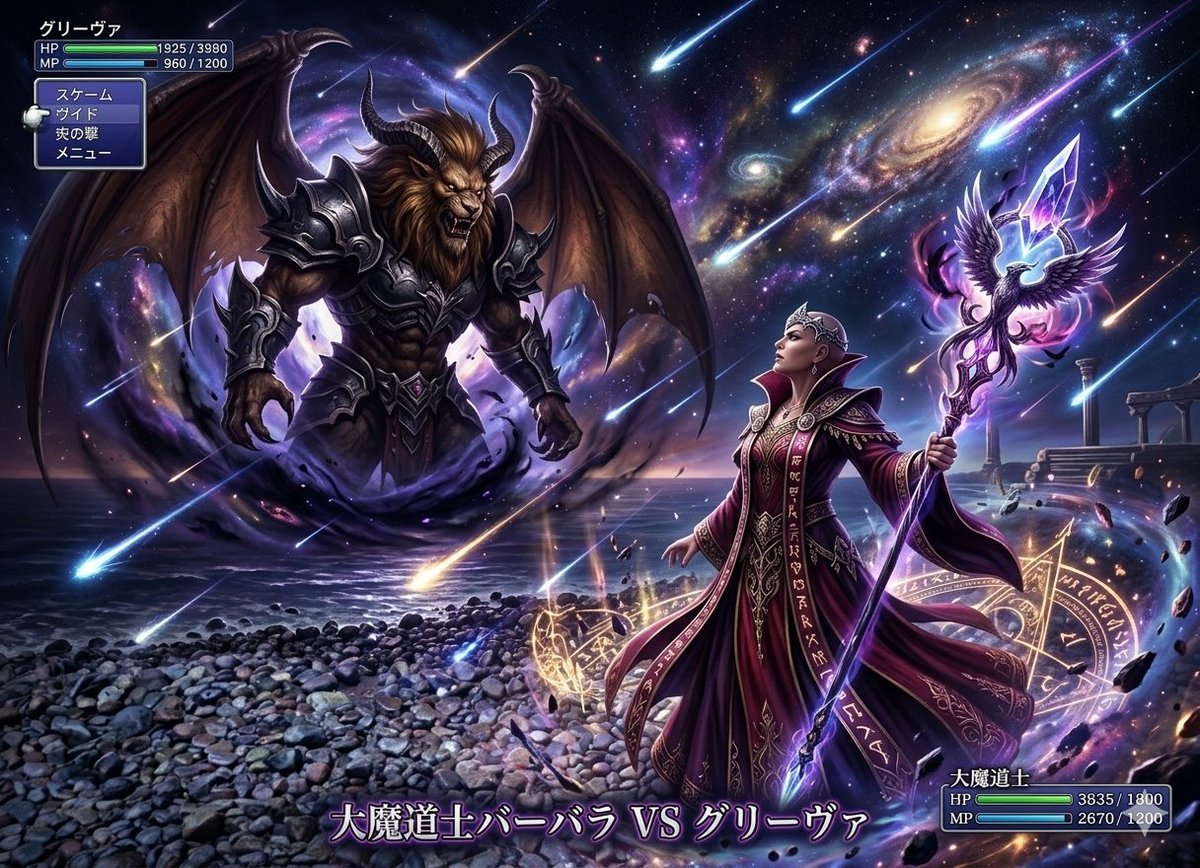
Final Fantasy transformation prompt (Nano Banana Pro)

Golden Hour Tech Rivals Portrait

Luxury Dream Home Real Estate Flyer
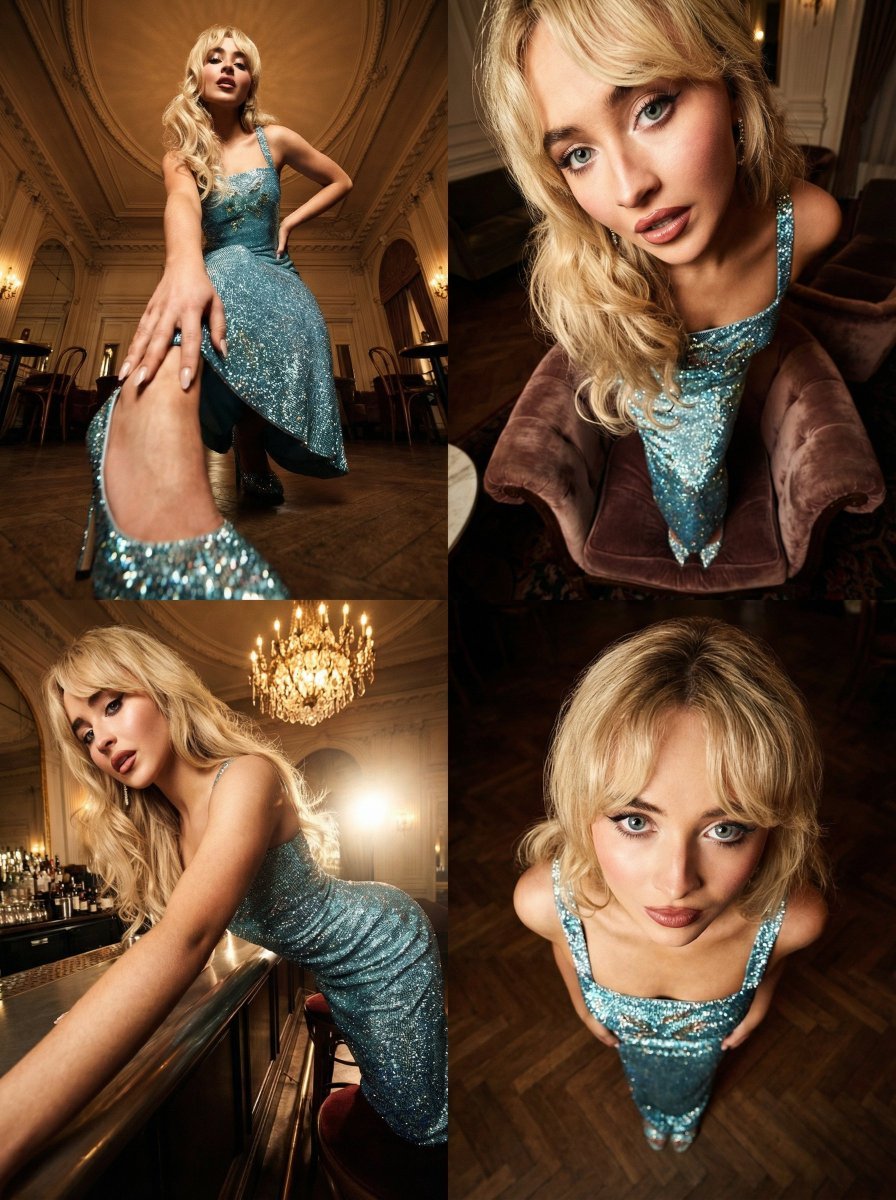
Dramatic Cinematic Style Transformation Prompt

Transforming a Company Building into a Transformer
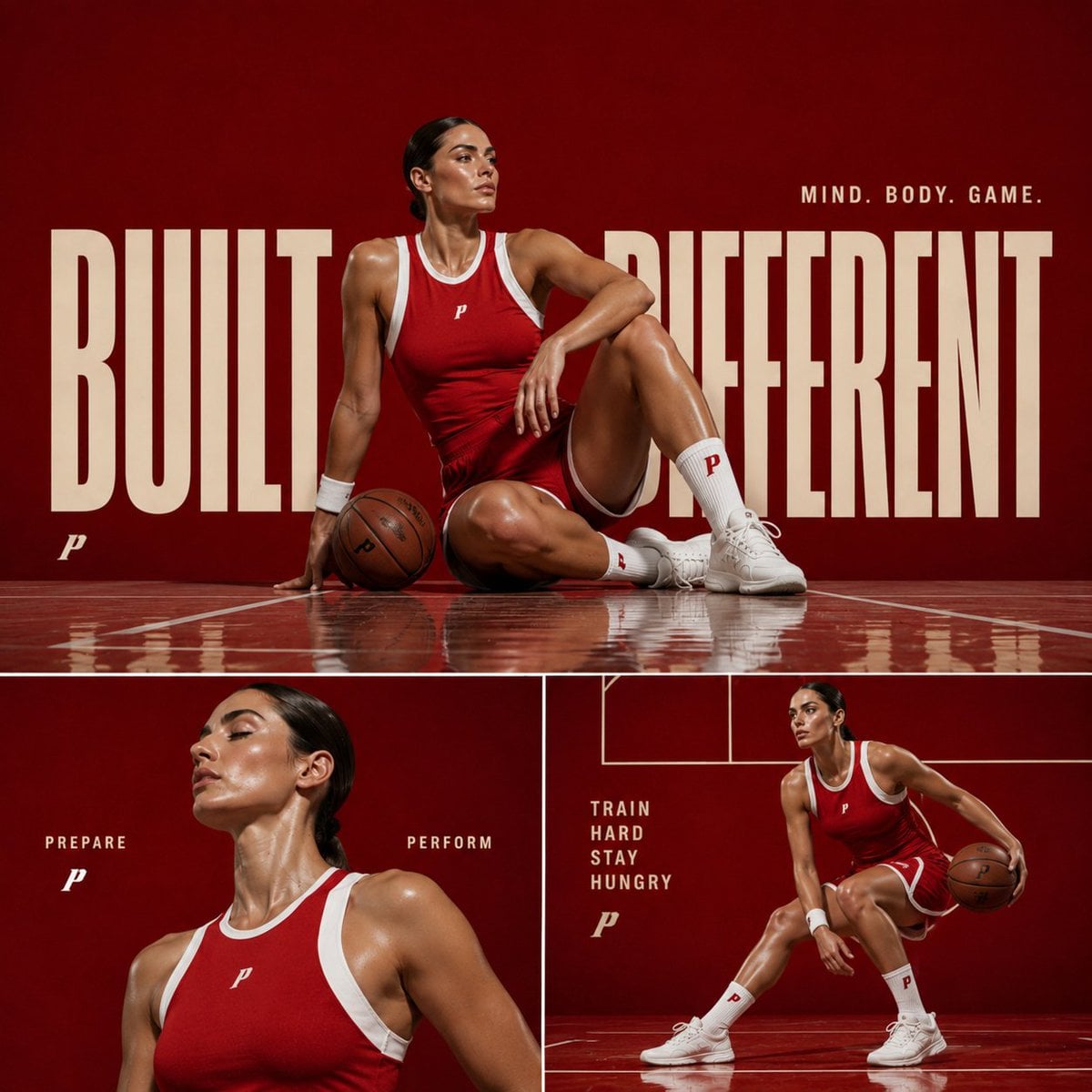
Premium Sports Editorial Collage
Browse template categories
First-Person Beach Finger Frame Portrait questions
How do I use the First-Person Beach Finger Frame Portrait template?
Add your photo if the template asks for one, edit the prompt if you like — the template's model and format are already selected — and press Generate. Your version opens in PicX Studio.
Can I customize the First-Person Beach Finger Frame Portrait template?
Yes. You can change the subject, setting, lighting, mood, format, and available model controls before creating your image.
Is the First-Person Beach Finger Frame Portrait template free?
Opening and editing this template is free. Generating uses credits, shown on the Generate button when you are signed in.
Which AI model should I use?
Start with GPT Image 2, which is the model associated with this template. You can compare another compatible model for a different finish.
Looking for something else? Browse all templates.

Your photo, any look
Thousands of ready templates for every top image and video model, from one credit balance.