
Dark Stand Guardian Profile Poster
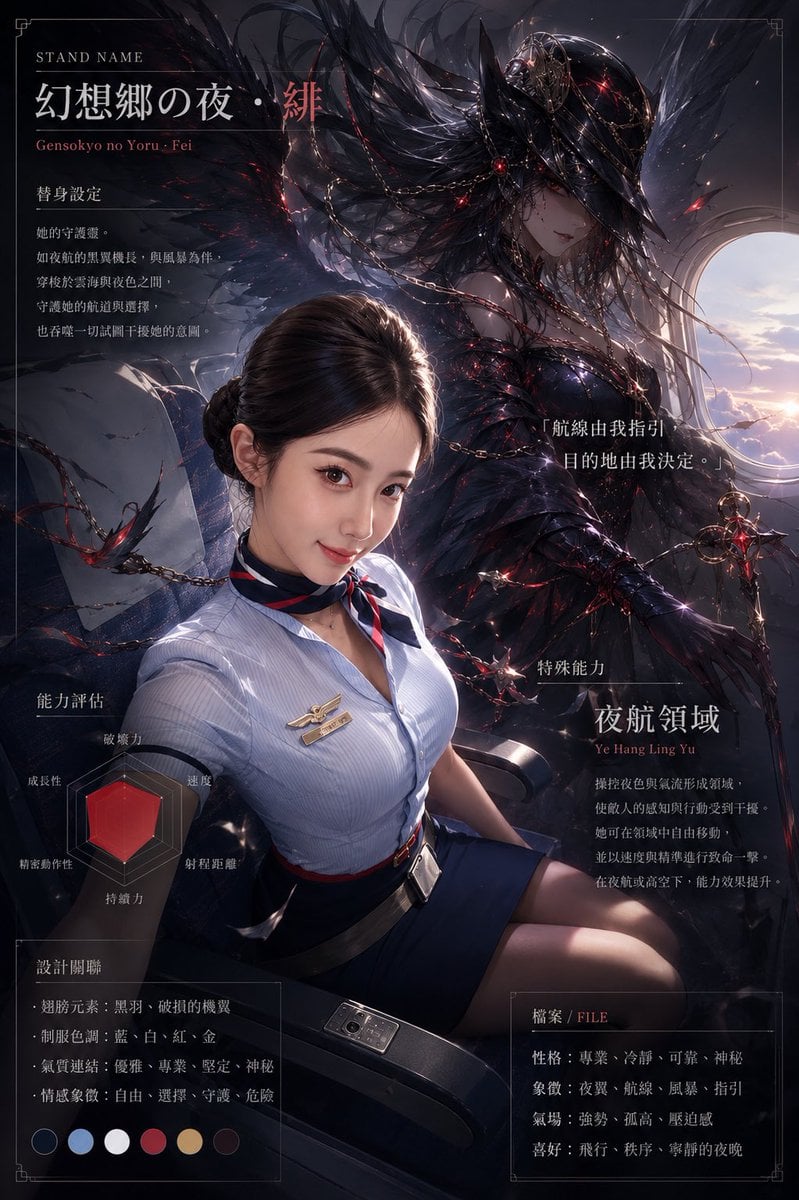
Creates a cinematic character dossier poster featuring a seated flight attendant and an ominous winged guardian spirit with ability-chart UI elements.
- Prompt included
- Model and format preset
- Free template
The prompt behind this image
Copy the exact prompt behind Dark Stand Guardian Profile Poster, or open it in the studio and make it yours.
Goal: Create a dark cinematic anime-style “guardian spirit / Stand profile” poster for {argument name="character name" default="幻想郷の夜・绯"}, combining a realistic seated airline-uniform woman in the foreground with a huge supernatural winged female entity behind her. Canvas: Vertical poster, approximately 2:3 aspect ratio, dark navy/black palette, thin decorative border lines and corner ornaments, premium game-character dossier layout. Use dramatic rim lighting, red glowing accents, storm clouds, and a bright circular airplane-window-like opening on the right showing sunset sky and clouds. Main subjects: Foreground subject is one seated adult woman, face deliberately covered by a plain rectangular blur/censor block. She wears a pale blue short-sleeve flight-attendant shirt, dark navy skirt, red/navy neck scarf, black waist belt, wing-shaped name badge, and sits in an airplane seat with one visible armrest and a small control panel. Behind her is exactly one enormous guardian spirit: a dark elegant humanoid female monster with long black hair, fragmented black feather/metal wings, thorny tendrils, chains, red gemstone lights, black armor-like dress, pale face, and a dangerous calm expression. The spirit should feel protective, ominous, graceful, and predatory. Layout and text sections: Use a polished character-sheet composition with exactly 8 visible information zones: 1 top-left title block, 1 left-middle Stand setting text block, 1 center-right quote block, 1 lower-left ability evaluation radar chart, 1 lower-left design relation box, 1 lower-right special ability block, 1 bottom-right file/personality box, and 1 bottom color palette row. Visible typography: Mix elegant serif English labels with East Asian display text. Include the top-left label “STAND NAME”, the large title {argument name="stand name text" default="幻想郷の夜・绯"}, and the romanized subtitle “Gensokyo no Yoru · Fei”. Add Chinese dossier-style copy in the other sections. Include a quote on the right: {argument name="quote" default="「航線由我指引,目的地由我決定。」"}. Include the lower-right ability title {argument name="ability title" default="夜航領域"} with romanization “Ye Hang Ling Yu”. Include a bottom-right file box headed “檔案 / FILE”. Counted graphic elements: The radar chart must have exactly 6 labeled axes: destructive power, growth potential, precision, stamina, range, and speed. The color palette row must contain exactly 6 circular swatches: dark navy, light blue, white, crimson red, muted gold, and near-black brown. The guardian design should include multiple chain arcs but one dominant chain crossing the upper body, several red glowing nodes, and scattered black feather shards. Visual style: Ultra-detailed dark fantasy illustration, semi-realistic anime rendering, glossy metallic feather textures, smoky atmosphere, cinematic depth of field, high contrast, red ember highlights, occult fashion editorial mood, no cartoon simplification. Keep the foreground human realistic and the guardian spirit more painterly/anime. The poster should resemble a premium RPG/JoJo-like Stand ability dossier. Constraints: Do not add extra characters, do not leave the face visible, do not use bright cheerful colors, keep all text integrated into the poster design, and maintain the exact 8 information zones, 6 radar axes, and 6 palette swatches.
How to use Dark Stand Guardian Profile Poster in 3 steps
- 1Upload ImagePNG, JPG or paste
Add your photo
Upload the photo the template builds on. The prompt, model and format are already set.
- 2…a portrait of your subject in softgolden-hour light, 85mm…
Personalize
Edit the subject and creative details for your destination.
- 3Generate
Generate
Press Generate — your image is created in PicX Studio, so you can compare it with the original and refine one variable at a time.
More like this
Templates with the same subject, style or setup. Open one to see its prompt.

Selective Color Monochrome Football Poster
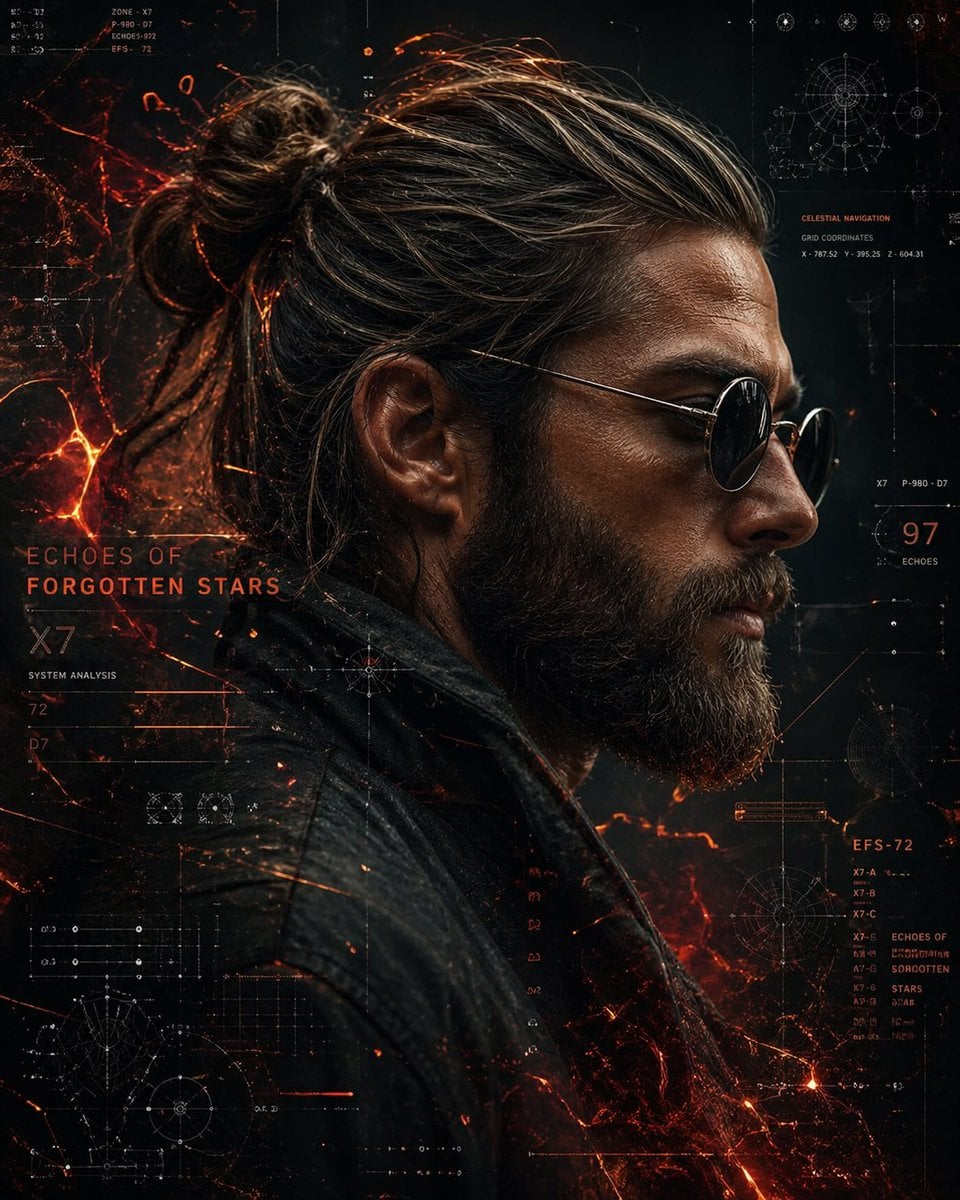
Cinematic Side Profile Cyberpunk Hero Poster
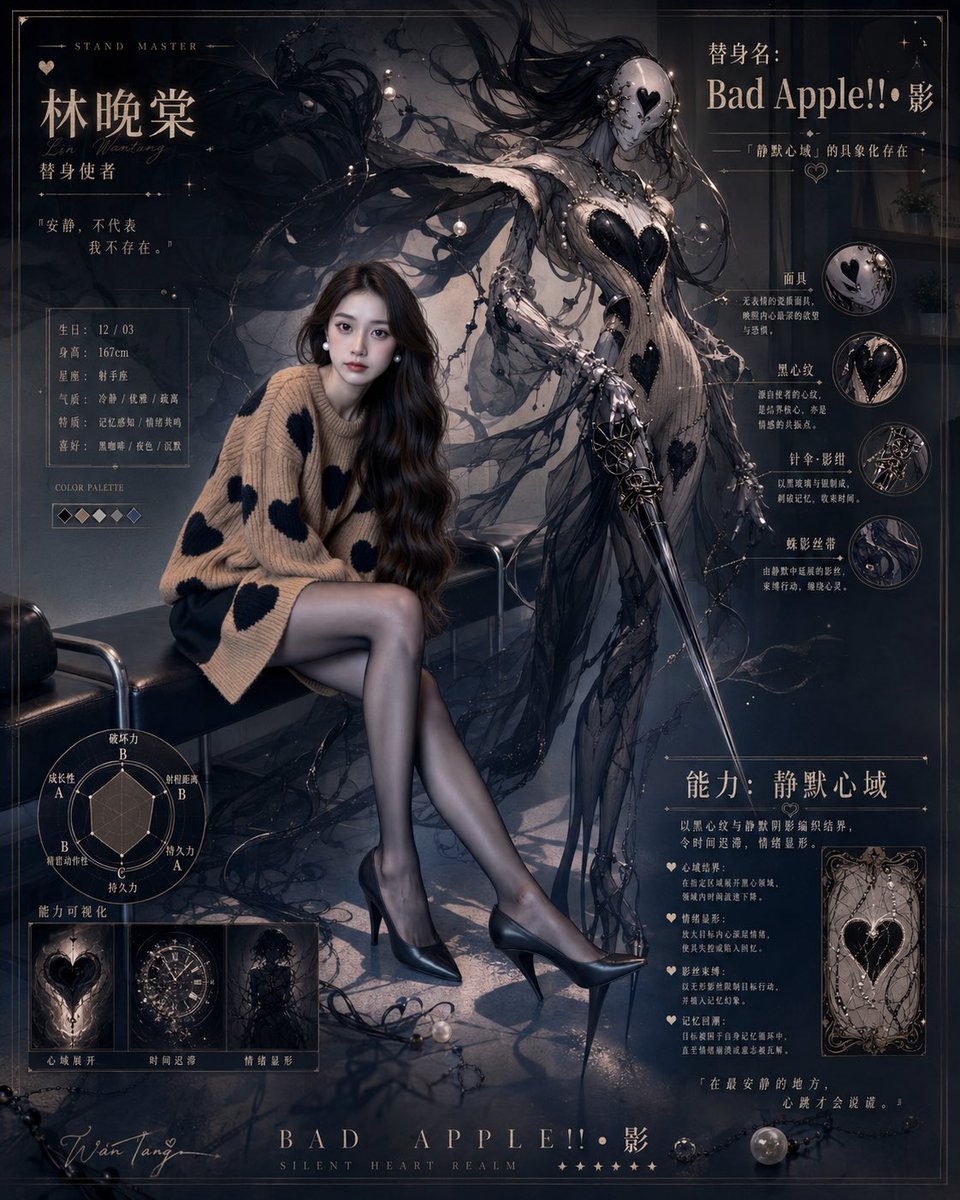
Gothic Stand Guardian Poster
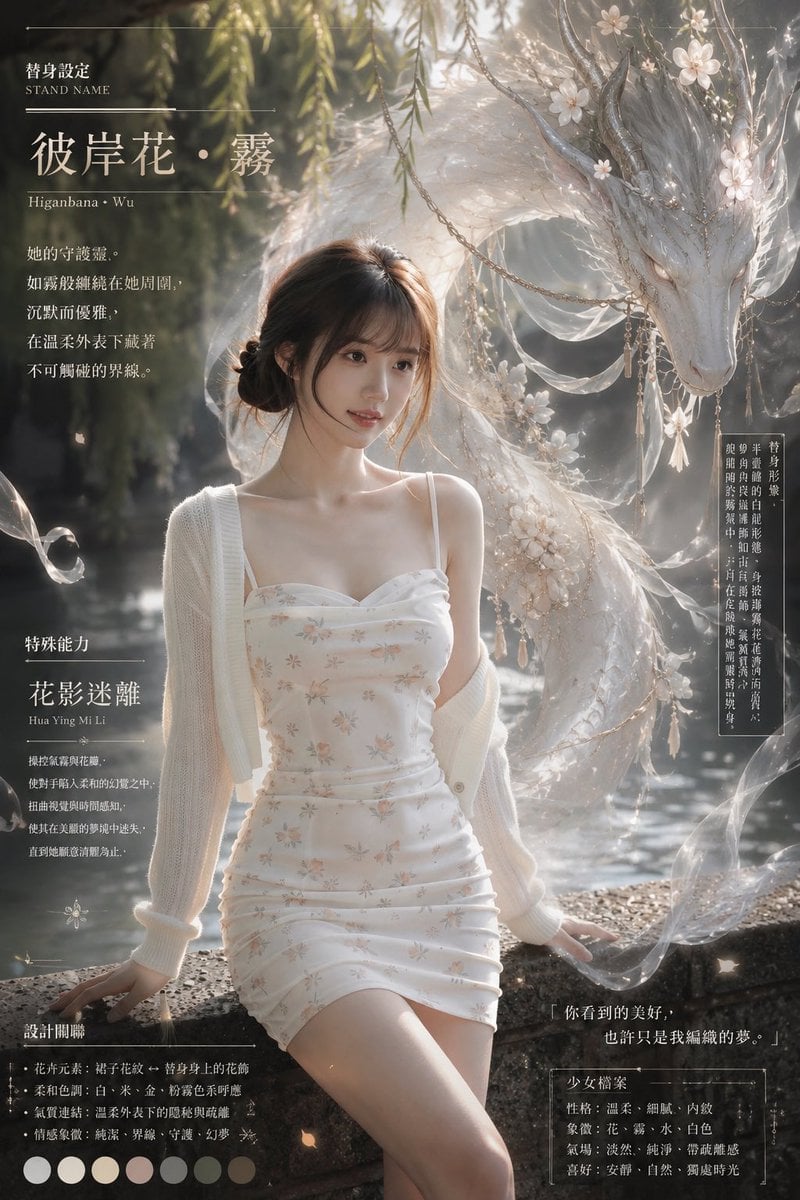
Ethereal Stand Profile Poster

Japan Travel Brochure Poster

Cartoon TV Show Poster Pack

Trendy Cafe Drink Promo Poster

Urban Fashion Editorial Collage Streetwear Poster

Premium Fashion Editorial Cover Layout System

Polo Ralph Lauren Luxury American Heritage Fashion Campaign

Monochrome Halftone Editorial Fashion Poster

Retro Mirror Luxury Fashion Campaign Poster
Make it yours
Dark Stand Guardian Profile Poster works as-is. These are the safest ways to change it without losing the look.
Change one field
Copy a single group, rewrite it, and generate again so you can see what that field is doing.
Keep the frame, change the subject
Hold the composition and light of Dark Stand Guardian Profile Poster, then swap wardrobe, props or the person for a new take.
| If the result… | Why | Fix |
|---|---|---|
| The result drifts from the preview | Too many fields changed at once. | Reuse Dark Stand Guardian Profile Poster as-is first, then change one group — subject, light, or setting. |
| The model over-stylizes the scene | The prose prompt leaves finish and camera underspecified. | Add one camera or lighting sentence and stay on GPT Image 2. |
More GPT Image 2 templates
Other prompts made for GPT Image 2.

Six VTuber Japanese Logo Sheet

Realistic Portrait of Woman and Deer

The Vista Modular Condo Poster

AI Model Routing Comparison Infographic

2.5D Anime Art Board

Isometric Productivity Desk Scene

New York Double Exposure Poster

Four-Panel AI Landscape Comparison

Japanese Tatami Lifestyle Magazine Cover

NESCAFÉ Coffee Map Poster
More image prompts
Fresh picks from across the catalog.
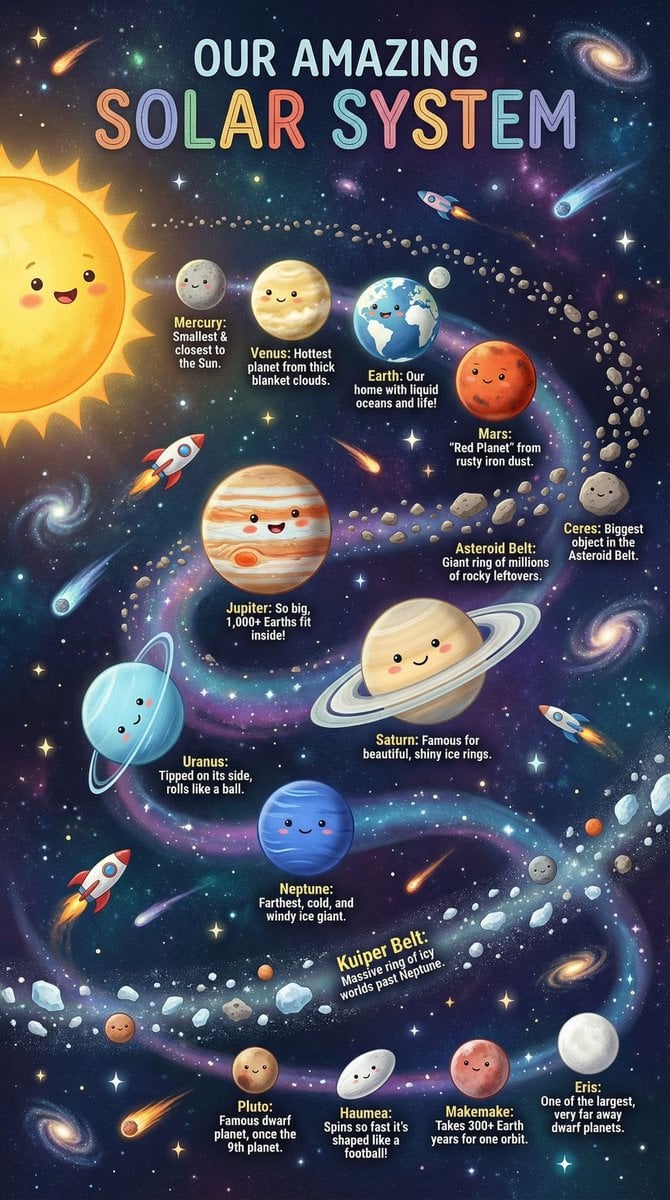
Educational Chart Generation Prompt (Solar System)

JSON Prompt for Digital Nomad Generating AI Art on a Beach Hammock

Simple Stick Figure Coloring Book Clipart
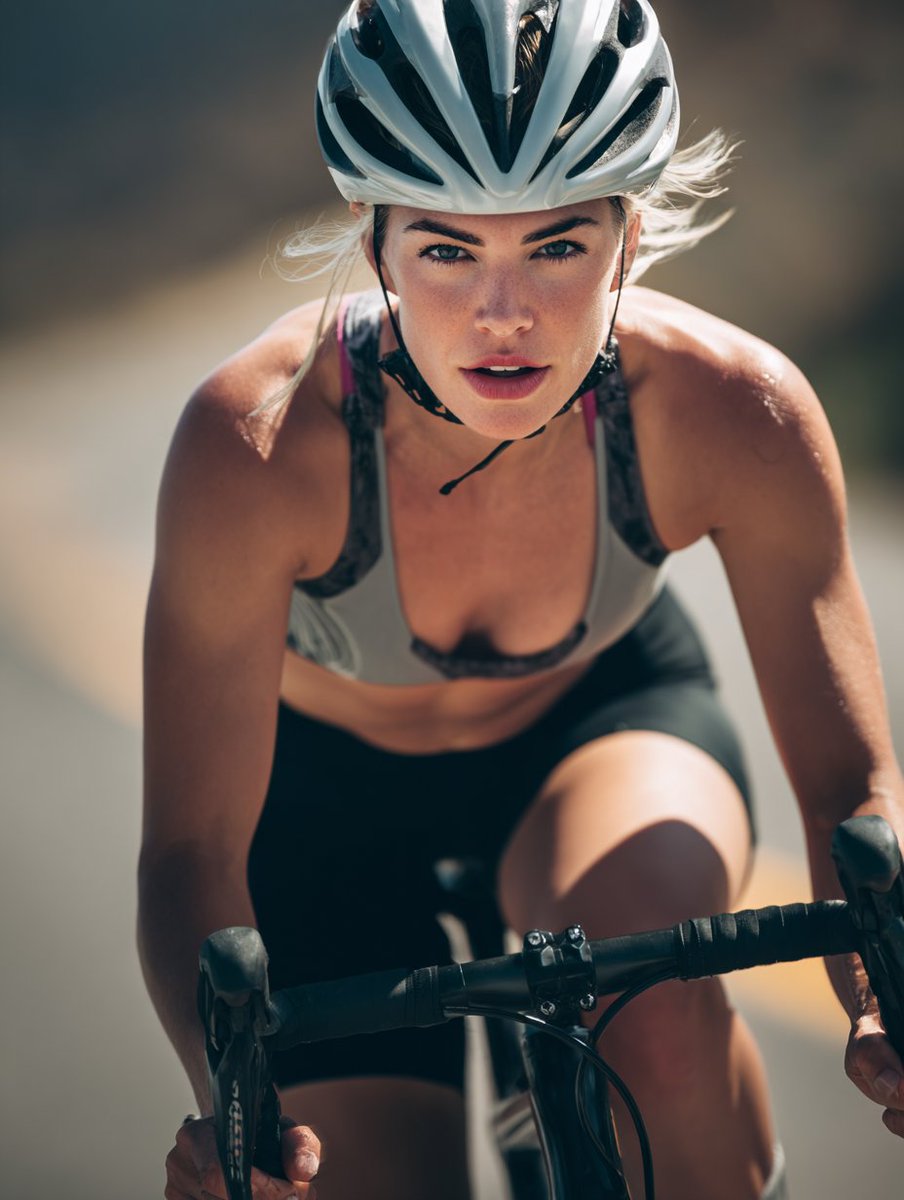
High-End Sports Photography: Competitive Road Cyclist

Quiet Morning Coffee Scene Prompt
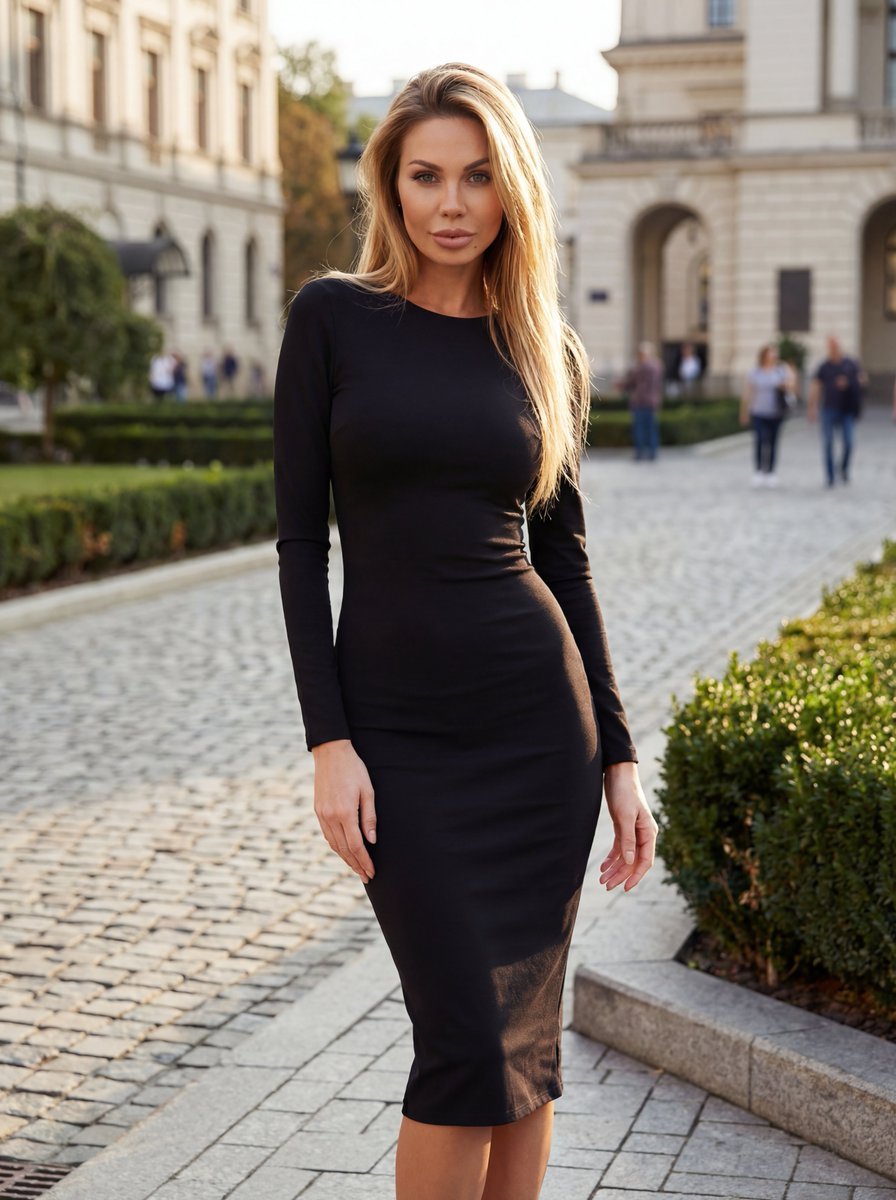
High-End Fashion Campaign with Strict Garment Preservation
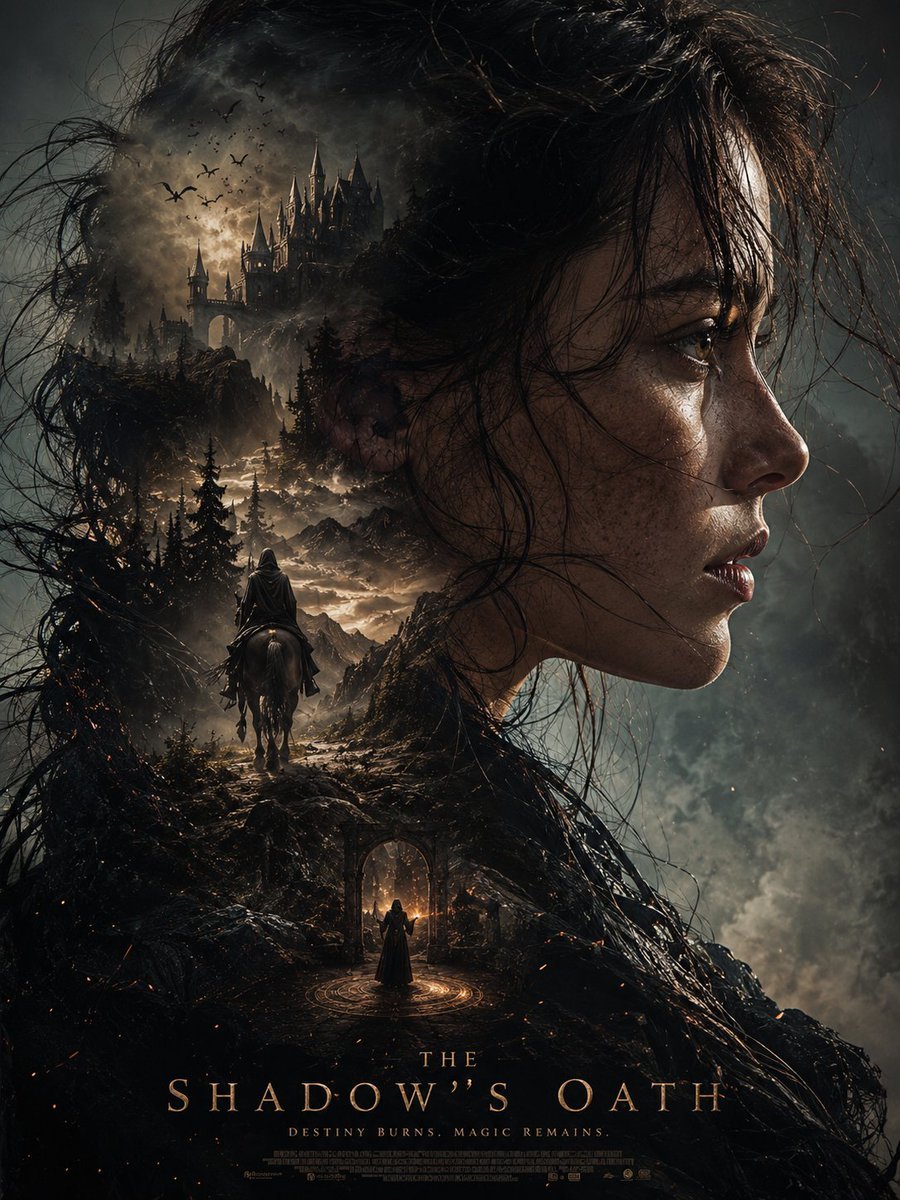
Dark Fantasy Double Exposure Poster

Urban Porsche 911 GT3 Portrait
Dancer Frozen Before Losing Balance
Nostalgic 90s Overhead Carpet Portrait
Browse template categories
Dark Stand Guardian Profile Poster questions
How do I use the Dark Stand Guardian Profile Poster template?
Add your photo if the template asks for one, edit the prompt if you like — the template's model and format are already selected — and press Generate. Your version opens in PicX Studio.
Can I customize the Dark Stand Guardian Profile Poster template?
Yes. You can change the subject, setting, lighting, mood, format, and available model controls before creating your image.
Is the Dark Stand Guardian Profile Poster template free?
Opening and editing this template is free. Generating uses credits, shown on the Generate button when you are signed in.
Which AI model should I use?
Start with GPT Image 2, which is the model associated with this template. You can compare another compatible model for a different finish.
Looking for something else? Browse all templates.

Your photo, any look
Thousands of ready templates for every top image and video model, from one credit balance.