
Cinematic Rainy Street Portrait
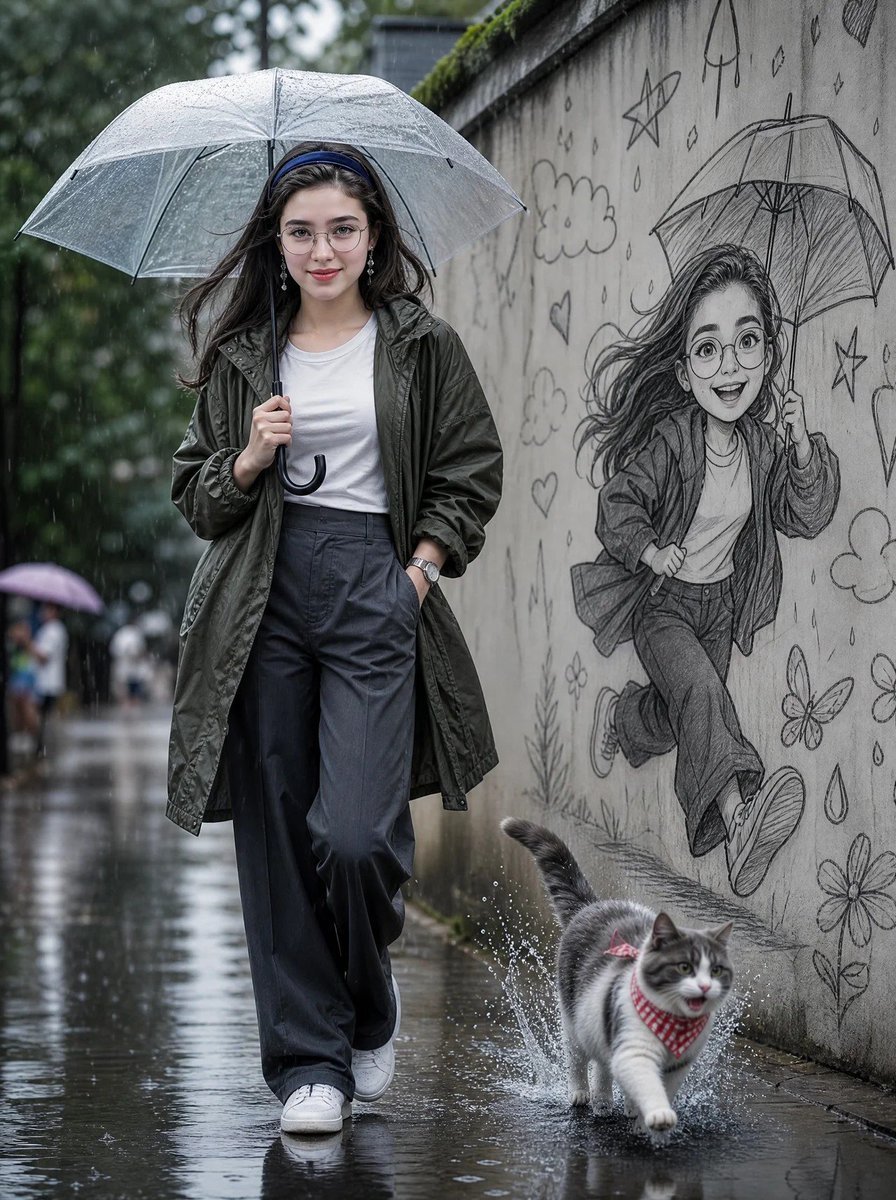
An ultra-realistic prompt for a rainy street scene featuring a woman with a transparent umbrella and a detailed pencil sketch mural on a concrete wall.
- Prompt included
- Model and format preset
- Free template
The prompt behind this image
Copy the exact prompt behind Cinematic Rainy Street Portrait, or open it in the studio and make it yours.
Create a cinematic ultra-realistic rainy street portrait of a beautiful young woman walking confidently under a transparent umbrella on a wet road. She wears a {argument name="jacket style" default="dark olive-green oversized rain jacket"} over a {argument name="top" default="plain white fitted T-shirt"}, loose charcoal-gray wide-leg trousers, clean white sneakers, round eyeglasses, and a minimalist wristwatch. One hand gracefully holds the umbrella while the other rests casually in her pocket. Her long, slightly wavy black hair gently flows in the rain with a calm, soft, and confident expression. The pavement is soaked with realistic reflections, puddles, and raindrops splashing beneath her feet.\n\nBeside her is a long concrete wall featuring an incredibly detailed graphite pencil sketch mural of a cheerful cartoon version of the same woman happily running with an umbrella, surrounded by playful doodles including stars, hearts, clouds, raindrops, flowers, butterflies, and a cute kitten. In the foreground, a {argument name="pet" default="fluffy gray-and-white cat"} wearing a red checkered bandana runs through a puddle, creating dramatic water splashes.\n\nSoft overcast daylight, natural rainy atmosphere, shallow depth of field, realistic wet textures, cinematic composition, muted color grading, ultra-detailed facial features, HDR, photorealistic, DSLR photography, 85mm lens, f/1.8, volumetric lighting, masterpiece, 8K, hyper-realistic, professional editorial fashion photography.\n\nFace Reference: Use the uploaded face as the exact face reference. Preserve 100% facial identity, facial structure, skin tone, hairstyle, eye shape, eyebrows, nose, lips, expression, and all unique facial features. Do not beautify, modify, or replace the face. Keep the face perfectly consistent with the reference while matching the pose, outfit, lighting, and overall composition.
How to use Cinematic Rainy Street Portrait in 3 steps
- 1Upload ImagePNG, JPG or paste
Add your photo
Upload the photo the template builds on. The prompt, model and format are already set.
- 2…a portrait of your subject in softgolden-hour light, 85mm…
Personalize
Edit the subject and creative details for your destination.
- 3Generate
Generate
Press Generate — your image is created in PicX Studio, so you can compare it with the original and refine one variable at a time.
More like this
Templates with the same subject, style or setup. Open one to see its prompt.












Make it yours
Cinematic Rainy Street Portrait works as-is. These are the safest ways to change it without losing the look.
Change one field
Copy a single group, rewrite it, and generate again so you can see what that field is doing.
Keep the frame, change the subject
Hold the composition and light of Cinematic Rainy Street Portrait, then swap wardrobe, props or the person for a new take.
| If the result… | Why | Fix |
|---|---|---|
| The result drifts from the preview | Too many fields changed at once. | Reuse Cinematic Rainy Street Portrait as-is first, then change one group — subject, light, or setting. |
| The model over-stylizes the scene | The prose prompt leaves finish and camera underspecified. | Add one camera or lighting sentence and stay on GPT Image 2. |
More GPT Image 2 templates
Other prompts made for GPT Image 2.

Six VTuber Japanese Logo Sheet

Realistic Portrait of Woman and Deer

The Vista Modular Condo Poster

AI Model Routing Comparison Infographic

2.5D Anime Art Board

Isometric Productivity Desk Scene

New York Double Exposure Poster

Four-Panel AI Landscape Comparison

Japanese Tatami Lifestyle Magazine Cover

NESCAFÉ Coffee Map Poster
More image prompts
Fresh picks from across the catalog.
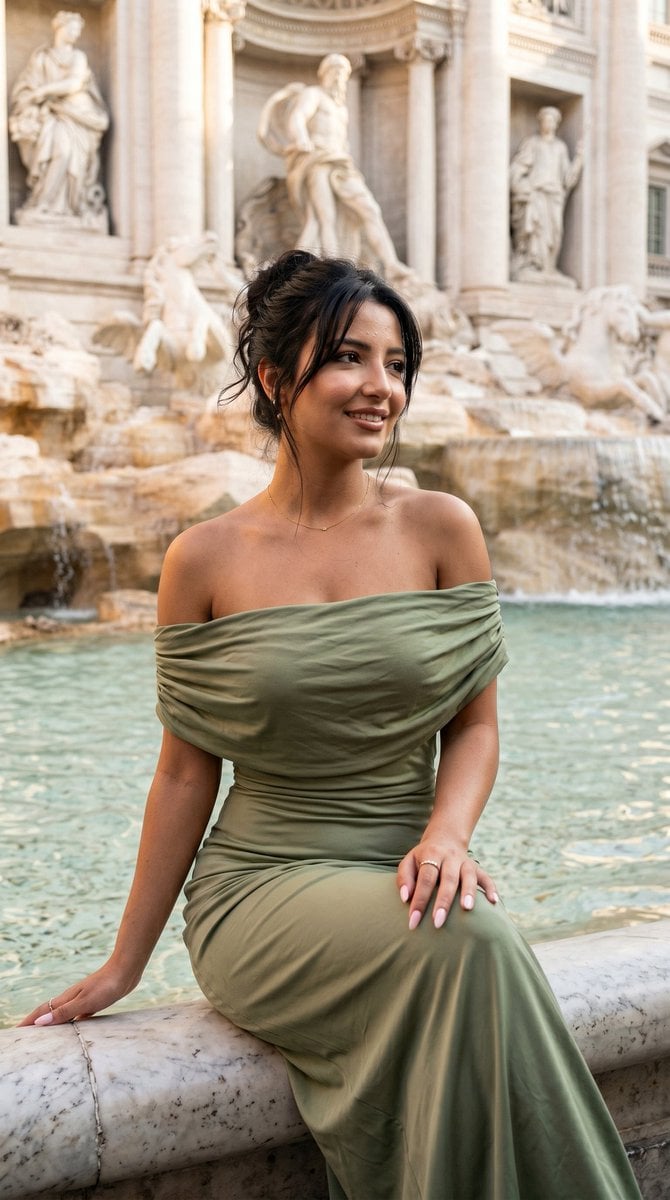
Elegant Italian Trevi Fountain Scene
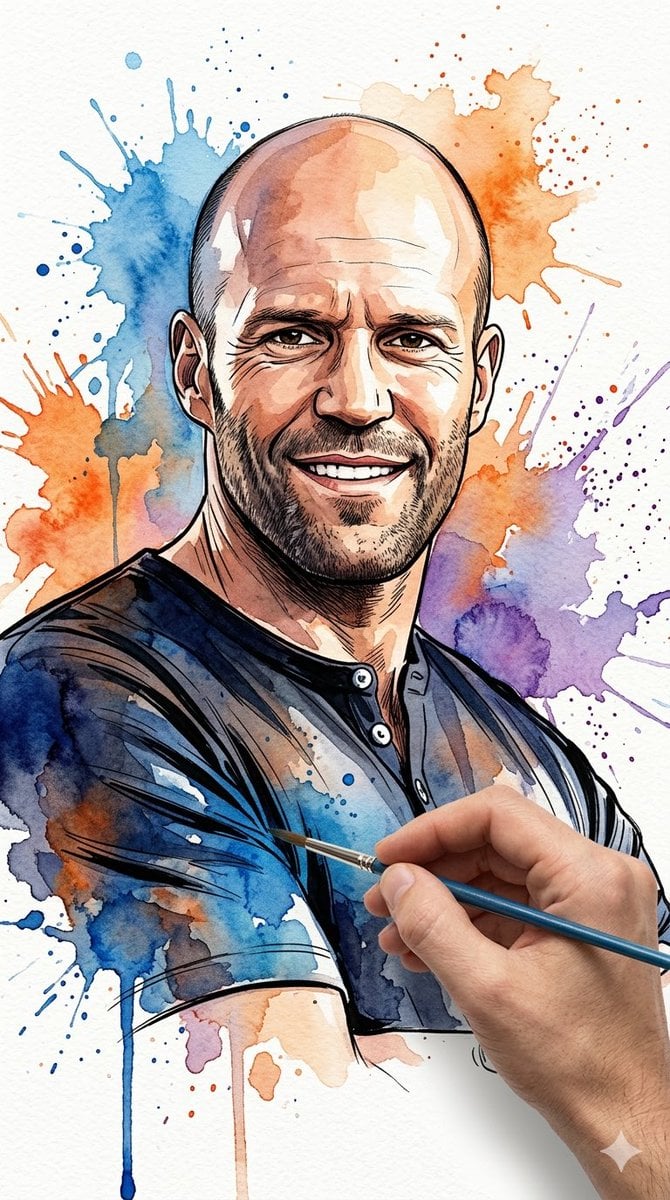
Vibrant Watercolor Portrait with Dynamic Paint Splashes

Gpt2 Social Media Post Tropical Parrot Pixel Mosaic

Funny Cat POV Selfie
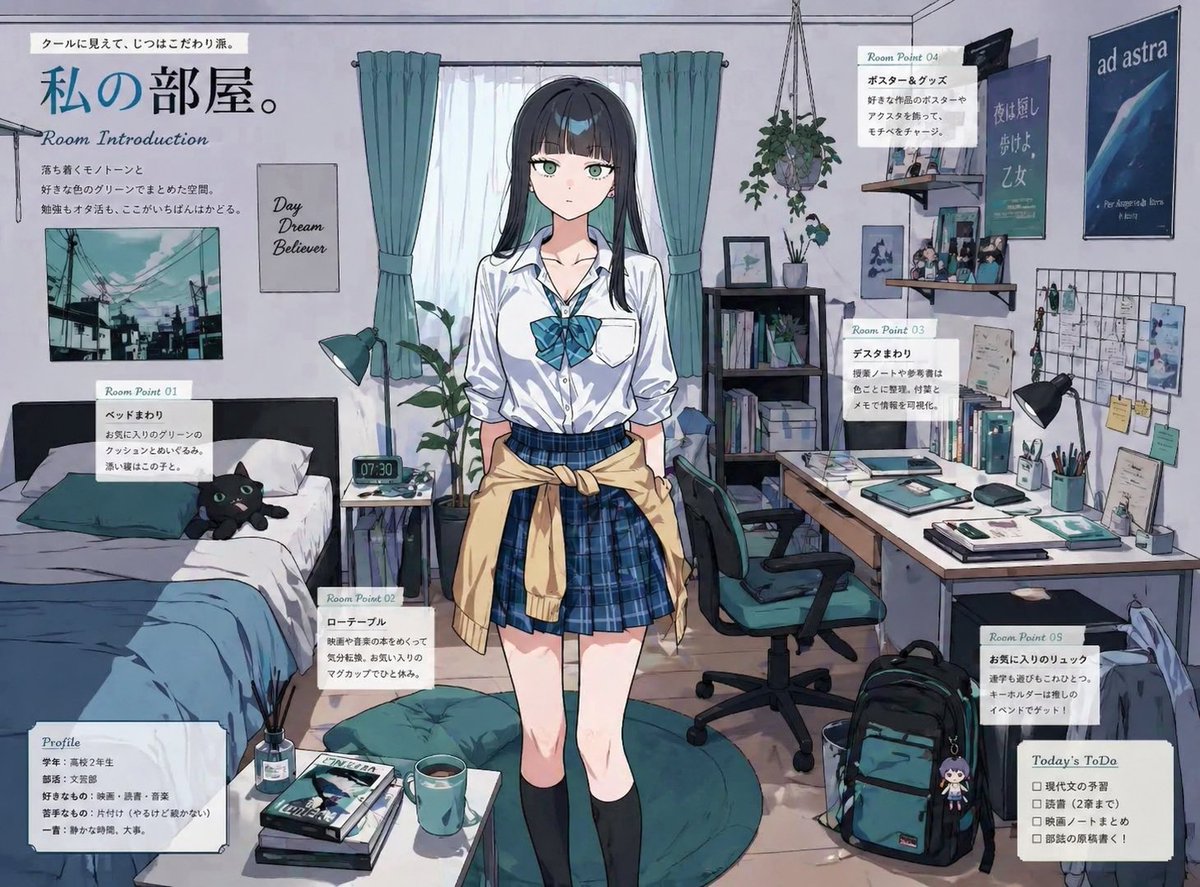
Character Room Visualization Prompt

Future Self Visualization Prompt (4 Grids)

Ultra-realistic product shot of a premium ice cream bar inspired by Kazakhstan
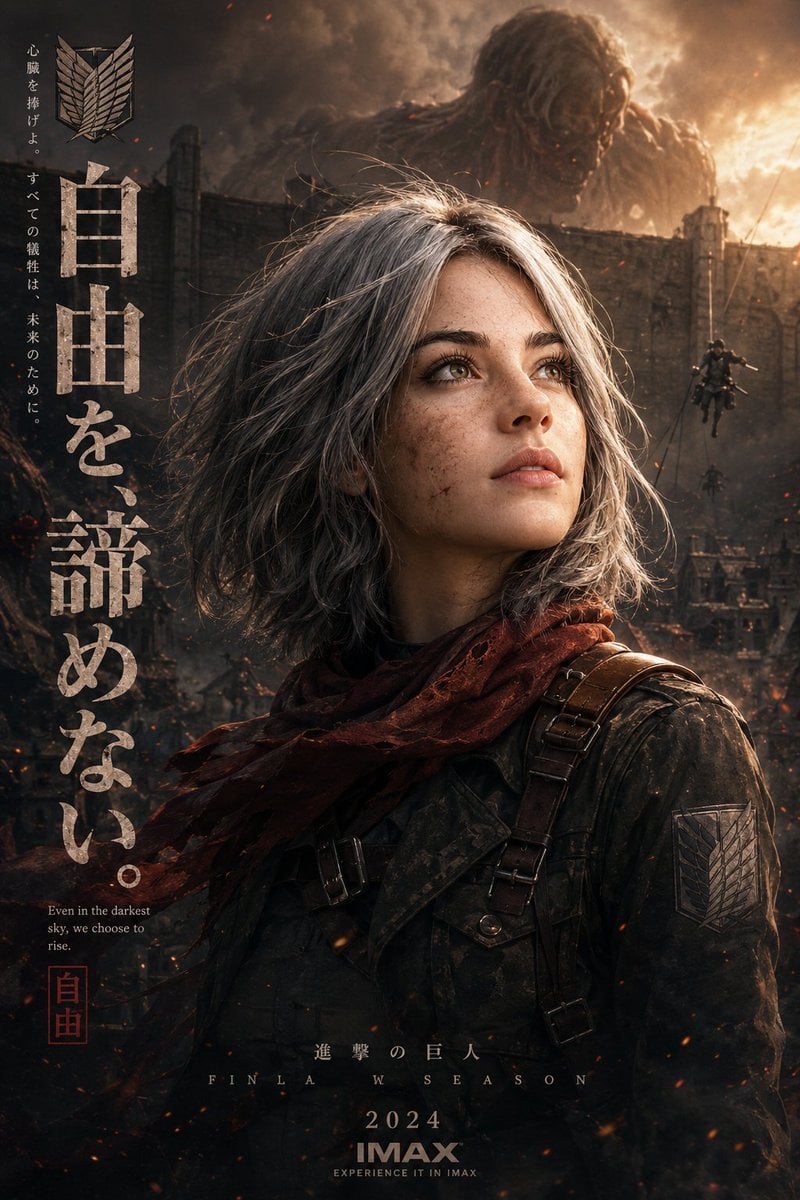
Epic Anime Movie Poster from Photo
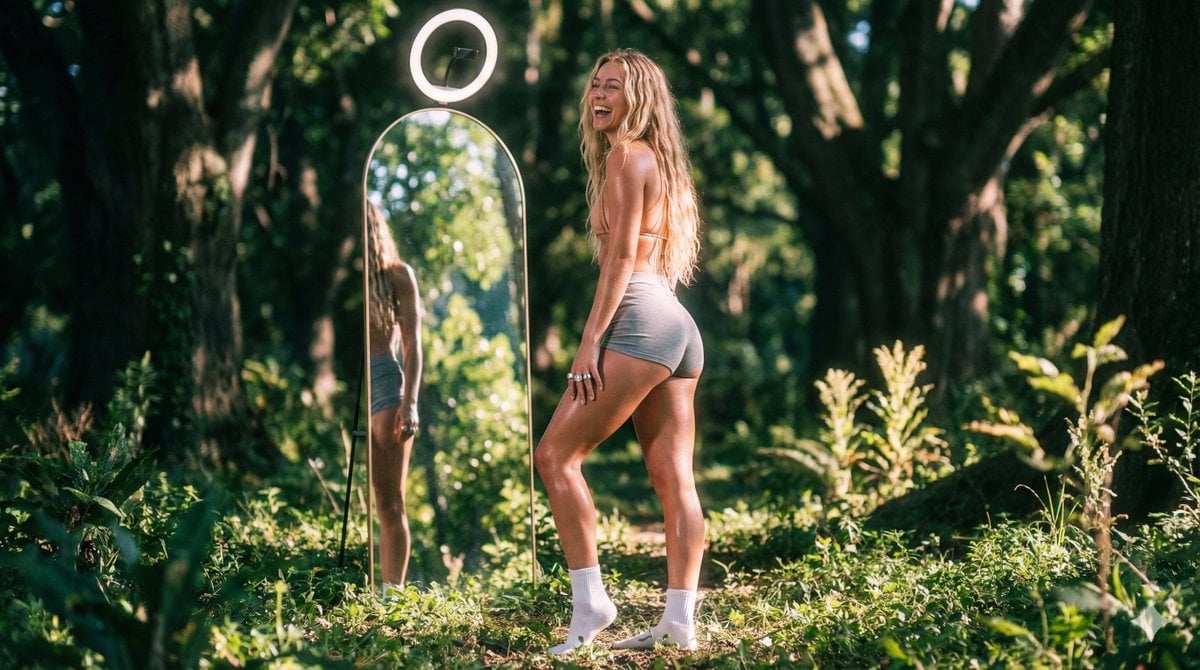
Vaporwave Fitness Shoot in Enchanted Forest
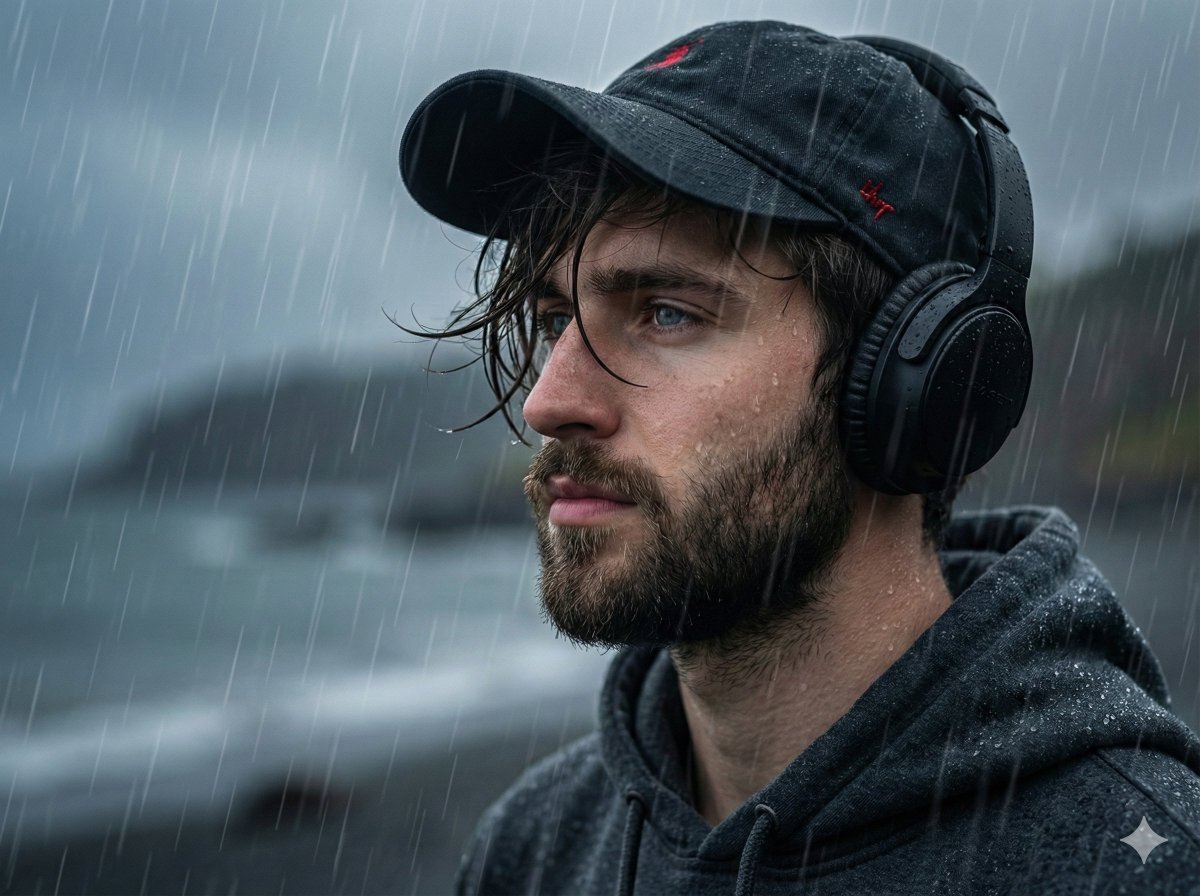
Melancholic Portrait in Coastal Rain
Browse template categories
Cinematic Rainy Street Portrait questions
How do I use the Cinematic Rainy Street Portrait template?
Add your photo if the template asks for one, edit the prompt if you like — the template's model and format are already selected — and press Generate. Your version opens in PicX Studio.
Can I customize the Cinematic Rainy Street Portrait template?
Yes. You can change the subject, setting, lighting, mood, format, and available model controls before creating your image.
Is the Cinematic Rainy Street Portrait template free?
Opening and editing this template is free. Generating uses credits, shown on the Generate button when you are signed in.
Which AI model should I use?
Start with GPT Image 2, which is the model associated with this template. You can compare another compatible model for a different finish.
Looking for something else? Browse all templates.

Your photo, any look
Thousands of ready templates for every top image and video model, from one credit balance.