
Rainy Evening Anime Friends
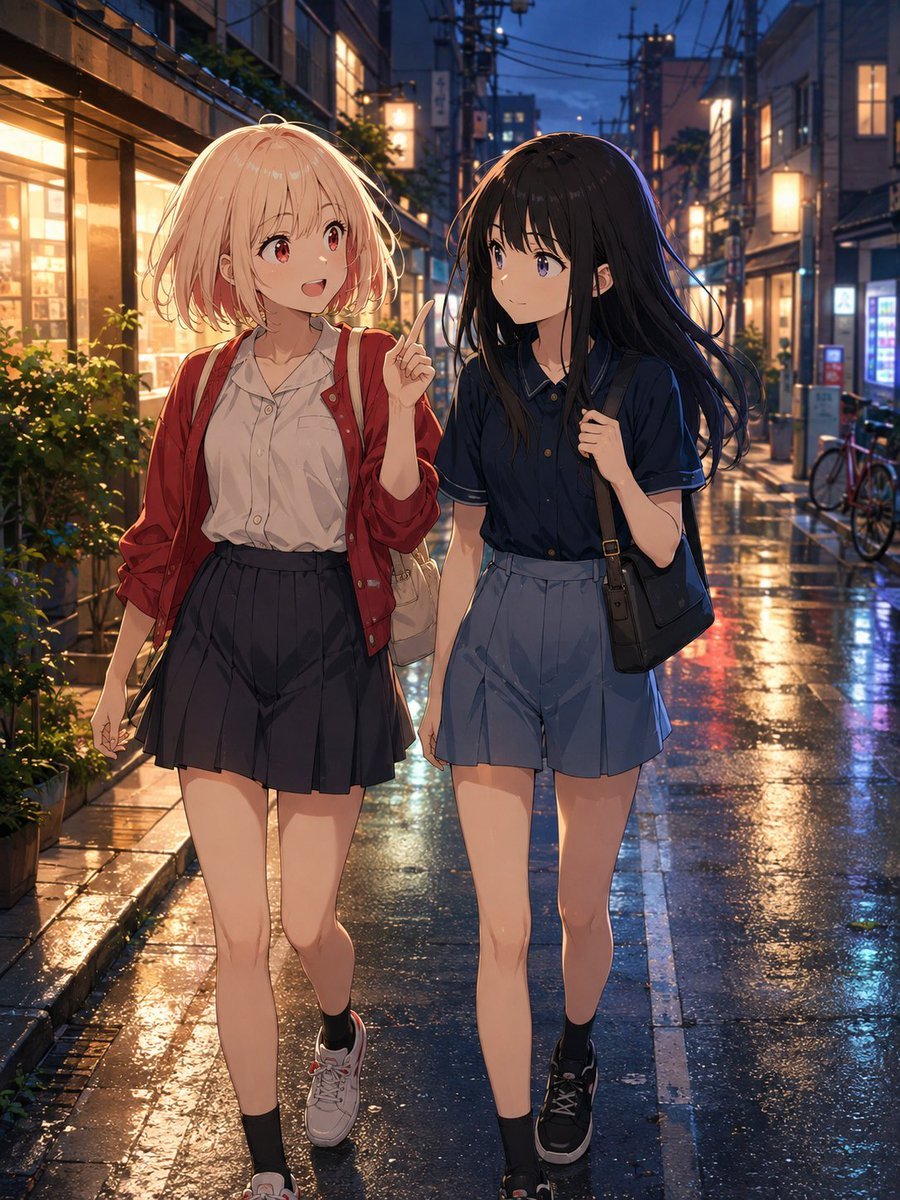
Generates a warm slice-of-life anime illustration of two school-age girls walking through a rain-reflective Japanese street at dusk.
- Prompt included
- Model and format preset
- Free template
The prompt behind this image
Copy the exact prompt behind Rainy Evening Anime Friends, or open it in the studio and make it yours.
Create a polished anime-style vertical illustration of exactly two teenage girls walking side by side through a narrow Japanese shopping street at dusk after rain. The left girl has {argument name="left girl hair color" default="short fluffy pale blonde hair"}, red eyes, a cheerful open-mouth smile, and is gesturing upward with one raised index finger as if chatting excitedly; she wears a loose white blouse, an unbuttoned red cardigan, a dark pleated skirt, black ankle socks, white sneakers, and a light shoulder bag. The right girl has {argument name="right girl hair color" default="long straight black hair"}, violet-blue eyes, a calm slightly curious expression, and holds the strap of a black shoulder bag; she wears a navy short-sleeve blouse with light trim, high-waisted blue pleated shorts, black ankle socks, and black sneakers. Show them full body, centered in the foreground, mid-step, with natural anime proportions and soft expressive faces. The setting is {argument name="setting" default="a cozy urban Japanese backstreet lined with small shops, warm glowing windows, plants, bicycles, vending machines, utility poles, signs, and overhead power lines"}. The wet asphalt and stone sidewalk should reflect orange shop lights, blue evening sky, and colorful neon highlights, with puddles and glossy rain texture. Use cinematic lighting, warm storefront glow from the left, cool blue twilight in the distance, shallow depth of field, rich reflections, detailed background architecture, delicate hair highlights, clean linework, high-quality modern anime rendering, inviting slice-of-life mood, no text, no watermark.
How to use Rainy Evening Anime Friends in 3 steps
- 1Upload ImagePNG, JPG or paste
Add your photo
Upload the photo the template builds on. The prompt, model and format are already set.
- 2…a portrait of your subject in softgolden-hour light, 85mm…
Personalize
Edit the subject and creative details for your destination.
- 3Generate
Generate
Press Generate — your image is created in PicX Studio, so you can compare it with the original and refine one variable at a time.
More like this
Templates with the same subject, style or setup. Open one to see its prompt.











Make it yours
Rainy Evening Anime Friends works as-is. These are the safest ways to change it without losing the look.
Change one field
Copy a single group, rewrite it, and generate again so you can see what that field is doing.
Keep the frame, change the subject
Hold the composition and light of Rainy Evening Anime Friends, then swap wardrobe, props or the person for a new take.
| If the result… | Why | Fix |
|---|---|---|
| The result drifts from the preview | Too many fields changed at once. | Reuse Rainy Evening Anime Friends as-is first, then change one group — subject, light, or setting. |
| The model over-stylizes the scene | The prose prompt leaves finish and camera underspecified. | Add one camera or lighting sentence and stay on GPT Image 2. |
More GPT Image 2 templates
Other prompts made for GPT Image 2.

Six VTuber Japanese Logo Sheet

Realistic Portrait of Woman and Deer

The Vista Modular Condo Poster

AI Model Routing Comparison Infographic

2.5D Anime Art Board

Isometric Productivity Desk Scene

New York Double Exposure Poster

Four-Panel AI Landscape Comparison

Japanese Tatami Lifestyle Magazine Cover

NESCAFÉ Coffee Map Poster
More image prompts
Fresh picks from across the catalog.
Isometric Miniature DJ Setup Scene

Cinematic Spinning Latte Splash
Black-and-White Surreal Editorial Portrait
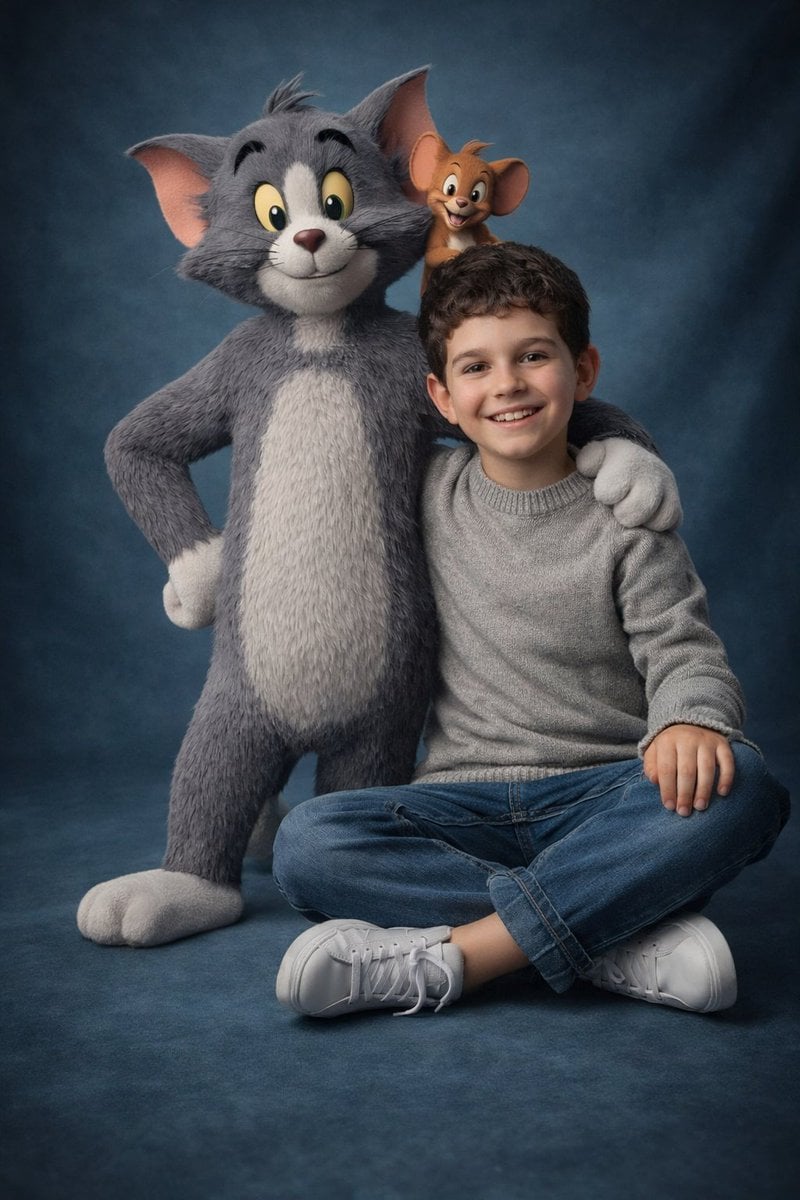
Ultra-Realistic 3D Cinematic Portrait with Tom and Jerry
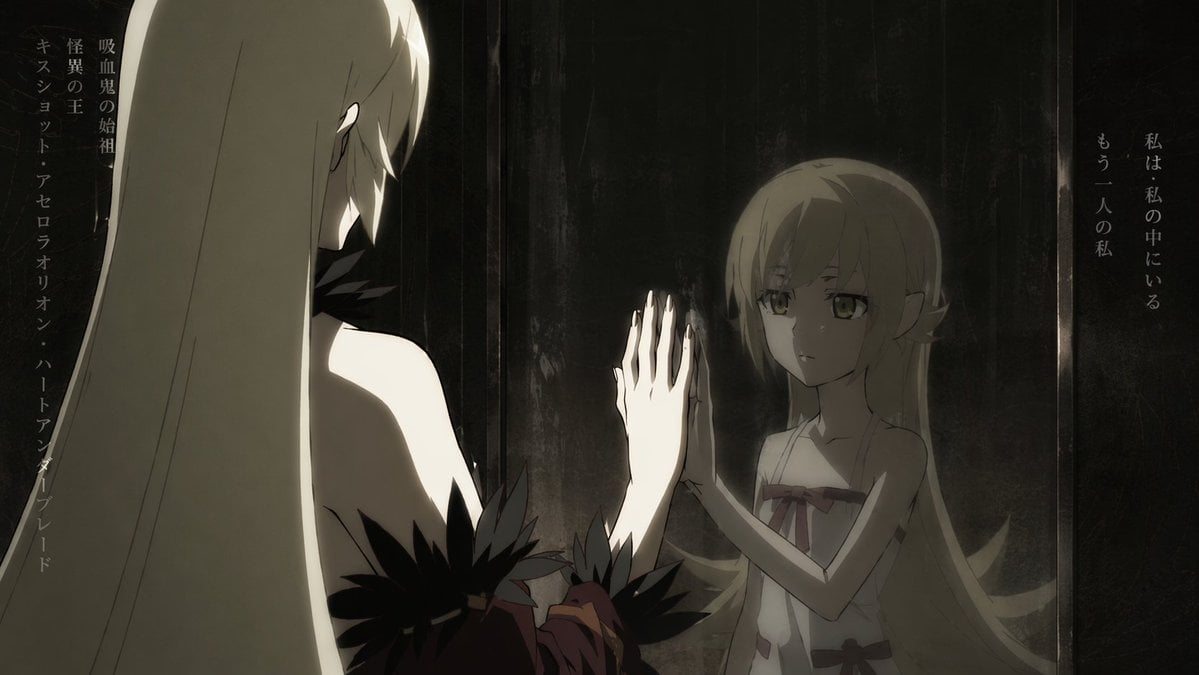
Anime Mirror Reflection of Younger Self
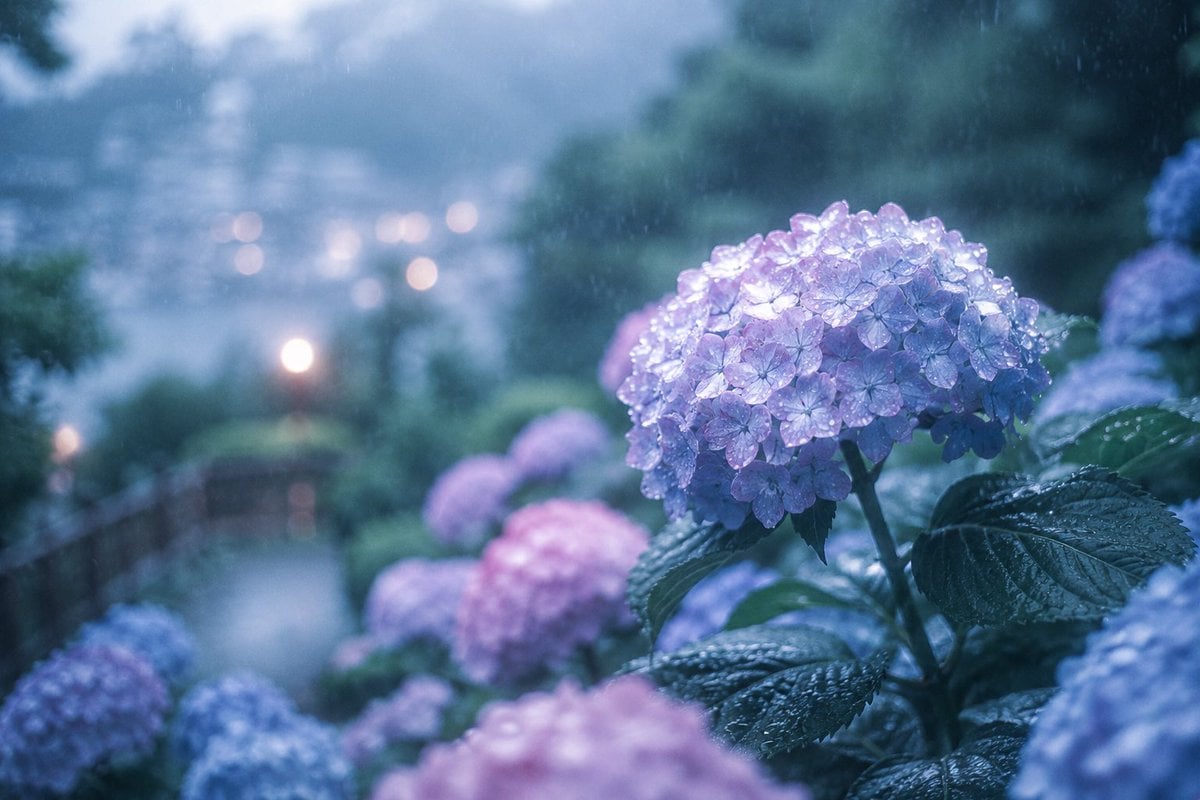
Rainy Kamakura Hydrangea Garden
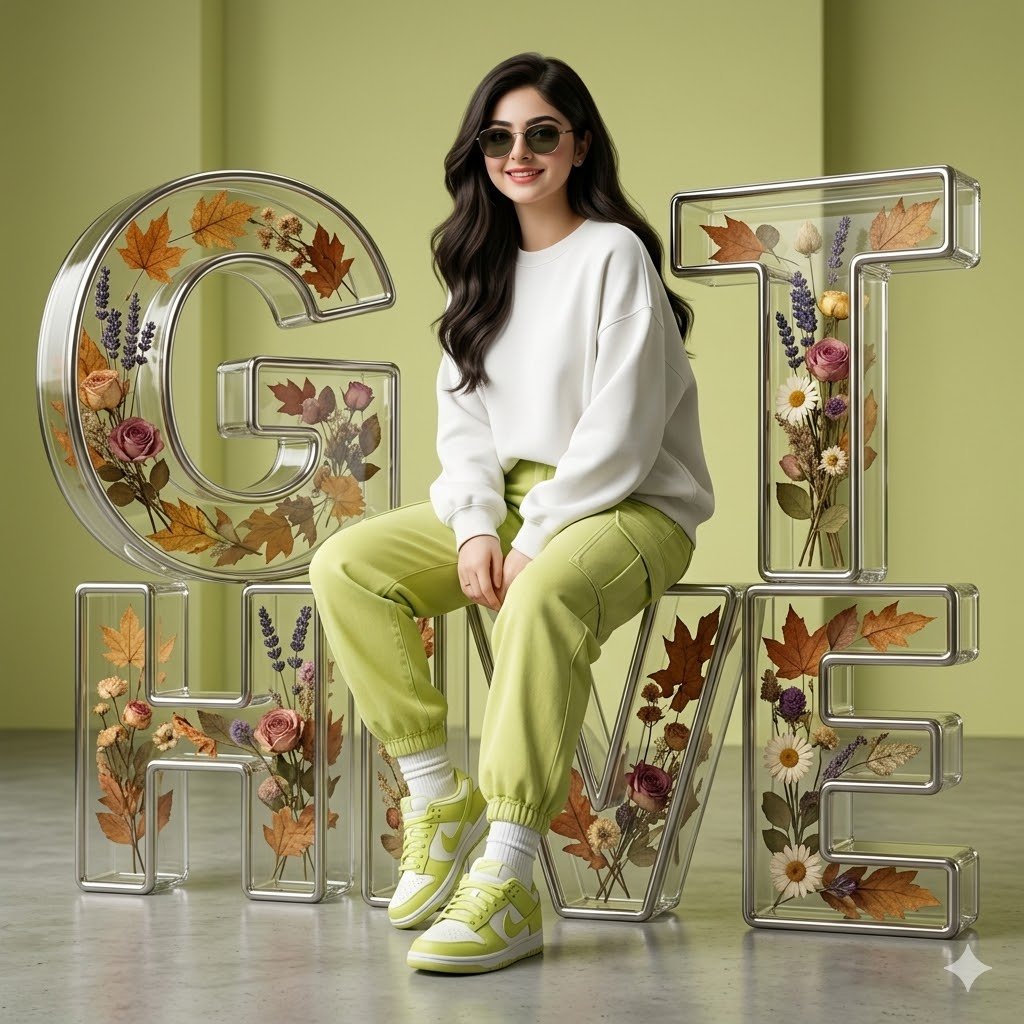
3D Digital Fashion Artwork
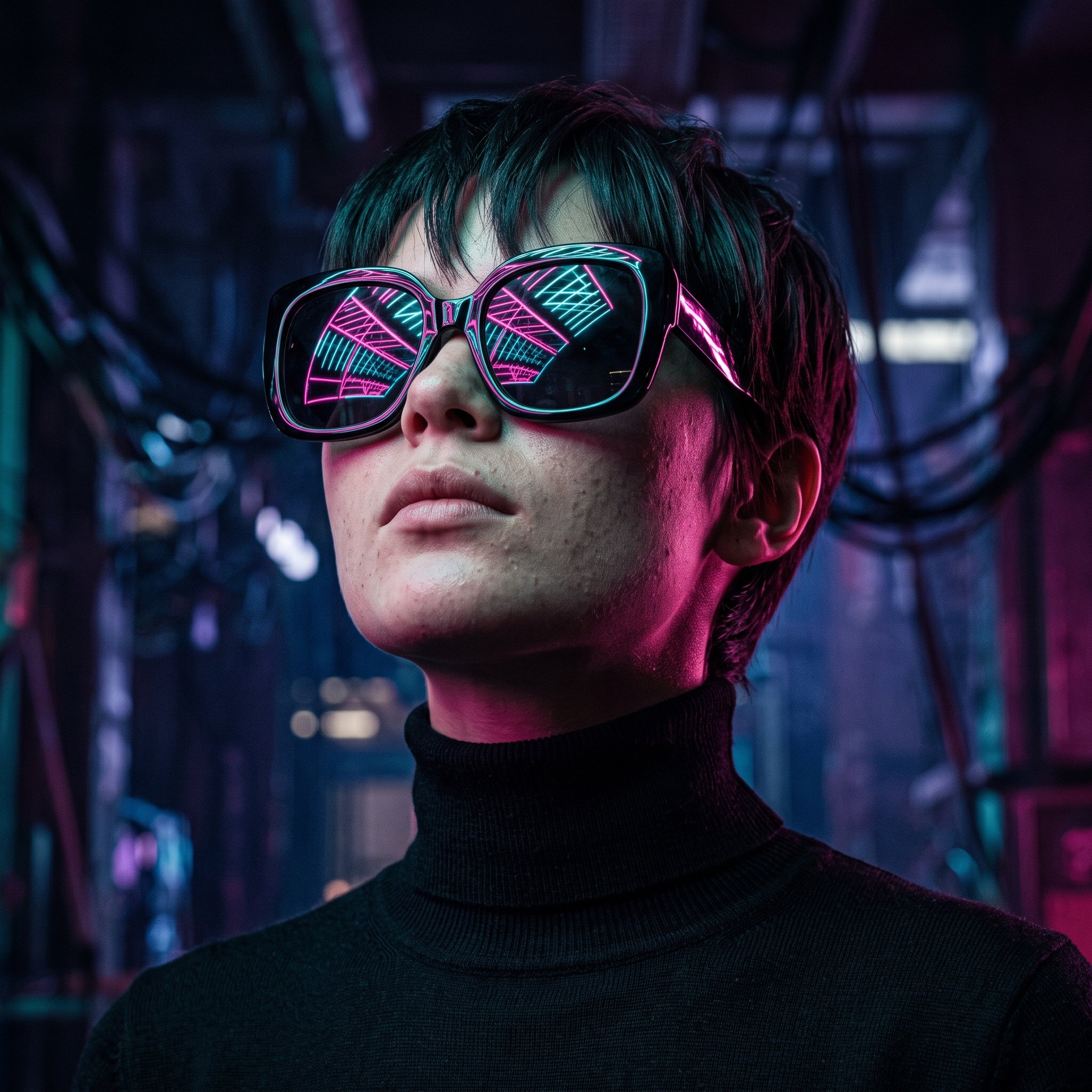
Cyberpunk Futuristic Portrait Prompt
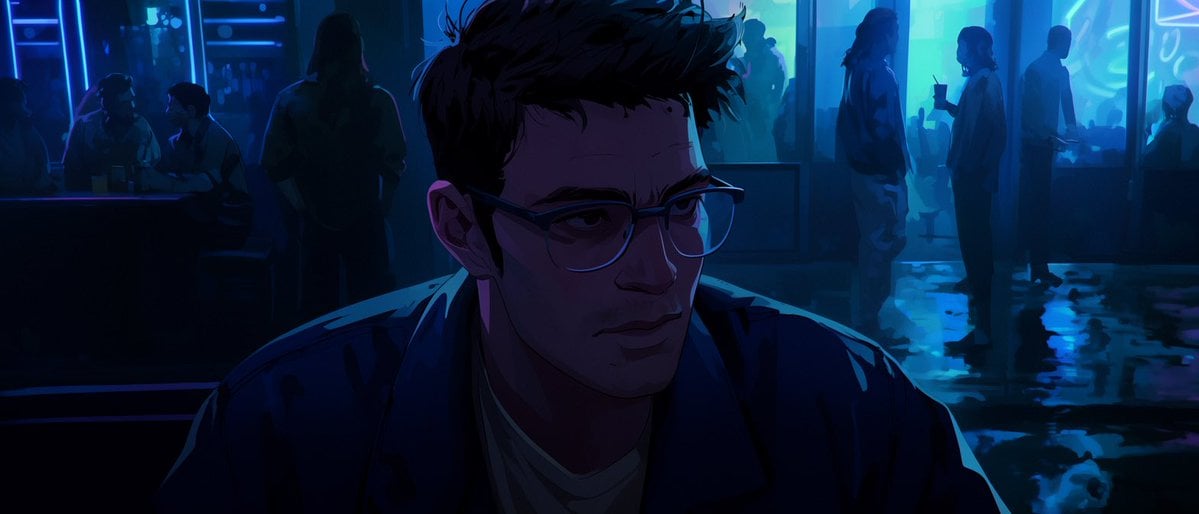
Censored Neon Noir Anime Portrait
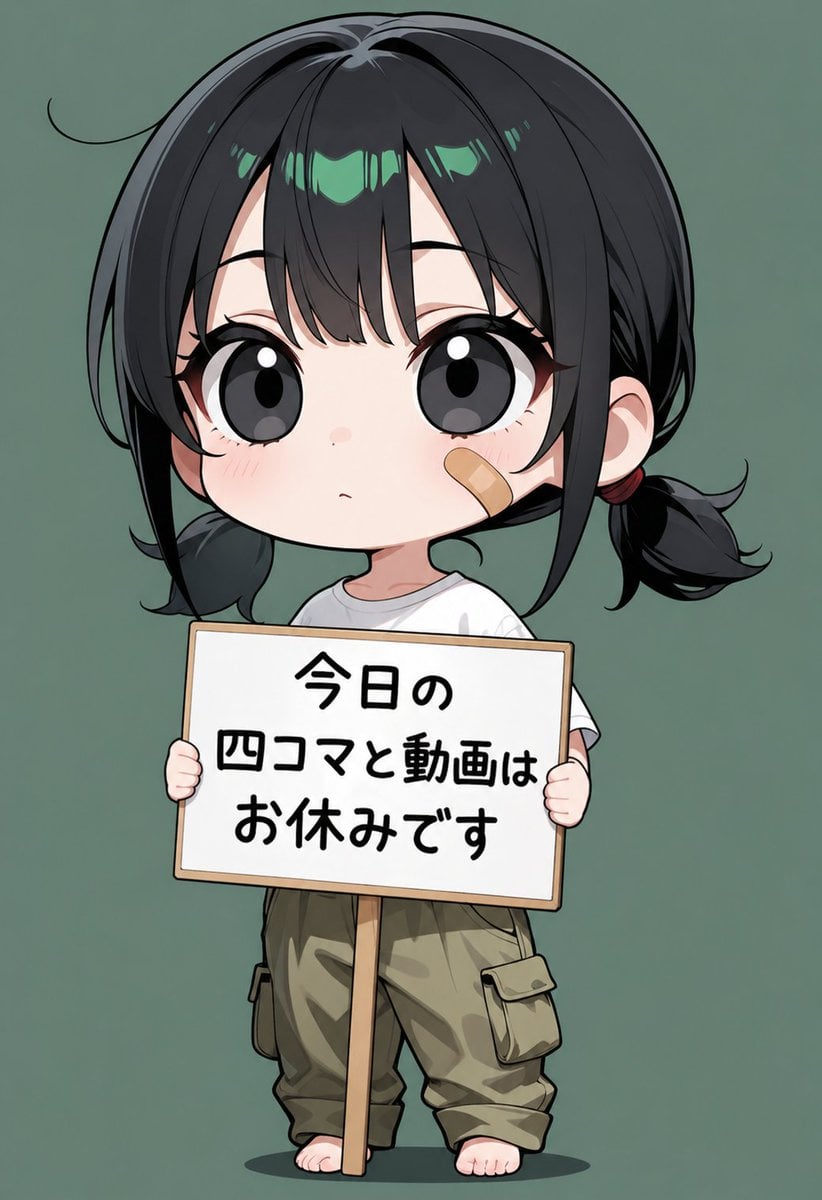
Chibi Girl Holding Japanese Notice Sign
Browse template categories
Rainy Evening Anime Friends questions
How do I use the Rainy Evening Anime Friends template?
Add your photo if the template asks for one, edit the prompt if you like — the template's model and format are already selected — and press Generate. Your version opens in PicX Studio.
Can I customize the Rainy Evening Anime Friends template?
Yes. You can change the subject, setting, lighting, mood, format, and available model controls before creating your image.
Is the Rainy Evening Anime Friends template free?
Opening and editing this template is free. Generating uses credits, shown on the Generate button when you are signed in.
Which AI model should I use?
Start with GPT Image 2, which is the model associated with this template. You can compare another compatible model for a different finish.
Looking for something else? Browse all templates.

Your photo, any look
Thousands of ready templates for every top image and video model, from one credit balance.