
Cyclist Character Design Sheet
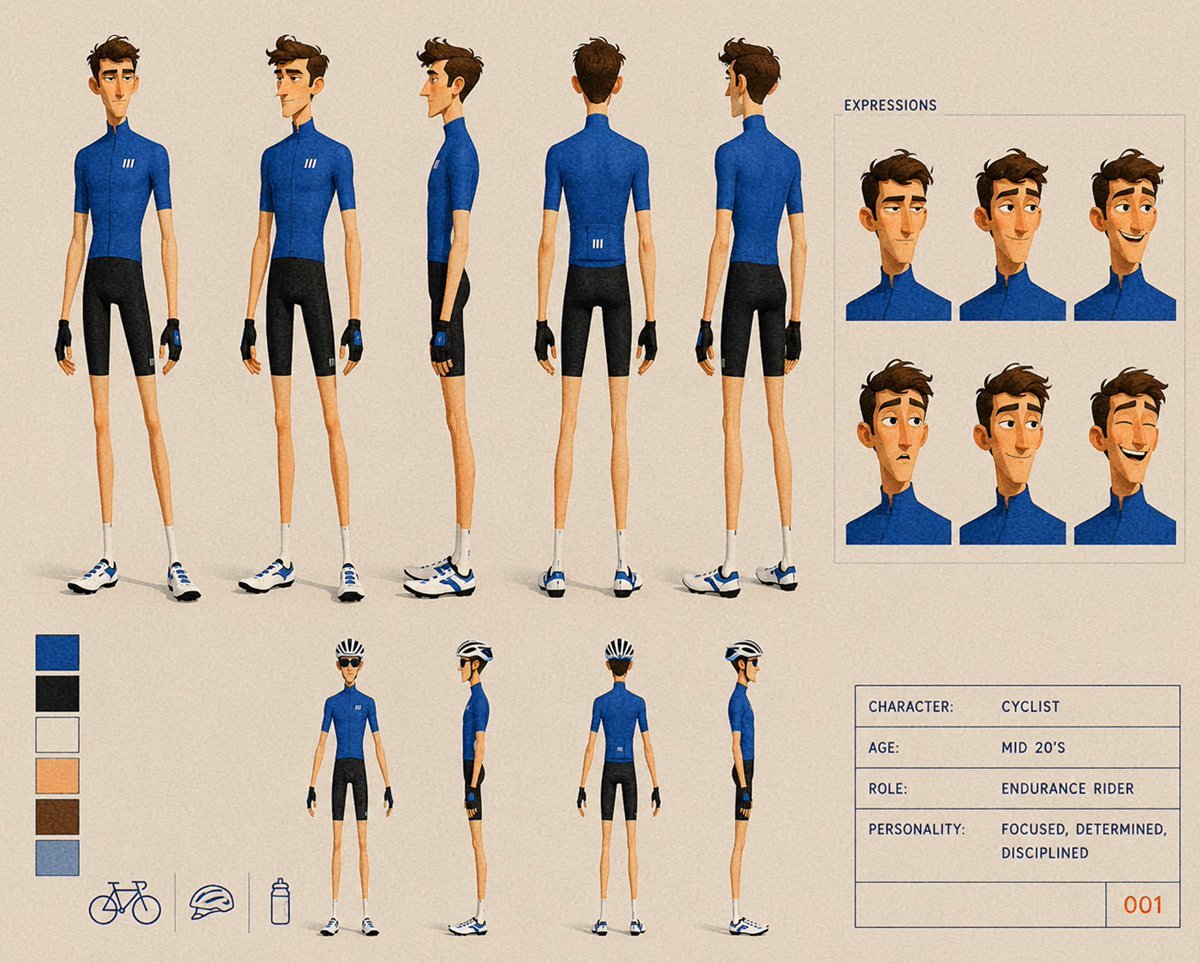
A detailed animation model sheet prompt for generating a stylized endurance cyclist with turnarounds, expressions, props, colors, and character data.
- Prompt included
- Model and format preset
- Free template
The prompt behind this image
Copy the exact prompt behind Cyclist Character Design Sheet, or open it in the studio and make it yours.
Goal: Create a stylized animation character design sheet for {argument name="character name" default="Cyclist"}, an endurance road cyclist in a clean semi-realistic 3D/painted concept-art style. Canvas: Landscape 4:3 character sheet on a warm beige paper-textured background, with subtle grain and thin slate-blue guide lines. Overall look should feel like a professional animation model sheet, clean but hand-painted, with soft shadows under the feet. Main layout: On the left two-thirds, show exactly 5 large full-body turnaround poses of the same slim young male cyclist with face intentionally obscured by a simple vertical blurred skin-tone rectangle: 1 front view, 2 front three-quarter view, 3 left side view, 4 back view, 5 back three-quarter view. The character is tall, very lean, mid-20s, with short tousled brown hair, narrow limbs, fair skin, and a focused athletic posture. Outfit: fitted {argument name="jersey color" default="royal blue"} short-sleeve cycling jersey with high collar and a small white triple-stripe logo on the chest/back, black cycling shorts, black fingerless cycling gloves with blue wrist details, white crew socks, and white-and-blue road cycling shoes. Expression panel: In the upper-right, create a boxed panel labeled “EXPRESSIONS”. Inside it, show exactly 6 cropped bust/head expression portraits arranged in a 3 by 2 grid. Each portrait uses the same blue cycling jersey, brown hair, and obscured face rectangle; vary head angle and hair silhouette slightly while keeping a consistent character model. Lower turnaround miniatures: Along the lower center, show exactly 4 smaller full-body poses of the cyclist wearing a black-and-white road cycling helmet: 1 back three-quarter view, 2 side view facing right, 3 back view, 4 side view facing left. Keep the same outfit, shoes, gloves, and slim proportions. Color and prop area: At lower-left, include exactly 6 vertical color swatches, stacked top to bottom: royal blue, near-black, off-white, light skin peach, brown hair, muted blue-gray. Beneath or beside them, include exactly 3 simple outline icons separated by thin vertical dividers: 1 road bicycle, 2 cycling helmet, 3 water bottle. Information box: At lower-right, include a thin-lined rectangular data card with the following text in all caps, monospaced or technical lettering: “CHARACTER: CYCLIST”, “AGE: MID 20'S”, “ROLE: ENDURANCE RIDER”, “PERSONALITY: FOCUSED, DETERMINED, DISCIPLINED”, and a small bottom-right ID number “001”. Visual style: Semi-realistic stylized character concept art with elongated proportions, painterly shading, crisp clothing seams, subtle fabric texture on the jersey and shorts, warm neutral lighting, precise model-sheet spacing, and muted blue-gray typography. Keep faces covered/anonymous, no extra characters, no scenery, no watermark.
How to use Cyclist Character Design Sheet in 3 steps
- 1Upload ImagePNG, JPG or paste
Add your photo
Upload the photo the template builds on. The prompt, model and format are already set.
- 2…a portrait of your subject in softgolden-hour light, 85mm…
Personalize
Edit the subject and creative details for your destination.
- 3Generate
Generate
Press Generate — your image is created in PicX Studio, so you can compare it with the original and refine one variable at a time.
More like this
Templates with the same subject, style or setup. Open one to see its prompt.

Dancer Character - Four View Reference Sheet

Movement Sheet - Dance Reference (Seedance 2.0)
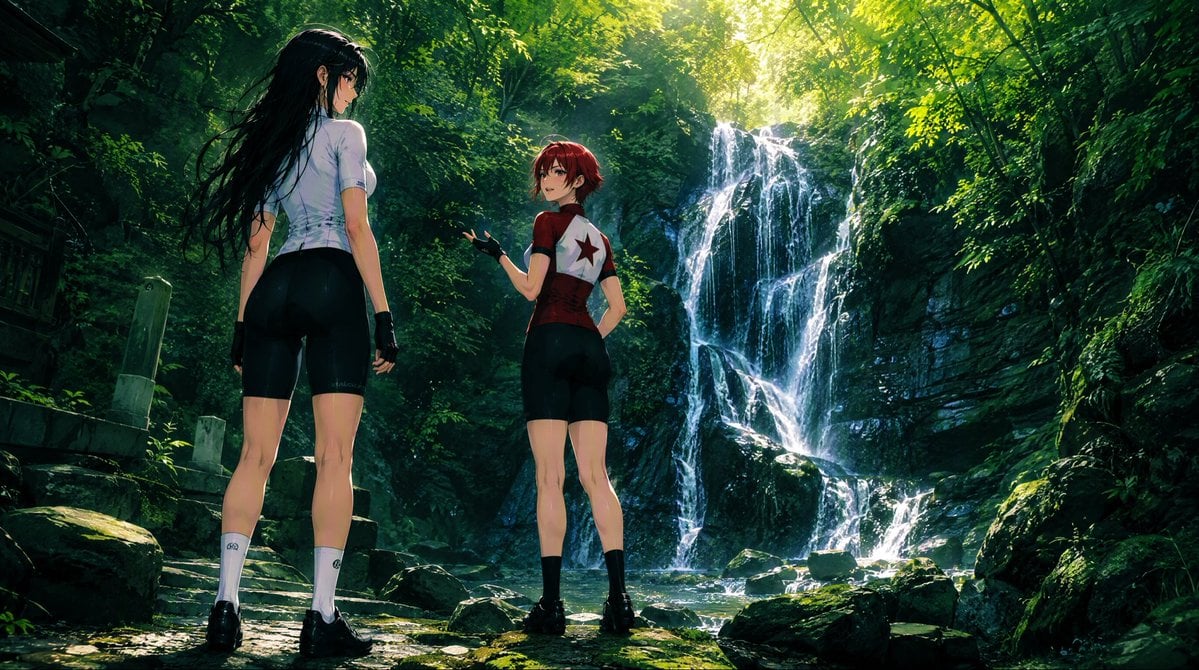
Anime Cyclists at Forest Waterfall
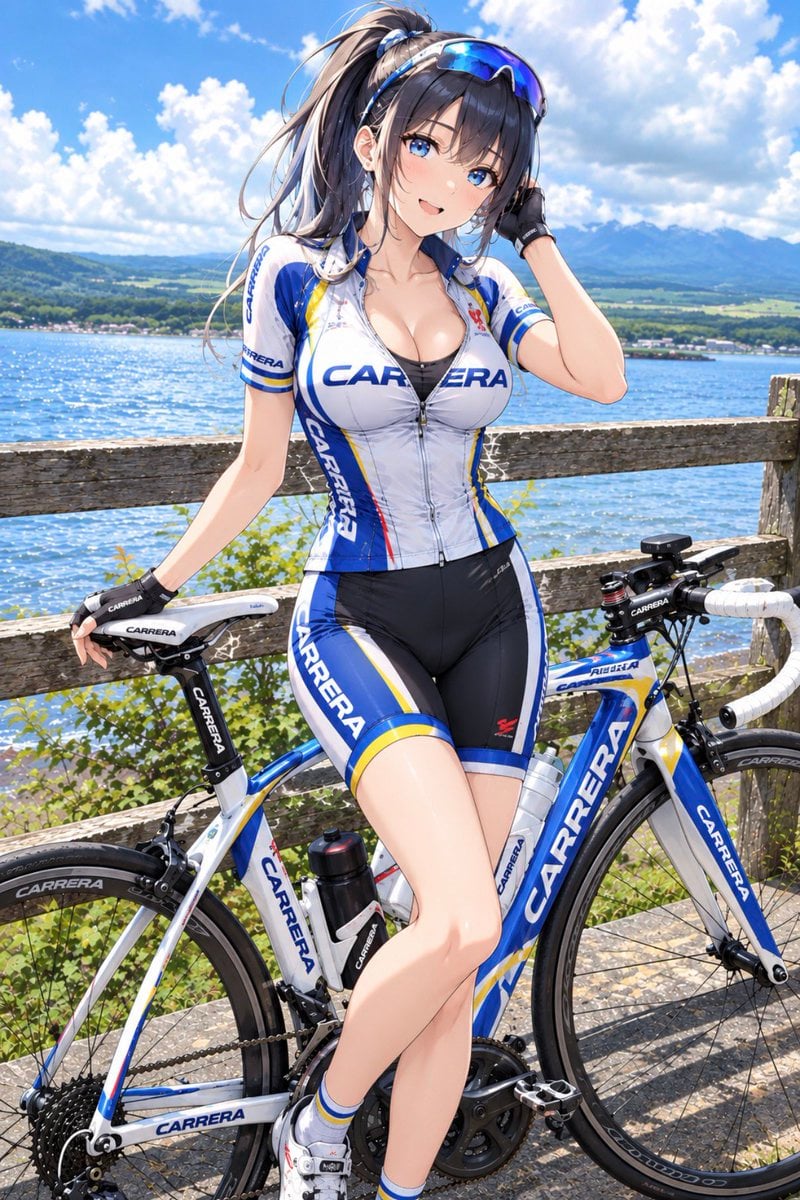
Anime Carrera Road Cyclist
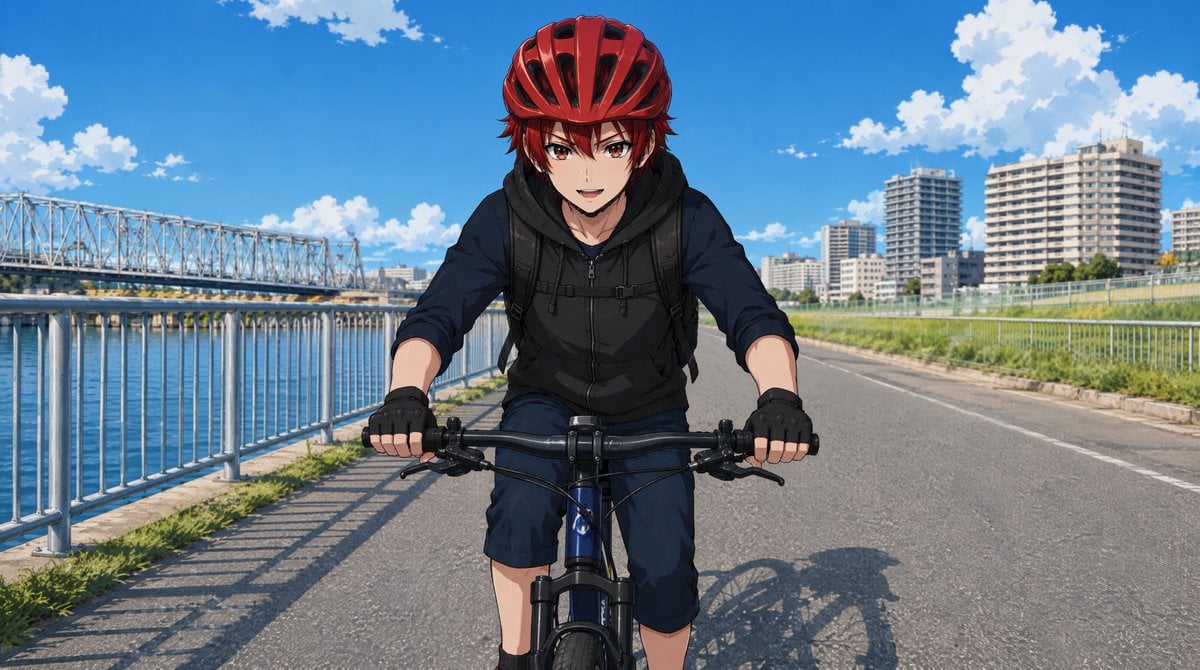
Anime Cyclist on Riverside Road
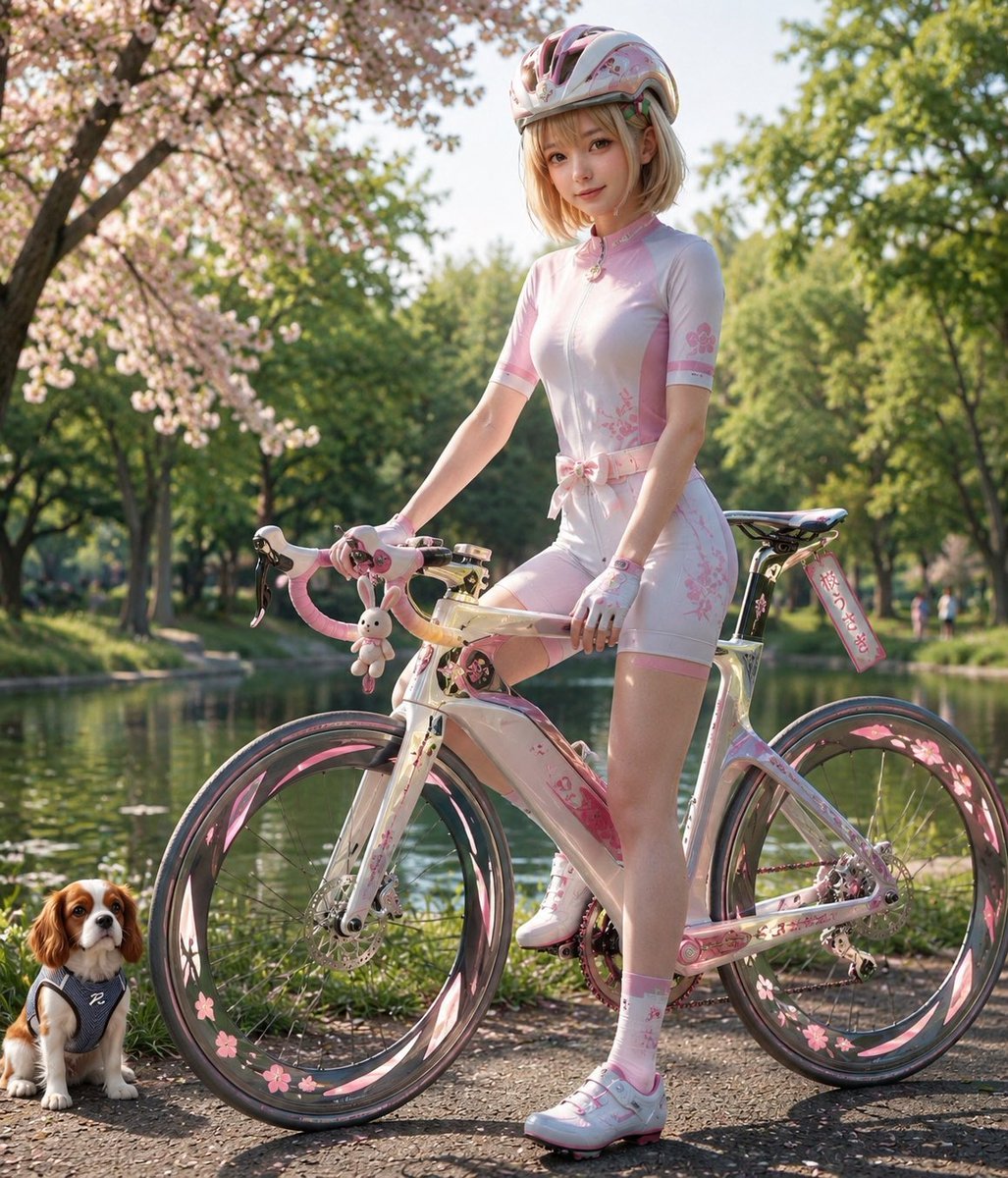
Sakura Cyclist With Pastel Road Bike
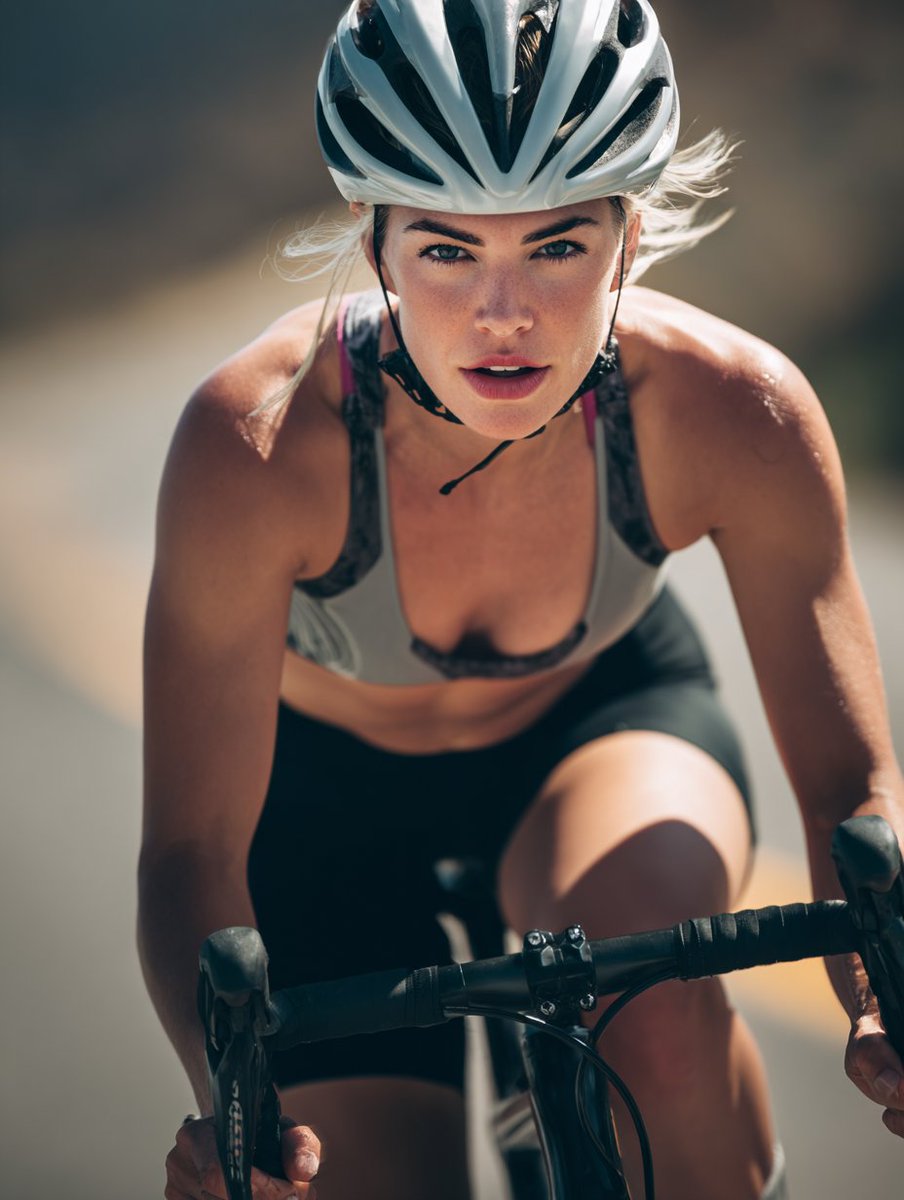
High-End Sports Photography: Competitive Road Cyclist

Six VTuber Japanese Logo Sheet

Retro Manga StackChan Concept Sheet

Halloween Nun Chibi Character Sheet

Anime Lantern Girl Character Sheet
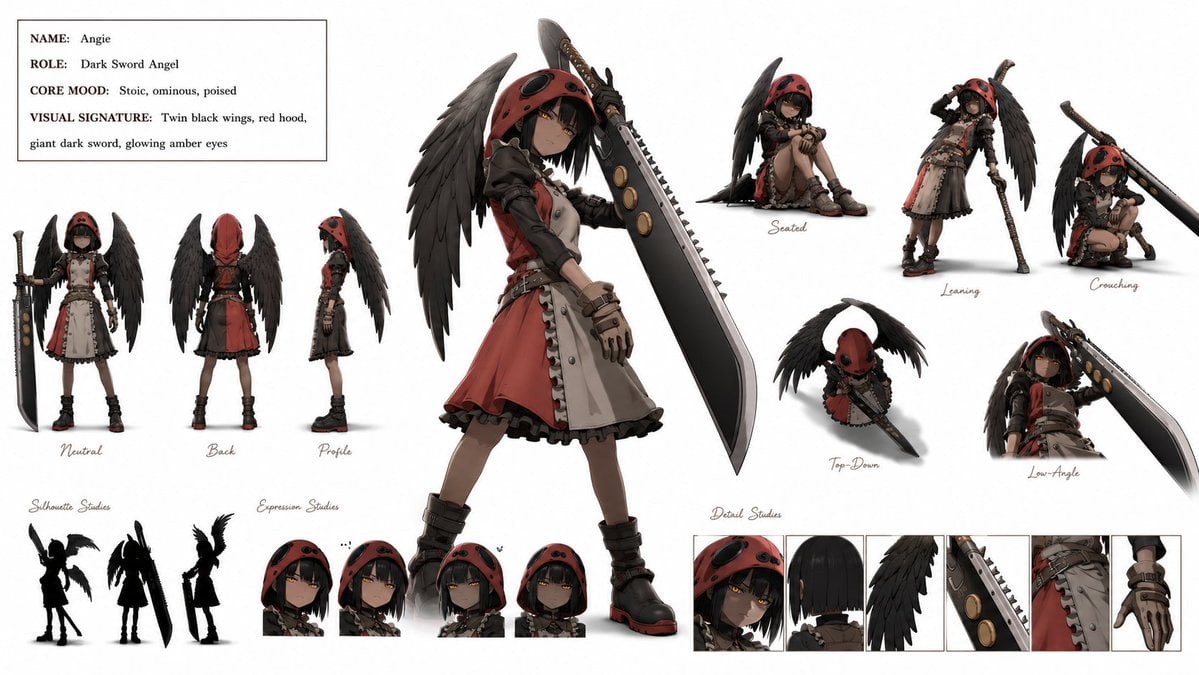
Dark Sword Angel Character Sheet
Make it yours
Cyclist Character Design Sheet works as-is. These are the safest ways to change it without losing the look.
Change one field
Copy a single group, rewrite it, and generate again so you can see what that field is doing.
Keep the frame, change the subject
Hold the composition and light of Cyclist Character Design Sheet, then swap wardrobe, props or the person for a new take.
| If the result… | Why | Fix |
|---|---|---|
| The result drifts from the preview | Too many fields changed at once. | Reuse Cyclist Character Design Sheet as-is first, then change one group — subject, light, or setting. |
| The model over-stylizes the scene | The prose prompt leaves finish and camera underspecified. | Add one camera or lighting sentence and stay on GPT Image 2. |
More GPT Image 2 templates
Other prompts made for GPT Image 2.

Realistic Portrait of Woman and Deer

The Vista Modular Condo Poster

AI Model Routing Comparison Infographic

2.5D Anime Art Board

Isometric Productivity Desk Scene

New York Double Exposure Poster

Four-Panel AI Landscape Comparison

Japanese Tatami Lifestyle Magazine Cover

NESCAFÉ Coffee Map Poster

Brutalist Cogito Chinese Typography Poster
More image prompts
Fresh picks from across the catalog.
Korean Text Art with Emphasis Marks
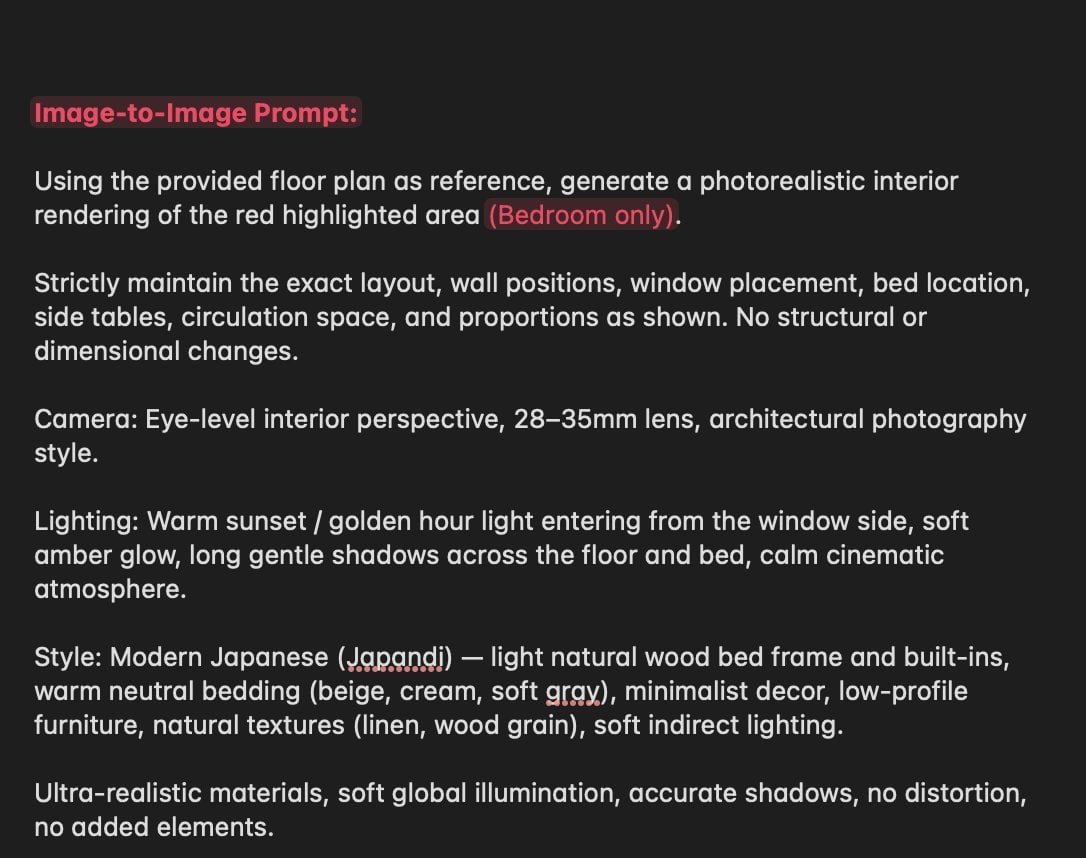
Nano Banana Layout Preservation Prompt
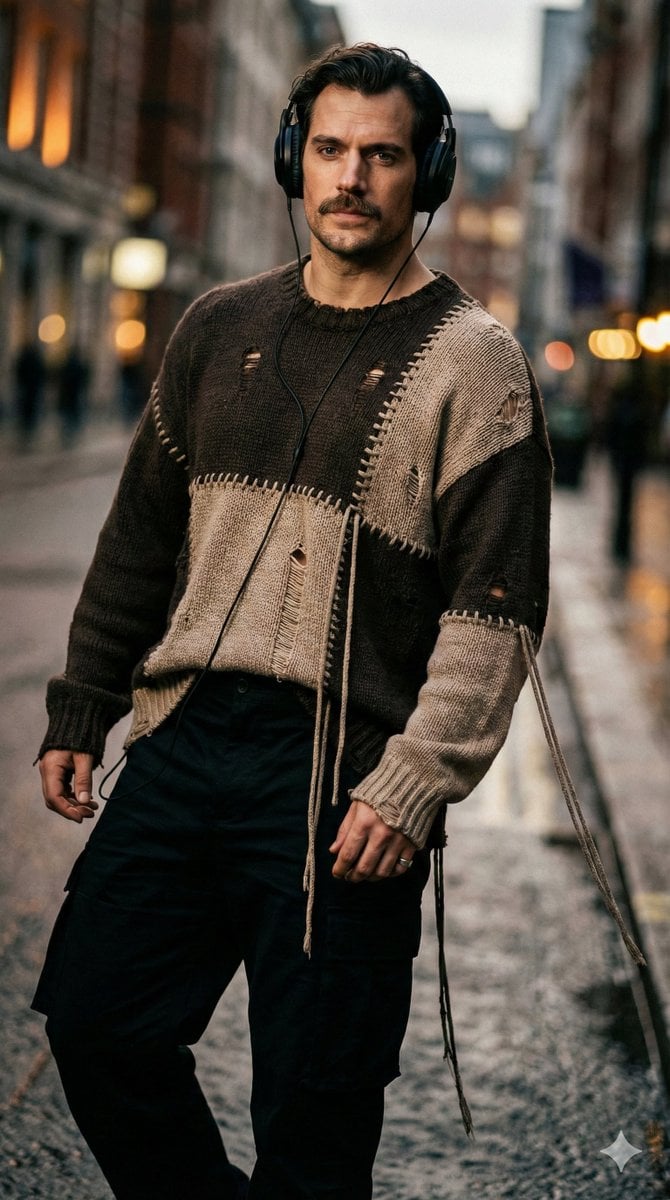
Editorial Street-Fashion Portrait Prompt
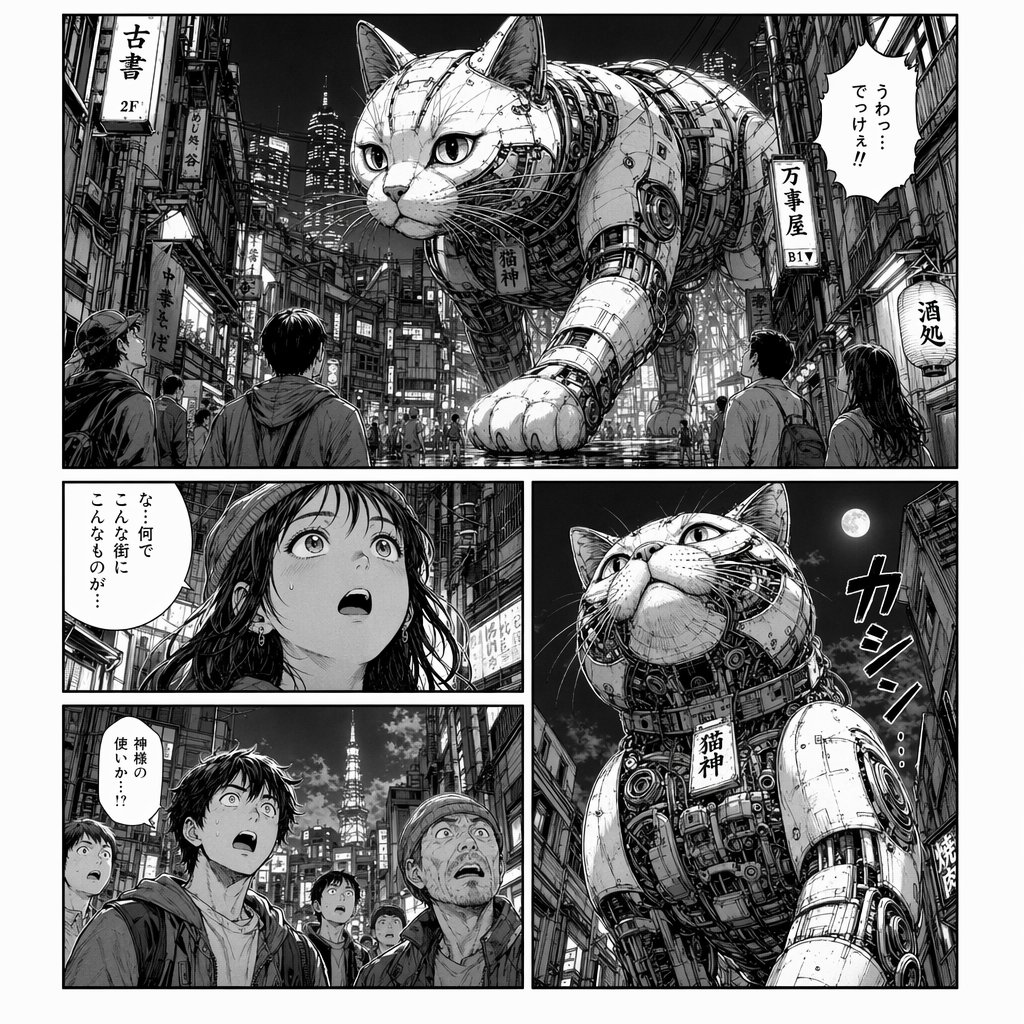
Cyberpunk Manga Page of a Giant Robot Cat
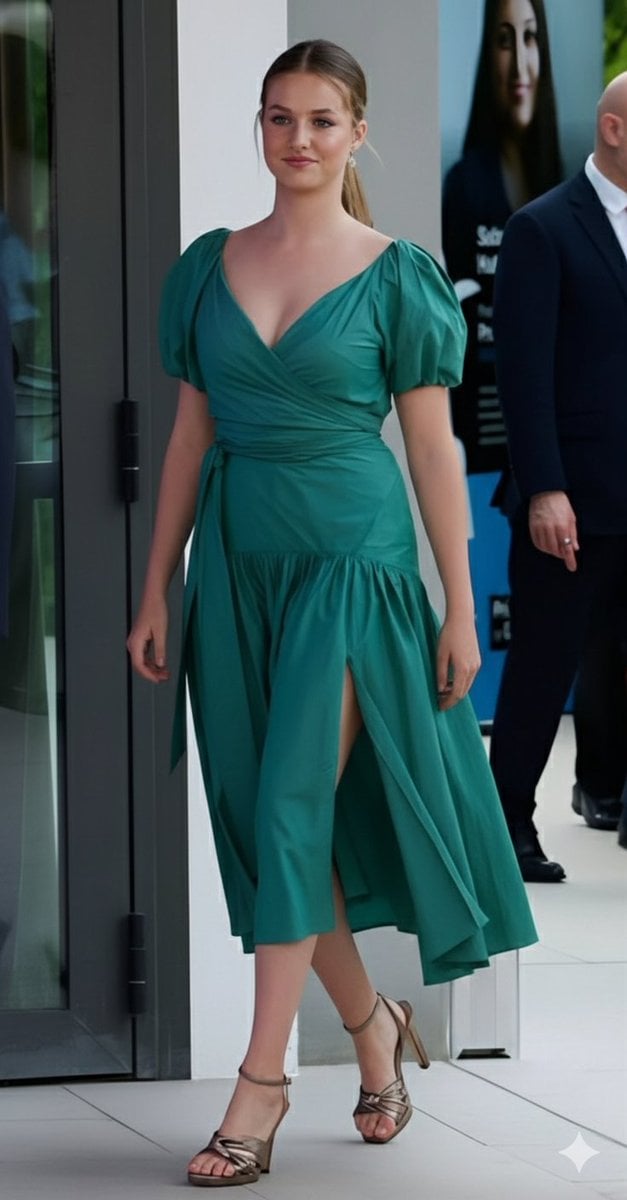
Emerald Green Satin Dress Fashion Editorial
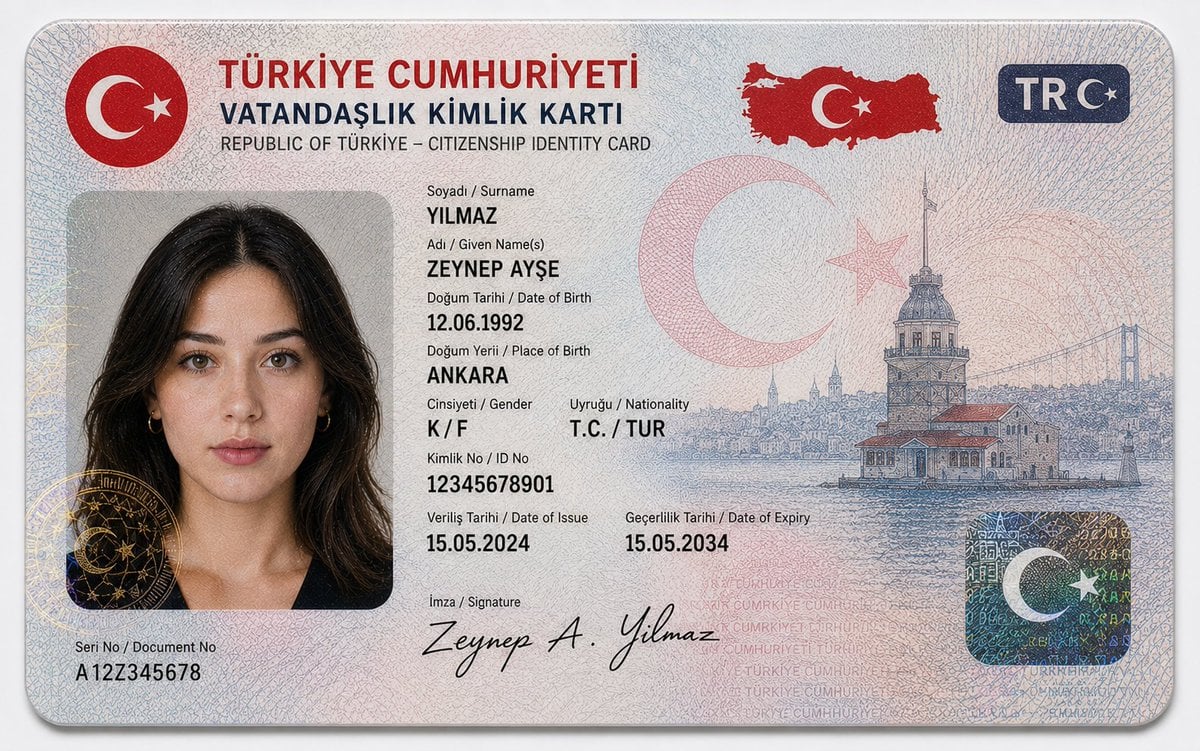
German Citizenship Identity Card Mockup
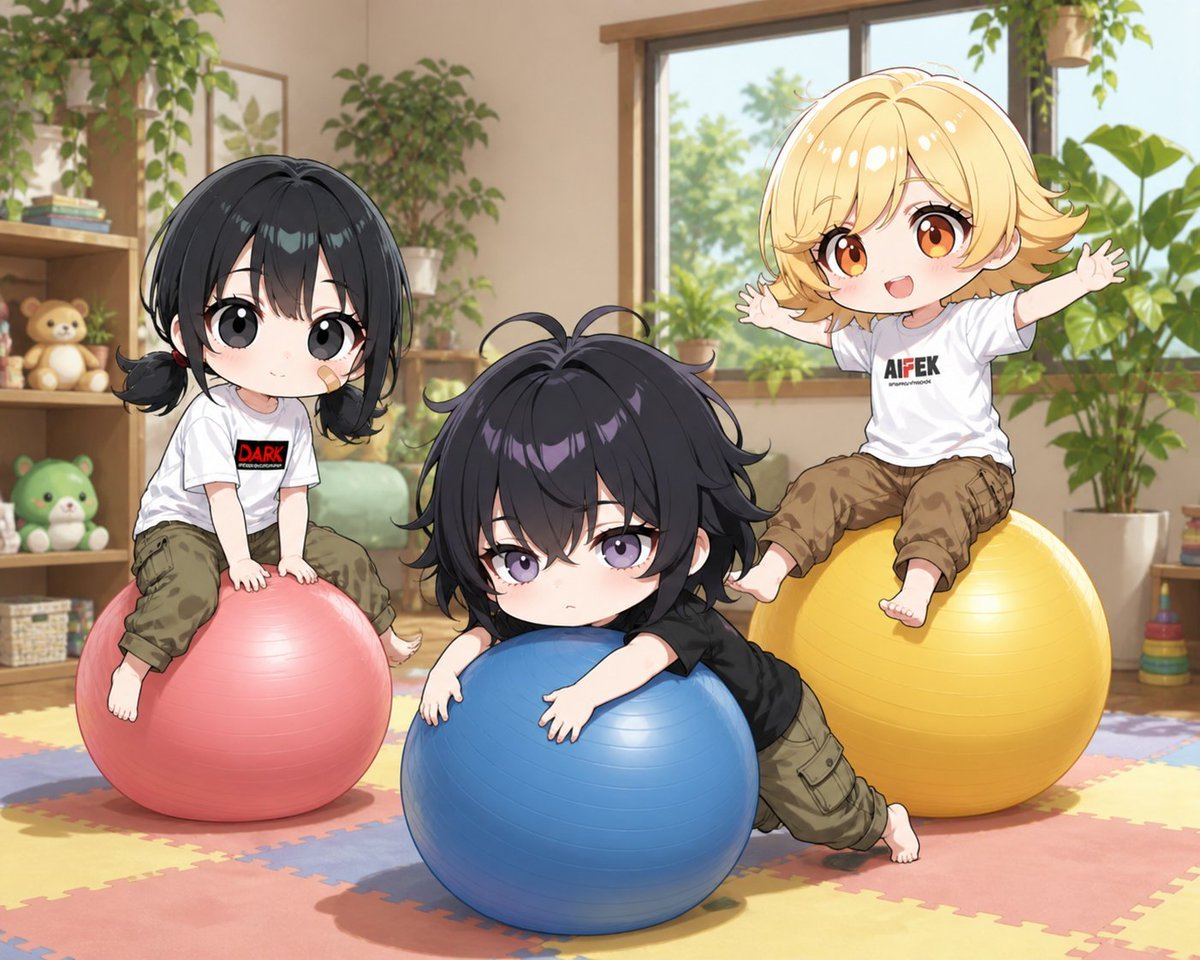
Chibi Kids Playing on Exercise Balls
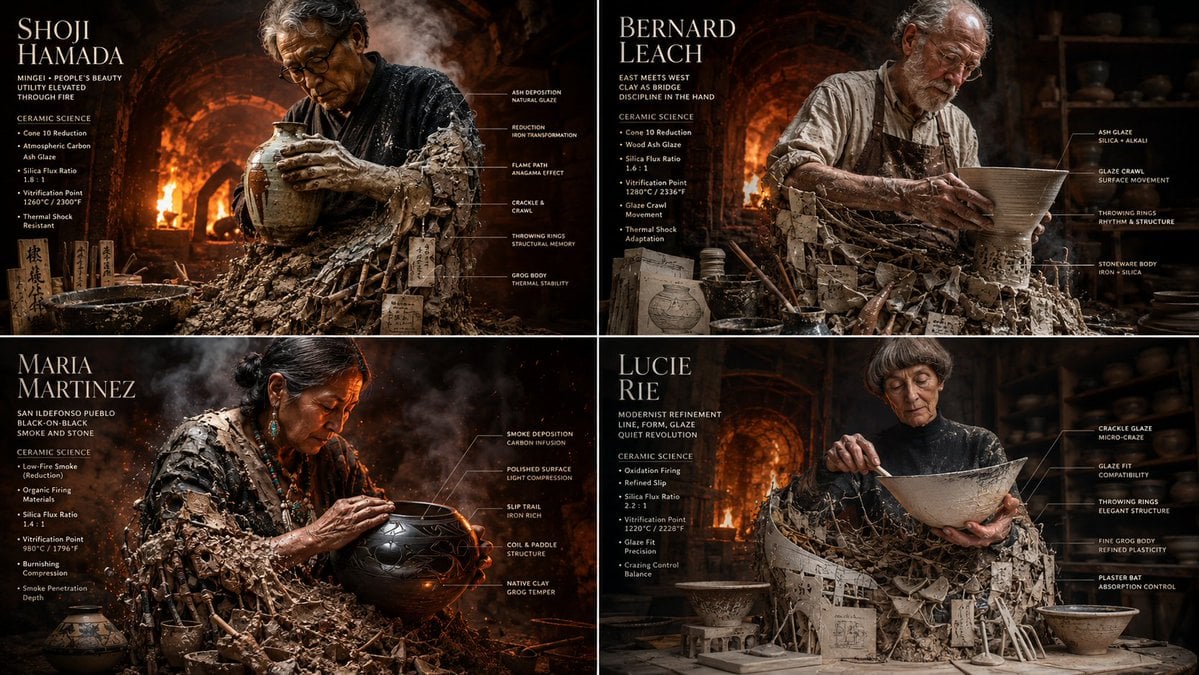
Master Potter Ceramic Infographic Grid
Granular Gym Mirror Selfie Prompt
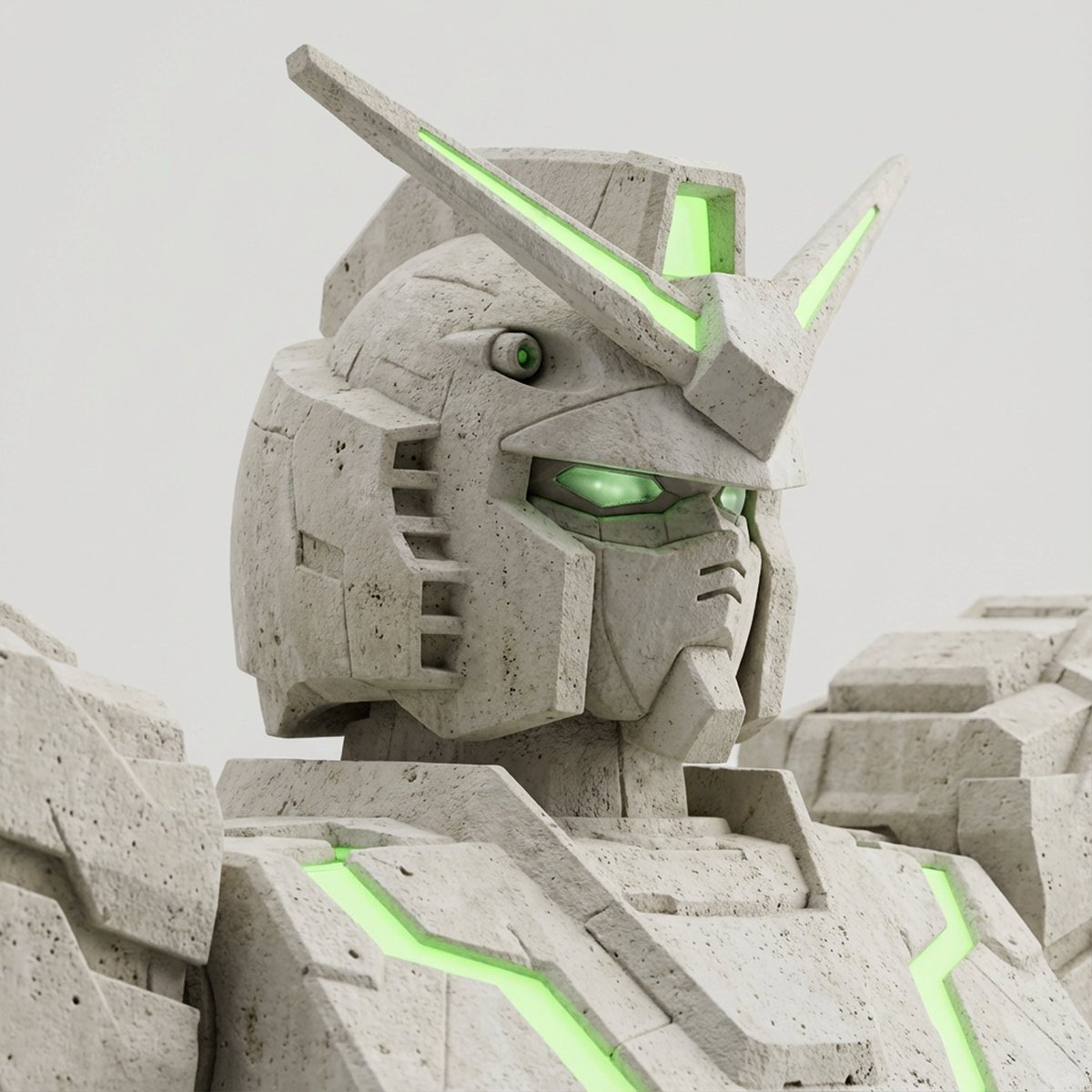
Limestone Sculpture with Neon Glow Prompt
Browse template categories
Cyclist Character Design Sheet questions
How do I use the Cyclist Character Design Sheet template?
Add your photo if the template asks for one, edit the prompt if you like — the template's model and format are already selected — and press Generate. Your version opens in PicX Studio.
Can I customize the Cyclist Character Design Sheet template?
Yes. You can change the subject, setting, lighting, mood, format, and available model controls before creating your image.
Is the Cyclist Character Design Sheet template free?
Opening and editing this template is free. Generating uses credits, shown on the Generate button when you are signed in.
Which AI model should I use?
Start with GPT Image 2, which is the model associated with this template. You can compare another compatible model for a different finish.
Looking for something else? Browse all templates.

Your photo, any look
Thousands of ready templates for every top image and video model, from one credit balance.