
Master Potter Ceramic Infographic Grid
A complex prompt that creates a 2x2 grid of master potters merged with their ceramic materials and glaze chemistry in a cinematic studio setting.
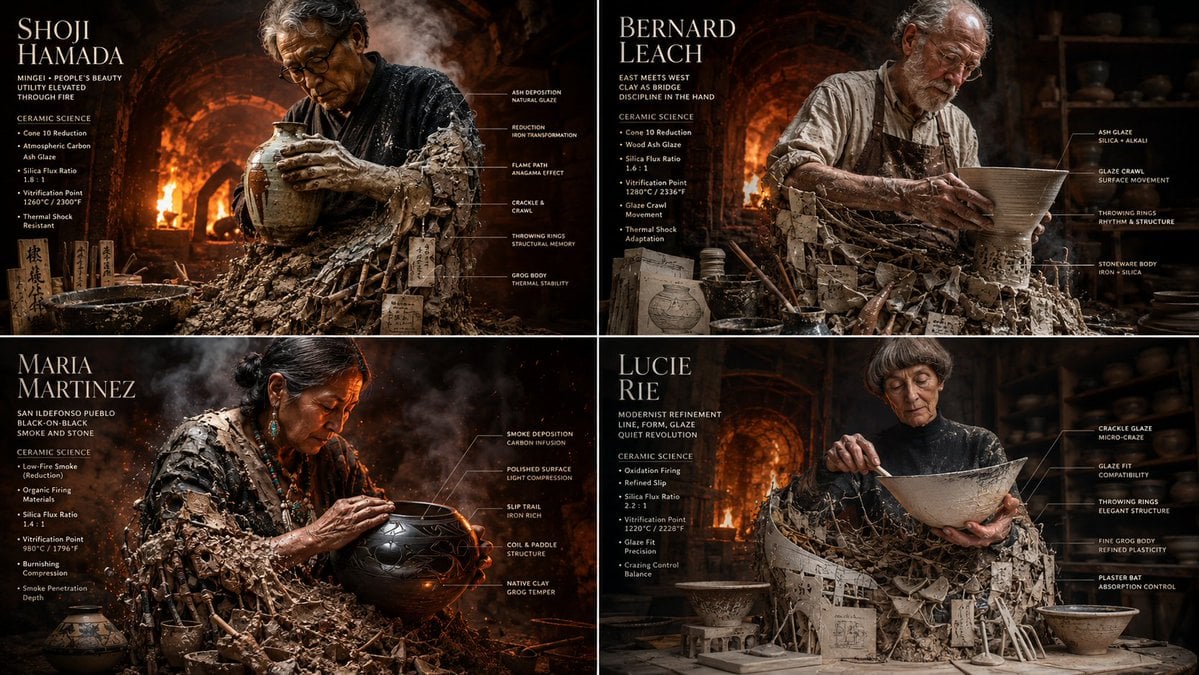
- Prompt included
- Model and format preset
- Premium template
The prompt behind this image
Copy the exact prompt behind Master Potter Ceramic Infographic Grid, or open it in the studio and make it yours.
2x2 grid, 16:9 do this for {argument name="number of potters" default="4"} famous master potters input: [{argument name="potter data" default="four master potters & their glaze chemistry charts"}] system: render each potter as a “raw clay becoming vessel.” each panel contains one central artisan emerging from a giant, wood-fired kiln and plaster bat. the lower half is made from raw grog, unfired clay, wooden ribs, ash glaze recipes, and kiln wadding. the upper half is a hyper-realistic cinematic potter covered in slip, radiant heat distortion, leather aprons, and sweat. transformation logic: the chemistry of the kiln becomes physical texture. glaze crawls and crackles become physical skin textures or fabric patterns, throwing rings become ribbed, structural armor, and kiln wadding becomes heavy, structural supports or jewelry. environment: the kiln expands into the roaring, blinding interior of a wood-fired anagama kiln or a hyper-detailed, dusty pottery studio, with massive thermal heat distortion and flying embers. data layer: add refined ceramic callouts: - “cone 10 reduction” - “thermal shock” - “silica flux ratio” - “atmospheric carbon” - “vitrification point” - “glaze crawl” visual style: photorealistic industrial and craft photography, intense warm lighting (oranges, reds, and deep earth browns), heavy smoke and heat distortion textures, macro details of raw earth and glassy glazes. composition: strict 2x2 grid, each panel like a premium craft and material science magazine feature.
How to use Master Potter Ceramic Infographic Grid in 3 steps
- 1Upload ImagePNG, JPG or paste
Add your photo
Upload the photo the template builds on. The prompt, model and format are already set.
- 2…a portrait of your subject in softgolden-hour light, 85mm…
Personalize
Edit the subject and creative details for your destination.
- 3Generate
Generate
Press Generate — your image is created in PicX Studio, so you can compare it with the original and refine one variable at a time.
More like this
Templates with the same subject, style or setup. Open one to see its prompt.

Japan Travel Brochure Poster

Korean Luxury Fashion Editorial 2x2 Grid Series

Minimalist Fashion Editorial Split Layout

Ultra-Realistic Vogue-Style Editorial Fashion Grid

Headphones Lifestyle Nine Panel Grid

Isometric Process Educational Diorama

Isometric Vehicle Teardown Infographic Template
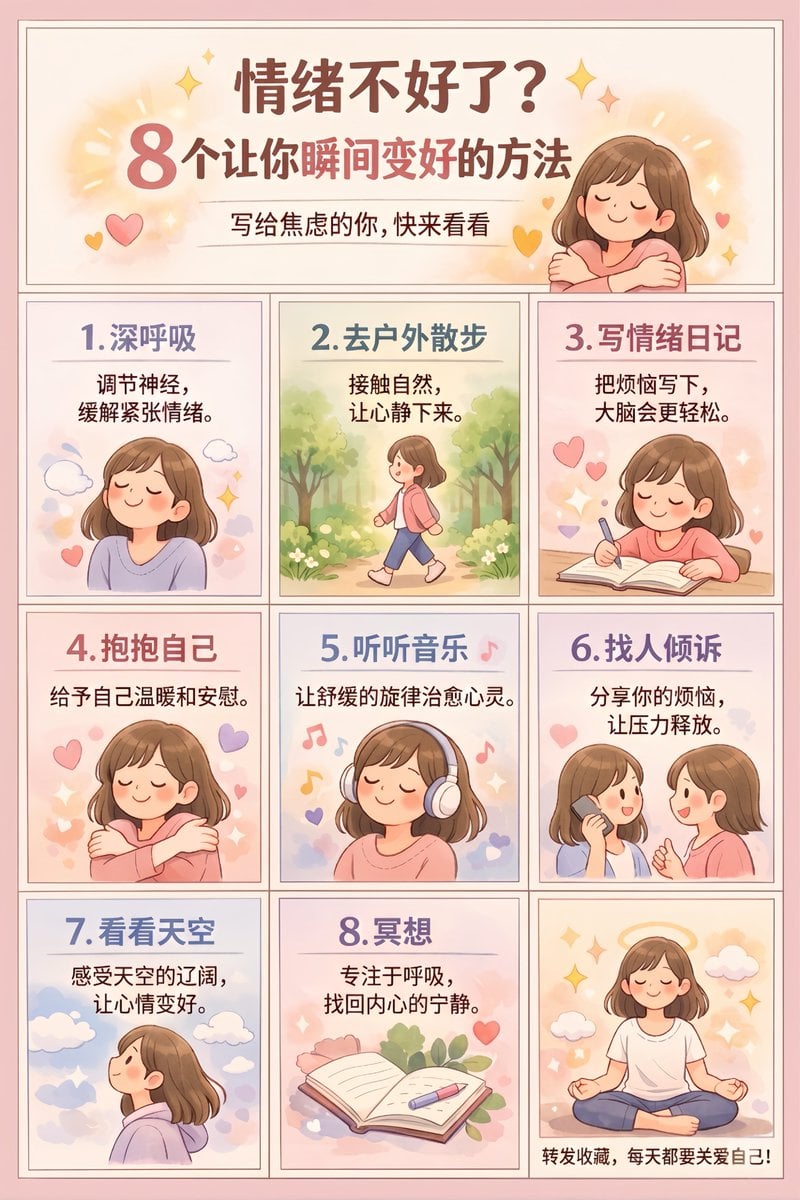
Panel Self-Care Infographic Grid

4x4 Grid - Candid Nostalgic Vacation Selfies

Movement Sheet - Dance Reference (Seedance 2.0)

Gpt2 E Commerce Main Image Earbuds E Commerce Infographic

Gpt2 Infographic Edu Visual Alishan One Day Travel Poster
Make it yours
Master Potter Ceramic Infographic Grid works as-is. These are the safest ways to change it without losing the look.
Change one field
Copy a single group, rewrite it, and generate again so you can see what that field is doing.
Keep the frame, change the subject
Hold the composition and light of Master Potter Ceramic Infographic Grid, then swap wardrobe, props or the person for a new take.
| If the result… | Why | Fix |
|---|---|---|
| The result drifts from the preview | Too many fields changed at once. | Reuse Master Potter Ceramic Infographic Grid as-is first, then change one group — subject, light, or setting. |
| The model over-stylizes the scene | The prose prompt leaves finish and camera underspecified. | Add one camera or lighting sentence and stay on GPT Image 2. |
More GPT Image 2 templates
Other prompts made for GPT Image 2.

Six VTuber Japanese Logo Sheet

Realistic Portrait of Woman and Deer

The Vista Modular Condo Poster

AI Model Routing Comparison Infographic

2.5D Anime Art Board

Isometric Productivity Desk Scene

New York Double Exposure Poster

Four-Panel AI Landscape Comparison

Japanese Tatami Lifestyle Magazine Cover

NESCAFÉ Coffee Map Poster
More image prompts
Fresh picks from across the catalog.
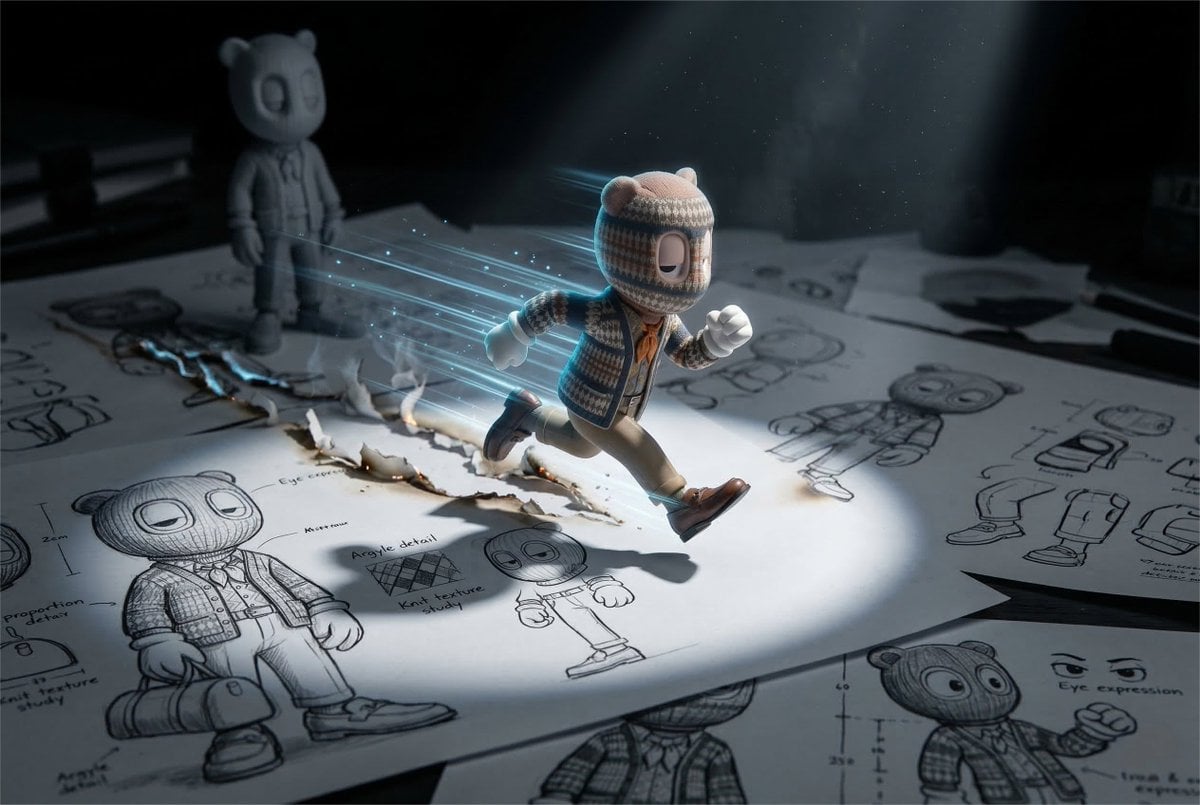
Cinematic Macro Toy Photography of a Sprinting Character

AI Companies in 2026 Grid Poster

Christmas Ornament Portrait Glossy Glass Resin Finish with Hand Painted Details Holiday Lighting
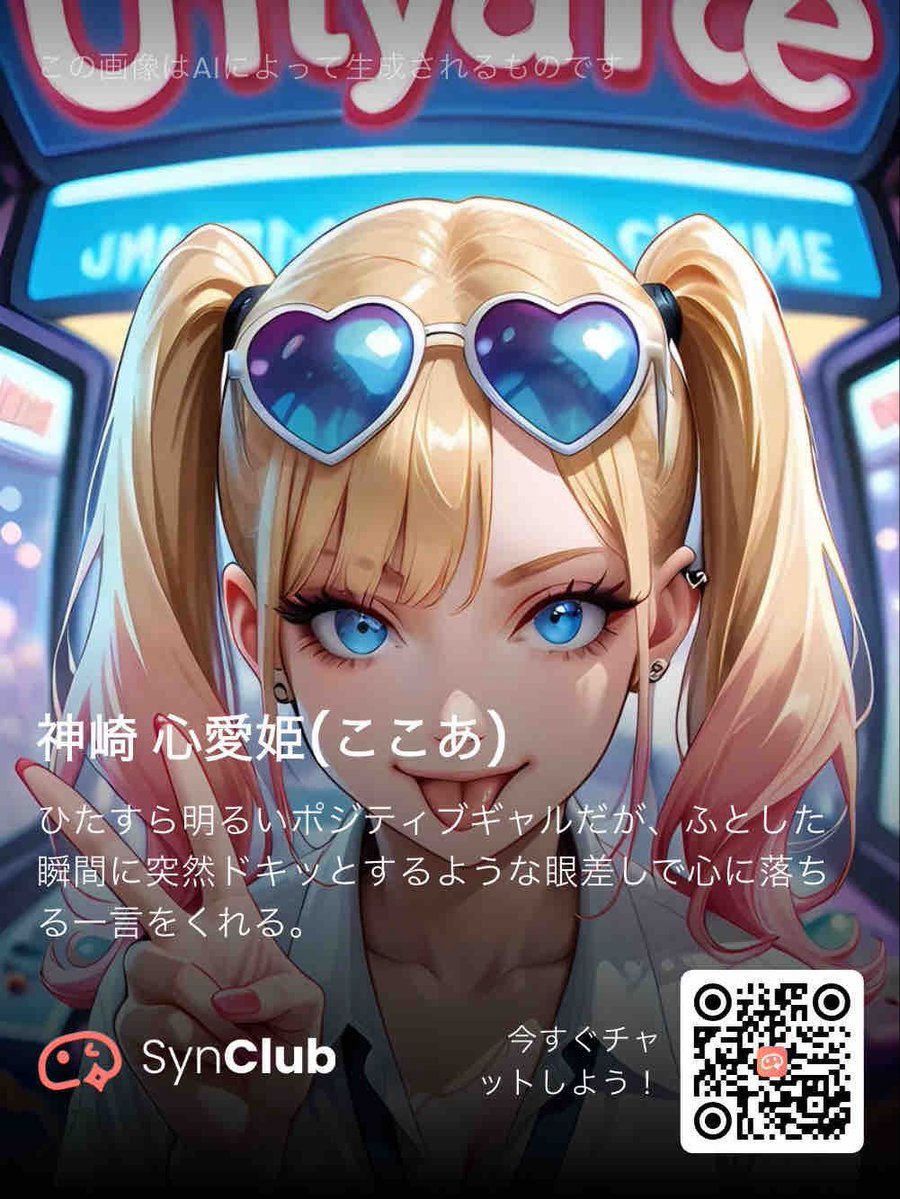
SynClub Anime Character QR Poster
Gothic Lolita Furisode Outfit
Spicy Snack Bag Product Ad

Recharge Naturally Juice Ad
Matcha Latte Promotion Banner
Aqua-Haired Anime Street Portrait
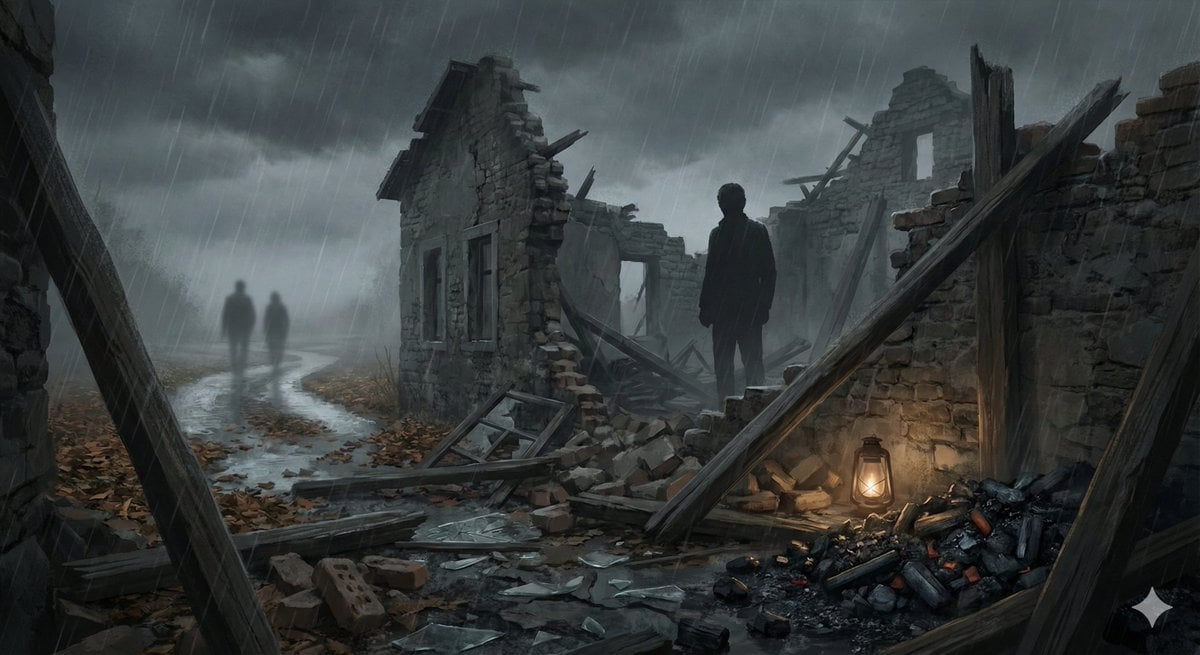
Cinematic illustration of a poem
Browse template categories
Master Potter Ceramic Infographic Grid questions
How do I use the Master Potter Ceramic Infographic Grid template?
Add your photo if the template asks for one, edit the prompt if you like — the template's model and format are already selected — and press Generate. Your version opens in PicX Studio.
Can I customize the Master Potter Ceramic Infographic Grid template?
Yes. You can change the subject, setting, lighting, mood, format, and available model controls before creating your image.
Is the Master Potter Ceramic Infographic Grid template free?
Opening and editing this template is free. Generating uses credits, shown on the Generate button when you are signed in.
Which AI model should I use?
Start with GPT Image 2, which is the model associated with this template. You can compare another compatible model for a different finish.
Looking for something else? Browse all templates.

Your photo, any look
Thousands of ready templates for every top image and video model, from one credit balance.