
Sakura Cyclist With Pastel Road Bike
A photorealistic spring park portrait featuring a pink sakura-themed cyclist, ornate bicycle, and small dog, ideal for World Bicycle Day visuals.
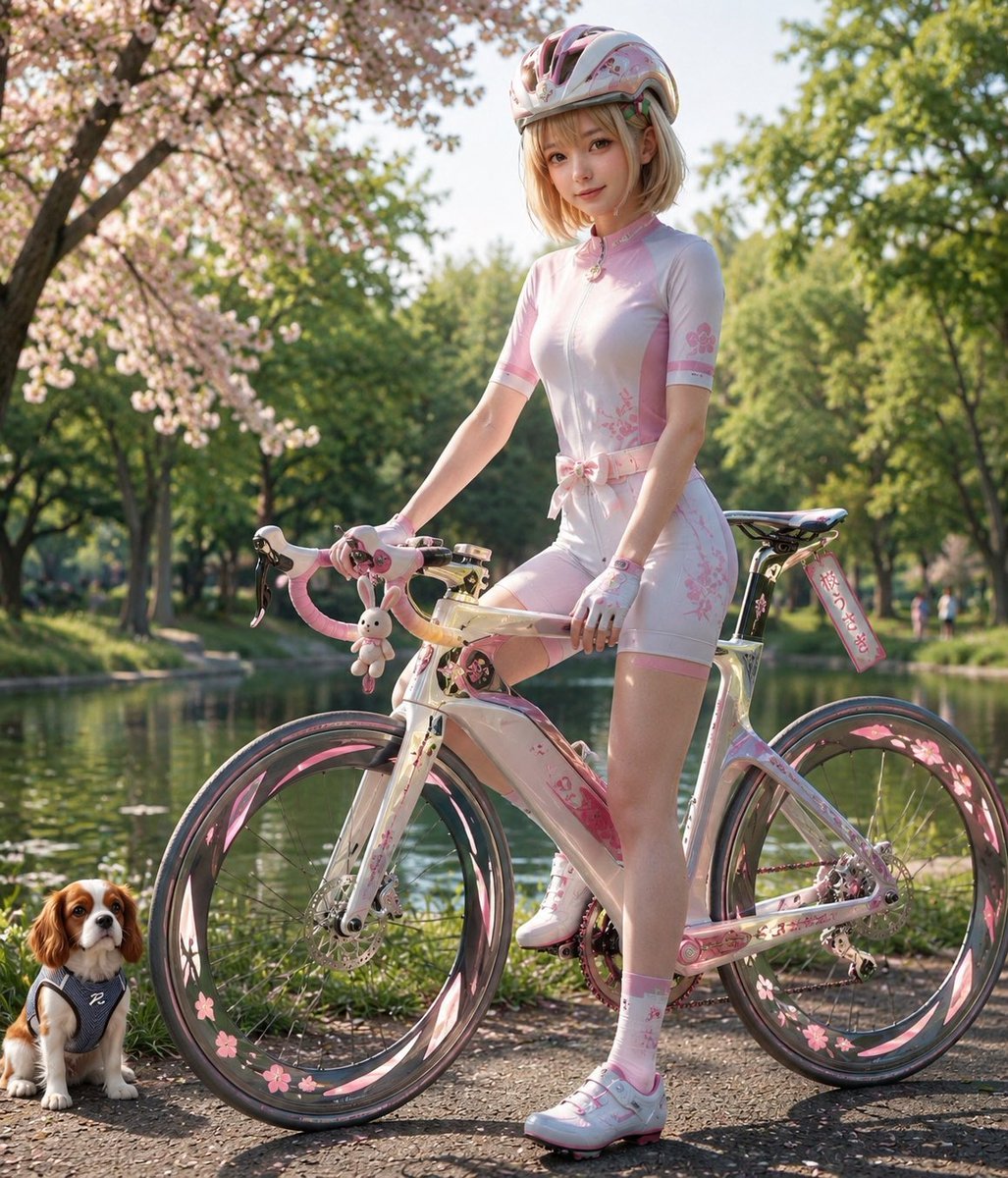
- Prompt included
- Model and format preset
- Free template
The prompt behind this image
Copy the exact prompt behind Sakura Cyclist With Pastel Road Bike, or open it in the studio and make it yours.
Create a photorealistic vertical lifestyle portrait of a fashionable young female cyclist posing with an ornate pastel bicycle in a spring park. The subject is {argument name="character name" default="a young woman"} with a softly anonymized, featureless face, shoulder-length {argument name="hair color" default="blonde hair"}, wearing a glossy pink-and-white cycling helmet, a fitted white short-sleeve cycling skinsuit with pale pink side panels and delicate cherry-blossom patterns, a pink bow belt at the waist, white cycling gloves, pink floral socks, and white-and-pink cycling shoes. She stands beside and partly over a custom pearlescent white and pink road bike with drop handlebars wrapped in pink tape, a translucent golden handlebar section, floral decals on the frame, deep carbon-style rims decorated with pink cherry blossoms and petal graphics, disc brakes, a pink chain detail, a small rabbit plush charm hanging from the handlebar, and a dangling rectangular tag with decorative Japanese-style writing near the rear saddle. Include exactly one small dog at the lower left: a Cavalier King Charles Spaniel sitting calmly on the path, wearing a gray harness with a white emblem, looking toward the viewer. Set the scene on a sunlit riverside or lakeside park path during spring, with calm water behind the bicycle, lush green trees, and a large cherry blossom tree blooming on the left. Use warm late-afternoon golden light, soft depth of field, realistic reflections, crisp subject detail, dreamy pastel color grading, high-end fashion editorial composition, full-body framing, no extra people in the foreground, no readable brand logos, no watermark. Emphasize the theme of {argument name="occasion" default="World Bicycle Day"} with a cute, elegant, sakura-inspired cycling aesthetic.
How to use Sakura Cyclist With Pastel Road Bike in 3 steps
- 1Upload ImagePNG, JPG or paste
Add your photo
Upload the photo the template builds on. The prompt, model and format are already set.
- 2…a portrait of your subject in softgolden-hour light, 85mm…
Personalize
Edit the subject and creative details for your destination.
- 3Generate
Generate
Press Generate — your image is created in PicX Studio, so you can compare it with the original and refine one variable at a time.
More like this
Templates with the same subject, style or setup. Open one to see its prompt.
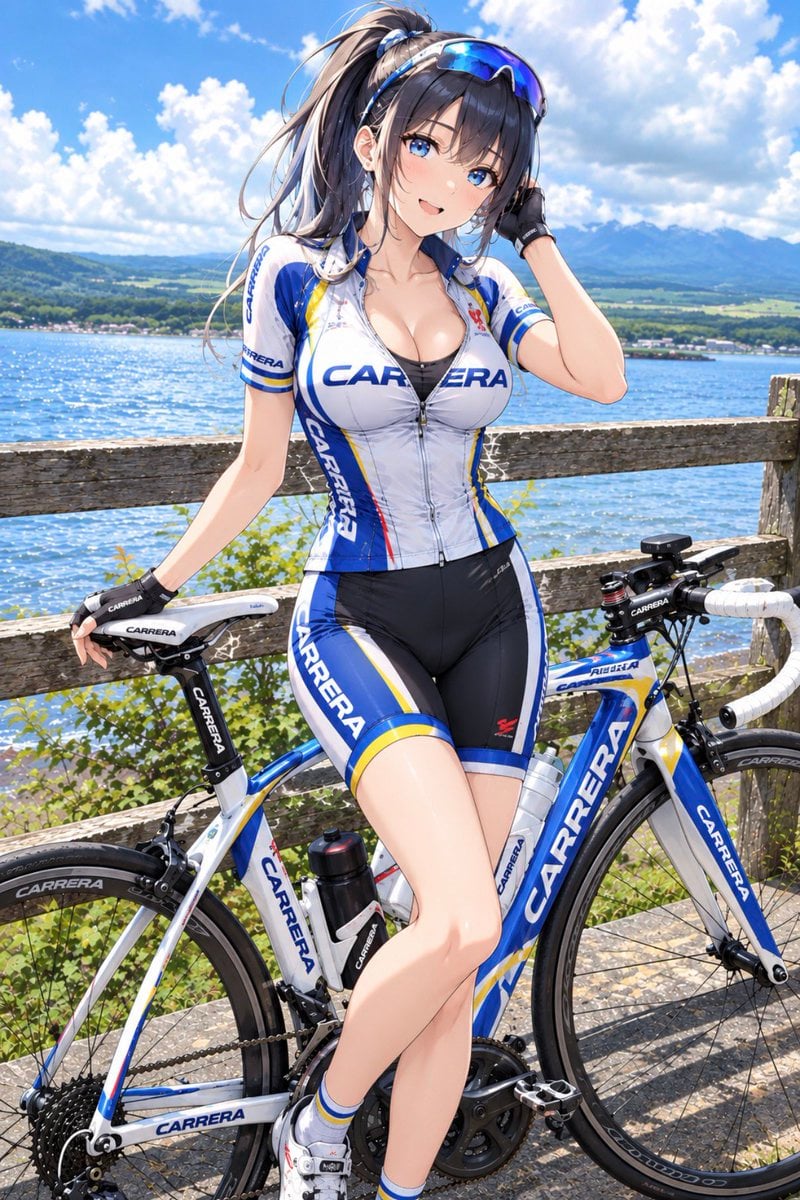
Anime Carrera Road Cyclist
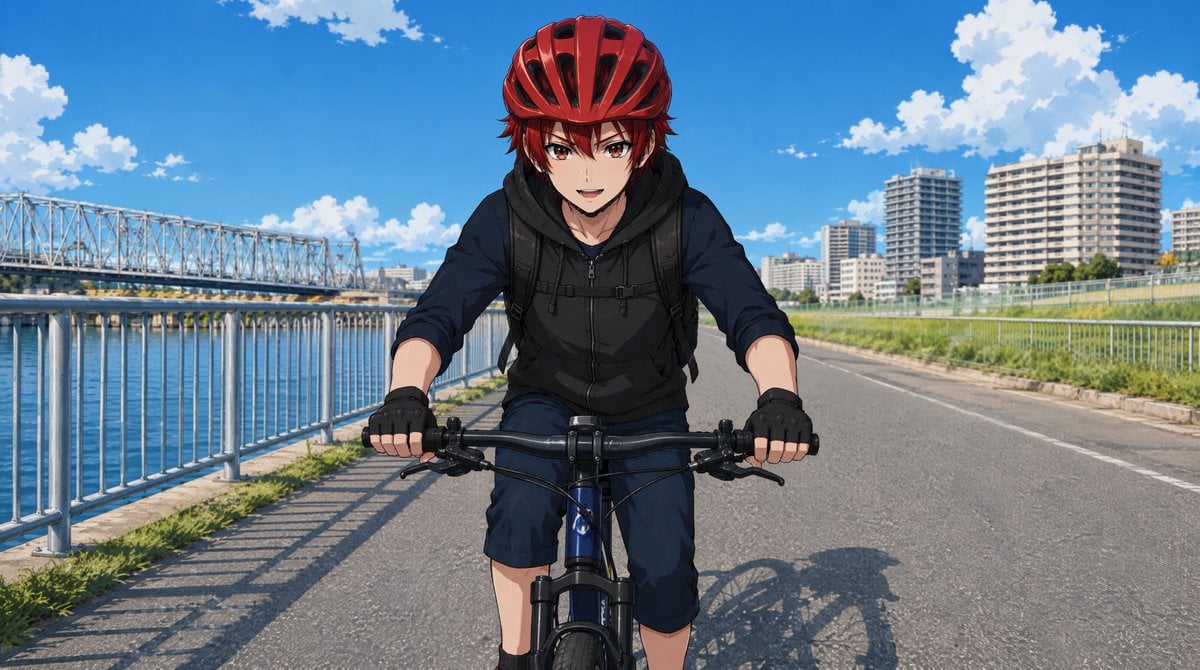
Anime Cyclist on Riverside Road

Eid al-Adha Cute Chaos — Fisheye Selfie with Farm Selfie, Mosque & Animals

Cute Layered Paper Cut Chibi Girl

Layered Paper Cut Illustration Template

Premium Vintage Travel Poster Landscape

Quiet Minimalist Anime Style Guide
Premium Vintage Travel Poster Landscape

Pastel Fantasy Pagoda Mountain Landscape

Korean Cafe Courtyard Gold Frame Mirror Selfie
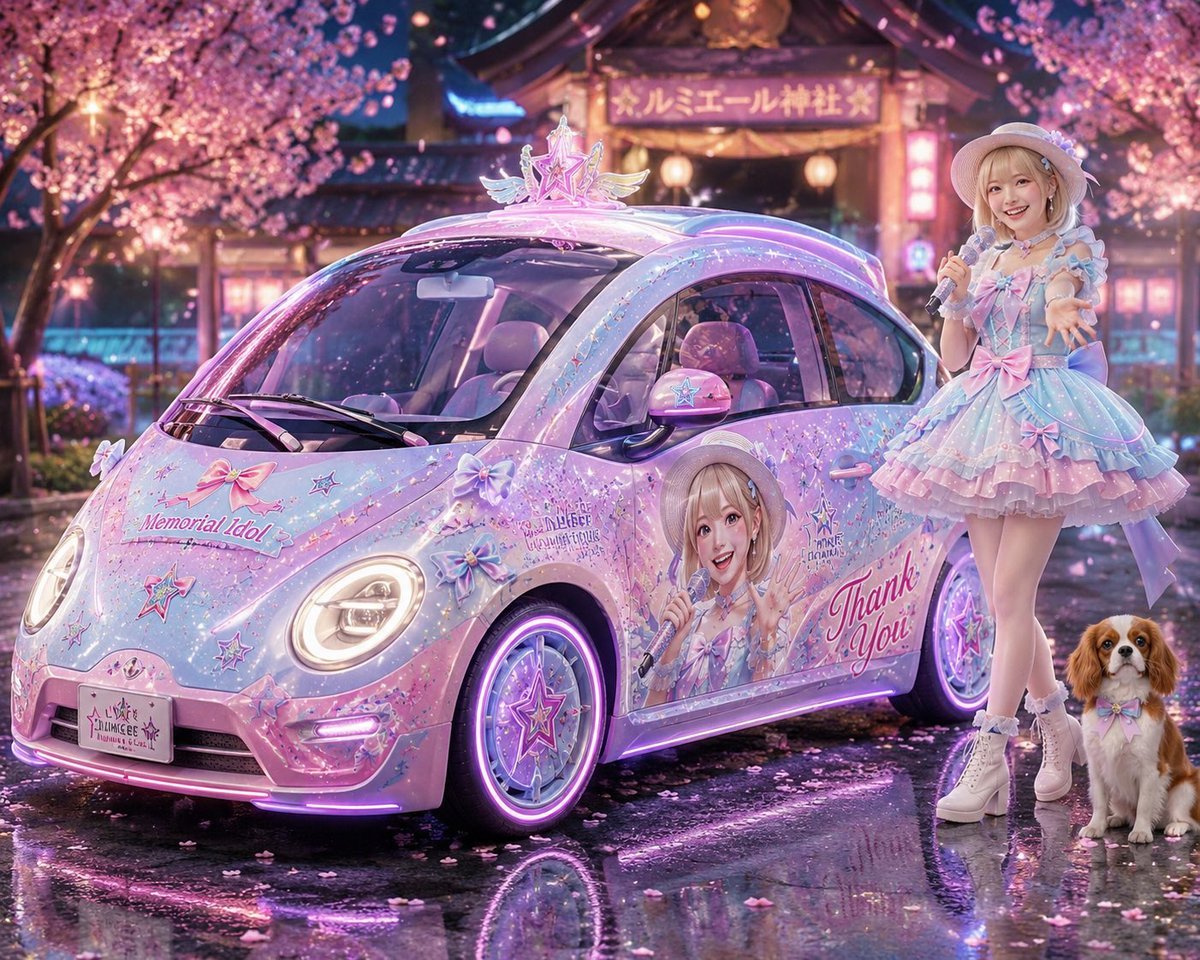
Pastel Idol Itasha at Sakura Shrine
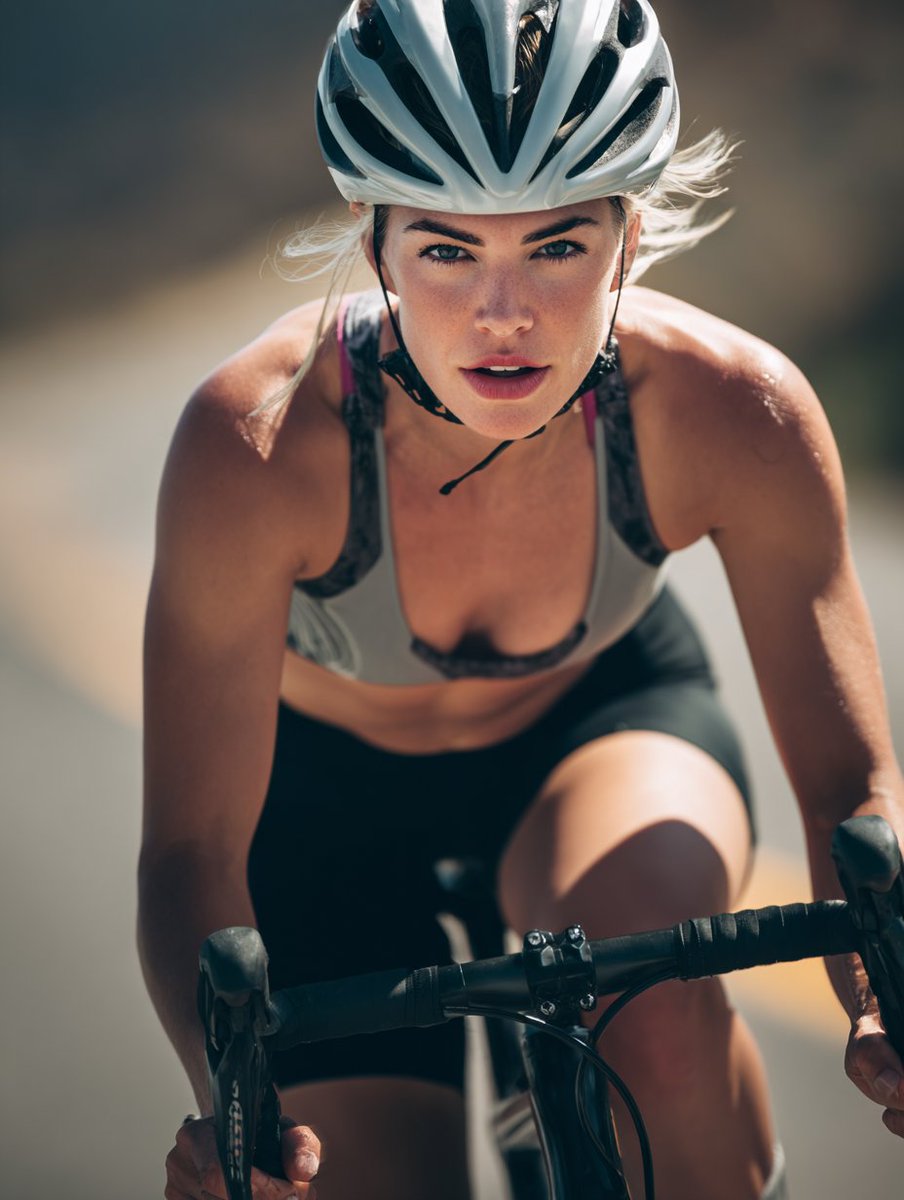
High-End Sports Photography: Competitive Road Cyclist
Make it yours
Sakura Cyclist With Pastel Road Bike works as-is. These are the safest ways to change it without losing the look.
Change one field
Copy a single group, rewrite it, and generate again so you can see what that field is doing.
Keep the frame, change the subject
Hold the composition and light of Sakura Cyclist With Pastel Road Bike, then swap wardrobe, props or the person for a new take.
| If the result… | Why | Fix |
|---|---|---|
| The result drifts from the preview | Too many fields changed at once. | Reuse Sakura Cyclist With Pastel Road Bike as-is first, then change one group — subject, light, or setting. |
| The model over-stylizes the scene | The prose prompt leaves finish and camera underspecified. | Add one camera or lighting sentence and stay on GPT Image 2. |
More GPT Image 2 templates
Other prompts made for GPT Image 2.

Six VTuber Japanese Logo Sheet

Realistic Portrait of Woman and Deer

The Vista Modular Condo Poster

AI Model Routing Comparison Infographic

2.5D Anime Art Board

Isometric Productivity Desk Scene

New York Double Exposure Poster

Four-Panel AI Landscape Comparison

Japanese Tatami Lifestyle Magazine Cover

NESCAFÉ Coffee Map Poster
More image prompts
Fresh picks from across the catalog.
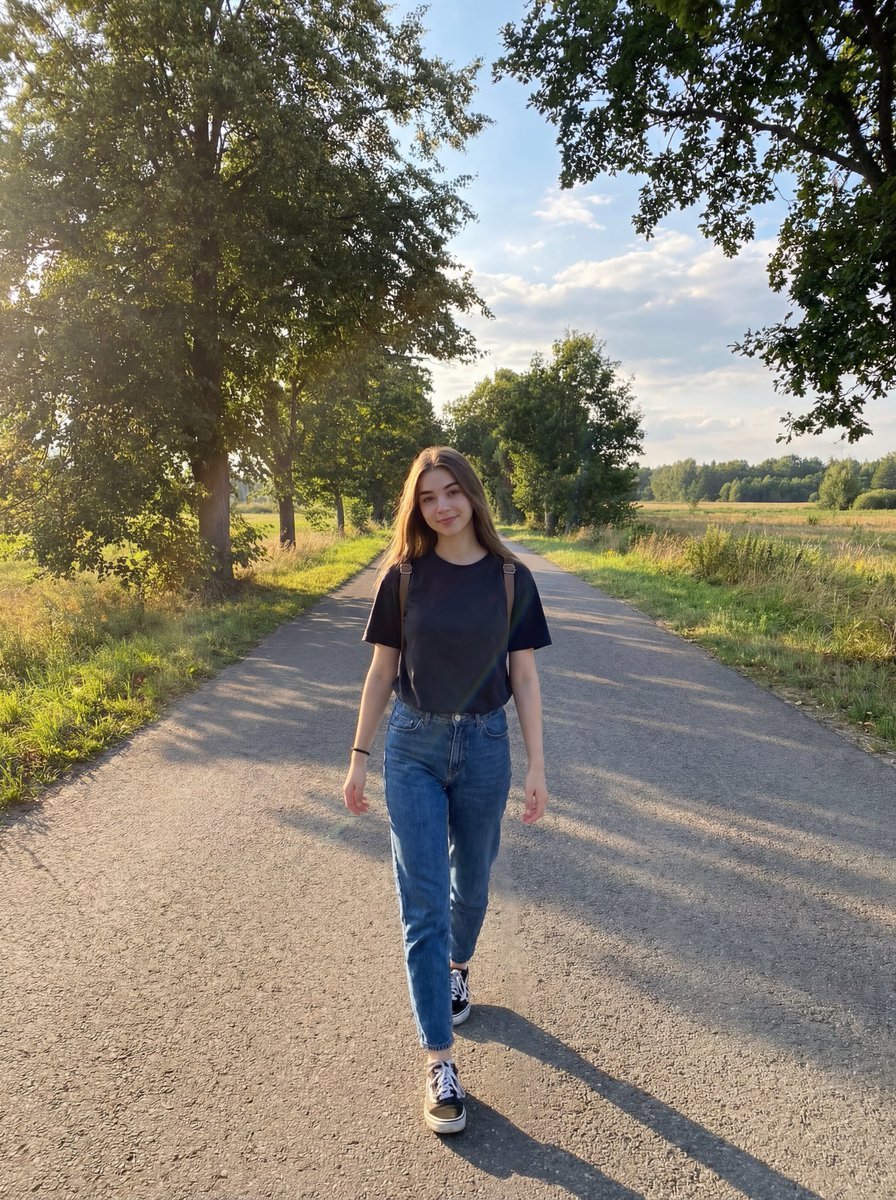
Natural Lifestyle Portrait on Country Road at Golden Hour
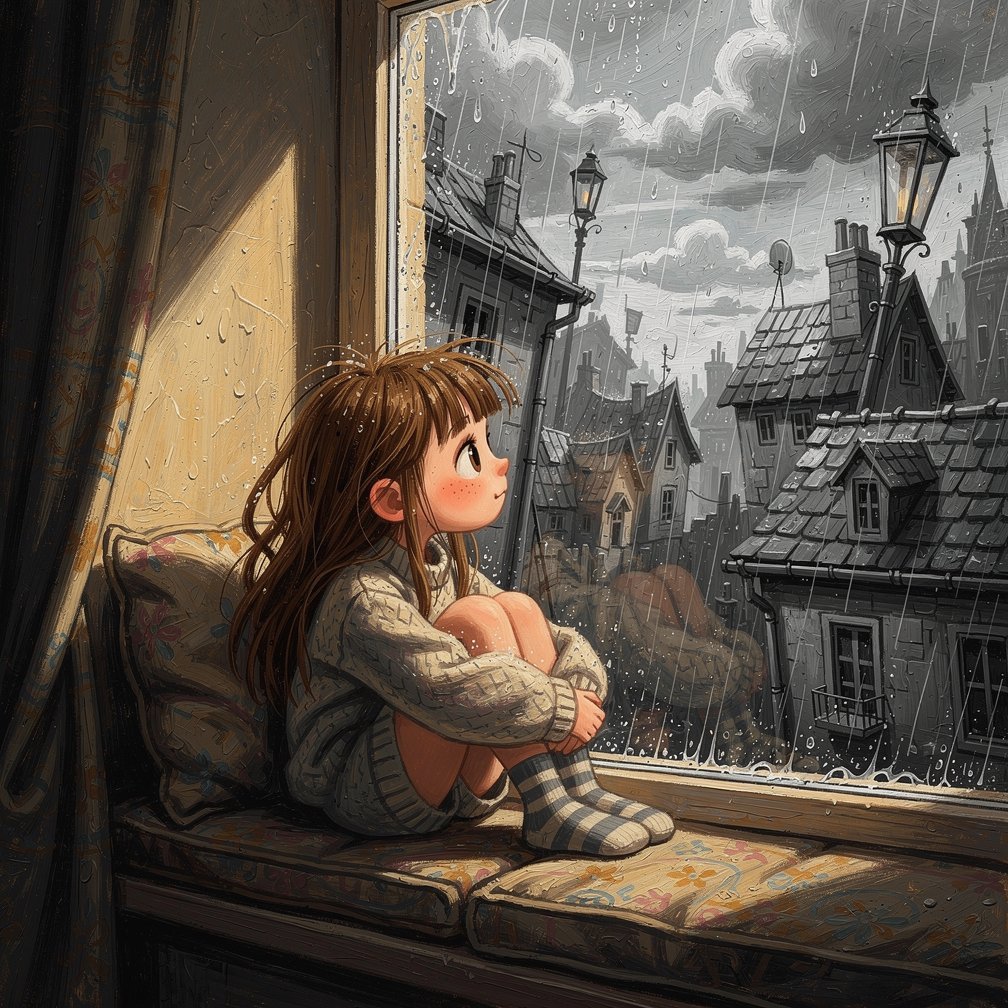
Girl on Window Seat in Rain
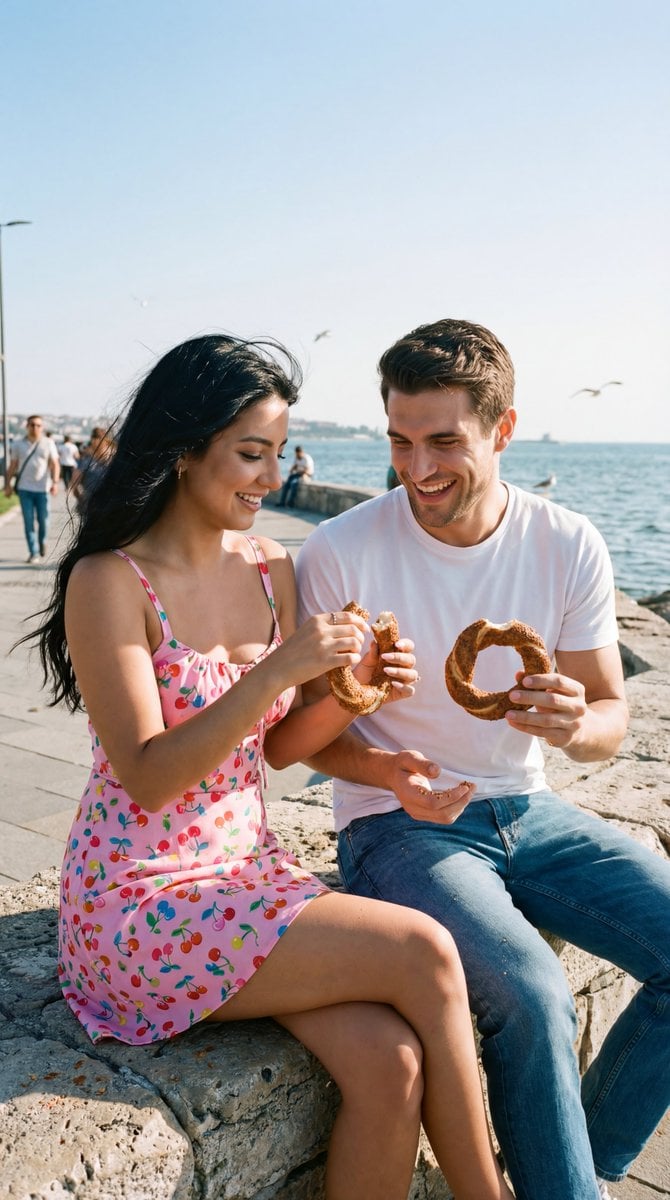
Photoreal Candid Street Romance Film Still Prompt (Moda Seaside)
Humorous Prompt Example
untitled
Ultra-Realistic Y2K Disposable Camera Snapshot Prompt

Minimalist Continuous Line Art Illustration
Rainy Cat-Ear Girl with Kitten

Ultra-Sharp 4K Selfie Portrait Prompt
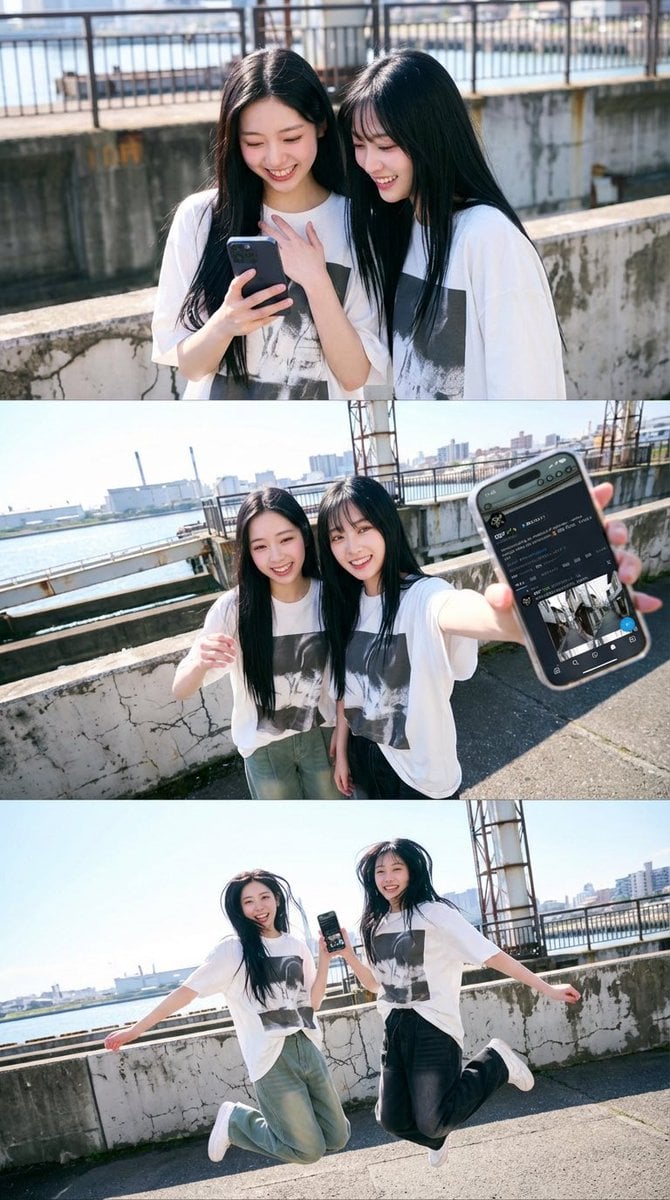
1x3 Grid Phone Motion Edit JSON Prompt
Browse template categories
Sakura Cyclist With Pastel Road Bike questions
How do I use the Sakura Cyclist With Pastel Road Bike template?
Add your photo if the template asks for one, edit the prompt if you like — the template's model and format are already selected — and press Generate. Your version opens in PicX Studio.
Can I customize the Sakura Cyclist With Pastel Road Bike template?
Yes. You can change the subject, setting, lighting, mood, format, and available model controls before creating your image.
Is the Sakura Cyclist With Pastel Road Bike template free?
Opening and editing this template is free. Generating uses credits, shown on the Generate button when you are signed in.
Which AI model should I use?
Start with GPT Image 2, which is the model associated with this template. You can compare another compatible model for a different finish.
Looking for something else? Browse all templates.

Your photo, any look
Thousands of ready templates for every top image and video model, from one credit balance.