
Surreal Moonlit Dog Output Window
A detailed prompt for generating a bizarre dark fantasy dog scene inside an app-like output frame with glowing moons, bones, and eerie lunar ornaments.
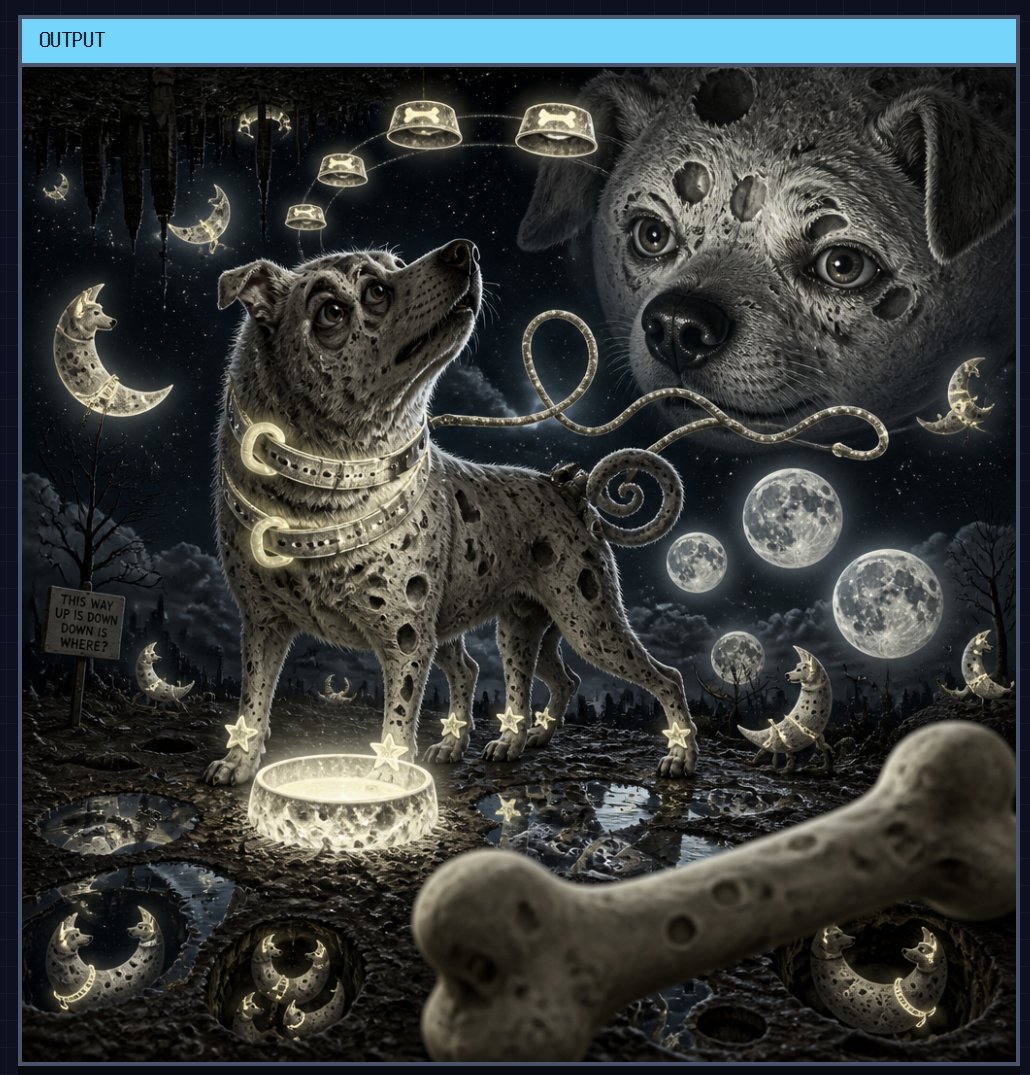
- Prompt included
- Model and format preset
- Premium template
The prompt behind this image
Copy the exact prompt behind Surreal Moonlit Dog Output Window, or open it in the studio and make it yours.
Create a surreal dark fantasy square illustration framed like an image-generation app output window, with a thin dark border and a cyan top bar labeled “OUTPUT” at the upper left. The main scene is a moonlit nightmare landscape made of muddy cratered ground, puddles, bones, and glowing lunar ornaments. Center-left stands a medium-sized spotted dog with floppy ears, gray-brown fur, expressive wet eyes, and a worried upward gaze; its body is covered with irregular dark moon-crater spots. Around its neck are exactly 3 glowing crescent-shaped collar bands, and its leash forms a loose glowing loop that extends to the right. The dog’s paws have exactly 5 visible glowing star charms attached, and in front of it sits 1 shallow glowing circular bowl or portal casting light upward. In the sky at right, show 1 enormous ghostly close-up dog face, semi-realistic and crater-pocked, staring forward with glossy eyes and dark circular moon marks on its forehead and cheeks. Include exactly 4 small glowing lamps or halo-like dog-bone lanterns arcing across the upper sky above the central dog. The background should contain a starry black night sky, ragged hanging silhouettes like stalactites or dead trees at the top left, bare twisted trees, low clouds, and a distant ruined horizon. Add exactly 4 large moon spheres in the middle-right sky: one largest full moon, two smaller full moons nearby, and one tiny distant moon near the horizon. Scatter exactly 9 crescent-moon characters or ornaments across the scene: one large upright crescent on the far left, one small crescent in the upper-left sky, one crescent beside the dog’s rear left, one small crescent near the far-right sky, one crescent near the bottom-left ground, one crescent reflected in a bottom-left puddle, one crescent inside a bottom-center pit, one crescent inside a bottom-right pit, and one crescent standing at the far-right edge. Place a crooked wooden sign on the left that reads “THIS WAY UP IS DOWN DOWN IS WHERE?” in rough hand lettering. In the extreme foreground, crossing the lower right corner, place 1 large out-of-focus bone, oversized and pale, partially obscuring the ground. Use a monochrome charcoal, silver, and pale yellow glow palette, highly detailed textured fur, wet reflective craters, eerie whimsical horror mood, cinematic lighting, sharp central subject with shallow depth of field on the foreground bone, no additional readable text besides the cyan “OUTPUT” label and the wooden sign.
How to use Surreal Moonlit Dog Output Window in 3 steps
- 1Upload ImagePNG, JPG or paste
Add your photo
Upload the photo the template builds on. The prompt, model and format are already set.
- 2…a portrait of your subject in softgolden-hour light, 85mm…
Personalize
Edit the subject and creative details for your destination.
- 3Generate
Generate
Press Generate — your image is created in PicX Studio, so you can compare it with the original and refine one variable at a time.
More like this
Templates with the same subject, style or setup. Open one to see its prompt.

Surreal Cat Astronaut — Humanoid Face Freefall

Bold Red Contrast Fashion Editorial Newspaper Room

Stylized Fashion Portrait Bold Color Contrast Editorial

Rainy Café Window Moody Portrait
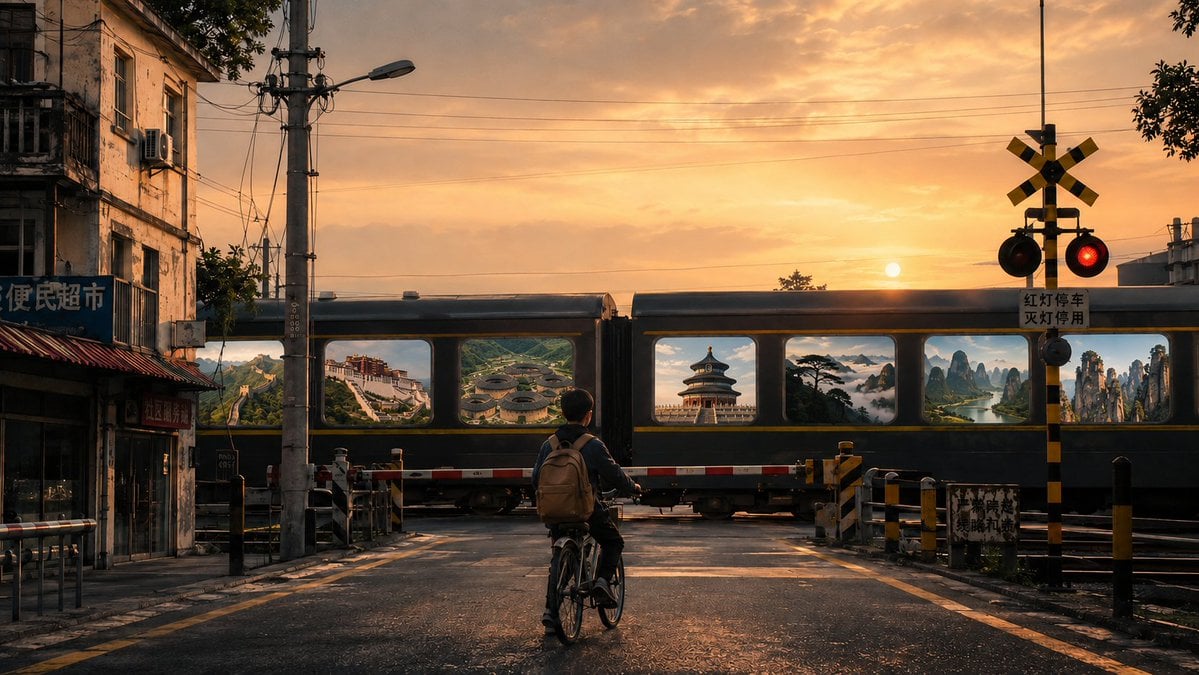
Surreal Train Window Scenery
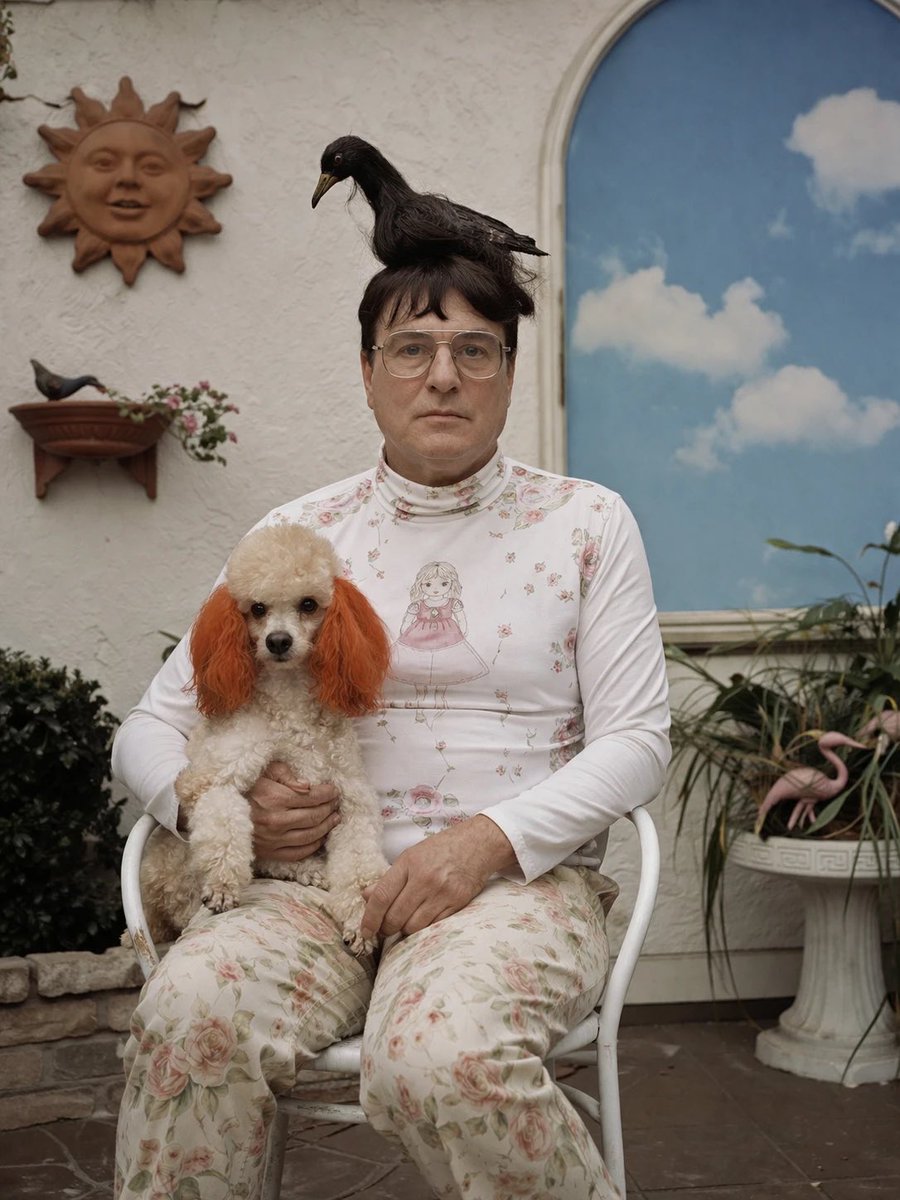
Surreal Patio Portrait with Crow and Dog
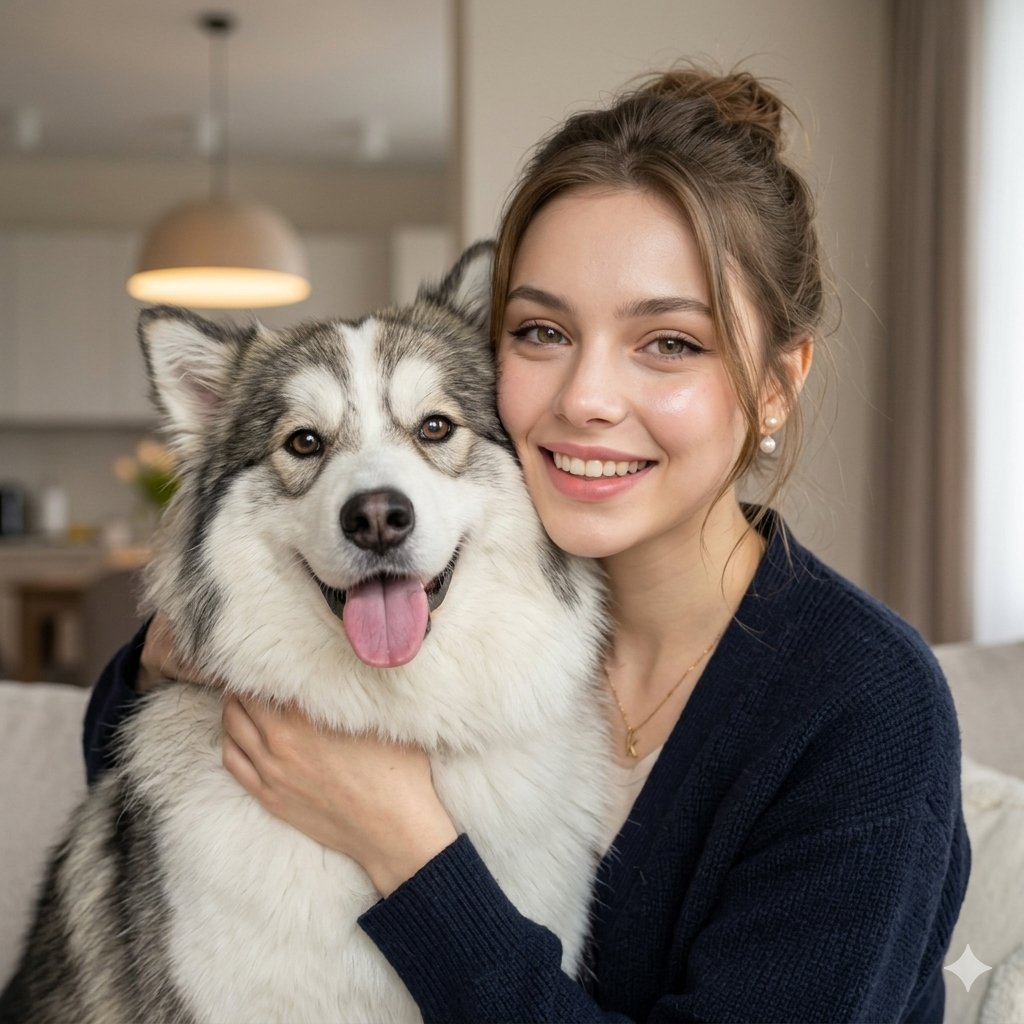
Nano Banana Pet Portrait Dog

Azed Double Exposure

Firefly Pixar Spill — Nano Banana Pro
Nano Banana - Window Wine Red Dress

Moonlit Fox Mask Night Market

Lone Mountaineer in Moonlit Snow
Make it yours
Surreal Moonlit Dog Output Window works as-is. These are the safest ways to change it without losing the look.
Change one field
Copy a single group, rewrite it, and generate again so you can see what that field is doing.
Keep the frame, change the subject
Hold the composition and light of Surreal Moonlit Dog Output Window, then swap wardrobe, props or the person for a new take.
| If the result… | Why | Fix |
|---|---|---|
| The result drifts from the preview | Too many fields changed at once. | Reuse Surreal Moonlit Dog Output Window as-is first, then change one group — subject, light, or setting. |
| The model over-stylizes the scene | The prose prompt leaves finish and camera underspecified. | Add one camera or lighting sentence and stay on GPT Image 2. |
More GPT Image 2 templates
Other prompts made for GPT Image 2.

Six VTuber Japanese Logo Sheet

Realistic Portrait of Woman and Deer

The Vista Modular Condo Poster

AI Model Routing Comparison Infographic

2.5D Anime Art Board

Isometric Productivity Desk Scene

New York Double Exposure Poster

Four-Panel AI Landscape Comparison

Japanese Tatami Lifestyle Magazine Cover

NESCAFÉ Coffee Map Poster
More image prompts
Fresh picks from across the catalog.
Team Drawing Japan Illustration
Rainy Campus Fashion Portrait Collage
Young Woman Playing an Upright Piano in
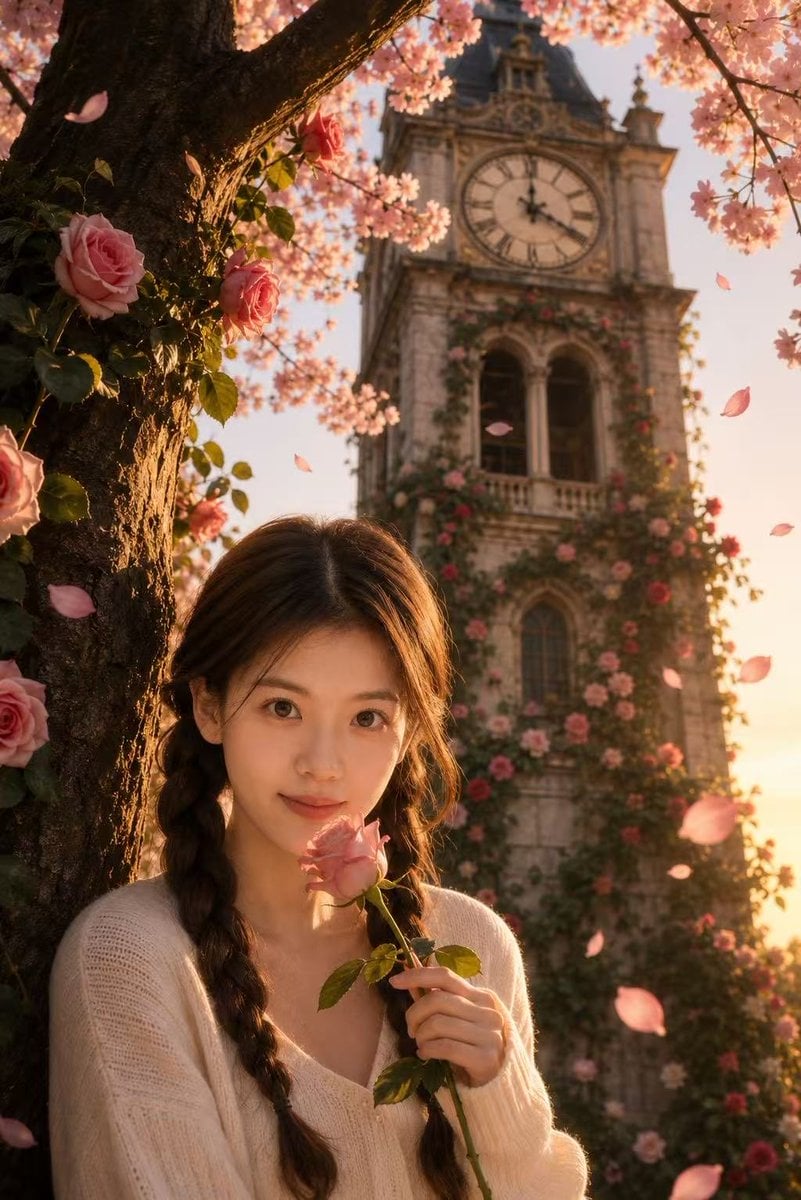
Sakura Rose Clock Tower Portrait
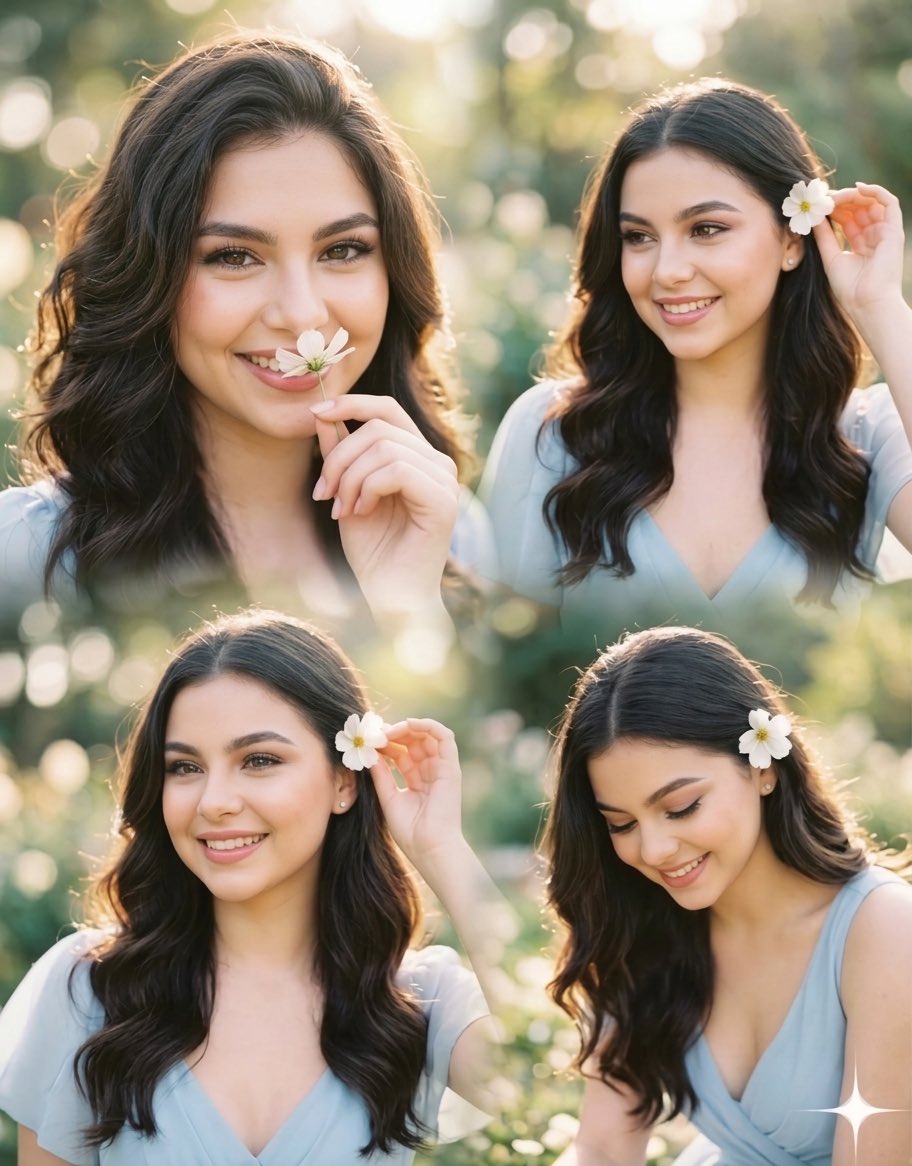
Panel Collage Portrait in Golden Hour
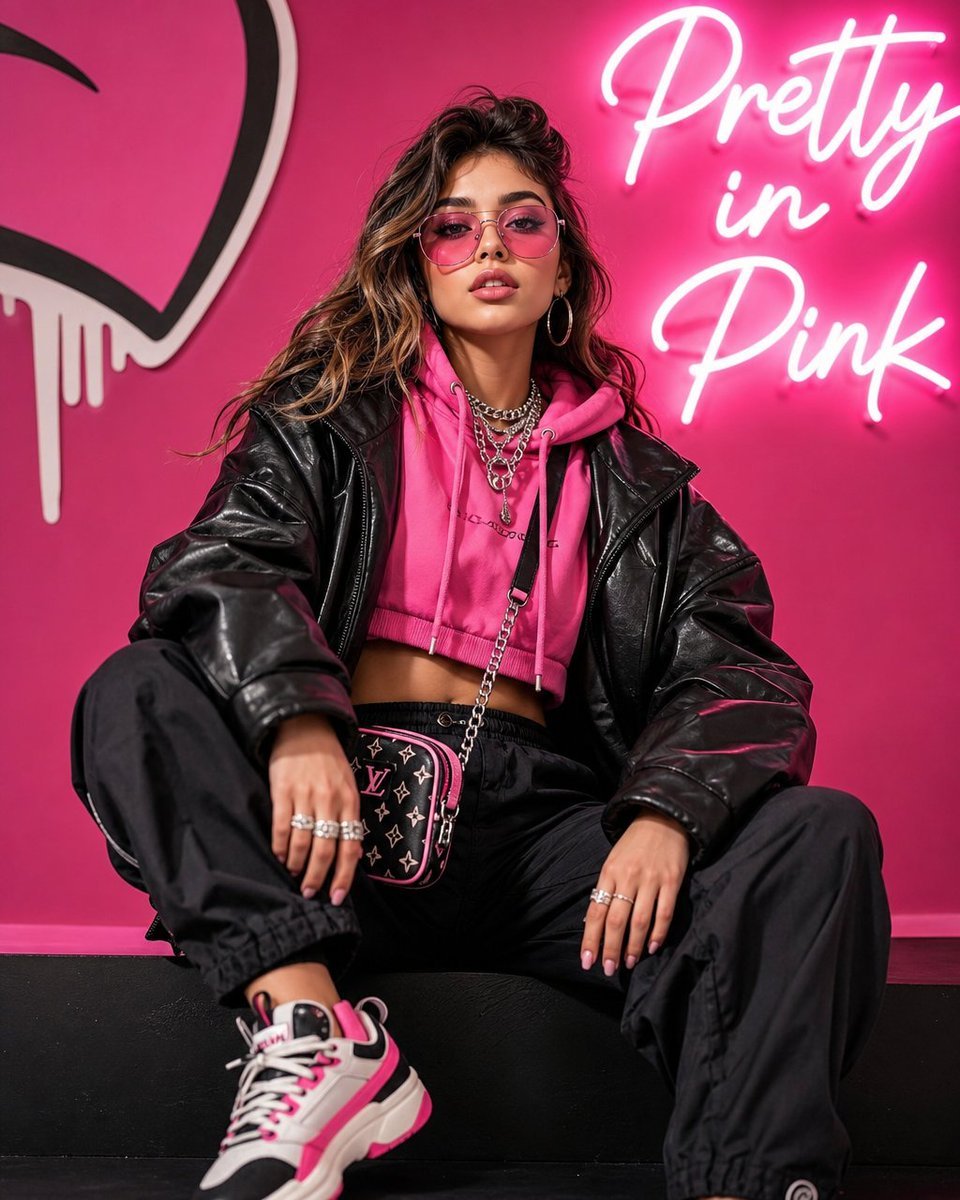
Streetwear Pop Portrait
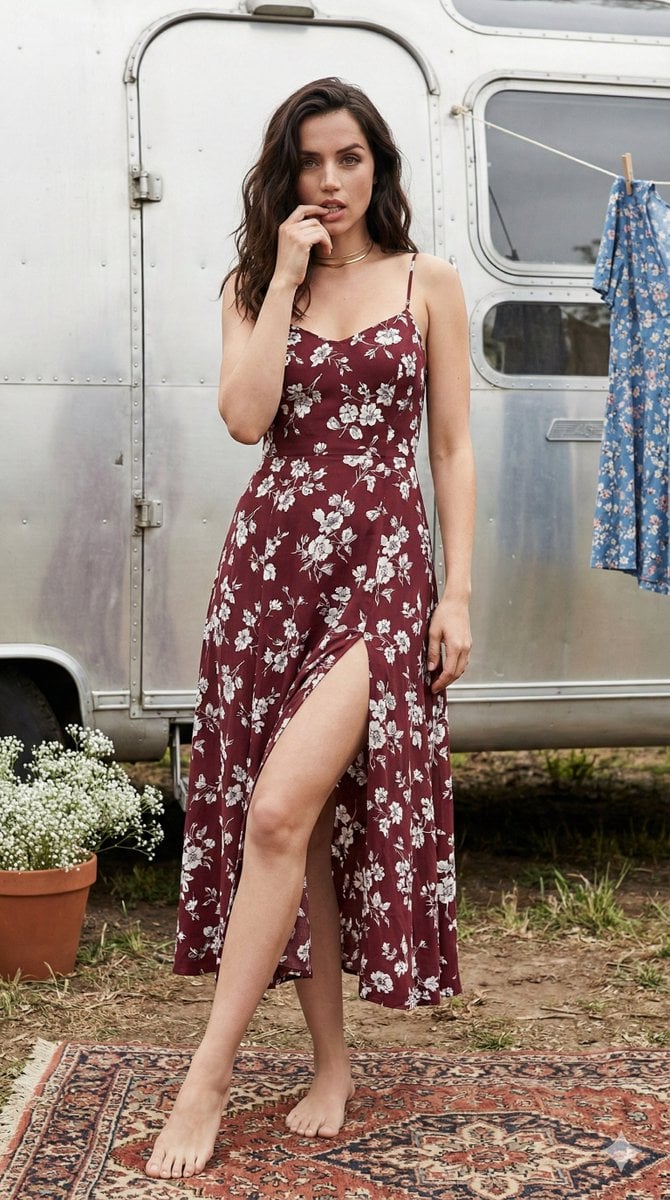
Bohemian Summer Airstream Portrait Prompt
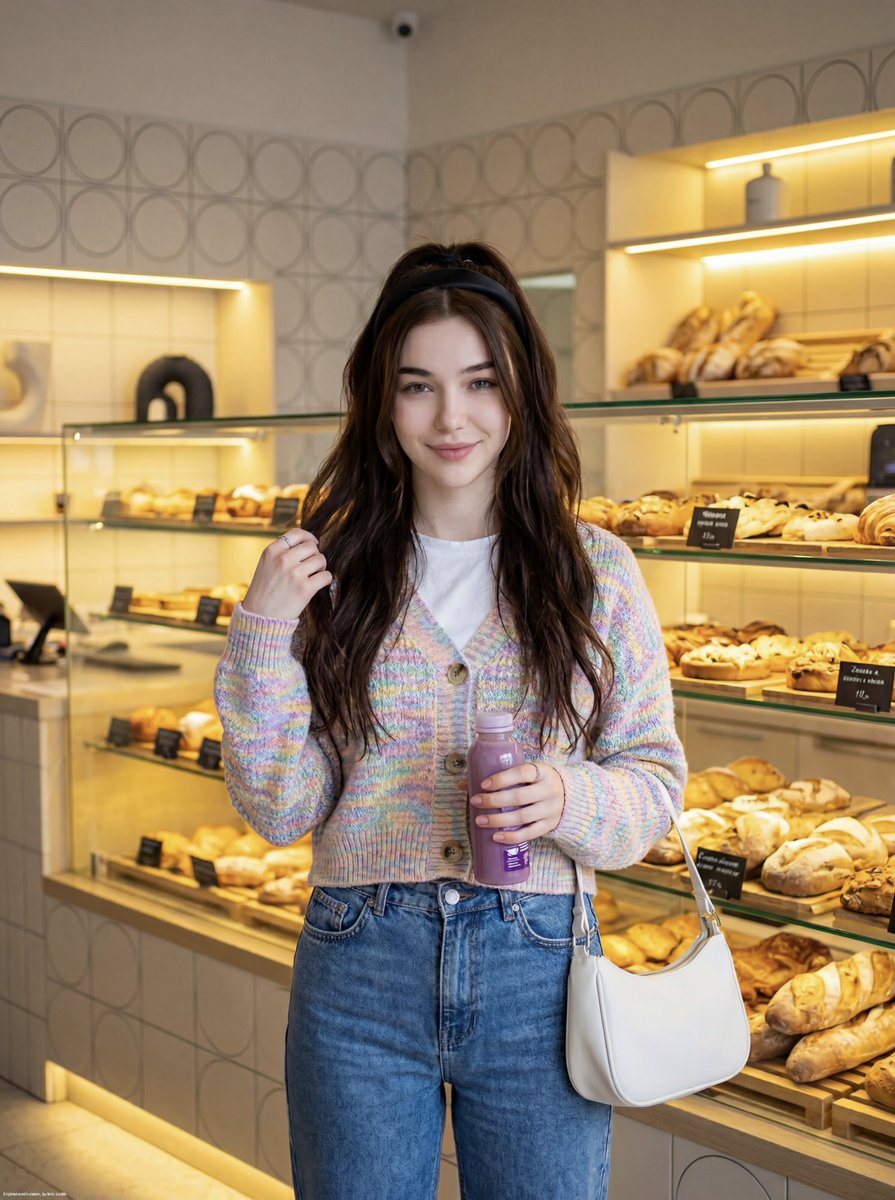
Cute Lifestyle Photo in a Modern Bakery
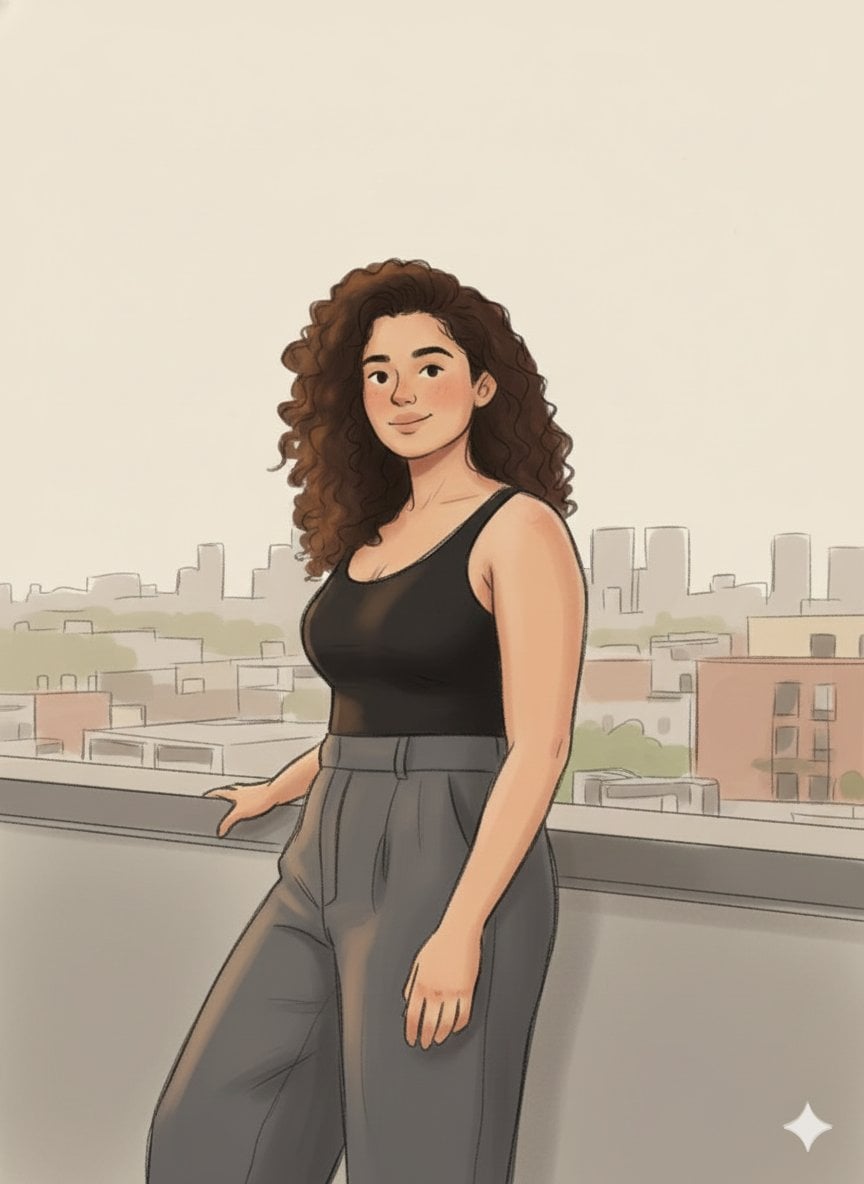
Cozy Marker and Pencil Illustration from Reference
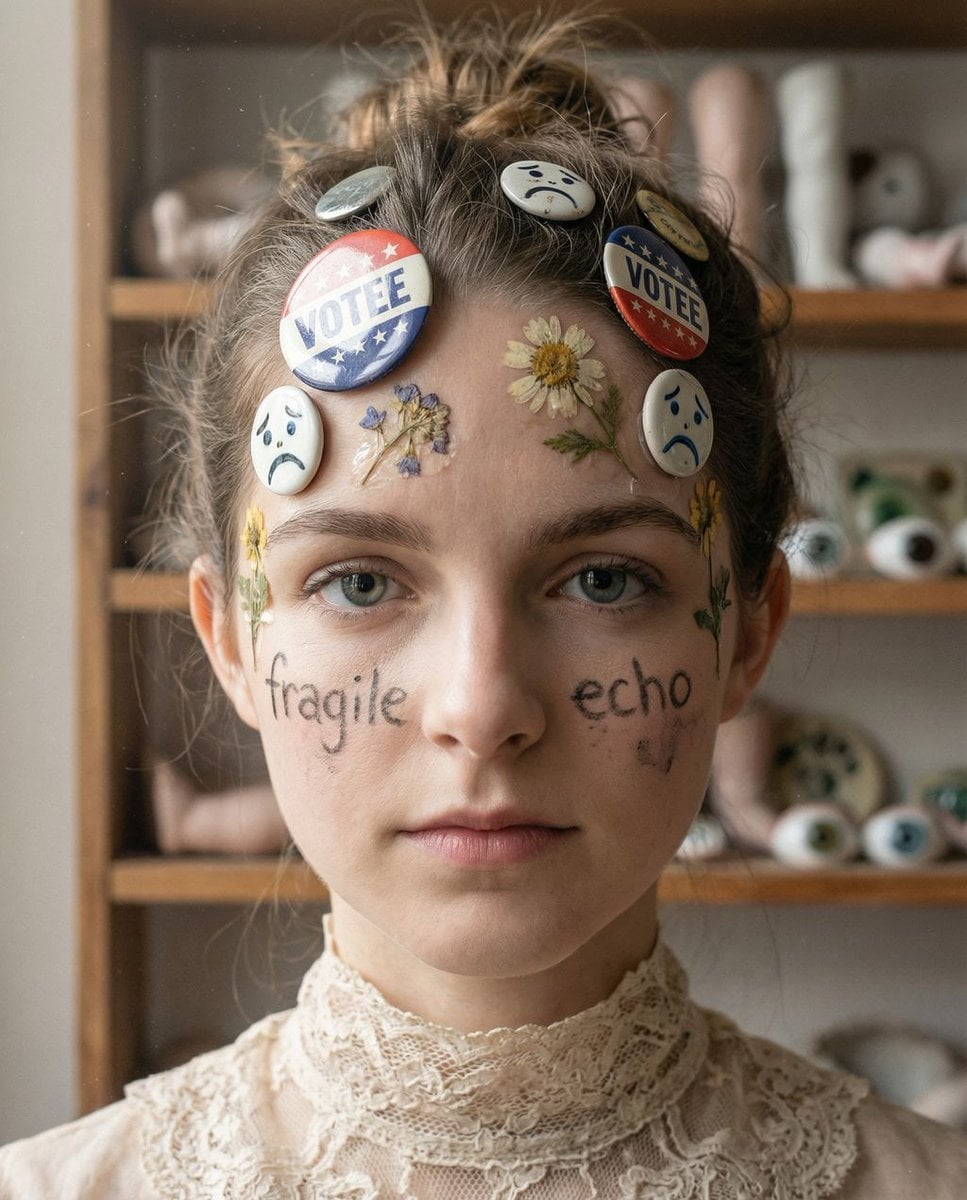
Tangible Melancholy: Surreal Editorial Portrait
Browse template categories
Surreal Moonlit Dog Output Window questions
How do I use the Surreal Moonlit Dog Output Window template?
Add your photo if the template asks for one, edit the prompt if you like — the template's model and format are already selected — and press Generate. Your version opens in PicX Studio.
Can I customize the Surreal Moonlit Dog Output Window template?
Yes. You can change the subject, setting, lighting, mood, format, and available model controls before creating your image.
Is the Surreal Moonlit Dog Output Window template free?
Opening and editing this template is free. Generating uses credits, shown on the Generate button when you are signed in.
Which AI model should I use?
Start with GPT Image 2, which is the model associated with this template. You can compare another compatible model for a different finish.
Looking for something else? Browse all templates.

Your photo, any look
Thousands of ready templates for every top image and video model, from one credit balance.