
Royal Enfield Adventure Campaign Poster
Transforms a studio motorcycle reference into a cinematic premium Royal Enfield-style adventure advertising poster.
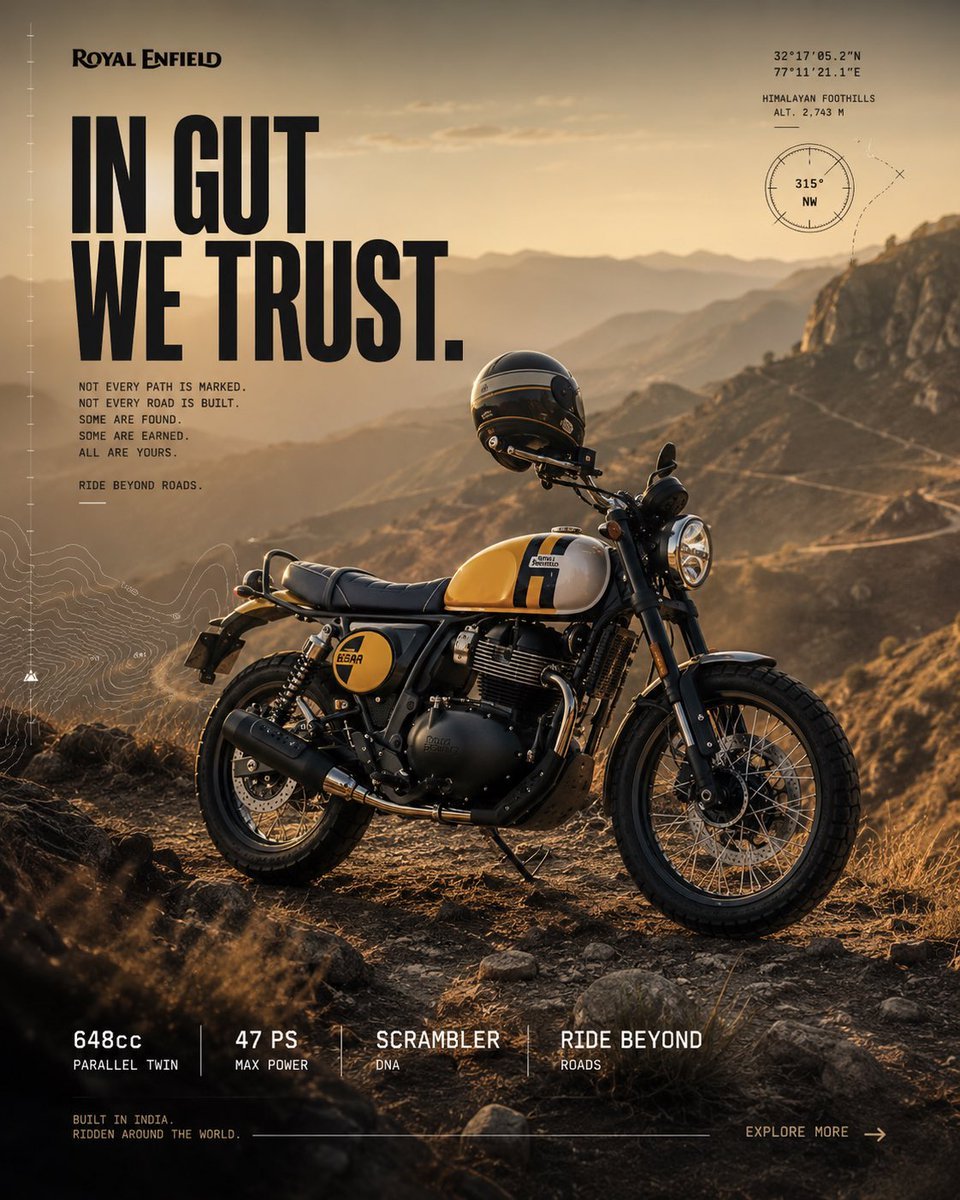
- Prompt included
- Model and format preset
- Premium template
The prompt behind this image
Copy the exact prompt behind Royal Enfield Adventure Campaign Poster, or open it in the studio and make it yours.
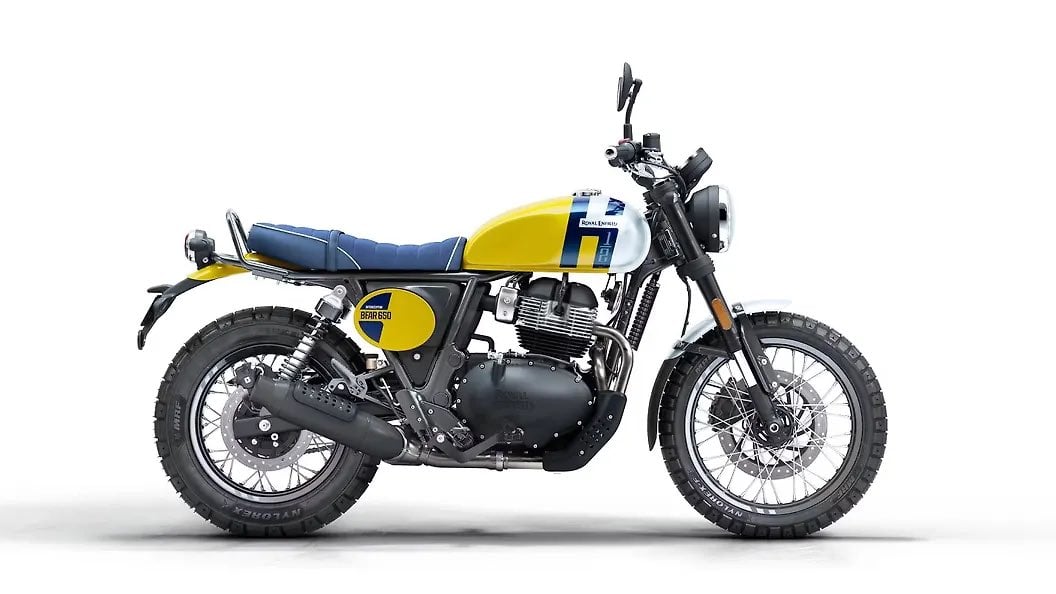
Using the provided reference image as the exact motorcycle base, transform it into a premium Royal Enfield global campaign poster for {argument name="motorcycle model" default="Royal Enfield Bear 650"}. Keep the bike’s identity, colorway, proportions, wheels, tank graphics, scrambler stance, and mechanical details recognizable, but place it in a rugged high-altitude adventure setting instead of the white studio background. Creative direction: Act as the Global Creative Director for Royal Enfield. Make the image feel like a collaboration between Royal Enfield Global Design, Sid Lee, AKQA, Wieden+Kennedy, Pentagram, National Geographic Adventure, Fuel Motorcycles, The Ride Magazine, and Apple Marketing. The result should feel cinematic, editorial, authentic, tactile, and premium — a high-end adventure campaign, not a product catalog cutout. Scene transformation: Reposition the motorcycle in a natural three-quarter hero angle on a rocky dirt overlook in the Himalayan foothills at golden hour. Add dry grass, stones, dusty terrain, distant layered mountains, a winding road across the hillside, warm haze, and realistic low sun backlighting. Use photographic realism with rich contrast, warm earth tones, detailed metal, rubber, leather, and dust textures. The bike should be parked confidently, not racing, drifting, or in motion. Poster layout: Create a vertical campaign poster composition. Place the motorcycle in the lower center-right as the hero subject, with open atmospheric space in the upper left for typography. Add the Royal Enfield logo at the top left. Add a bold oversized headline on the left reading {argument name="headline text" default="IN GUT\nWE TRUST."}. Beneath it, add a short monospaced campaign copy block reading {argument name="body copy" default="NOT EVERY PATH IS MARKED.\nNOT EVERY ROAD IS BUILT.\nSOME ARE FOUND.\nSOME ARE EARNED.\nALL ARE YOURS."} and a smaller line reading {argument name="tagline" default="RIDE BEYOND ROADS."}. Graphic overlays: Add subtle adventure-map UI details, including a fine vertical measuring scale along the left edge, faint topographic contour lines in the lower left, and a small navigation/coordinate cluster in the upper right. The upper-right cluster should include coordinates, the label “HIMALAYAN FOOTHILLS,” altitude “ALT. 2,743 M,” and a circular compass graphic marked “315° NW.” Keep all overlays understated, technical, and printed-editorial, not futuristic. Bottom information strip: Add exactly 4 specification blocks along the bottom, separated by thin vertical dividers: 1) “648cc” with “PARALLEL TWIN,” 2) “47 PS” with “MAX POWER,” 3) “SCRAMBLER” with “DNA,” and 4) “RIDE BEYOND” with “ROADS.” Add small footer text at bottom left reading “BUILT IN INDIA.\nRIDDEN AROUND THE WORLD.” and a bottom-right call to action reading {argument name="call to action" default="EXPLORE MORE →"}. Constraints: No racing posture, no track environment, no neon lighting, no futuristic city, no excessive mud splash, no drifting, no burnout, no fake motion blur, no oversized clutter beyond the intended headline, no AI artifacts, no plastic textures, no unrealistic reflections, no messy layout, no extra logos, and no additional motorcycles. Maintain premium print-ad quality, realistic lighting, clean typography, and authentic Royal Enfield adventure character.
Reference images included
Royal Enfield Adventure Campaign Poster needs input media to work. They load alongside the prompt when you open it in the studio.
How to use Royal Enfield Adventure Campaign Poster in 3 steps
- 1Upload ImagePNG, JPG or paste
Add your photo
Upload the photo the template builds on. The prompt, model and format are already set.
- 2…a portrait of your subject in softgolden-hour light, 85mm…
Personalize
Edit the subject and creative details for your destination.
- 3Generate
Generate
Press Generate — your image is created in PicX Studio, so you can compare it with the original and refine one variable at a time.
More like this
Templates with the same subject, style or setup. Open one to see its prompt.

Polo Ralph Lauren Luxury American Heritage Fashion Campaign

Retro Mirror Luxury Fashion Campaign Poster

Luxury Fashion Campaign Typography Poster System

Premium Fashion Editorial Campaign Poster System
Vertical Football Star Campaign Poster

Monochrome Portrait Jersey Accent Poster
Legendary Icons Mixed Style Poster Pack

Campaign Smoke National Symbols World Cup
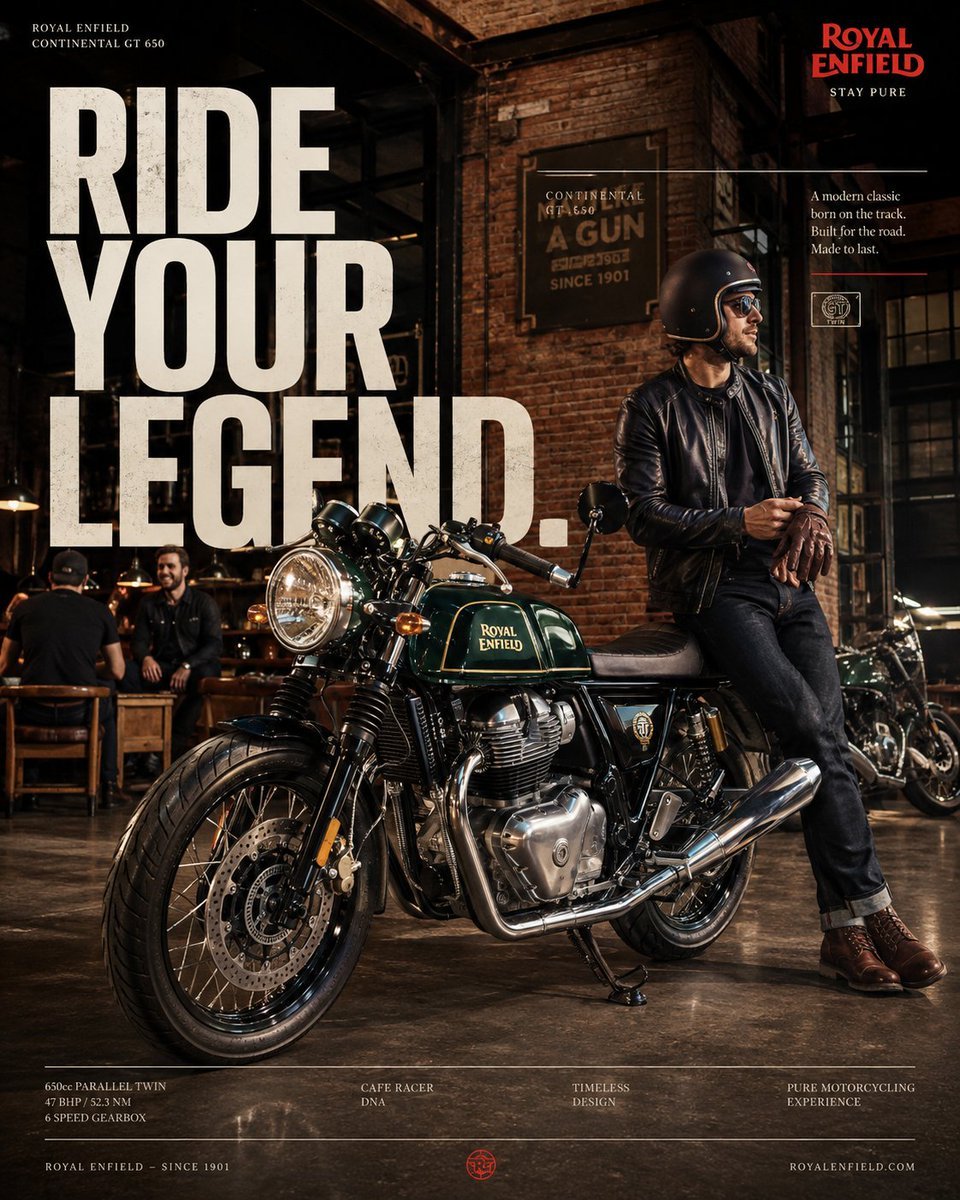
Luxury Royal Enfield Instagram Campaign
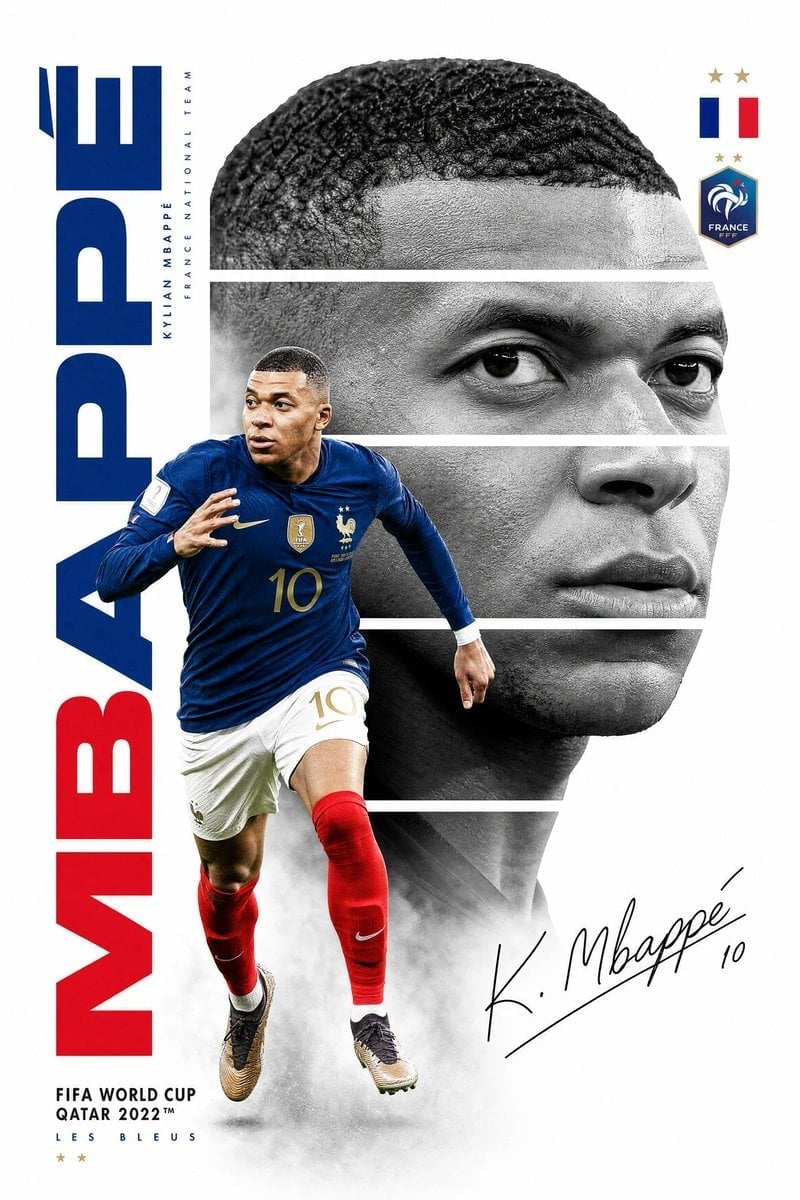
Mbappé Sprint France Royal Poster

Premium Vertical Product Campaign Poster
Premium Vertical Product Campaign Poster
Make it yours
Royal Enfield Adventure Campaign Poster works as-is. These are the safest ways to change it without losing the look.
Change one field
Copy a single group, rewrite it, and generate again so you can see what that field is doing.
Keep the frame, change the subject
Hold the composition and light of Royal Enfield Adventure Campaign Poster, then swap wardrobe, props or the person for a new take.
| If the result… | Why | Fix |
|---|---|---|
| The result drifts from the preview | Too many fields changed at once. | Reuse Royal Enfield Adventure Campaign Poster as-is first, then change one group — subject, light, or setting. |
| The model over-stylizes the scene | The prose prompt leaves finish and camera underspecified. | Add one camera or lighting sentence and stay on GPT Image 2. |
More GPT Image 2 templates
Other prompts made for GPT Image 2.

Six VTuber Japanese Logo Sheet

Realistic Portrait of Woman and Deer

The Vista Modular Condo Poster

AI Model Routing Comparison Infographic

2.5D Anime Art Board

Isometric Productivity Desk Scene

New York Double Exposure Poster

Four-Panel AI Landscape Comparison

Japanese Tatami Lifestyle Magazine Cover

NESCAFÉ Coffee Map Poster
More image prompts
Fresh picks from across the catalog.
Intoxicated Face 2x2 Grid Generator
Aisha Wing Character Transformation
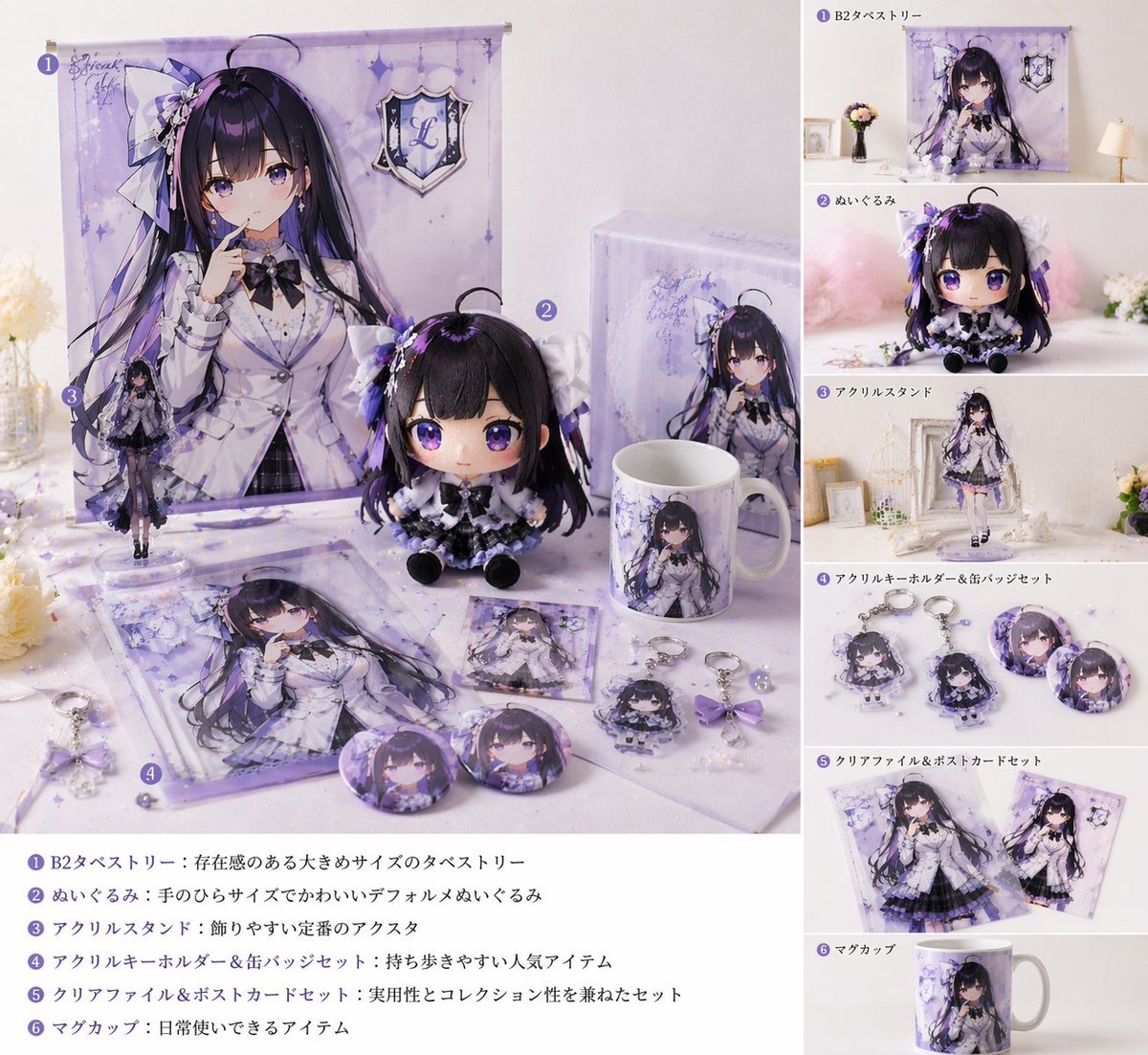
Realistic VTuber Merchandise Mockup
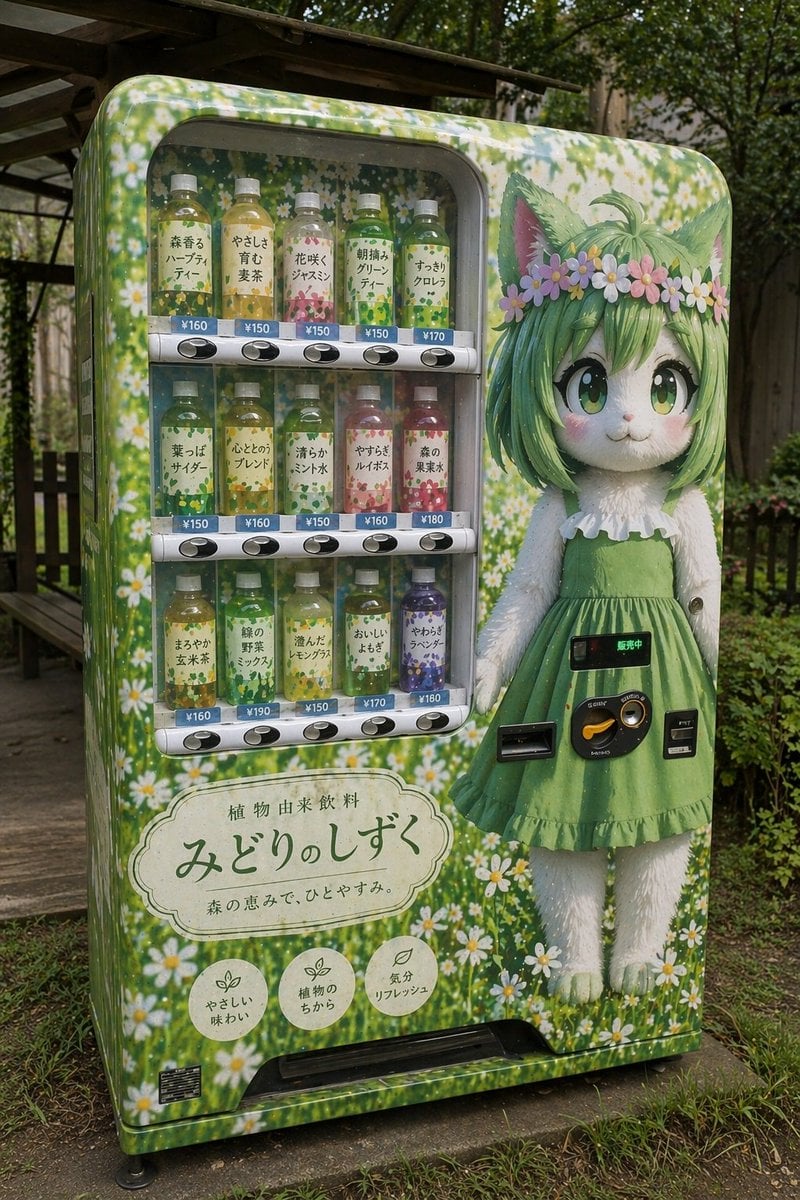
Custom Anime Vending Machine Design
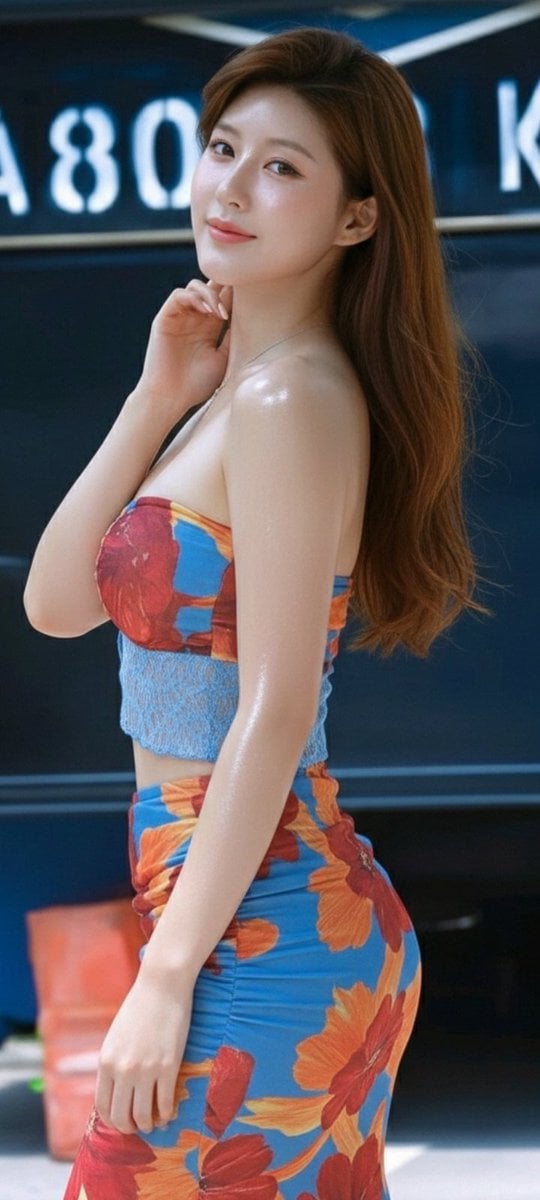
Zhao Lusi Radiant Rosy Collection
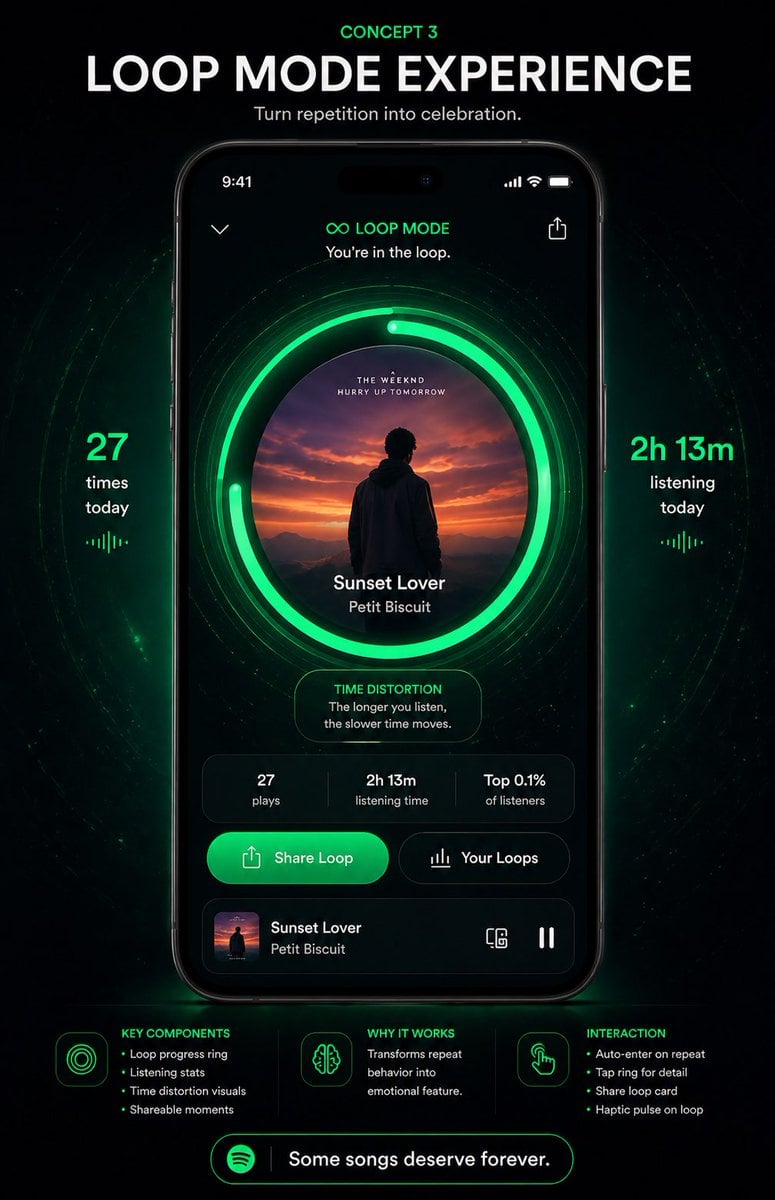
Neon Loop Mode Music App Poster
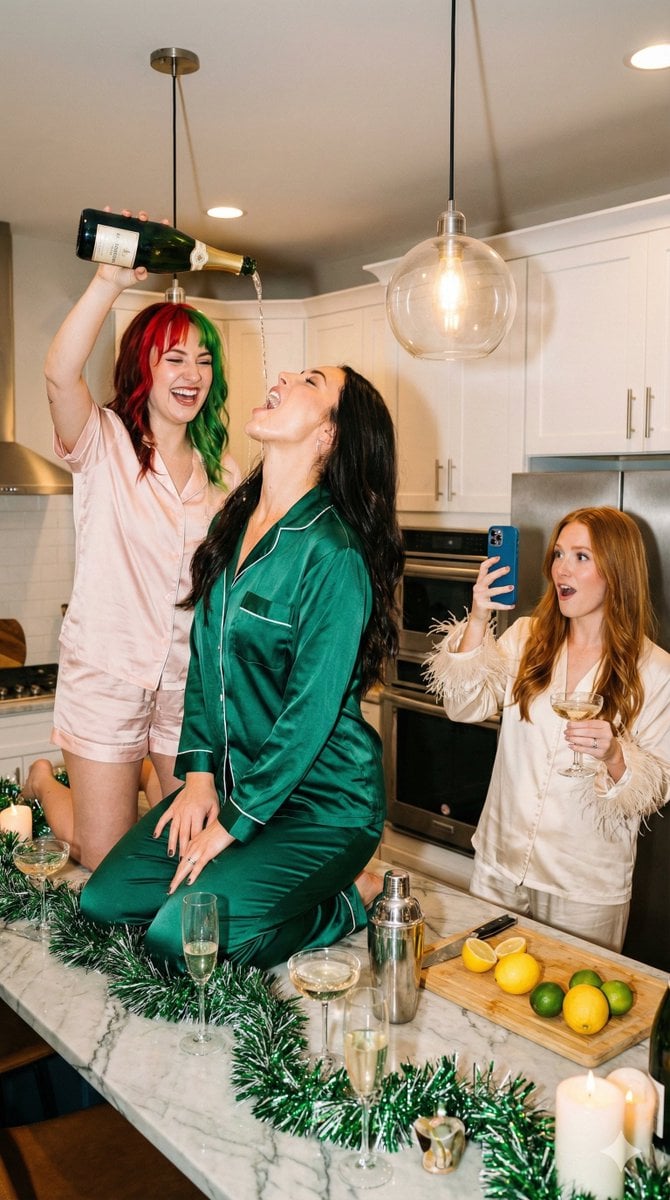
Candid Flash Photography: Chaotic Holiday Party (Duplicate)
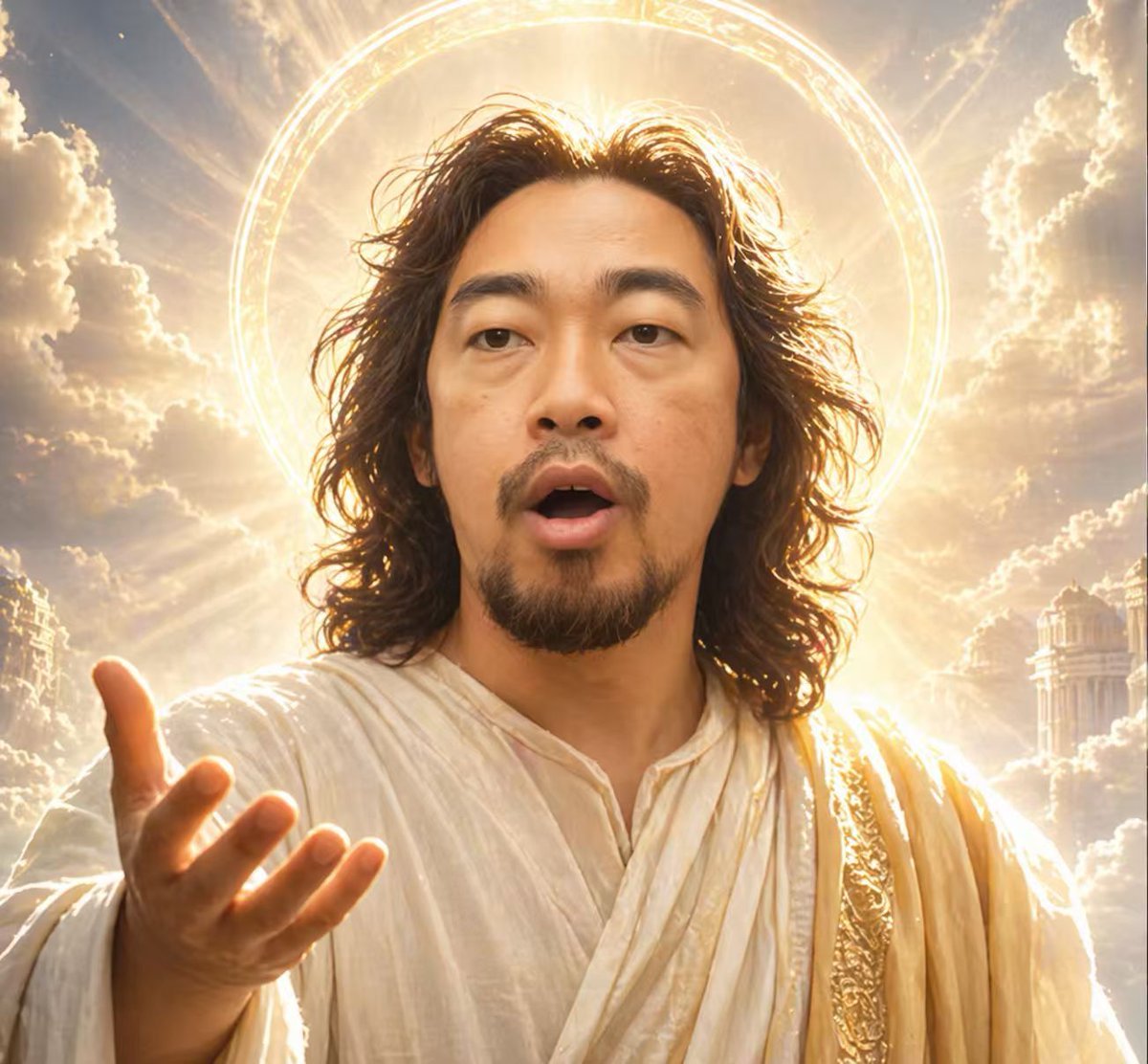
Divine Halo Portrait With Obscured Face
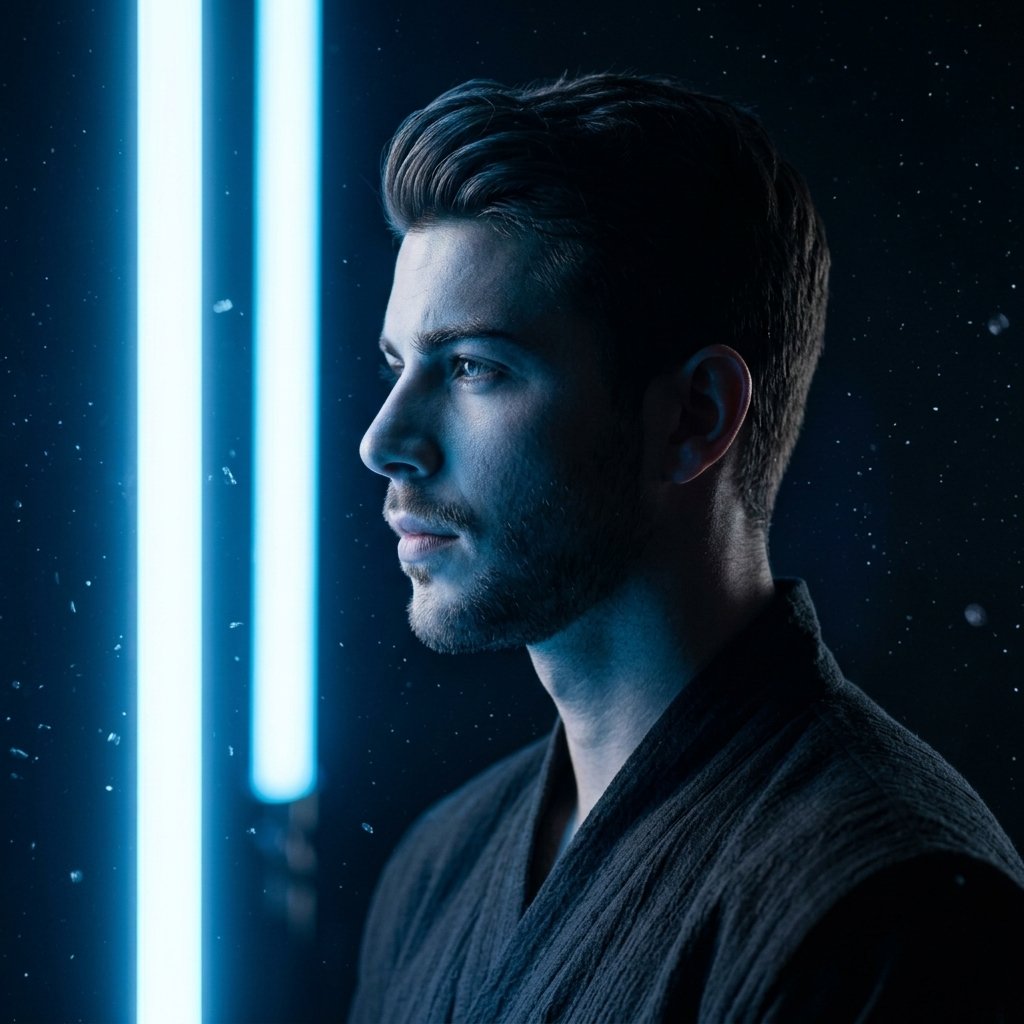
Low-Angle Sports Sneaker Advertisement
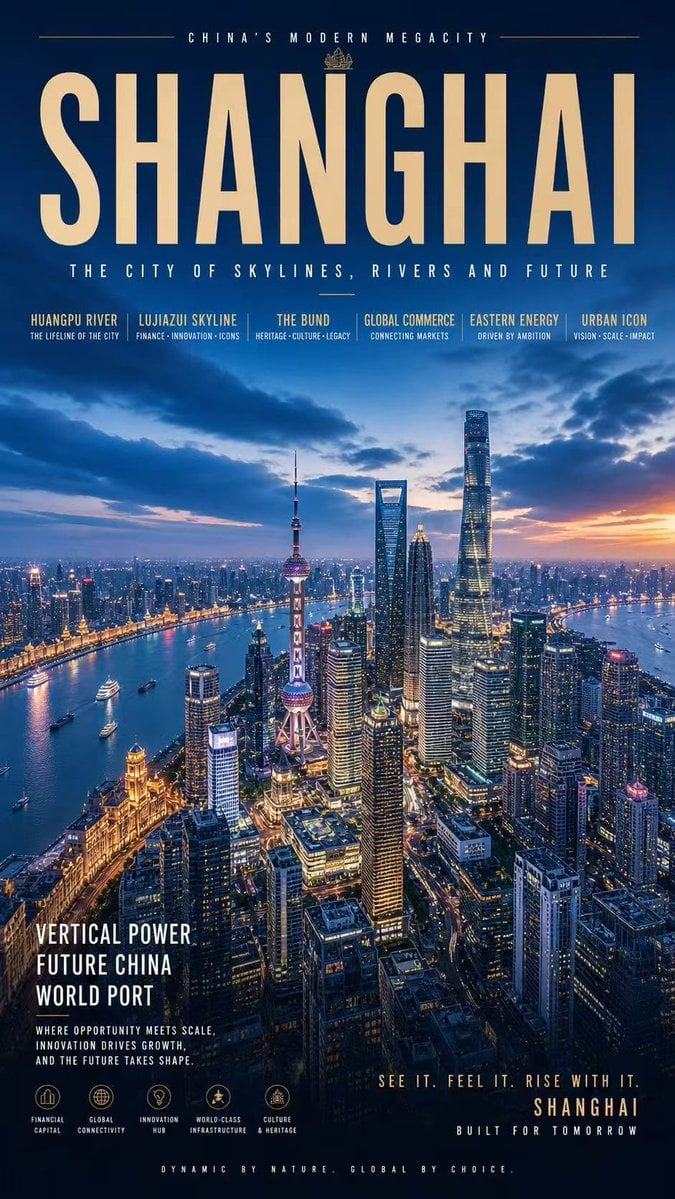
Shanghai Megacity Night Poster
Browse template categories
Royal Enfield Adventure Campaign Poster questions
How do I use the Royal Enfield Adventure Campaign Poster template?
Add your photo if the template asks for one, edit the prompt if you like — the template's model and format are already selected — and press Generate. Your version opens in PicX Studio.
Can I customize the Royal Enfield Adventure Campaign Poster template?
Yes. You can change the subject, setting, lighting, mood, format, and available model controls before creating your image.
Is the Royal Enfield Adventure Campaign Poster template free?
Opening and editing this template is free. Generating uses credits, shown on the Generate button when you are signed in.
Which AI model should I use?
Start with GPT Image 2, which is the model associated with this template. You can compare another compatible model for a different finish.
Looking for something else? Browse all templates.

Your photo, any look
Thousands of ready templates for every top image and video model, from one credit balance.