
Royal Fantasy Bridal Carry
A polished anime fantasy scene of a royal knight carrying a princess through a lantern-lit palace city at night.
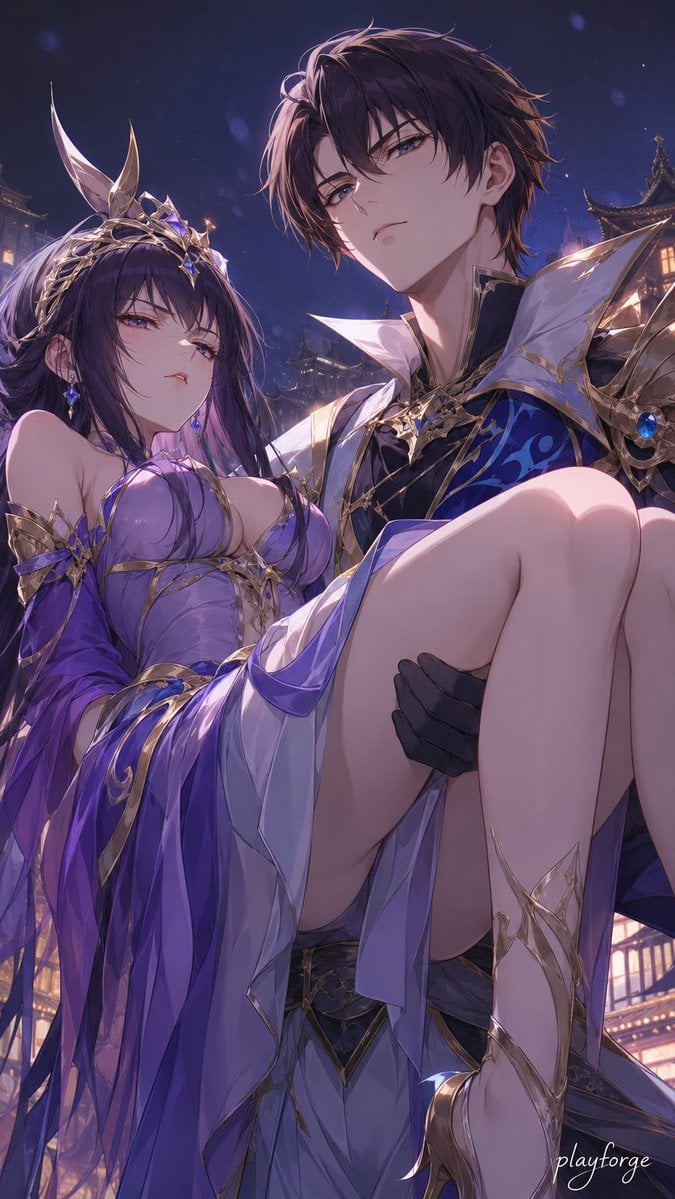
- Prompt included
- Model and format preset
- Premium template
The prompt behind this image
Copy the exact prompt behind Royal Fantasy Bridal Carry, or open it in the studio and make it yours.
Create a vertical 2:3 anime fantasy romance illustration at night: a tall, handsome young prince or knight with {argument name="male character hair color" default="dark brown-black hair"} and calm blue-violet eyes carries an elegant young princess in a bridal carry. He stands on the right side in three-quarter view, looking slightly downward at the viewer with a composed, protective expression. He wears ornate royal armor and formal clothing: black gloves, a dark navy-and-black tunic with vivid cobalt blue patterns, a high white sculptural collar, sharp white-and-gold shoulder armor, gold filigree trim, and blue gemstone ornaments. The princess fills the left and center foreground, reclining across his arms with her bare legs prominently in front but posed gracefully and non-explicitly; she has {argument name="female character hair color" default="long deep violet-black hair"}, soft purple eyes, pale skin, and a slightly aloof, dreamy expression. Dress her in a flowing {argument name="dress color" default="lavender and royal purple"} fantasy gown with translucent layered fabric, white inner skirt panels, gold filigree straps, ornate star-shaped gold accessories at the shoulders and bodice, dangling blue crystal earrings, delicate gold leg ornaments, and a gold crown-like headpiece with two tall feather or horn-shaped ornaments rising upward. Use exactly two main characters: one male royal knight carrying one female princess. Set the scene in an opulent East Asian-inspired palace city at night, with softly glowing pagoda rooftops and lantern-lit architecture in the background, a deep indigo sky, faint floating petals or magical particles, and cool moonlit purple-blue lighting mixed with warm window glow. Make the composition intimate and cinematic, low-angle close-up, highly detailed polished anime art, delicate linework, glossy highlights, elaborate gold ornamentation, soft depth of field, dramatic rim light, luxurious fantasy atmosphere. Include a small elegant white cursive signature reading {argument name="signature text" default="playforge"} in the bottom-right corner. Avoid extra characters, avoid modern objects, avoid text besides the signature, and keep the image romantic, regal, and tasteful.
How to use Royal Fantasy Bridal Carry in 3 steps
- 1Upload ImagePNG, JPG or paste
Add your photo
Upload the photo the template builds on. The prompt, model and format are already set.
- 2…a portrait of your subject in softgolden-hour light, 85mm…
Personalize
Edit the subject and creative details for your destination.
- 3Generate
Generate
Press Generate — your image is created in PicX Studio, so you can compare it with the original and refine one variable at a time.
More like this
Templates with the same subject, style or setup. Open one to see its prompt.

Anime Fantasy Celestial Movie Poster
Anime Fantasy Celestial Movie Poster

Minecraft Fantasy Kingdom Voxel Landscape

Unfinished Sketch Comes Alive Portrait

Open Travel Journal Overhead Still Life

Tiny Woman Miniature Fantasy Macro Scene
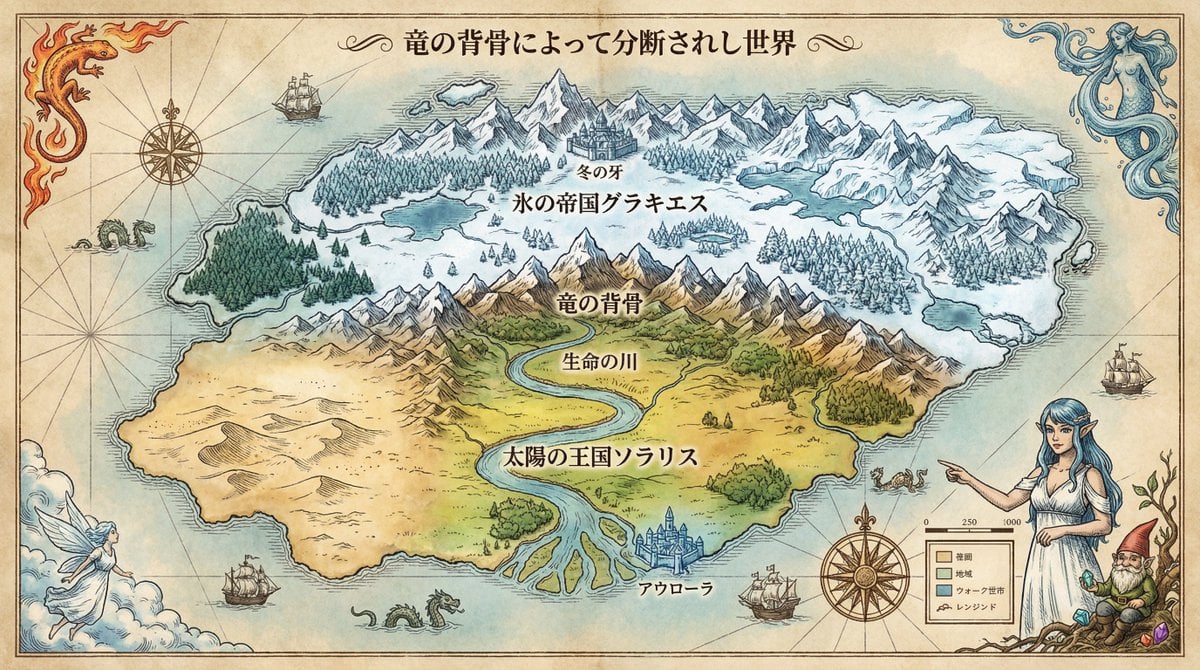
Royal Cartographer Fantasy World Map Prompt (Detailed Scenario)
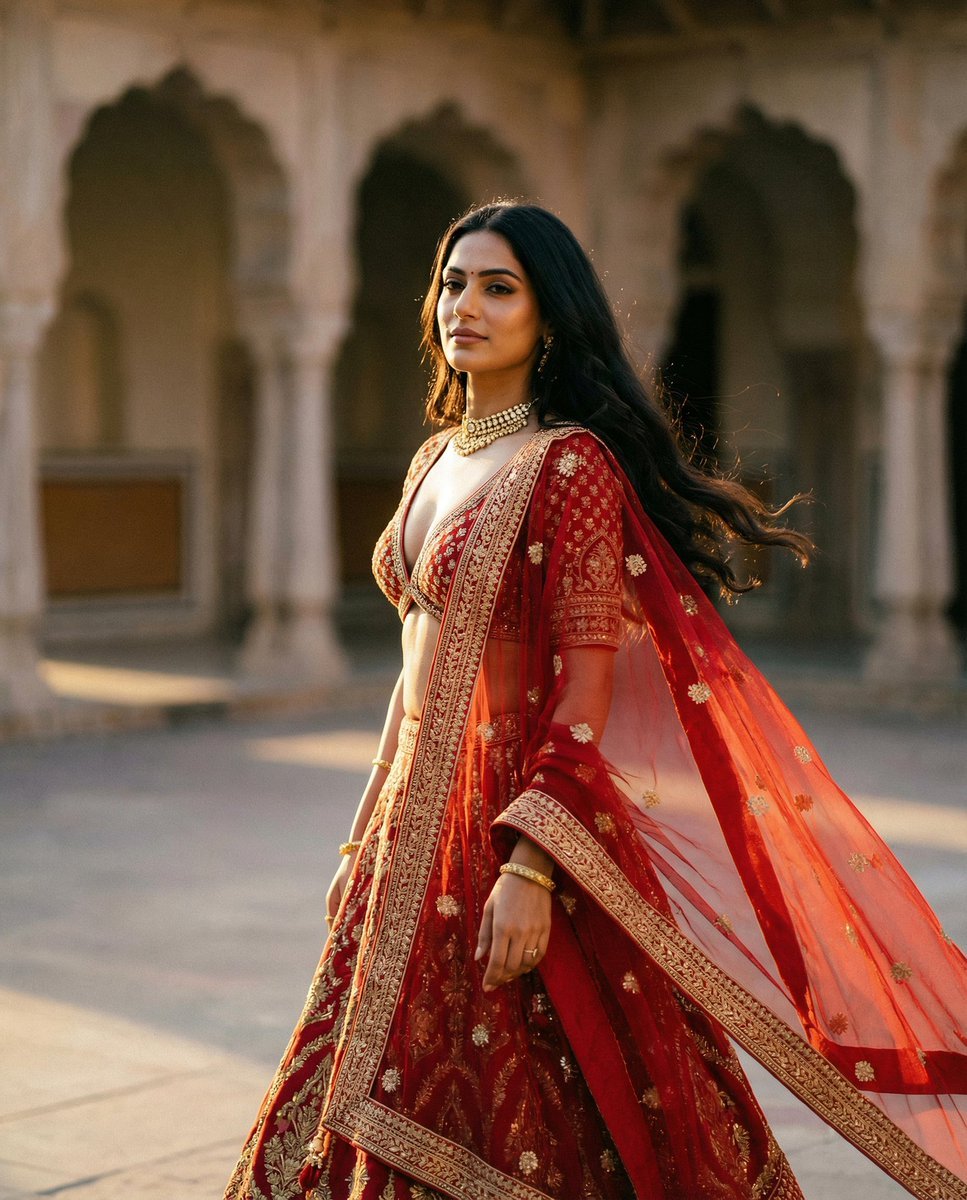
Cinematic Indian Royal Bridal Portrait
JSON Seedance - Fairy Macro Flight
Videogame Cinematic Trailer - Seedance 2.0
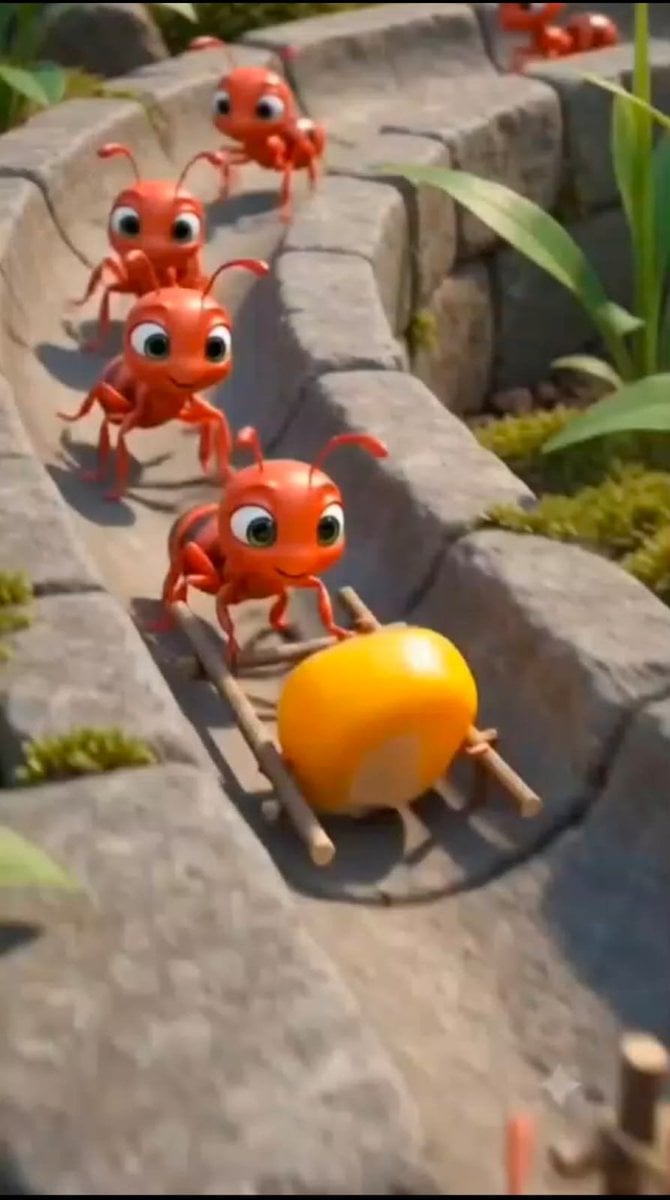
Cartoon Ants Carrying a Golden Seed
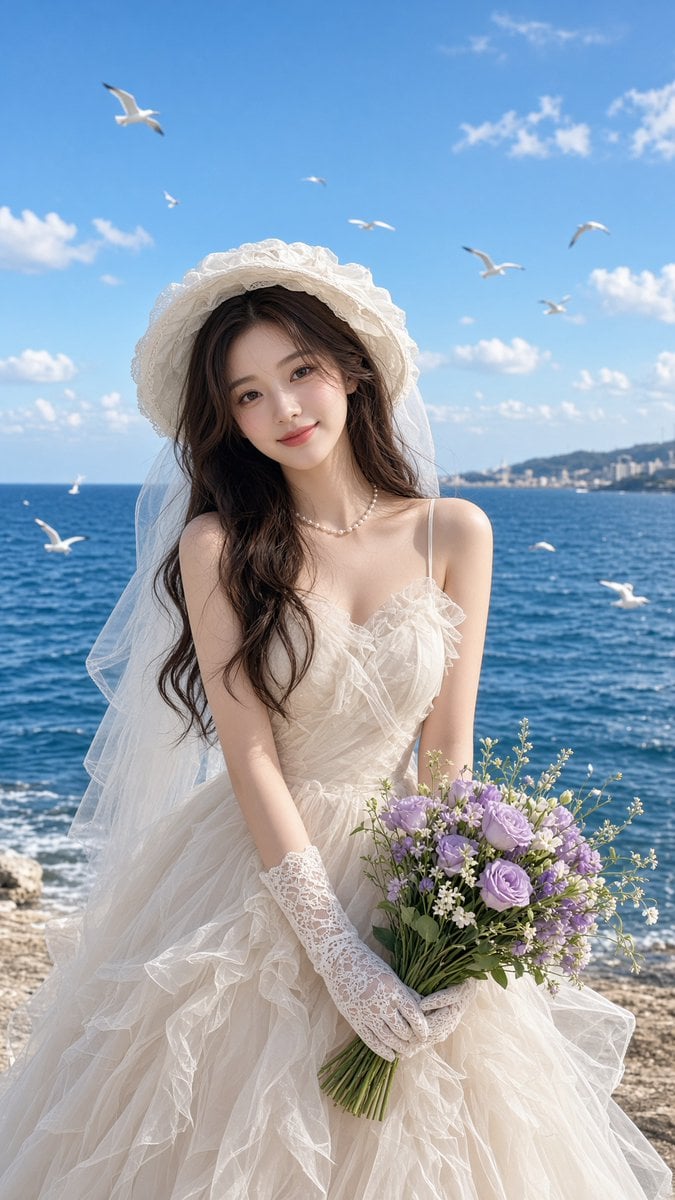
Seaside Bridal Portrait
Make it yours
Royal Fantasy Bridal Carry works as-is. These are the safest ways to change it without losing the look.
Change one field
Copy a single group, rewrite it, and generate again so you can see what that field is doing.
Keep the frame, change the subject
Hold the composition and light of Royal Fantasy Bridal Carry, then swap wardrobe, props or the person for a new take.
| If the result… | Why | Fix |
|---|---|---|
| The result drifts from the preview | Too many fields changed at once. | Reuse Royal Fantasy Bridal Carry as-is first, then change one group — subject, light, or setting. |
| The model over-stylizes the scene | The prose prompt leaves finish and camera underspecified. | Add one camera or lighting sentence and stay on GPT Image 2. |
More GPT Image 2 templates
Other prompts made for GPT Image 2.

Six VTuber Japanese Logo Sheet

Realistic Portrait of Woman and Deer

The Vista Modular Condo Poster

AI Model Routing Comparison Infographic

2.5D Anime Art Board

Isometric Productivity Desk Scene

New York Double Exposure Poster

Four-Panel AI Landscape Comparison

Japanese Tatami Lifestyle Magazine Cover

NESCAFÉ Coffee Map Poster
More image prompts
Fresh picks from across the catalog.
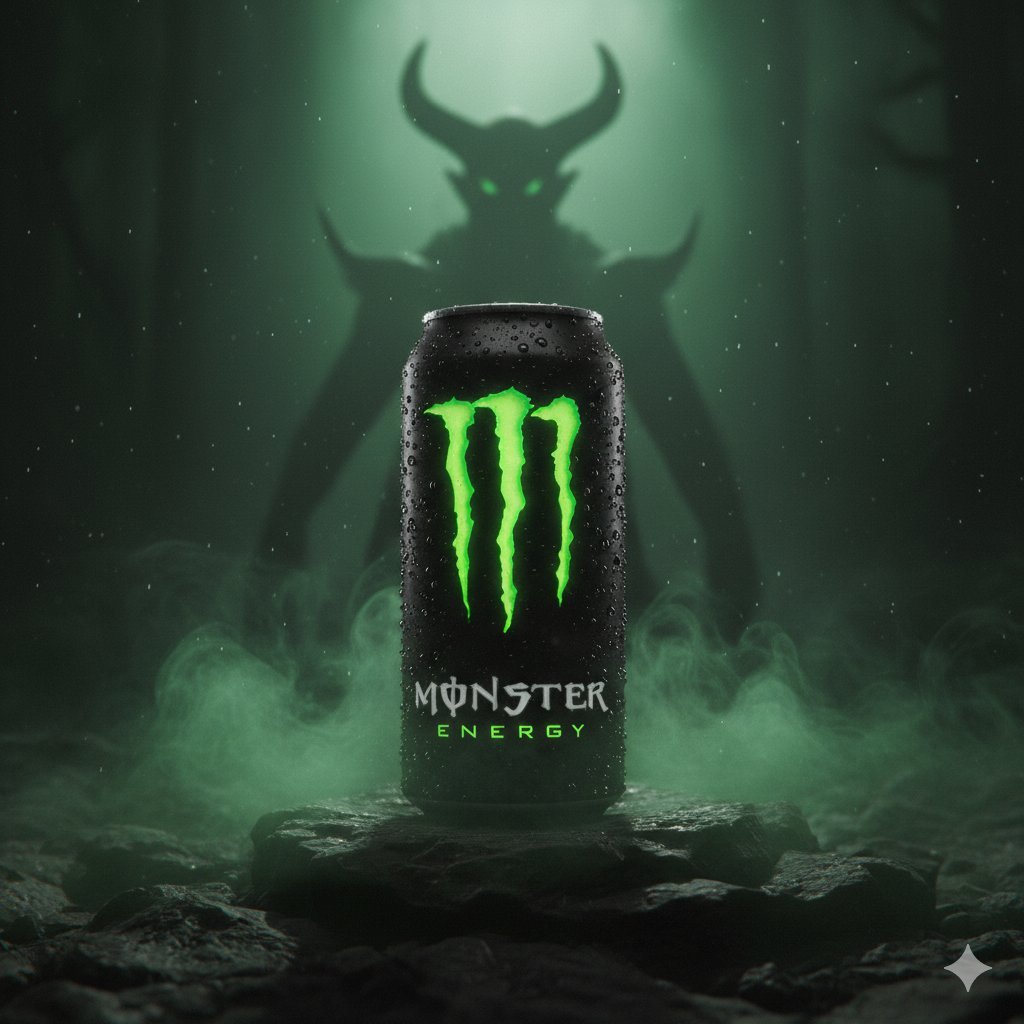
Dark Fantasy Product Shot of Monster Energy Drink
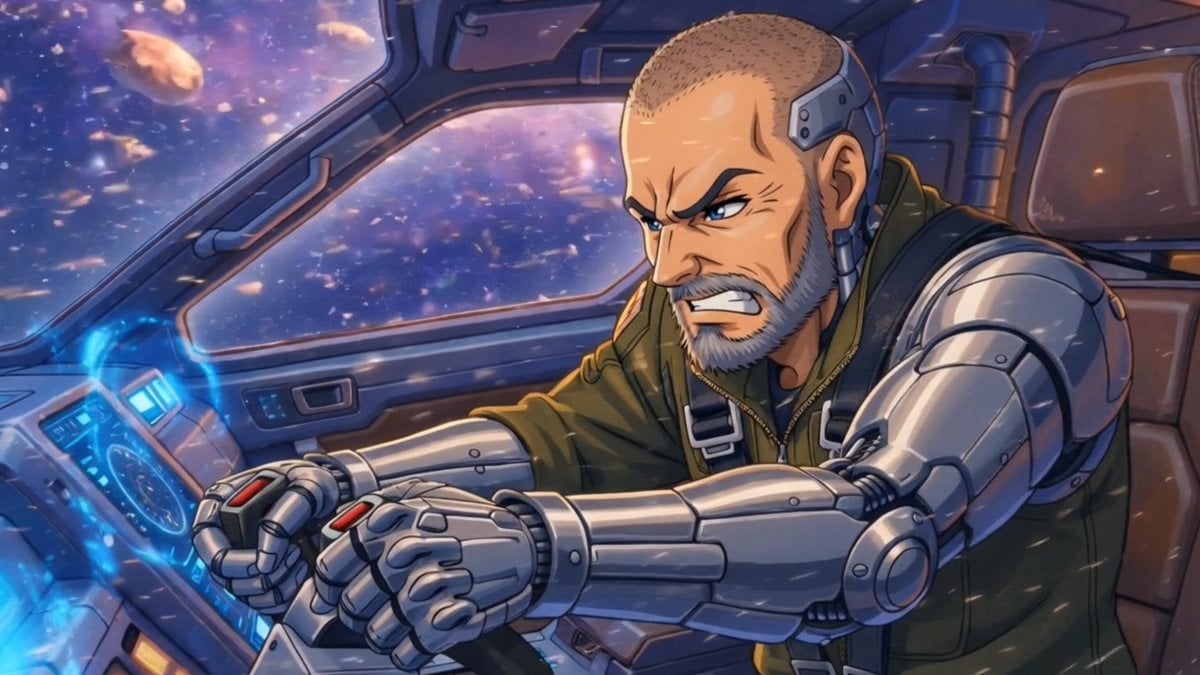
Sci-Fi Comic Poster Illustration JSON Prompt for Nano Banana Pro
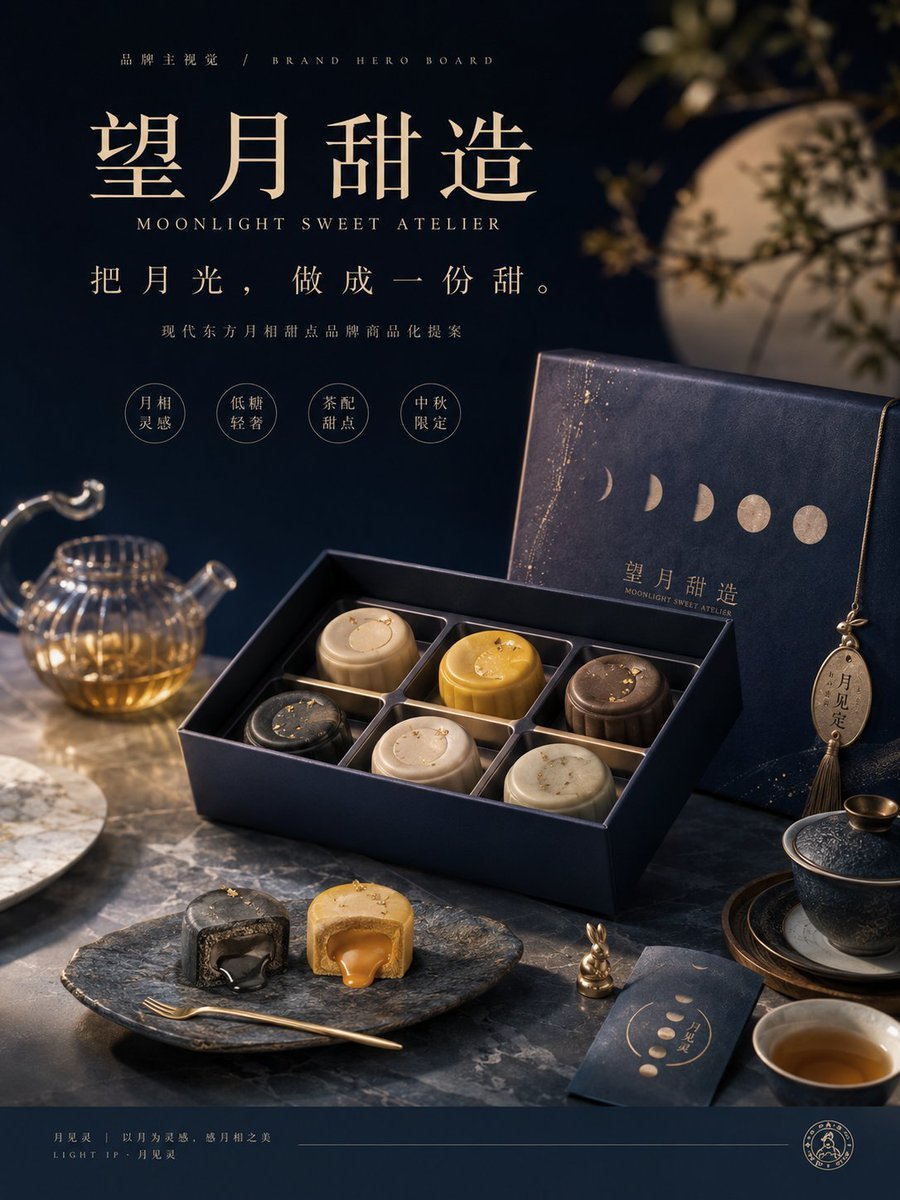
Moon Phase Mooncake Brand Hero Board
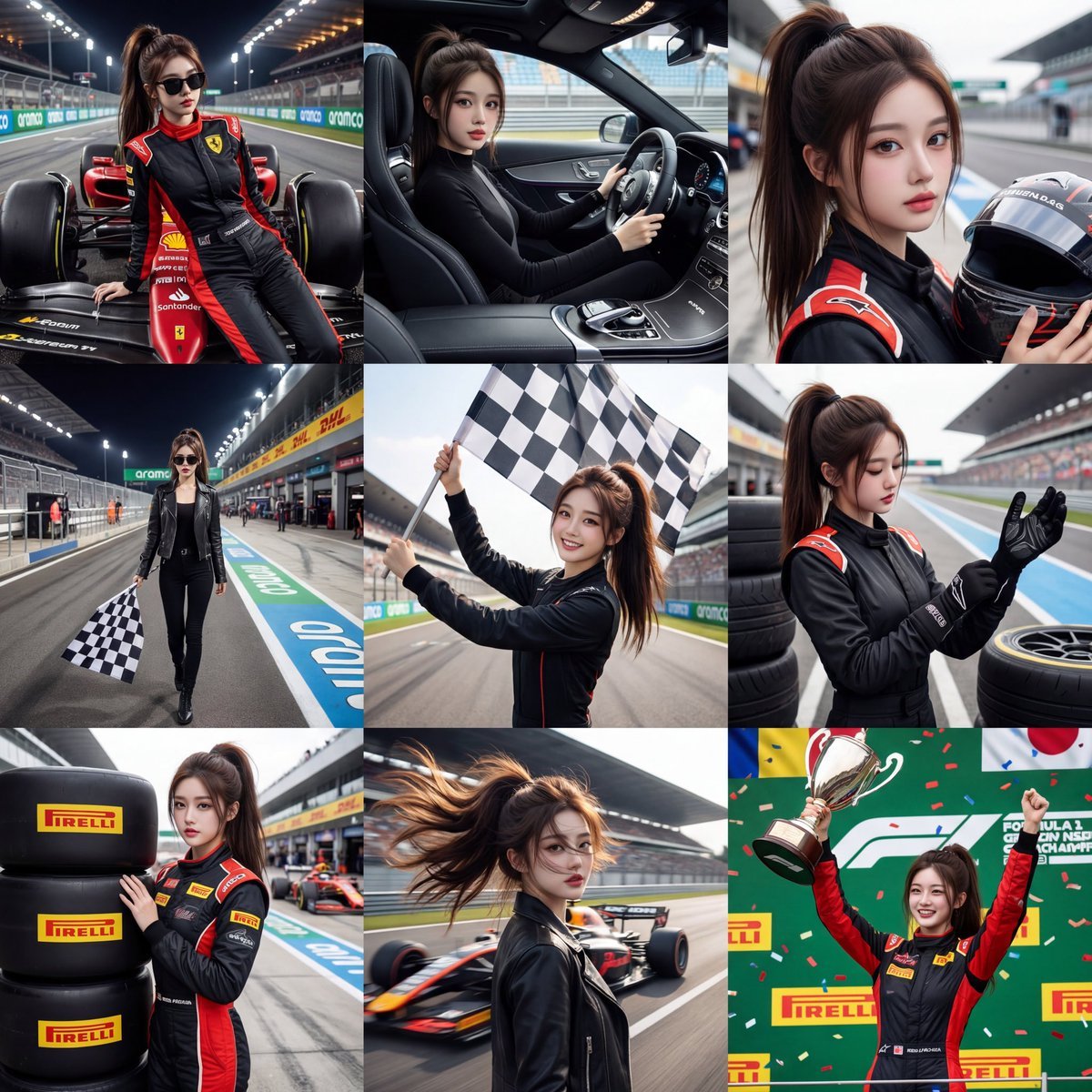
3x3 Motorsport Glamour Photo Collage
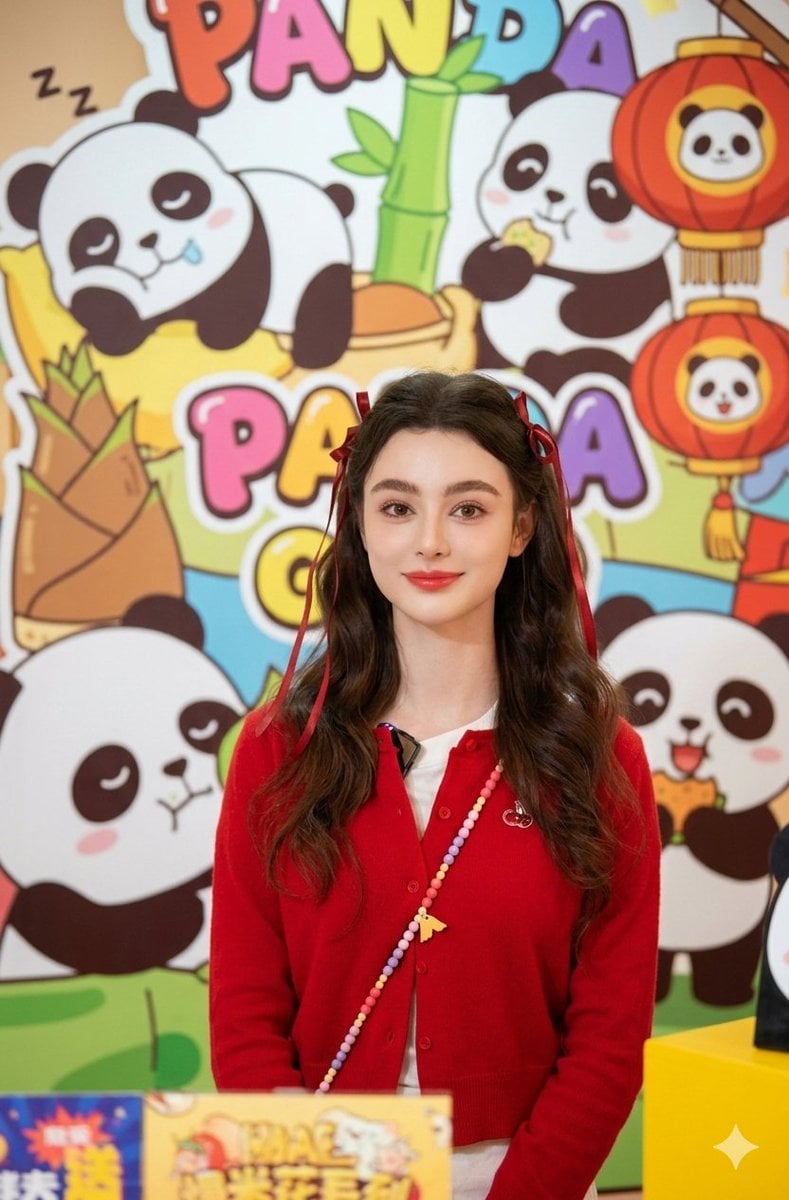
Portrait of Dasha Taran in Kawaii Fashion
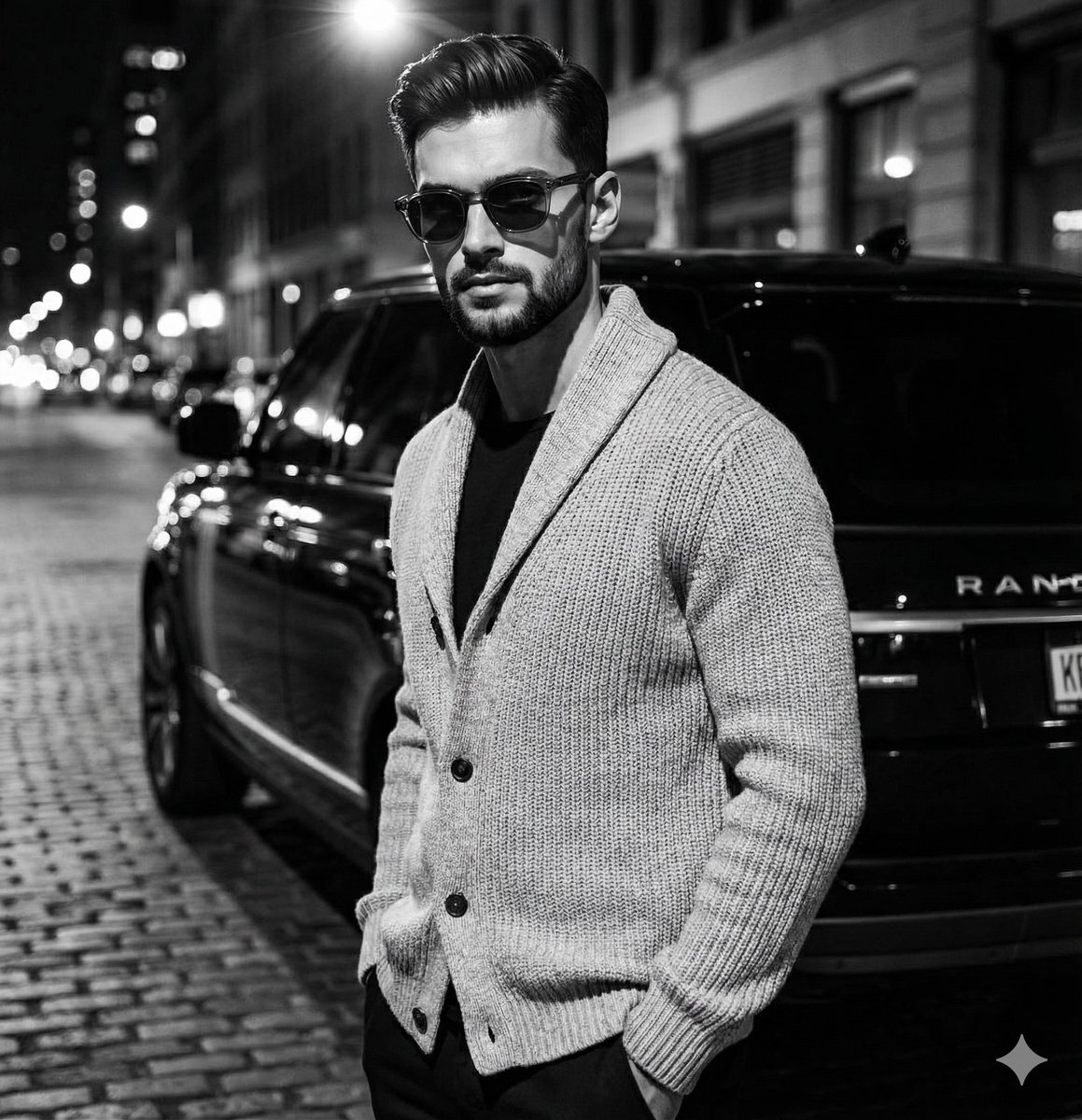
High-Contrast Black and White Fashion Editorial
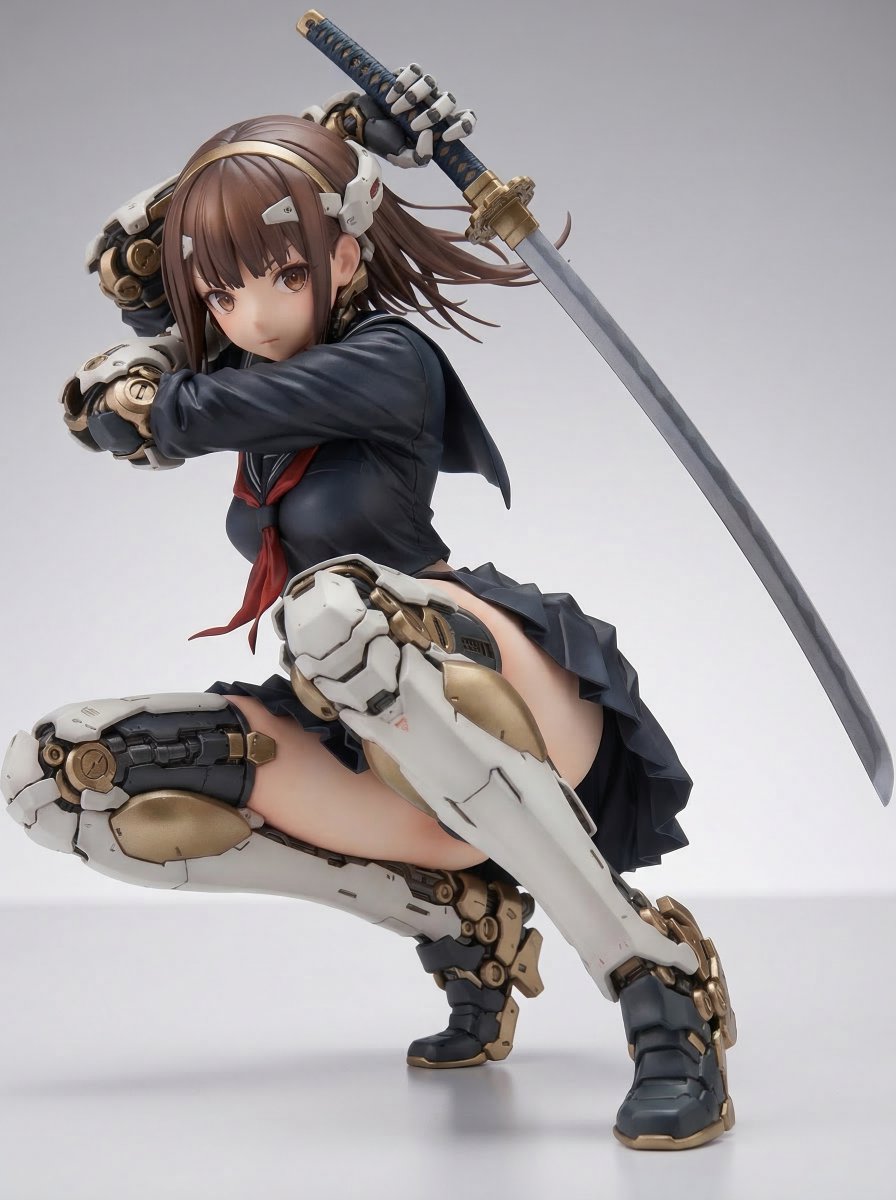
Samurai Mecha Girl Figure

Man with Motion Blur Streaks and Double Exposure Effect
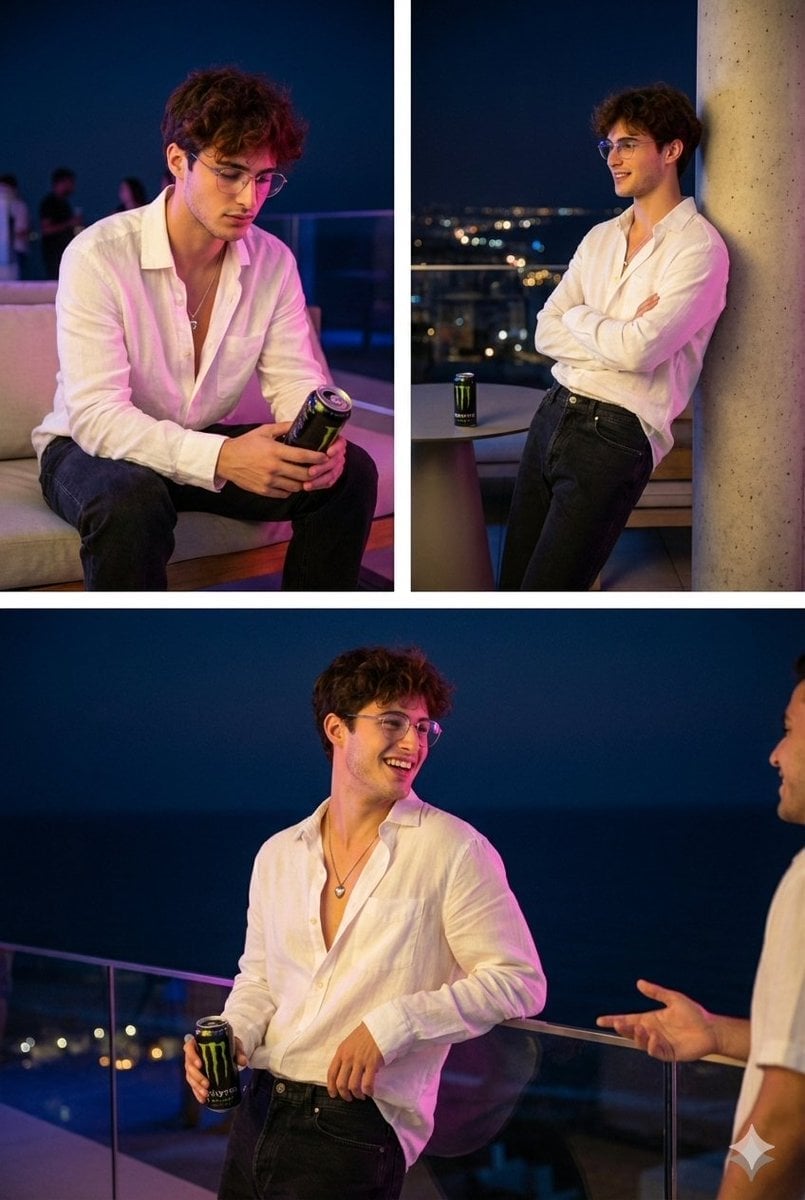
Nighttime Roof Terrace Party Portrait Prompt
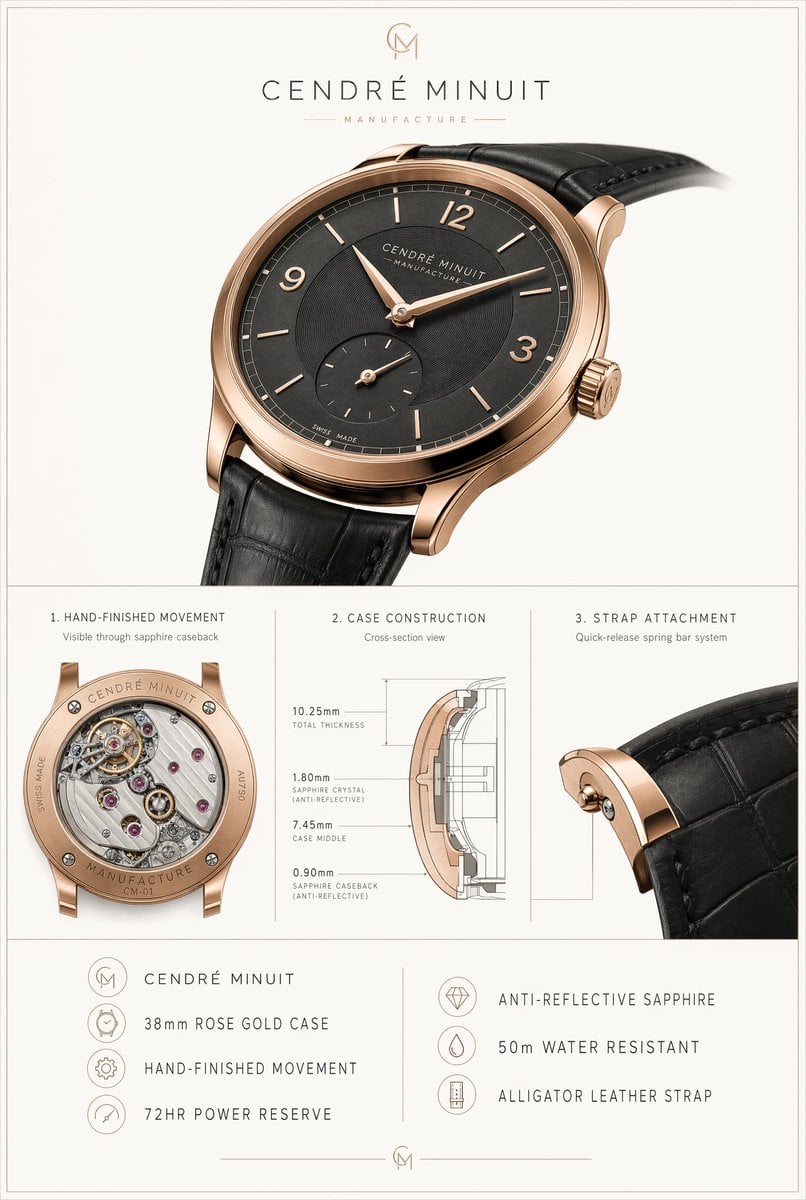
Luxury Watch Technical Poster
Browse template categories
Royal Fantasy Bridal Carry questions
How do I use the Royal Fantasy Bridal Carry template?
Add your photo if the template asks for one, edit the prompt if you like — the template's model and format are already selected — and press Generate. Your version opens in PicX Studio.
Can I customize the Royal Fantasy Bridal Carry template?
Yes. You can change the subject, setting, lighting, mood, format, and available model controls before creating your image.
Is the Royal Fantasy Bridal Carry template free?
Opening and editing this template is free. Generating uses credits, shown on the Generate button when you are signed in.
Which AI model should I use?
Start with GPT Image 2, which is the model associated with this template. You can compare another compatible model for a different finish.
Looking for something else? Browse all templates.

Your photo, any look
Thousands of ready templates for every top image and video model, from one credit balance.