
British Magic Academy Graduation Portraits
A comprehensive prompt designed to create a set of four distinct graduation portraits in a Harry Potter-inspired magical academy, maintaining character consistency based on uploaded photos.
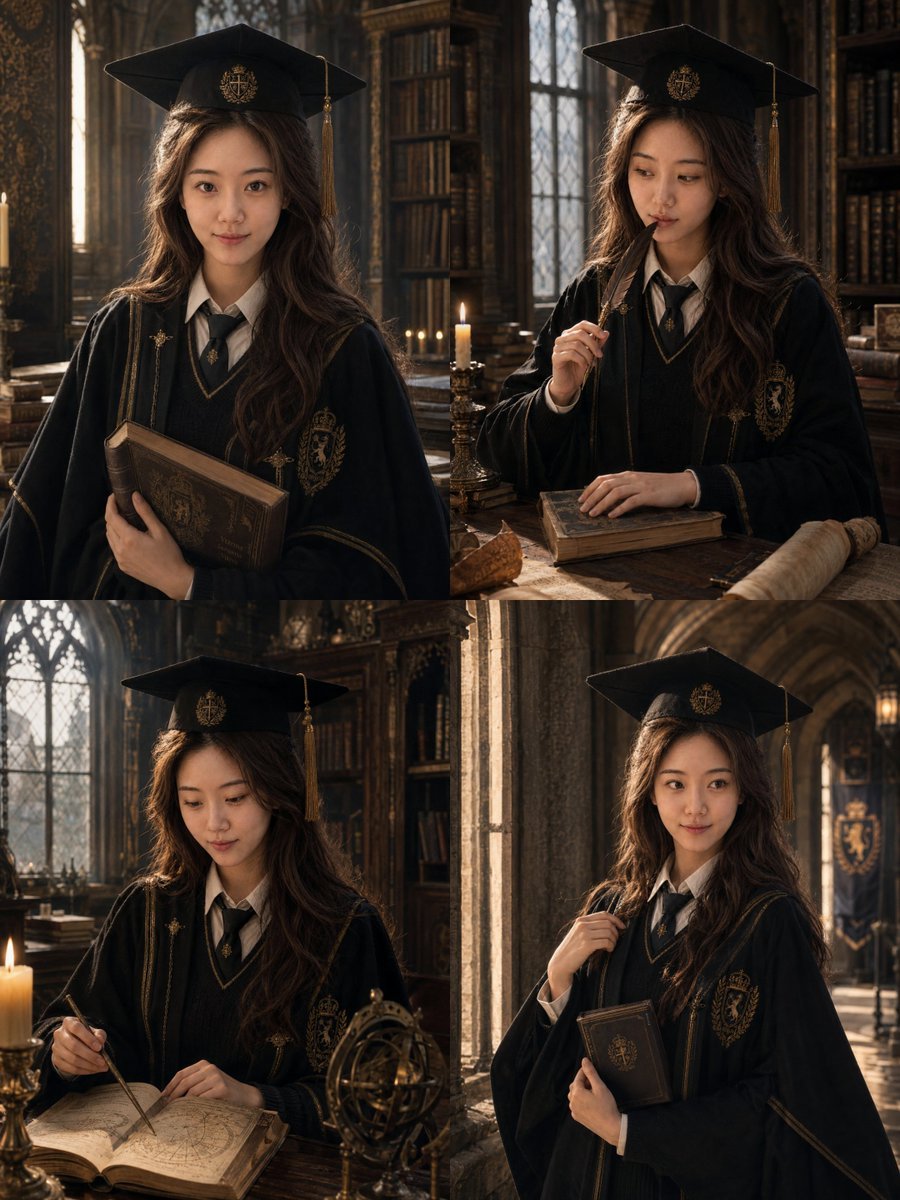
- Prompt included
- Model and format preset
- Premium template
The prompt behind this image
Copy the exact prompt behind British Magic Academy Graduation Portraits, or open it in the studio and make it yours.
请基于用户上传的 1-3 张清晰个人照片,**一次性生成 4 张不同的单独精修毕业写真照片**,主题为:**「英伦魔法学院毕业写真」** ### 【输出要求】 - 一次性输出 **4 张不同的单独照片** - 不要做四宫格,不要拼图 - 每张图都是独立成片 - 每张图统一为 **3:4 竖构图** - 4 张图属于同一组完整写真,人物、服饰、妆造、色彩体系保持统一 - 但每张图的 **表情、动作、姿态、视线、镜头角度、道具互动** 必须明显不同 ### 【人物一致性】 请严格保留用户本人真实身份特征,包括:脸型、五官比例、眼睛、鼻子、嘴唇、肤色、年龄感、发型基础、整体气质。4 张图里都必须清楚看起来是 **同一个真实女生**。 ### 【整体定位】 毕业 + 学院感 + 魔法世界观。“像刚从英伦魔法学院毕业的优等生,在毕业典礼前后留下的一组纪念肖像。” ### 【服饰要求】 服装请采用 **“学院毕业袍 + 魔法元素”** 的设计逻辑。根据 {argument name="学位等级" default="学士"} 自然区分层级气质。根据 {argument name="学院主配色" default="酒红金"} 统一色彩细节。 ### 【帽子设计】 帽子必须保留 **学位帽基础结构**,同时加入克制的魔法学院元素,保留流苏,帽檐可加入学院徽章。 ### 【场景与背景】 场景请围绕 **英伦魔法学院** 的世界观展开。请从 {argument name="背景主场景" default="古堡走廊"} 中统一选择一个主要场景。 ### 【色彩与光线】 深木色、暗红、墨绿等体系。光线使用窗边冷光 + 烛光暖光混合,具有电影截图感。
How to use British Magic Academy Graduation Portraits in 3 steps
- 1Upload ImagePNG, JPG or paste
Add your photo
Upload the photo the template builds on. The prompt, model and format are already set.
- 2…a portrait of your subject in softgolden-hour light, 85mm…
Personalize
Edit the subject and creative details for your destination.
- 3Generate
Generate
Press Generate — your image is created in PicX Studio, so you can compare it with the original and refine one variable at a time.
More like this
Templates with the same subject, style or setup. Open one to see its prompt.
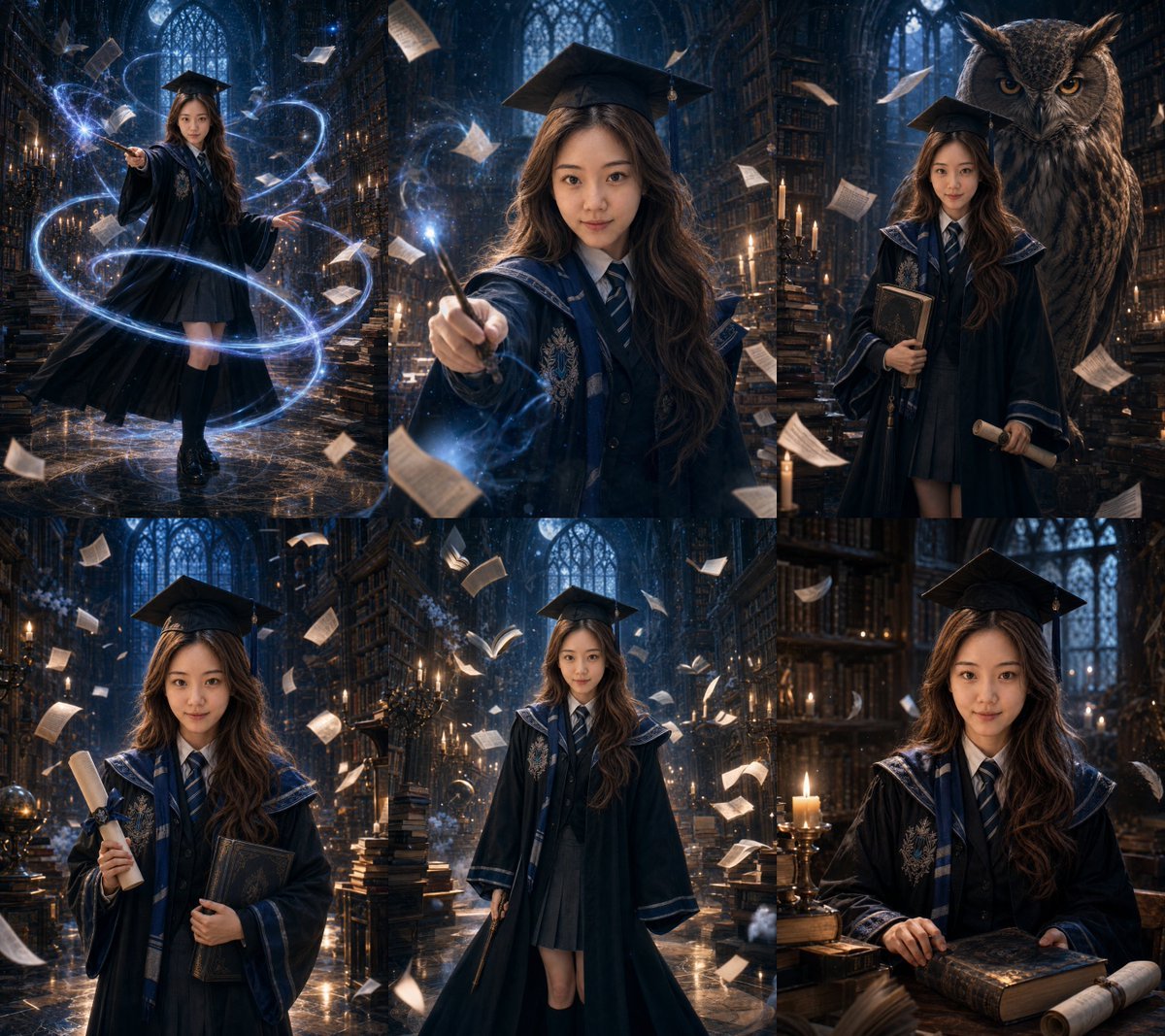
Magic Academy Graduation Portrait System

Miniature Travel Diorama Postcard

Anime Happily Ever After Sky

Anime Stained Glass Prayer

Anime White Horse Escape

Anime Golden Spinning Straw

Anime Gingerbread Cottage

Anime Bean Stalk Climb

Anime Seafoam Transformation

Anime Shoe Fitting Trial

Anime Beast Library Night

Anime Poison Apple Offer
Make it yours
British Magic Academy Graduation Portraits works as-is. These are the safest ways to change it without losing the look.
Change one field
Copy a single group, rewrite it, and generate again so you can see what that field is doing.
Keep the frame, change the subject
Hold the composition and light of British Magic Academy Graduation Portraits, then swap wardrobe, props or the person for a new take.
| If the result… | Why | Fix |
|---|---|---|
| The result drifts from the preview | Too many fields changed at once. | Reuse British Magic Academy Graduation Portraits as-is first, then change one group — subject, light, or setting. |
| The model over-stylizes the scene | The prose prompt leaves finish and camera underspecified. | Add one camera or lighting sentence and stay on GPT Image 2. |
More GPT Image 2 templates
Other prompts made for GPT Image 2.

Six VTuber Japanese Logo Sheet

Realistic Portrait of Woman and Deer

The Vista Modular Condo Poster

AI Model Routing Comparison Infographic

2.5D Anime Art Board

Isometric Productivity Desk Scene

New York Double Exposure Poster

Four-Panel AI Landscape Comparison

Japanese Tatami Lifestyle Magazine Cover

NESCAFÉ Coffee Map Poster
More image prompts
Fresh picks from across the catalog.
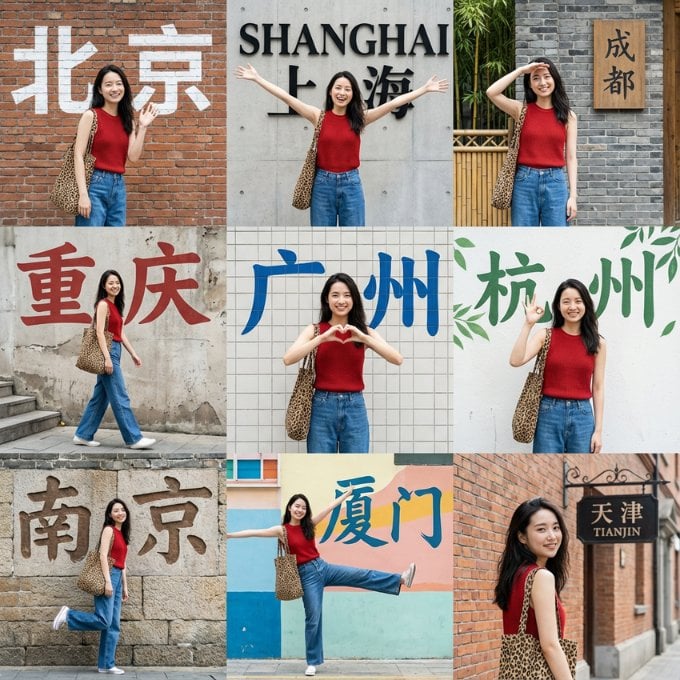
Nine-Grid Street Photography Prompt Framework
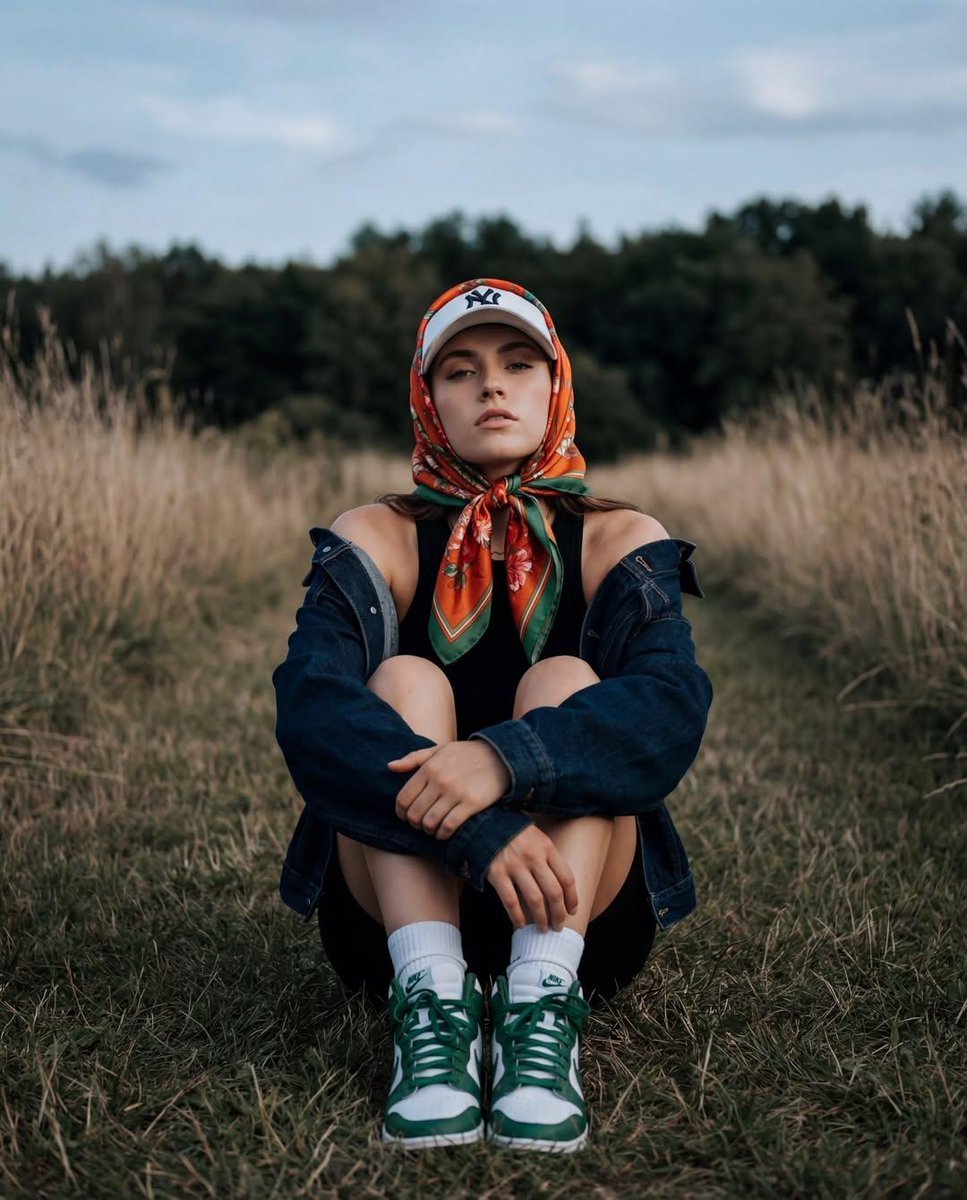
Keyword List for Cinematic AI Photography
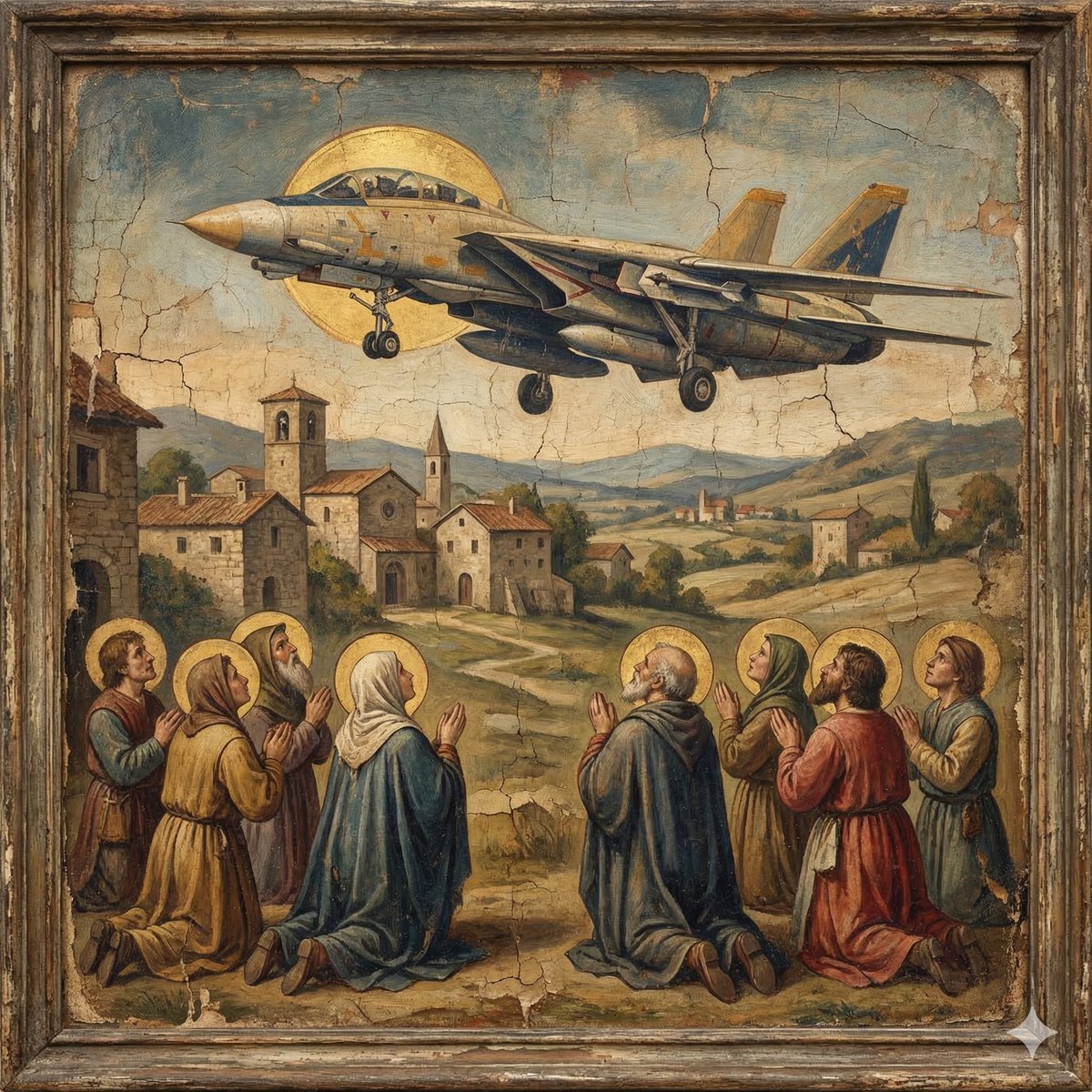
F-14D in the Style of a Western Religious Painting
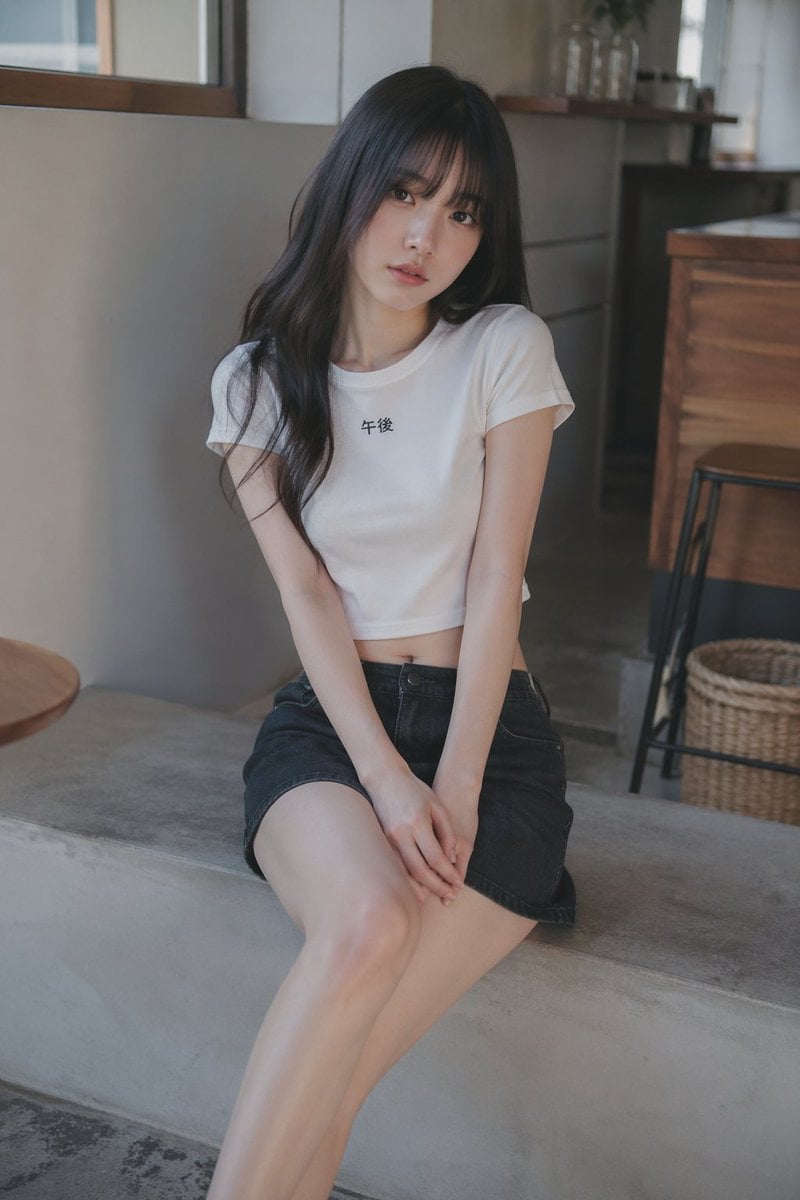
Soft Cafe Portrait of Young Woman
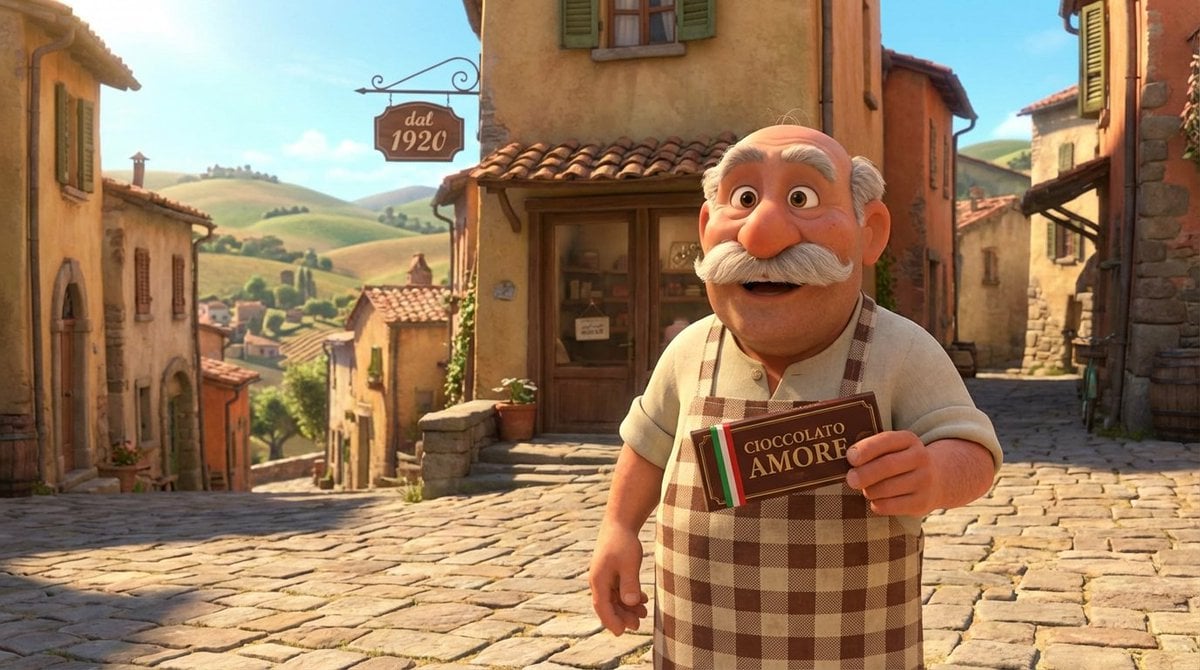
Pixar Style Italian Man in Front of Chocolate Shop

Street Fashion Emerald Bomber Poster
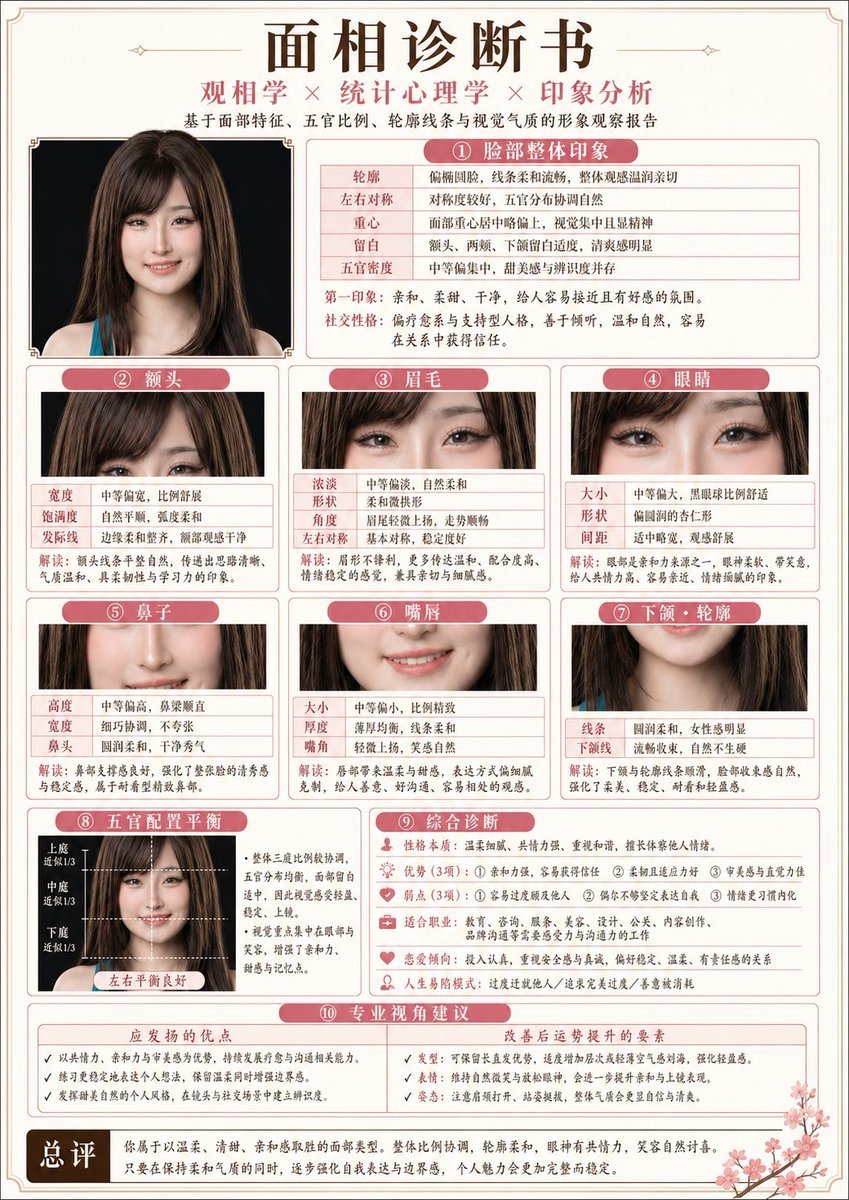
Japanese-Style Facial Analysis Diagnostic Poster
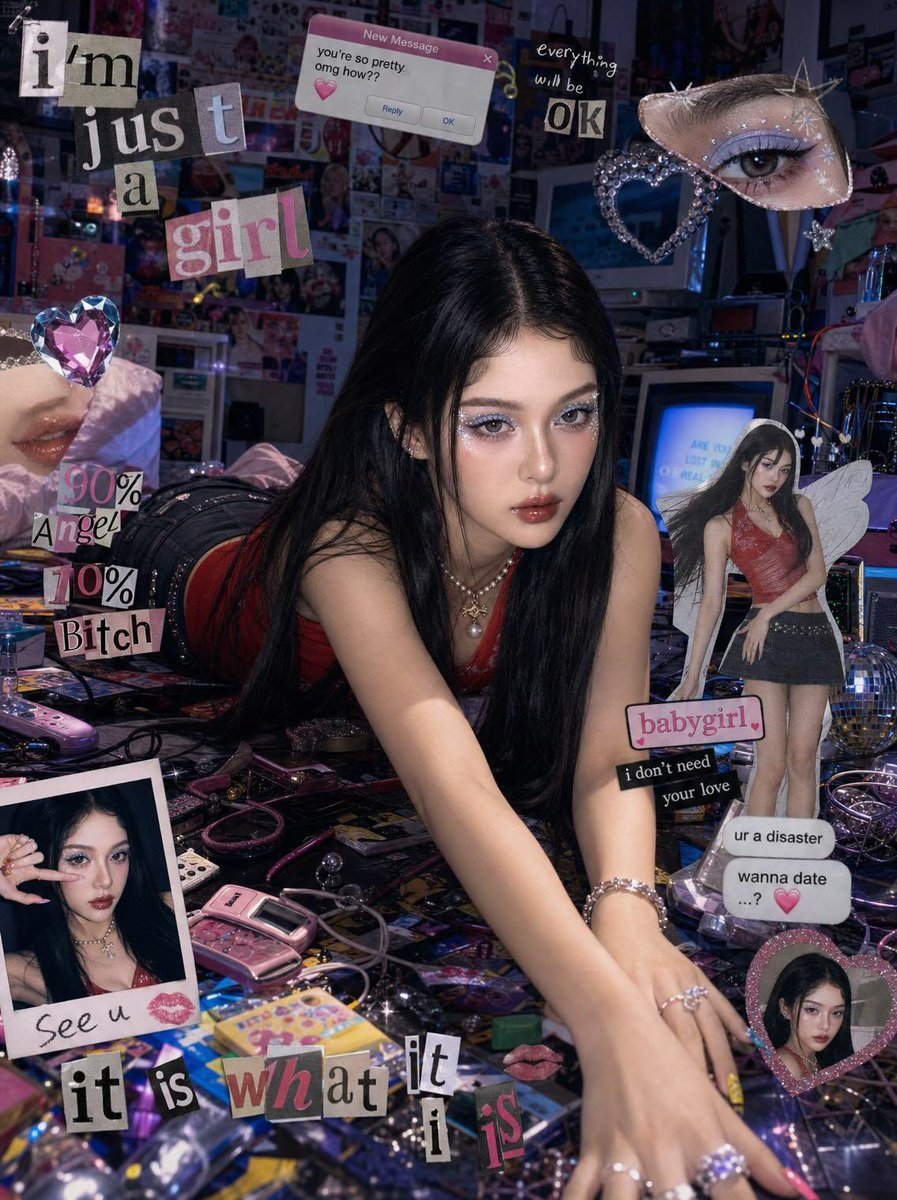
Chaotic Y2K Cyber-Pop Editorial Portrait
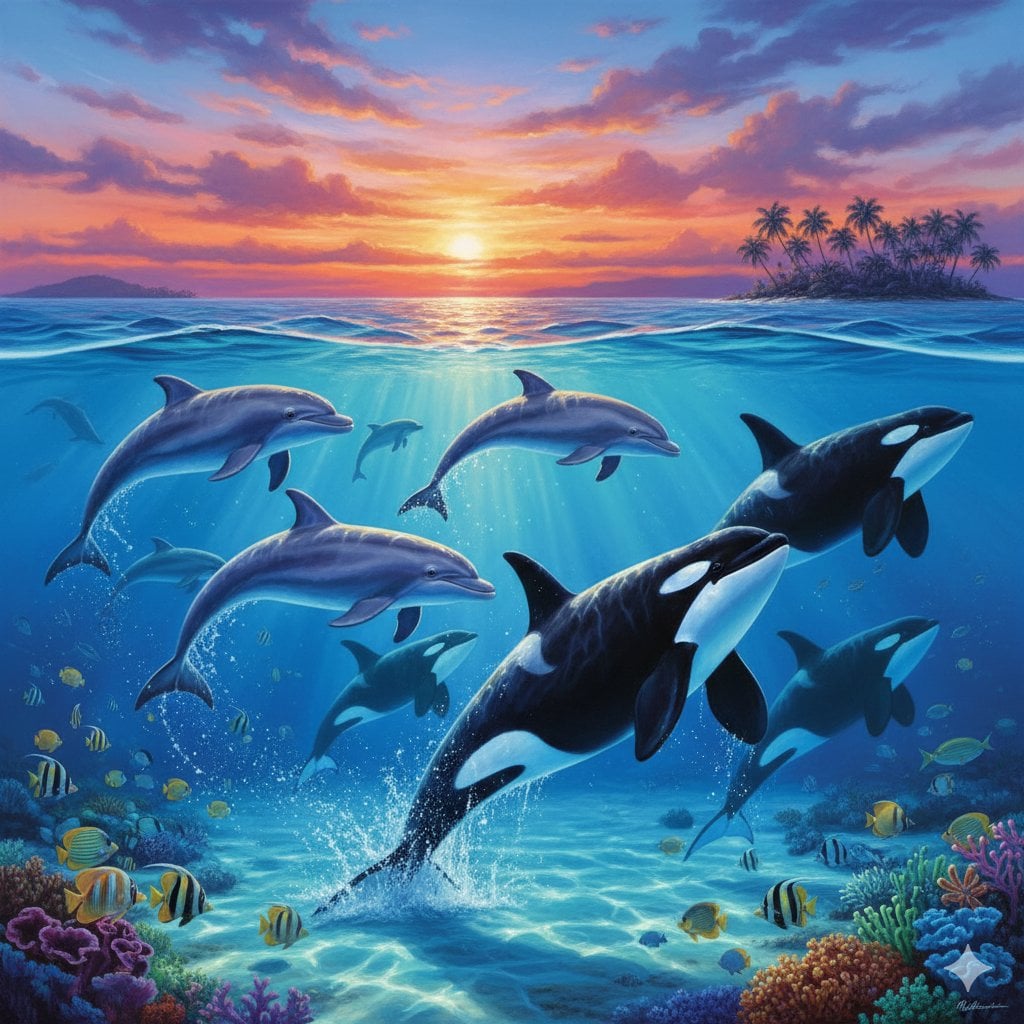
Lassen-style Painting with Dolphins and Orcas
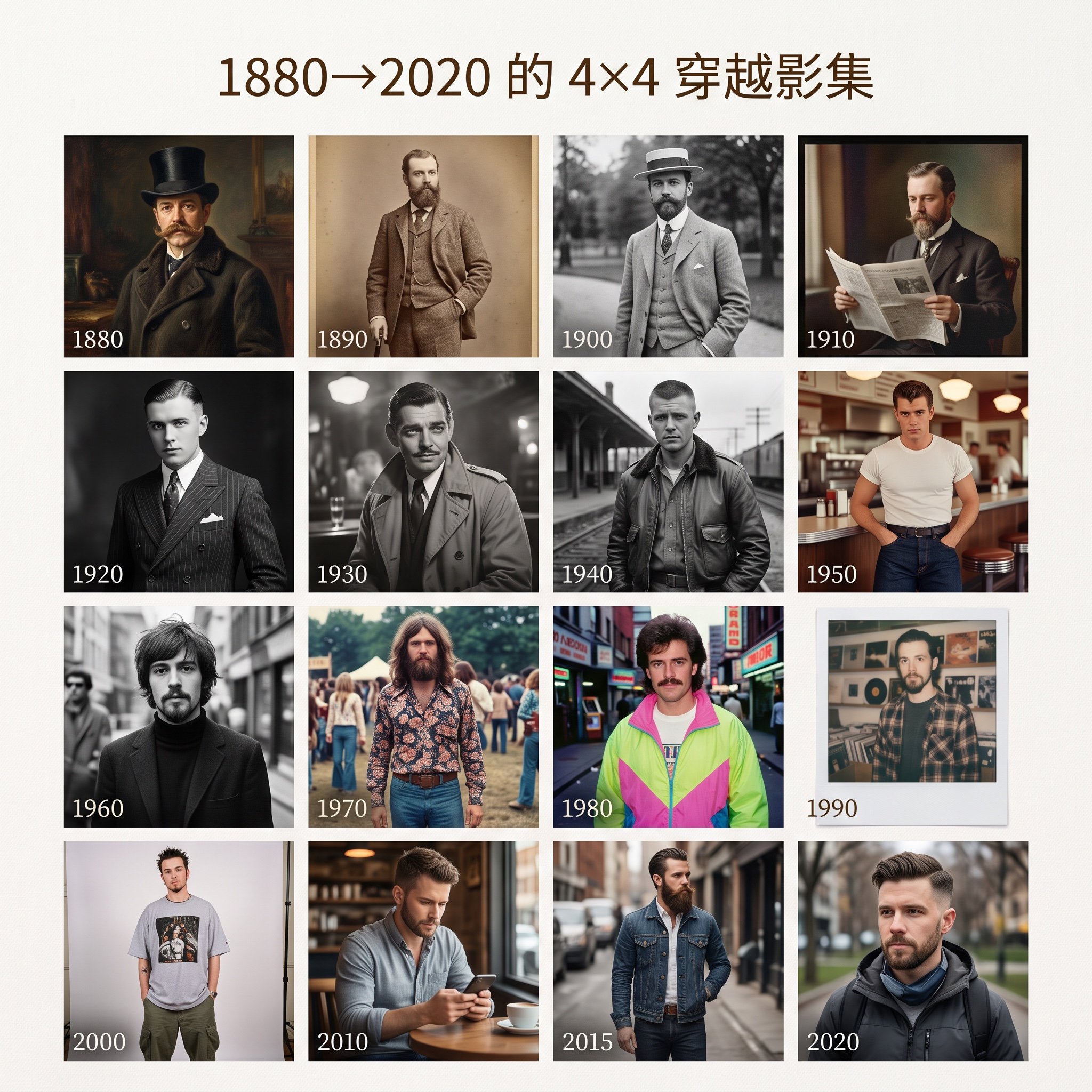
4x4 Time Travel Photo Album
Browse template categories
British Magic Academy Graduation Portraits questions
How do I use the British Magic Academy Graduation Portraits template?
Add your photo if the template asks for one, edit the prompt if you like — the template's model and format are already selected — and press Generate. Your version opens in PicX Studio.
Can I customize the British Magic Academy Graduation Portraits template?
Yes. You can change the subject, setting, lighting, mood, format, and available model controls before creating your image.
Is the British Magic Academy Graduation Portraits template free?
Opening and editing this template is free. Generating uses credits, shown on the Generate button when you are signed in.
Which AI model should I use?
Start with GPT Image 2, which is the model associated with this template. You can compare another compatible model for a different finish.
Looking for something else? Browse all templates.

Your photo, any look
Thousands of ready templates for every top image and video model, from one credit balance.