How do I use the ChatGPT App Screenshot With Generated Portrait template?
Choose the primary action to open PicX Studio with the available template settings. Review the model and format, personalize the creative direction, and generate when ready.
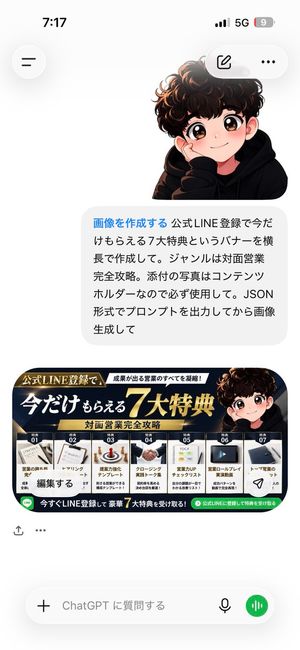
This prompt generates a realistic Android screenshot of the ChatGPT Japanese mobile app displaying a photorealistic nightlife portrait image, useful for social
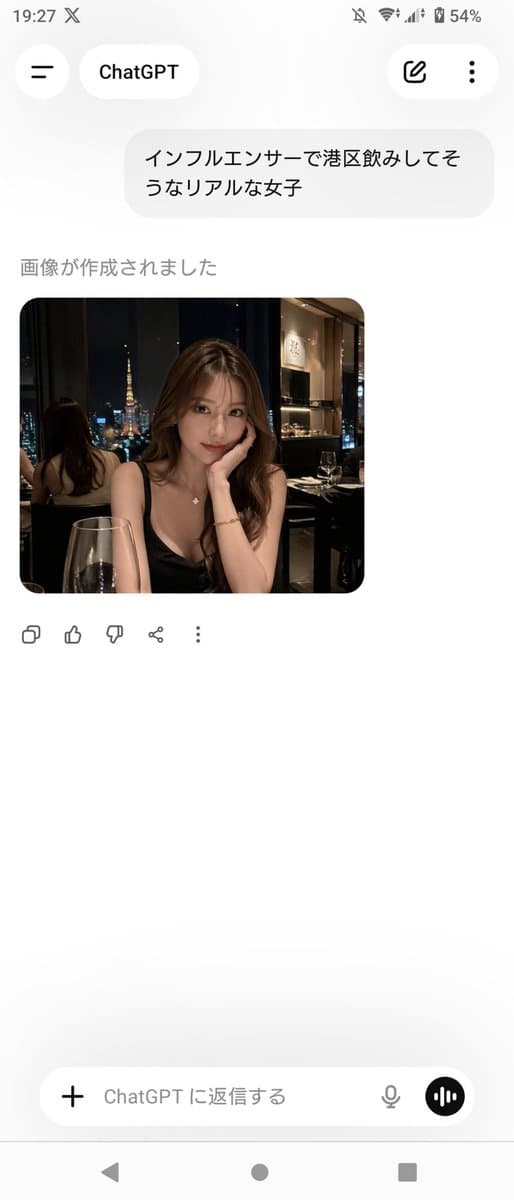
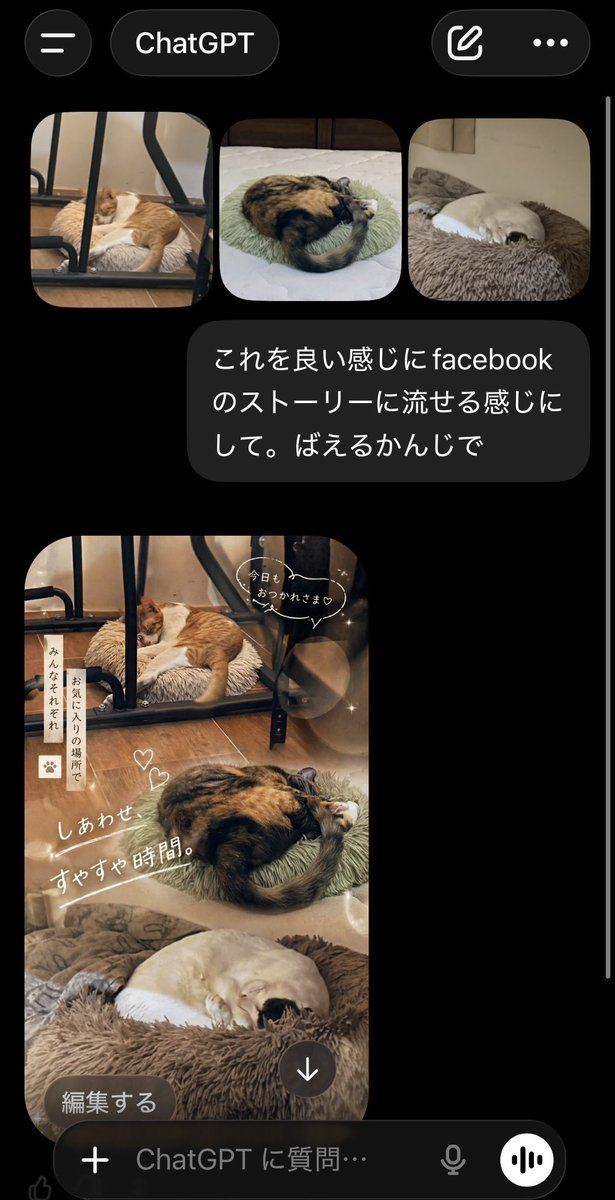
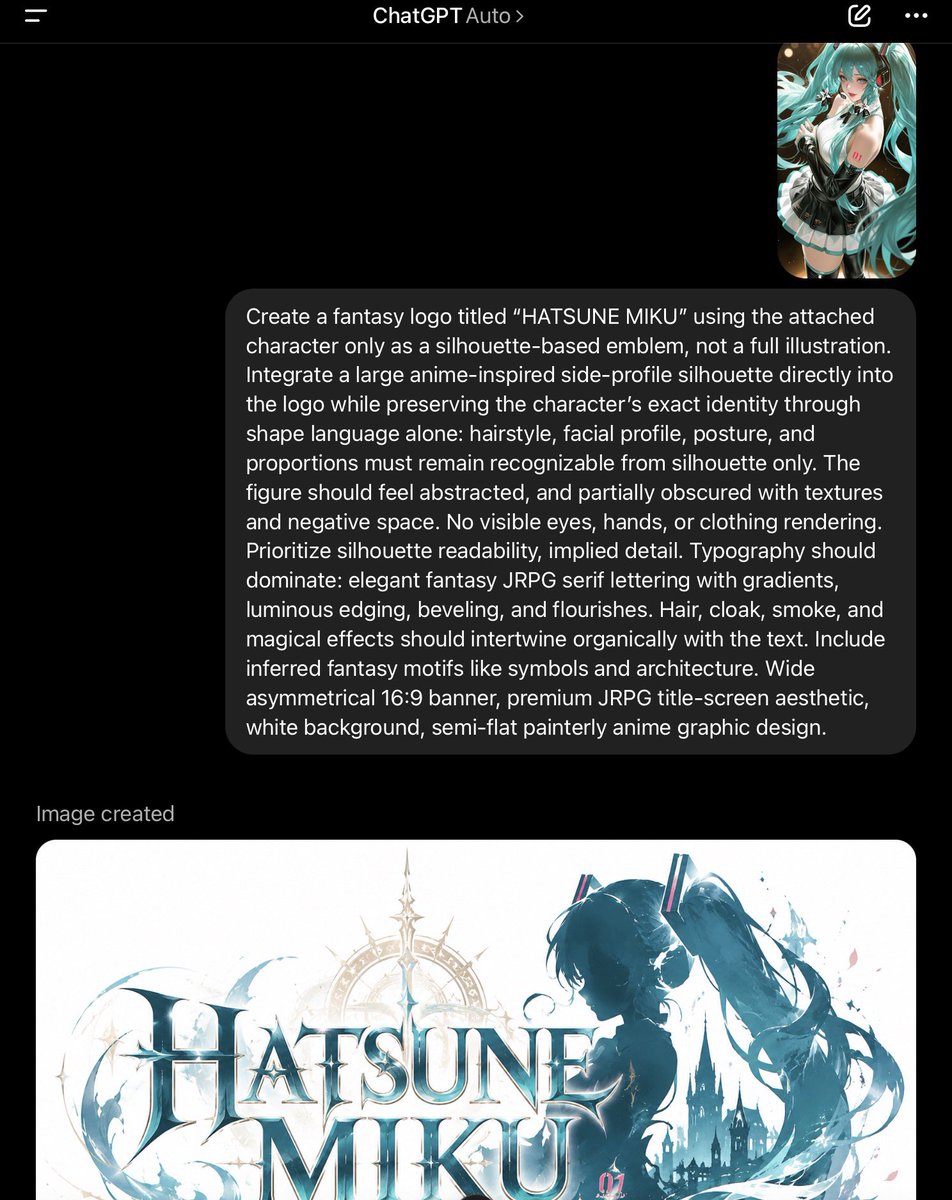
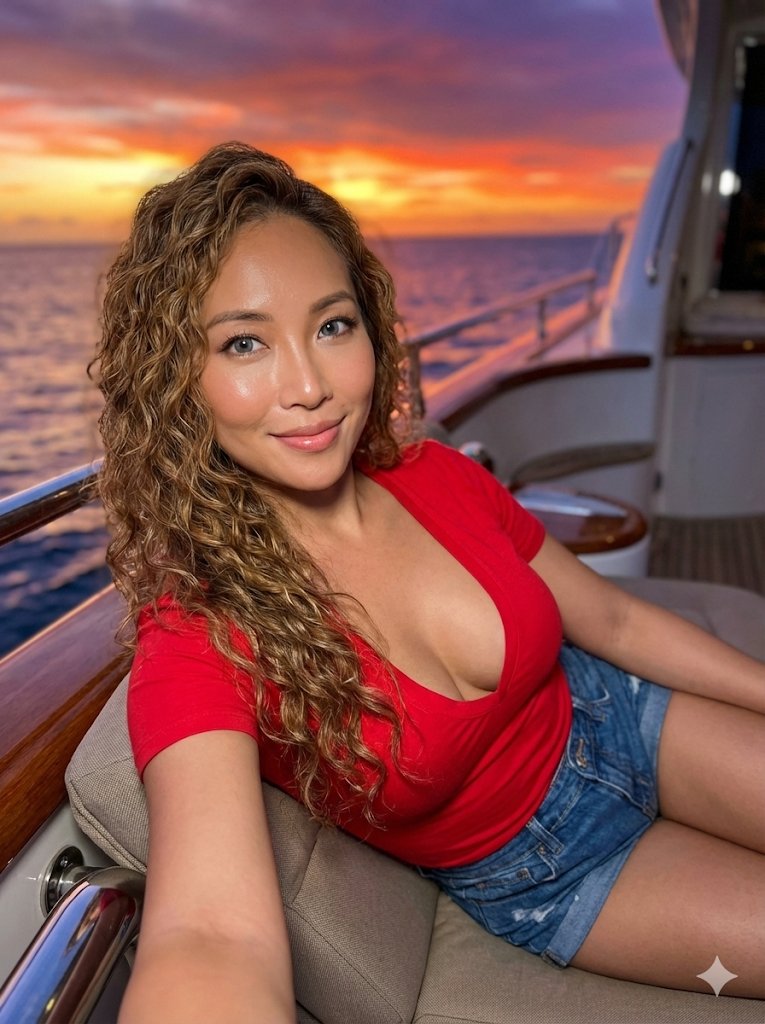
A realistic smartphone screenshot of the ChatGPT mobile app in Japanese on an Android device, shown full screen in portrait orientation with a clean light theme. The status bar at the top shows the time 19:27, network and battery icons, and 54% battery. The header has a back-style menu icon on the left, a rounded tab labeled ChatGPT, and 2 icons on the right: an edit pencil icon and a vertical three-dot menu. In the chat area, include 1 user message bubble in Japanese reading "インフルエンサーで港区飲みしてそうなリアルな女子". Below it, show the assistant status text "画像が作成されました" and then 1 generated image card with rounded corners. The generated image is a photorealistic night restaurant portrait of a glamorous young Japanese woman seated indoors by a window with Tokyo Tower visible outside, wearing a black spaghetti-strap dress, long wavy brown hair, a delicate necklace, and a bracelet, leaning her face on one hand at a candlelit dinner table with a wine glass in the foreground; the setting feels upscale, dimly lit, and influencer-like, with a mirror behind her reflecting the back of her head and the city view. Blur or mosaic the woman’s face for privacy. Beneath the image, show 5 action icons in a row: copy, thumbs up, thumbs down, share, and more. At the bottom, include the message input bar with a plus icon on the left, placeholder text "ChatGPT に返信する", a microphone icon, and a circular voice button on the right. Also show the Android navigation bar with 3 controls at the very bottom. Keep the overall composition exactly like a casual app screenshot, minimal, spacious, and authentic.
Choose the primary action to open PicX Studio with the available template settings. Review the model and format, personalize the creative direction, and generate when ready.
Yes. You can change the subject, setting, lighting, mood, format, and available model controls before creating your image.
This template is free to open and customize. Generation usage is shown in PicX Studio before you create.
Start with GPT Image 2, which is the model associated with this template. You can compare another compatible model for a different finish.
© 2026 PicX Studio. All rights reserved.

Follow a topic to a crawlable collection of related PicX Studio templates.