
Anime Shrine Maiden Omamori Counter
This prompt generates a detailed anime illustration of a miko selling shrine charms at a wooden shrine counter, suitable for character scene art or atmospheric cultural setting visuals.
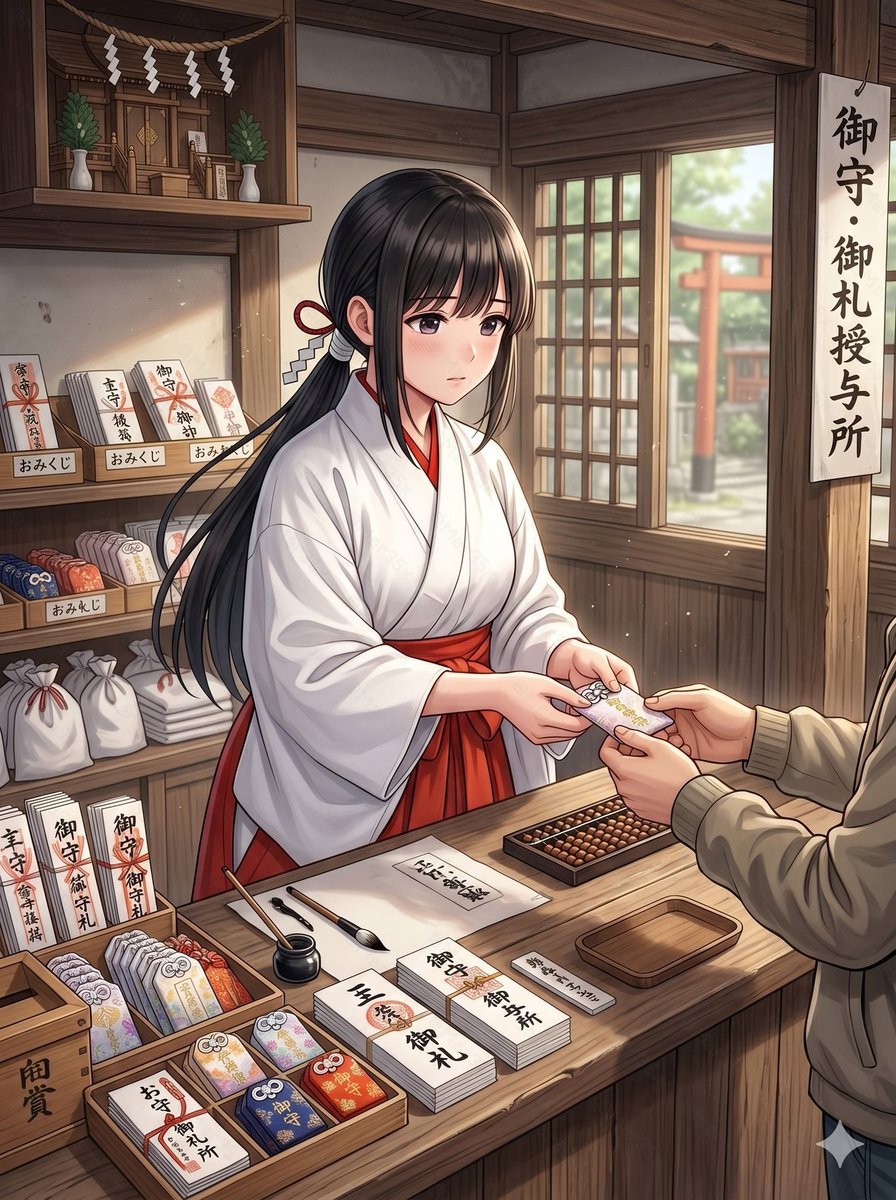
- Prompt included
- Model and format preset
- Free template
The prompt behind this image
Copy the exact prompt behind Anime Shrine Maiden Omamori Counter, or open it in the studio and make it yours.
A clean anime-style illustration of a young shrine maiden working at a traditional Japanese shrine amulet counter inside a warm wooden building. She is a single female subject shown from about waist up behind the counter, with her face obscured by a soft rectangular blur, long straight {argument name="hair color" default="black"} hair tied back with a red cord and white paper zigzag shrine ornament, wearing a white kimono top and vivid {argument name="hakama color" default="red"} hakama. She is politely handing a protective charm to a visitor across the counter; only the visitor’s hands, torso, and beige jacket sleeves are visible in the foreground. The scene should feel calm, respectful, and softly lit by daylight coming through a wooden lattice window on the right, where a red torii gate and shrine grounds are visible outside in gentle blur. The interior is richly detailed with dark natural wood beams, shelves, and a small kamidana altar in the upper left decorated with 4 hanging white shide paper streamers and 2 green sakaki plants in white vases. On the right hangs a vertical sign with the Japanese text "御守・御札授与所". On the left shelves are shrine goods and signs: 3 small shelf labels reading "おみくじ", multiple stacks of paper fortunes and talismans, white drawstring bags, and upright placards including "御守", "御札", and "交通安全". The countertop is neatly arranged with 3 shallow wooden display trays of colorful omamori charms, 5 visible tabletop paper labels or stacks reading "厄除", "御守", "御札", "御朱印", and "御礼", plus a black ink pot, 2 writing brushes, a small empty wooden tray, a rectangular abacus, and bundled paper items. The charm being exchanged should be a delicate pastel omamori with floral decoration and a tied cord. Use a polished contemporary anime illustration style with fine linework, soft shading, realistic hand posing, subtle dust motes in the air, and strong emphasis on the subject and counter interaction rather than dramatic stylization.
How to use Anime Shrine Maiden Omamori Counter in 3 steps
- 1Upload ImagePNG, JPG or paste
Add your photo
Upload the photo the template builds on. The prompt, model and format are already set.
- 2…a portrait of your subject in softgolden-hour light, 85mm…
Personalize
Edit the subject and creative details for your destination.
- 3Generate
Generate
Press Generate — your image is created in PicX Studio, so you can compare it with the original and refine one variable at a time.
More like this
Templates with the same subject, style or setup. Open one to see its prompt.
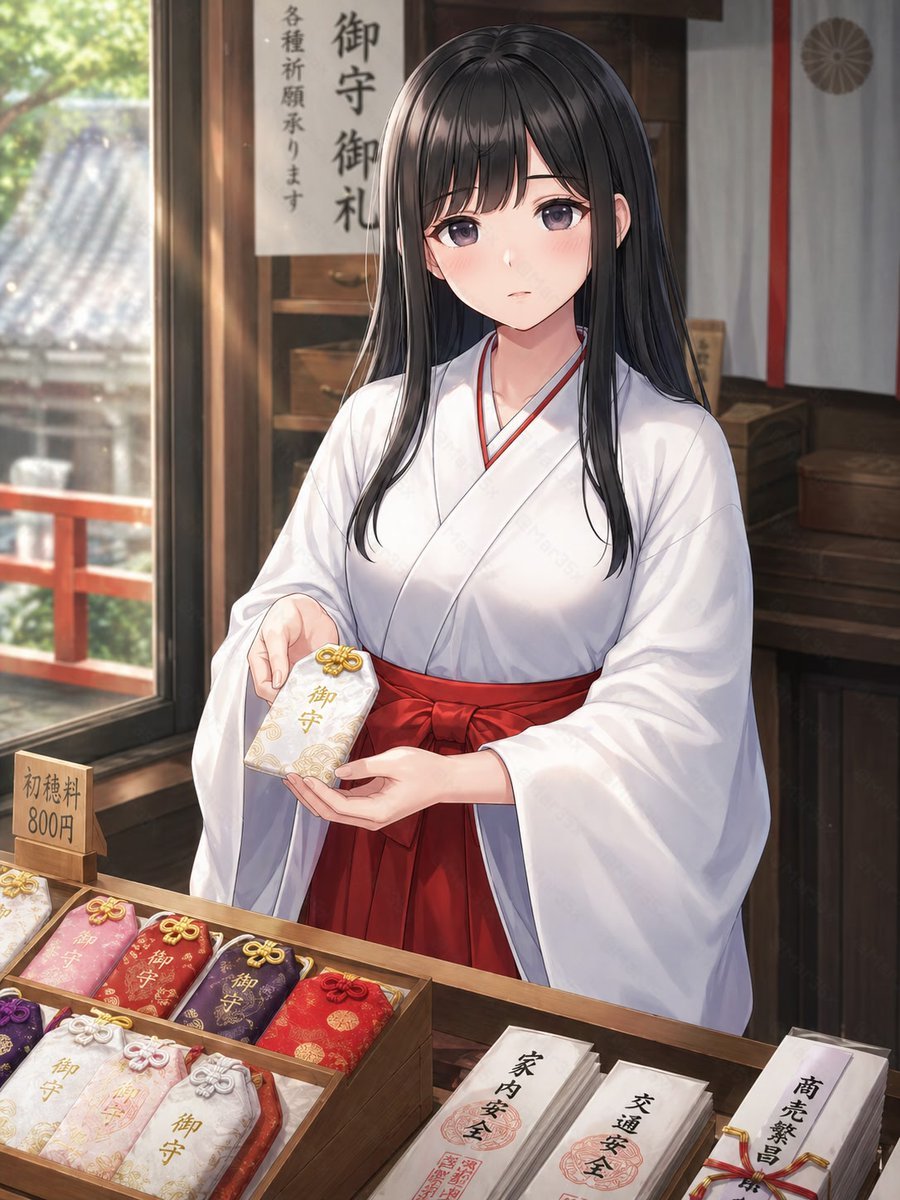
Shrine Maiden Offering an Omamori
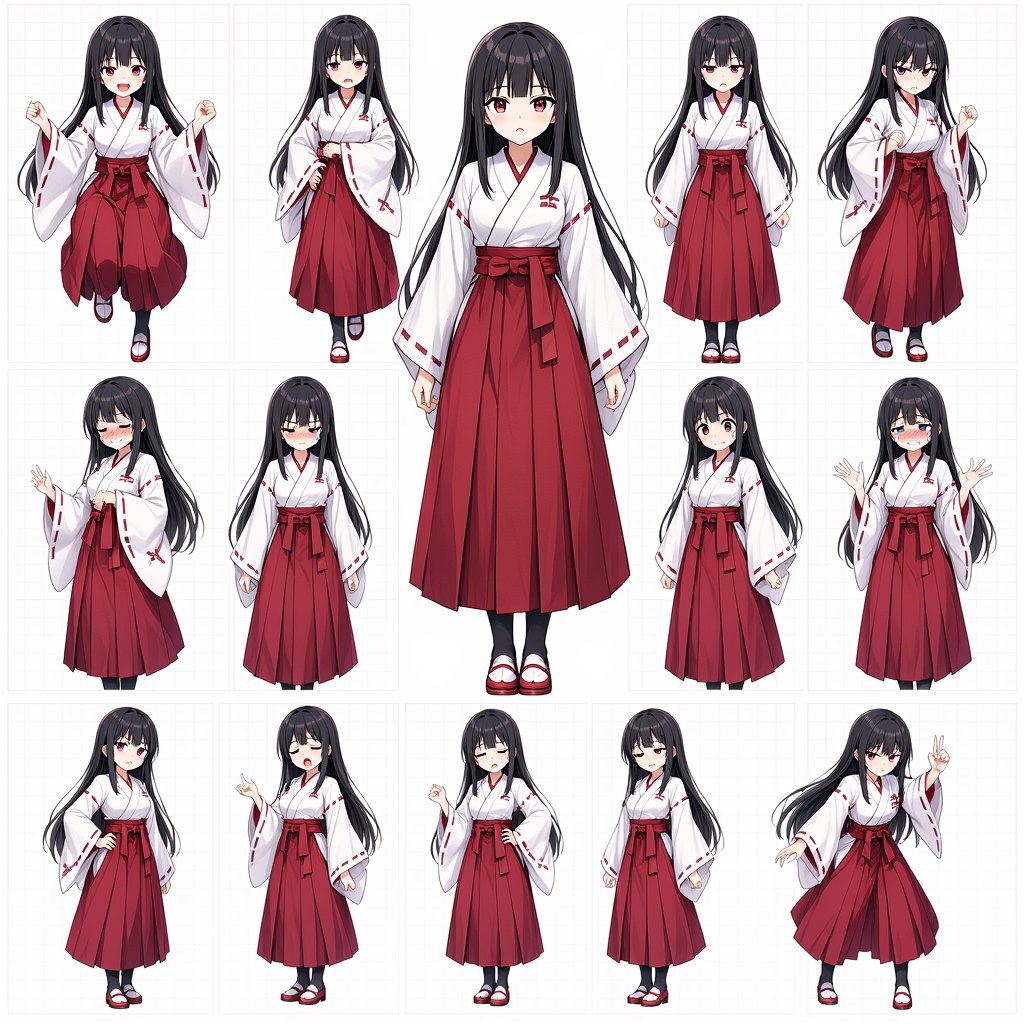
Anime Shrine Maiden Character Sheet

Anime Shrine Maiden Dual Katana
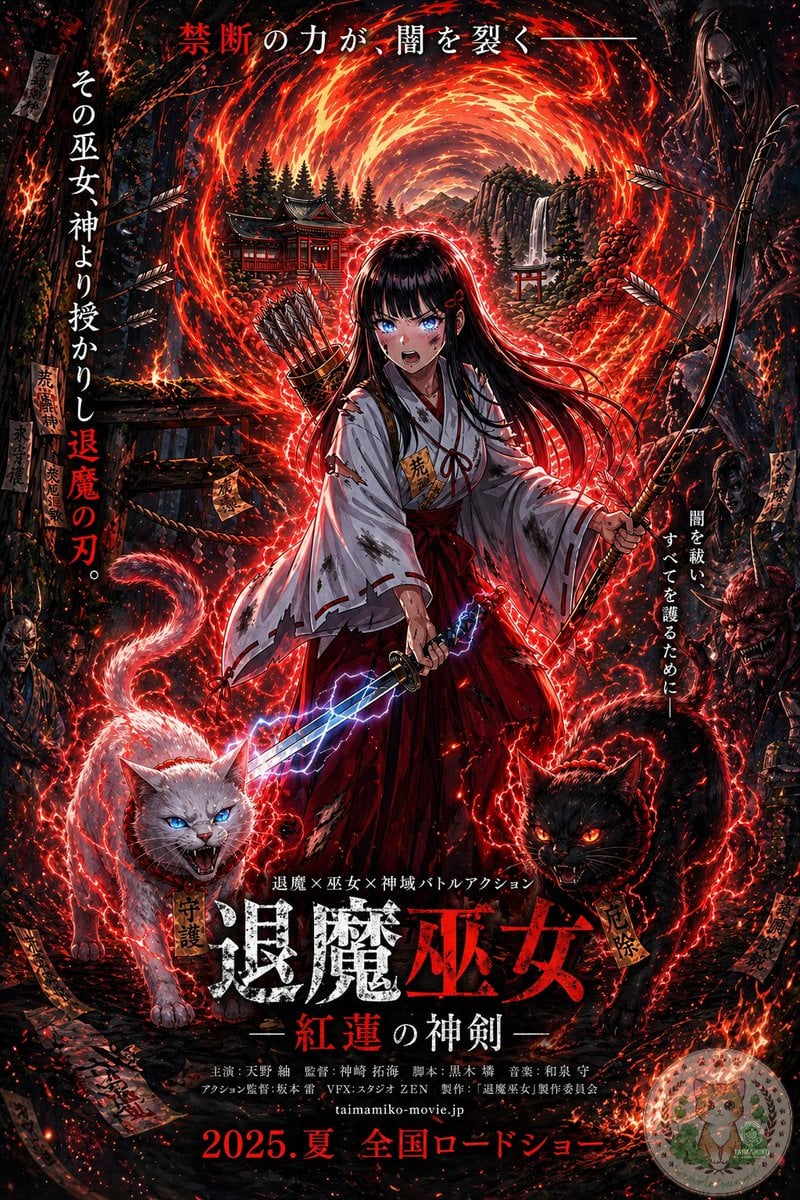
Anime Shrine Maiden Movie Poster
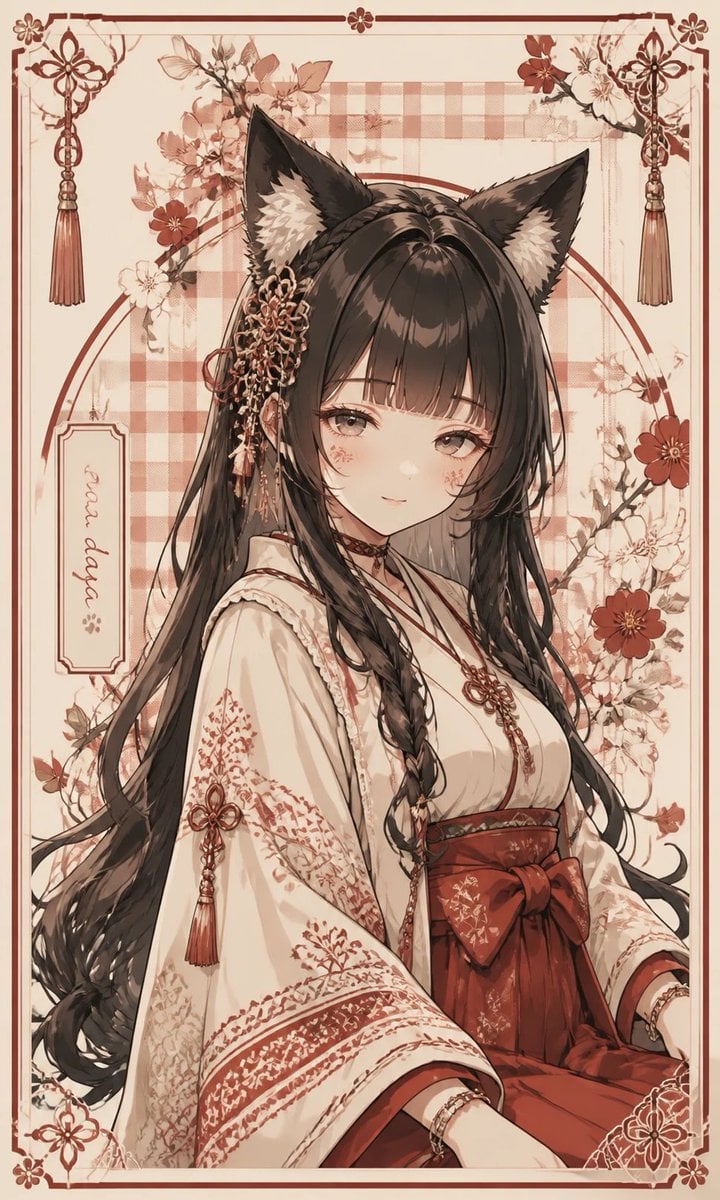
Fox Shrine Maiden Postcard
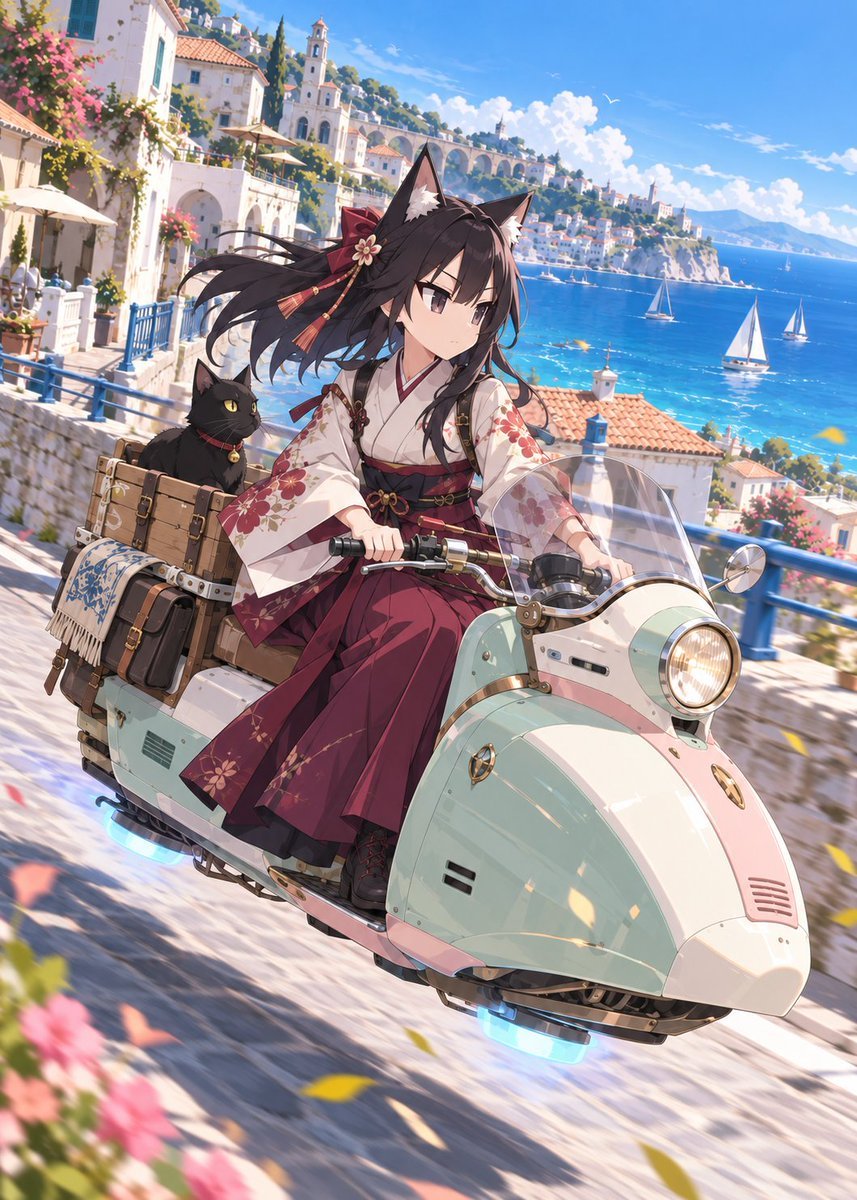
Fox Shrine Maiden on Hover Scooter
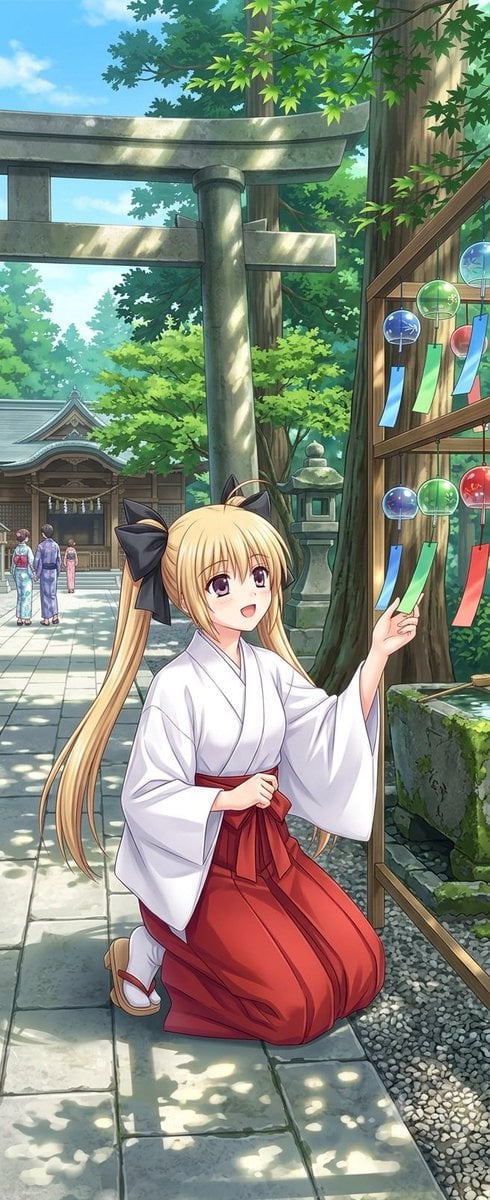
Summer Shrine Maiden Portrait
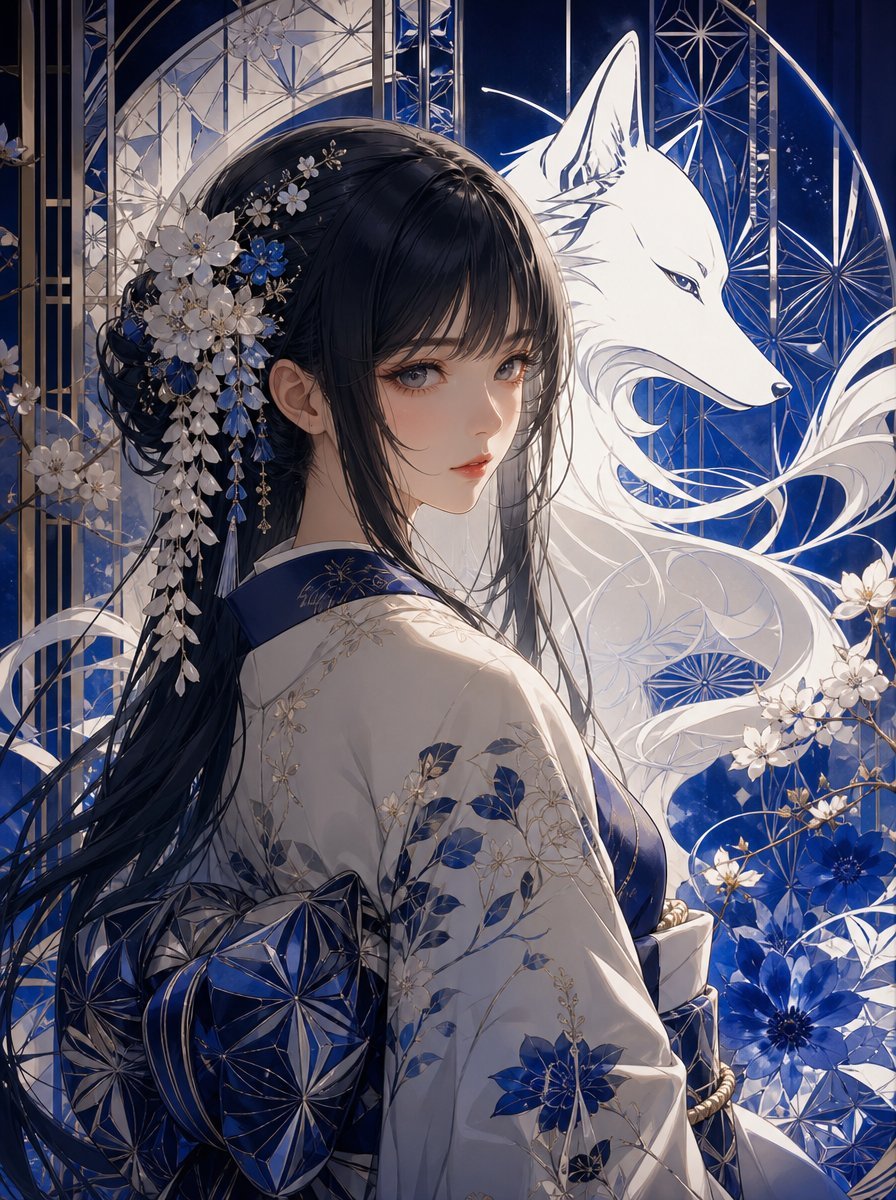
Blue Kiriko Fox Shrine Maiden
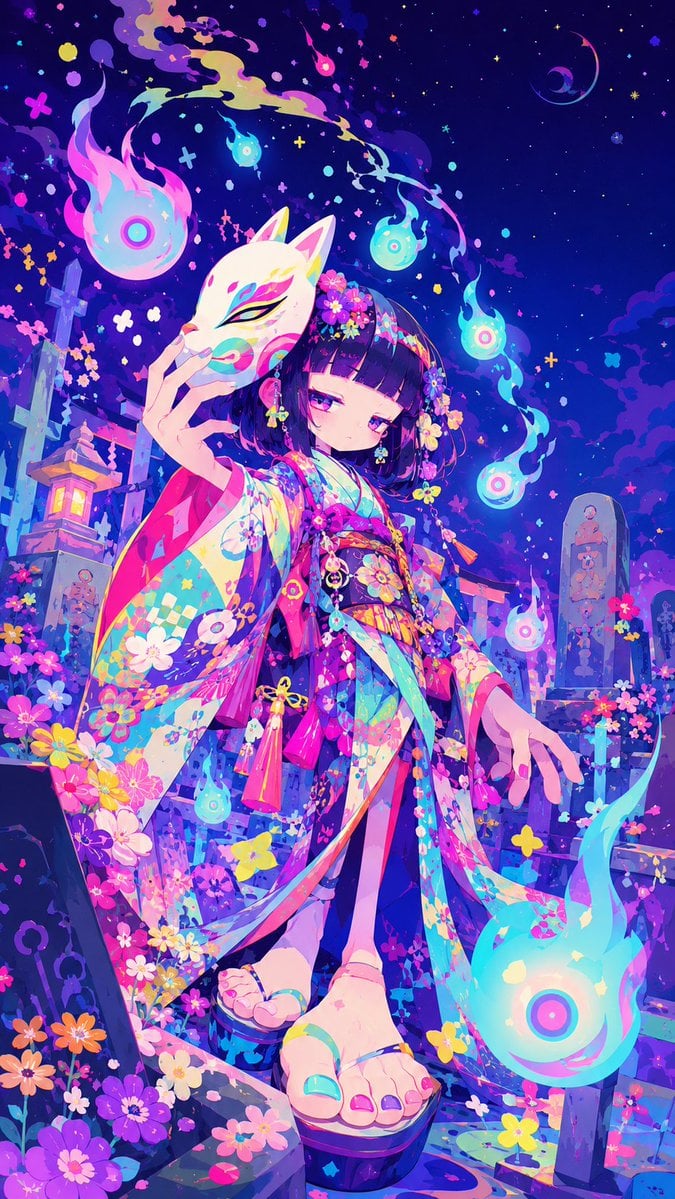
Neon Kitsune Shrine Maiden
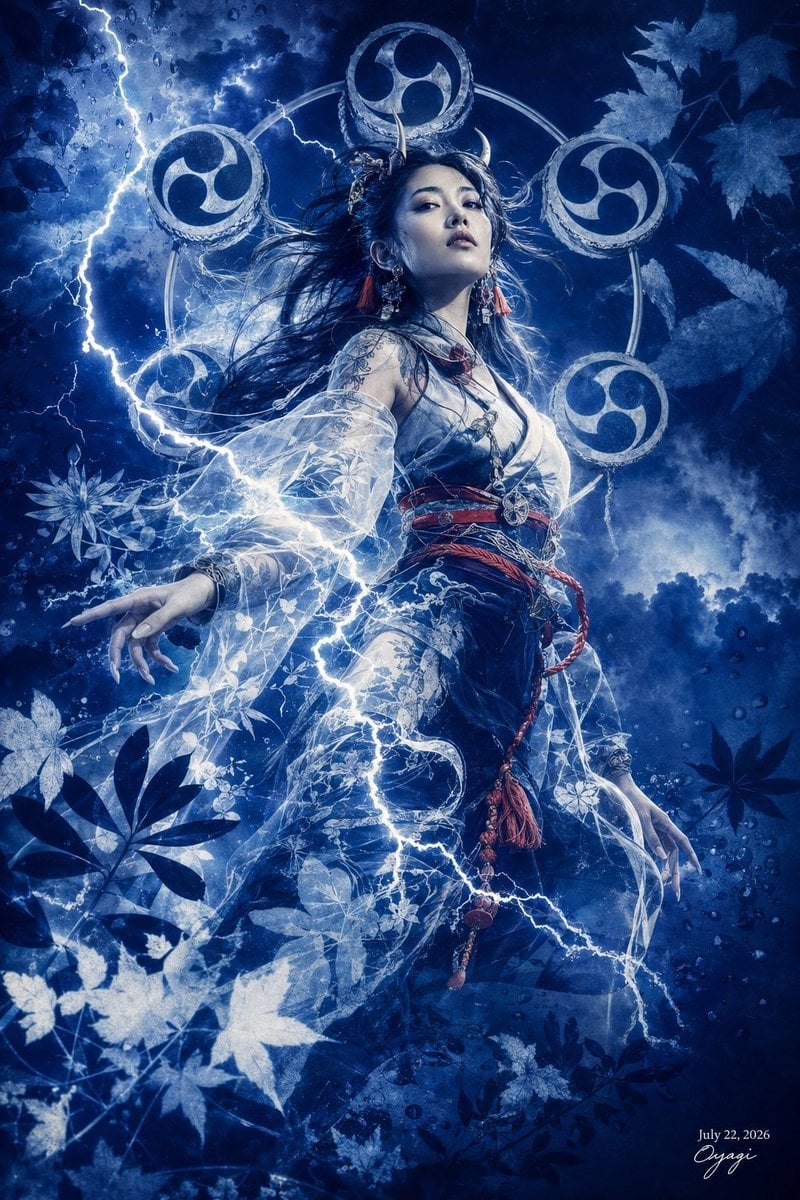
Thunder Shrine Maiden Portrait

Cel 2D Finale Fireworks

Cel 2D Garden Maze
Make it yours
Anime Shrine Maiden Omamori Counter works as-is. These are the safest ways to change it without losing the look.
Change one field
Copy a single group, rewrite it, and generate again so you can see what that field is doing.
Keep the frame, change the subject
Hold the composition and light of Anime Shrine Maiden Omamori Counter, then swap wardrobe, props or the person for a new take.
| If the result… | Why | Fix |
|---|---|---|
| The result drifts from the preview | Too many fields changed at once. | Reuse Anime Shrine Maiden Omamori Counter as-is first, then change one group — subject, light, or setting. |
| The model over-stylizes the scene | The prose prompt leaves finish and camera underspecified. | Add one camera or lighting sentence and stay on GPT Image 2. |
More GPT Image 2 templates
Other prompts made for GPT Image 2.

Six VTuber Japanese Logo Sheet

Realistic Portrait of Woman and Deer

The Vista Modular Condo Poster

AI Model Routing Comparison Infographic

2.5D Anime Art Board

Isometric Productivity Desk Scene

New York Double Exposure Poster

Four-Panel AI Landscape Comparison

Japanese Tatami Lifestyle Magazine Cover

NESCAFÉ Coffee Map Poster
More image prompts
Fresh picks from across the catalog.

Surreal Kintsugi Portrait in an Automaton Workshop

High-Angle Seated Portrait with Leopard Sequined Mini-Dress

Generating 'Karaage-kun' Image with Nano Banana Pro
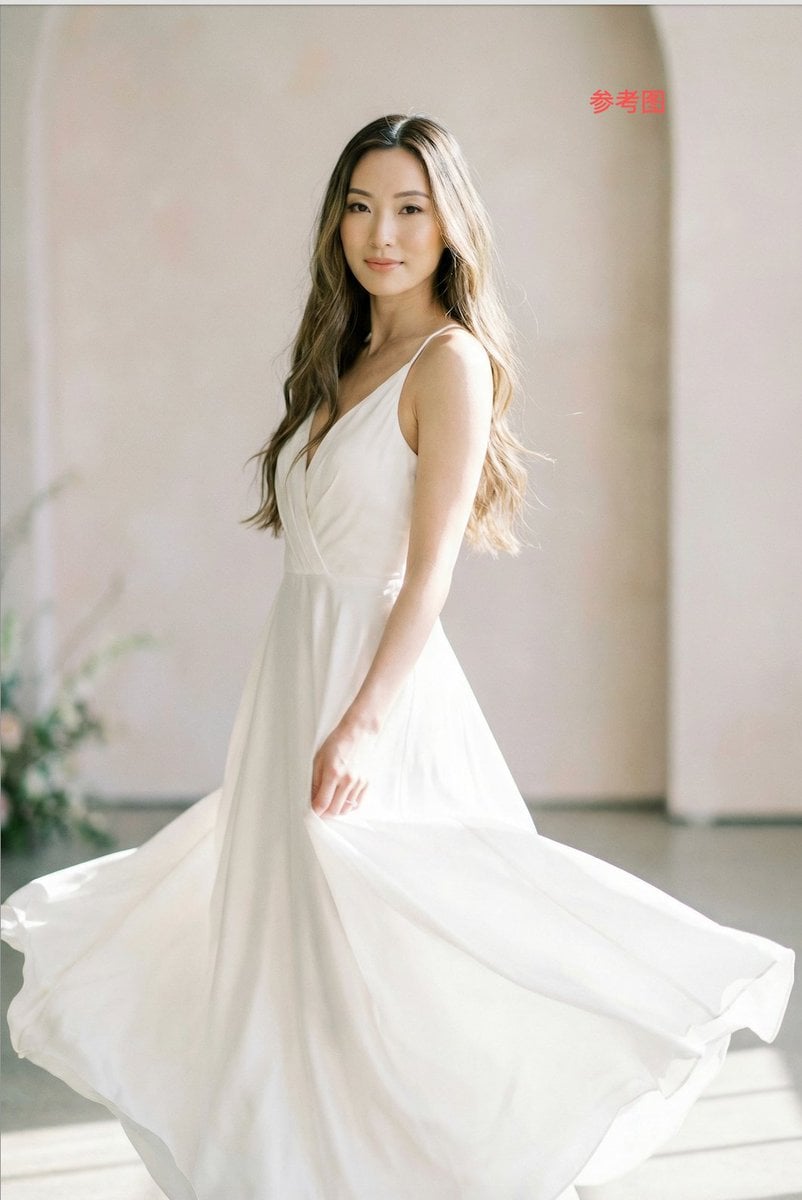
Subject Replacement in Reference Image

Confused Blonde Anime Girl Portrait

Sepia-Toned Film Photography Aesthetic Prompt
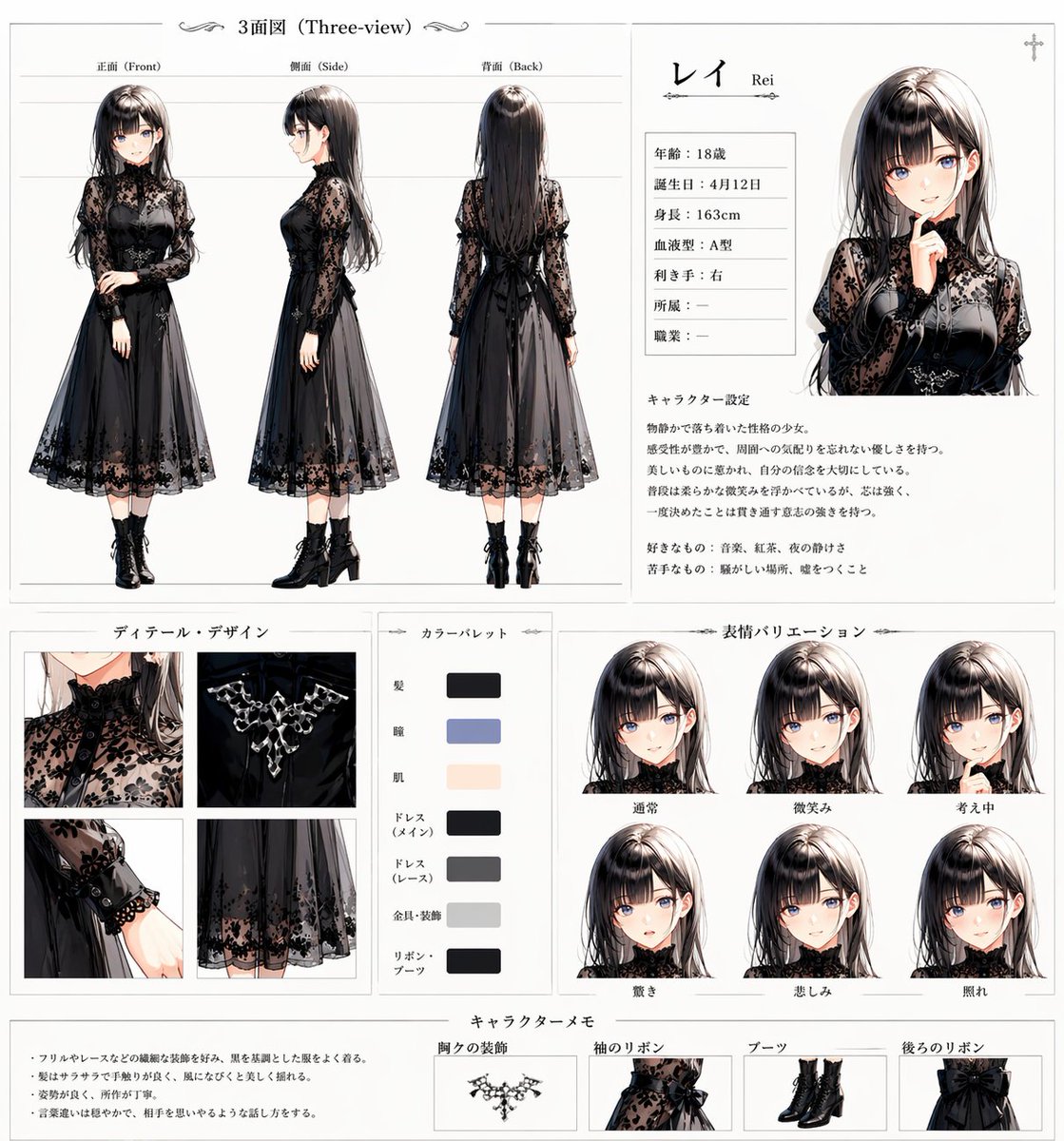
Gothic Anime Character Sheet

Gritty Grunge Portrait of a Japanese Woman

Luxury 25th Birthday Poster

Pixar Style Character Design Sheet
Browse template categories
Anime Shrine Maiden Omamori Counter questions
How do I use the Anime Shrine Maiden Omamori Counter template?
Add your photo if the template asks for one, edit the prompt if you like — the template's model and format are already selected — and press Generate. Your version opens in PicX Studio.
Can I customize the Anime Shrine Maiden Omamori Counter template?
Yes. You can change the subject, setting, lighting, mood, format, and available model controls before creating your image.
Is the Anime Shrine Maiden Omamori Counter template free?
Opening and editing this template is free. Generating uses credits, shown on the Generate button when you are signed in.
Which AI model should I use?
Start with GPT Image 2, which is the model associated with this template. You can compare another compatible model for a different finish.
Looking for something else? Browse all templates.

Your photo, any look
Thousands of ready templates for every top image and video model, from one credit balance.