
Gothic Anime Character Sheet
A polished anime reference sheet showing a gothic young woman with three-view turnaround, expressions, palette, details, and profile information for character design and presentation.
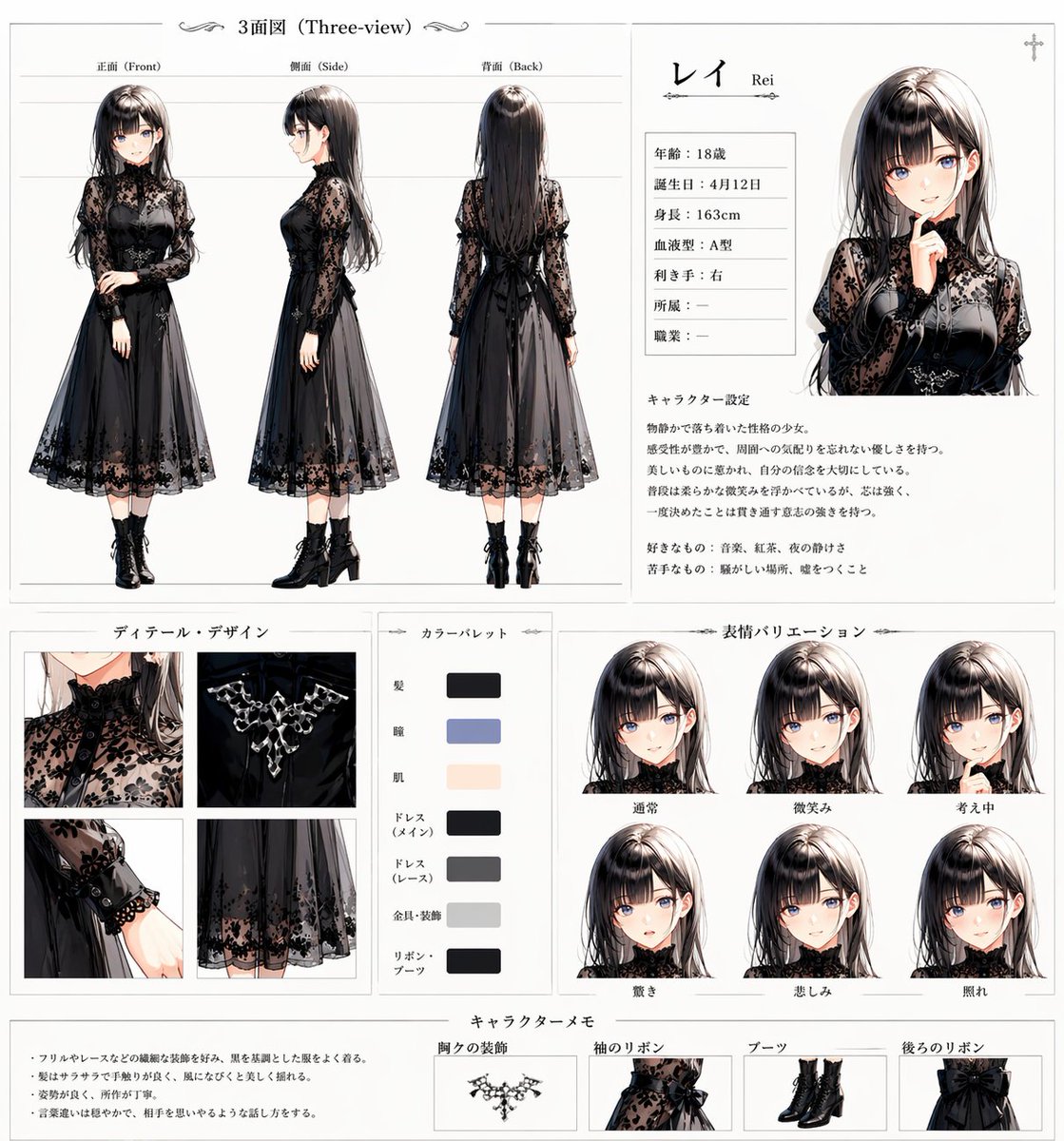
- Prompt included
- Model and format preset
- Premium template
The prompt behind this image
Copy the exact prompt behind Gothic Anime Character Sheet, or open it in the studio and make it yours.
- Type
- anime character reference sheet
- Character › Name
- {argument name="character name" default="レイ"}
- Character › Romanized Name
- Rei
- Character › Age
- 18
- Character › Birthday
- April 12
- Character › Height
- 163 cm
- Character › Blood Type
- A
- Character › Dominant Hand
- right
- Character › Origin
- -
- Character › Occupation
- -
- Character › Profile Portrait
- upper-body portrait of a calm gothic girl with one finger near her lips, facing slightly left
- Appearance › Gender Presentation
- young woman
- Appearance › Hair › Color
- {argument name="hair color" default="dark ash brown"}
- Appearance › Hair › Style
- long straight hair with soft layers, center part, glossy highlights, slightly inward-curving ends
- Appearance › Eyes › Color
- muted lavender gray
- Appearance › Skin › Tone
- fair porcelain
- Appearance › Expression
- quiet, reserved, melancholic elegance
- Outfit › Style
- elegant gothic black dress
- Outfit › Pieces
- high-neck sheer lace long-sleeve bodice with floral pattern, black fitted bustier-style inner bodice, ornamental crystal necklace at the chest, mid-calf layered chiffon skirt with floral lace hem, black ribbon bow at the back waist, semi-sheer lace cuffs, black lace-up ankle boots with block heels
- Layout › Background
- clean white character-sheet page with thin gray divider lines and delicate ornamental flourishes
- Layout › Sections › 0 › Title
- 3面図 (Three-view)
- Layout › Sections › 0 › Position
- top-left
- Layout › Sections › 0 › Count
- 3
- Layout › Sections › 0 › Labels
- 正面 (Front), 側面 (Side), 背面 (Back)
Raw JSON
{"type":"anime character reference sheet","character":{"name":"{argument name=\"character name\" default=\"レイ\"}","romanized_name":"Rei","age":"18","birthday":"April 12","height":"163 cm","blood_type":"A","dominant_hand":"right","origin":"-","occupation":"-","profile_portrait":"upper-body portrait of a calm gothic girl with one finger near her lips, facing slightly left"},"appearance":{"gender_presentation":"young woman","hair":{"color":"{argument name=\"hair color\" default=\"dark ash brown\"}","style":"long straight hair with soft layers, center part, glossy highlights, slightly inward-curving ends"},"eyes":{"color":"muted lavender gray"},"skin":{"tone":"fair porcelain"},"expression":"quiet, reserved, melancholic elegance"},"outfit":{"style":"elegant gothic black dress","pieces":["high-neck sheer lace long-sleeve bodice with floral pattern","black fitted bustier-style inner bodice","ornamental crystal necklace at the chest","mid-calf layered chiffon skirt with floral lace hem","black ribbon bow at the back waist","semi-sheer lace cuffs","black lace-up ankle boots with block heels"]},"layout":{"background":"clean white character-sheet page with thin gray divider lines and delicate ornamental flourishes","sections":[{"title":"3面図 (Three-view)","position":"top-left","count":3,"labels":["正面 (Front)","側面 (Side)","背面 (Back)"],"content":"full-body three-view turnaround showing the same dress from front, side, and back"},{"title":"profile panel","position":"top-right","count":1,"labels":["レイ","Rei"],"content":"name header, small bio table, and one large portrait"},{"title":"ディテール・デザイン","position":"bottom-left","count":4,"labels":["high collar lace neckline","chest jewelry detail","lace cuff and sleeve detail","skirt hem lace detail"],"content":"four close-up square detail images"},{"title":"カラーパレット","position":"lower center-left","count":7,"labels":["髪","瞳","肌","ドレス(メイン)","ドレス(レース)","金具・装飾","リボン・ブーツ"],"content":"vertical palette with seven rectangular swatches"},{"title":"表情バリエーション","position":"lower center-right","count":6,"labels":["通常","微笑み","考え中","驚き","悲しみ","照れ"],"content":"six head-and-shoulders expression portraits arranged in two rows of three"},{"title":"キャラクターメモ","position":"bottom","count":4,"labels":["胸元の装飾","袖のリボン","ブーツ","後ろのリボン"],"content":"memo text on the left and four narrow accessory callout images on the right"}],"overall_style":"high-end anime design sheet, balanced editorial layout, lots of white space, subtle gray rules, Japanese typography"},"text_blocks":{"character_description":"A mysterious and quiet young woman with a delicate and somewhat sorrowful aura. She appears beautiful and gentle, but gives off a hard-to-read, distant impression. Though usually calm and composed, faint emotional changes appear in her expressions and gestures.","likes":"music, tea, quiet things","dislikes":"noisy places, being rushed"},"rendering":{"quality":"polished concept art for gpt-image-2","style":"semi-realistic anime illustration with fine lace detail, soft shading, glossy hair rendering, elegant gothic fashion design, clean print-ready presentation"},"color_theme":"{argument name=\"accent palette\" default=\"black, charcoal gray, muted lavender-gray, pale beige, silver\"}"}How to use Gothic Anime Character Sheet in 3 steps
- 1Upload ImagePNG, JPG or paste
Add your photo
Upload the photo the template builds on. The prompt, model and format are already set.
- 2…a portrait of your subject in softgolden-hour light, 85mm…
Personalize
Edit the subject and creative details for your destination.
- 3Generate
Generate
Press Generate — your image is created in PicX Studio, so you can compare it with the original and refine one variable at a time.
More like this
Templates with the same subject, style or setup. Open one to see its prompt.












Make it yours
Gothic Anime Character Sheet works as-is. These are the safest ways to change it without losing the look.
Swap the setting
Keep the rest of the prompt and replace the location block. The current setting is “clean white character-sheet page with thin gray divider lines and delicate ornam”.
Change one field
Copy a single group, rewrite it, and generate again so you can see what that field is doing.
Keep the frame, change the subject
Hold the composition and light of Gothic Anime Character Sheet, then swap wardrobe, props or the person for a new take.
| If the result… | Why | Fix |
|---|---|---|
| The result drifts from the preview | Too many fields changed at once. | Reuse Gothic Anime Character Sheet as-is first, then change one group — subject, light, or setting. |
| GPT Image 2 ignores part of the JSON | Some models flatten or skip nested keys. | Keep the same values and paste them as a short paragraph instead. |
More GPT Image 2 templates
Other prompts made for GPT Image 2.

Six VTuber Japanese Logo Sheet

Realistic Portrait of Woman and Deer

The Vista Modular Condo Poster

AI Model Routing Comparison Infographic

2.5D Anime Art Board

Isometric Productivity Desk Scene

New York Double Exposure Poster

Four-Panel AI Landscape Comparison

Japanese Tatami Lifestyle Magazine Cover

NESCAFÉ Coffee Map Poster
More image prompts
Fresh picks from across the catalog.
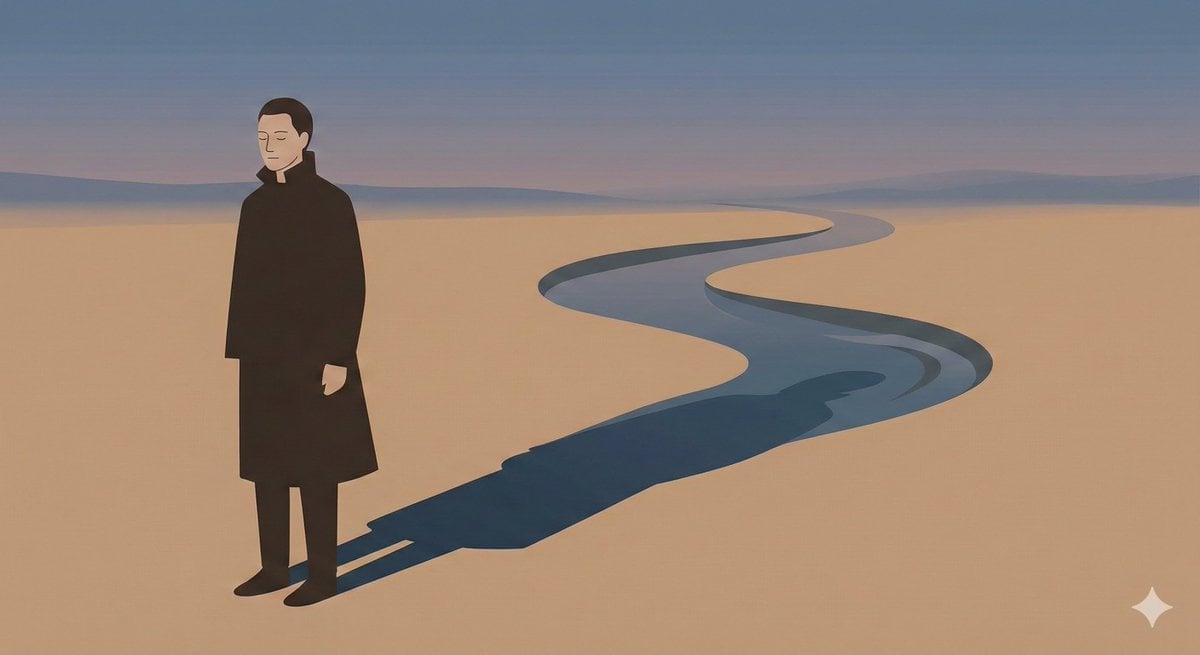
Poetic Minimal Illustration Template

Ultra-realistic Cinematic Portrait with Shattered Glass and Luxury Accessories
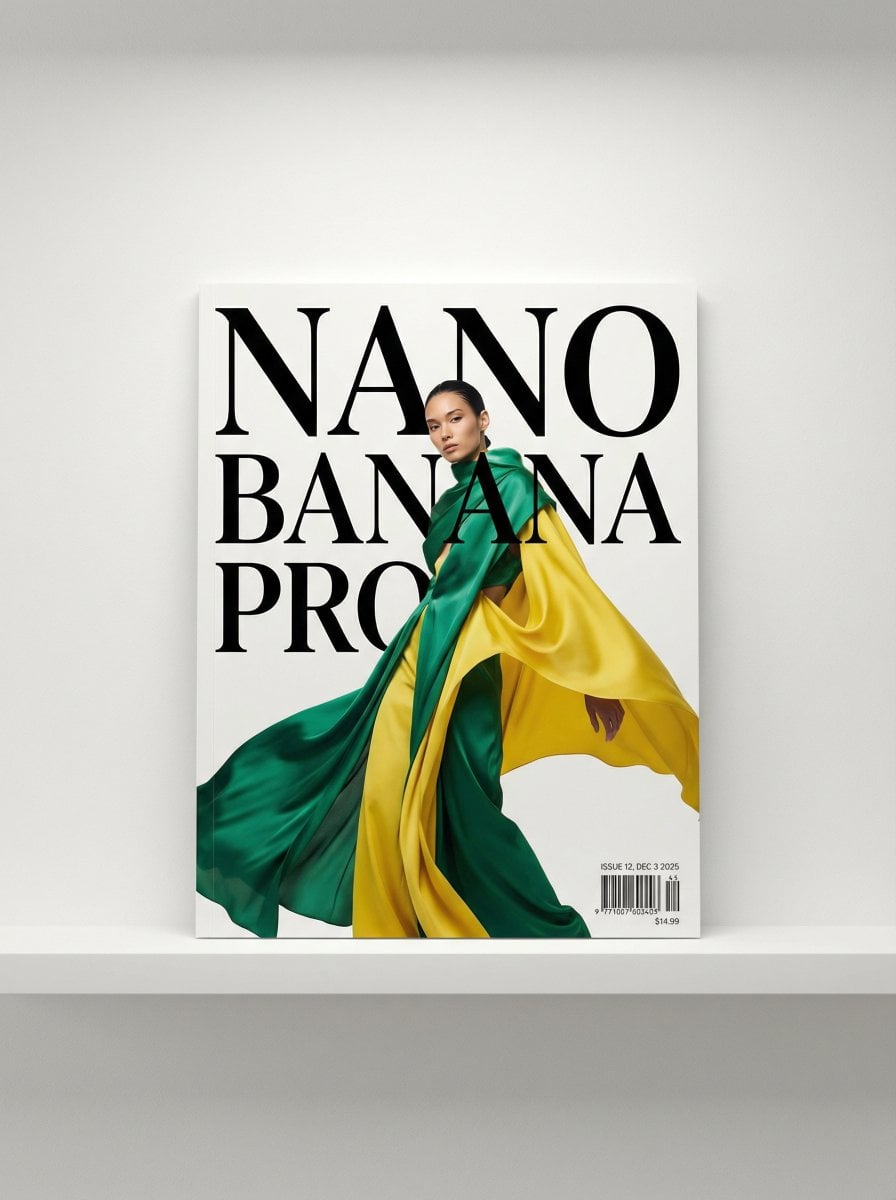
Magazine Cover Generation Prompt

Intimate Bohemian Portrait Prompt (Jenna Ortega & Emma Myers)
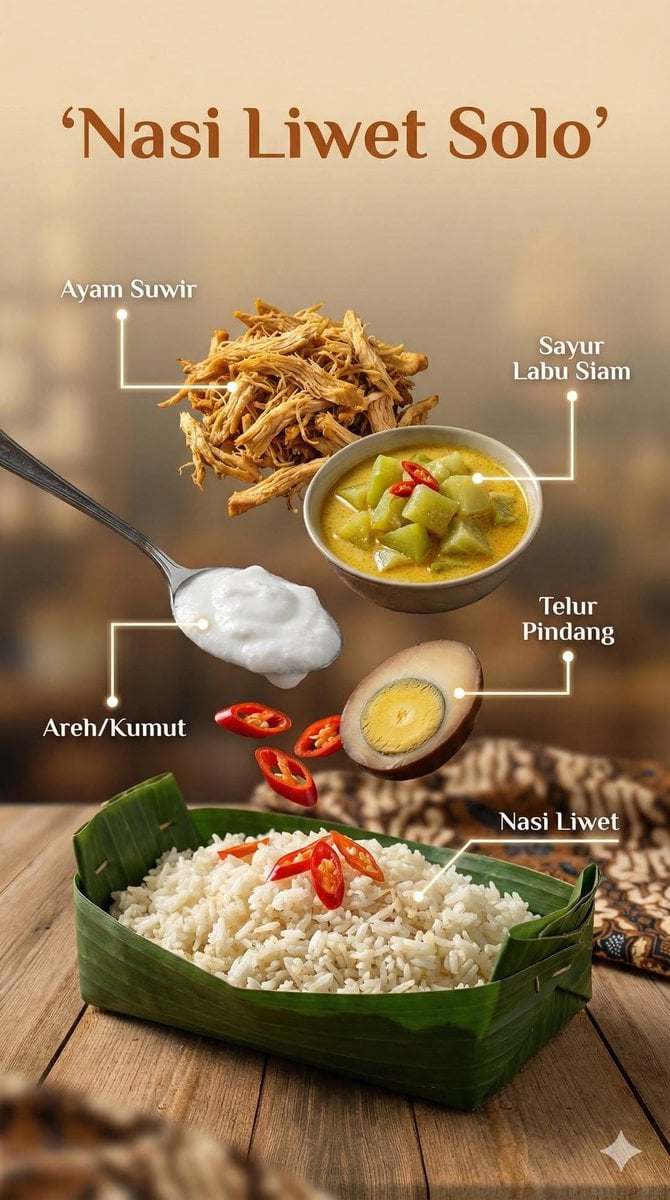
Ultra-realistic cinematic food photography of Indonesian dish
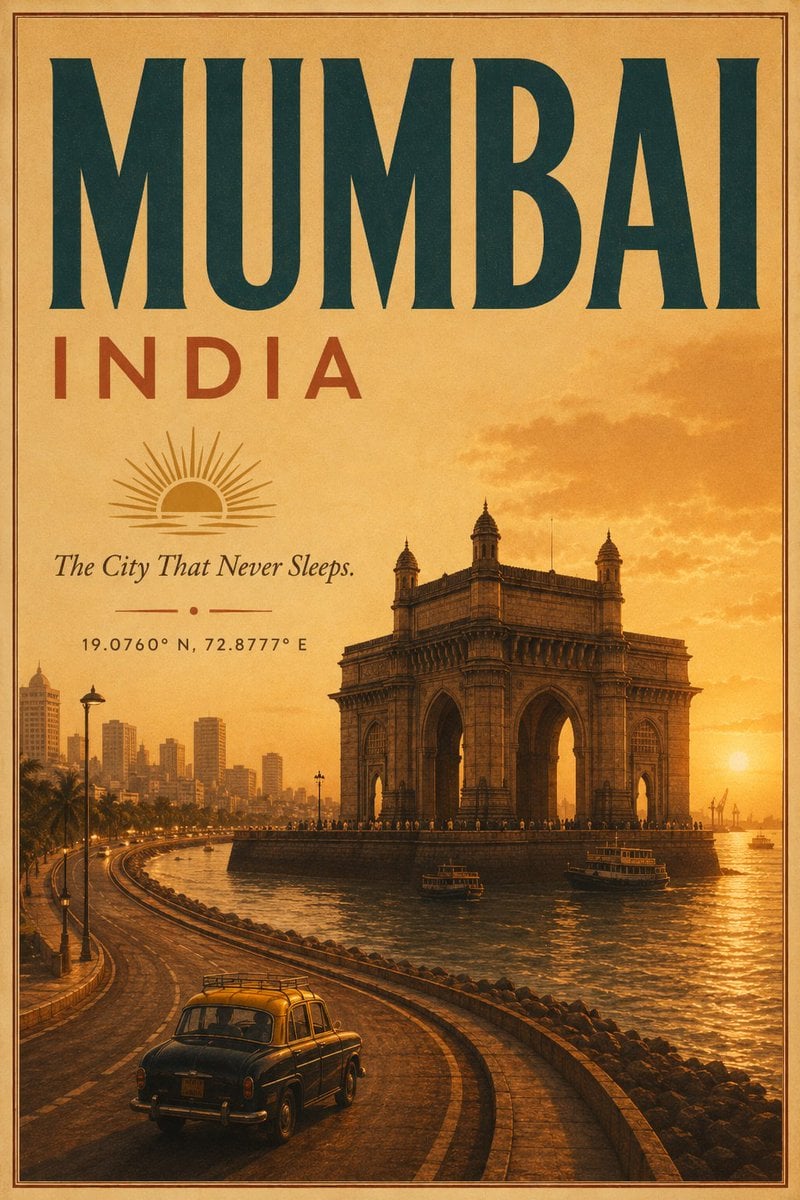
Vintage Mumbai Travel Poster

Night City Selfie Kiss Prompt (Galata Tower)
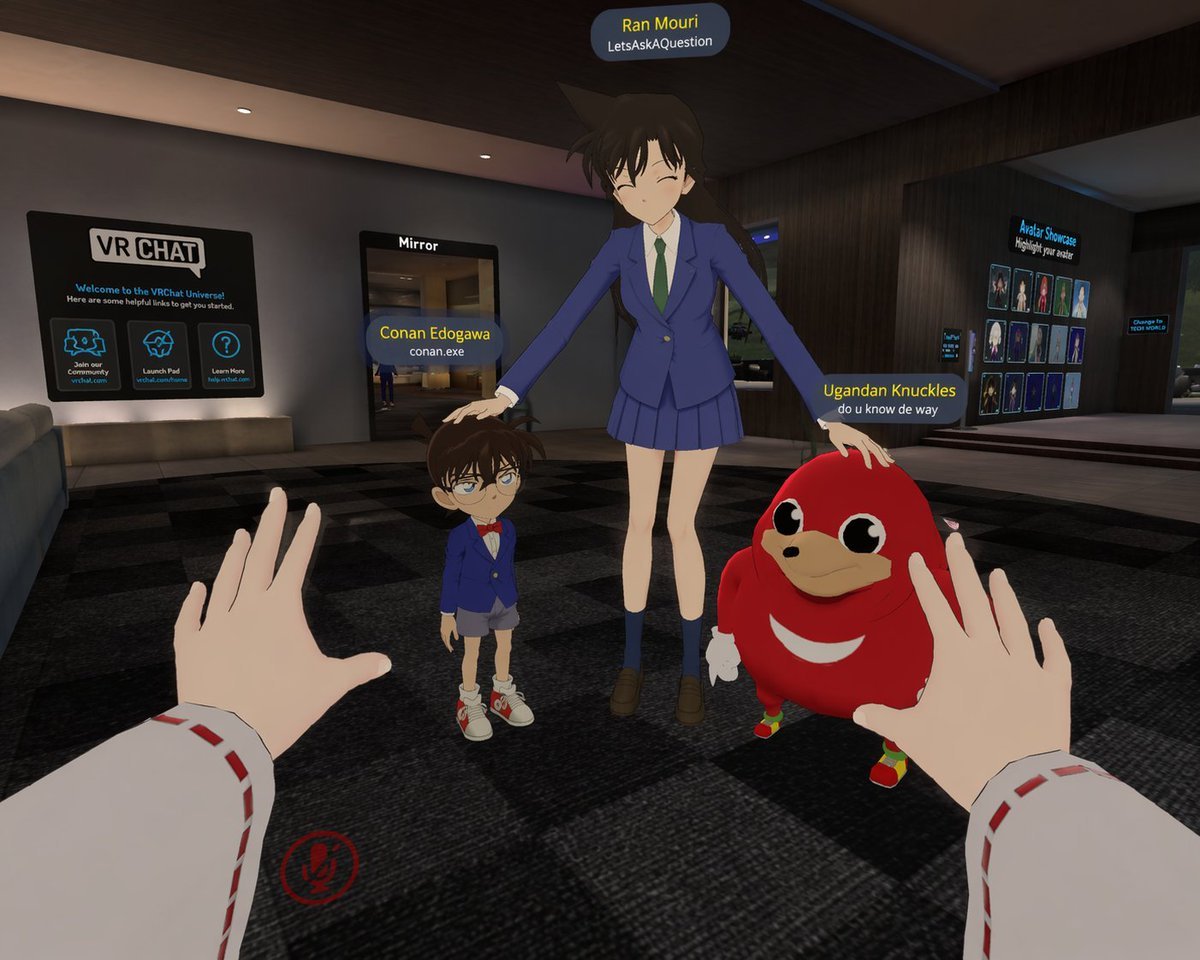
First-Person VRChat Meme Crossover Screenshot

Monumental Monster Energy Can in the Arctic
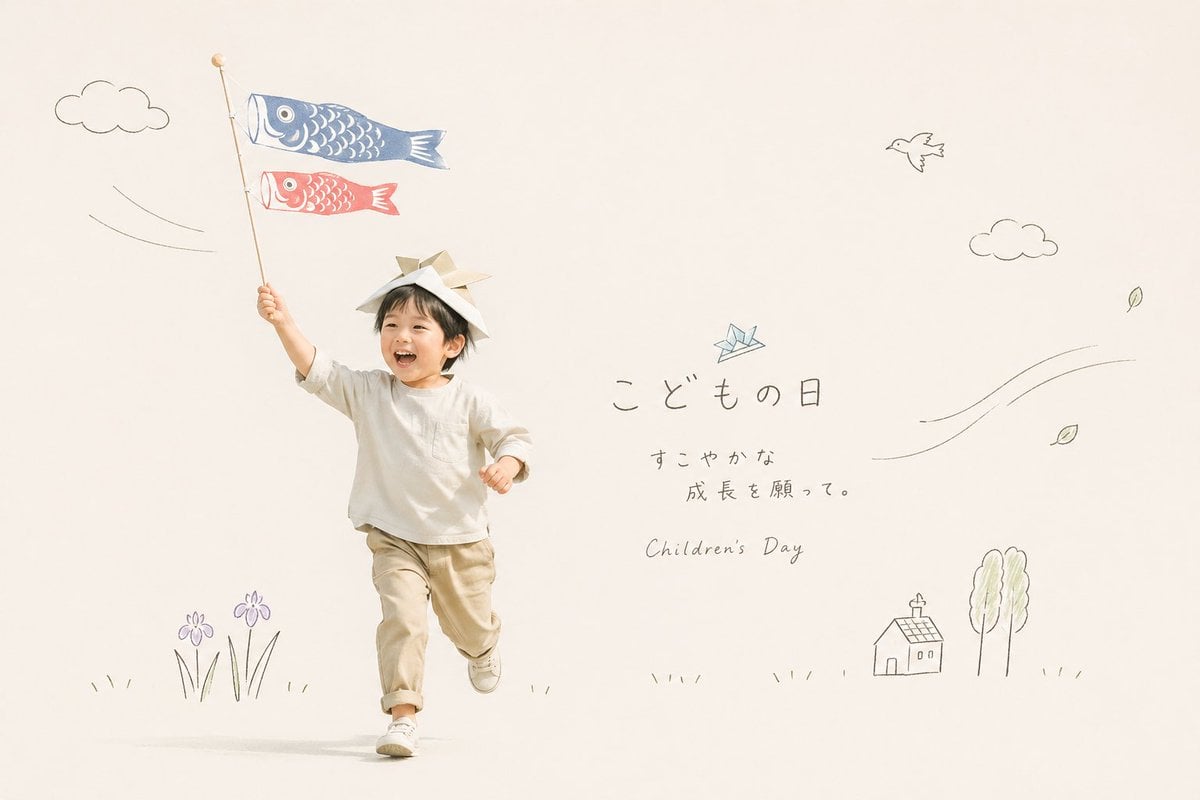
Japanese Children's Day Photo Card
Browse template categories
Gothic Anime Character Sheet questions
How do I use the Gothic Anime Character Sheet template?
Add your photo if the template asks for one, edit the prompt if you like — the template's model and format are already selected — and press Generate. Your version opens in PicX Studio.
Can I customize the Gothic Anime Character Sheet template?
Yes. You can change the subject, setting, lighting, mood, format, and available model controls before creating your image.
Is the Gothic Anime Character Sheet template free?
Opening and editing this template is free. Generating uses credits, shown on the Generate button when you are signed in.
Which AI model should I use?
Start with GPT Image 2, which is the model associated with this template. You can compare another compatible model for a different finish.
Looking for something else? Browse all templates.

Your photo, any look
Thousands of ready templates for every top image and video model, from one credit balance.