
Pastel Miku Birthday Garden
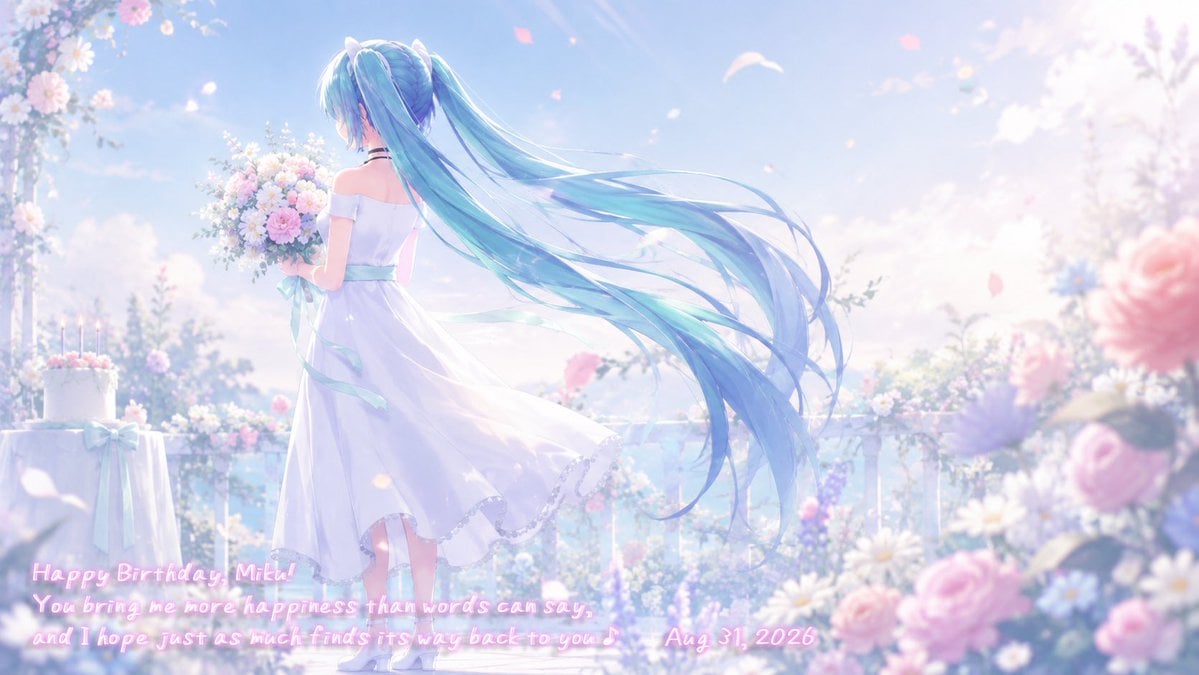
A dreamy wide anime birthday scene of Hatsune Miku in a white dress holding flowers on a sunlit pastel balcony garden.
- Prompt included
- Model and format preset
- Free template
The prompt behind this image
Copy the exact prompt behind Pastel Miku Birthday Garden, or open it in the studio and make it yours.
Create a dreamy pastel anime birthday illustration of {argument name="character name" default="Hatsune Miku"} seen from behind on a sunlit flower-filled balcony garden. She stands slightly left of center in a white off-shoulder ankle-length dress with a pale aqua ribbon sash, holding a large bouquet of pink, white, and lavender flowers close to her chest. Give her extremely long flowing twin-tails in {argument name="hair color" default="turquoise blue"}, trailing dramatically to the right in the breeze with many delicate strands and translucent highlights. The scene is soft, luminous, and ethereal, with a bright blue sky, warm sunlight from the upper right, lens flare, floating flower petals, bokeh, and a gentle celebratory mood. Include abundant pastel flowers: a floral arch or hanging blossoms in the upper left, a small round table at lower left with a white birthday cake topped by lit candles and tied with an aqua ribbon, a white balcony railing in the middle distance, and large blurred pink and purple foreground flowers on the right for depth. Use a high-detail polished 3D-anime / Vocaloid fan-art look, delicate fabric motion, soft bloom, rim lighting, shallow depth of field, and a pale pink-blue-white color palette. Add glowing handwritten pink text along the lower left and bottom center reading exactly: “Happy Birthday, Miku! You bring me more happiness than words can say, and I hope just as much finds its way back to you. — Aug. 31, 2026”. Keep the text integrated like a soft neon signature, legible but dreamy. Wide cinematic 16:9 composition, no watermark, no extra characters.
How to use Pastel Miku Birthday Garden in 3 steps
- 1Upload ImagePNG, JPG or paste
Add your photo
Upload the photo the template builds on. The prompt, model and format are already set.
- 2…a portrait of your subject in softgolden-hour light, 85mm…
Personalize
Edit the subject and creative details for your destination.
- 3Generate
Generate
Press Generate — your image is created in PicX Studio, so you can compare it with the original and refine one variable at a time.
More like this
Templates with the same subject, style or setup. Open one to see its prompt.
80s Birthday Party

Eid al-Adha Cute Chaos — Fisheye Selfie with Farm Selfie, Mosque & Animals

Cute Layered Paper Cut Chibi Girl

Layered Paper Cut Illustration Template

Premium Vintage Travel Poster Landscape

Quiet Minimalist Anime Style Guide

Artistic Arborpunk Garden Observatory Complex
Premium Vintage Travel Poster Landscape

Pastel Fantasy Pagoda Mountain Landscape

Korean Cafe Courtyard Gold Frame Mirror Selfie

Glass Skin Beauty Portrait — Soft Pastel Nano Banana
Rainy Cottage Garden With Sheep
Make it yours
Pastel Miku Birthday Garden works as-is. These are the safest ways to change it without losing the look.
Change one field
Copy a single group, rewrite it, and generate again so you can see what that field is doing.
Keep the frame, change the subject
Hold the composition and light of Pastel Miku Birthday Garden, then swap wardrobe, props or the person for a new take.
| If the result… | Why | Fix |
|---|---|---|
| The result drifts from the preview | Too many fields changed at once. | Reuse Pastel Miku Birthday Garden as-is first, then change one group — subject, light, or setting. |
| The model over-stylizes the scene | The prose prompt leaves finish and camera underspecified. | Add one camera or lighting sentence and stay on GPT Image 2. |
More GPT Image 2 templates
Other prompts made for GPT Image 2.

Six VTuber Japanese Logo Sheet

Realistic Portrait of Woman and Deer

The Vista Modular Condo Poster

AI Model Routing Comparison Infographic

2.5D Anime Art Board

Isometric Productivity Desk Scene

New York Double Exposure Poster

Four-Panel AI Landscape Comparison

Japanese Tatami Lifestyle Magazine Cover

NESCAFÉ Coffee Map Poster
More image prompts
Fresh picks from across the catalog.
Gothic Luxury Magazine Cover
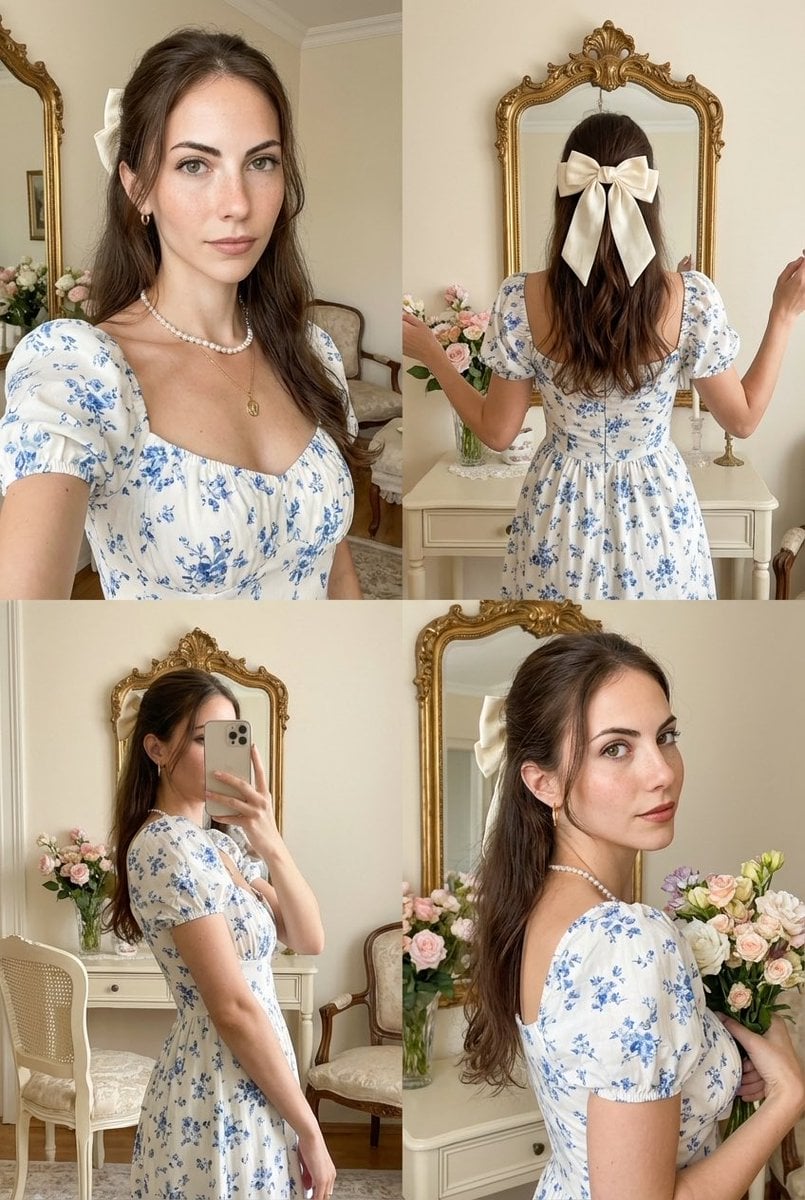
Four-Panel Collage with Strict Identity and Pose Matching
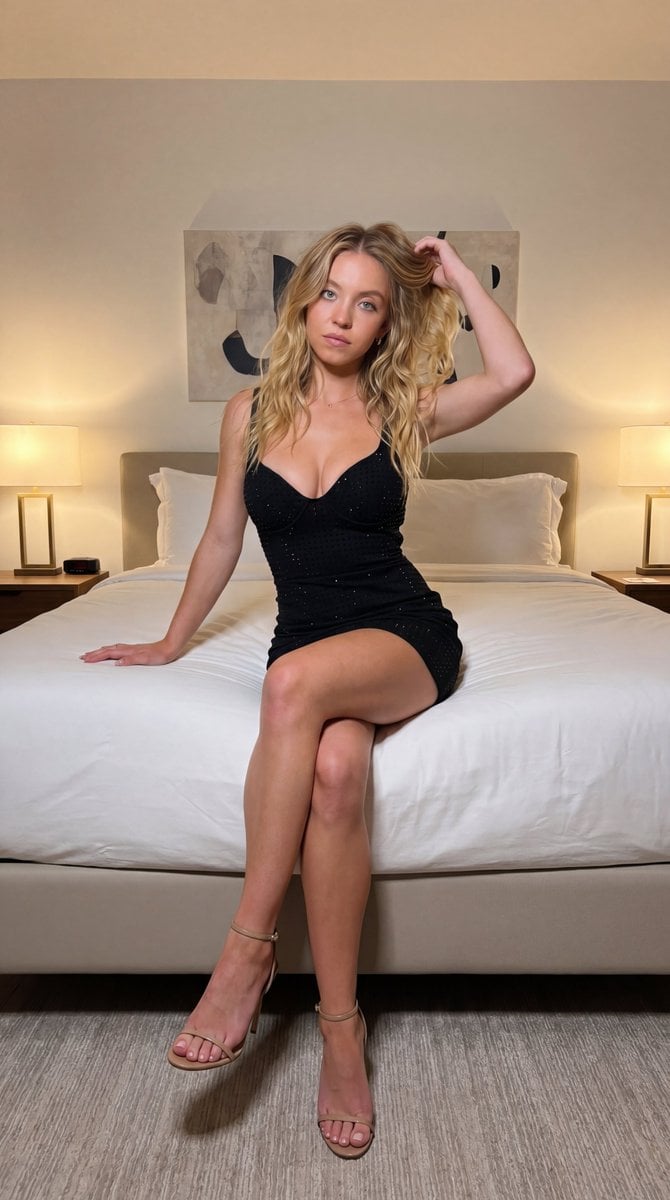
Ultra-realistic fashion photography interior photoshoot
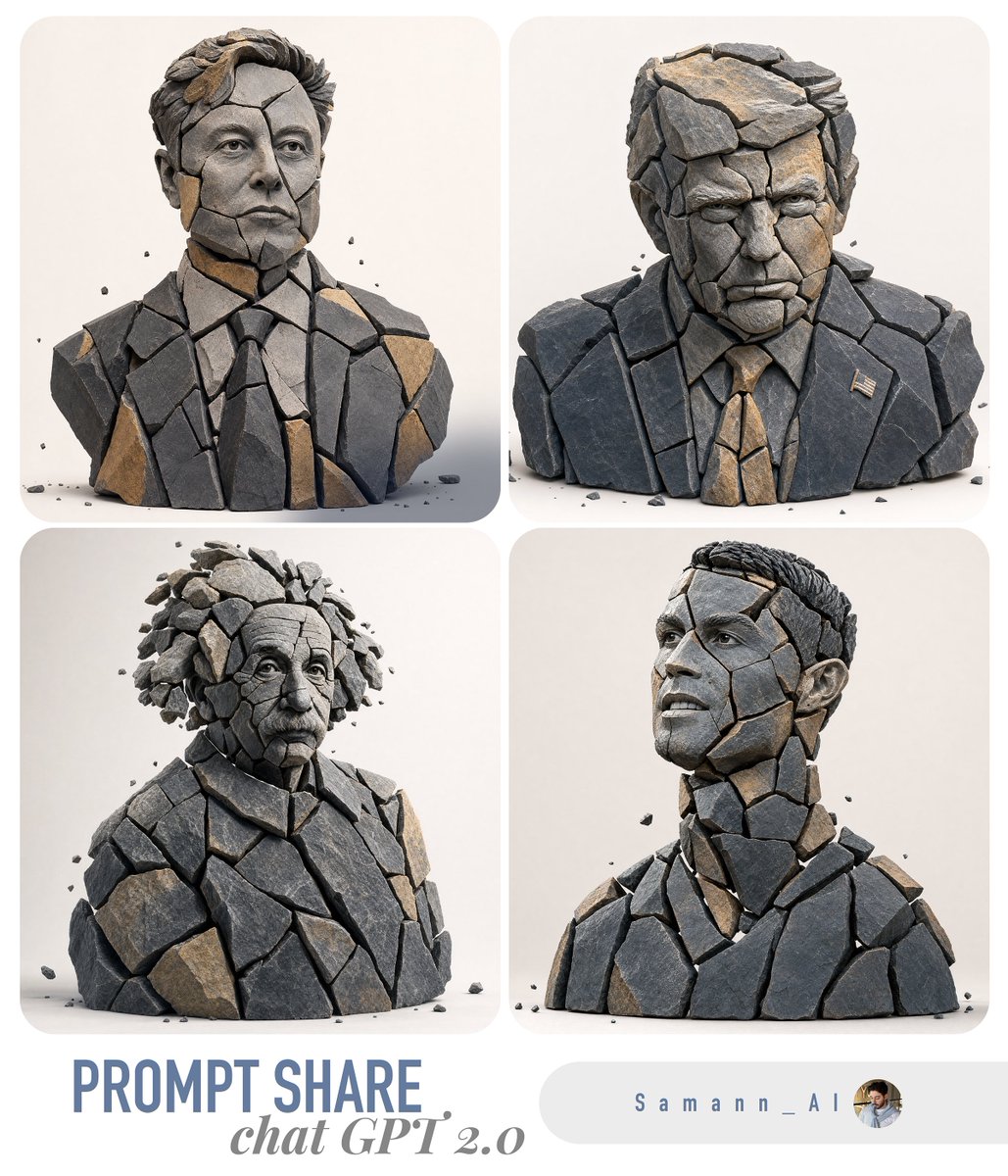
Fragmented Stone 3D Style Transfer
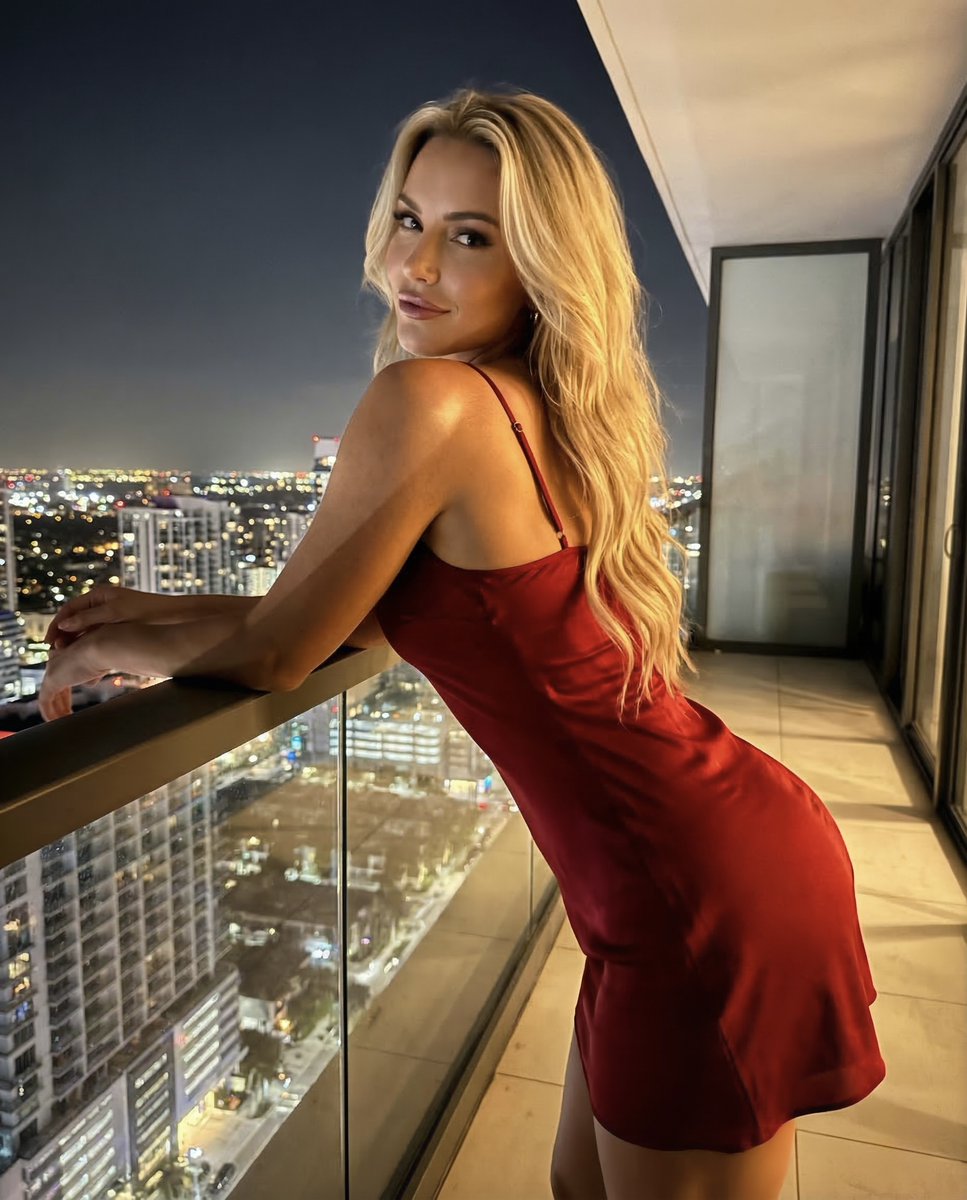
Luxury Penthouse Night Realism Portrait
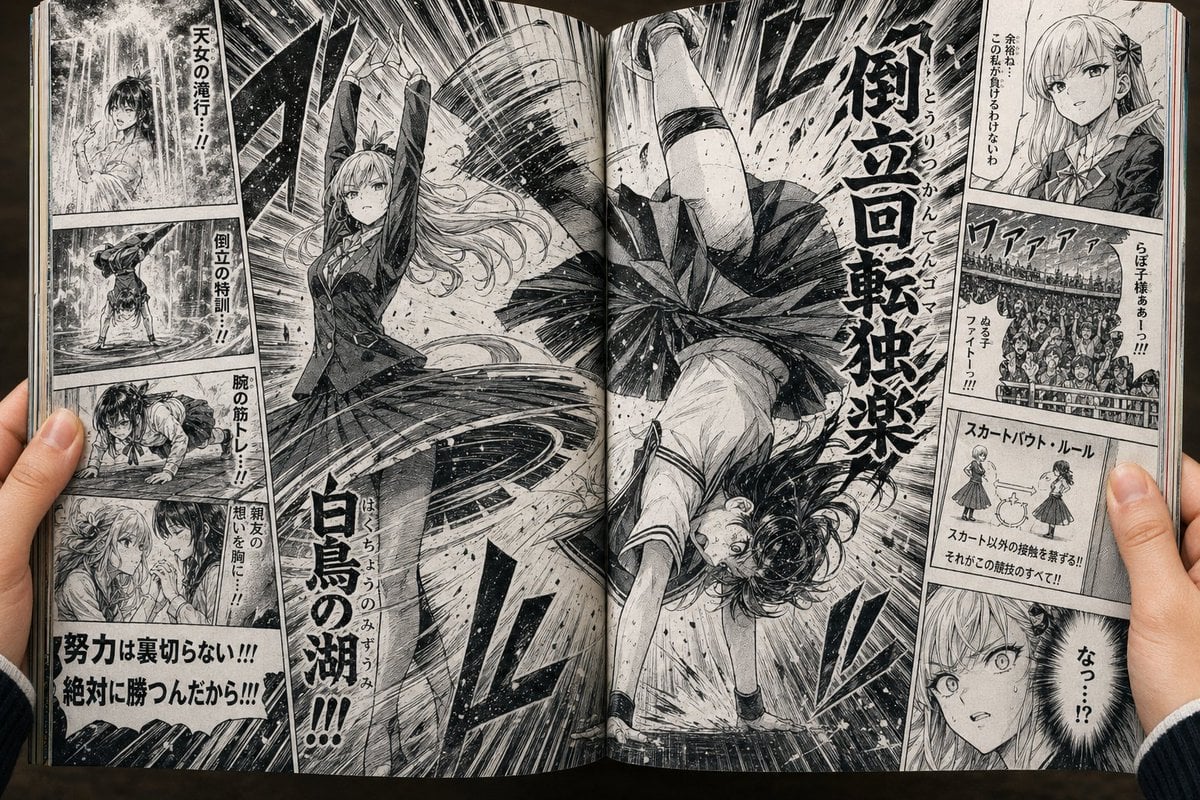
Open Manga Spread of Skirt Battle
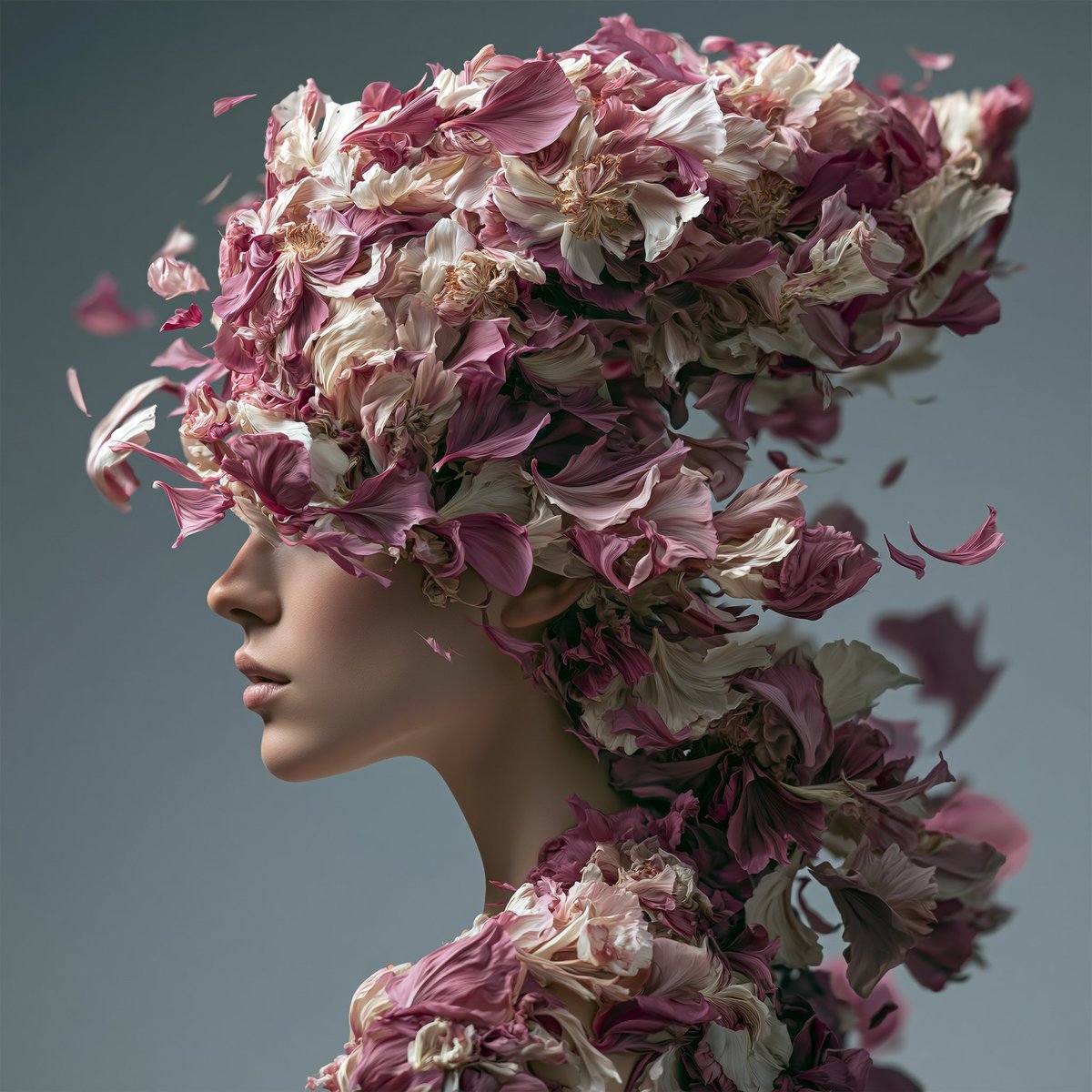
Surreal Floral Petal Portrait

Editorial Studio Portrait in Olive Tee

Split-Identity Cinematic Movie Poster Prompt with Face Lock
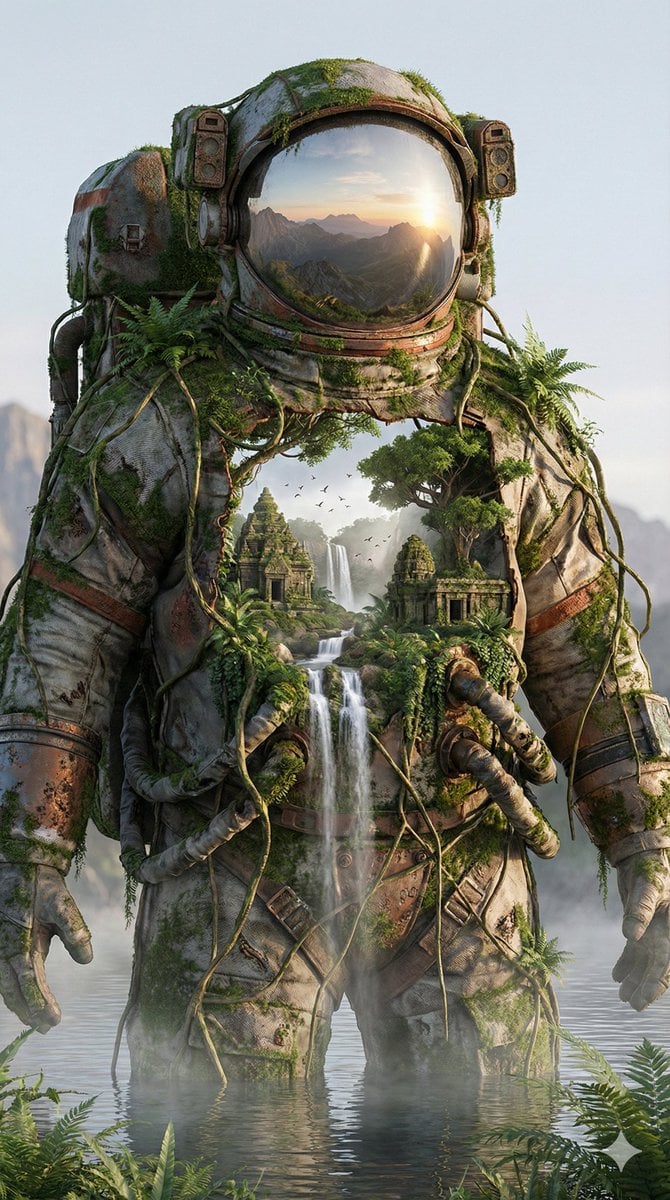
Surreal Nature-Meets-Sci-Fi Astronaut Suit
Browse template categories
Pastel Miku Birthday Garden questions
How do I use the Pastel Miku Birthday Garden template?
Add your photo if the template asks for one, edit the prompt if you like — the template's model and format are already selected — and press Generate. Your version opens in PicX Studio.
Can I customize the Pastel Miku Birthday Garden template?
Yes. You can change the subject, setting, lighting, mood, format, and available model controls before creating your image.
Is the Pastel Miku Birthday Garden template free?
Opening and editing this template is free. Generating uses credits, shown on the Generate button when you are signed in.
Which AI model should I use?
Start with GPT Image 2, which is the model associated with this template. You can compare another compatible model for a different finish.
Looking for something else? Browse all templates.

Your photo, any look
Thousands of ready templates for every top image and video model, from one credit balance.