
Real-World Anime Character Crossover
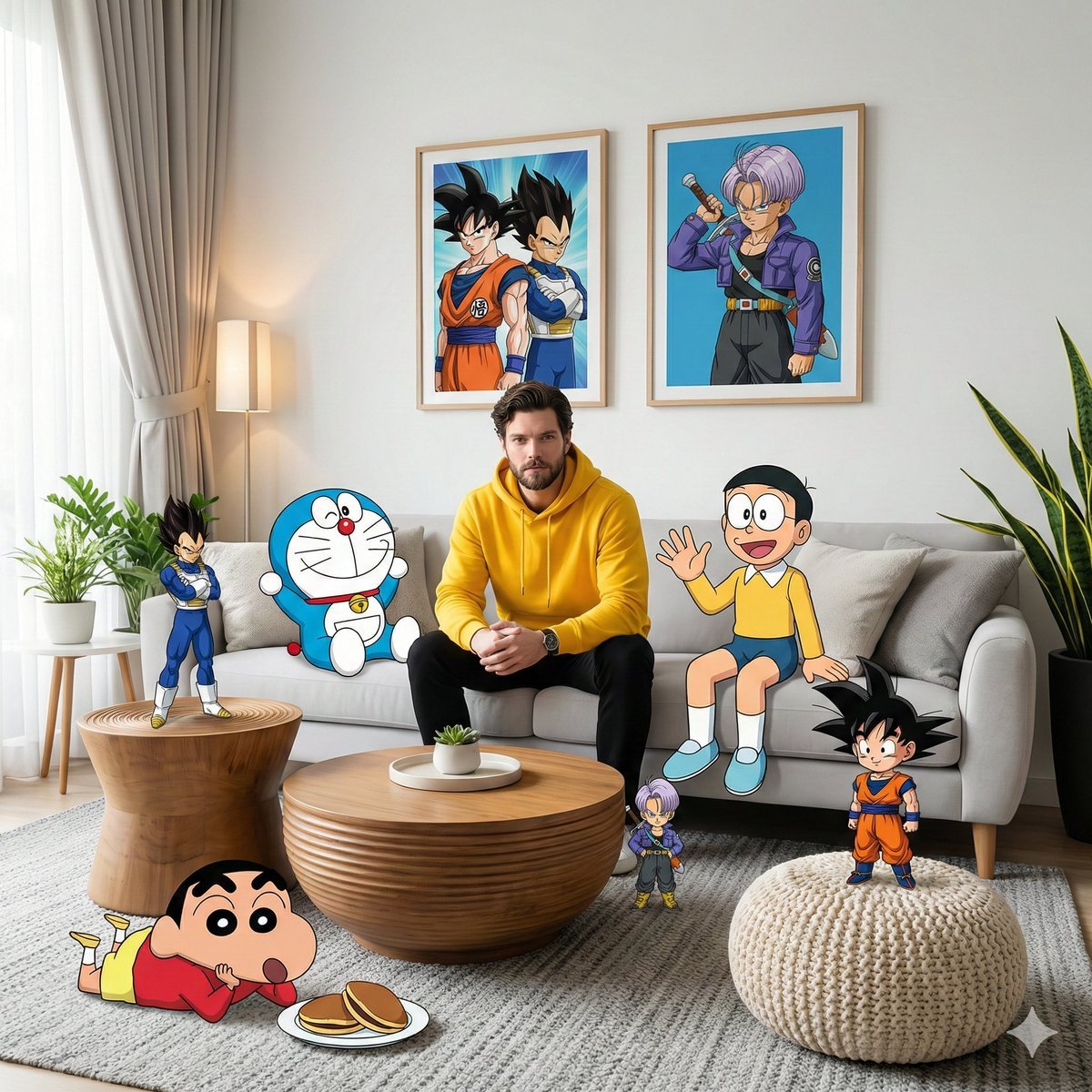
A high-fidelity photograph showing a real man in a living room physically interacting with 2D anime characters like Doraemon and Goku.
- Prompt included
- Model and format preset
- Free template
The prompt behind this image
Copy the exact prompt behind Real-World Anime Character Crossover, or open it in the studio and make it yours.
A high-fidelity, wide-angle interior photograph capturing a surreal mixed-media scene inside a modern living room. The central figure is a man whose face matches the uploaded reference photo, wearing a {argument name="outfit" default="bright yellow hoodie and black pants"}, seated in the middle of a plush light-gray sofa. The composition seamlessly fuses a photorealistic 3D environment with {argument name="characters" default="cel-shaded 2D anime and cartoon characters"} that physically inhabit the same space. To the man's right on the sofa, {argument name="character 1" default="Nobita"} sits casually with a friendly wave. To his left, Doraemon leans against a pillow in a relaxed pose. On the white wall behind the sofa, two framed posters hang: one featuring Son Goku alongside Vegeta, the other featuring Trunks in a dynamic anime style. In the foreground, Shinchan lies sprawled on a textured gray carpet beside a small plate of dorayaki, while a chibi-style Son Goku strikes a triumphant pose atop a cream knit pouf. On the left side of the room, Vegeta stands tall and confident on a grooved wooden side table; near the wooden center coffee table, a miniature Trunks observes the scene with a curious expression. Soft natural daylight enters from the left through sheer curtains, producing gentle volumetric lighting that picks out the weave of the blanket, the grain of the tiered wooden table, and the leaves of a snake plant in the corner. The whole image is rendered in 8K with razor-sharp focus, vivid saturated colors, and a dreamy cinematic playful mood, a seamless crossover between the real world and the anime world, with no visible AI artifacts.
How to use Real-World Anime Character Crossover in 3 steps
- 1Upload ImagePNG, JPG or paste
Add your photo
Upload the photo the template builds on. The prompt, model and format are already set.
- 2…a portrait of your subject in softgolden-hour light, 85mm…
Personalize
Edit the subject and creative details for your destination.
- 3Generate
Generate
Press Generate — your image is created in PicX Studio, so you can compare it with the original and refine one variable at a time.
More like this
Templates with the same subject, style or setup. Open one to see its prompt.

Captain Tsubasa Anime World Cup Poster

Real-Life and Anime Character Composite
Anime Crossover Warriors Illustration
Surreal Miniature Book World

Cel 2D Finale Fireworks

Cel 2D Garden Maze

Cel 2D Rooftop Concert

Cel 2D Bicycle Coast

Cel 2D Castle Gate

Cel 2D Kitchen Chaos

Cel 2D Carnival Ride

Cel 2D Rainy Bus Stop
Make it yours
Real-World Anime Character Crossover works as-is. These are the safest ways to change it without losing the look.
Change one field
Copy a single group, rewrite it, and generate again so you can see what that field is doing.
Keep the frame, change the subject
Hold the composition and light of Real-World Anime Character Crossover, then swap wardrobe, props or the person for a new take.
| If the result… | Why | Fix |
|---|---|---|
| The result drifts from the preview | Too many fields changed at once. | Reuse Real-World Anime Character Crossover as-is first, then change one group — subject, light, or setting. |
| The model over-stylizes the scene | The prose prompt leaves finish and camera underspecified. | Add one camera or lighting sentence and stay on GPT Image 2. |
More GPT Image 2 templates
Other prompts made for GPT Image 2.

Six VTuber Japanese Logo Sheet

Realistic Portrait of Woman and Deer

The Vista Modular Condo Poster

AI Model Routing Comparison Infographic

2.5D Anime Art Board

Isometric Productivity Desk Scene

New York Double Exposure Poster

Four-Panel AI Landscape Comparison

Japanese Tatami Lifestyle Magazine Cover

NESCAFÉ Coffee Map Poster
More image prompts
Fresh picks from across the catalog.
Impressionistic Parisian Café Painting
Surreal Pizza Landscapes and Cyberpunk Cars
Cyberpunk Glitch Profile Portrait
Hyper-realistic Portrait of Blackpink Jennie in Cinematic Dual-Tone Lighting
Realistic Human vs. 3D Character Side-by-Side Prompt
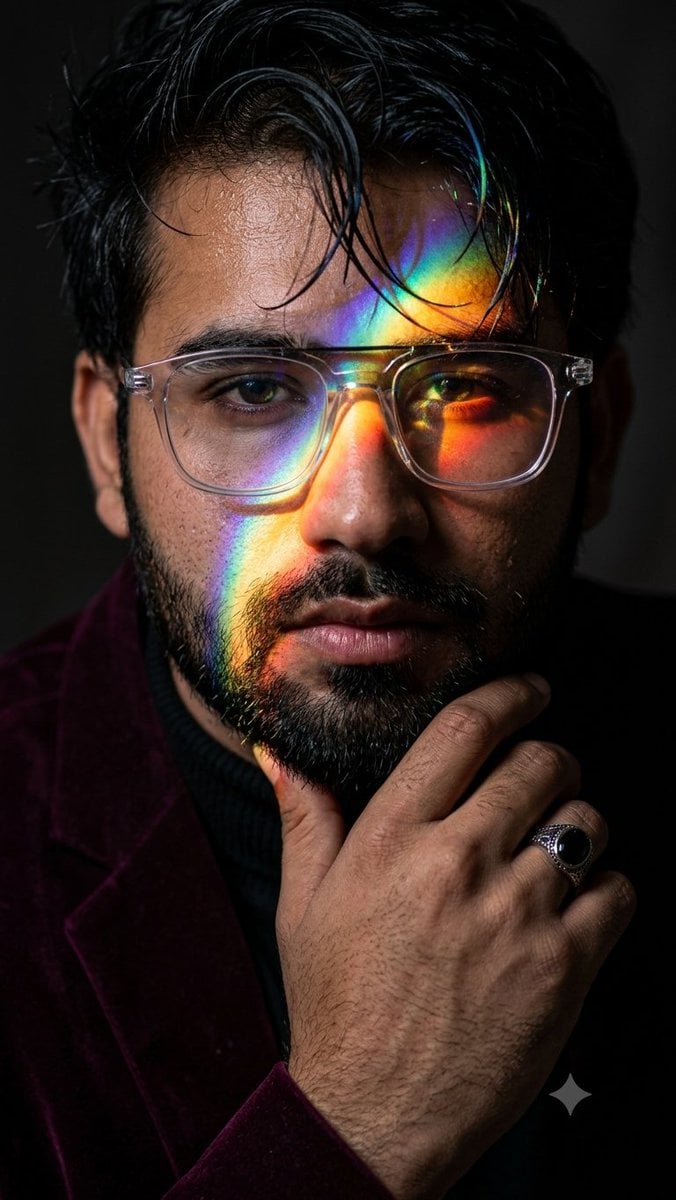
Prismatic Rainbow Light High Fashion Portrait
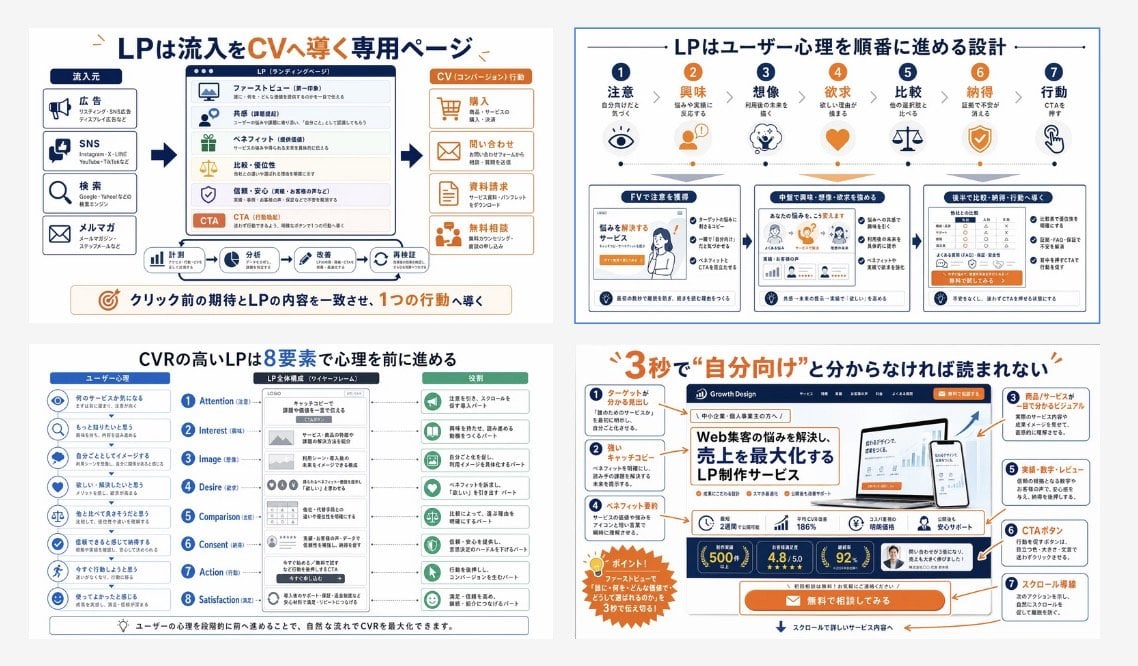
Japanese LP Conversion Infographic Grid
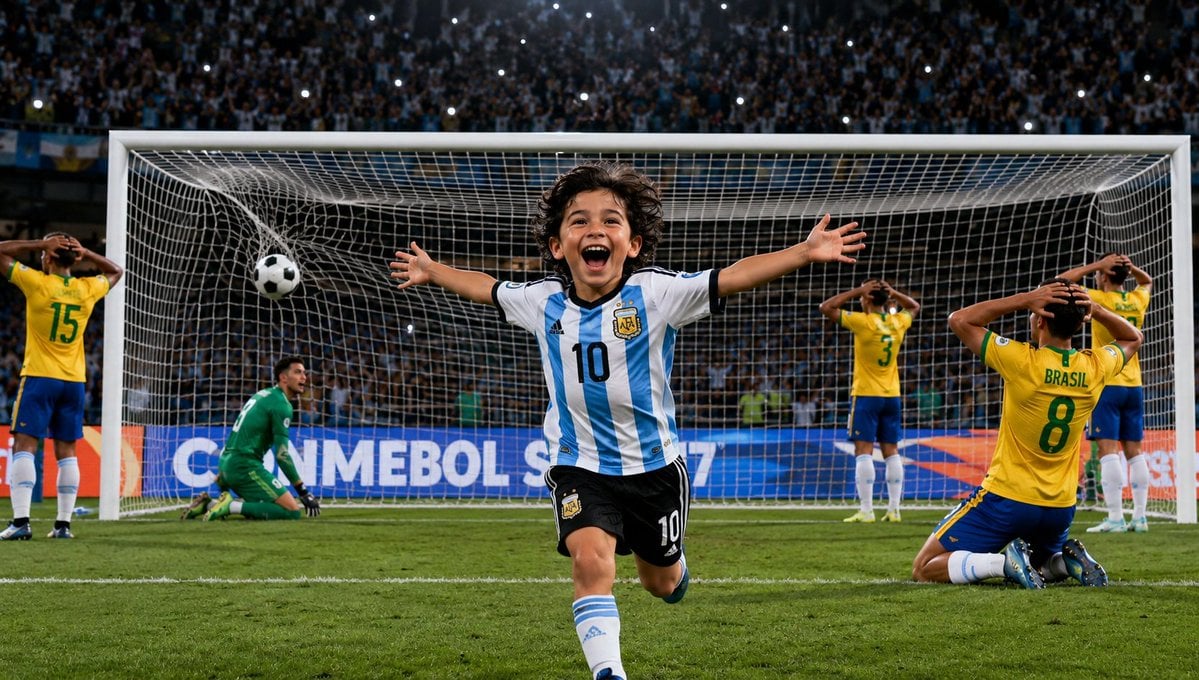
Boy Celebrates Argentina Goal
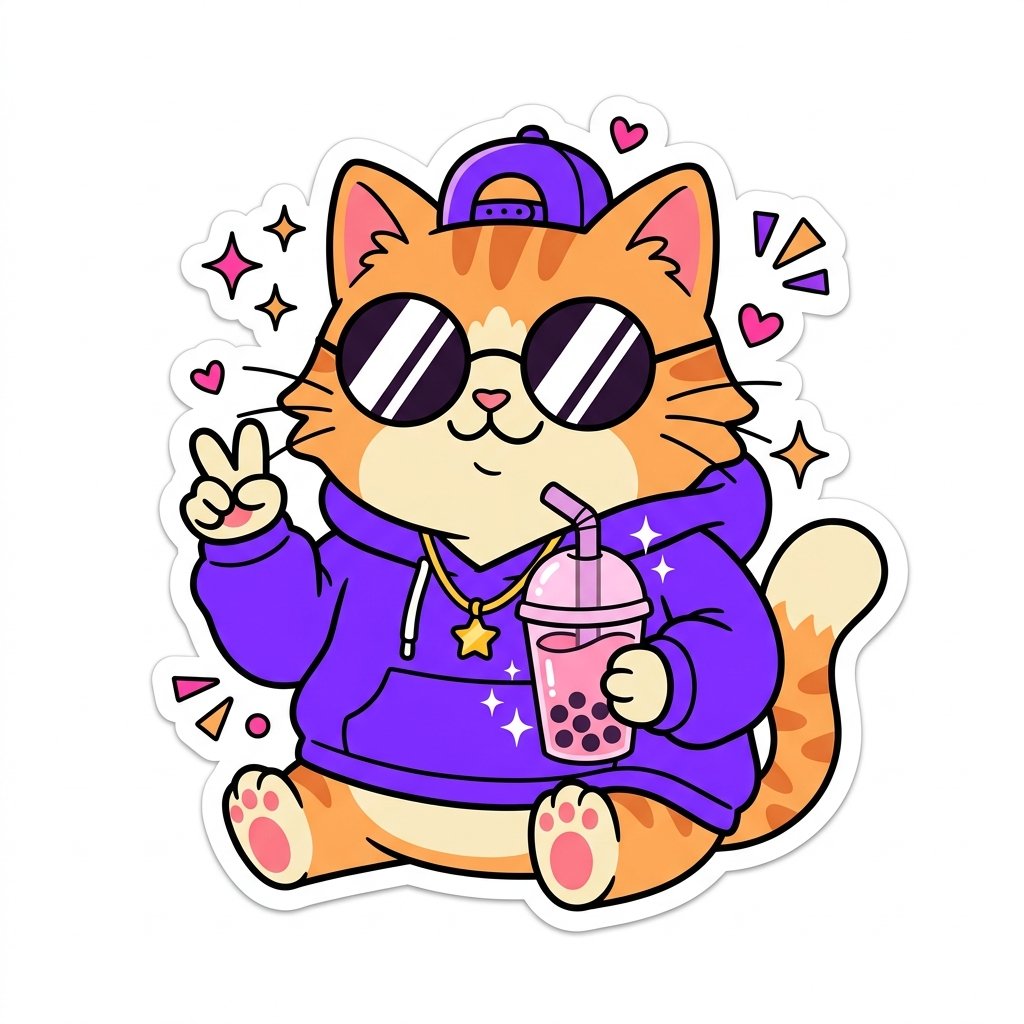
Sticker Art Style
Gothic Luxury Magazine Cover
Browse template categories
Real-World Anime Character Crossover questions
How do I use the Real-World Anime Character Crossover template?
Add your photo if the template asks for one, edit the prompt if you like — the template's model and format are already selected — and press Generate. Your version opens in PicX Studio.
Can I customize the Real-World Anime Character Crossover template?
Yes. You can change the subject, setting, lighting, mood, format, and available model controls before creating your image.
Is the Real-World Anime Character Crossover template free?
Opening and editing this template is free. Generating uses credits, shown on the Generate button when you are signed in.
Which AI model should I use?
Start with GPT Image 2, which is the model associated with this template. You can compare another compatible model for a different finish.
Looking for something else? Browse all templates.

Your photo, any look
Thousands of ready templates for every top image and video model, from one credit balance.