How do I use the Retro Mid-Century Travel Poster template?
Choose the primary action to open PicX Studio with the available template settings. Review the model and format, personalize the creative direction, and generate when ready.
A minimalist isometric travel poster featuring fine cross-hatching and a tight three-color scheme for a vintage mid-century aesthetic. Change the subject, setting, or lighting one variable at a time.
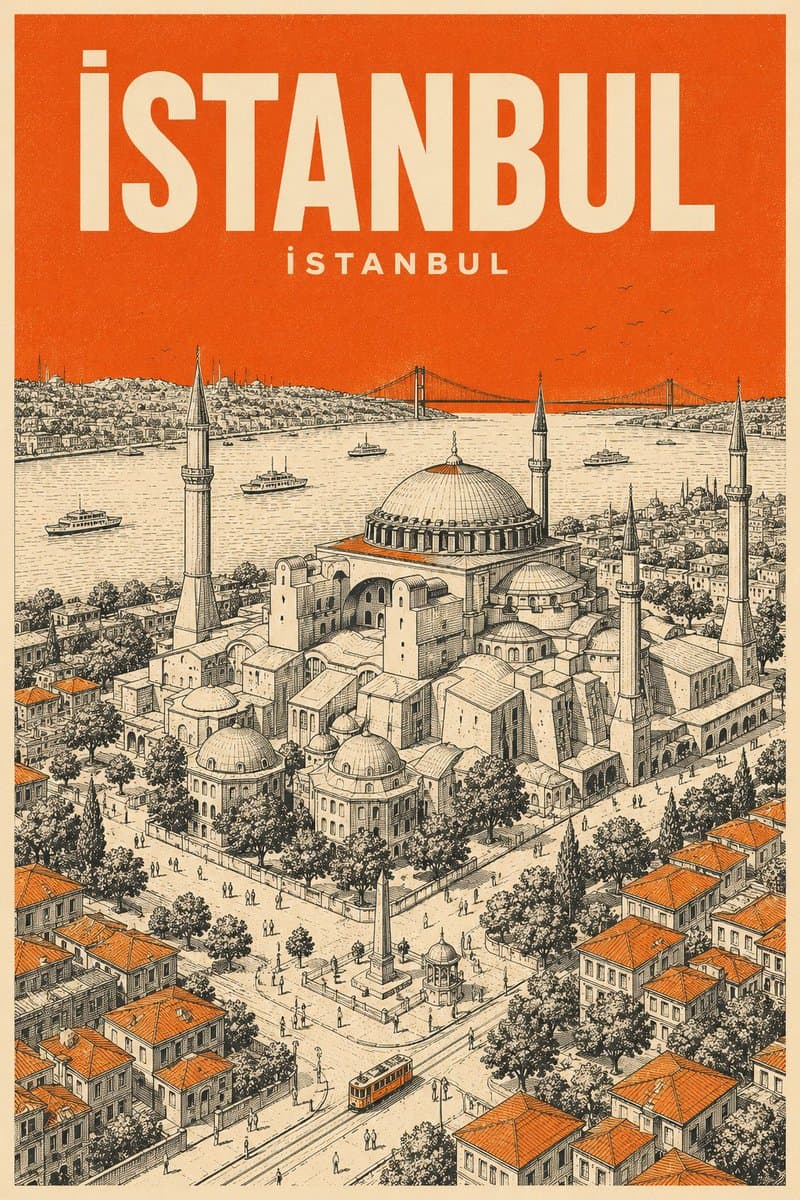
Design a vertical retro mid-century travel poster of {argument name="city name" default="[CITY NAME]"} showcasing {argument name="landmark" default="[LANDMARK]"}. Stick to a tight 3-color scheme: cream-toned paper background, black technical line drawing, plus one {argument name="accent color" default="[COLOR]"} accent. Aesthetic: minimalist isometric top-down aerial perspective with very fine cross-hatching and silkscreen print grain. Color rules: fill the entire sky in flat solid {argument name="accent color" default="[COLOR]"}, add small {argument name="accent color" default="[COLOR]"} touches on rooftops or street details. Zero gradients allowed. Typography: large bold sans-serif "{argument name="city name" default="[CITY NAME]"}" at the top in cream, with the city's name in its native language set smaller in cream beneath it.
Choose the primary action to open PicX Studio with the available template settings. Review the model and format, personalize the creative direction, and generate when ready.
Yes. You can change the subject, setting, lighting, mood, format, and available model controls before creating your image.
This template is free to open and customize. Generation usage is shown in PicX Studio before you create.
Start with GPT Image 2, which is the model associated with this template. You can compare another compatible model for a different finish.
© 2026 PicX Studio. All rights reserved.

Follow a topic to a crawlable collection of related PicX Studio templates.
43,474 public templates available. Verified via the PicX Studio public templates API; refreshed hourly.

![Minimalist Mid-Century Travel Poster — Create a vertical mid-century travel poster for {argument name="city" default="[CITY NAME]"} featuri…](https://cms-assets.youmind.com/media/1778575488661_5gliec_HIAYHpyakAA4X8C.jpg)

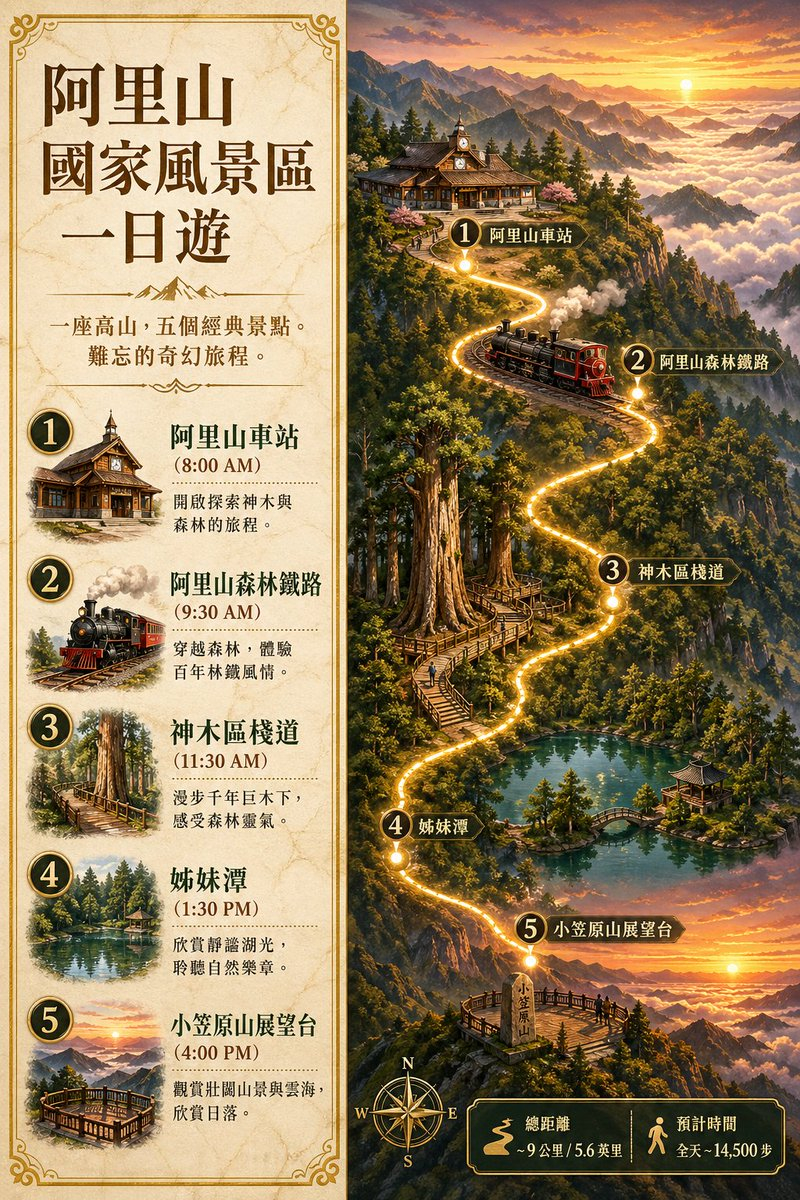


![Japan Travel Brochure Poster — Create a vertical vintage travel-brochure infographic poster titled “[COUNTRY/DESTINATION]: [TAGLINE]”, using a warm parchment-pa](/_next/image?url=https%3A%2F%2Fcdn.picxstudio.com%2Fuploads%2Fp0_982bf820-bb34-4c43-8a6d-42d799d7282b.jpg&w=828&q=100)

![Mid-Century City Travel Picture Book — [DESTINATION] = {argument name="destination" default="[CITY NAME]"}
Create a charming vertical 4:5 mid-century travel pi](https://cms-assets.youmind.com/media/1786437706436_ycdwcf_HPTEN9dawAAtUgS-300x375.jpg)


![Mid-Century Travel Poster — Create a vertical mid-century travel poster for {argument name="city name" default="[CITY NAME]"} fe…](https://cms-assets.youmind.com/media/1778490956036_lmrr6t_HH-VFGqaIAE0yEf.jpg)
![Mid-Century Travel Book Illustration — [DESTINATION] = {argument name="city name" default="[CITY NAME]"}
Create a charming vertical 4:5 mid-century travel pict](https://cms-assets.youmind.com/media/1786781710843_2ju1t5_HPqpPcDa4AEn4FO-300x375.jpg)





![Minimalist Flat Vector Travel Poster — Premium minimalist flat-vector travel poster for {argument name="city name" default="[CITY_NAME]"}, 3:4 vertical format.](https://cms-assets.youmind.com/media/1787917359711_3ug846_HQX205cbMAA6F6S-300x400.jpg)





















![2x2 Grid Pop-Up Cookbook Diorama Prompt for Nano Banana — <instructions>
[Use the UNIVERSAL WRAPPER above exactly as-is.]
If input includes ingredients, pick…](https://pbs.twimg.com/media/HEKnYm6bMAA3jf9.jpg)





![High-End Cocktail Visual Marketing Prompt — A high-end studio photograph of a [{argument name="cocktail name" default="YOUR COCKTAIL"}], shot from a high-angle](https://pbs.twimg.com/media/G-Yut-8WEAAXhGB.jpg)