
Mid-Century Modern Interior Girl Portrait
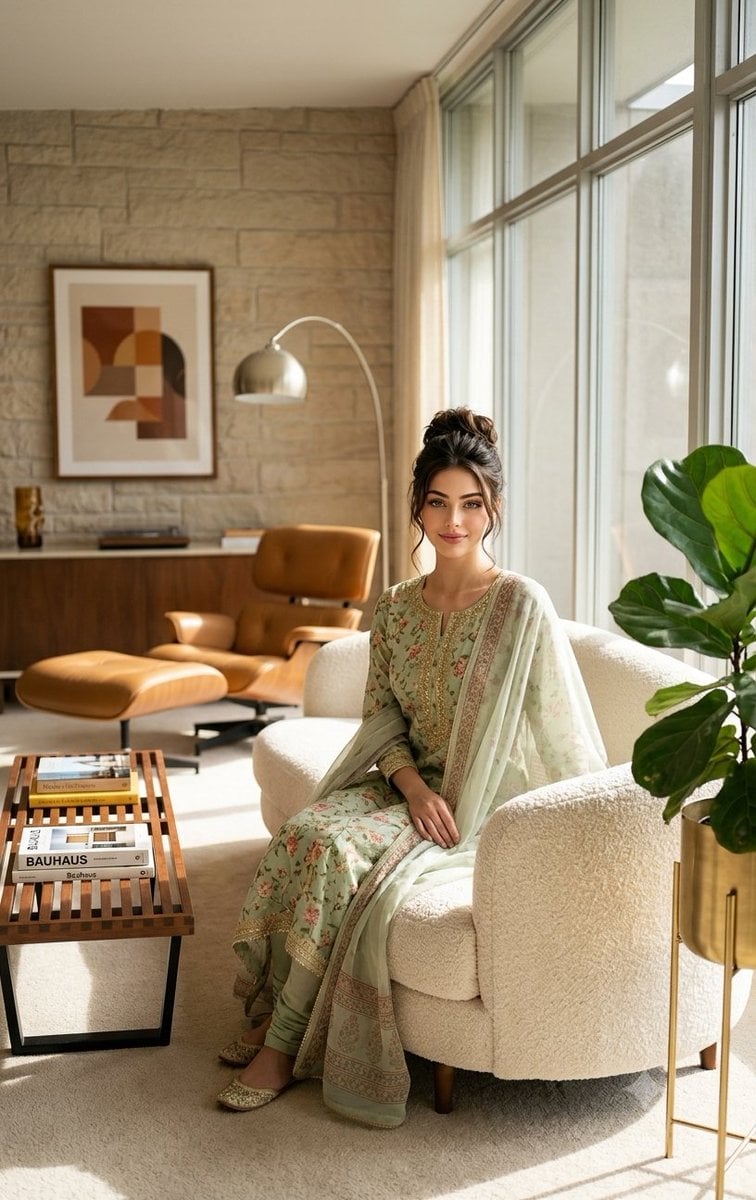
A high-end interior photography prompt featuring a young girl in traditional floral attire seated in an authentic mid-century modern living room.
- Prompt included
- Model and format preset
- Free template
The prompt behind this image
Copy the exact prompt behind Mid-Century Modern Interior Girl Portrait, or open it in the studio and make it yours.
A photorealistic mid-century modern interior scene featuring a young girl sitting naturally on a sculptural {argument name="furniture" default="cream boucle sofa"}. The girl has long, softly curled dark hair and is wearing a {argument name="outfit" default="light green floral traditional outfit"} with a sheer dupatta. She is centered in the frame, looking calmly at the camera with a gentle smile. The interior is designed in authentic mid-century modern style: clean lines, warm natural wood tones, and minimalist architecture. Include a wooden coffee table with stacked design books, a ceramic bowl, and subtle decor. A brass arc floor lamp stands beside the sofa. In the background, a modern fireplace with textured stone or brick wall, and a framed abstract artwork. Large floor-to-ceiling windows allow bright, cinematic natural sunlight to flood the room, casting soft shadows and highlighting textures—fabric, wood grain, and stone surfaces. Add indoor plants for warmth and realism. Color palette: warm neutrals, beige, tan, soft browns, muted greens. Lighting: soft golden-hour sunlight, editorial interior photography style. Camera: eye-level shot, shallow depth of field, 50mm lens, ultra-detailed, high dynamic range. Style: high-end editorial interior photography, ultra-realistic, natural skin tones, fine textures, no artificial or CGI look.
How to use Mid-Century Modern Interior Girl Portrait in 3 steps
- 1
Open
The prompt is already in the box next to the preview, with the template's model and format selected.
- 2…a portrait of your subject in softgolden-hour light, 85mm…
Personalize
Edit the subject and creative details for your destination.
- 3Generate
Generate
Press Generate — your image is created in PicX Studio, so you can compare it with the original and refine one variable at a time.
More like this
Templates with the same subject, style or setup. Open one to see its prompt.
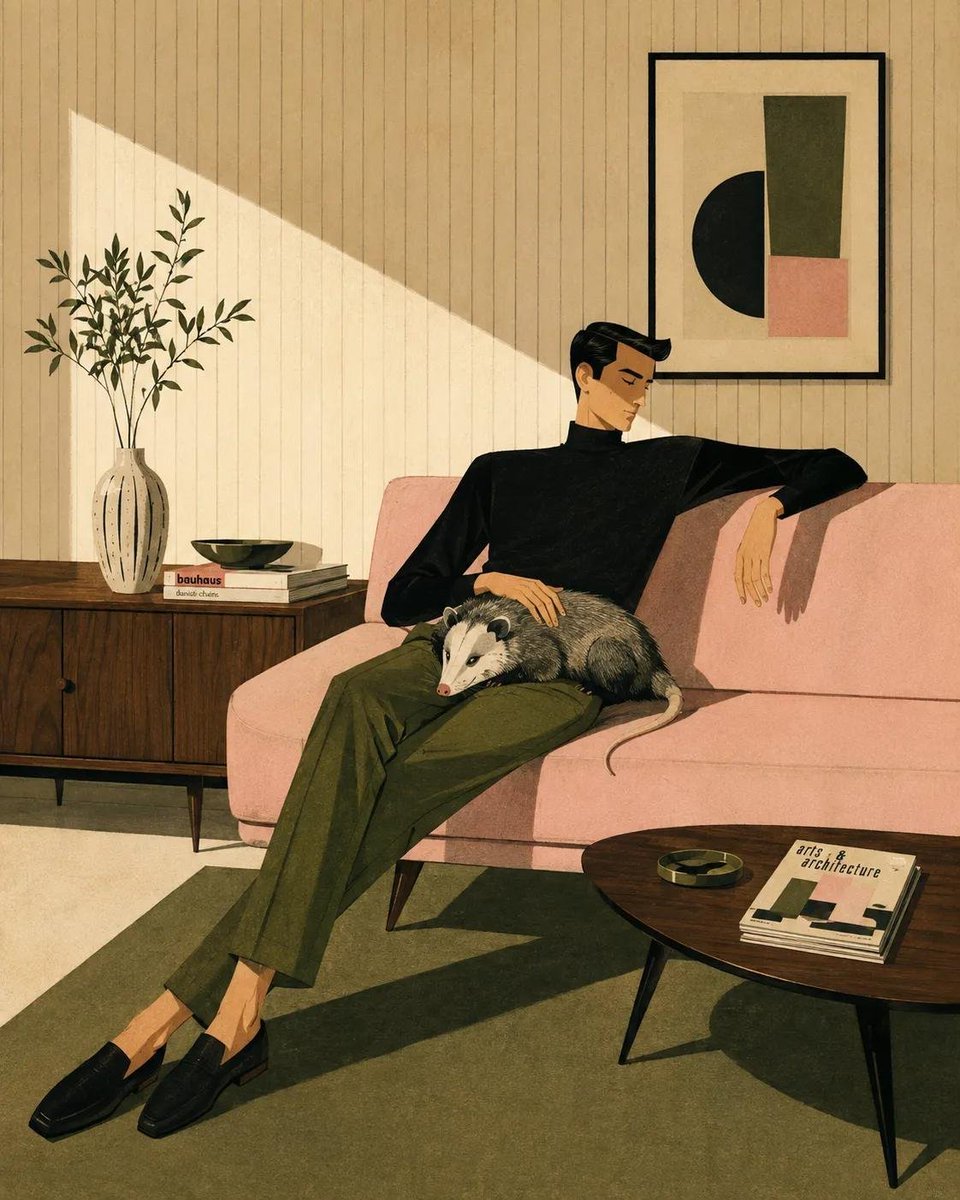
Mid-Century Modern Lifestyle Illustration
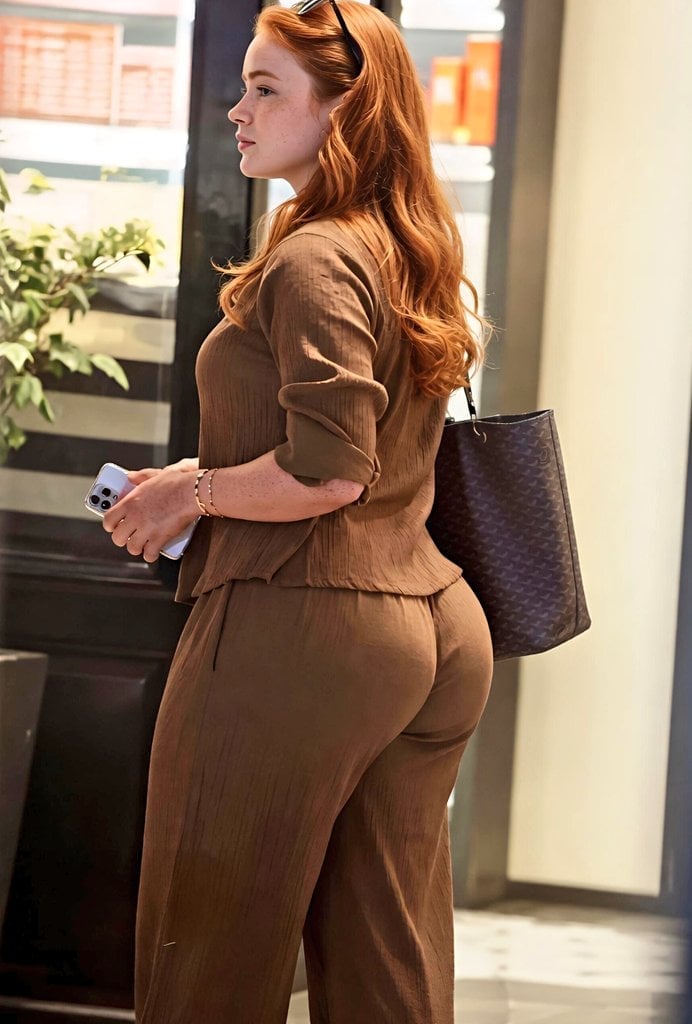
Modern Interior Casual Fashion Portrait

Comparing Realism Keywords in Midjourney

Cinematic Sport Logo Render in Midjourne

Found Photograph: Us, 1970

80s Couple Studio Portrait

80s Bollywood Star

80s Golden Hour Cinema

Me in 1985

1985 Studio Portrait
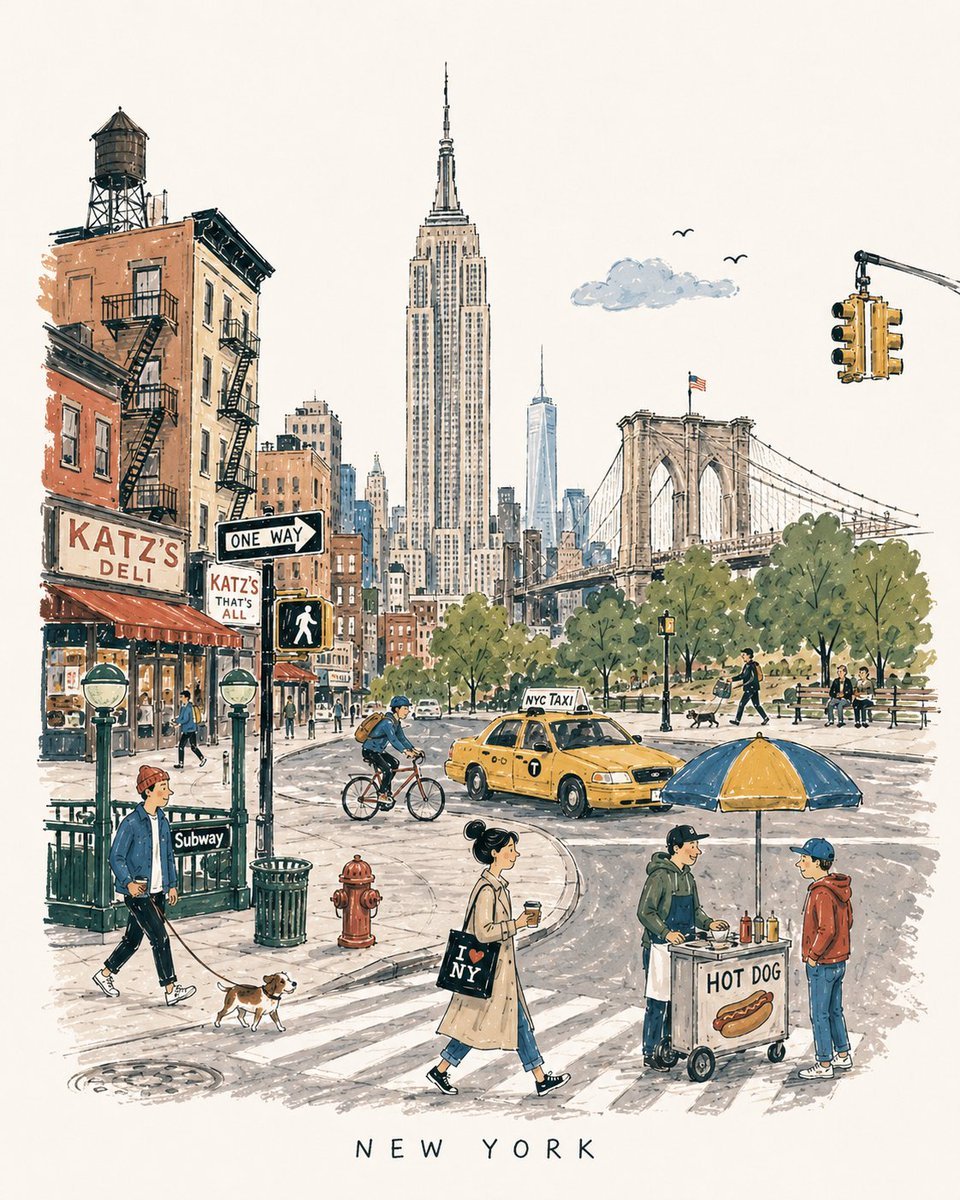
Mid-Century Travel Book Illustration

Mid-Century Theatrical Cartoon Banner
Make it yours
Mid-Century Modern Interior Girl Portrait works as-is. These are the safest ways to change it without losing the look.
Change one field
Copy a single group, rewrite it, and generate again so you can see what that field is doing.
Keep the frame, change the subject
Hold the composition and light of Mid-Century Modern Interior Girl Portrait, then swap wardrobe, props or the person for a new take.
| If the result… | Why | Fix |
|---|---|---|
| The result drifts from the preview | Too many fields changed at once. | Reuse Mid-Century Modern Interior Girl Portrait as-is first, then change one group — subject, light, or setting. |
| The model over-stylizes the scene | The prose prompt leaves finish and camera underspecified. | Add one camera or lighting sentence and stay on Nano Banana 2. |
More Nano Banana 2 templates
Other prompts made for Nano Banana 2.

Photorealistic Leaf Shaped Like a Dragon

K-Pop Idol Portrait Grid for Rapid Selection

Poetic Rain Forest Portrait During Golden Hour

Urban Street Portrait with Cartoon Inner Self Duo

Candid Nighttime Photo with Cat Prompt

High-Concept 3D Diorama Generation Prompt

Cinematic Futuristic Studio Portrait Template

Skincare Editorial Photography Collage Prompt

Hyper-Realistic Commercial Product Photography (Splash Effect)

Hyper-Realistic Nightclub Portrait Prompt
More image prompts
Fresh picks from across the catalog.
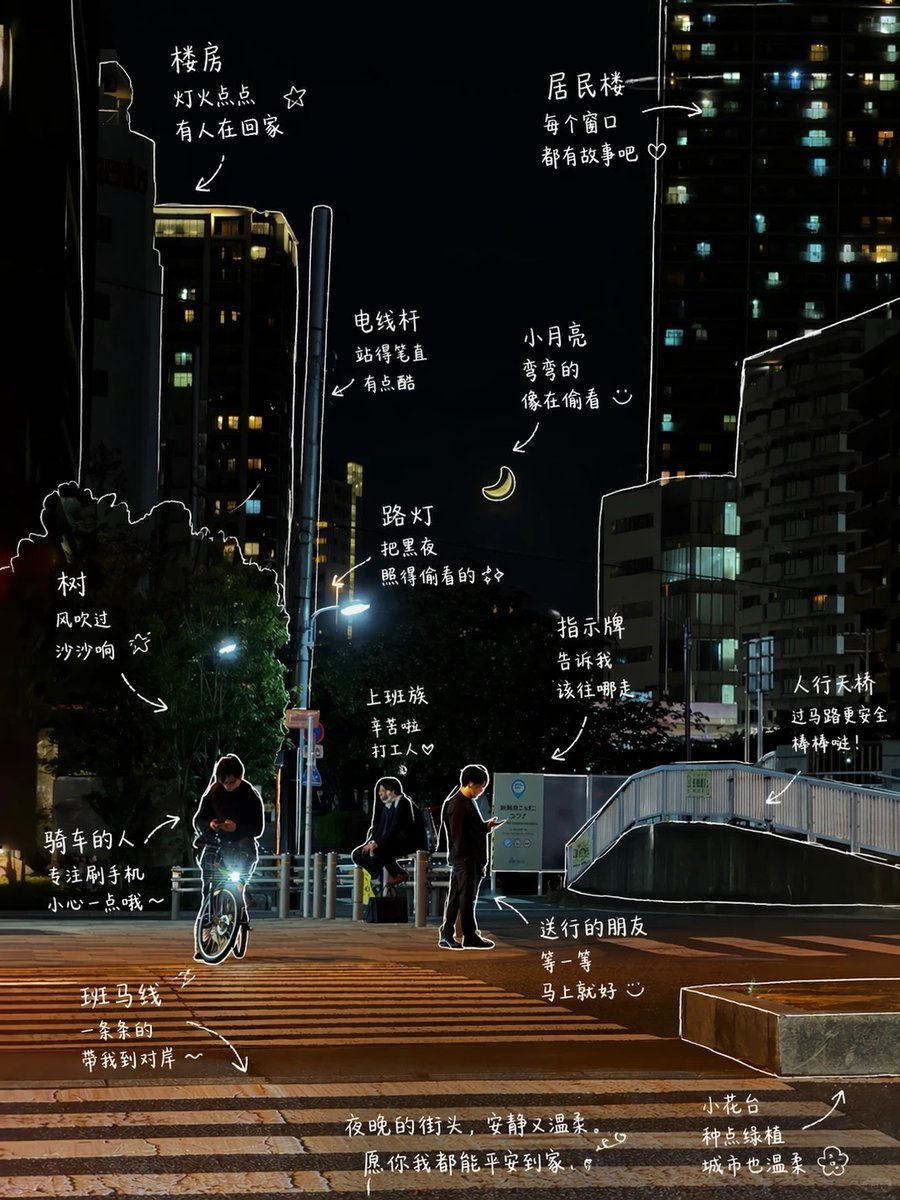
Hand-Drawn Style Photo Annotation
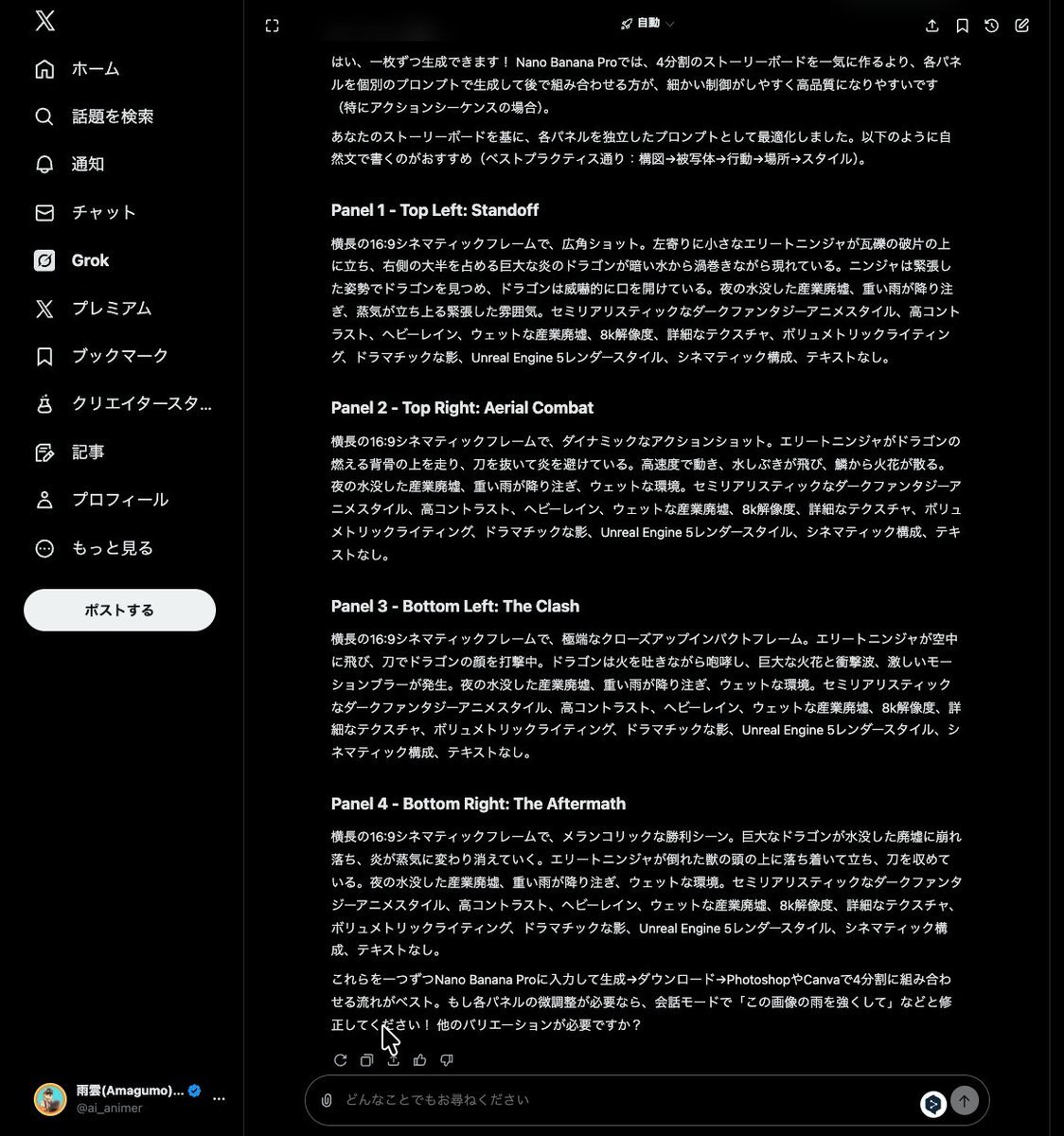
Grok Instruction for Generating Nano Banana Pro Image Prompts
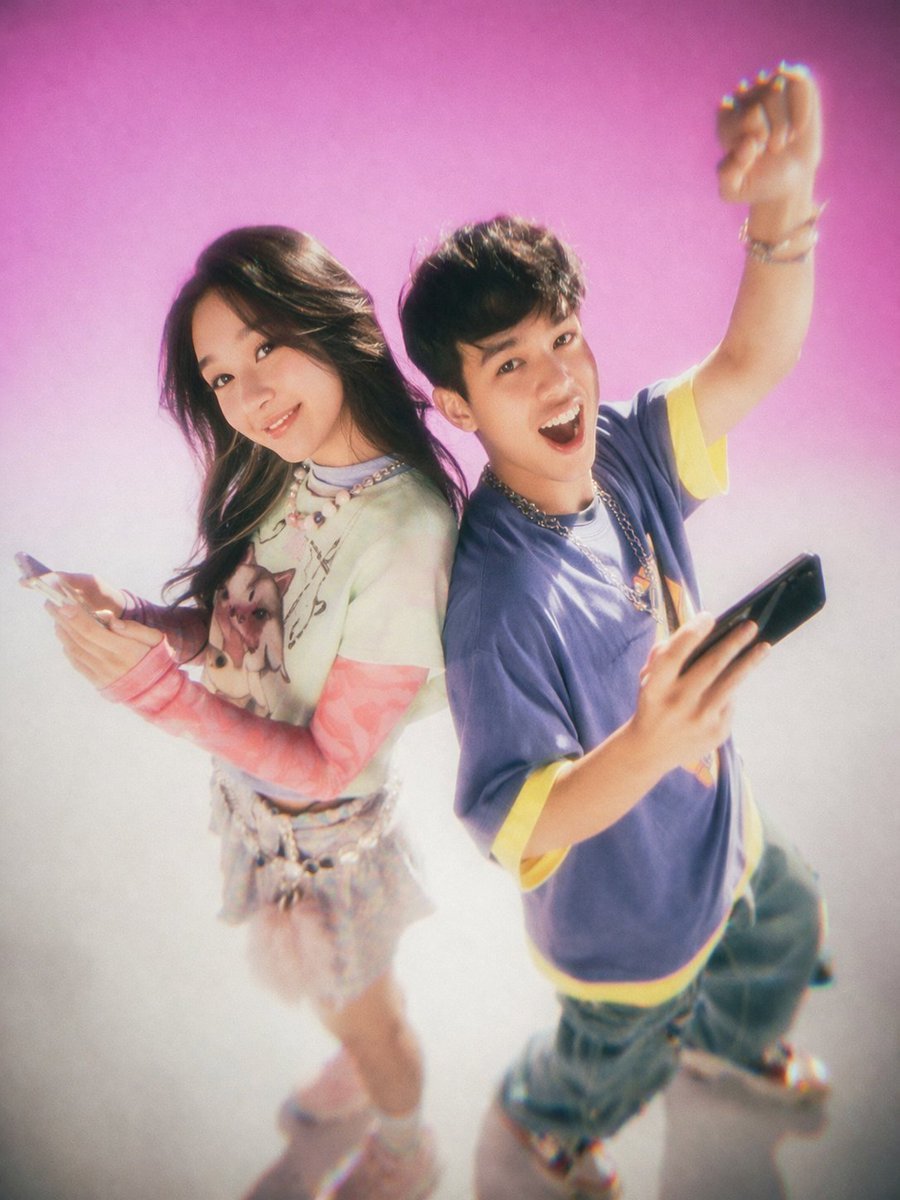
Y2K Teen Magazine Studio Portrait
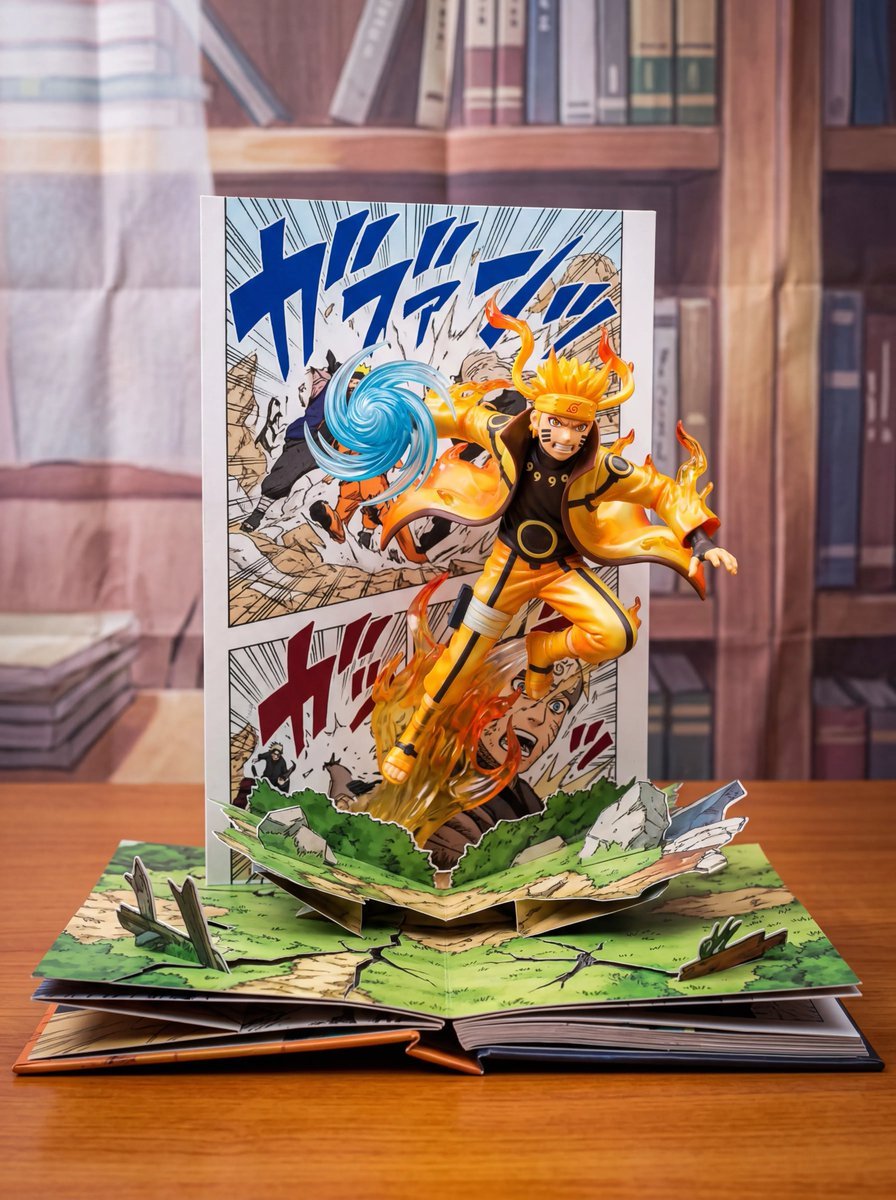
Uzumaki Naruto Pop-Up Book Prompt
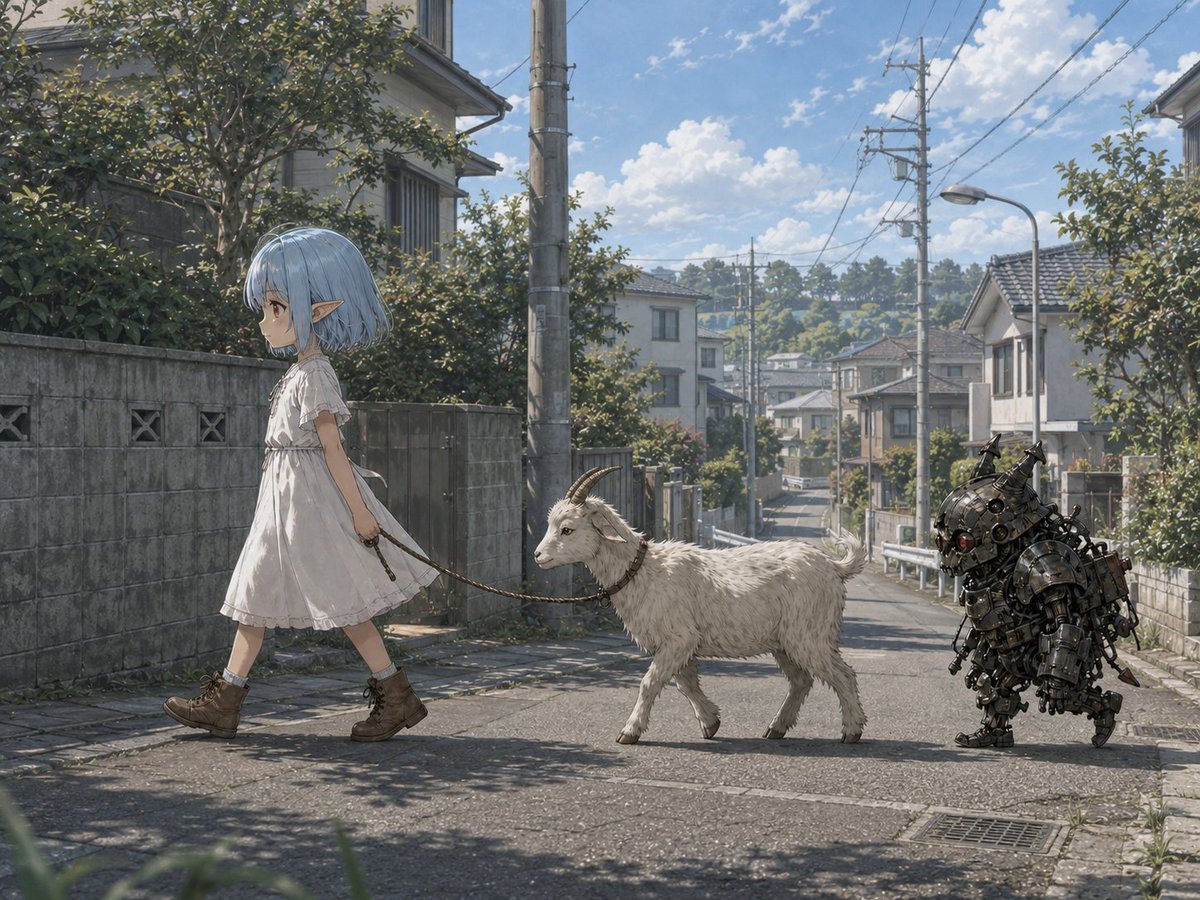
Elf Girl Walking Goat and Robot
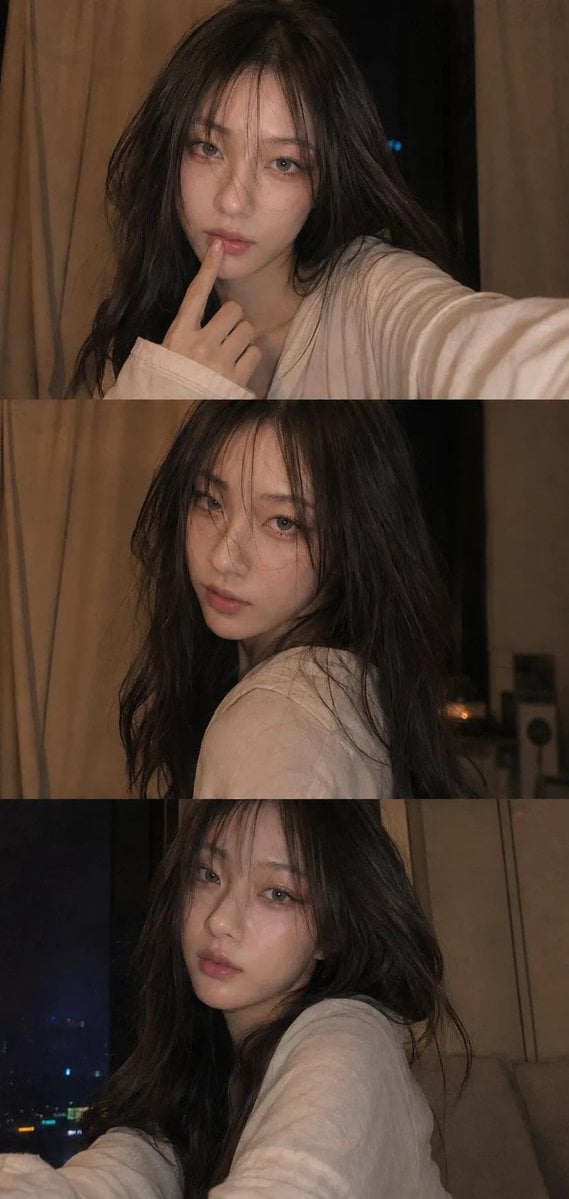
Candid Selfie Photo Collage

Futuristic Holographic Data Portrait

Gpt2 E Commerce Main Image Earbuds E Commerce Infographic

Resort Workcation Eyecatch Prompt (YAML Structure)
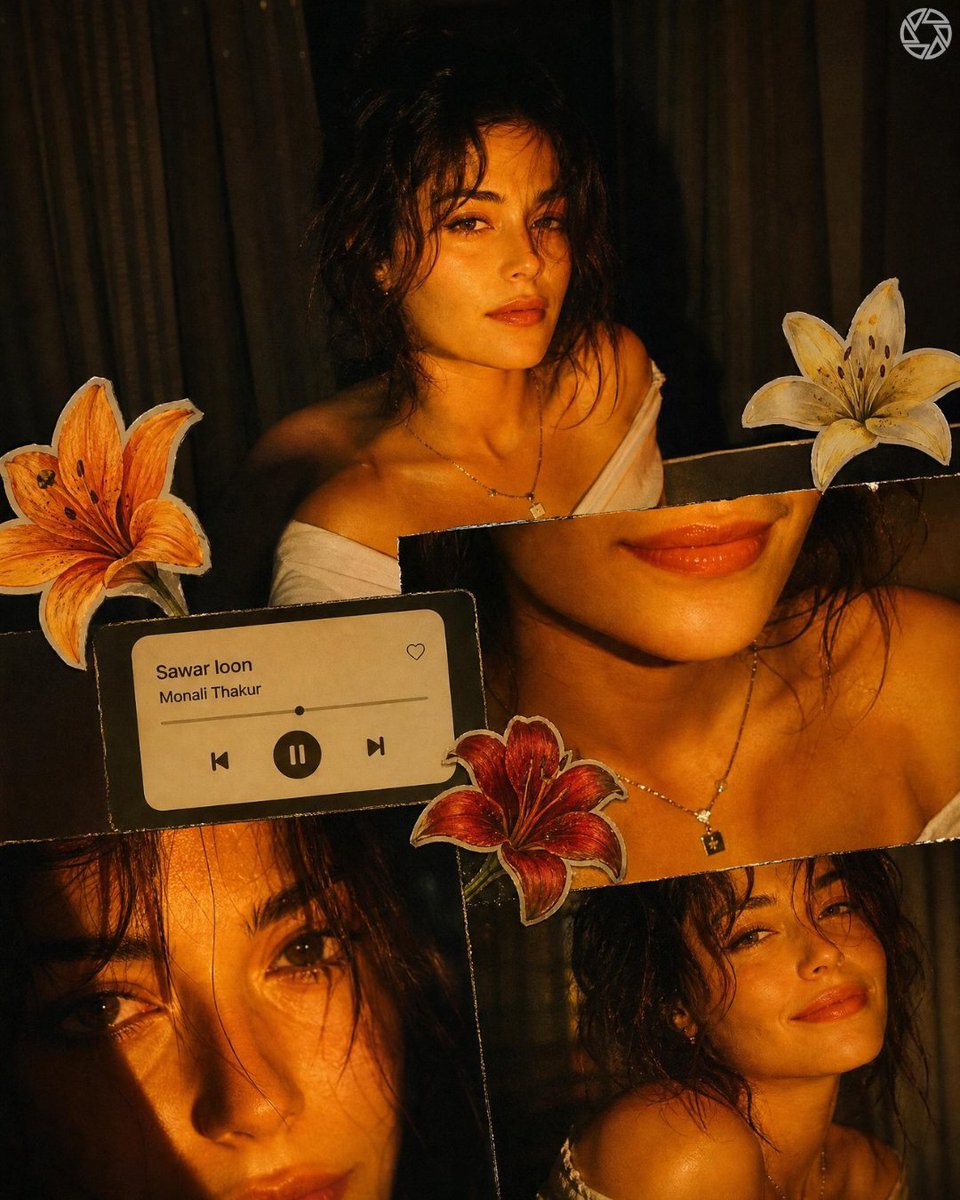
Scrapbook Music Visual
Browse template categories
Mid-Century Modern Interior Girl Portrait questions
How do I use the Mid-Century Modern Interior Girl Portrait template?
Add your photo if the template asks for one, edit the prompt if you like — the template's model and format are already selected — and press Generate. Your version opens in PicX Studio.
Can I customize the Mid-Century Modern Interior Girl Portrait template?
Yes. You can change the subject, setting, lighting, mood, format, and available model controls before creating your image.
Is the Mid-Century Modern Interior Girl Portrait template free?
Opening and editing this template is free. Generating uses credits, shown on the Generate button when you are signed in.
Which AI model should I use?
Start with Nano Banana 2, which is the model associated with this template. You can compare another compatible model for a different finish.
Looking for something else? Browse all templates.

Your photo, any look
Thousands of ready templates for every top image and video model, from one credit balance.