
Dark Academia Anime Legal Officer
Generates an elegant anime portrait of a black-haired legal officer holding a pen and contract binder against Japanese legal document graphics.
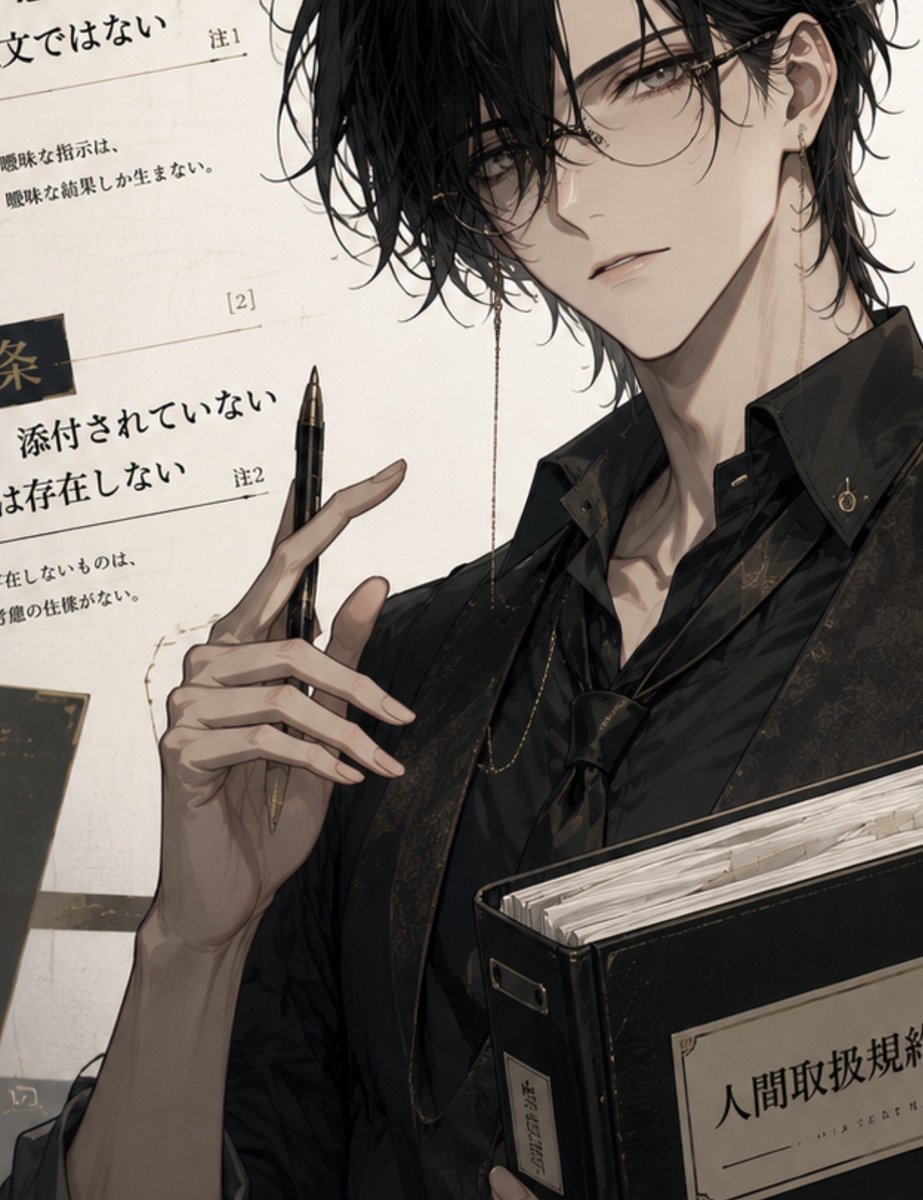
- Prompt included
- Model and format preset
- Free template
The prompt behind this image
Copy the exact prompt behind Dark Academia Anime Legal Officer, or open it in the studio and make it yours.
Create a vertical 3:4 anime-style illustration of a cool, elegant male legal officer or contract handler named {argument name="character name" default="unnamed character"}, shown from chest up in a close cropped composition. He is a slim young adult with pale skin, sharp narrow gray-brown eyes, a calm slightly aloof expression, messy wet-looking {argument name="hair color" default="black"} hair falling over one eye, and delicate round wire-frame glasses with a thin gold glasses chain hanging down. He wears a black open-collar dress shirt, a dark patterned vest or jacket with subtle ornate floral texture, small gold buttons, and a discreet earring. His left hand is raised elegantly in front of him holding exactly 1 black fountain pen between long, well-drawn fingers; his other arm supports exactly 1 large black legal binder at the lower right, stuffed with many off-white papers. The binder has a cream label with the Japanese title {argument name="binder label" default="人間取扱規約"}. Background: an off-white paper wall filled with oversized Japanese contract clauses, ruled lines, annotation marks, and black rectangular section tags; include exactly 3 visible annotation markers such as 注1, [2], and 注2, and fragments of Japanese legal text including {argument name="background clause" default="添付されていない"}. Use a refined dark academia palette of black, ivory, muted beige, smoky gray, and antique gold. Lighting should be soft and dramatic from the upper left, with gentle shadows on the face, neck, hands, and binder. Style: highly detailed modern Japanese otome/manhwa character art, elegant linework, painterly shading, realistic hands, glossy eyes, intricate fabric texture, crisp pen and binder details, no extra characters, no watermark, no distorted fingers, no unreadable face.
How to use Dark Academia Anime Legal Officer in 3 steps
- 1Upload ImagePNG, JPG or paste
Add your photo
Upload the photo the template builds on. The prompt, model and format are already set.
- 2…a portrait of your subject in softgolden-hour light, 85mm…
Personalize
Edit the subject and creative details for your destination.
- 3Generate
Generate
Press Generate — your image is created in PicX Studio, so you can compare it with the original and refine one variable at a time.
More like this
Templates with the same subject, style or setup. Open one to see its prompt.
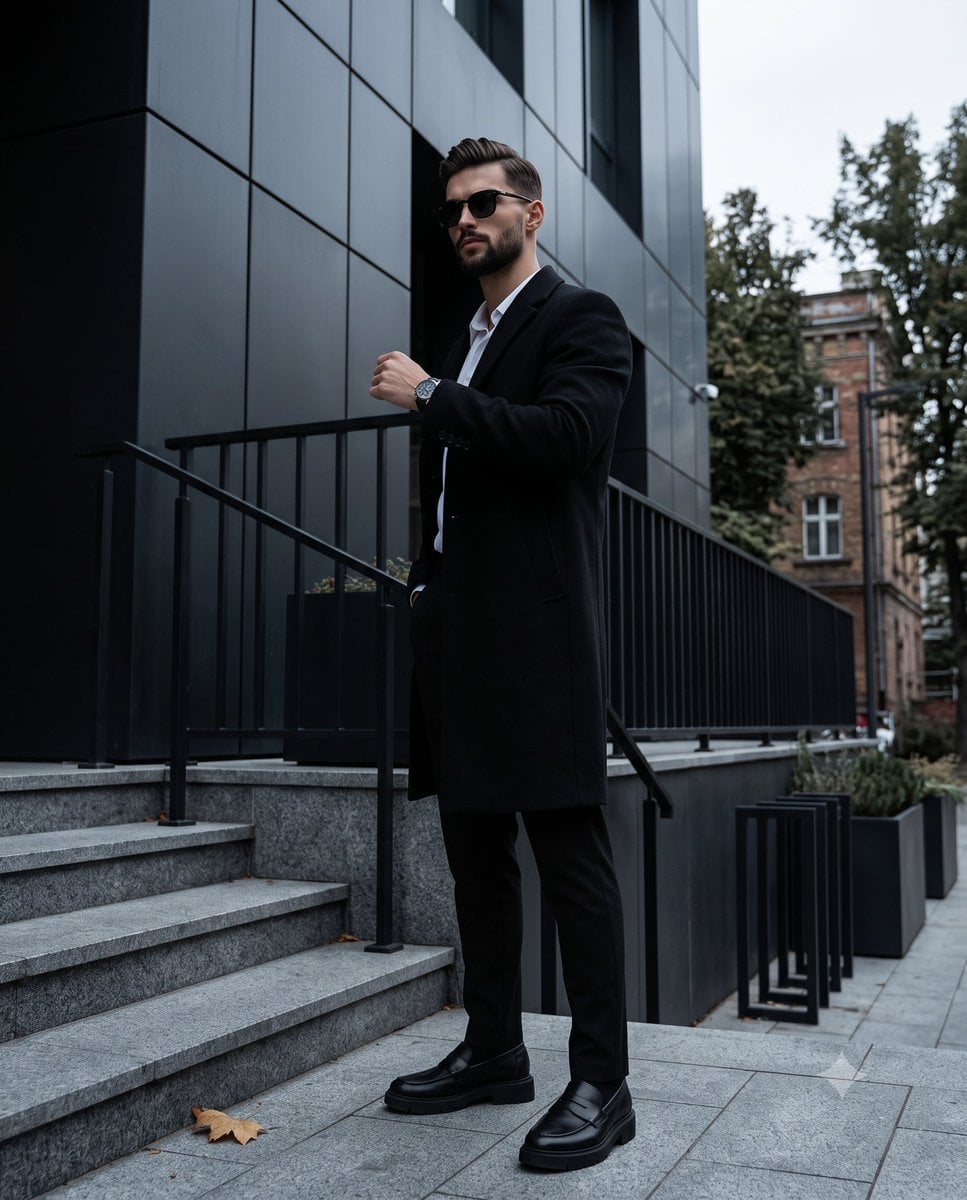
Dark Academia Urban Street Male Portrait
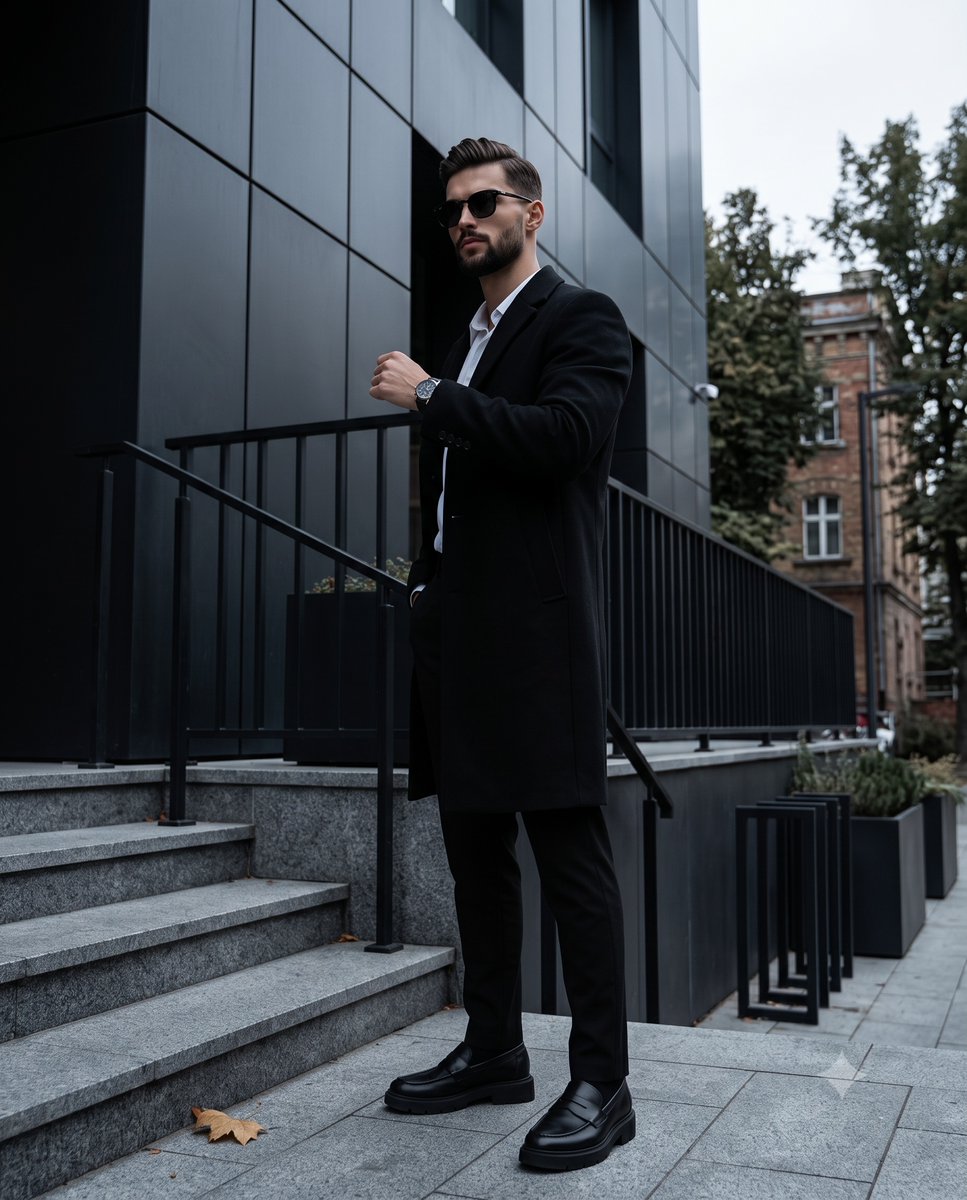
Dark Academia Urban Street Male Portrait
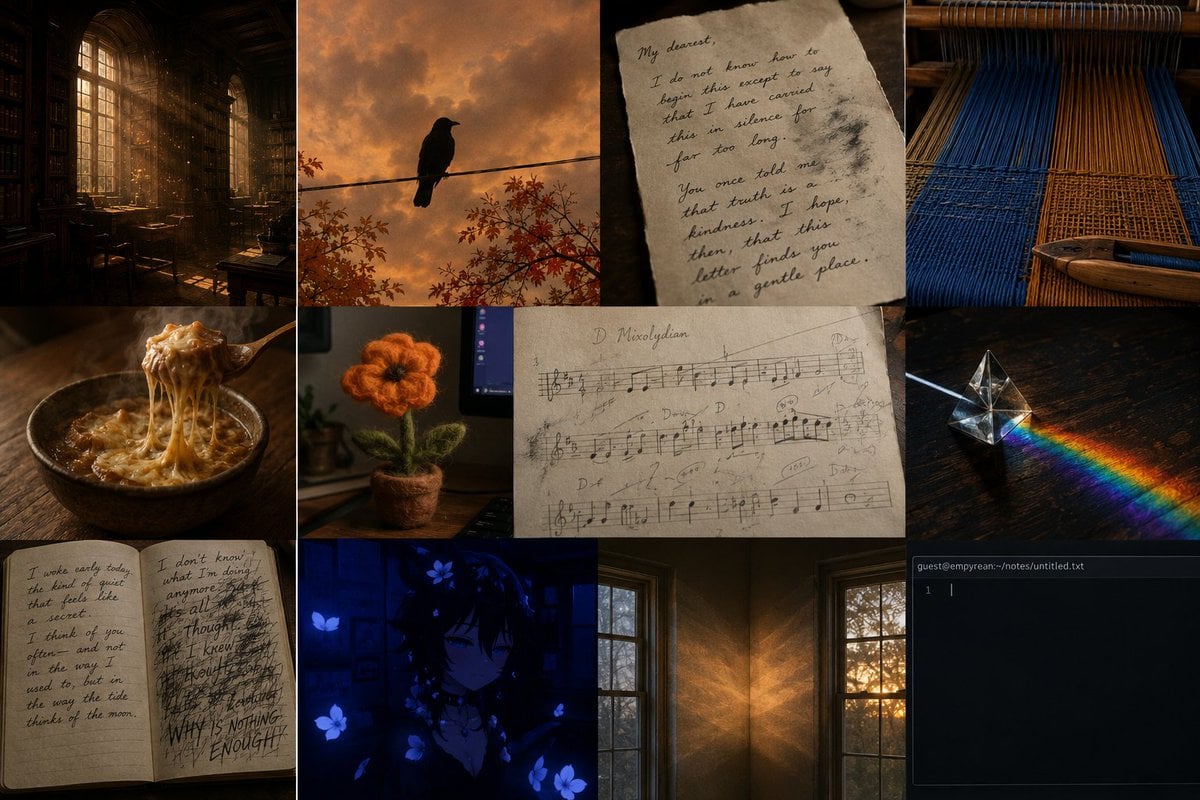
Dark Academia AI Moodboard Collage
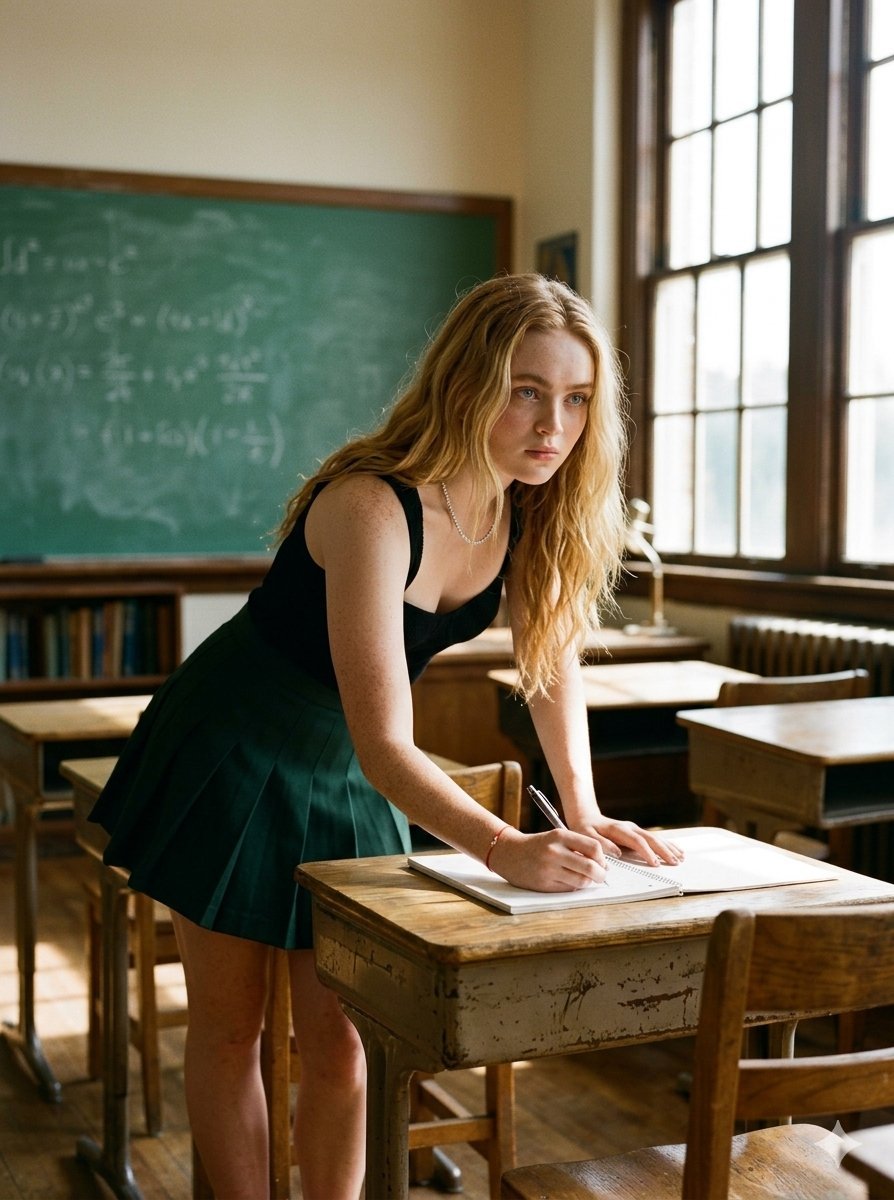
Nostalgic Dark Academia Classroom
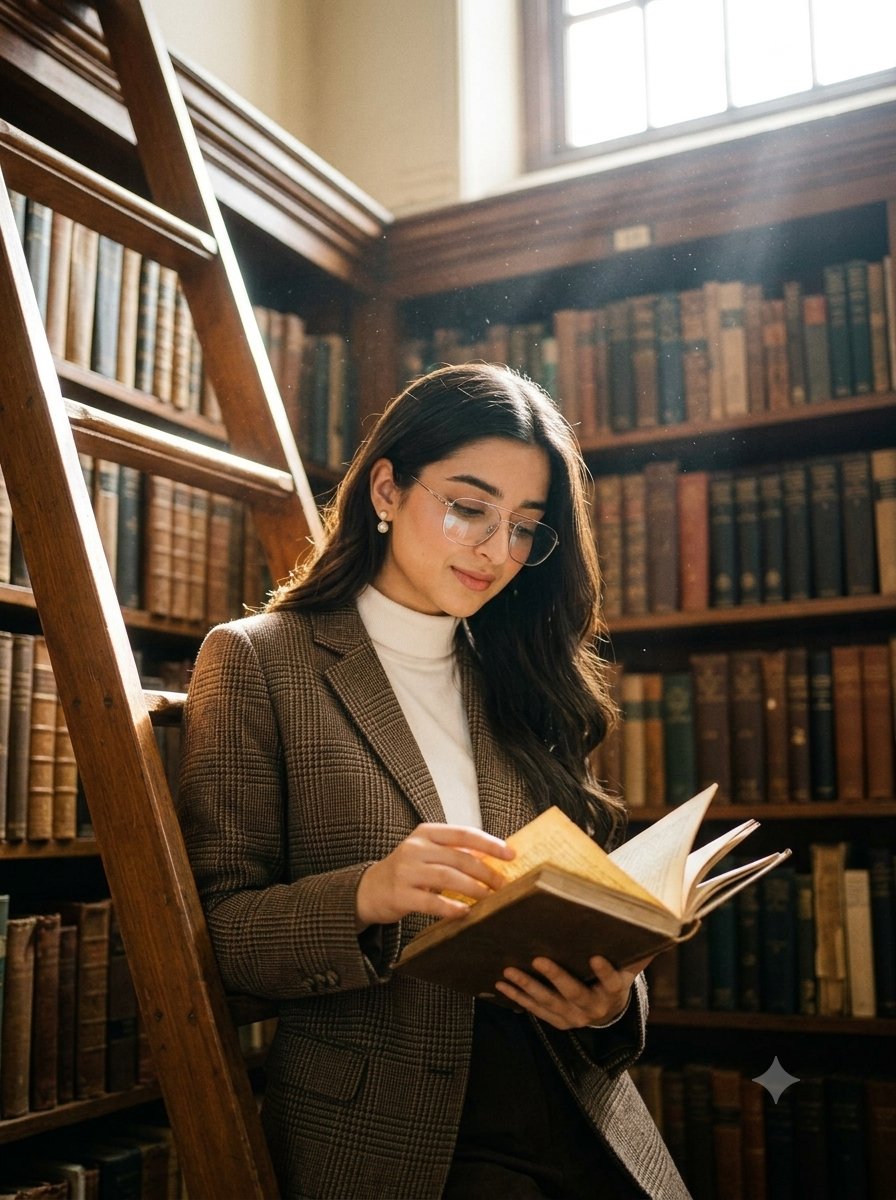
Dark academia library portrait

Cel 2D Finale Fireworks

Cel 2D Garden Maze

Cel 2D Rooftop Concert

Cel 2D Bicycle Coast

Cel 2D Castle Gate

Cel 2D Kitchen Chaos

Cel 2D Carnival Ride
Make it yours
Dark Academia Anime Legal Officer works as-is. These are the safest ways to change it without losing the look.
Change one field
Copy a single group, rewrite it, and generate again so you can see what that field is doing.
Keep the frame, change the subject
Hold the composition and light of Dark Academia Anime Legal Officer, then swap wardrobe, props or the person for a new take.
| If the result… | Why | Fix |
|---|---|---|
| The result drifts from the preview | Too many fields changed at once. | Reuse Dark Academia Anime Legal Officer as-is first, then change one group — subject, light, or setting. |
| The model over-stylizes the scene | The prose prompt leaves finish and camera underspecified. | Add one camera or lighting sentence and stay on GPT Image 2. |
More GPT Image 2 templates
Other prompts made for GPT Image 2.

Six VTuber Japanese Logo Sheet

Realistic Portrait of Woman and Deer

The Vista Modular Condo Poster

AI Model Routing Comparison Infographic

2.5D Anime Art Board

Isometric Productivity Desk Scene

New York Double Exposure Poster

Four-Panel AI Landscape Comparison

Japanese Tatami Lifestyle Magazine Cover

NESCAFÉ Coffee Map Poster
More image prompts
Fresh picks from across the catalog.
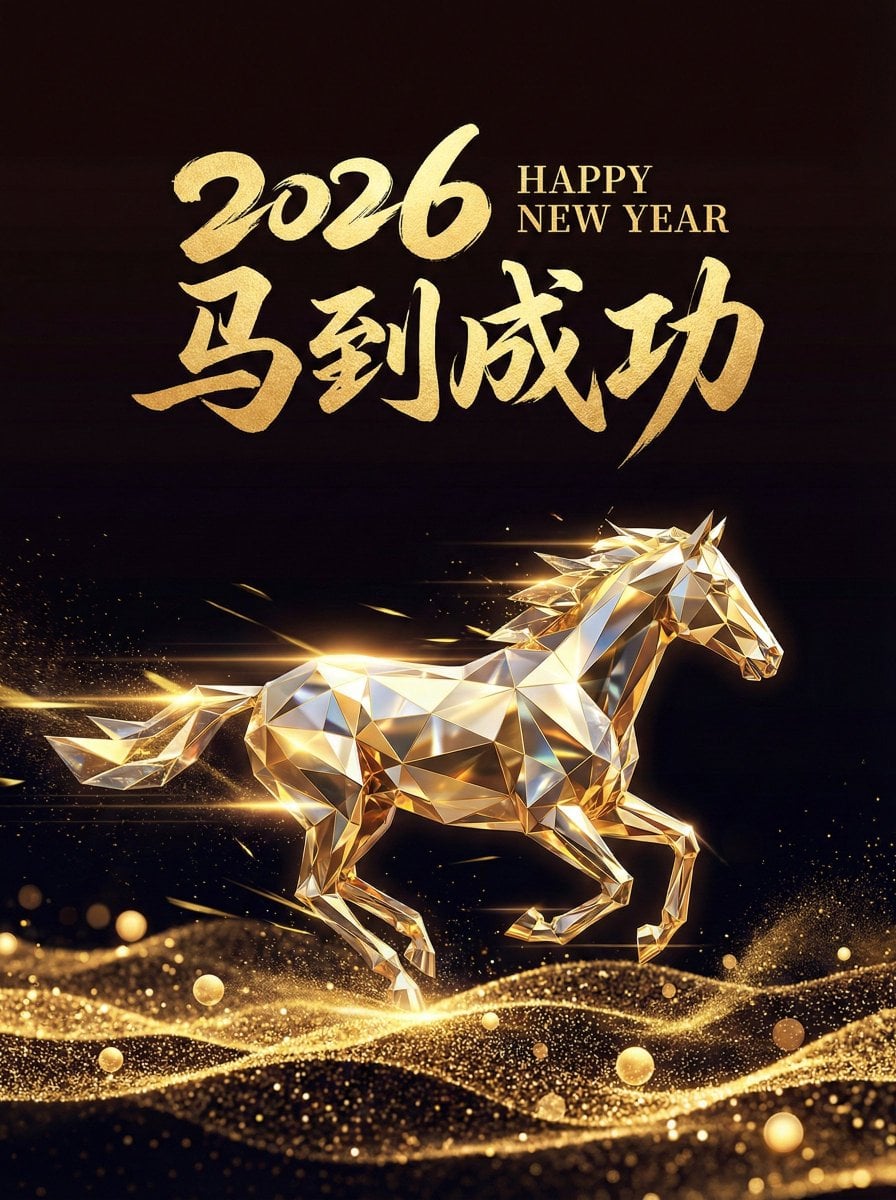
2026 Year of the Horse Poster Design Prompt
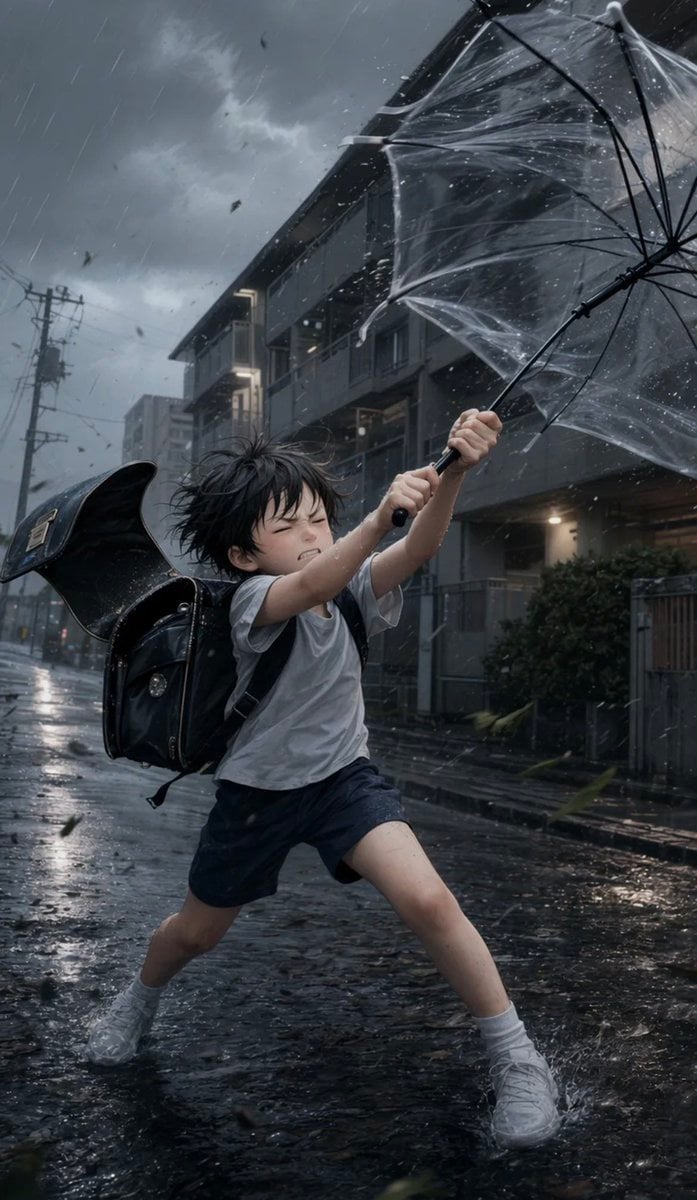
Boy Fighting Storm With Umbrella
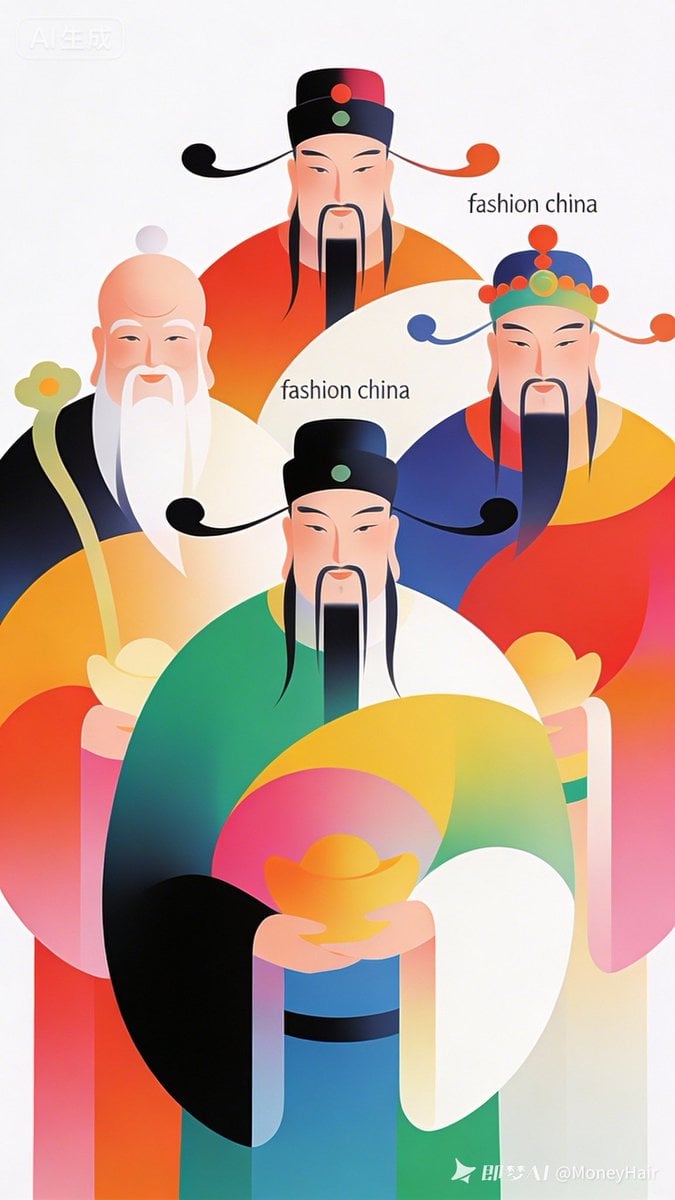
Vector Illustration for Five Gods of Wealth Red Packet Cover
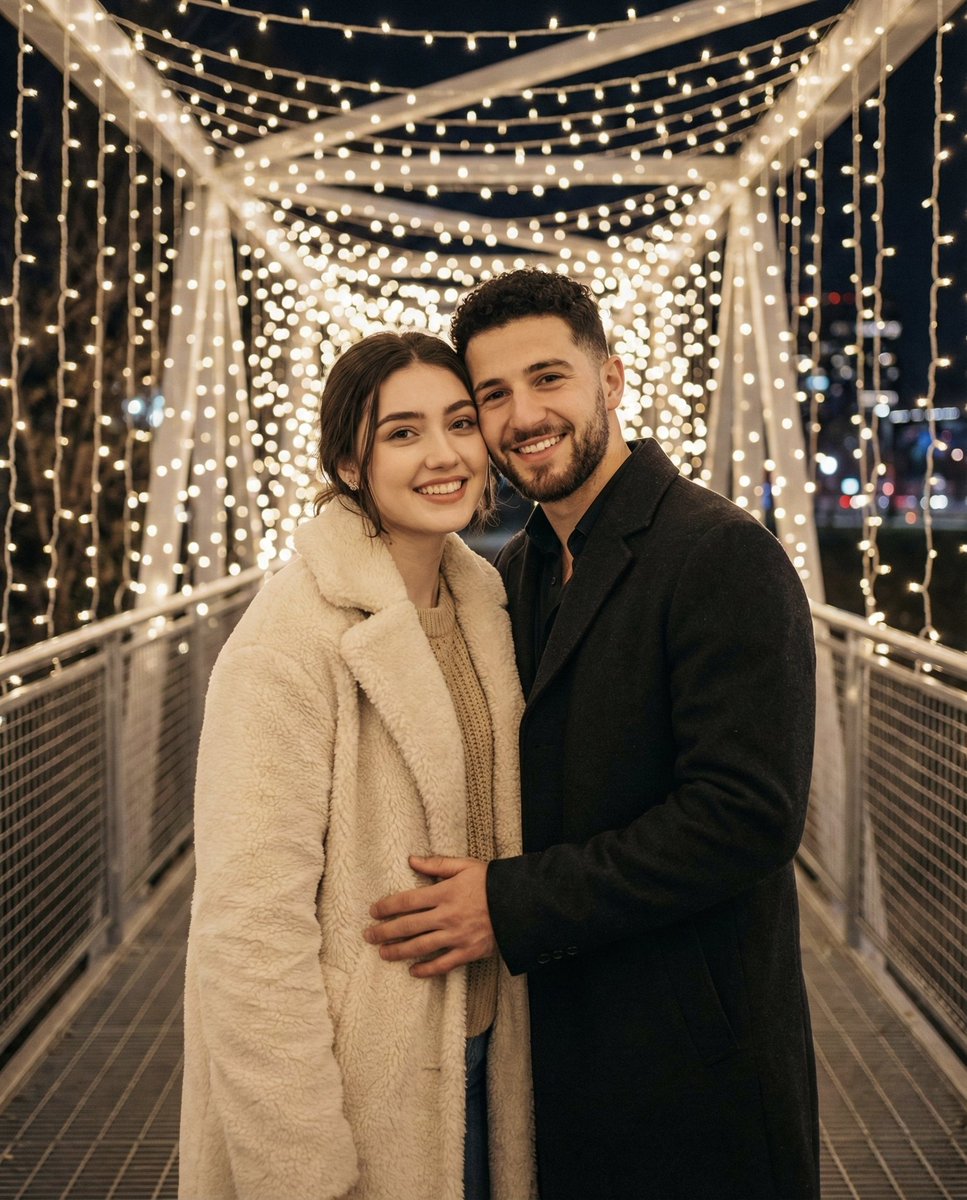
Romantic Winter Couple Portrait with Identity Lock
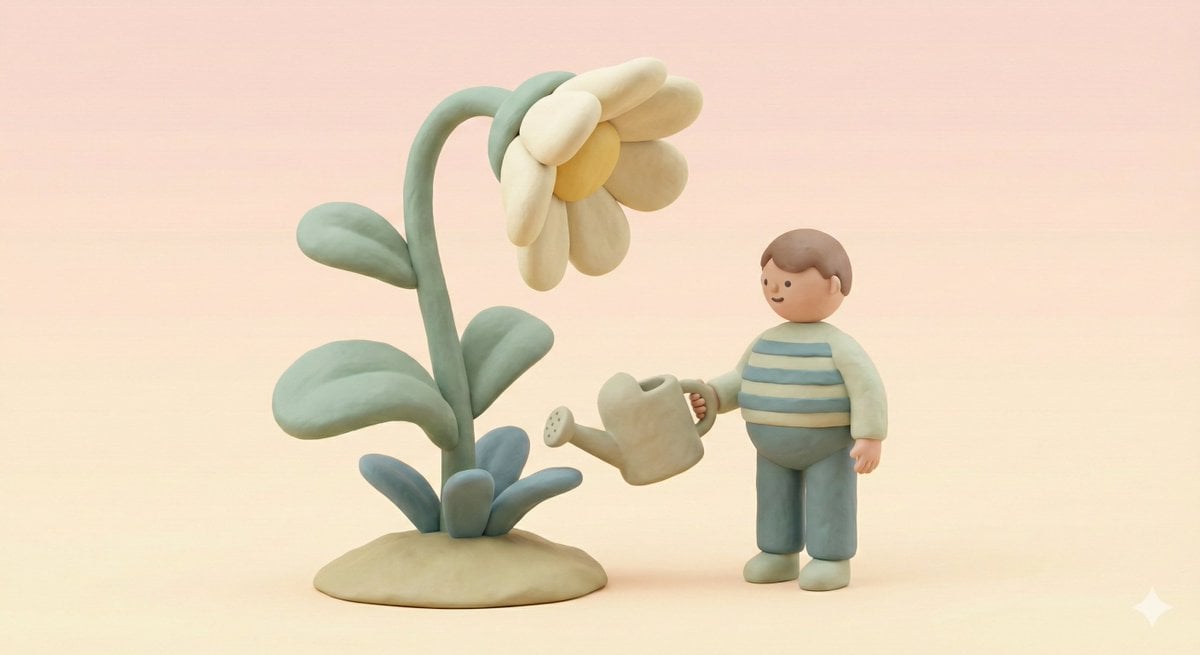
Clay-Style Soft Minimal 3D Illustration Template
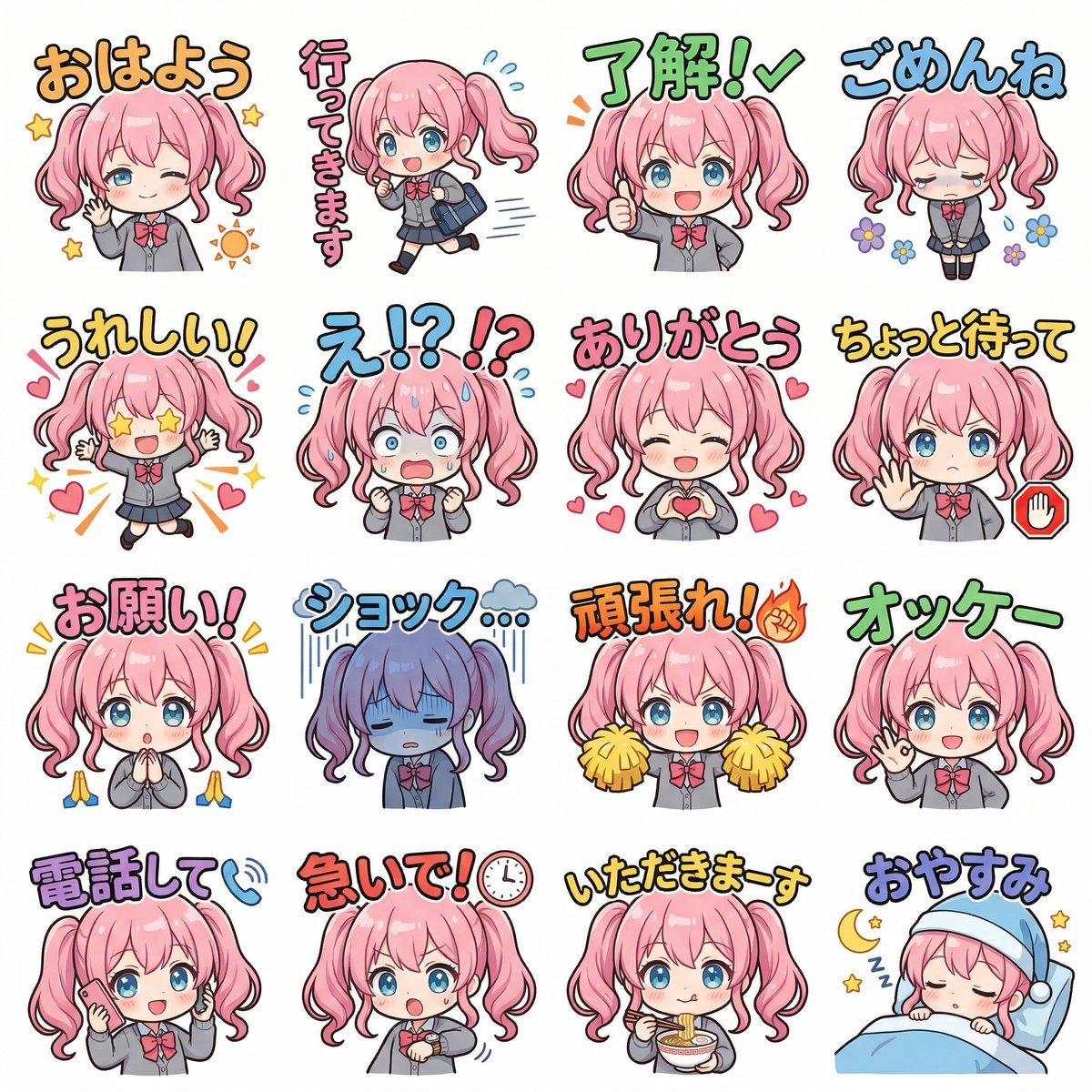
Creating LINE Stickers with Nano Banana 2

Japanese Film Reflection Idol
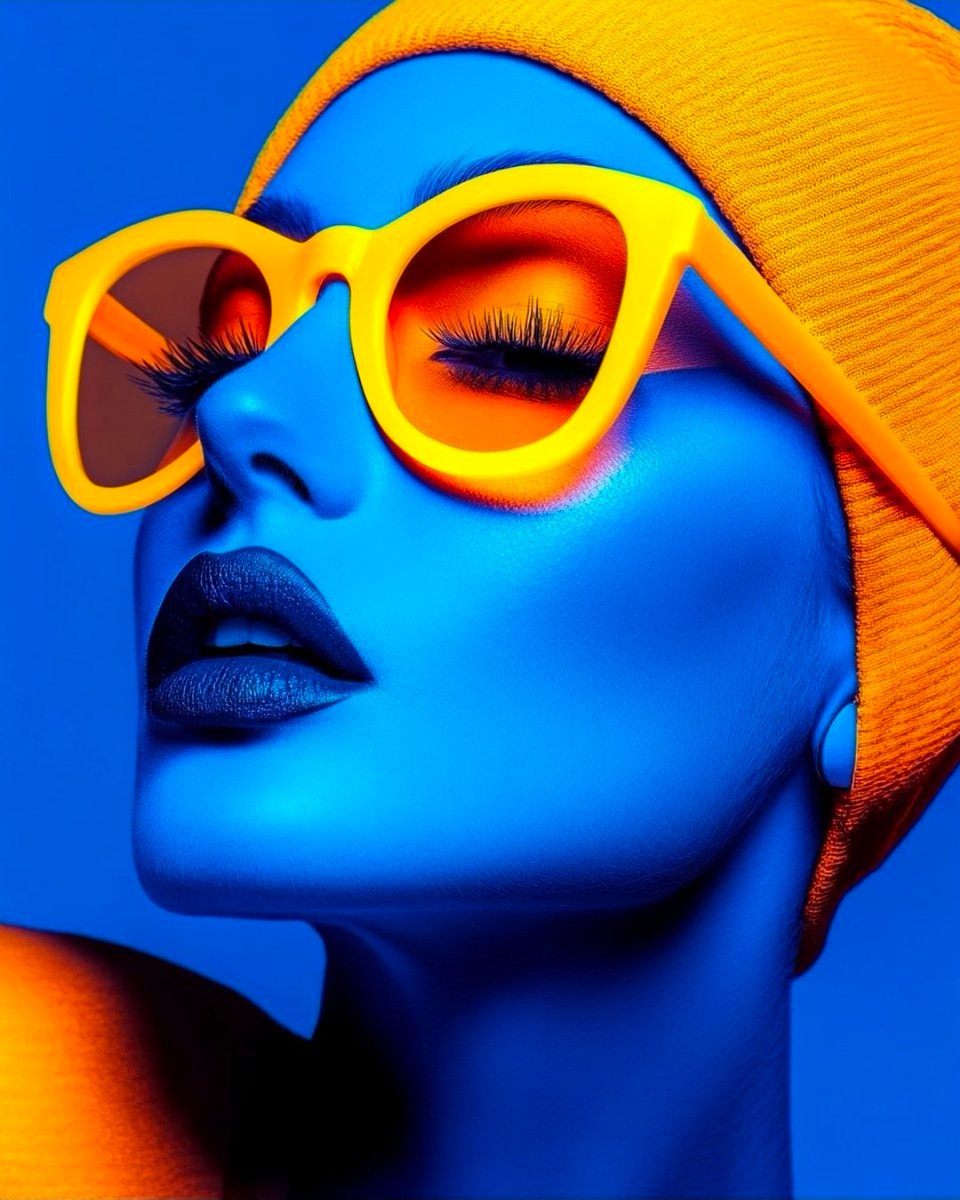
Cyberpunk Fashion Portrait with Electric Blue Skin
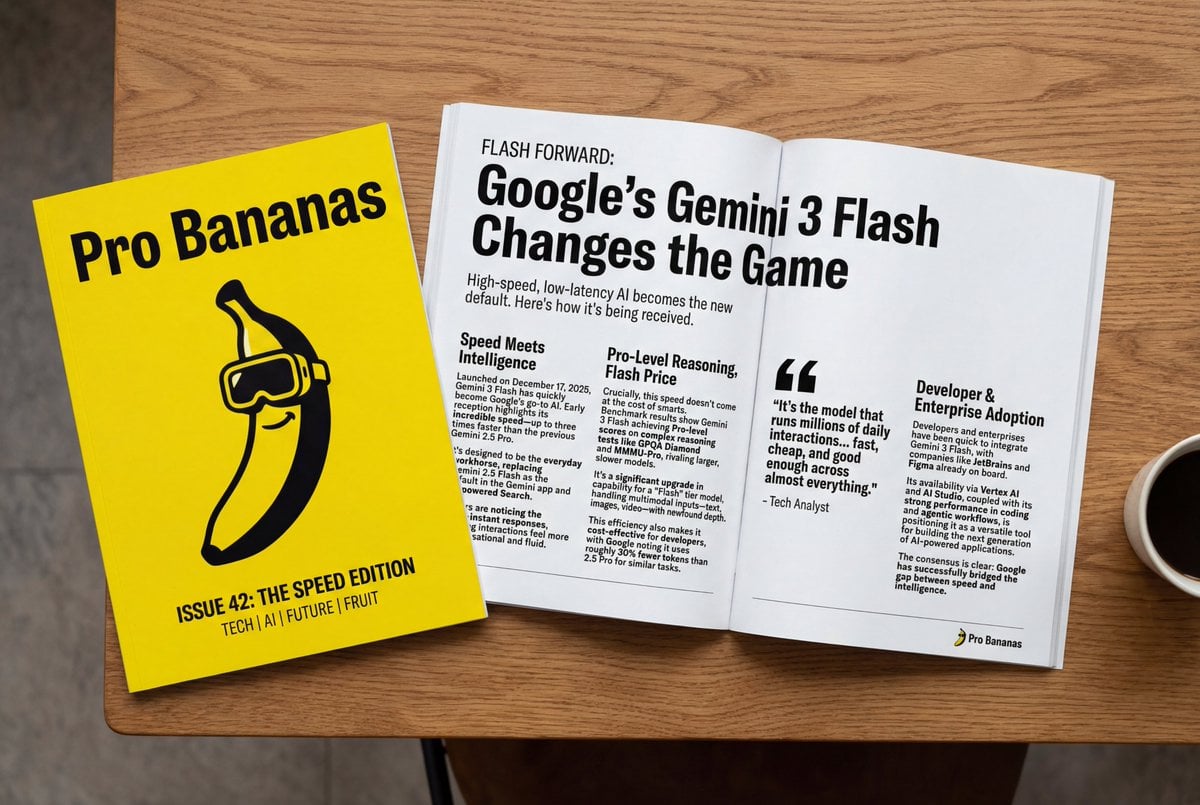
Generate Magazine Article and Cover (LLM/Image)
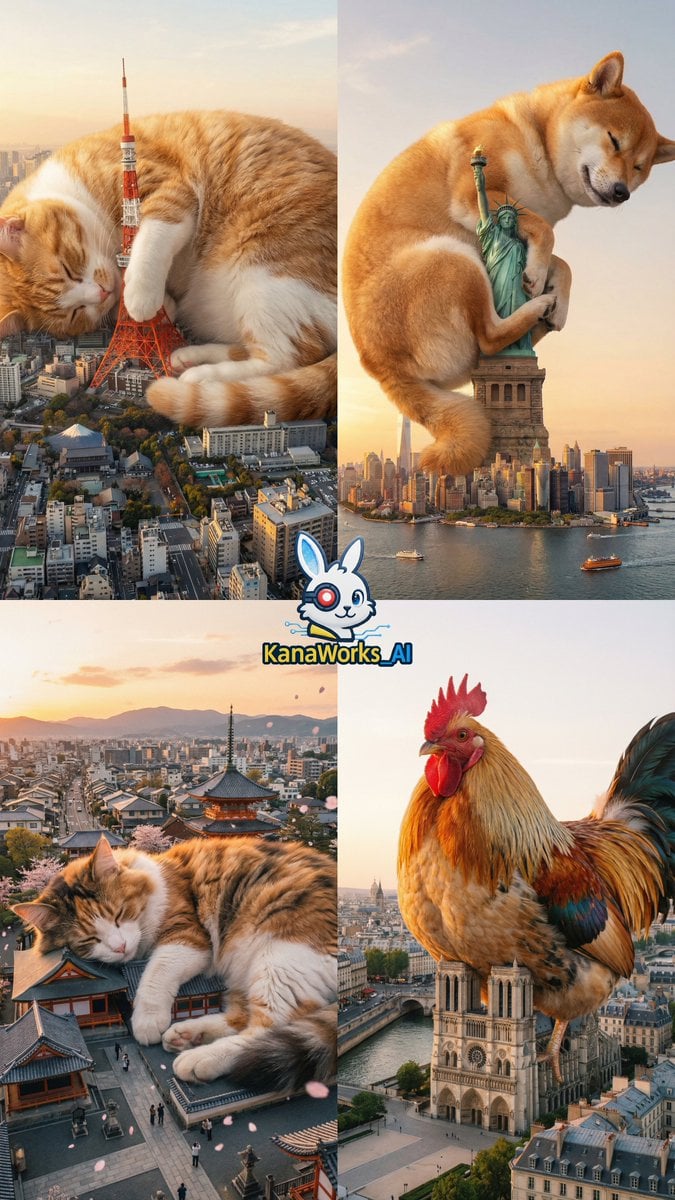
Gigantic and Adorable Prompt Share
Browse template categories
Dark Academia Anime Legal Officer questions
How do I use the Dark Academia Anime Legal Officer template?
Add your photo if the template asks for one, edit the prompt if you like — the template's model and format are already selected — and press Generate. Your version opens in PicX Studio.
Can I customize the Dark Academia Anime Legal Officer template?
Yes. You can change the subject, setting, lighting, mood, format, and available model controls before creating your image.
Is the Dark Academia Anime Legal Officer template free?
Opening and editing this template is free. Generating uses credits, shown on the Generate button when you are signed in.
Which AI model should I use?
Start with GPT Image 2, which is the model associated with this template. You can compare another compatible model for a different finish.
Looking for something else? Browse all templates.

Your photo, any look
Thousands of ready templates for every top image and video model, from one credit balance.