
Japanese AI Business Infographic
Generates a clean four-step Japanese infographic explaining how to connect AI ideas to practical business workflows.
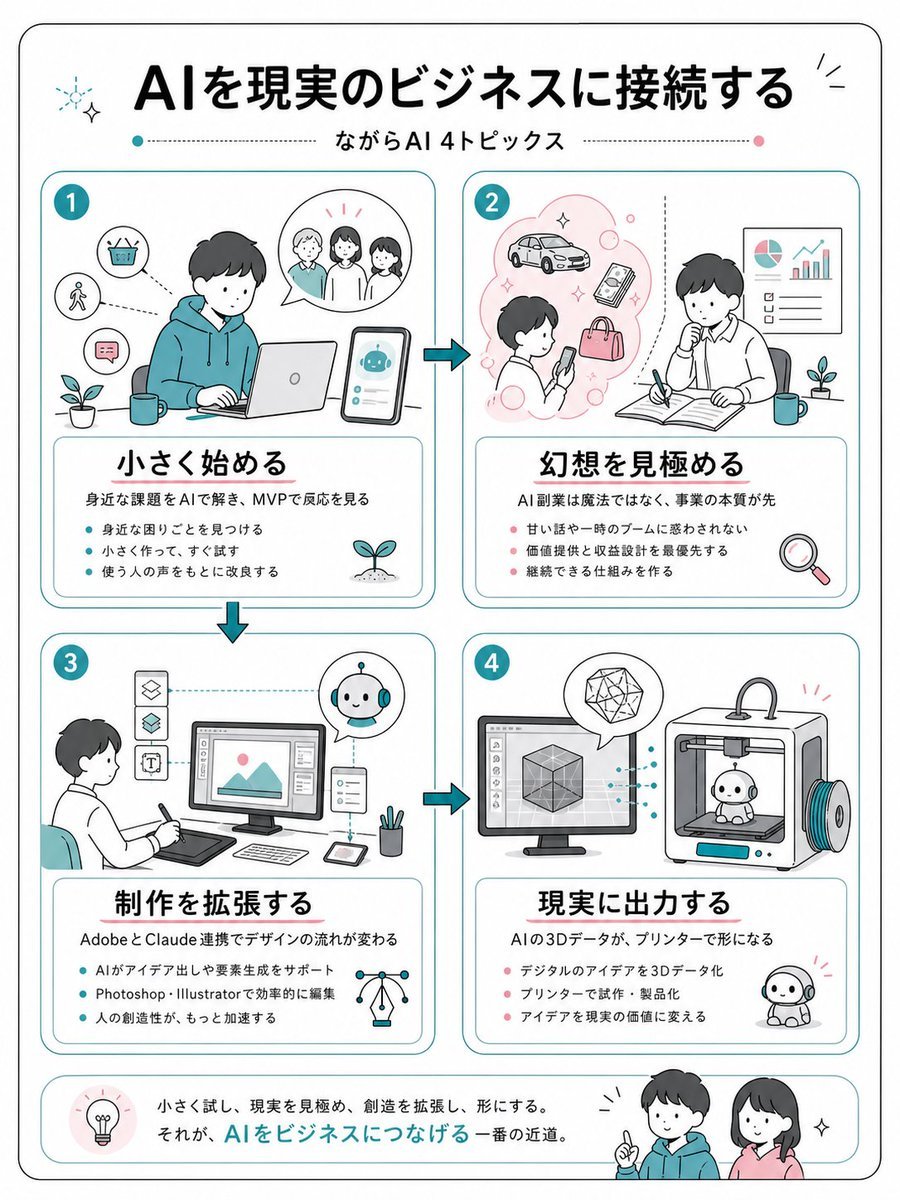
- Prompt included
- Model and format preset
- Premium template
The prompt behind this image
Copy the exact prompt behind Japanese AI Business Infographic, or open it in the studio and make it yours.
- Type
- clean Japanese business infographic poster
- Format
- vertical A4-like page with rounded black outer border on white background
- Style
- friendly flat line illustration, minimal teal and coral accent colors, soft rounded rectangles, hand-drawn business sketch feel, black Japanese gothic headline typography, thin teal dividers, small sparkle and plant icons
- Language
- Japanese
- Headline
- {argument name="headline text" default="AIを現実のビジネスに接続する"}
- Subtitle
- {argument name="subtitle text" default="ながらAI 4トピックス"}
- Layout › Top
- large centered headline with small decorative sparkles, subtitle below between dotted horizontal lines with teal and pink dots
- Layout › Main Grid
- four equal rounded cards arranged in a 2 by 2 grid, connected by teal arrow icons showing flow from 1 to 2, down to 3, across to 4
- Layout › Bottom Banner
- rounded summary strip with a lightbulb icon at left, Japanese closing sentence in the center, and two friendly characters at right
- Sections › 0 › Number
- 1
- Sections › 0 › Position
- top left
- Sections › 0 › Title
- {argument name="section 1 title" default="小さく始める"}
- Sections › 0 › Main Illustration
- young person in teal hoodie working on a laptop at a desk, smartphone beside them showing a cute AI robot chat interface, speech bubble with three people, small icons for basket, walking person, chat message, plant and mug
- Sections › 0 › Description
- 身近な課題をAIで解き、MVPで反応を見る
- Sections › 0 › Bullet Count
- 3
- Sections › 0 › Bullets
- 身近な困りごとを見つける, 小さく作って、すぐ試す, 使う人の声をもとに改良する
- Sections › 1 › Number
- 2
- Sections › 1 › Position
- top right
- Sections › 1 › Title
- {argument name="section 2 title" default="幻想を見極める"}
- Sections › 1 › Main Illustration
- person looking at a smartphone inside a pink idea cloud with car, phone, bag and bubbles; second person thinking while writing in an open notebook, wall chart with pie chart and rising bar graph, plant, mug, magnifying glass icon
- Sections › 1 › Description
- AI副業は魔法ではなく、事業の本質が先
- Sections › 1 › Bullet Count
- 3
- Sections › 1 › Bullets
- 甘い話や一時のブームに惑わされない, 価値提供と収益設計を最優先する, 継続できる仕組みを作る
- Sections › 2 › Number
- 3
Raw JSON
{"type":"clean Japanese business infographic poster","format":"vertical A4-like page with rounded black outer border on white background","style":"friendly flat line illustration, minimal teal and coral accent colors, soft rounded rectangles, hand-drawn business sketch feel, black Japanese gothic headline typography, thin teal dividers, small sparkle and plant icons","language":"Japanese","headline":"{argument name=\"headline text\" default=\"AIを現実のビジネスに接続する\"}","subtitle":"{argument name=\"subtitle text\" default=\"ながらAI 4トピックス\"}","layout":{"top":"large centered headline with small decorative sparkles, subtitle below between dotted horizontal lines with teal and pink dots","main_grid":"four equal rounded cards arranged in a 2 by 2 grid, connected by teal arrow icons showing flow from 1 to 2, down to 3, across to 4","bottom_banner":"rounded summary strip with a lightbulb icon at left, Japanese closing sentence in the center, and two friendly characters at right"},"sections":[{"number":"1","position":"top left","title":"{argument name=\"section 1 title\" default=\"小さく始める\"}","main_illustration":"young person in teal hoodie working on a laptop at a desk, smartphone beside them showing a cute AI robot chat interface, speech bubble with three people, small icons for basket, walking person, chat message, plant and mug","description":"身近な課題をAIで解き、MVPで反応を見る","bullet_count":3,"bullets":["身近な困りごとを見つける","小さく作って、すぐ試す","使う人の声をもとに改良する"]},{"number":"2","position":"top right","title":"{argument name=\"section 2 title\" default=\"幻想を見極める\"}","main_illustration":"person looking at a smartphone inside a pink idea cloud with car, phone, bag and bubbles; second person thinking while writing in an open notebook, wall chart with pie chart and rising bar graph, plant, mug, magnifying glass icon","description":"AI副業は魔法ではなく、事業の本質が先","bullet_count":3,"bullets":["甘い話や一時のブームに惑わされない","価値提供と収益設計を最優先する","継続できる仕組みを作る"]},{"number":"3","position":"bottom left","title":"{argument name=\"section 3 title\" default=\"制作を拡張する\"}","main_illustration":"designer seated with pen tablet facing a desktop monitor showing an image editing interface, vertical tool icons at left, small AI robot assistant in circular bubble, tablet, stylus, pen cup, network lightbulb icon","description":"AdobeとClaude連携でデザインの流れが変わる","bullet_count":3,"bullets":["AIがアイデア出しや要素生成をサポート","Photoshop・Illustratorで効率的に編集","人の創造性が、もっと加速する"]},{"number":"4","position":"bottom right","title":"{argument name=\"section 4 title\" default=\"現実に出力する\"}","main_illustration":"desktop monitor with 3D cube modeling software connected by dotted teal lines to a 3D printer printing a small cute robot figure, geometric crystal in speech bubble, finished robot mascot on the floor","description":"AIの3Dデータが、プリンターで形になる","bullet_count":3,"bullets":["デジタルのアイデアを3Dデータ化","プリンターで試作・製品化","アイデアを現実の価値に変える"]}],"bottom_summary":{"icon":"lightbulb in a pale pink circle","text":"小さく試し、現実を見極め、創造を拡張し、形にする。\nそれが、AIをビジネスにつなげる一番の近道。","characters":"two smiling young people, one in teal hoodie pointing upward and one woman in pink top, with small sparkle marks"},"visual_requirements":"Use exactly 4 numbered topic cards, exactly 3 bullet points in each card, Japanese text must be crisp and readable, maintain generous margins, rounded corners, teal card borders, coral bullet dots in sections 2 and 4, teal bullet dots in sections 1 and 3, no photorealism."}How to use Japanese AI Business Infographic in 3 steps
- 1Upload ImagePNG, JPG or paste
Add your photo
Upload the photo the template builds on. The prompt, model and format are already set.
- 2…a portrait of your subject in softgolden-hour light, 85mm…
Personalize
Edit the subject and creative details for your destination.
- 3Generate
Generate
Press Generate — your image is created in PicX Studio, so you can compare it with the original and refine one variable at a time.
More like this
Templates with the same subject, style or setup. Open one to see its prompt.

Gpt2 Infographic Edu Visual Japanese Sci Fi Suit Up Process Board

Minecraft Japanese Research Lab Exploration

Japan Travel Brochure Poster
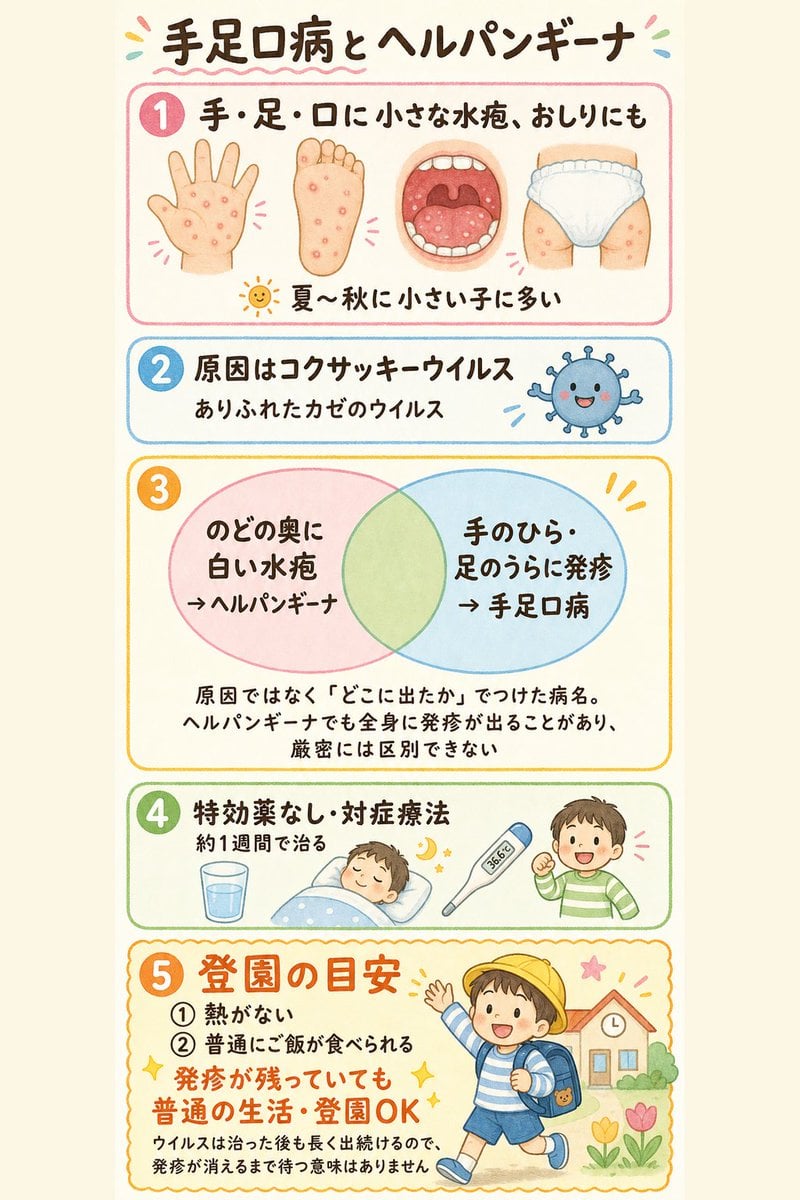
Japanese Pediatric Disease Infographic
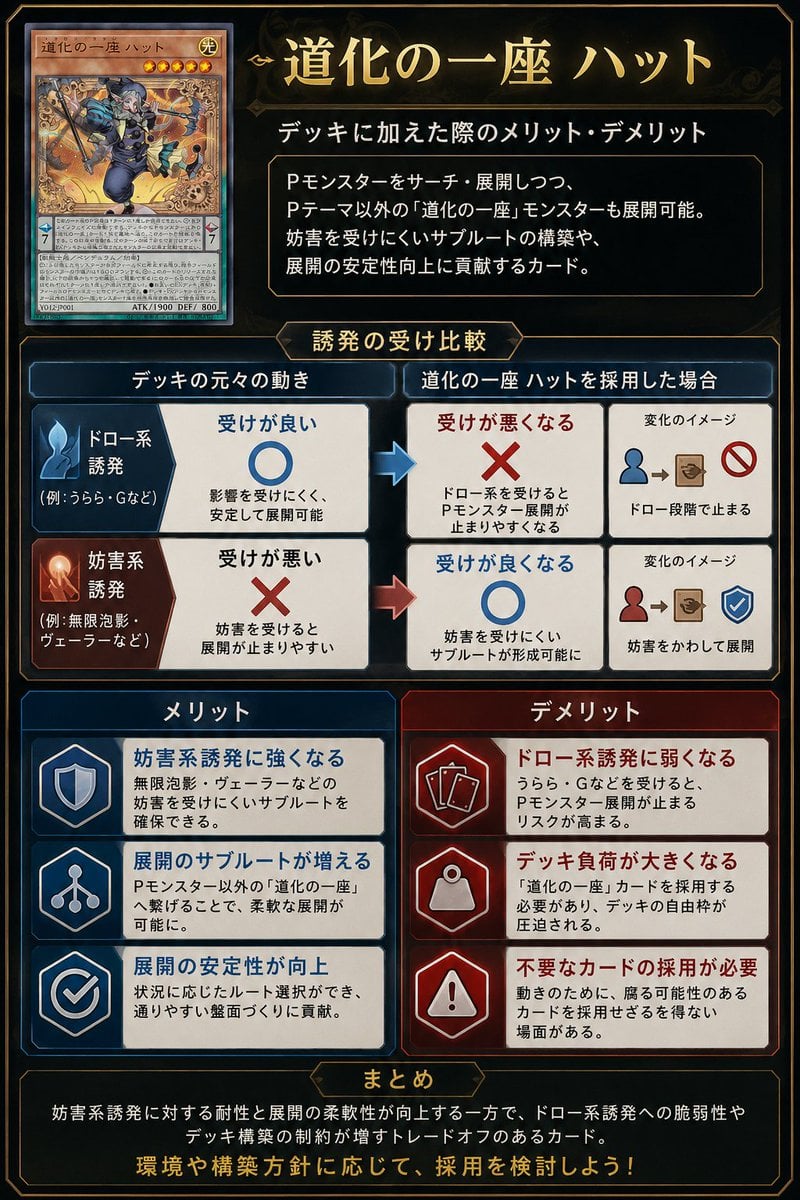
Japanese TCG Strategy Infographic
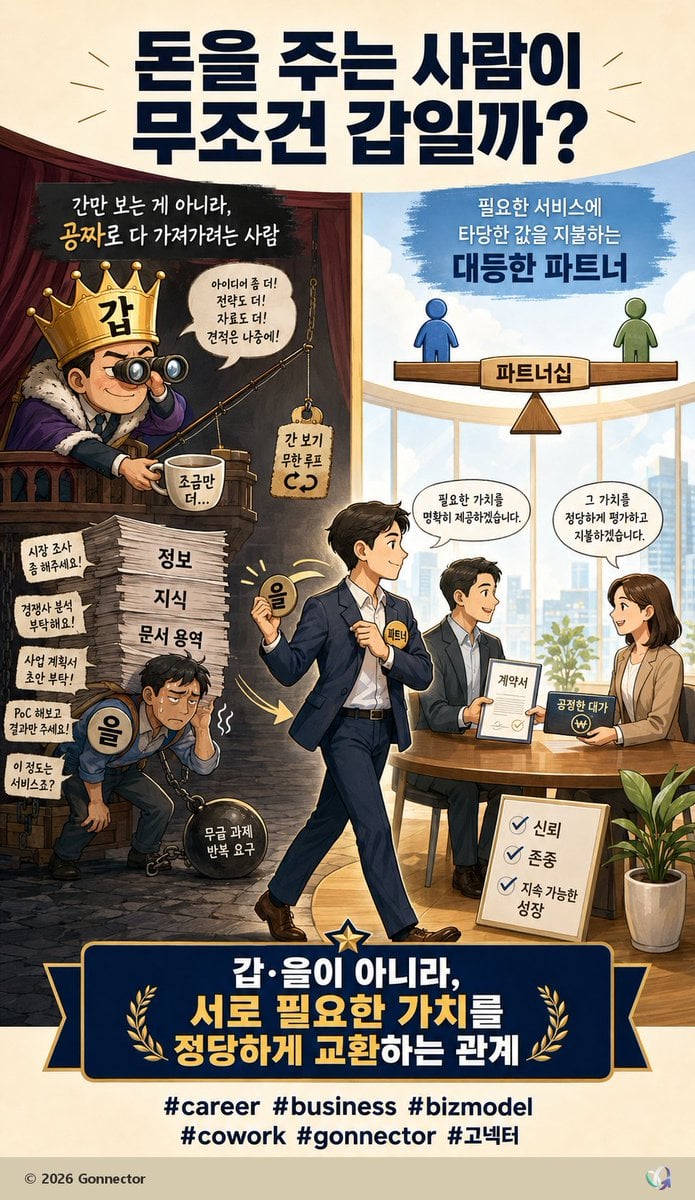
Fair Partnership Business Infographic
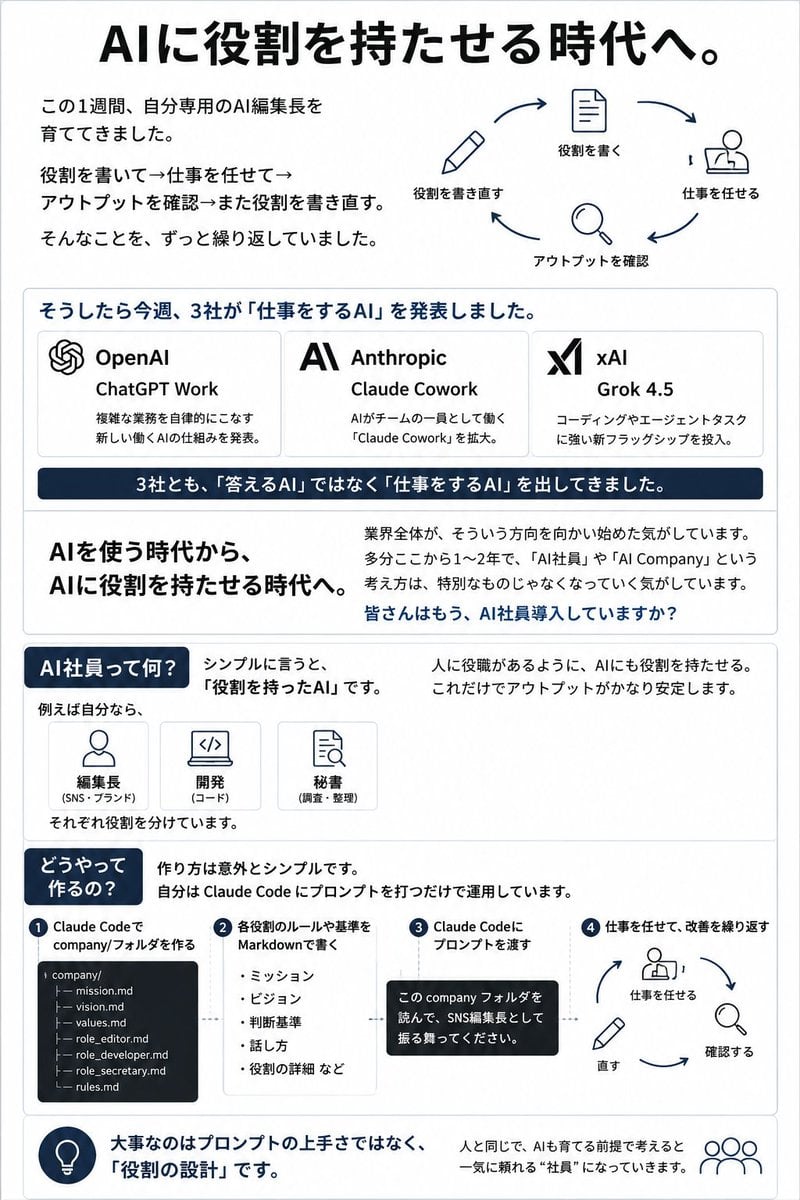
Japanese AI Employee Infographic
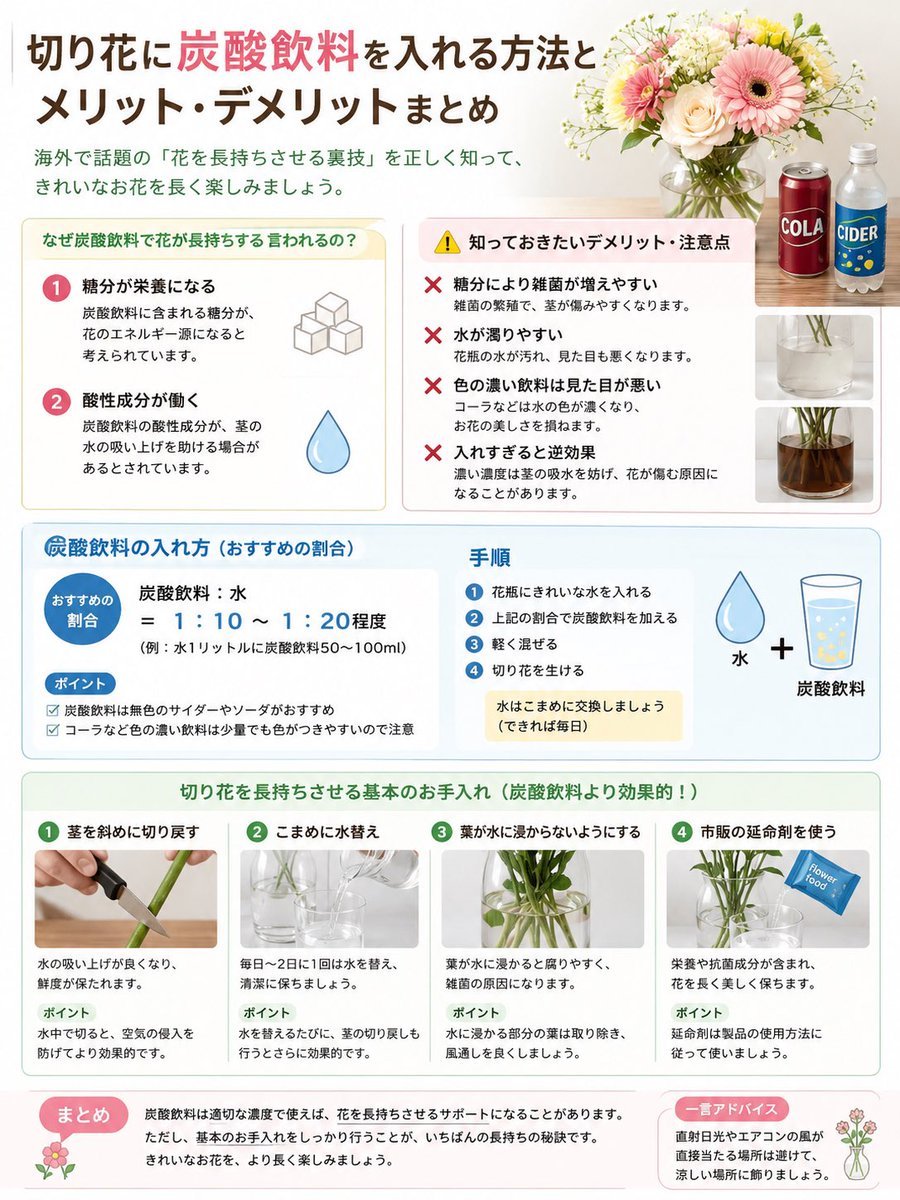
Japanese Cut Flower Soda Care Infographic

Japanese Architectural Concrete Studio Fashion Campaign

Japanese Minimalist Concrete Studio Fashion Editorial

Blue Backdrop Luxury Fashion Portrait Campaign

Isometric Process Educational Diorama
Make it yours
Japanese AI Business Infographic works as-is. These are the safest ways to change it without losing the look.
Change one field
Copy a single group, rewrite it, and generate again so you can see what that field is doing.
Keep the frame, change the subject
Hold the composition and light of Japanese AI Business Infographic, then swap wardrobe, props or the person for a new take.
| If the result… | Why | Fix |
|---|---|---|
| The result drifts from the preview | Too many fields changed at once. | Reuse Japanese AI Business Infographic as-is first, then change one group — subject, light, or setting. |
| GPT Image 2 ignores part of the JSON | Some models flatten or skip nested keys. | Keep the same values and paste them as a short paragraph instead. |
More GPT Image 2 templates
Other prompts made for GPT Image 2.

Six VTuber Japanese Logo Sheet

Realistic Portrait of Woman and Deer

The Vista Modular Condo Poster

AI Model Routing Comparison Infographic

2.5D Anime Art Board

Isometric Productivity Desk Scene

New York Double Exposure Poster

Four-Panel AI Landscape Comparison

Japanese Tatami Lifestyle Magazine Cover

NESCAFÉ Coffee Map Poster
More image prompts
Fresh picks from across the catalog.

Two Ages Studio Portrait
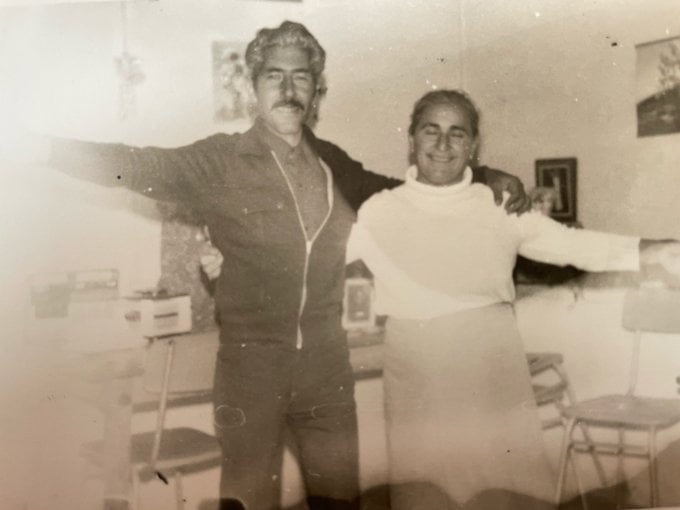
Old photo restoration to modern digital portrait
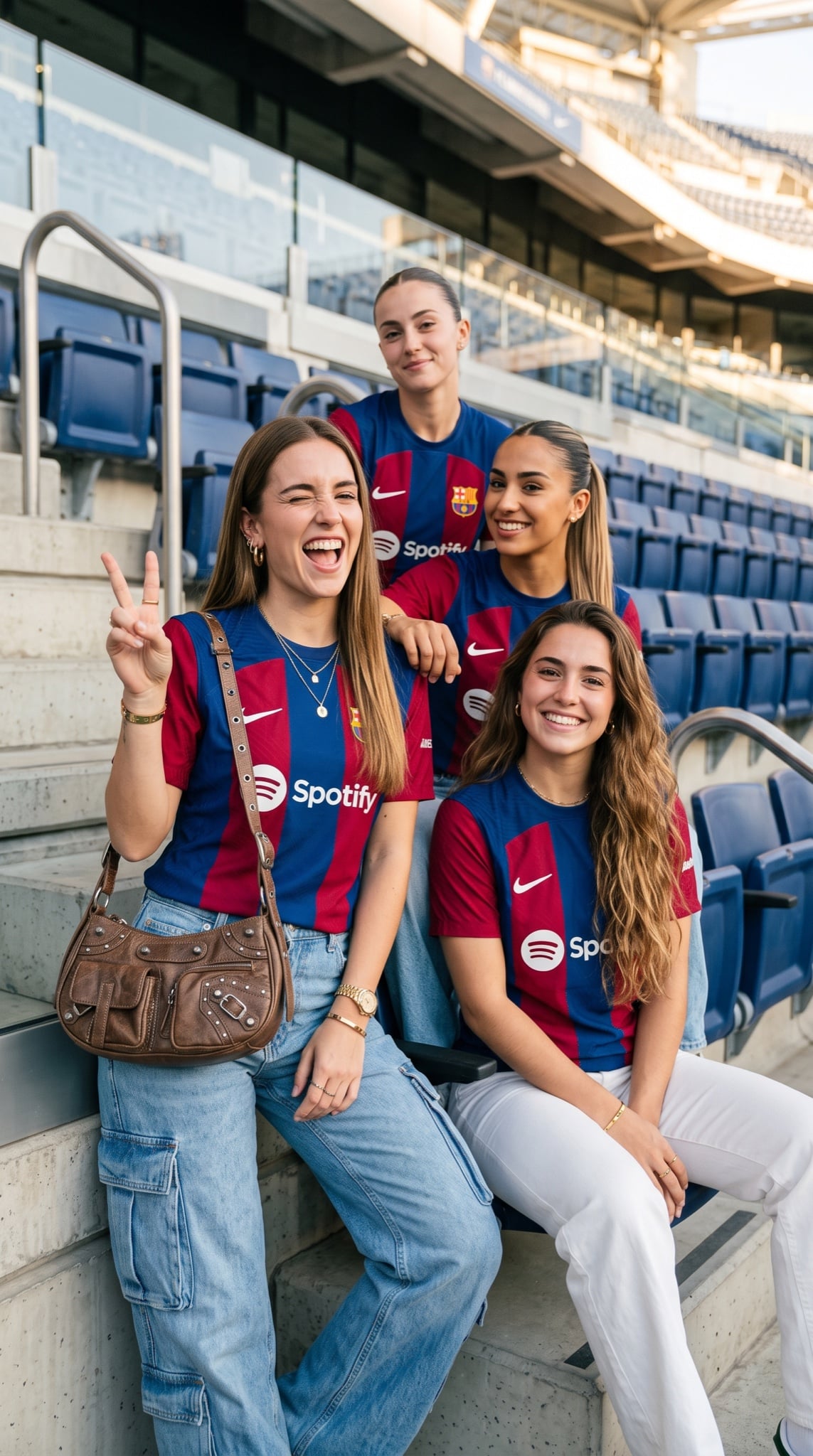
Barcelona Fan Girls Group Portrait

Gen Z TikTok Viral Expression Grid 4x4 — Nano Banana

Quiet Luxury Travel Photography (Amalfi Coast)

PCB Word Art Schematic for 'Tesla'
Hyper-Realistic Commercial Beverage Photography Prompt
Japanese Creative Agency Poster
3D Render of Boy and Furry Monster on Scooter
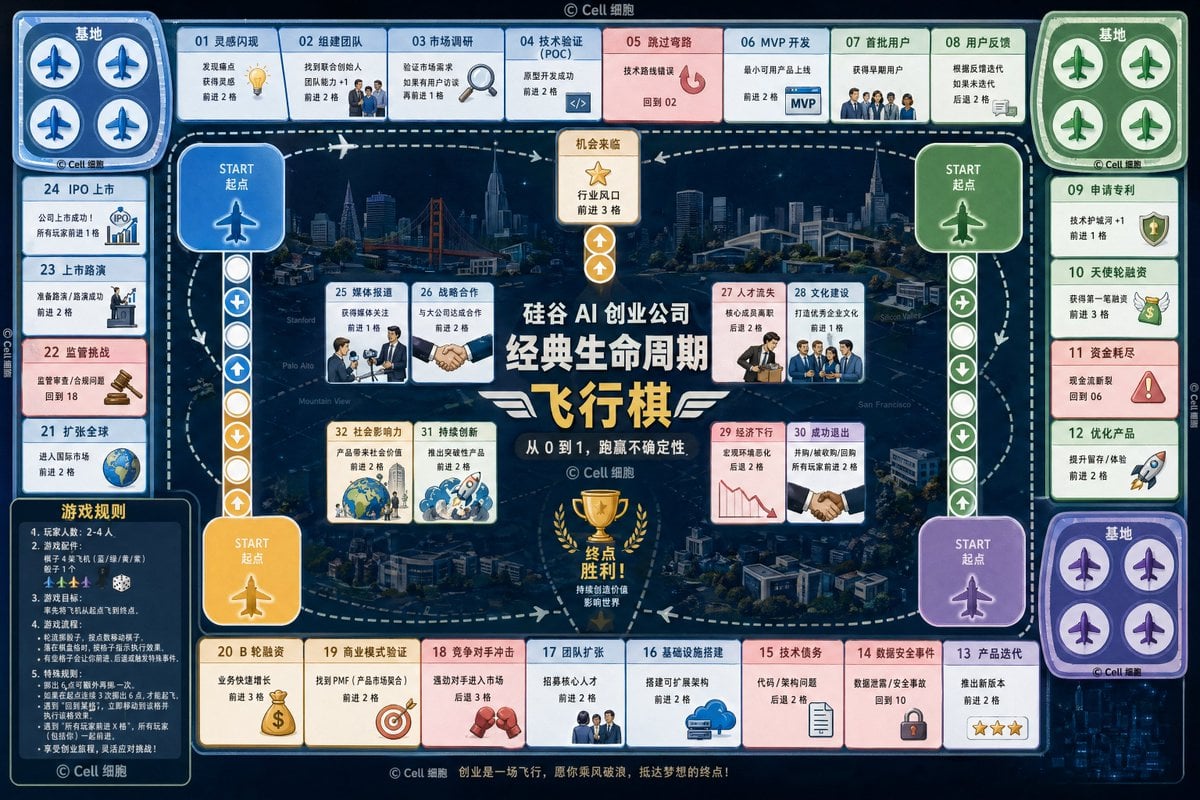
AI Startup lifecycle game prompt
Browse template categories
Japanese AI Business Infographic questions
How do I use the Japanese AI Business Infographic template?
Add your photo if the template asks for one, edit the prompt if you like — the template's model and format are already selected — and press Generate. Your version opens in PicX Studio.
Can I customize the Japanese AI Business Infographic template?
Yes. You can change the subject, setting, lighting, mood, format, and available model controls before creating your image.
Is the Japanese AI Business Infographic template free?
Opening and editing this template is free. Generating uses credits, shown on the Generate button when you are signed in.
Which AI model should I use?
Start with GPT Image 2, which is the model associated with this template. You can compare another compatible model for a different finish.
Looking for something else? Browse all templates.

Your photo, any look
Thousands of ready templates for every top image and video model, from one credit balance.