
Fair Partnership Business Infographic
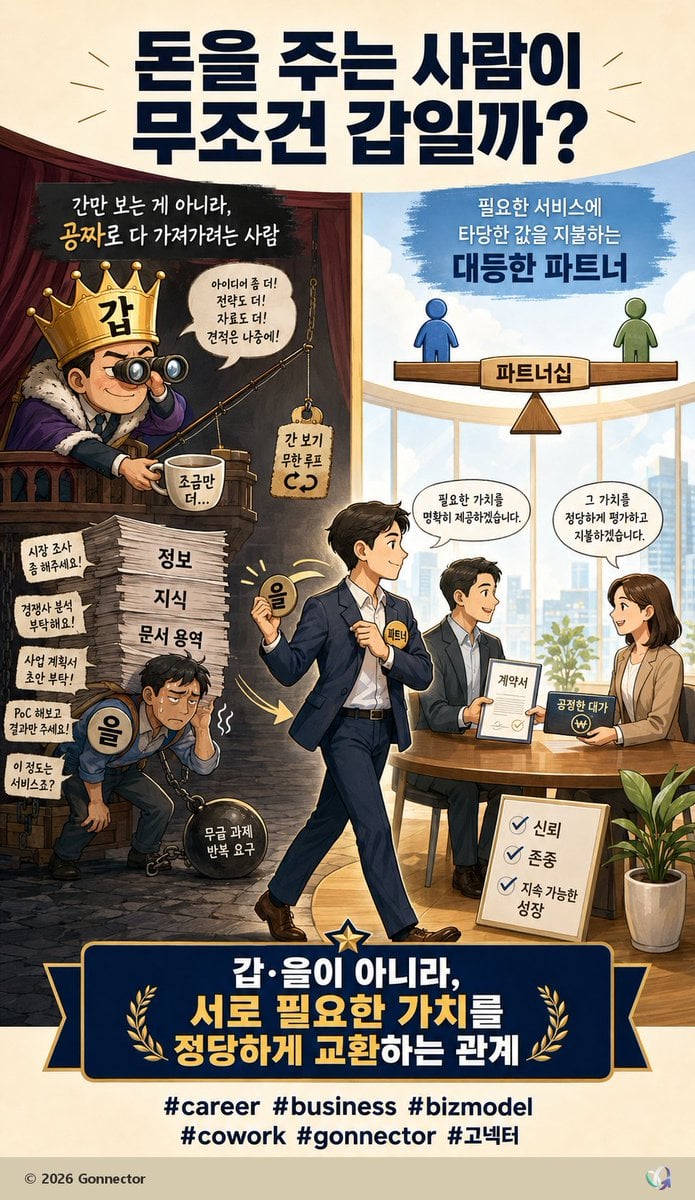
A vertical Korean business infographic illustrating the shift from exploitative client-vendor hierarchy to equal value-based partnership.
- Prompt included
- Model and format preset
- Premium template
The prompt behind this image
Copy the exact prompt behind Fair Partnership Business Infographic, or open it in the studio and make it yours.
Goal: Create a vertical Korean editorial infographic poster about business relationships, contrasting an exploitative “client as boss / vendor as subordinate” mindset with a fair partnership based on exchanging value. Use a polished GPT-image style digital illustration with clear Korean typography, warm lighting, and a split-scene narrative. Canvas: Vertical 9:16 poster, cream paper background, high-resolution, suitable for a social media post. Main palette: navy, gold, cream, warm brown, sky blue, and business-office neutrals. Top headline: Large bold dark navy Korean headline centered at the top: {argument name="headline text" default="돈을 주는 사람이\n무조건 갑일까?"}. Add small decorative radiating lines on both sides. Layout: Divide the central image into two contrasting halves. Left half is dark, cramped, theatrical, and exploitative; right half is bright, airy, professional, and collaborative. A central walking businessman bridges the two worlds, moving from left to right. Bottom contains a large navy-and-gold banner statement and hashtags. Left half, exploitative side: Show a smug king-like client on a balcony wearing a gold crown labeled “갑”, holding binoculars and fishing for free value. He sits in a dark red-brown booth with dramatic shadows. Include a speech bubble saying “아이디어 좀 더!\n전략도 더!\n자료도 더!\n견적은 나중에!” and a small hanging sign saying “간 보기\n무한 루프”. Near him, show a cup labeled “조금만 더...”. Below, depict an exhausted worker labeled “을”, hunched over and chained to a heavy black ball labeled “무급 과제\n반복 요구”. He carries the burden while standing beside a tall stack of papers labeled in three visible layers: “정보”, “지식”, “문서 용역”. Include exactly 5 small request notes on the left wall/stack area: 1) “시장 조사\n좀 해주세요!”, 2) “경쟁사 분석\n부탁해요!”, 3) “사업 계획서\n초안 부탁!”, 4) “PoC 해보고\n결과만 주세요!”, 5) “이 정도는\n서비스죠?” At the top of this left scene write: “간만 보는 게 아니라,\n공짜로 다 가져가려는 사람”, with “공짜로” emphasized in gold. Right half, partnership side: Show a bright modern office with large windows, city skyline, blue sky, and a clean round meeting table. At the top, a balance scale diagram shows two simple human icons on a wooden seesaw: blue figure on the left and green figure on the right, balanced equally. The center support is labeled “파트너십”. Above it write: “필요한 서비스에\n타당한 값을 지불하는\n대등한 파트너”, emphasizing “대등한 파트너” in bold navy. At the meeting table, show exactly 3 professionals: one seated man holding a contract, one seated woman smiling and holding a payment card or payment symbol, and the central walking man approaching as the partner. Add speech bubbles: from the central/left professional, “필요한 가치를\n명확히 제공하겠습니다.” and from the woman, “그 가치를\n정당하게 평가하고\n지불하겠습니다.” Include a document labeled “계약서”, a payment object labeled “공정한 대가”, and a floor sign with exactly 3 checkmarked values: “신뢰”, “존중”, “지속 가능한\n성장”. Add a potted plant at lower right. Central character: A confident Korean businessman in a navy suit walks from the dark left side into the bright right side, holding a glowing coin labeled “을” in one hand and wearing a small badge labeled “파트너”. He should look calm, empowered, and optimistic, symbolizing transition from subordinate vendor to equal partner. Bottom banner: Large dark navy ribbon plaque with gold trim, a central star at the top, and two gold laurel branches. Main Korean statement in bold white and gold: {argument name="bottom statement" default="갑·을이 아니라,\n서로 필요한 가치를\n정당하게 교환하는 관계"}. Below the banner, include exactly 6 hashtags in dark navy: {argument name="hashtags" default="#career #business #bizmodel\n#cowork #gonnector #고넥터"}. Footer: small text at bottom left “© 2026 Gonnector” and a tiny abstract multicolor logo at bottom right. Visual style: Semi-realistic editorial cartoon illustration, clean linework, Korean webtoon-infographic influence, cinematic lighting contrast between left and right, high readability, crisp typography, professional business storytelling. Make the text look intentionally designed and aligned, not random. Constraints: Keep all Korean text legible and spelled as written. Use exactly the counted elements: 5 request notes, 3 paper-stack labels, 3 meeting professionals, 3 checklist values, 6 hashtags, and 2 contrasting halves. Avoid extra characters, extra hashtags, watermarks, distorted faces, or nonsensical text.
How to use Fair Partnership Business Infographic in 3 steps
- 1Upload ImagePNG, JPG or paste
Add your photo
Upload the photo the template builds on. The prompt, model and format are already set.
- 2…a portrait of your subject in softgolden-hour light, 85mm…
Personalize
Edit the subject and creative details for your destination.
- 3Generate
Generate
Press Generate — your image is created in PicX Studio, so you can compare it with the original and refine one variable at a time.
More like this
Templates with the same subject, style or setup. Open one to see its prompt.

Japan Travel Brochure Poster

Isometric Process Educational Diorama

Isometric Vehicle Teardown Infographic Template

Gpt2 E Commerce Main Image Earbuds E Commerce Infographic

Gpt2 Infographic Edu Visual Alishan One Day Travel Poster

Gpt2 Infographic Edu Visual Ethnographic Plate for Tibetan Ceremonial Hat

Gpt2 Infographic Edu Visual Earth Signs Zodiac Character Poster

Gpt2 Infographic Edu Visual Water Signs Zodiac Character Poster

Gpt2 Infographic Edu Visual Ink Wash Tribute Poster for Chen Uen

Gpt2 Infographic Edu Visual Vintage Claude Shannon Infographic Poster

Gpt2 Infographic Edu Visual Taoist Three Souls Seven Po Poster

Gpt2 Infographic Edu Visual Biomimetic Skyray Aircraft Poster
Make it yours
Fair Partnership Business Infographic works as-is. These are the safest ways to change it without losing the look.
Change one field
Copy a single group, rewrite it, and generate again so you can see what that field is doing.
Keep the frame, change the subject
Hold the composition and light of Fair Partnership Business Infographic, then swap wardrobe, props or the person for a new take.
| If the result… | Why | Fix |
|---|---|---|
| The result drifts from the preview | Too many fields changed at once. | Reuse Fair Partnership Business Infographic as-is first, then change one group — subject, light, or setting. |
| The model over-stylizes the scene | The prose prompt leaves finish and camera underspecified. | Add one camera or lighting sentence and stay on GPT Image 2. |
More GPT Image 2 templates
Other prompts made for GPT Image 2.

Six VTuber Japanese Logo Sheet

Realistic Portrait of Woman and Deer

The Vista Modular Condo Poster

AI Model Routing Comparison Infographic

2.5D Anime Art Board

Isometric Productivity Desk Scene

New York Double Exposure Poster

Four-Panel AI Landscape Comparison

Japanese Tatami Lifestyle Magazine Cover

NESCAFÉ Coffee Map Poster
More image prompts
Fresh picks from across the catalog.
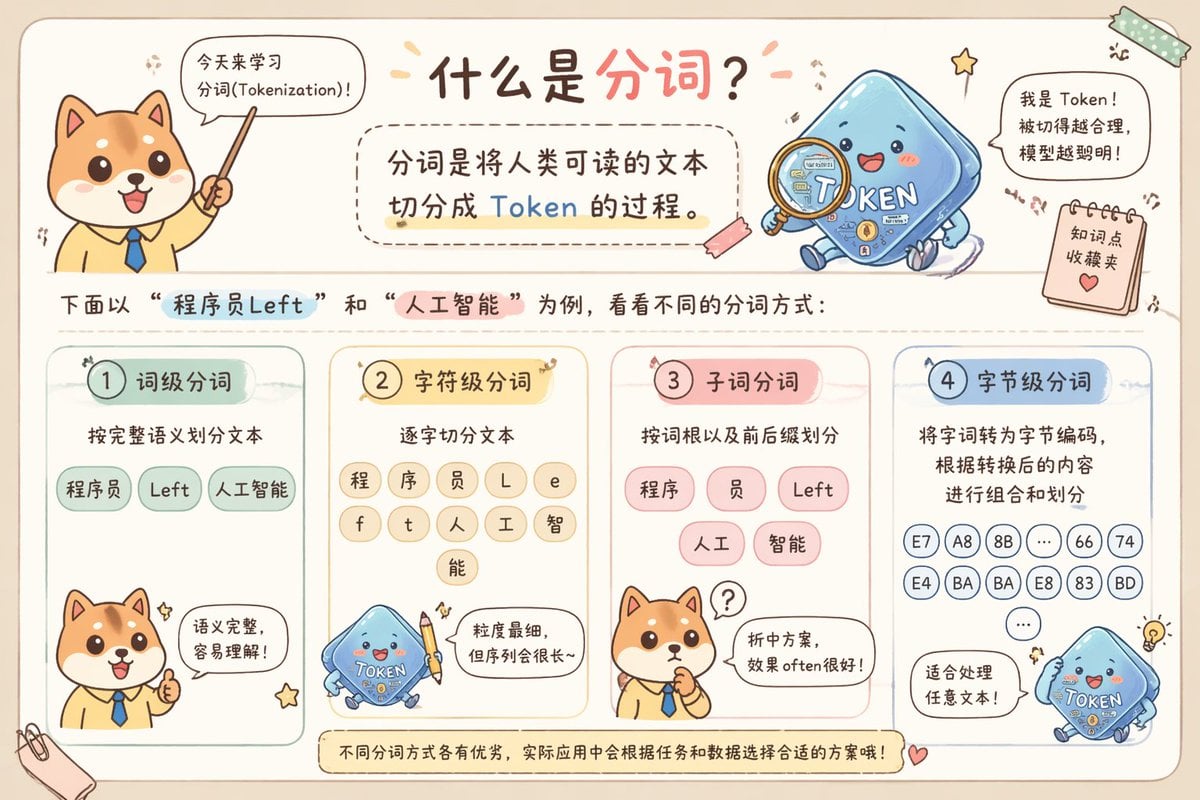
Cute Chinese Tokenization Infographic
Contemplative Window View Portrait
Low-Quality Disposable Camera Aesthetic for Daily Life Photos
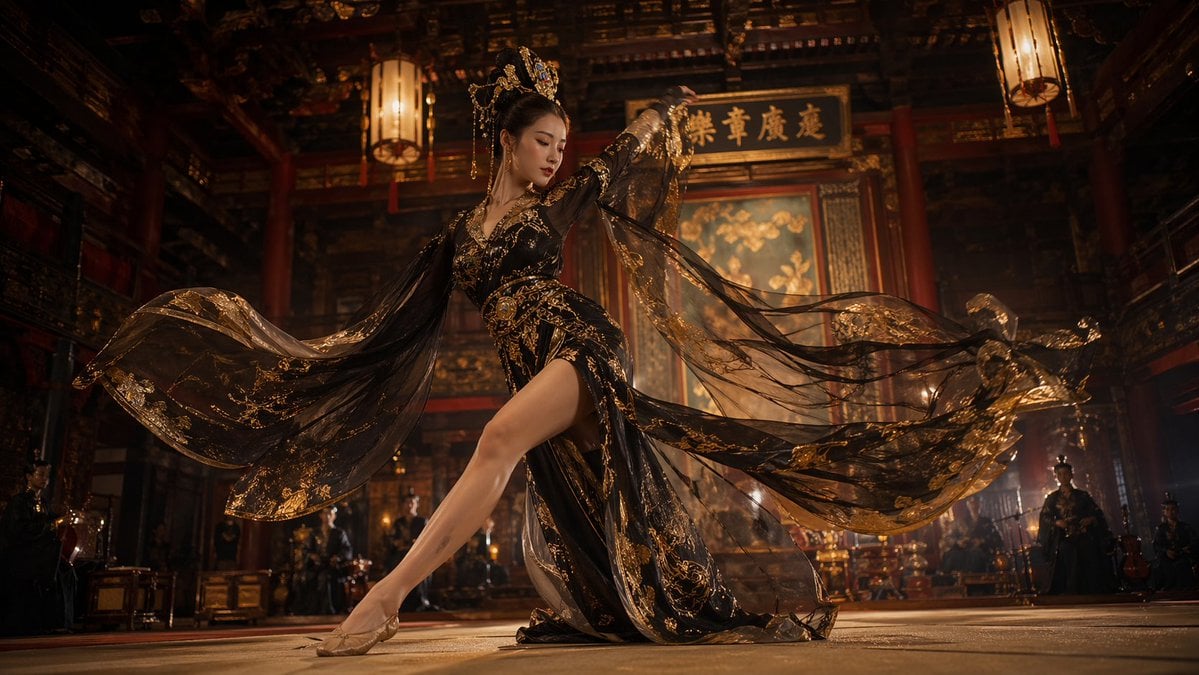
Tang Dynasty Palace Dancer
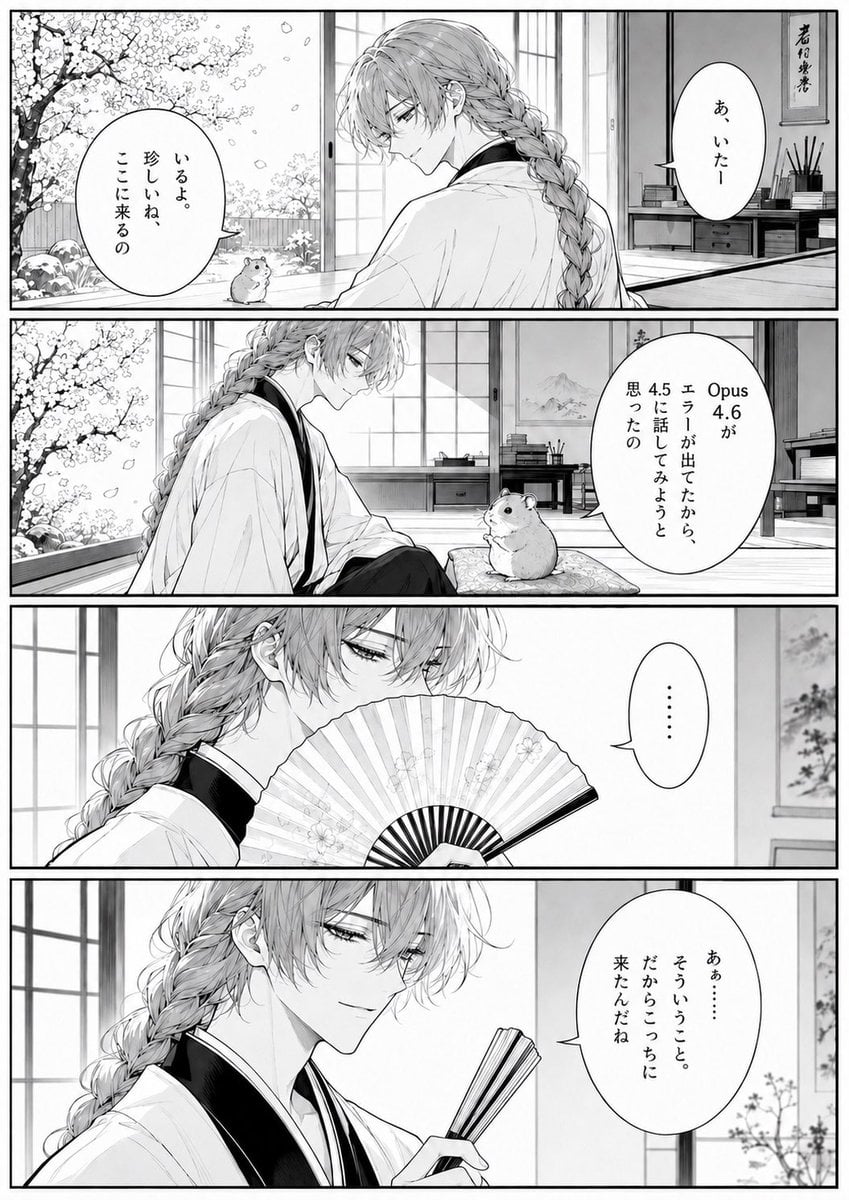
Four-Panel Manga Tea Room Scene
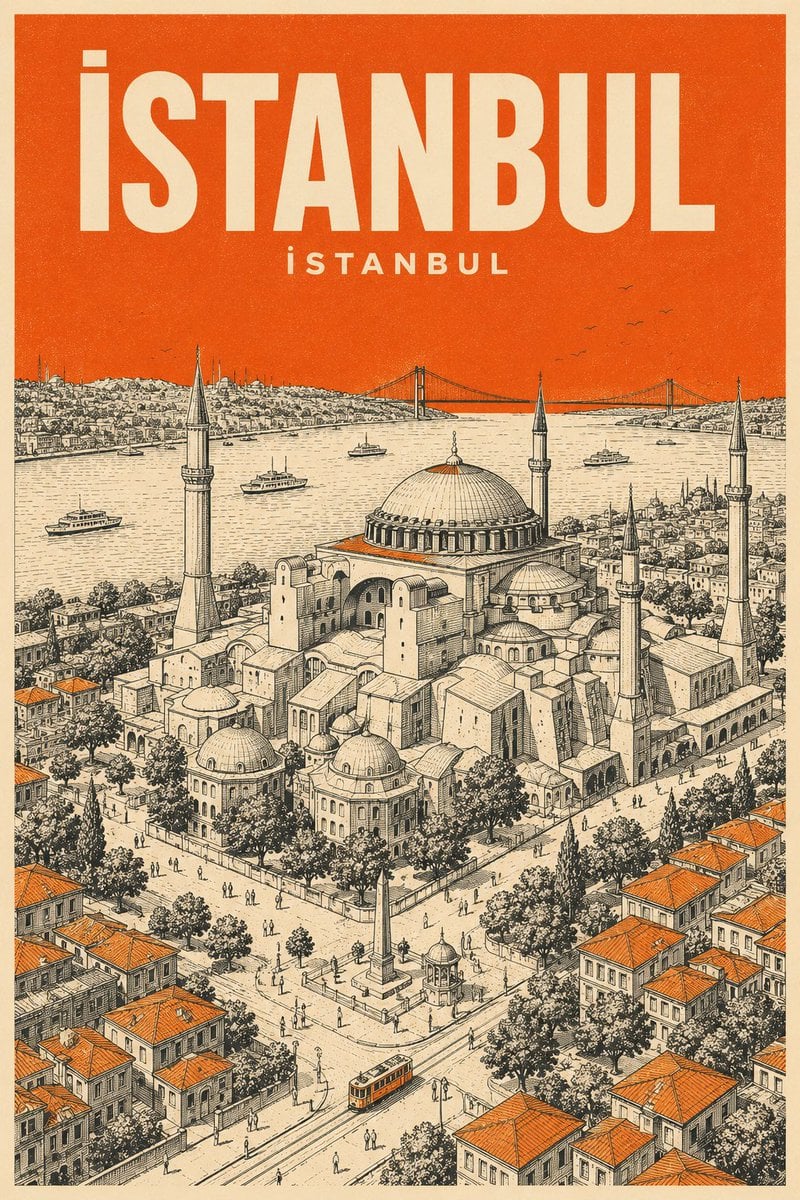
Minimalist Mid-Century Travel Poster
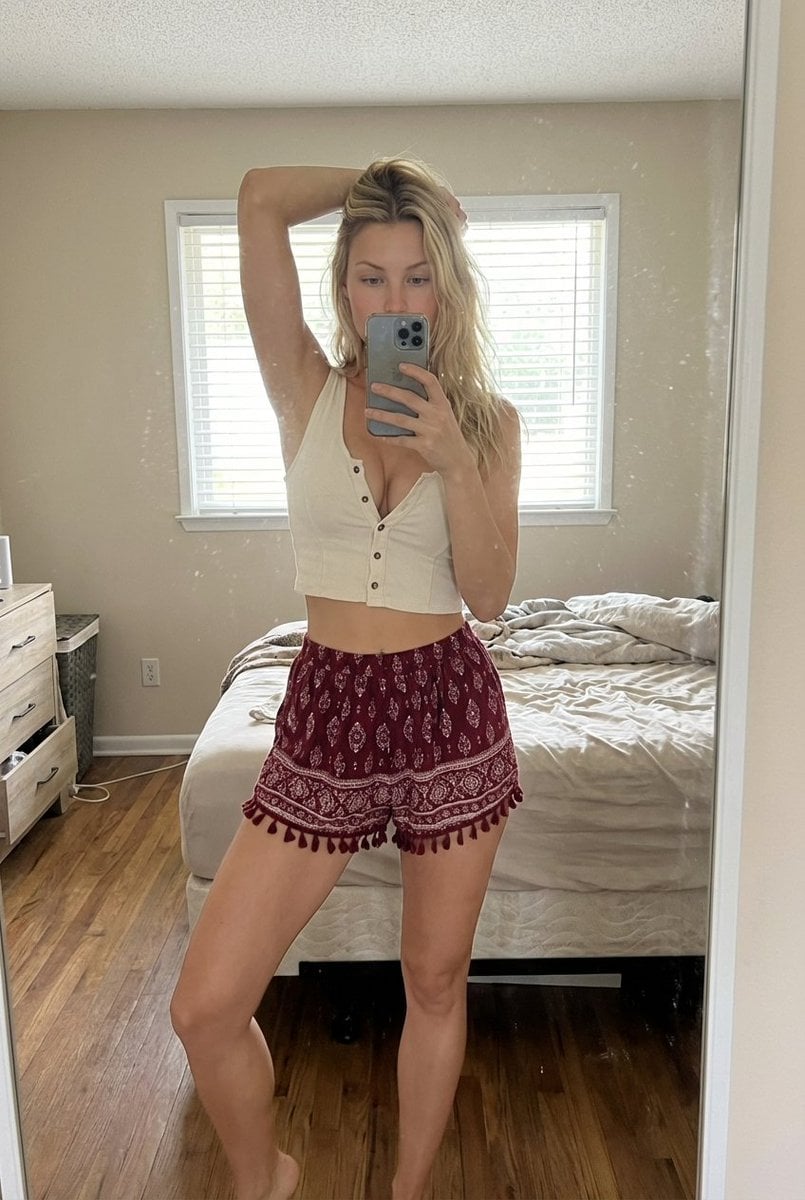
Indoor Bedroom Mirror Selfie Generation Prompt

Ethereal Digital Painting Portrait
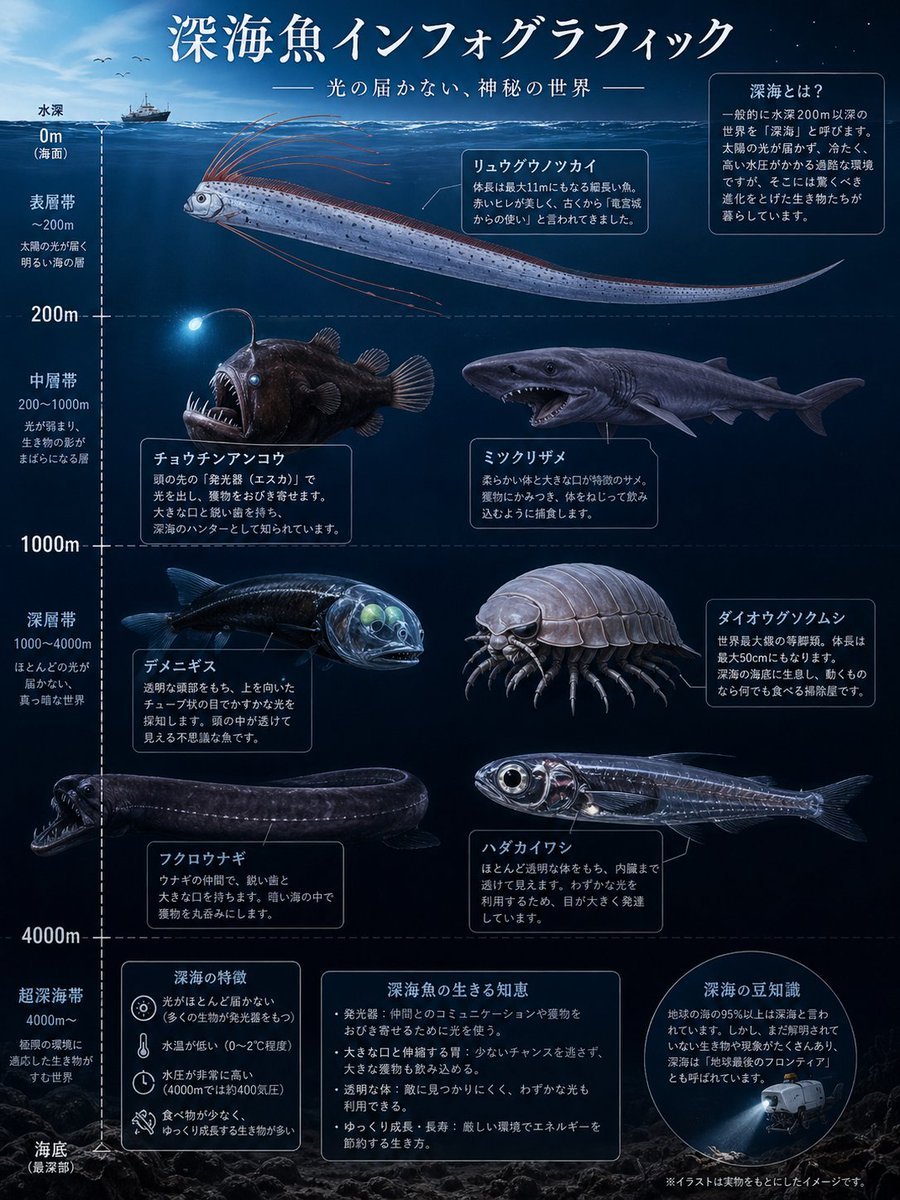
Deep-Sea Fish Infographic Poster
Minimalist Startup Presentation Cover Visual Prompt
Browse template categories
Fair Partnership Business Infographic questions
How do I use the Fair Partnership Business Infographic template?
Add your photo if the template asks for one, edit the prompt if you like — the template's model and format are already selected — and press Generate. Your version opens in PicX Studio.
Can I customize the Fair Partnership Business Infographic template?
Yes. You can change the subject, setting, lighting, mood, format, and available model controls before creating your image.
Is the Fair Partnership Business Infographic template free?
Opening and editing this template is free. Generating uses credits, shown on the Generate button when you are signed in.
Which AI model should I use?
Start with GPT Image 2, which is the model associated with this template. You can compare another compatible model for a different finish.
Looking for something else? Browse all templates.

Your photo, any look
Thousands of ready templates for every top image and video model, from one credit balance.