How do I use the Masked Gothic Throne Encounter template?
Choose the primary action to open PicX Studio with the available template settings. Review the model and format, personalize the creative direction, and generate when ready.
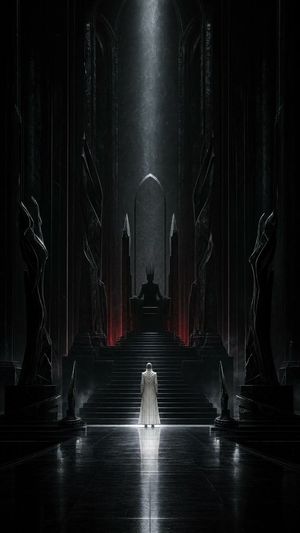
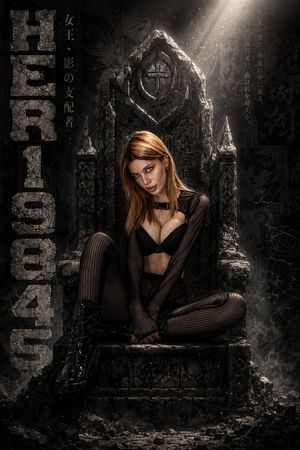
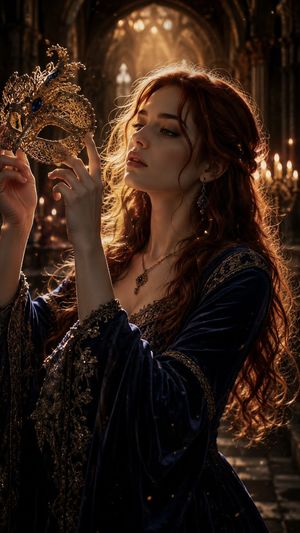
A cinematic dark fantasy throne-room scene showing an armored queen-like woman removing the mask of a powerful warrior. (free to use) — Free AI image template on PicX Studio.
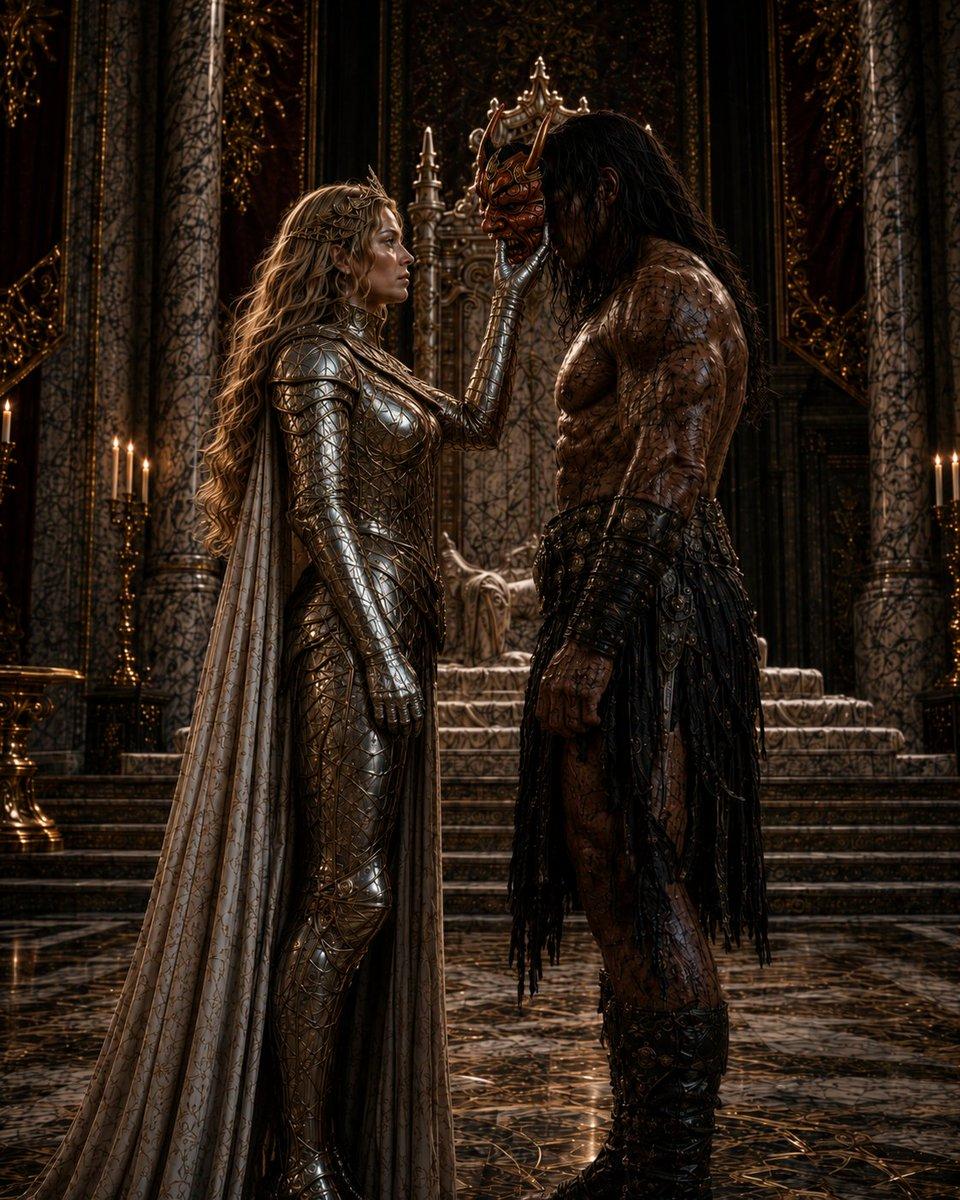
Create a dark cinematic fantasy scene titled around the idea of {argument name="theme" default="When the mask is removed"}: a full-body vertical composition inside an opulent gothic throne room, where a regal armored woman stands on the left facing a tall barbarian-like warrior man on the right. The woman has long flowing {argument name="hair color" default="golden blonde"} wavy hair, wears a form-fitting polished silver-gold engraved plate armor suit with scale-like details, metal gloves, and a long pale embroidered cape trailing to the floor. She gently reaches upward with one hand to touch or remove an ornate crown-like mask or headpiece from the man's face, creating an intimate tense moment. The man is very tall and muscular with long dark wet hair, scarred or patterned bare torso, dark leather-and-metal bracers, a rugged black tattered skirt or war kilt, heavy boots, and a powerful stoic posture. Both faces should be deliberately obscured by soft rectangular censor-like blocks or shadowed mask areas, preserving anonymity and mystery. Background: a grand cathedral-like throne hall with towering marble columns, intricate black-and-gold baroque ornamentation, a raised stone throne and stairs centered behind them, candelabras with small flames on both sides, and a glossy dark marble floor reflecting the characters and candlelight. Lighting: dramatic low-key chiaroscuro with warm gold highlights, deep shadows, rim light on armor and muscles, highly detailed realistic fantasy concept art, 8k, painterly-photorealistic, cinematic depth, no text, no watermark, no extra characters.
Use Masked Gothic Throne Encounter to plan an AI image around gpt-image-2 generation, themes such as en and gpt-image-2. Match the preview's composition first, then personalize the subject, setting, and mood for your own project.
Use the primary action to load the template settings in PicX Studio.
Adjust the subject and creative details for your destination.
Create the image, compare the result with the preview, and refine one variable at a time.
A continuous mix — similar concepts first, woven with same-model prompts and fresh picks from the catalog.
Choose the primary action to open PicX Studio with the available template settings. Review the model and format, personalize the creative direction, and generate when ready.
Yes. You can change the subject, setting, lighting, mood, format, and available model controls before creating your image.
This template is free to open and customize. Generation usage is shown in PicX Studio before you create.
Start with gpt-image-2, which is the model associated with this template. You can compare another compatible model for a different finish.
A continuous mix — similar concepts first, woven with same-model prompts and fresh picks from the catalog.
Follow a topic to a crawlable collection of related PicX Studio templates.
36,410 public templates available. Verified via the PicX Studio public templates API; refreshed hourly.